
Download INSIDE v5.0.4.29787 + ONLINE
Game Details
Release name : INSIDE v5.0.4.29787 + ONLINE
Size : 1.06 GB
Title : INSIDE
Genre : Action, Adventure, Indie
Developer : Playdead
Publisher : Playdead
Store : click here
Release Date : Jul 7, 2016
Credits / Released By: online-fix.me
Screenshots
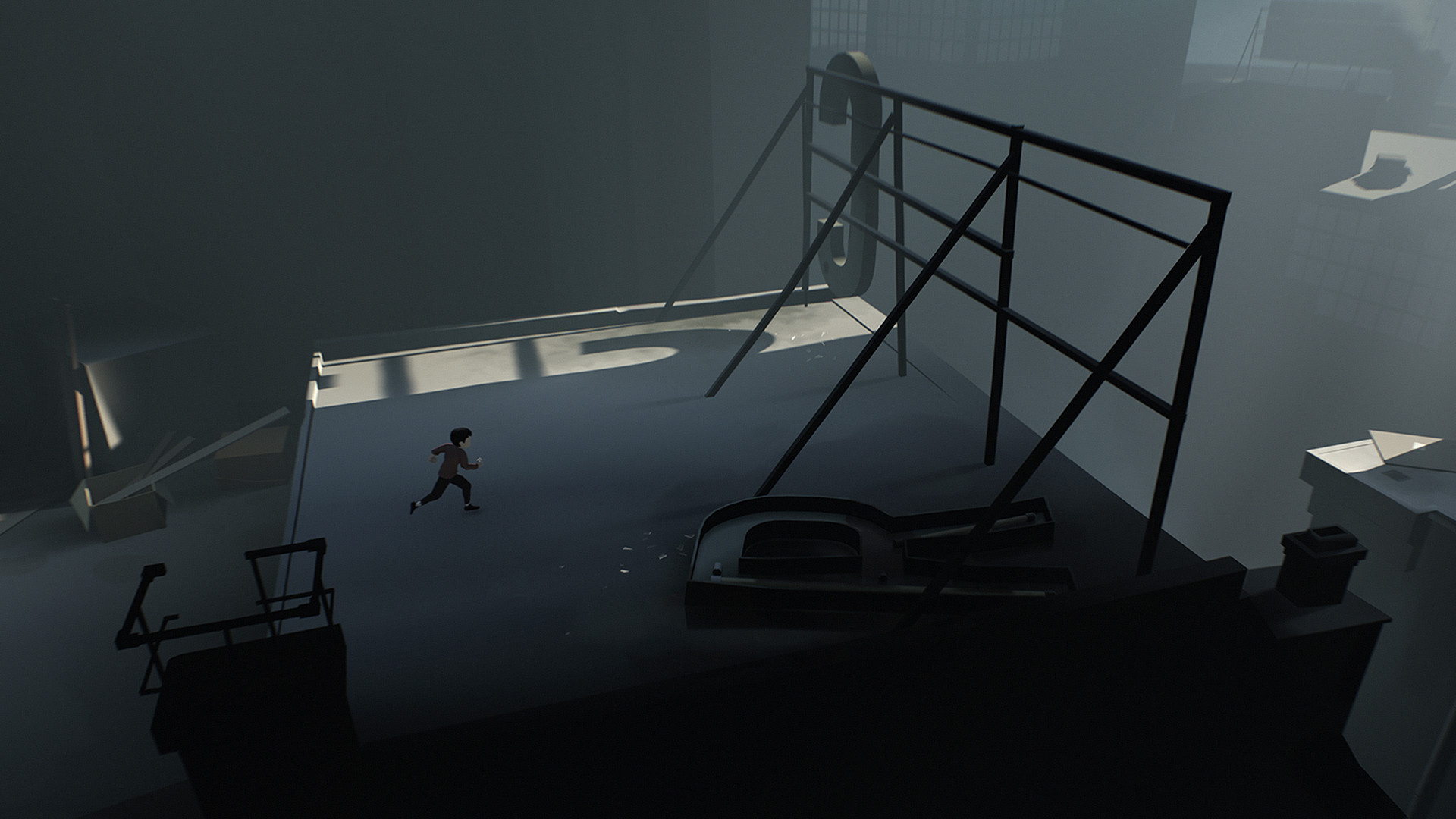
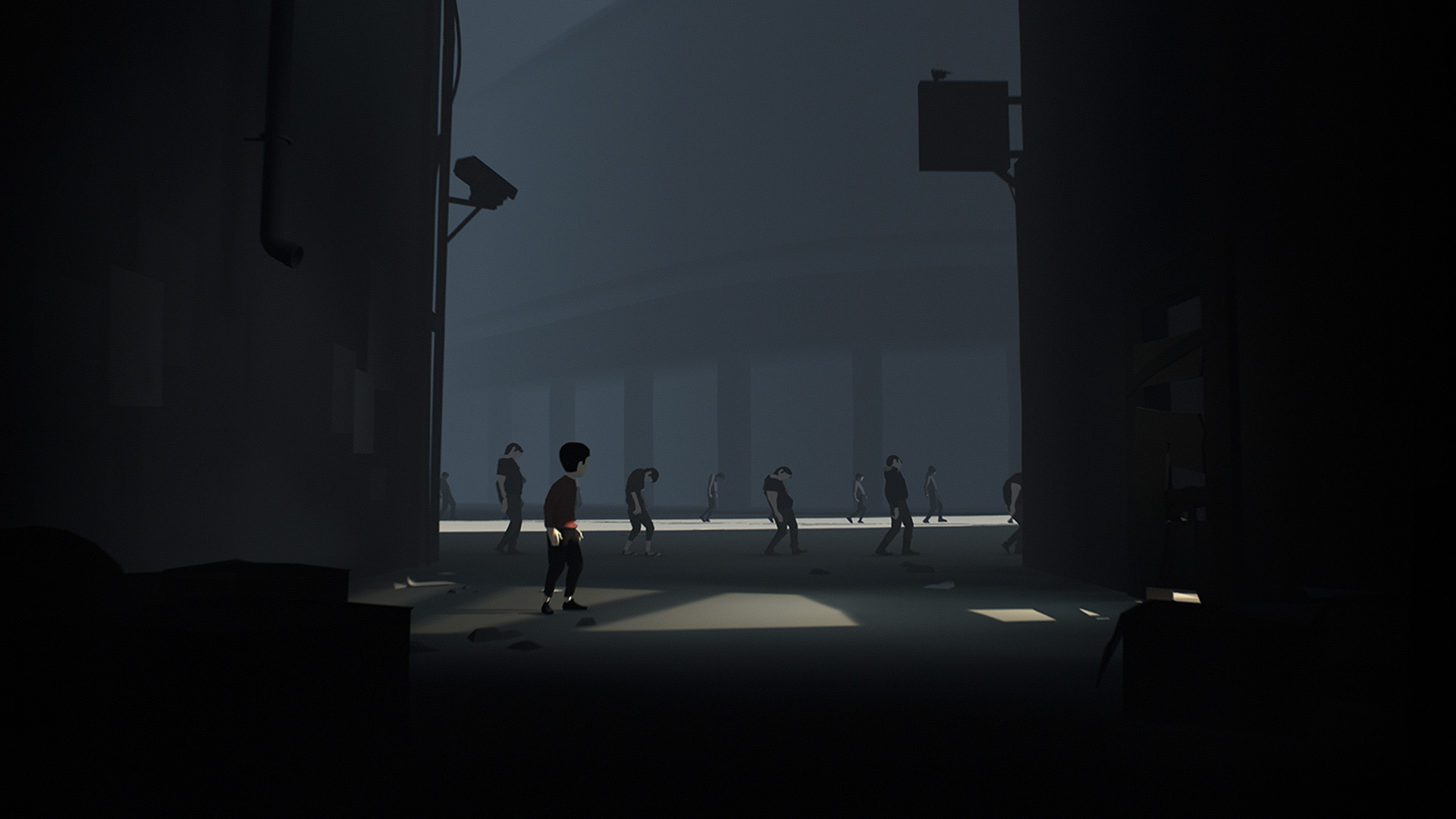
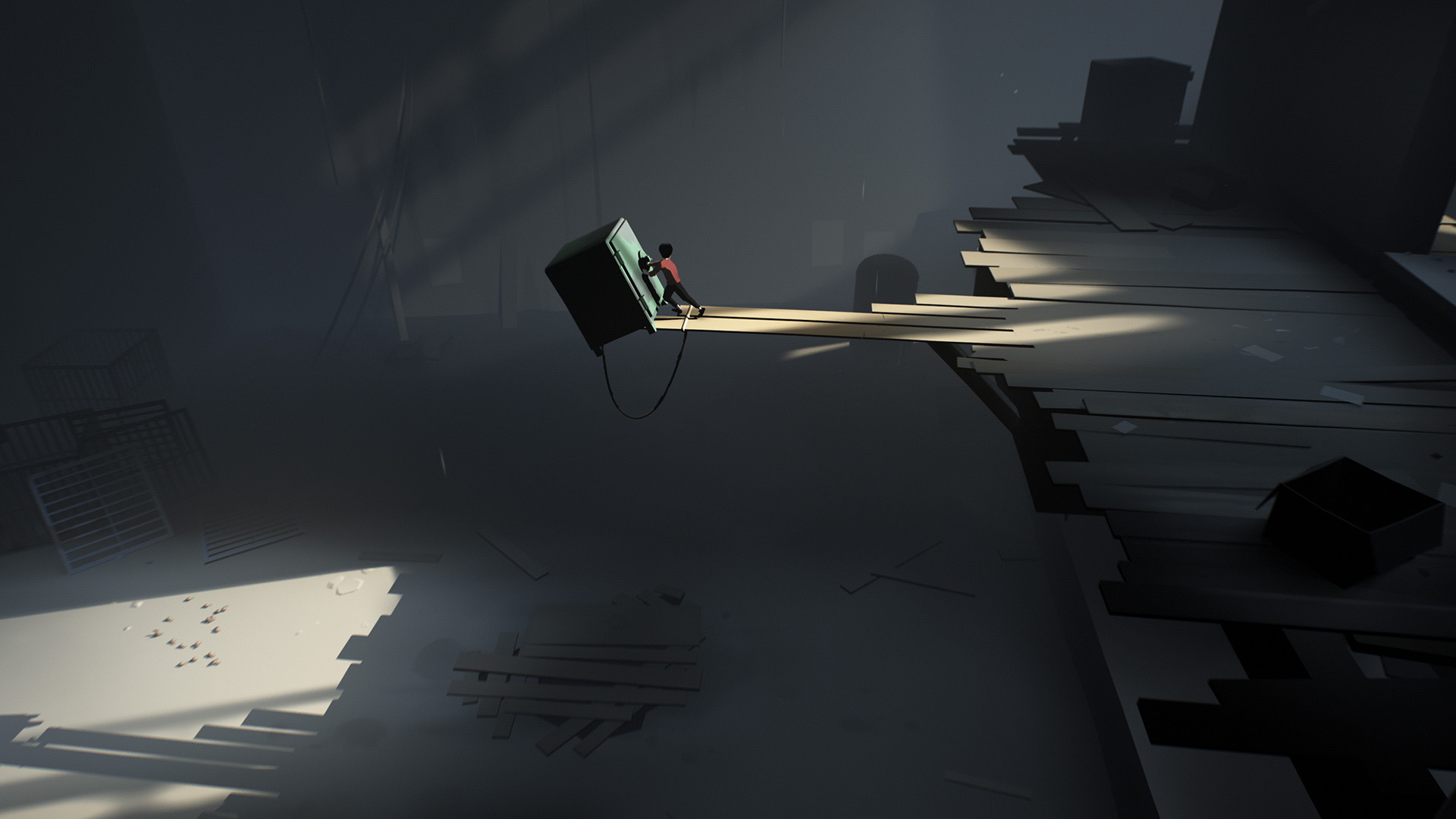
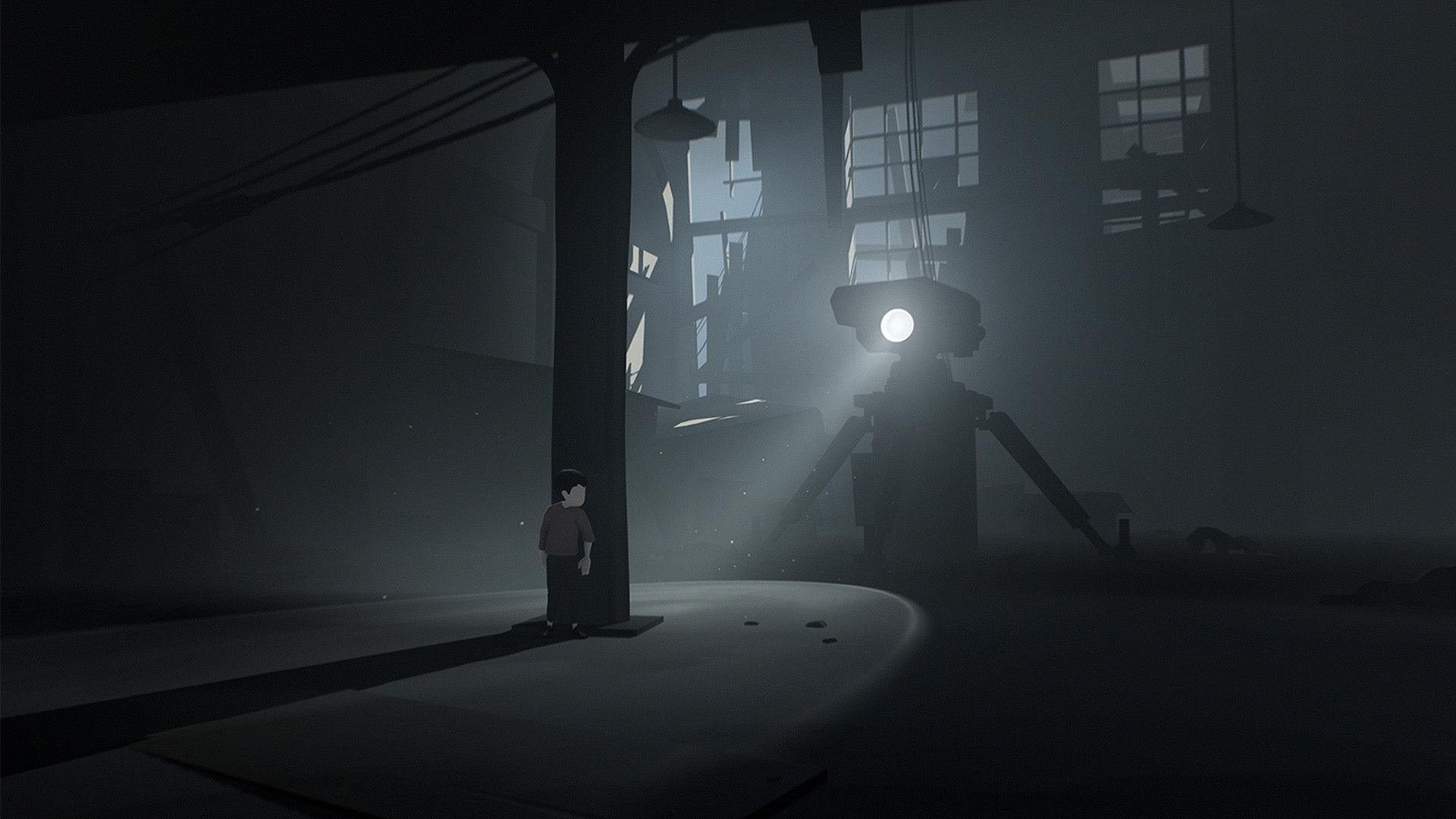
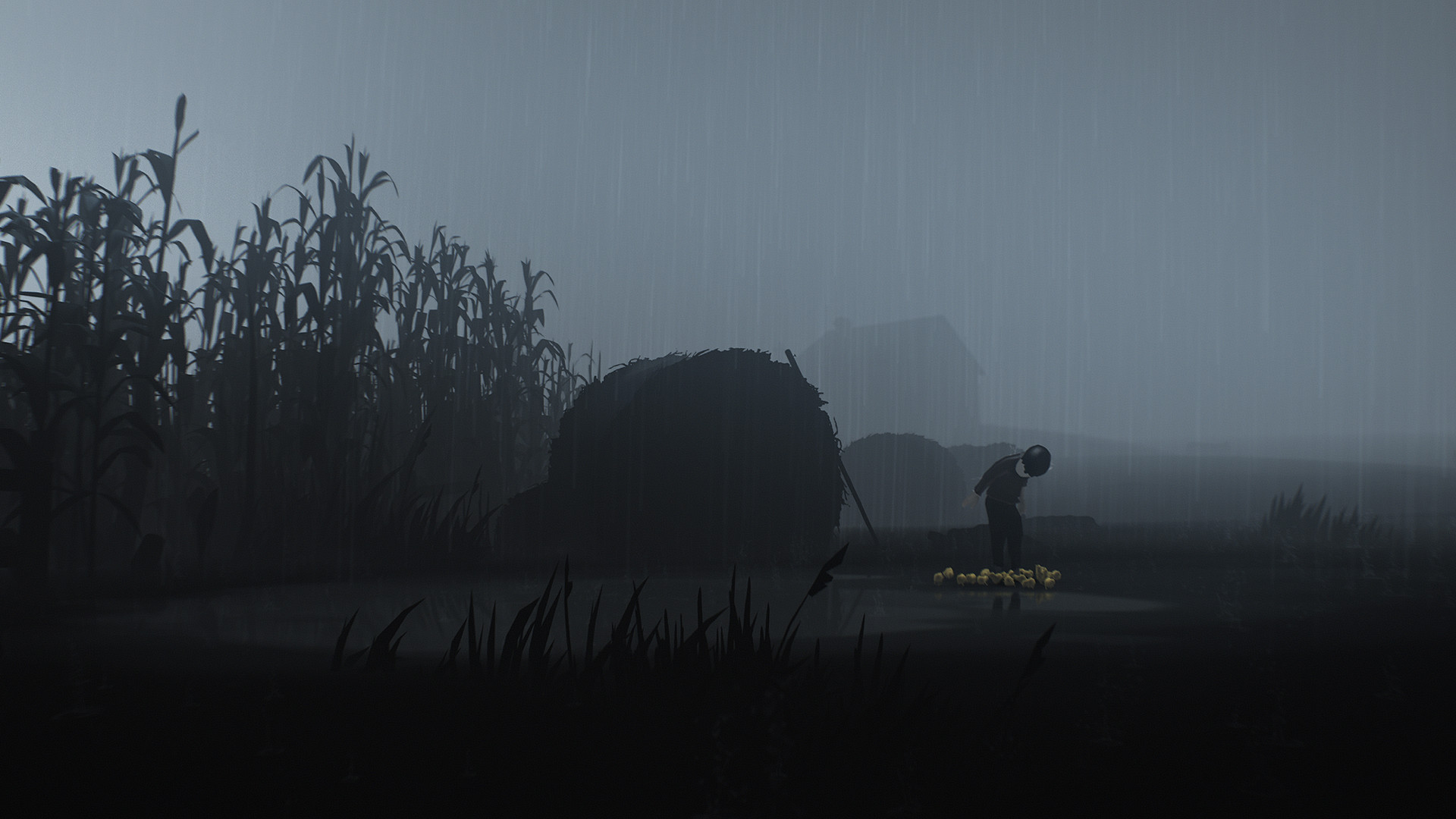
Gameplay
About This Game :
Hunted and alone, a boy finds himself drawn into the center of a dark project.
Try Playdead’s award-winning indie adventure game. INSIDE is a dark, narrative-driven platformer combining intense action with challenging puzzles. It has been critically acclaimed for its moody art style, ambient soundtrack and unsettling atmosphere.
System Requirements for INSIDE
- OS: Windows 10 (64-bit OS required)
- Processor: Intel Core 2 Quad Q6600 @ 2.4 GHz, AMD FX 8120 @ 3.1 GHz
- Memory: 4 GB RAM
- Graphics: NVIDIA GT 630 / 650m, AMD Radeon HD6570 or equivalent
- DirectX: Version 9.0c
- Storage: 3 GB available space
- Sound Card: 100% DirectX 9.0c compatible sound card
- OS: Windows 10 or later (64-bit OS required)
- Processor: Intel i7 920 @ 2.7 GHz, AMD Phenom II 945 @ 3.0 GHz
- Memory: 8 GB RAM
- Graphics: NVIDIA GTX 660, Radeon R9-270
- DirectX: Version 11
- Storage: 3 GB available space
- Sound Card: 100% DirectX 9.0c compatible sound card
How To Install INSIDE
1. Download The Game.
2. Extract with WinRAR
3. Play!.
How To play INSIDE ONLINE
1. Download the “Online Crack” from the link provided below and extract the files. After extraction, move the contents into your game’s main installation directory.
2. Download and install Steam.
3. Open Steam and log in. If you don’t have an account yet, you can create one through HERE.
4. Press “Win + R” on your keyboard, type “steam://install/480”, and hit Enter. This will install and update the required game component.
5. Launch the game via INSIDE.exe.
6. Joining: Wait for your friend to invite you.
Hosting: ESC > Co-op > Host and invite your friend.
7. Enjoy !
Notes:
- The game already comes with the “Online Crack” pre-applied, so you can skip Step #1 mentioned above. However, if your antivirus software removes the “Online Crack” files, you’ll need to reapply them manually.
- For more information, read READ_ME.txt
Download INSIDE
Download INSIDE Modification version: 0.2.3





Stay related to the article's topic.
Avoid unnecessary links or spam.
No offensive language, insults, or personal attacks.
Have a question unrelated to this article? Visit our Questions Section .
Join the Discussion
Share your thoughts with us