
Download Permafrost v0.44.3.4684-stable + ONLINE
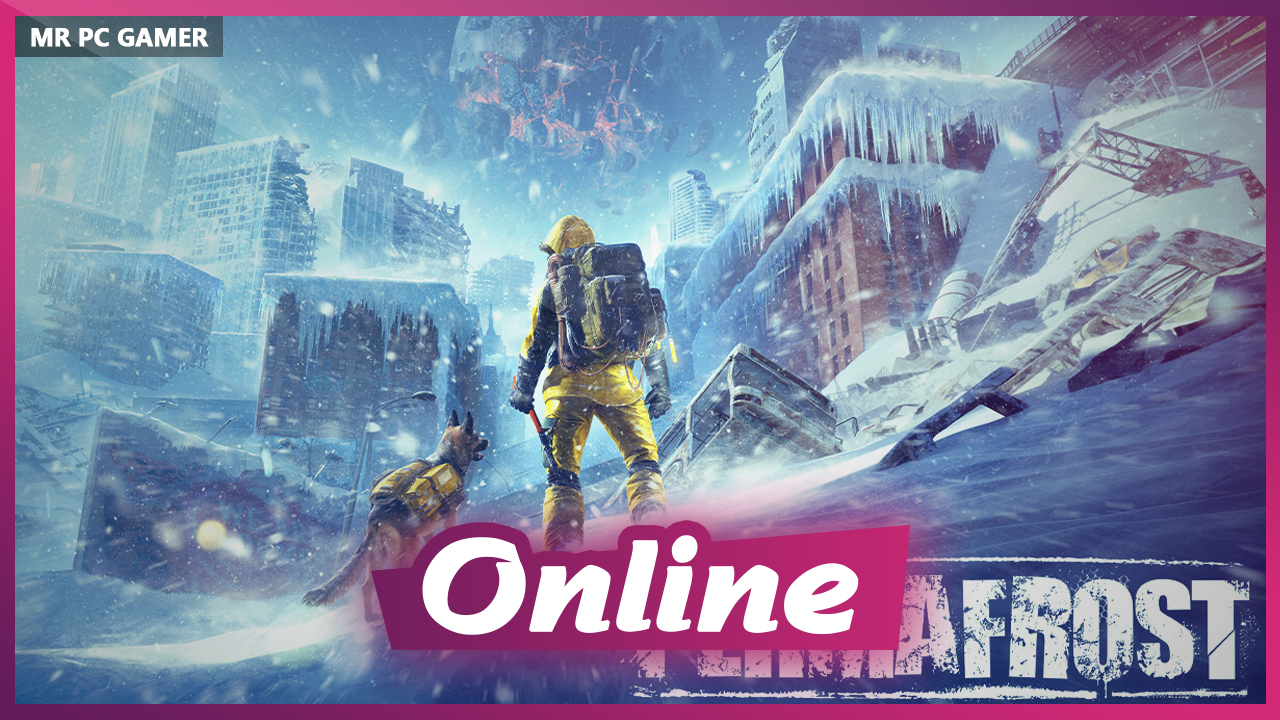
Game Details
Release name : Permafrost v0.44.3.4684-stable + ONLINE
Size : 17.92 GB
Title : Permafrost
Genre : Action, Adventure, RPG, Simulation, Early Access
Developer : SpaceRocket Games
Publisher : Toplitz Productions
Store : click here
Release Date : Oct 9, 2026
Credits / Released By: online-fix.me
Screenshots
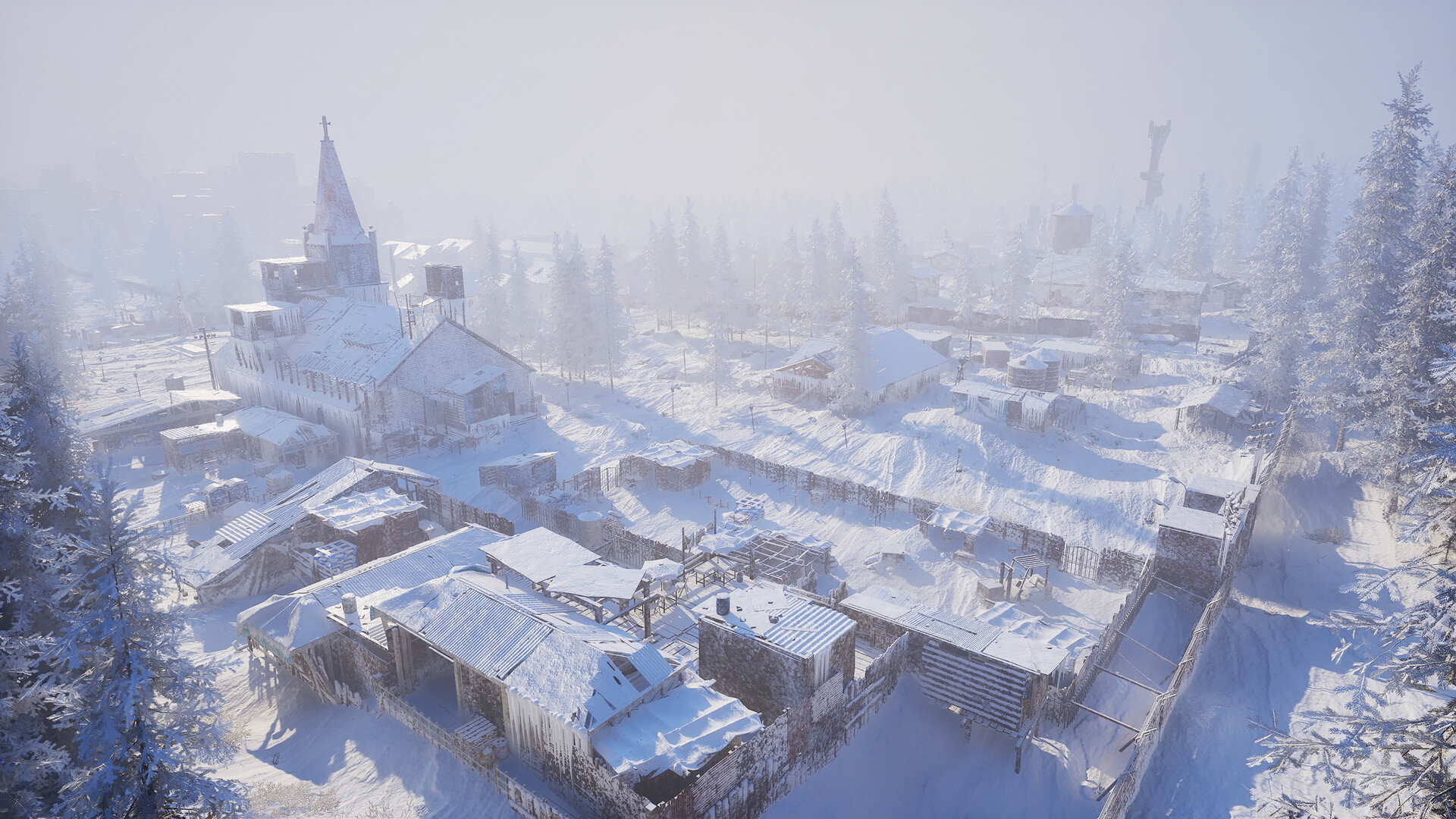
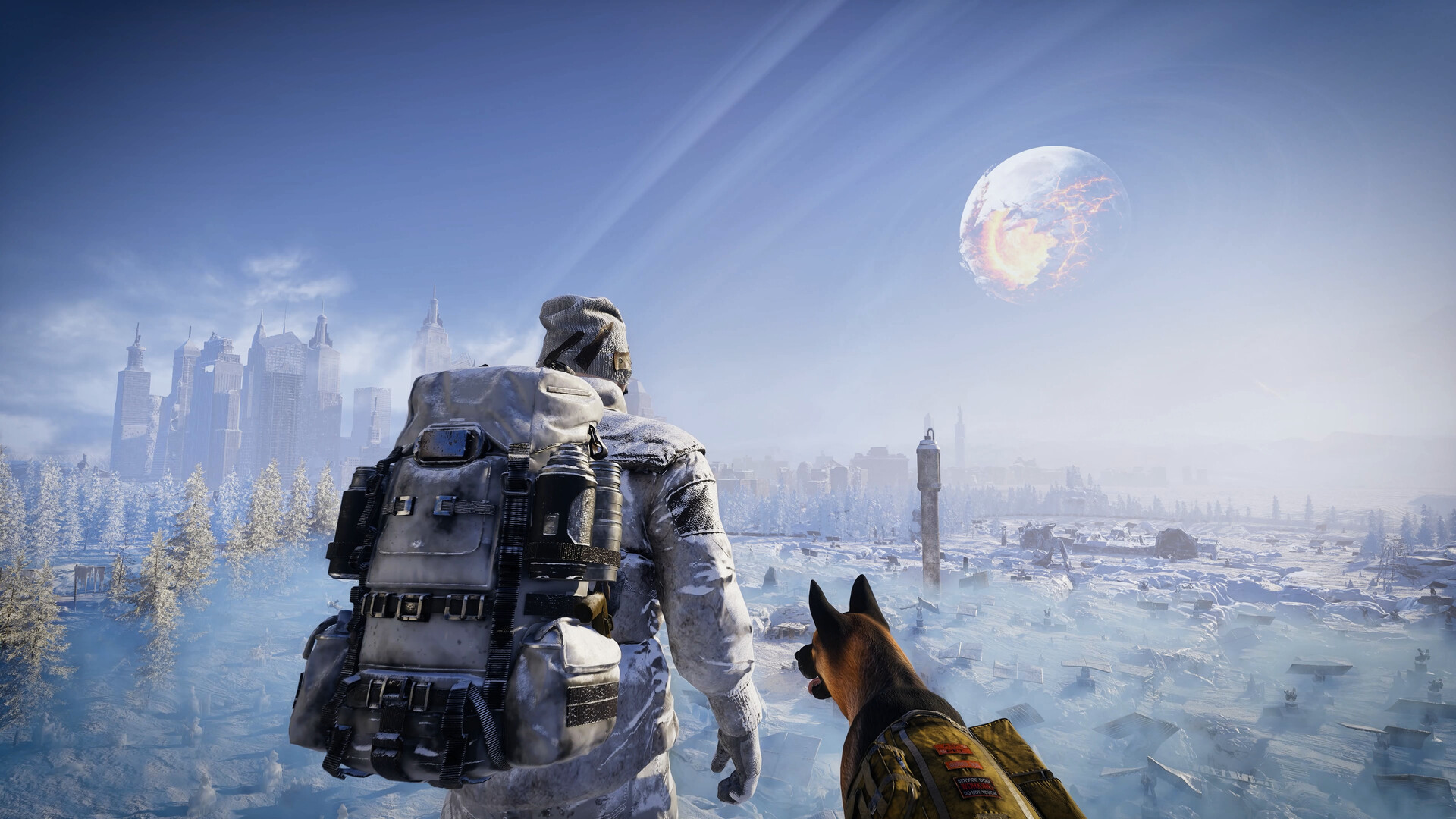
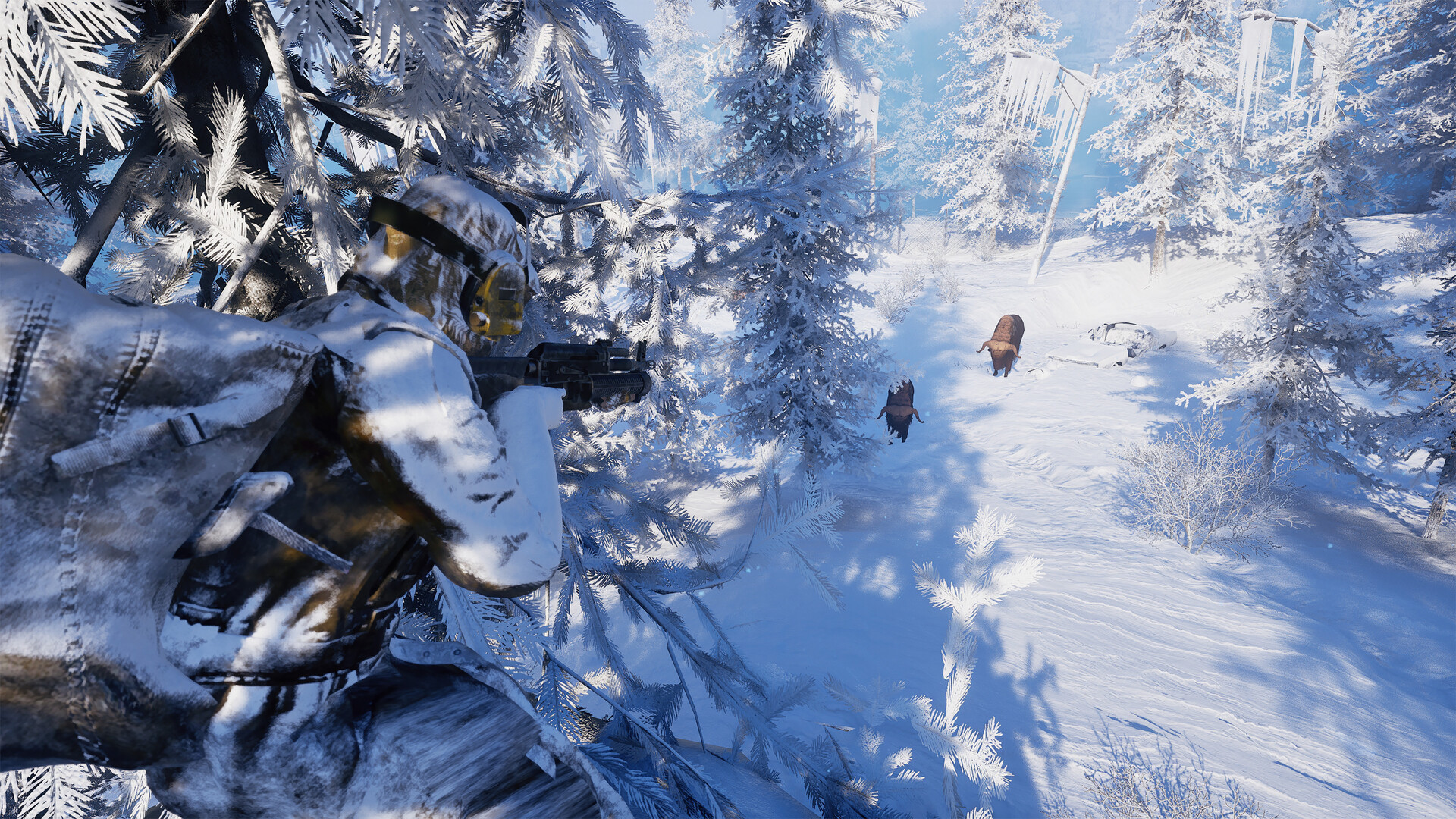
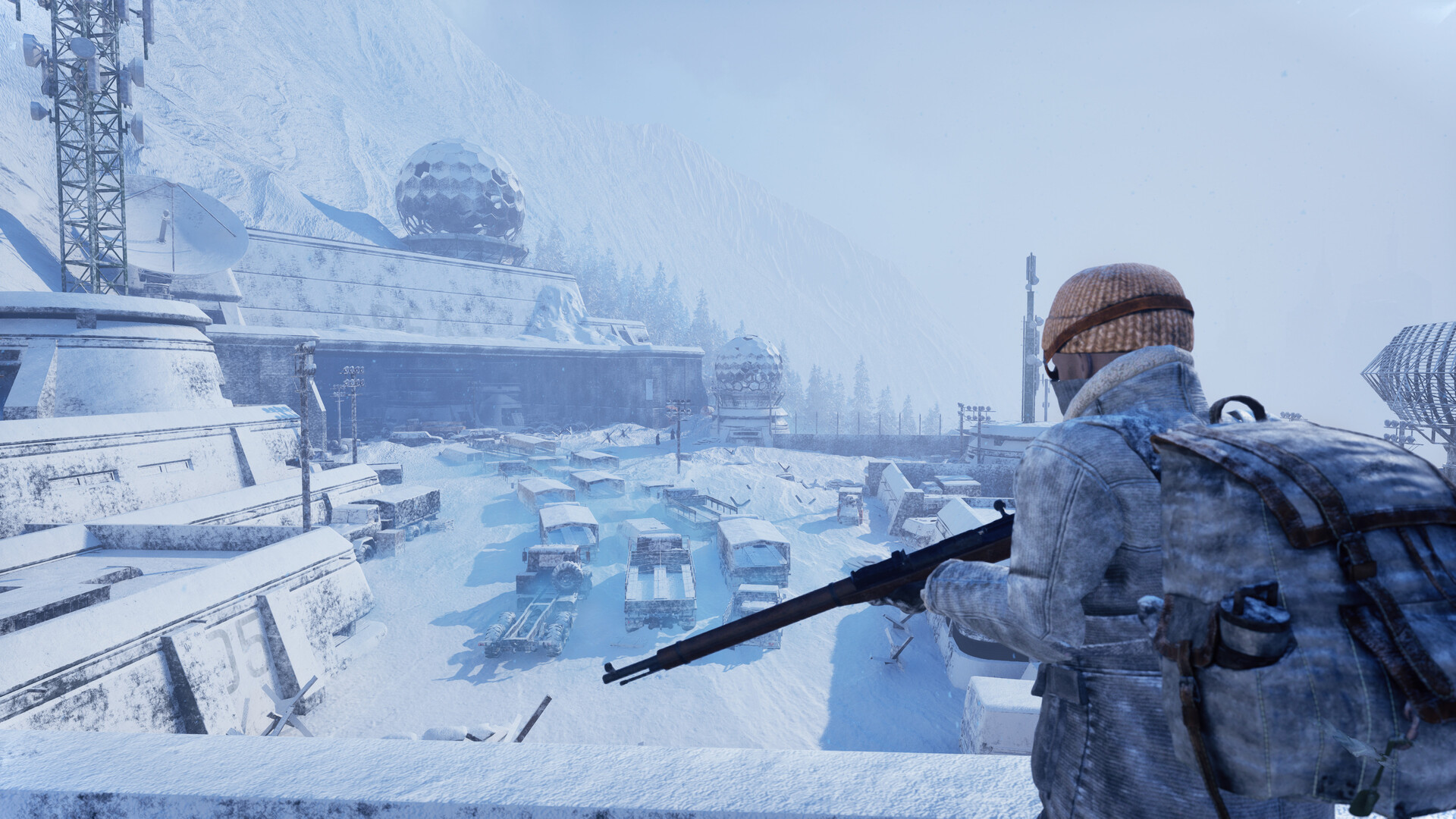
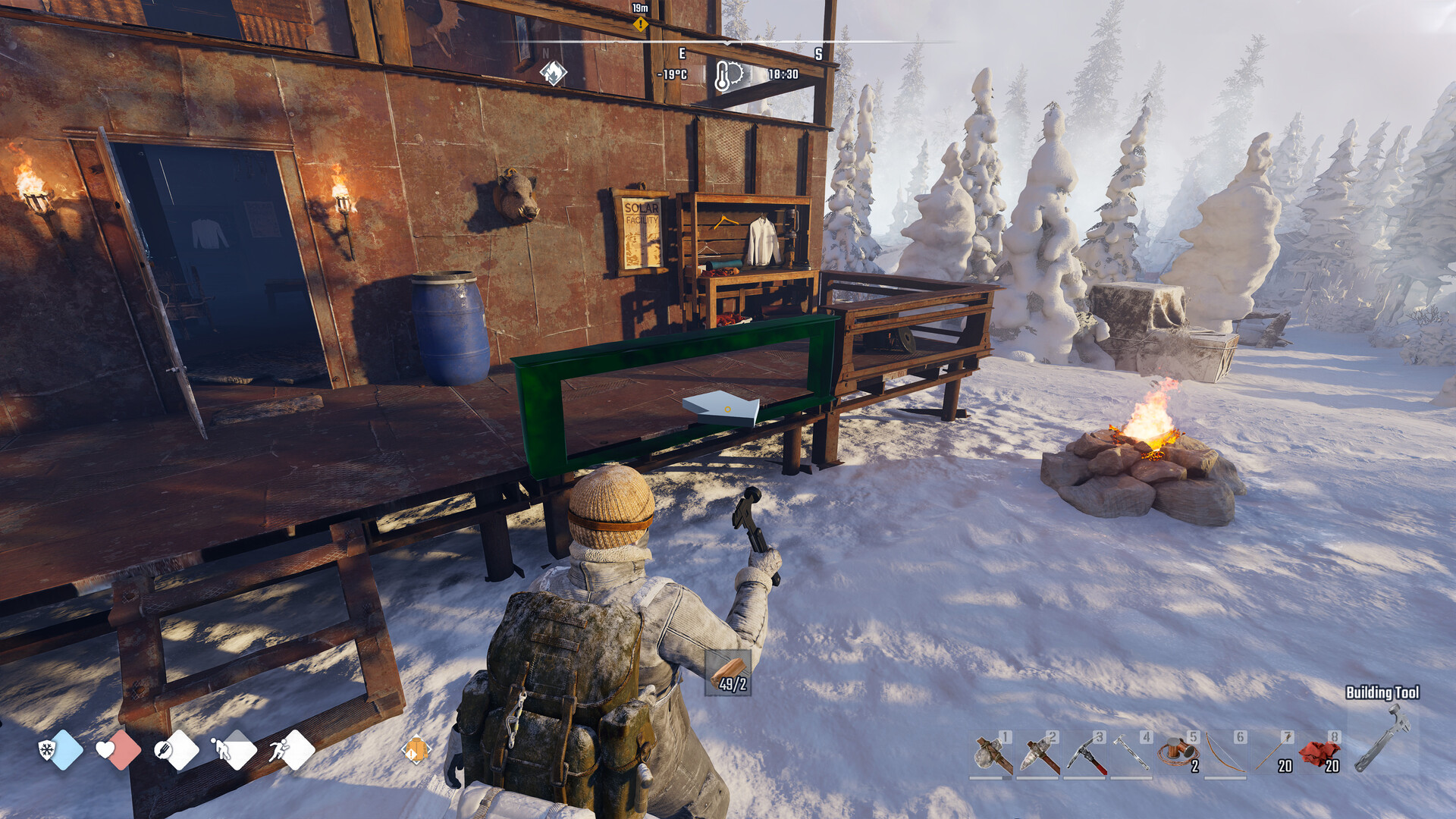
Gameplay
About This Game :
You are a “Rook”; an engineer with the skills to rebuild, but little wilderness experience, drawn into this frozen, unforgiving world by a radio signal from a long-lost friend.
Experience a grounded, story-driven open-world survival set in a near-future Earth locked in endless winter after a series of catastrophes that culminated in the shattering of the moon. As a solo player or together with up to 3 friends, explore frozen cities and wilderness, survive brutal weather, navigate faction-controlled territories, hunt, scavenge, craft, and build a network of shelters to endure this post-apocalyptic world.

THE COLD IS YOUR TRUE ENEMY!
The cold is alive and ever-present. Frostbite, storms, and creeping chill shape every journey, turning preparation, shelter, and timing into matters of survival.
A FROZEN OPEN WORLD TO EXPLORE!
Traverse a frozen open world where city ruins fade into wilderness. A tense, grounded survival experience shaped by silence and scarcity – no constant gunfire, no fantasy tropes. Just winter, isolation, and resolve.
EXPLORATION-GATED PROGRESSION!
Progress is earned through exploration and adaptation. Restore abandoned shelters, repair broken machines, and reclaim fragile technology to push deeper into the frozen world.
YOUR DOG AS YOUR LOYAL COMPANION!
Your loyal dog companion stands with you when the cold turns everything else silent. Rescued from the ruins, your dog scouts ahead, warns of danger, carries supplies, and keeps you grounded when the silence gets to be too much.
SYMBIOTIC 1-4 PLAYER CO-OP SURVIVAL!
The cold doesn’t care how many of you there are. Play solo or survive alongside up to 3 friends, building shelter networks, dividing responsibilities, and playing to each other’s strengths. Co-op doesn’t simplify the world; it just means you don’t face the cold alone.

System Requirements for Permafrost
- Requires a 64-bit processor and operating system
- OS: Windows 10 (x64)
- Processor: Intel Core i5 8600K or AMD Ryzen 5 3500
- Memory: 16 GB RAM
- Graphics: Nvidia GTX 1060 6GB or AMD Radeon RX 590 8GB
- DirectX: Version 11
- Storage: 30 GB available space
- Requires a 64-bit processor and operating system
- OS: Windows 10 (x64)
- Processor: Intel Core i5-12400 or AMD Ryzen 5 5600X
- Memory: 16 GB RAM
- Graphics: Nvidia RTX 3070 Ti 8GB or AMD Radeon RX 6750 XT 12GB
- DirectX: Version 12
- Storage: 30 GB available space
How To Install Permafrost
1. Download The Game.
2. Extract with WinRAR
3. Play!.
How To play Permafrost ONLINE
1. Download the “Online Crack” from the link provided below and extract the files. After extraction, move the contents into your game’s main installation directory.
2. Download and install Steam.
3. Open Steam and log in. If you don’t have an account yet, you can create one through HERE.
4. Press “Win + R” on your keyboard, type “steam://install/480”, and hit Enter. This will install and update the required game component.
5. Launch the game via Permafrost.exe.
6. Joining: PLAY > JOIN > Select a friend’s game
Hosting: PLAY > HOST > Create a new world/choose a world for a character’s retirement > Select a world mode and a name > ,Wait for a friend to connect.
7. Enjoy !
Notes:
- The game already comes with the “Online Crack” pre-applied, so you can skip Step #1 mentioned above. However, if your antivirus software removes the “Online Crack” files, you’ll need to reapply them manually.
- You can play on official sevrers.
Download Permafrost
Download Permafrost Direct Link
Download Permafrost Crack Online



Stay related to the article's topic.
Avoid unnecessary links or spam.
No offensive language, insults, or personal attacks.
Have a question unrelated to this article? Visit our Questions Section .
Join the Discussion
Share your thoughts with us