
Download Call of Duty: Modern Warfare II-FitGirl Repacks
Game Details
Release name : Call of Duty: Modern Warfare II-FitGirl Repacks
Size : 23.10 GB
Title : Call of Duty: Modern Warfare II
Genre : Action, Gore, Shooter
Developer : Infinity Ward, Raven Software, Beenox, Treyarch, High Moon Studios, Sledgehammer Games, Activision Shanghai, Demonware, Toys for Bob
Publisher : Activision
Store : click here
Release Date : 28 Oct, 2022
Credits / Released By: Based on GAMEDRIVE.ORG v9.7.23096551 SP / v9.40.23226476 MP release + Crack by r4v3n + Goldberg (alex47exe’s fork) applied over
Screenshots
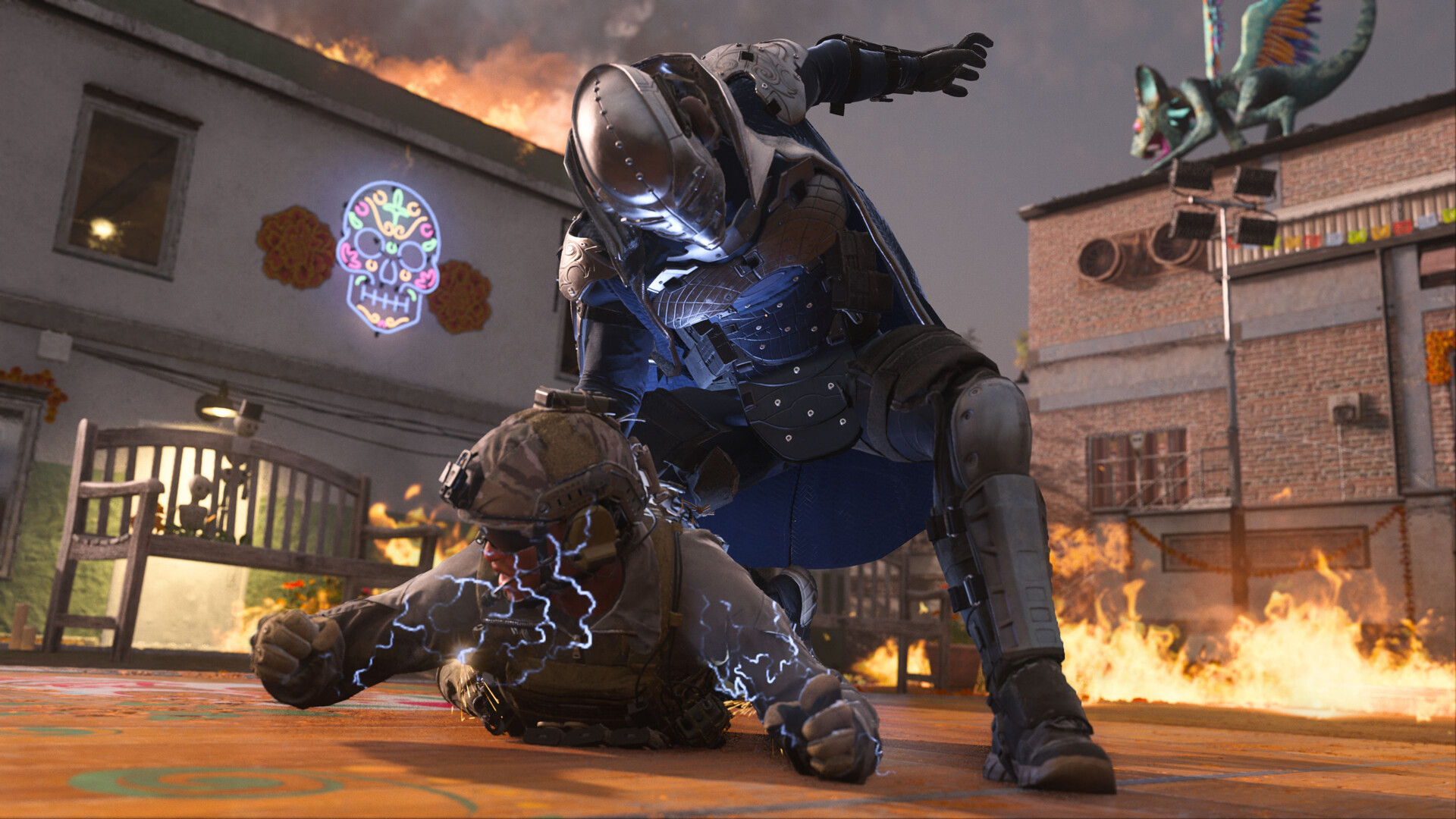
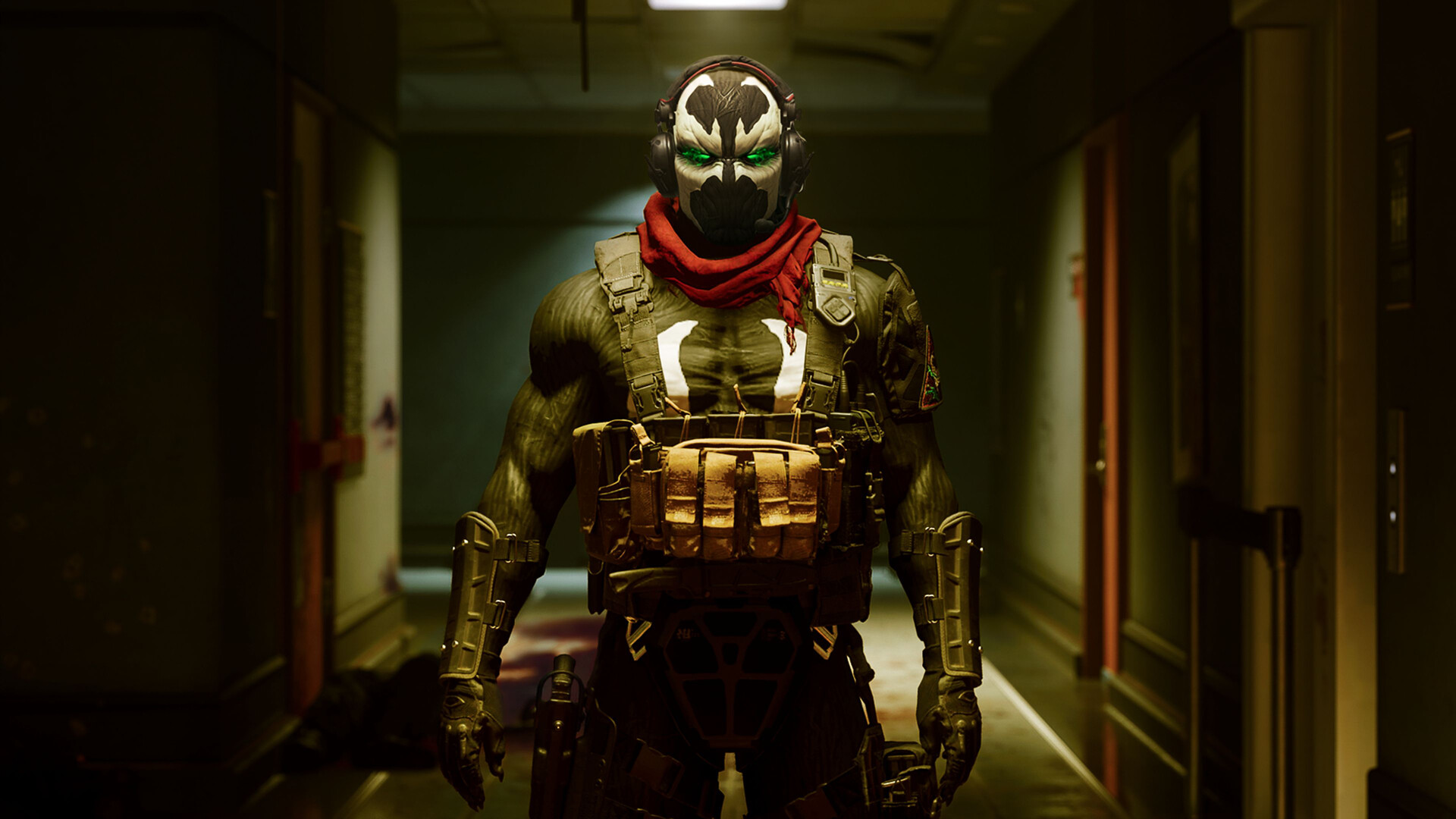
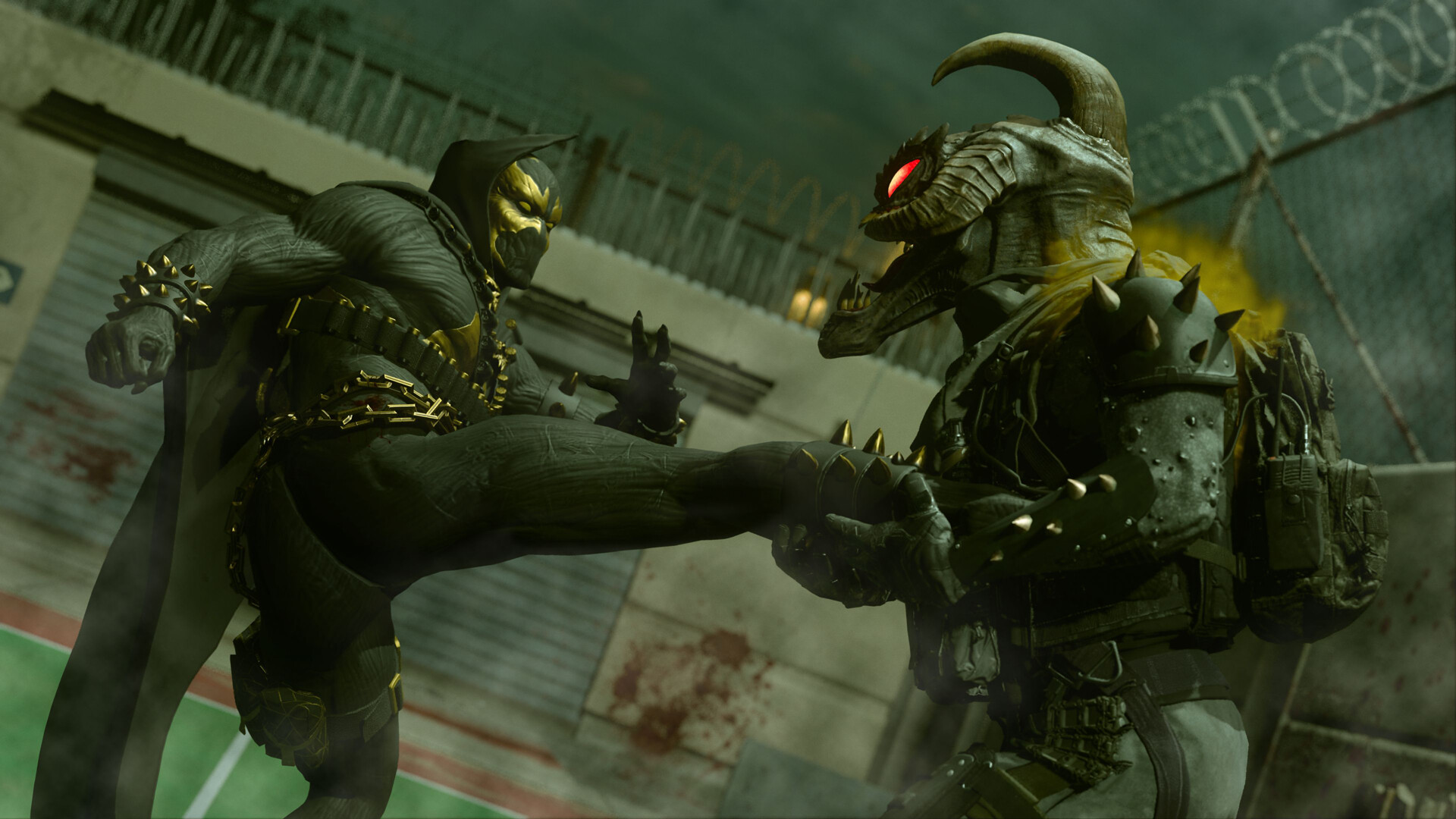
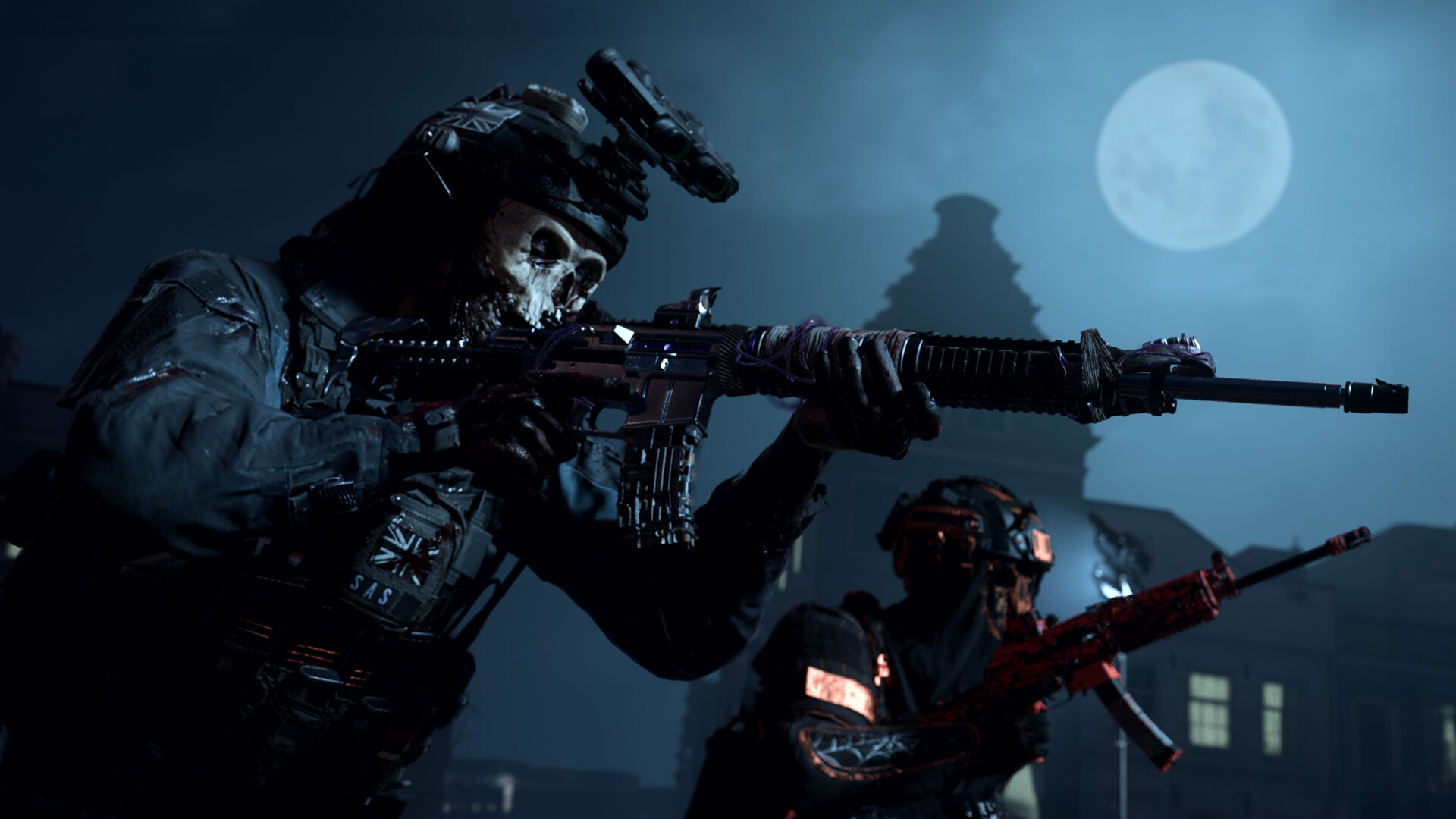
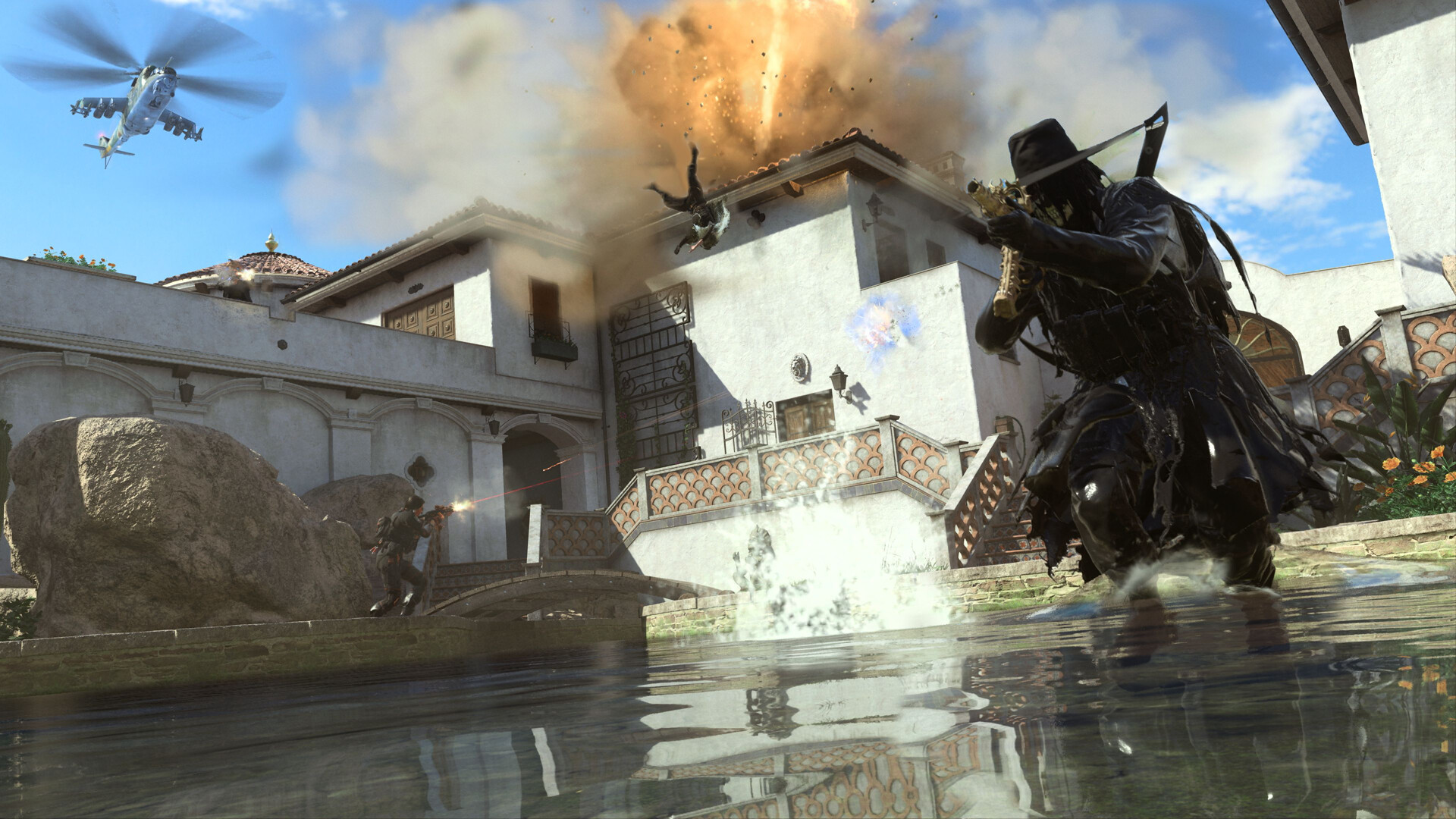
Gameplay
About This Game :
Welcome to the new era of Call of Duty®.
Call of Duty®: Modern Warfare® II drops players into an unprecedented global conflict that features the return of the iconic Operators of Task Force 141. From small-scale, high-stakes infiltration tactical ops to highly classified missions, players will deploy alongside friends in a truly immersive experience.
Infinity Ward brings fans state-of-the-art gameplay, with all-new gun handling, advanced AI system, a new Gunsmith and a suite of other gameplay and graphical innovations that elevate the franchise to new heights.
Modern Warfare® II launches with a globe-trotting single-player campaign, immersive Multiplayer combat, and a narrative-driven, co-op Special Ops experience.
You also get access to Call of Duty®: Warzone™, the all-new Battle Royale experience.
System Requirements for Call of Duty: Modern Warfare II Download Free
MINIMUM :
- OS: Windows® 10 64 Bit (latest update)
- Processor: Intel® Core™ i3-6100 / Core™ i5-2500K or AMD Ryzen™ 3 1200
- Memory: 8 GB RAM
- Graphics: NVIDIA® GeForce® GTX 960 or AMD Radeon™ RX 470 – DirectX 12.0 compatible system
- DirectX: Version 12
- Network: Broadband Internet connection
- Storage: 125 GB available space
RECOMMENDED :
- OS: Windows® 10 64 Bit (latest update) or Windows® 11 64 Bit (latest update)
- Processor: Intel® Core™ i5-6600K / Core™ i7-4770 or AMD Ryzen™ 5 1400
- Memory: 8 GB RAM
- Graphics: NVIDIA® GeForce® GTX 1060 or AMD Radeon™ RX 580 – DirectX 12.0 compatible system or Intel® Arc™ A770
- DirectX: Version 12
- Network: Broadband Internet connection
- Storage: 125 GB available space
How To Install Call of Duty®: Modern Warfare® II
1. Download The Game.
2. Install The Game.
3. Play!.
These files are not included through direct links.
- fg-optional-brazilian.bin
- fg-optional-dmz-files.bin
- fg-optional-french.bin
- fg-optional-german.bin
- fg-optional-italian.bin
- fg-optional-japanese.bin
- fg-optional-korean.bin
- fg-optional-mexican.bin
- fg-optional-multiplayer-files.bin
- fg-optional-polish.bin
- fg-optional-russian.bin
- fg-optional-spanish.bin
Repack Features
- Based on P2P v9.7.23096551 SP / v9.40.23226476 MP release with all languages and modes: 147.1 GB, thanks to GAMEDRIVE.ORG!
- Crack by r4v3n + Goldberg (alex47exe’s fork) applied over
- Eight bonus soundtracks (785 MB) added
- 100% Lossless & MD5 Perfect: all files are identical to originals after installation
- NOTHING ripped, NOTHING re-encoded
- Selective Download feature: you may skip downloading and installing of optional language packs (English, Arabic, Simplified & Traditional Chinese support is included by default), multiplayer modes files, DMZ mode files and bonus soundtracks
- Be advised that at the moment of releasing of this repack DMZ mode is not properly playable. It may or may not be playable in the future, so that’s why I didn’t rip those files completely but made them optional and isolated from other MP files
- Significantly smaller archive size (compressed from cumulative 147.9 to 22.5~92.2 GB, depending on selected components)
- Installation takes from 15 minutes (campaign only in English/Arabic/Chinese, 32-threads CPU) up to 2 hours (all components and languages, 8-threads CPU)
- After-install integrity check so you could make sure that everything installed properly
- HDD space after installation: up to 147.9 GB
- Language can be changed in “sp22\steam_settings\configs.user.ini” (for campaign) and in “steam_settings\configs.user.ini” (for multiplayer)
- Repack uses XTool library by Razor12911
- At least 4 GB of free RAM (inc. virtual) required for installing this repack
- Run the game from one of the desktop icons creadted by the installer
Notes:
-
Cbuf = command line window, which appears before running the game and stays while it’s running.
- Firstly, make sure the path on where you put the game folder is short and doesn’t contain non latin characters or symbols to avoid issues with game launching.
- Start the game ONLY FROM !start_cod22.bat (for MP) or !start_sp22.bat (for SP) and keep the console window open until it closes by itself when you close the game.
- If running either *.bat doesn’t do anything, read the 1st step again (or check bootstrapper.log).
-
Default Hotkeys (Set your keyboard to US if you encounter issues) :
- Cbuf: Right Control + / (press this hotkey in the external console window)
- Noclip: Right Control + N
- God Mode: Right Control + M
-
To set a different keybind for each hotkeys, modify the “virtual key codes” values in _profile.ini. The decimal values for each keyboard keys can be found in many places on the internet (search query: virtual key codes).
-
Campaign, Multiplayer (only with bots), and Coop are playable offline (with some minor issues, check side notes below) with everything unlocked (weapons, operators, customizations, etc).
-
LAN is currently not working, only offline play with bots for now (so don’t bother asking about LAN).
-
To start coop lobbies, follow these steps:
- While in the main menu, execute ‘opencoop’ in cbuf
- Create systemlink lobby like you would normally do in MP
- Choose any gamemode in the GameModes screen (doesn’t matter which one as this is not important)
- When in the lobby, execute ‘xstartlobby’ in cbuf then you can set up the maps and start the match
-
Steam notes:
This release uses a fork of GSE by alex47exe (originally created by Mr_Goldberg) for the steam emulator. You can change playername and language by editing steam_settings/configs.user.ini but make sure that you have installed the appropriate language files first.
-
Side notes:
- If for some reason you got the stats all messed up, execute ‘resetstats’ in cbuf to reset your stats (or delete the “_stats” folder)
- Campaign missions can be unlocked all at once by enabling ‘UnlockAllMissions’ in sp22/_profile.ini
- Some br and coop maps has collision issues like in IW8, so keep that in mind.
- In one of the coop mission called “Denied Area”, you’ll spawn under the ground so make sure to quickly toggle noclip to get back up to the ground.
- Raid coop missions are meant to be played by 3 players, so some sequences might not work correctly. To skip these sequences, enter pause menu and choose “JUMP TO START” to skip past the broken sequence.
- If you’re stuck on “Launching…” screen after starting the game, simply press Esc.
-
Huge thanks to purrplee for providing me with essential resources!
-
.r4v3n
Download Call of Duty®: Modern Warfare® II
 Torrent link
Download Call of Duty®: Modern Warfare® II.Torrent
Download Call of Duty®: Modern Warfare® II Campaign Only Direct Link





Stay related to the article's topic.
Avoid unnecessary links or spam.
No offensive language, insults, or personal attacks.
Have a question unrelated to this article? Visit our Questions Section .
Join the Discussion
Share your thoughts with us