
Download Blade and Sorcery Build 16032026 + ONLINE
Game Details
Release name : Blade and Sorcery Build 16032026 + ONLINE
Size : 12.77 GB
Title : Blade and Sorcery
Genre : Action, Adventure, Indie, RPG, Simulation, VR
Developer : WarpFrog
Publisher : WarpFrog
Store : click here
Release Date : Jun 17, 2024
Credits / Released By: OFME
Screenshots
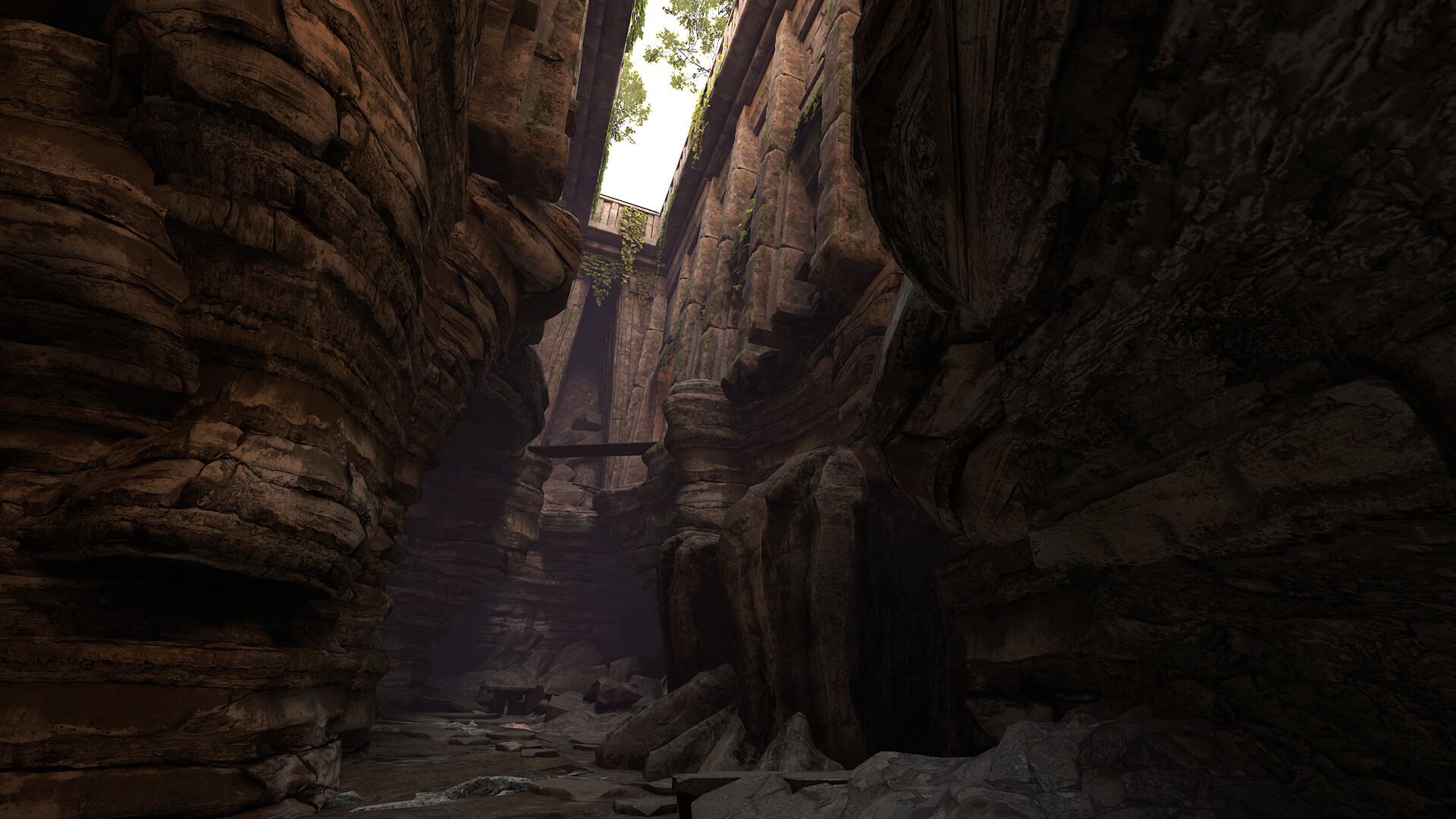
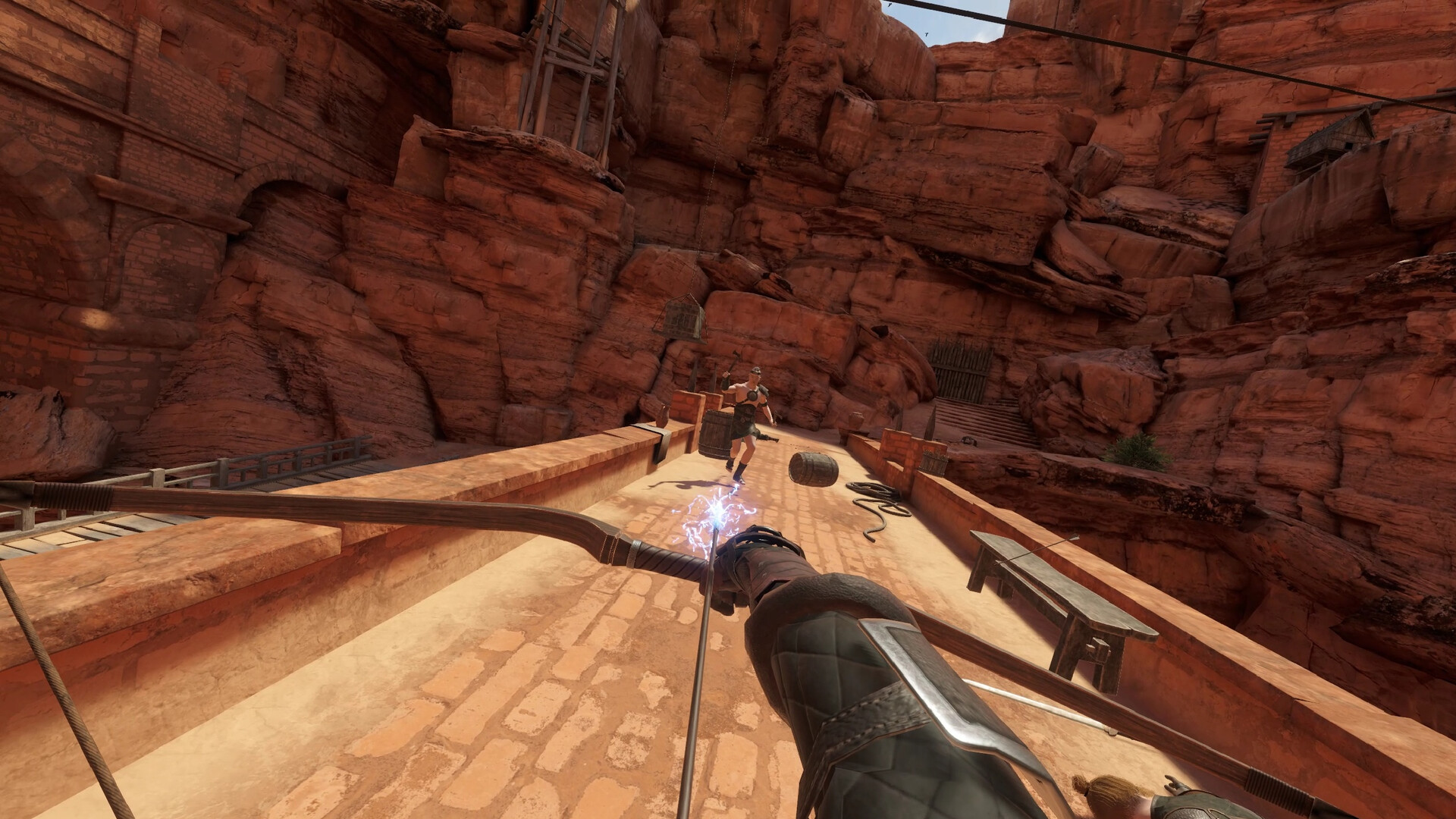
Gameplay
About This Game :
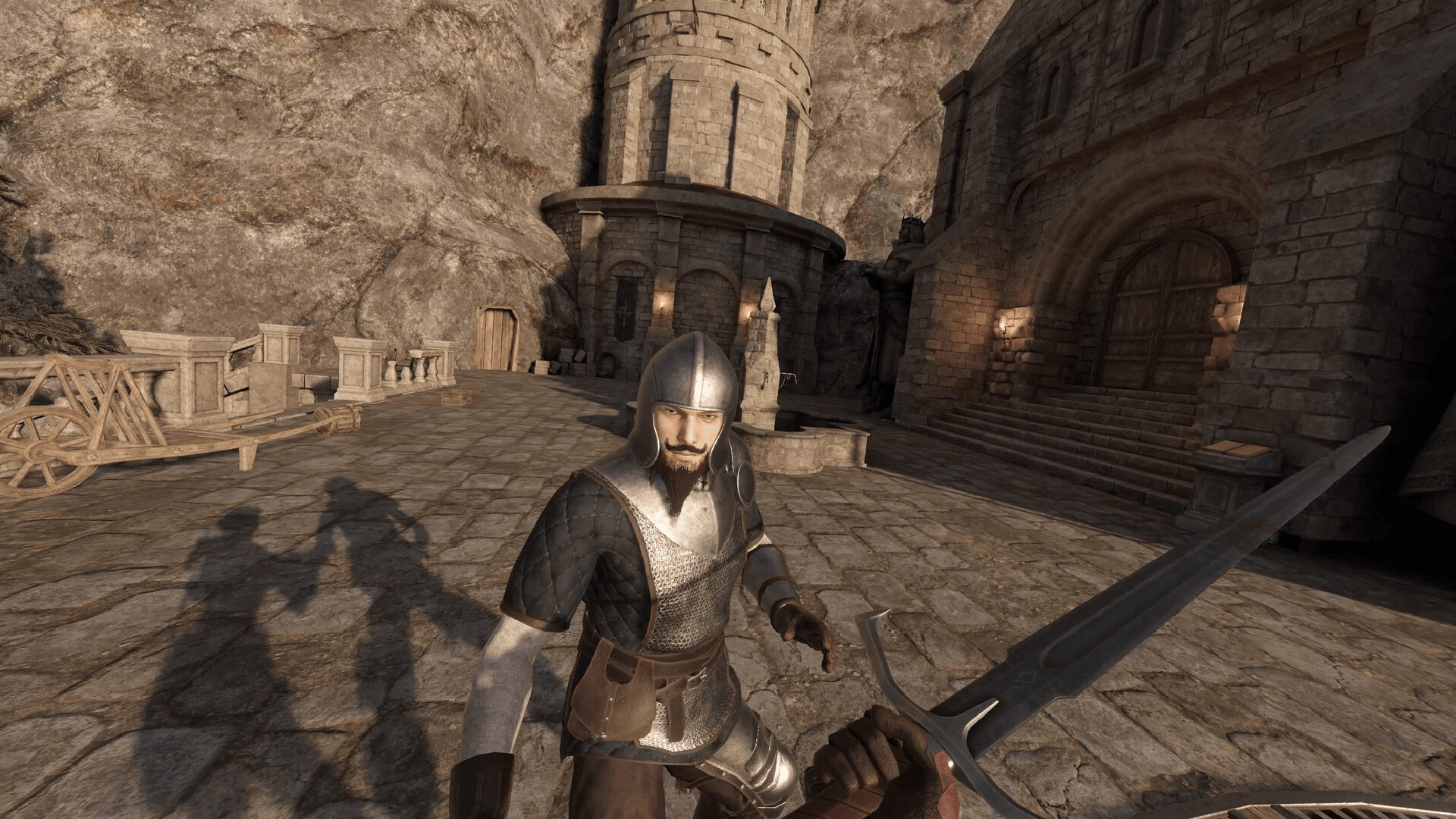
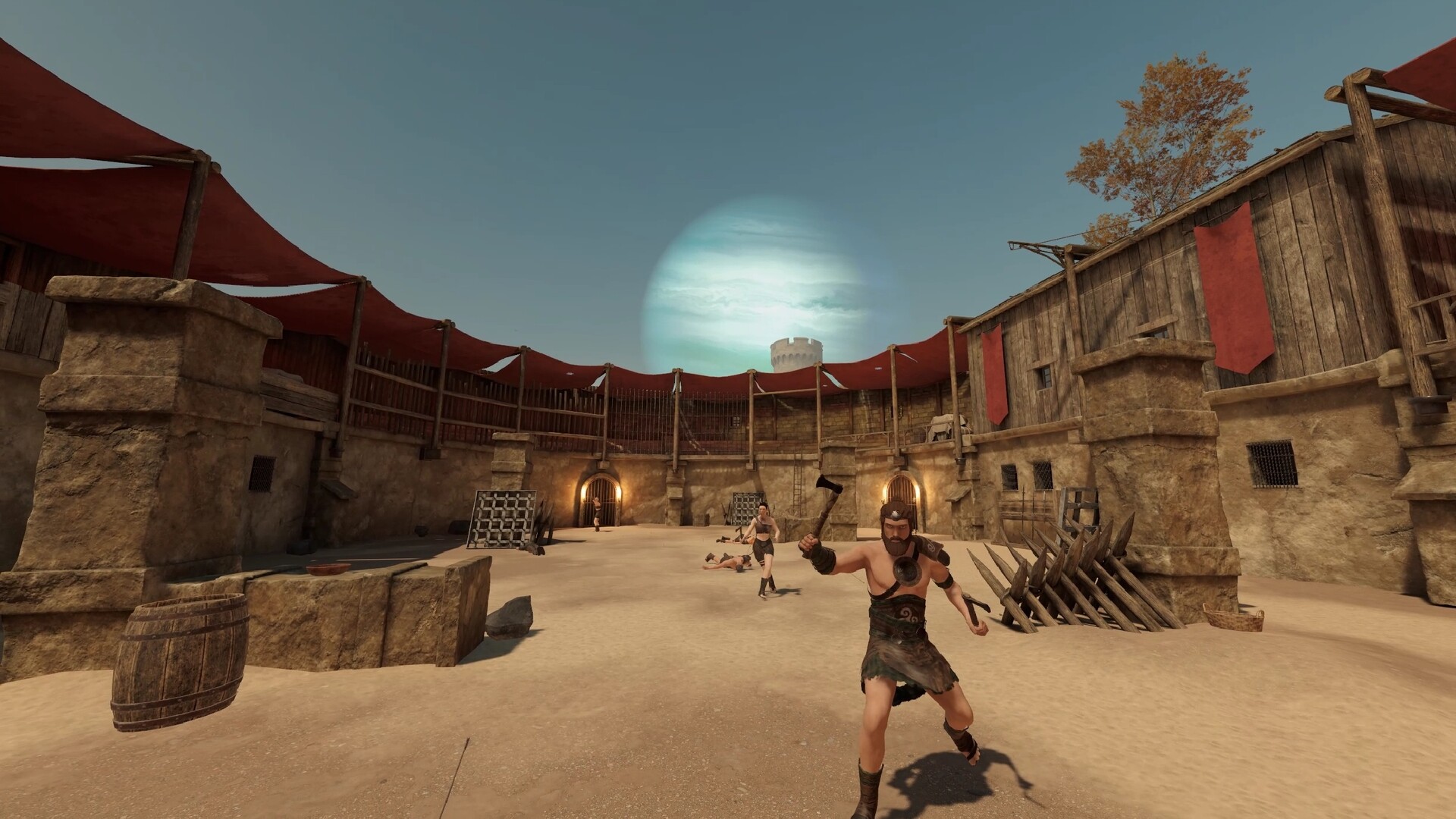
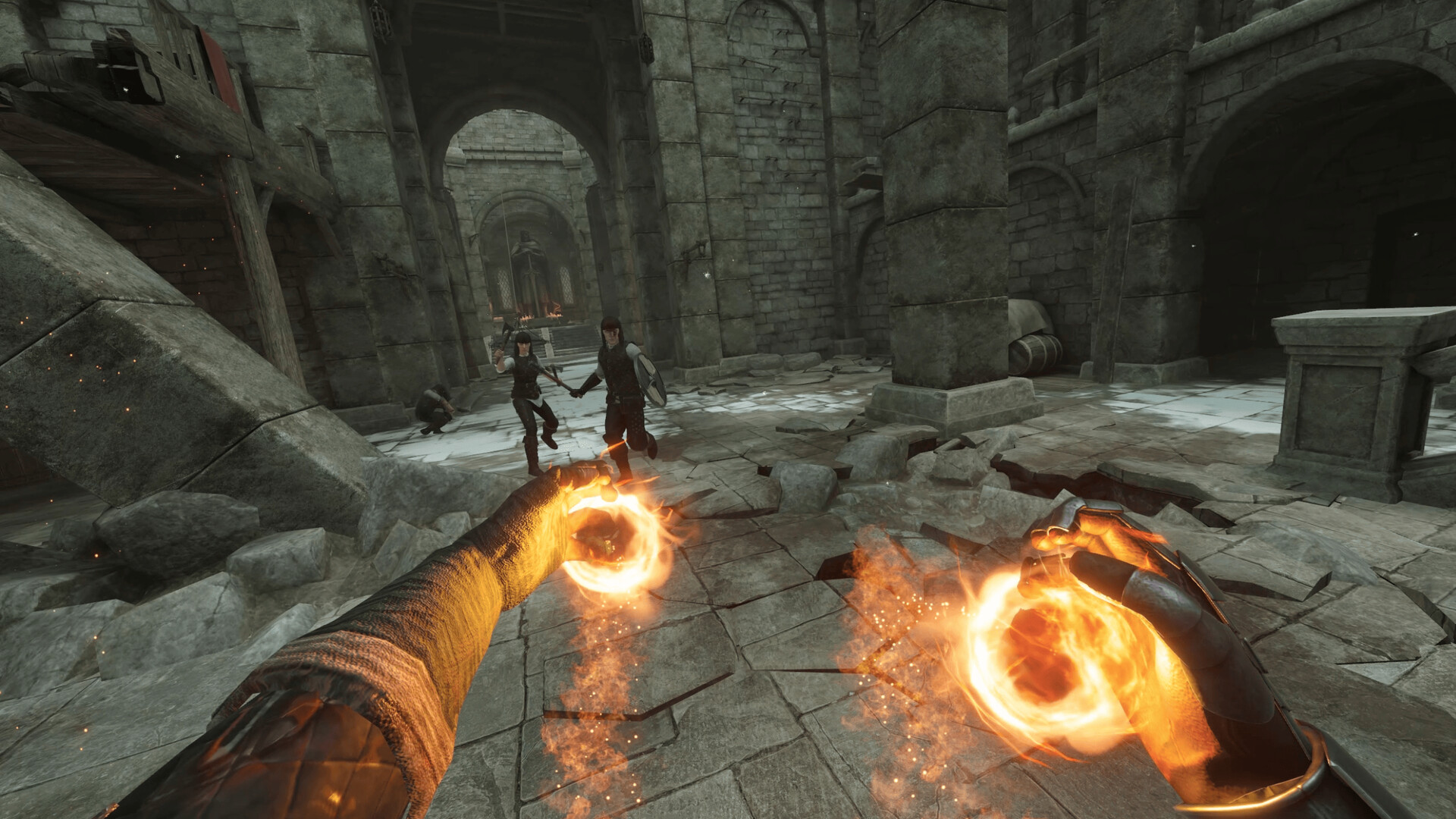
Blade & Sorcery is a medieval fantasy like no other, focusing on melee, ranged and magic combat that fully utilizes a unique and realistic physics driven interaction and combat system.
Built exclusively for VR, collisions are dictated by fine hitboxes, objects have weight and follow the laws of physics, creatures have full body physics and presence, and blades can be used to penetrate soft materials or deflect magic.
Embark on an adventure in Crystal Hunt progression mode, with 78 skills to unlock. Explore the dungeons and dive into the deep lore of Byeth to uncover the secrets of the ancient Dalgarians.
Play in unrestricted sandbox mode to access all 76 weapons, 90 armour pieces, and enable any skill you desire.
In Blade & Sorcery, the combat is limited only by your own creativity. Choose your weapon, choose your stance, choose your fighting style; Be the powerful warrior, ranger or sorcerer you always dreamed of becoming!
System Requirements for Blade and Sorcery
- OS: Windows 10
- Processor: Quad Core 3GHz
- Memory: 8 GB RAM
- Graphics: NVIDIA GTX 1070
- VR Support: SteamVR or Oculus PCVR. Standing or Room Scale
- Additional Notes: MINIMUM 72Hz VR support
- OS: Windows 10
- Processor: 8-16 Core 4GHz
- Memory: 16 GB RAM
- Graphics: NVIDIA RTX 2070
- VR Support: SteamVR or Oculus PCVR. Standing or Room Scale
- Additional Notes: RECOMMENDED VR 90Hz support
How To Install Blade and Sorcery
1. Download The Game.
2. Extract with WinRAR
3. Play!.
How To play Blade and Sorcery ONLINE
1. Download the “Online Crack” from the link provided below and extract the files. After extraction, move the contents into your game’s main installation directory.
2. Download and install Steam.
3. Open Steam and log in. If you don’t have an account yet, you can create one through HERE.
4. Press “Win + R” on your keyboard, type “steam://install/480”, and hit Enter. This will install and update the required game component.
5. Launch the game via BladeAndSorcery.exe.
6. Create/Choose Character and go into Singleplayer mode.
7. Joining: Wait for friend to invite or Pause menu > Mods > Select lobby
Hosting: Pause menu > Mods > Steam > Invite friend via Steam
8. Enjoy !
Notes:
- The game already comes with the “Online Crack” pre-applied, so you can skip Step #1 mentioned above. However, if your antivirus software removes the “Online Crack” files, you’ll need to reapply them manually.
- You can play on official servers.
- Official modification page
Download Blade and Sorcery
Download Blade and Sorcery Crack Online




Stay related to the article's topic.
Avoid unnecessary links or spam.
No offensive language, insults, or personal attacks.
Have a question unrelated to this article? Visit our Questions Section .
Join the Discussion
Share your thoughts with us