
Download The Settlers New Allies Deluxe Edition HYPERVISOR-P2P
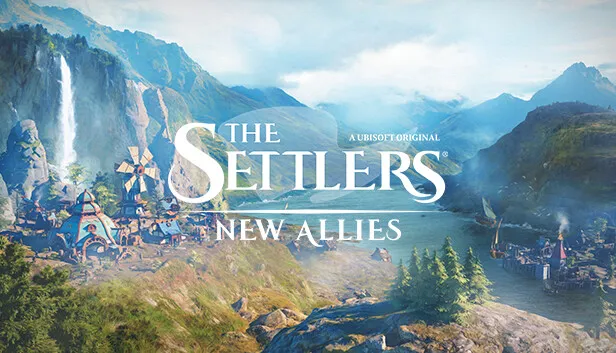
Game Details
Release name : The Settlers New Allies Deluxe Edition HYPERVISOR-P2P
Size : 14.0 GB
Title : The Settlers: New Allies
Genre : Strategy
Developer : Ubisoft Düsseldorf
Publisher : Ubisoft
Store: click here
Release Date : 26 Mar, 2024
Screenshots
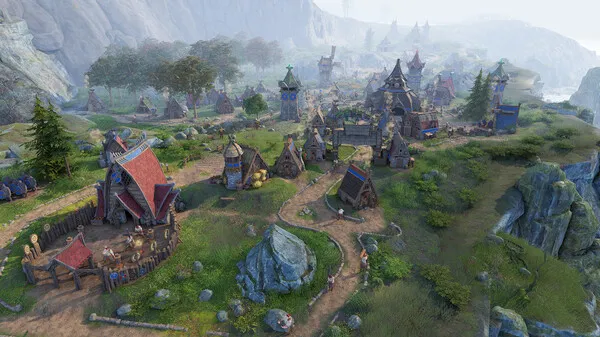
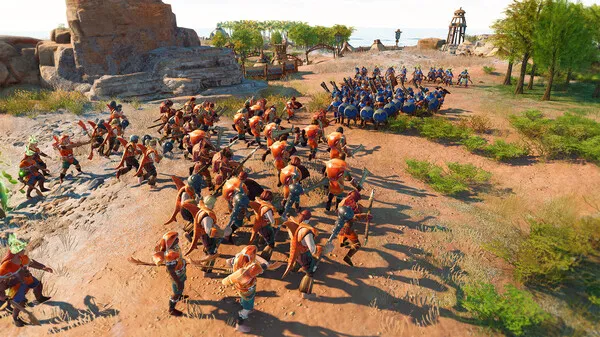
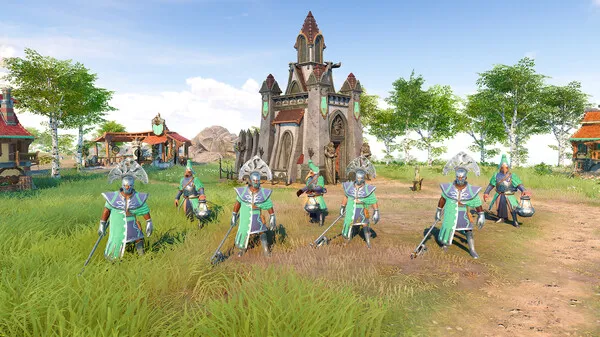
Gameplay
About This Game :
The Settlers®: New Allies is a strategy game with an in-depth build-up experience and real-time strategic battles. – Fully reimagined from the ground up, with stunning graphics and detailed animations. – Choose among three factions: the Elari, the Maru, and the Jorn. Each has a unique look, playstyle, and background story. – Experience a story-driven campaign set in the world of The Settlers, or go for the special Hardcore mode and its additional challenges. – Play online with up to eight players in thrilling skirmish battles against other players or AI for long-lasting fun. Get the most out of your game experience with the The Settlers®: New Allies Deluxe Edition, including the game, the Deluxe Pack, and the Explorer Pack.
System Requirements for The Settlers: New Allies Download Free
MINIMUM :
Requires a 64-bit processor and operating system
OS: Windows 10 (x64 bit only)
Processor: Intel i3-6100 / AMD Ryzen 3 1200
Memory: 8 GB RAM
Graphics: Nvidia GeForce GTX 950 2GB VRAM / AMD Radeon 550 2GB VRAM
DirectX: Version 11
Storage: 16 GB available space
RECOMMENDED :
Requires a 64-bit processor and operating system
OS: Windows 10 (x64 bit only)
Processor: Intel i7-6700 / AMD Ryzen 5 1600
Memory: 8 GB RAM
Graphics: Nvidia GeForce GTX 970 4GB VRAM / AMD RX 470 4GB VRAM
DirectX: Version 11
Storage: 16 GB available space
How To Install The Settlers: New Allies Download Free
Release is using Hypervisor bypass by DenuvOwO team. Instructions:
1- install game
2- Educate yourself first by reading _Info.txt and DenuvOwO.nfo; CPU virtualization must be enabled in BIOS (some motherboards have it enabled as default setting)
3- Start as Administrator “VBS.cmd” from game folder, press 1, restart computer, then on the next boot press F7 when new window will show up (driver signature OFF)
4- Start from desktop icon
PS: Once you make it work, any other game with Hypervisor can be installed and played from desktop icon (as long as you don’t restart/shutdown PC – then again VBS.cmd > 1 > reboot > F7 > desktop icon)
Download The Settlers: New Allies Download Free
Download The Settlers New Allies Deluxe Edition HYPERVISOR-P2P Direct Link


Stay related to the article's topic.
Avoid unnecessary links or spam.
No offensive language, insults, or personal attacks.
Have a question unrelated to this article? Visit our Questions Section .
Join the Discussion
Share your thoughts with us