
Download Spec Ops The Line v1.0.689.HotFix-GOG

Game Details
Release name : Spec Ops The Line v1.0.689.HotFix-GOG
Size : 7.26 GB
Title : Spec Ops: The Line
Genre : Action, Adventure
Developer : YAGER
Publisher : 2K, Missing Link Games
Store: click here
Release Date : 28 June, 2012
Screenshots

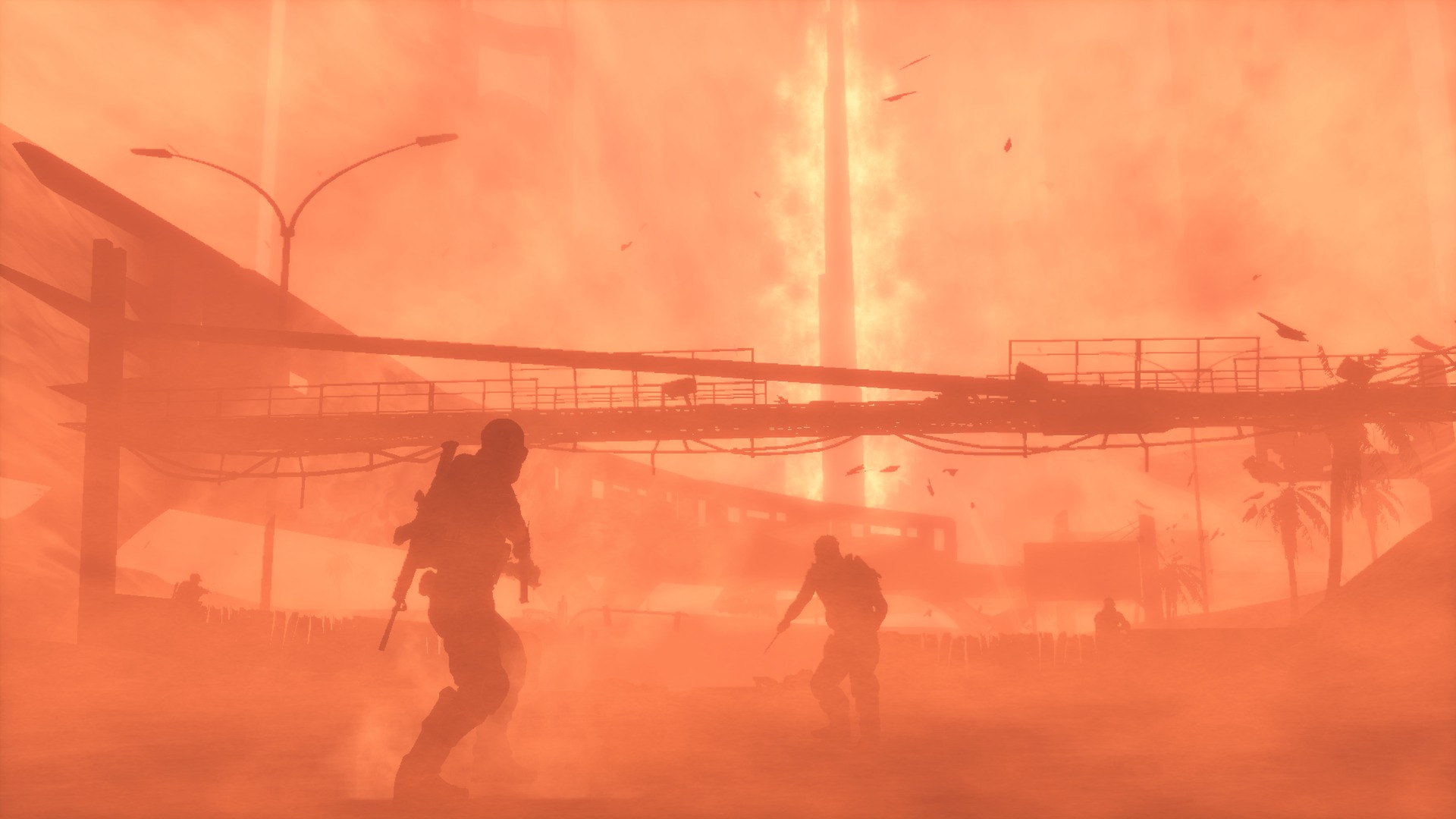


Gameplay
About This Game :
A Third-Person modern military Shooter designed to challenge players’ morality by putting them in the middle of unspeakable situations.
System Requirements for Spec Ops: The Line Download Free
MINIMUM :
OS: Windows XP SP3
Processor: Intel Core 2 Duo @ 2Ghz / AMD Athlon 64 X2 equivalent
Memory: 2 GB RAM
Hard Disk Space: 6 GB free
Video Card: NVIDIA GeForce 8600 / ATI Radeon HD 2600XT (256 MB memory)
DirectX®: 9.0
Sound: DirectX Compatible
Additional: Initial installation requires one-time internet connection for Steam authentication; software installations required (included with the game) include: STEAM Client, Microsoft Direct X, Visual C++ 2008 Redistributable, Visual C++ 2005 SP1 RedistributableCompatible
RECOMMENDED :
OS: Windows Vista/7
Processor: 2.4 GHz Quad Core processor
Memory: 3 GB RAM
Hard Disk Space: 10 GB free
Video Card: NVIDIA GeForce 9800 GTX/ATI Radeon HD 4850 (512+ MB memory)
DirectX®: 9.0
Sound: DirectX Compatible
Additional: Initial installation requires one-time internet connection for Steam authentication; software installations required (included with the game) include: STEAM Client, Microsoft Direct X, Visual C++ 2008 Redistributable, Visual C++ 2005 SP1 RedistributableCompatible
How To Install Spec Ops: The Line Download Free
1. Download The Game.
2. Extract with WinRAR
3. Install The Game.
4. Play!.
 Torrent link



Stay related to the article's topic.
Avoid unnecessary links or spam.
No offensive language, insults, or personal attacks.
Have a question unrelated to this article? Visit our Questions Section .
Join the Discussion
Share your thoughts with us