
Download Ragnarock Build 30062026 + ONLINE
Game Details
Release name : Ragnarock Build 30062026 + ONLINE
Size : 2.42 GB
Title : Ragnarock
Genre : Action, Casual, Indie, VR
Developer : WanadevStudio
Publisher : WanadevStudio
Store : click here
Release Date : Jul 15, 2021
Credits / Released By: online-fix.me
Screenshots
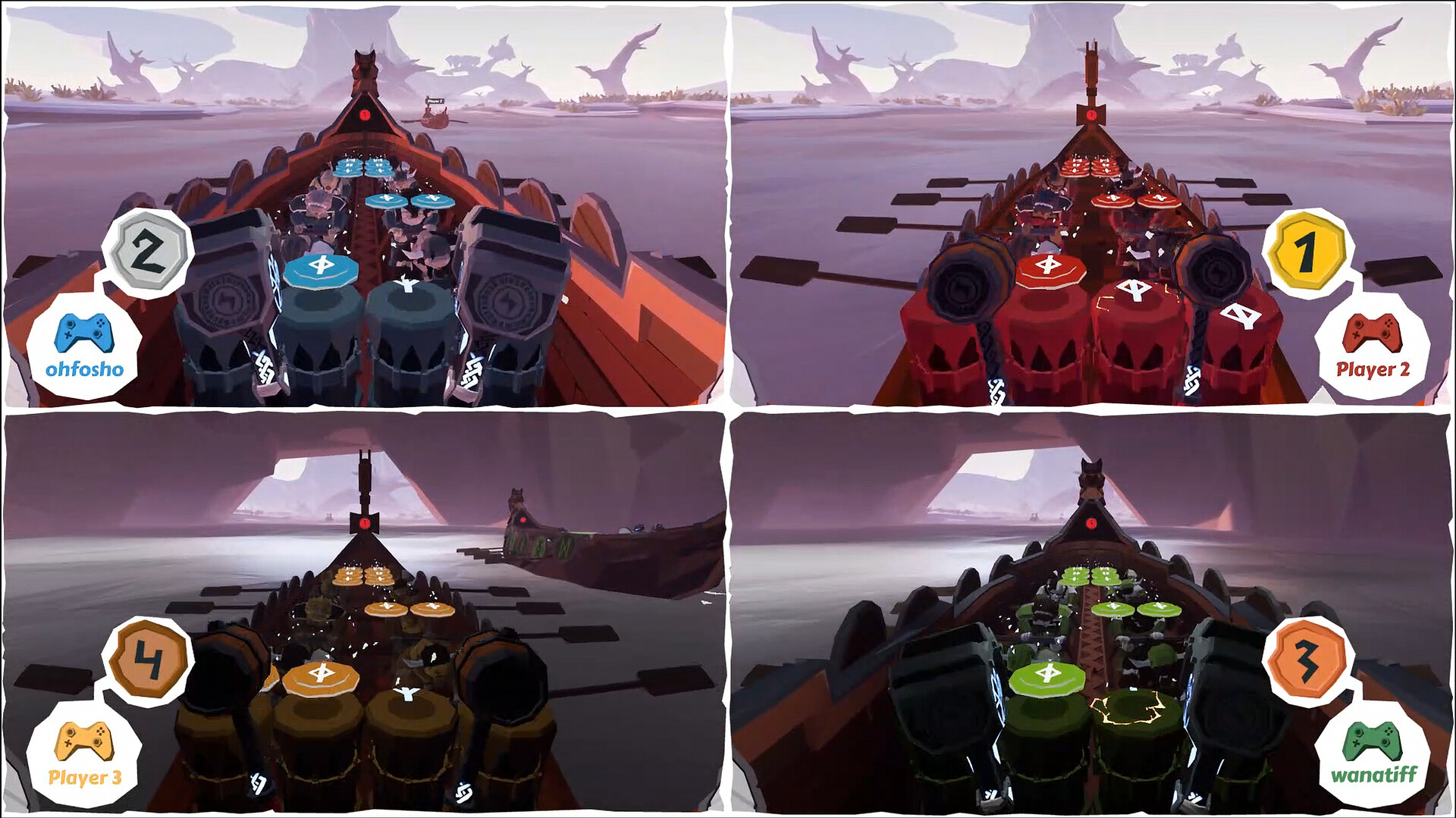
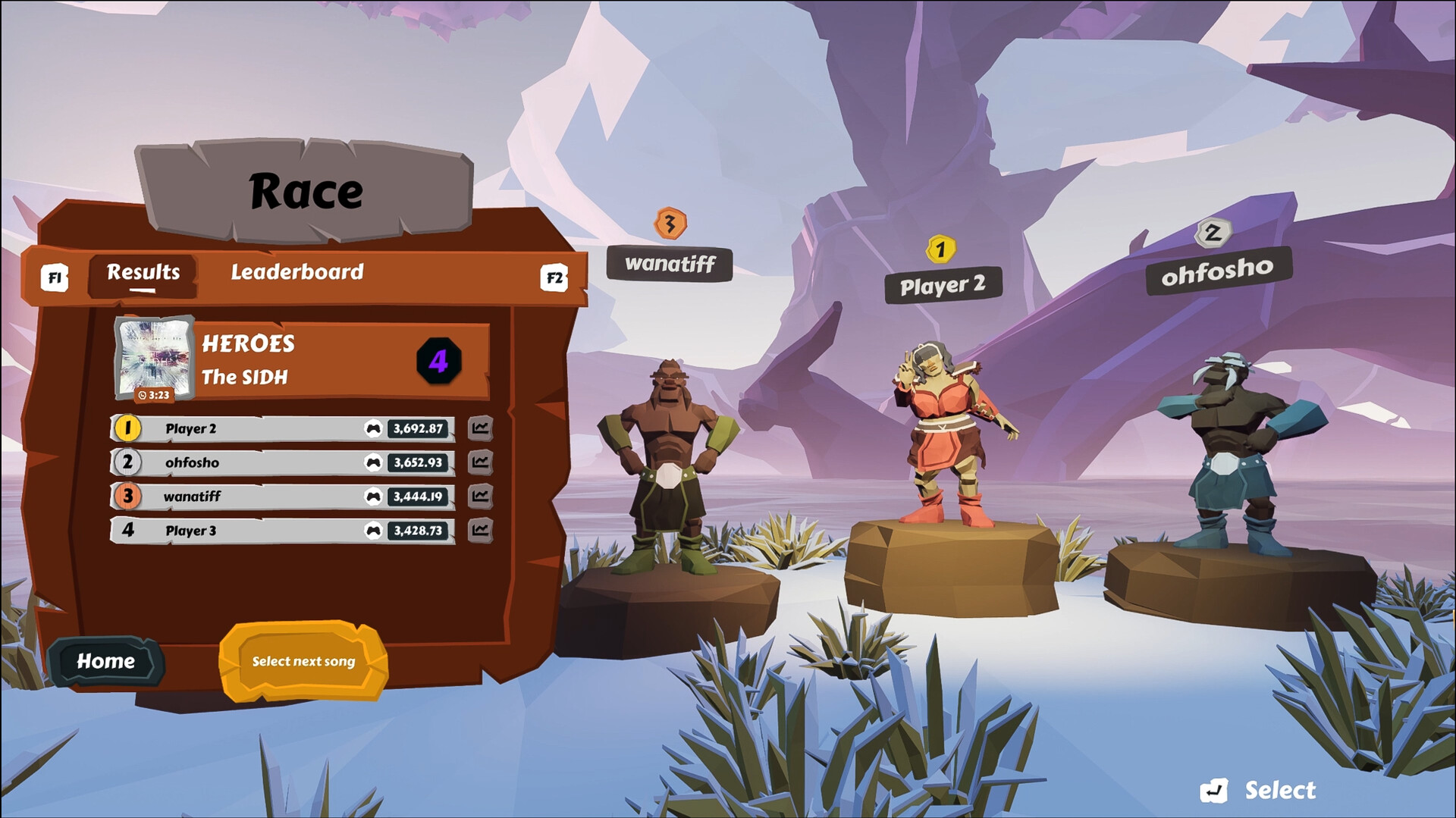
Gameplay
About This Game :
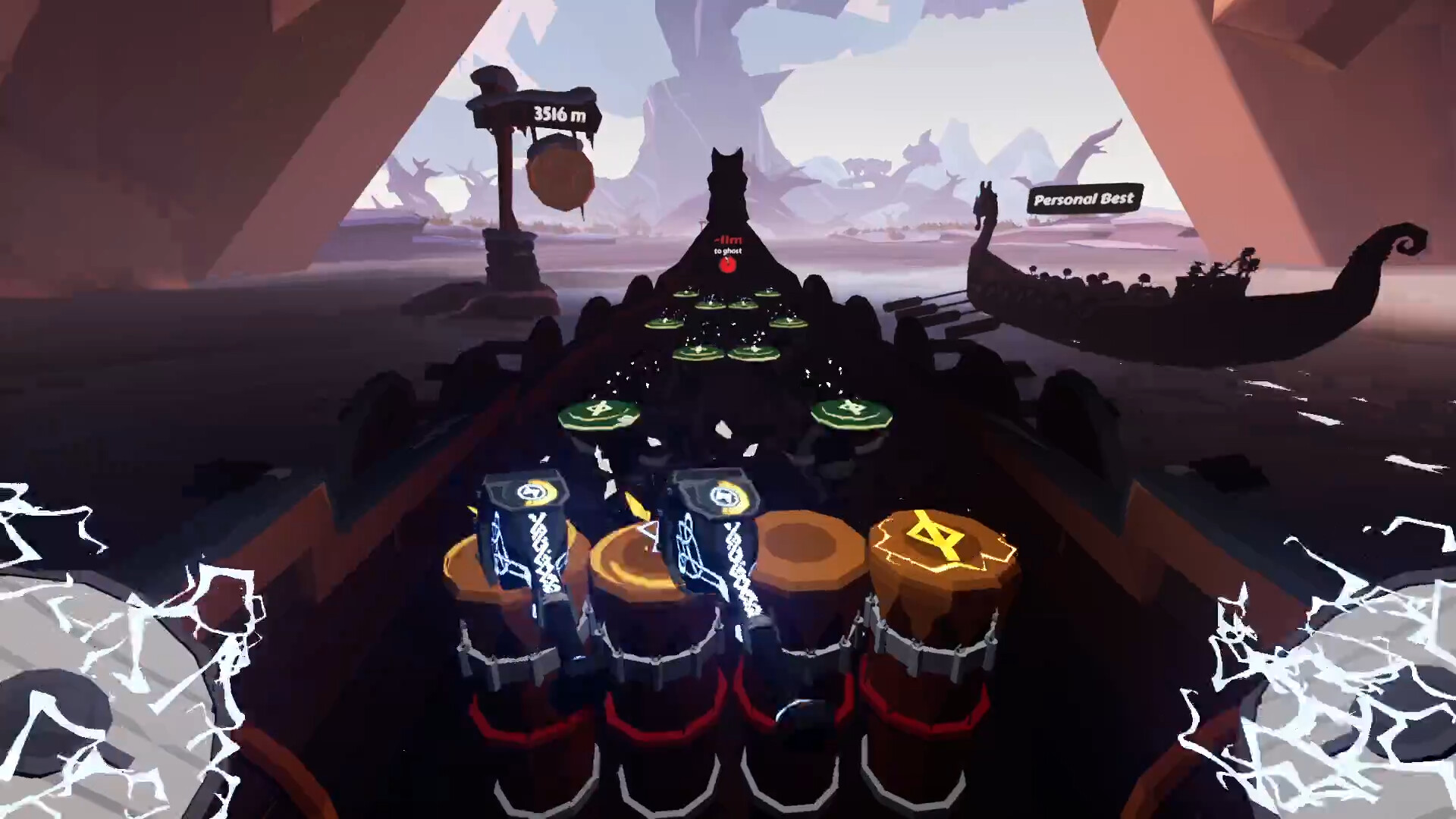
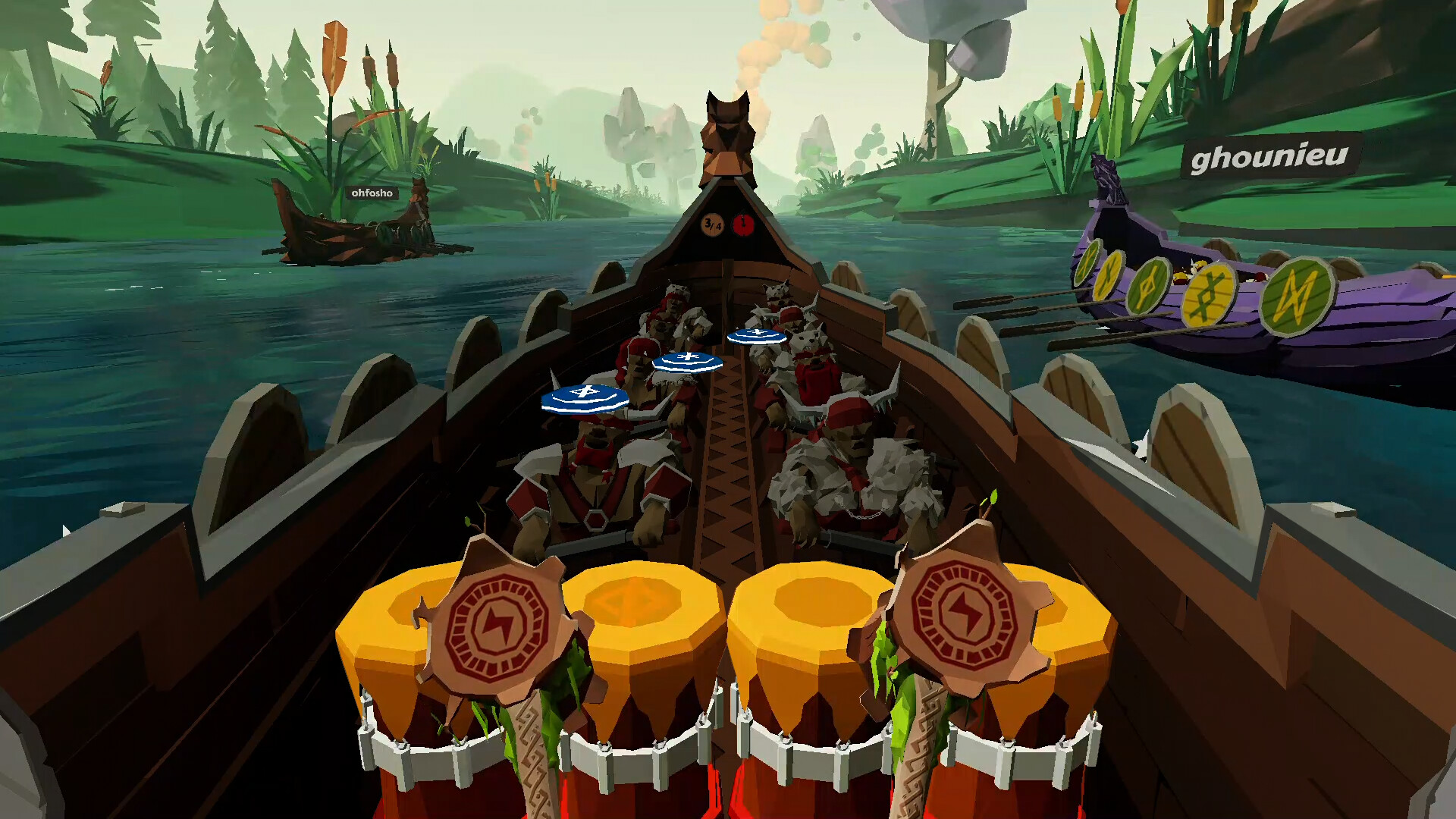
Grab your hammers and pound the drums to epic tracks, from celtic rock to viking power metal. With dozens of official songs and thousands of community-made tracks, enjoy hours of fun as you play in perfect sync to carve your name on top of the leaderboard and race against your rivals.
⚡KEY FEATURES:
-
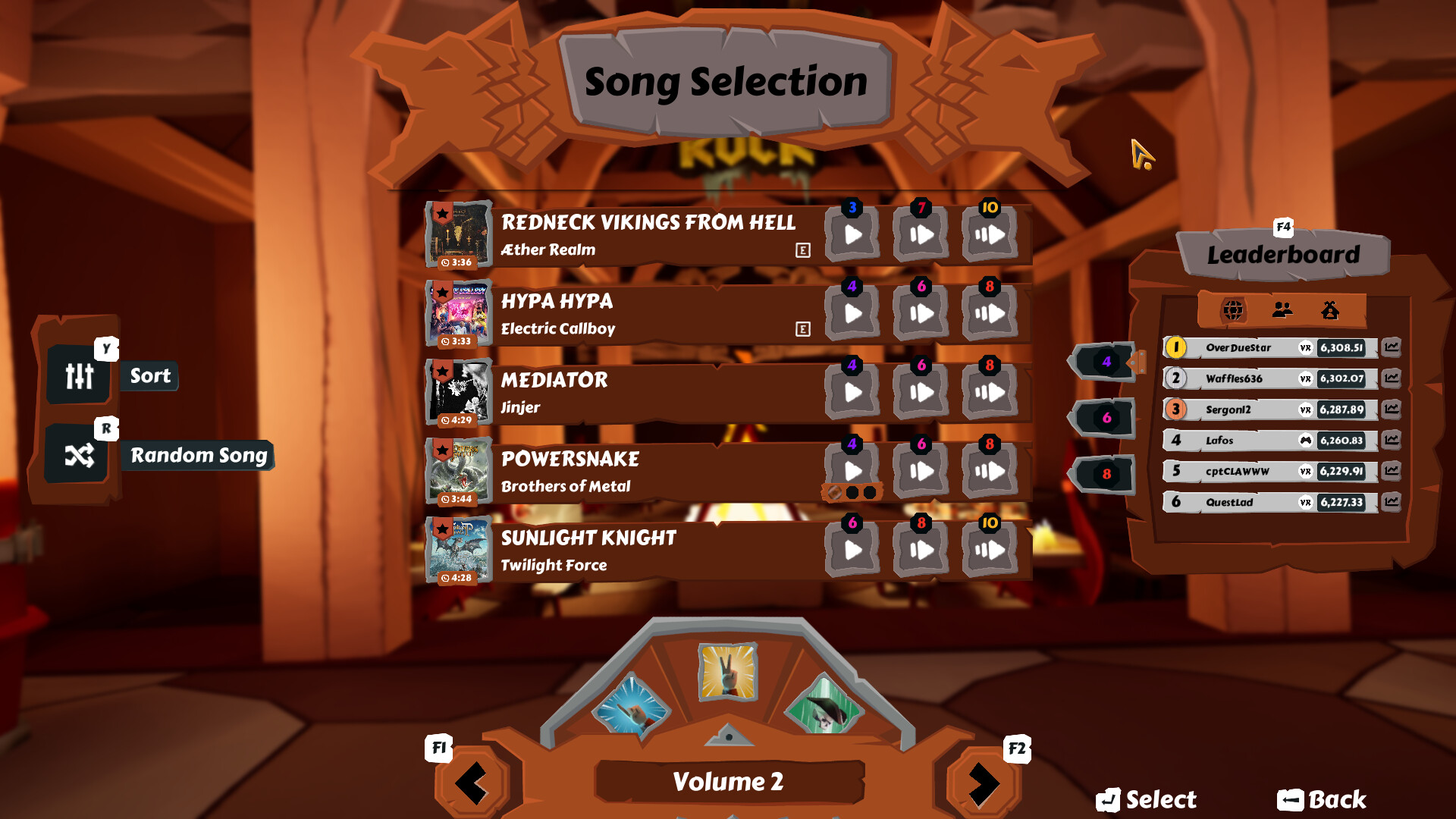
46 songs in the base game from bands like Alestorm, Gloryhammer, Electric Callboy
-
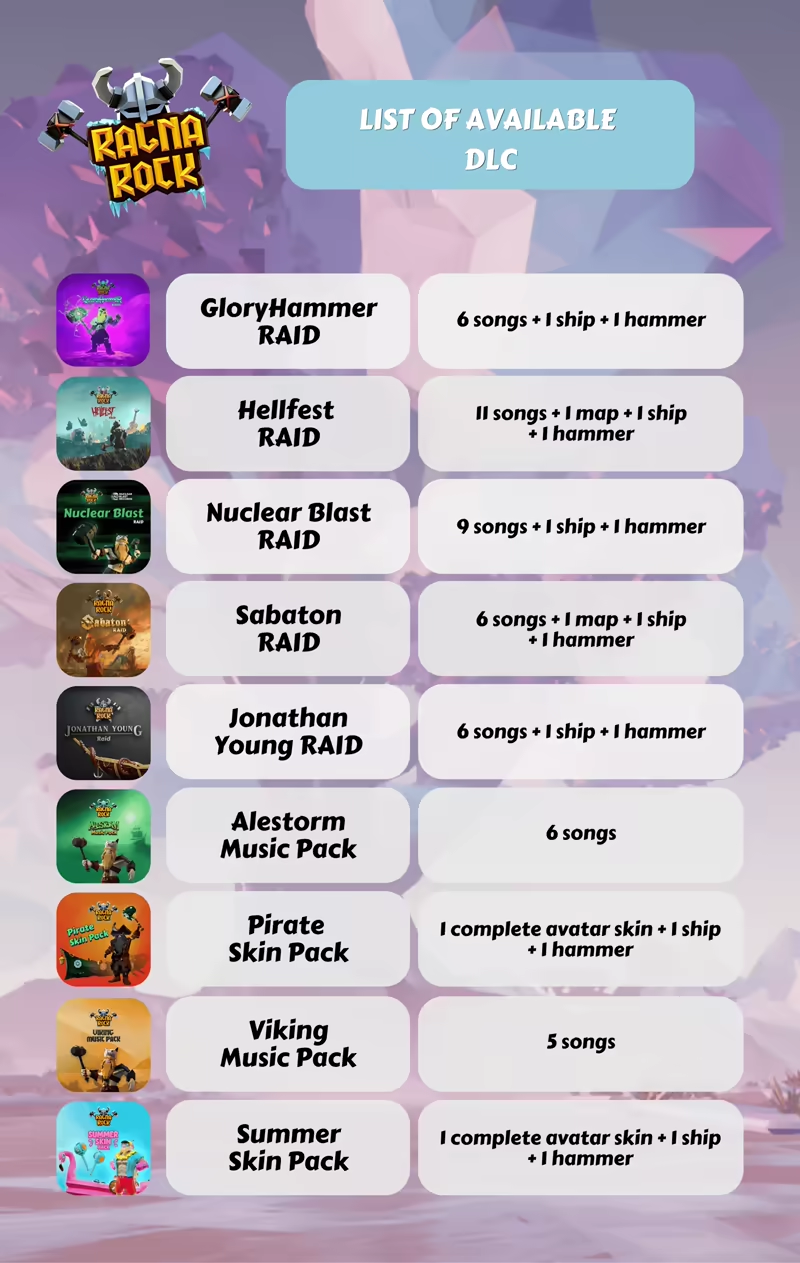
7 DLC adding 49 extra tracks from bands like Sabaton, Miracle of Sound, Nightwish, The Offspring
-
Easy to play, hard to master with 3 difficulty levels for each song
-
4500+ community-made tracks via custom song support
-
Public or private online PvP multiplayer (up to 6 players)
-
Local split-screen mode for couch competition (up to 4 players)
-
Solo races against your own best records as ghost ships
-
VR compatible
-
Cross-platform multiplayer (PC & VR players together)
-
Lots of stylised Nordic environments inspired by Viking mythology
🎶DLC LIST:
System Requirements for Ragnarock
- Requires a 64-bit processor and operating system
- OS: Windows 10 (64 bits)
- Processor: Intel Core i5-7300HQ equivalent
- Memory: 16 GB RAM
- Graphics: NVIDIA GTX 1060 equivalent
- Storage: 3 GB available space
- VR Support: VR supported with Meta Quest, Oculus Rift/S, Valve Index, HTC Vive/Pro/Focus 3/Cosmos, Pico Neo3/4, Windows MR/HP Reverb G2
- Requires a 64-bit processor and operating system
- OS: Windows 10 (64 bits)
- Processor: Intel Core i7-6700HQ equivalent or greater
- Memory: 16 GB RAM
- Graphics: NVIDIA GTX 1070 equivalent
- Storage: 3 GB available space
- VR Support: VR supported with Meta Quest, Oculus Rift/S, Valve Index, HTC Vive/Pro/Focus 3/Cosmos, Pico Neo3/4, Windows MR/HP Reverb G2
How To Install Ragnarock
1. Download The Game.
2. Extract with WinRAR
3. Play!.
How To play Ragnarock ONLINE
1. Download the “Online Crack” from the link provided below and extract the files. After extraction, move the contents into your game’s main installation directory.
2. Download and install Steam.
3. Open Steam and log in. If you don’t have an account yet, you can create one through HERE.
4. Press “Win + R” on your keyboard, type “steam://install/480”, and hit Enter. This will install and update the required game component.
5. Launch the game via Ragnarock.exe.
6. Joining: Join by code > Enter Server code from friend.
Hosting: Host game > Select any songs > Server code is created after you have selected a song.
7. Enjoy !
Notes:
- The game already comes with the “Online Crack” pre-applied, so you can skip Step #1 mentioned above. However, if your antivirus software removes the “Online Crack” files, you’ll need to reapply them manually.
- You can play on official servers.
- To run the game in non-VR mode, use the -nohmd launch argument.
Download Ragnarock
Download Ragnarock Crack Online



Stay related to the article's topic.
Avoid unnecessary links or spam.
No offensive language, insults, or personal attacks.
Have a question unrelated to this article? Visit our Questions Section .
Join the Discussion
Share your thoughts with us