
Download Papers, Please v1.4.11 + ONLINE
Game Details
Release name : Papers, Please v1.4.11 + ONLINE
Size : 81.72 MB
Title : Papers, Please
Genre : Adventure, Indie
Developer : Lucas Pope
Publisher : 3909
Store : click here
Release Date : Aug 8, 2013
Credits / Released By: online-fix.me
Screenshots
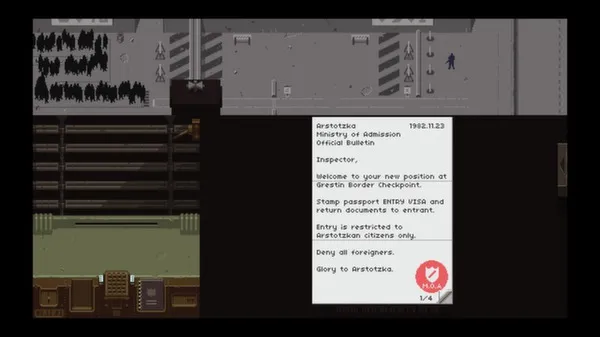
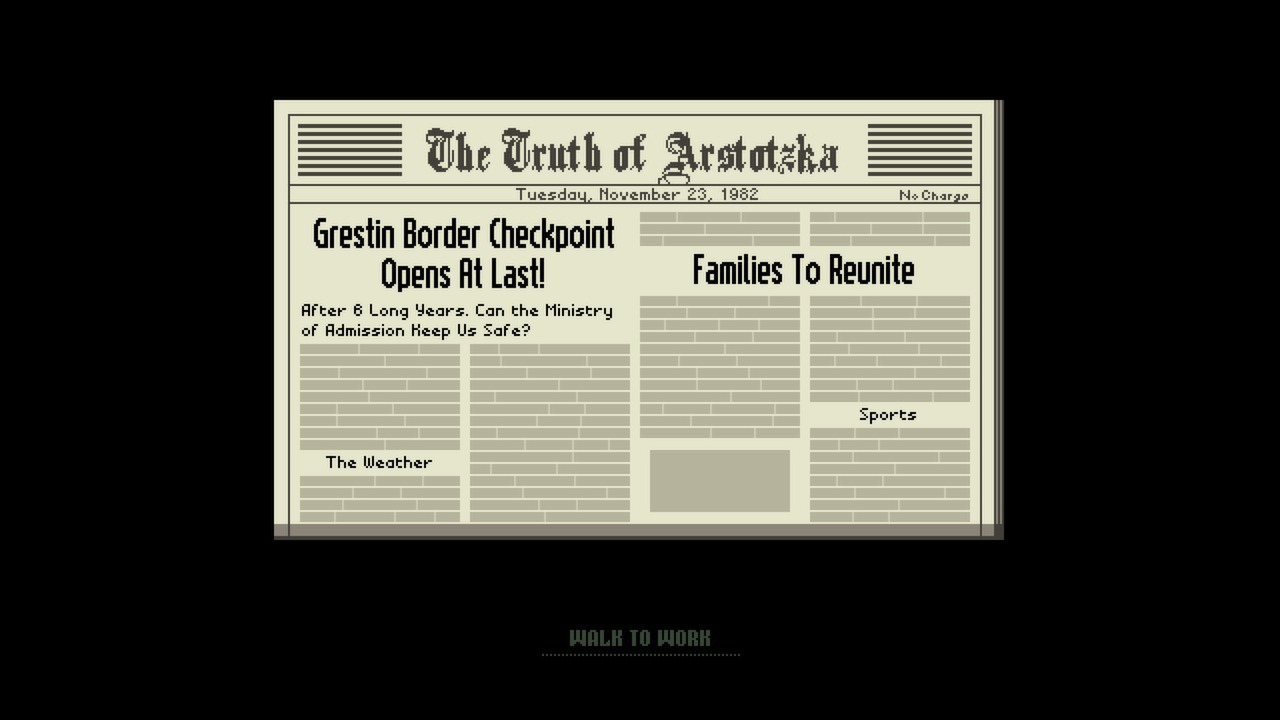
Gameplay
About This Game :
Congratulations.
The October labor lottery is complete. Your name was pulled.
For immediate placement, report to the Ministry of Admission at Grestin Border Checkpoint.
An apartment will be provided for you and your family in East Grestin. Expect a Class-8 dwelling.
Glory to Arstotzka
The communist state of Arstotzka has just ended a 6-year war with neighboring Kolechia and reclaimed its rightful half of the border town, Grestin.
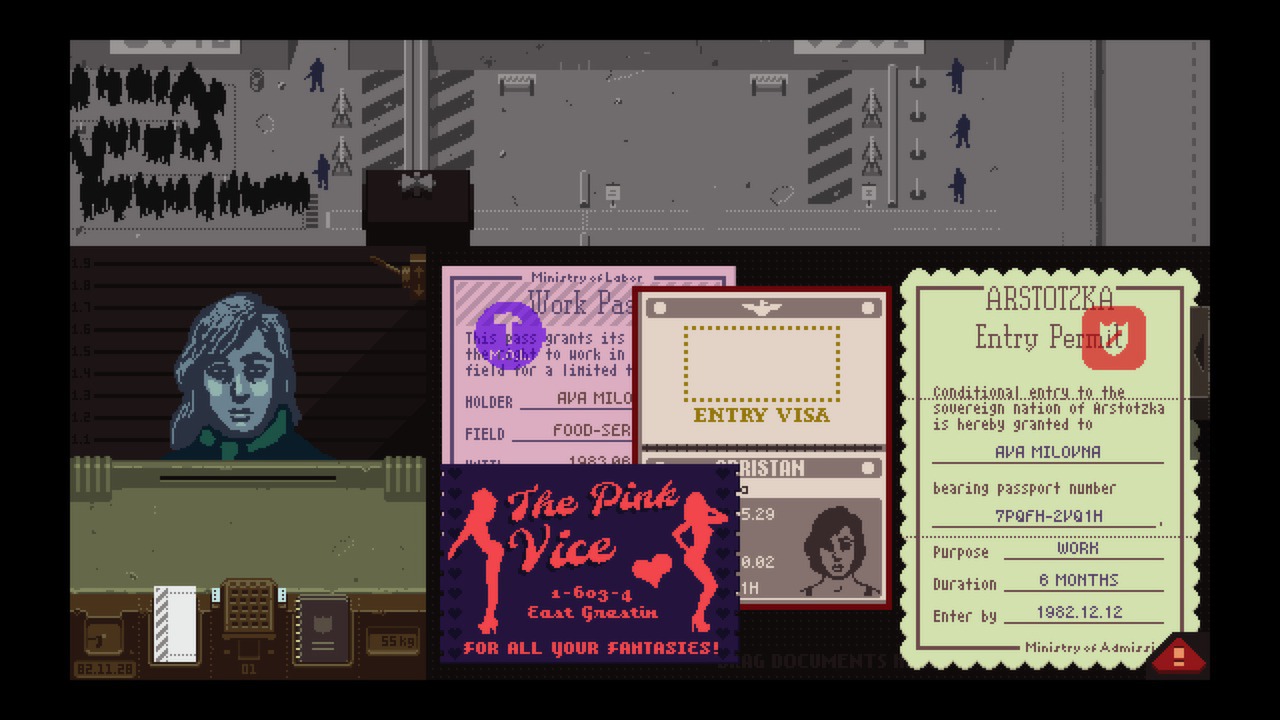
Your job as immigration inspector is to control the flow of people entering the Arstotzkan side of Grestin from Kolechia. Among the throngs of immigrants and visitors looking for work are hidden smugglers, spies, and terrorists.
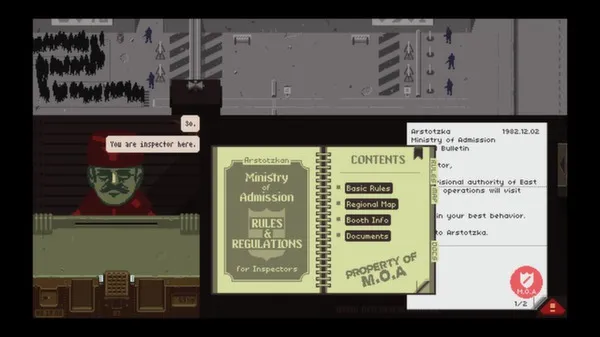
Using only the documents provided by travelers and the Ministry of Admission’s primitive inspect, search, and fingerprint systems you must decide who can enter Arstotzka and who will be turned away or arrested.
System Requirements for Papers, Please
- Requires a 64-bit processor and operating system
- OS *: Windows XP or later
- Processor: 1.5 GHz Core2Duo
- Memory: 2 GB RAM
- Graphics: OpenGL 1.4 or better
- Storage: 100 MB available space
- Additional Notes: MINIMUM 1280×720 screen resolution
- Requires a 64-bit processor and operating system
How To Install Papers, Please
1. Download The Game.
2. Extract with WinRAR
3. Play!.
How To play Papers, Please ONLINE
1. Download the “Online Crack” from the link provided below and extract the files. After extraction, move the contents into your game’s main installation directory.
2. Download and install Steam.
3. Open Steam and log in. If you don’t have an account yet, you can create one through HERE.
4. Press “Win + R” on your keyboard, type “steam://install/480”, and hit Enter. This will install and update the required game component.
5. Launch the game via PapersPlease.exe.
6. Joining: CO-OP > FIND A GAME > Pick friend game > Play.
Hosting: CO-OP > HOST FOR FRIENDS/ HOST A PUBLIC GAME > Invite friend/wait for friend to join > Play.
7. Enjoy !
Note:
- The game already comes with the “Online Crack” pre-applied, so you can skip Step #1 mentioned above. However, if your antivirus software removes the “Online Crack” files, you’ll need to reapply them manually.
Download Papers, Please
Download Papers, Please Modification version: 0.1.2




Stay related to the article's topic.
Avoid unnecessary links or spam.
No offensive language, insults, or personal attacks.
Have a question unrelated to this article? Visit our Questions Section .
Join the Discussion
Share your thoughts with us