
Download PAO PAO Build 26561087 + ONLINE

Game Details
Release name : PAO PAO Build 26561087 + ONLINE
Size : 1.79 GB
Title : PAO PAO
Genre : Adventure, Indie, Simulation, Early Access
Developer : ArtDock
Publisher : Dreland Enterprises
Store : click here
Release Date : Oct 26, 2026
Credits / Released By: Based on my own CSF + Unsteam by emberantz
Screenshots

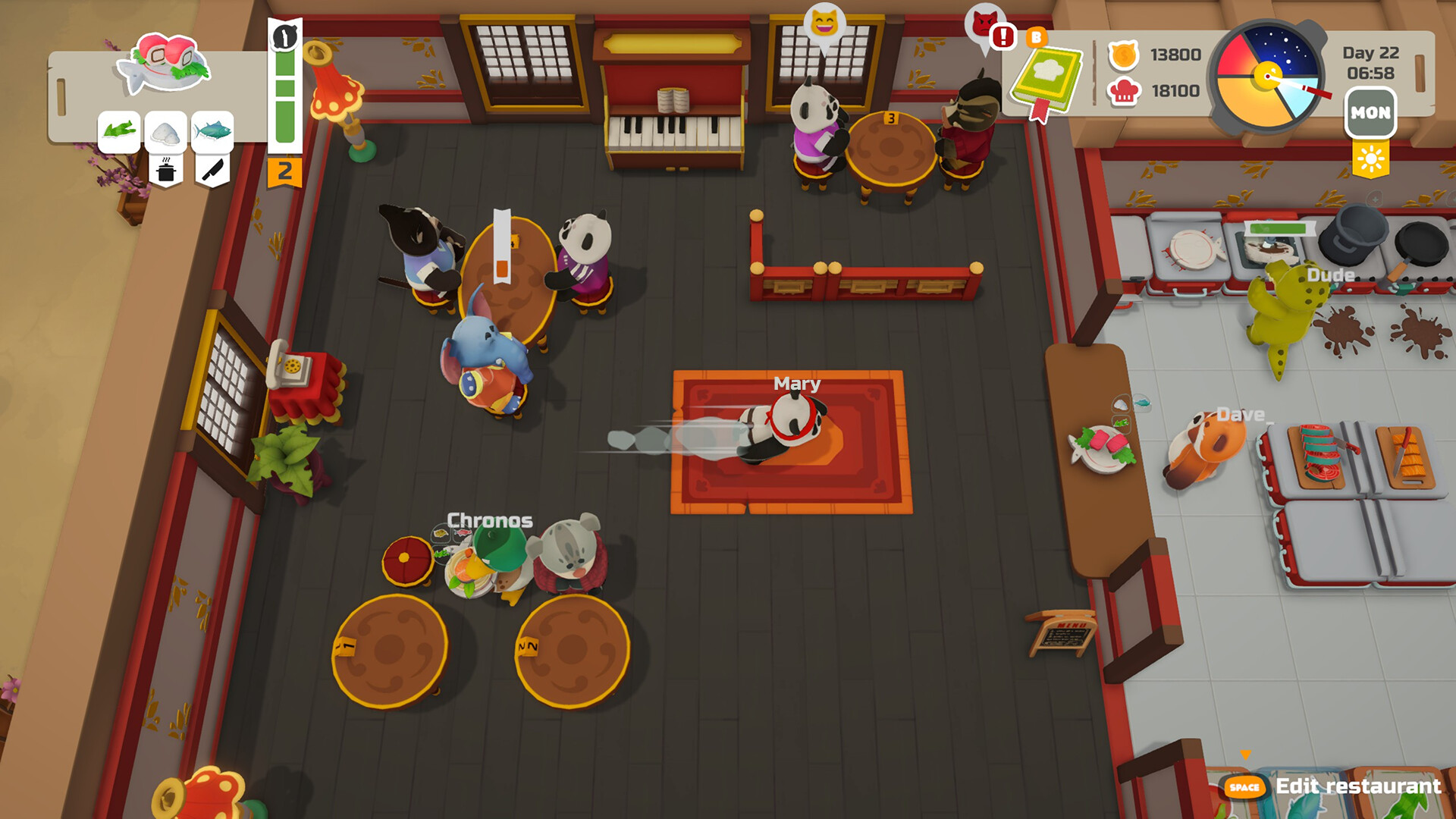
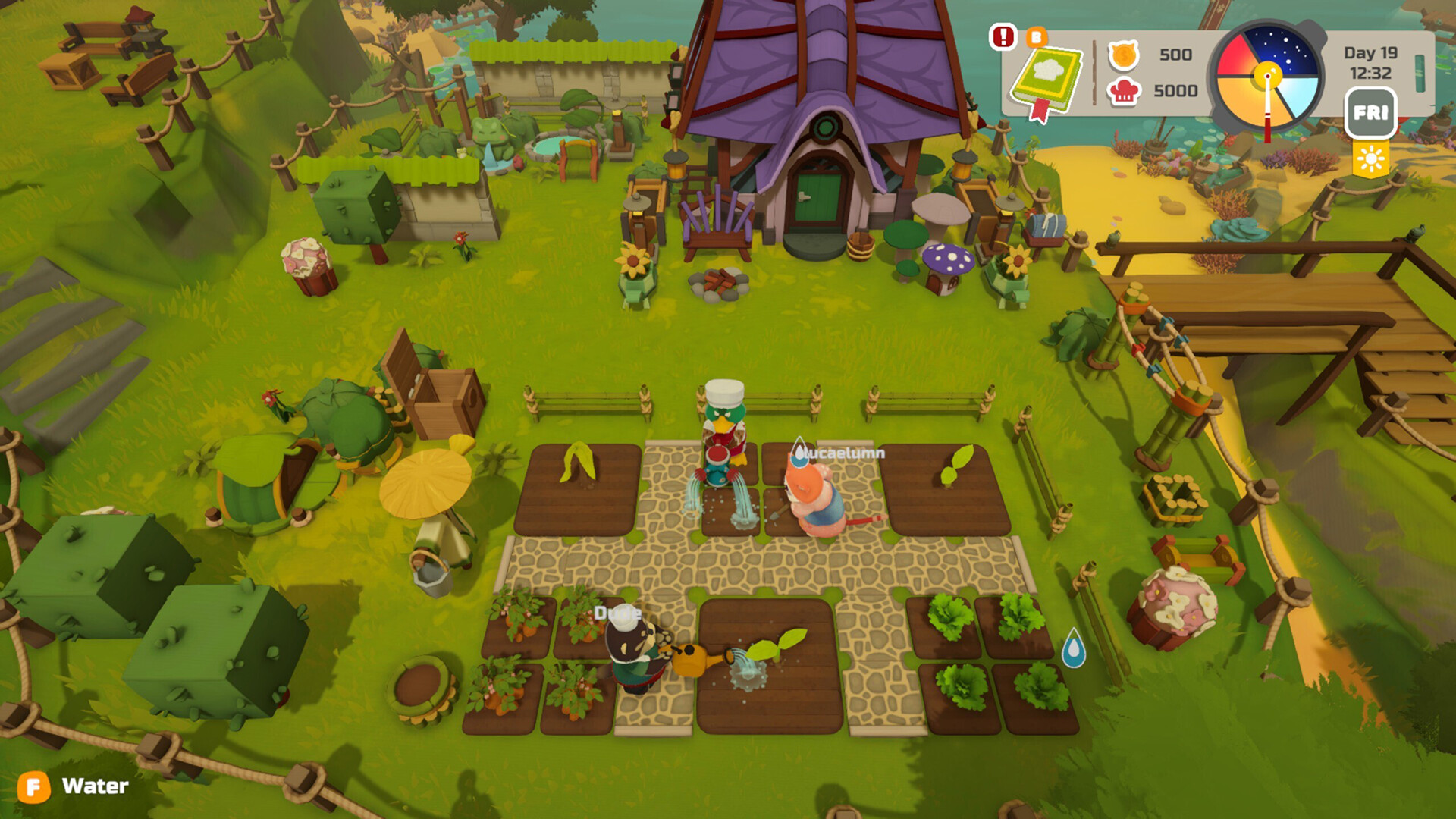

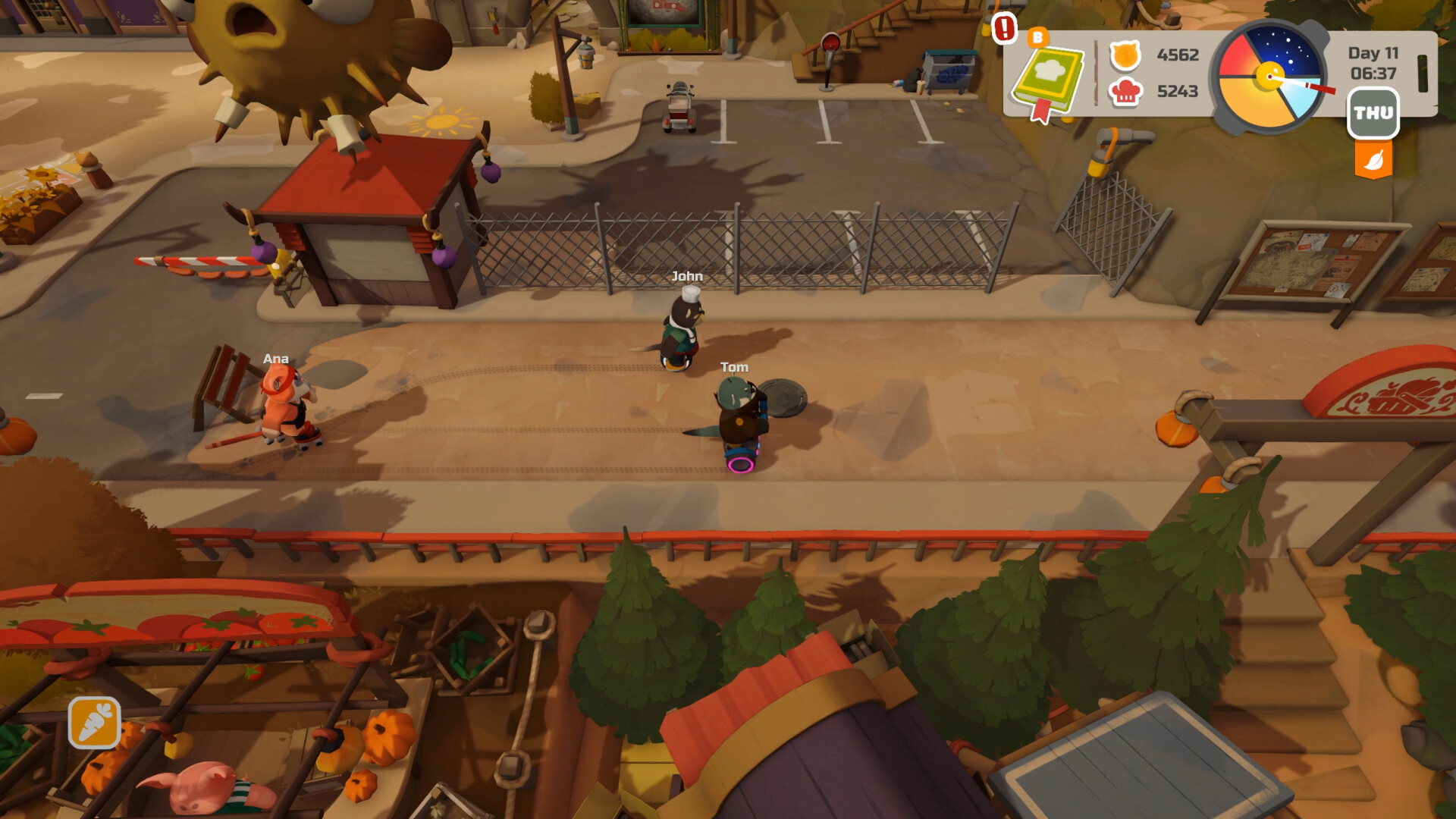
Gameplay
About This Game :

Explore a vibrant town where something new happens every day. Get to know cute characters, find cozy places and interesting locations, collect resources in nature, or just take a walk and see what’s going on around town. The combination of variable weather, seasons, and a full day-night cycle makes every day in PAO PAO special.

Turn a small kitchen into the restaurant of your dreams. Install equipment, put a menu together, and serve guests of all kinds, from a few simple orders to a dining room full of hungry customers. Play solo or co-op with up to 3 other players to run the kitchen and help the restaurant grow and flourish.

Beyond the restaurant walls, a bustling world awaits. Grow your own crops, fish from the shore or a boat, collect resources in the forest, walk around town, or spend an afternoon in the arcade. When work is over, there’s always something fun to do.

Make PAO PAO your home! Bring your vision to life, change it any time, and decorate your house, restaurant, and garden just the way you like them. Combine furniture, decor, and various styles to create a truly cozy space.

PAO PAO is even more fun with friends! Work together in the kitchen, split up to explore various parts of the town, or skip the work altogether and go wild. Organize boat races, play basketball, shoot each other with water guns, and turn an ordinary day into your own little adventure.
System Requirements for PAO PAO
- Requires a 64-bit processor and operating system
- OS: Windows 10/11 x64
- Processor: Intel Core i3-10100
- Memory: 4 GB RAM
- Graphics: NVIDIA GeForce GTX 1050
- DirectX: Version 11
- Storage: 14 GB available space
- Requires a 64-bit processor and operating system
- OS: Windows 10/11 x64
- Processor: Intel Core i5-12400
- Memory: 8 GB RAM
- Graphics: NVIDIA GeForce RTX 3060
- DirectX: Version 11
- Storage: 14 GB available space
How To Install PAO PAO
1. Download The Game.
2. Extract with WinRAR
3. Play!.
How To play PAO PAO ONLINE
1. Download the “Online Crack” from the link provided below and extract the files. After extraction, move the contents into your game’s main installation directory.
2. Download and install Steam.
3. Open Steam and log in. If you don’t have an account yet, you can create one through HERE.
4. Press “Win + R” on your keyboard, type “steam://install/480”, and hit Enter. This will install and update the required game component.
5. Launch the game via START_PaoPao.exe.
6. Joining: Accept an invitation from a friend.
Hosting: Host Game > Invite your friends using steam overlay (SHIFT + TAB) and wait for them to connect.
7. Enjoy !
Note:
- The game already comes with the “Online Crack” pre-applied, so you can skip Step #1 mentioned above. However, if your antivirus software removes the “Online Crack” files, you’ll need to reapply them manually.
Download PAO PAO
Download PAO PAO Crack Online





Stay related to the article's topic.
Avoid unnecessary links or spam.
No offensive language, insults, or personal attacks.
Have a question unrelated to this article? Visit our Questions Section .
Join the Discussion
Share your thoughts with us