
Download Outpost Infinity Siege Build 16851856 + ONLINE

Game Details
Release name : Outpost Infinity Siege Build 16851856 + ONLINE
Size : 37.18 GB
Title : Outpost: Infinity Siege
Genre : Action, Strategy
Developer : Team Ranger
Publisher : Lightning Games
Store : click here
Release Date : Mar 26, 2024
Credits / Released By: Based on my own CSF + OFME
Screenshots
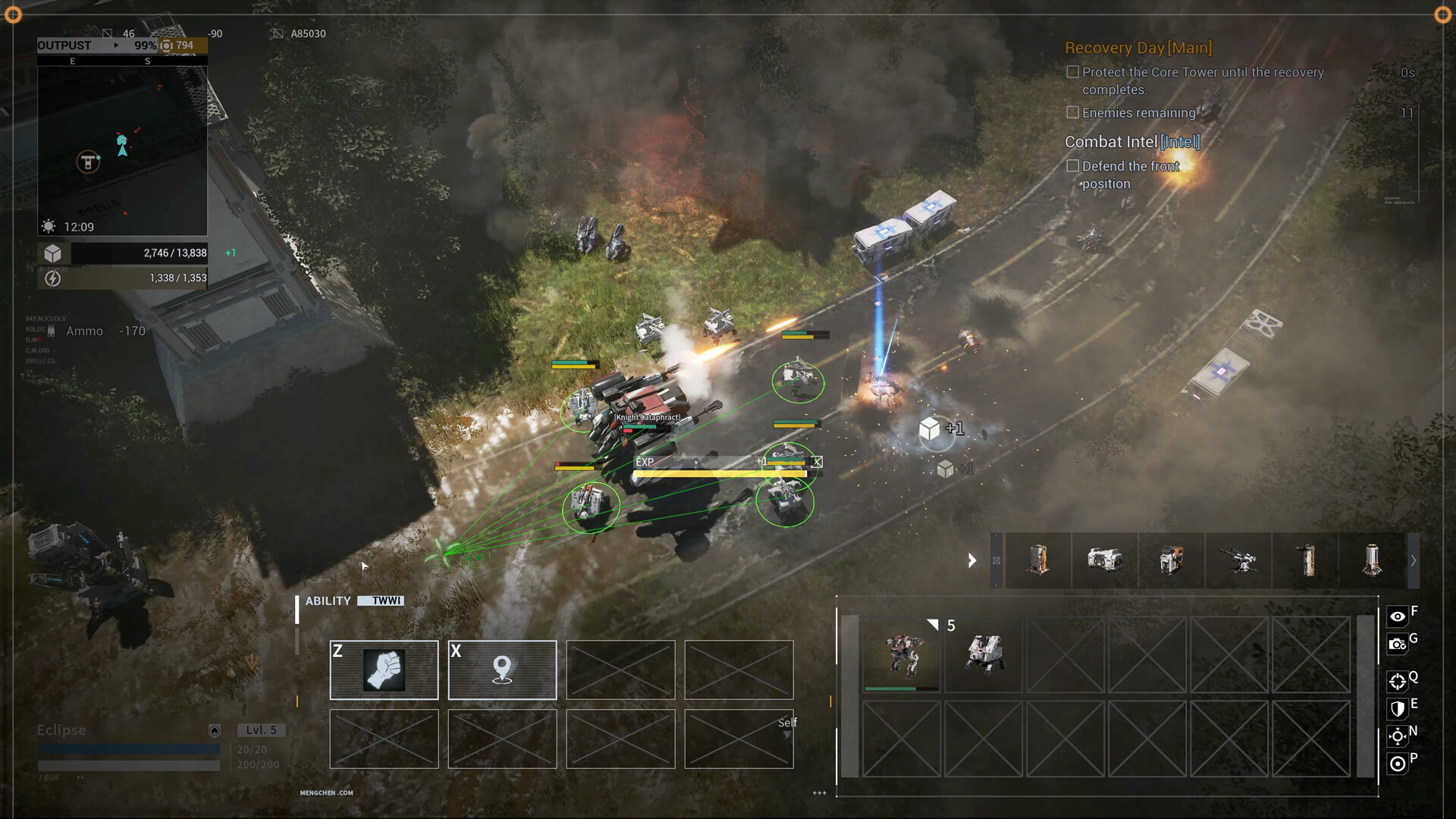
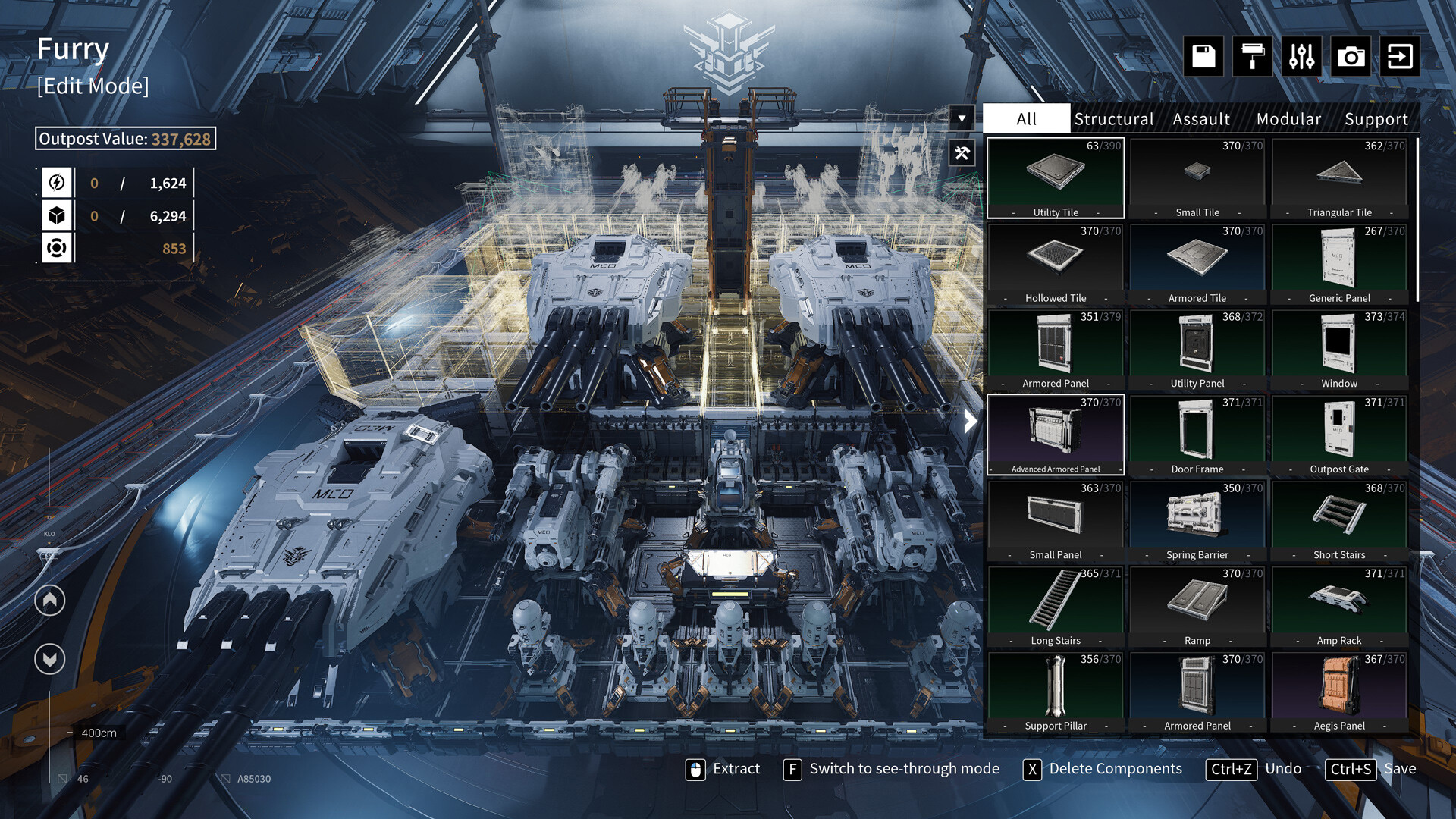

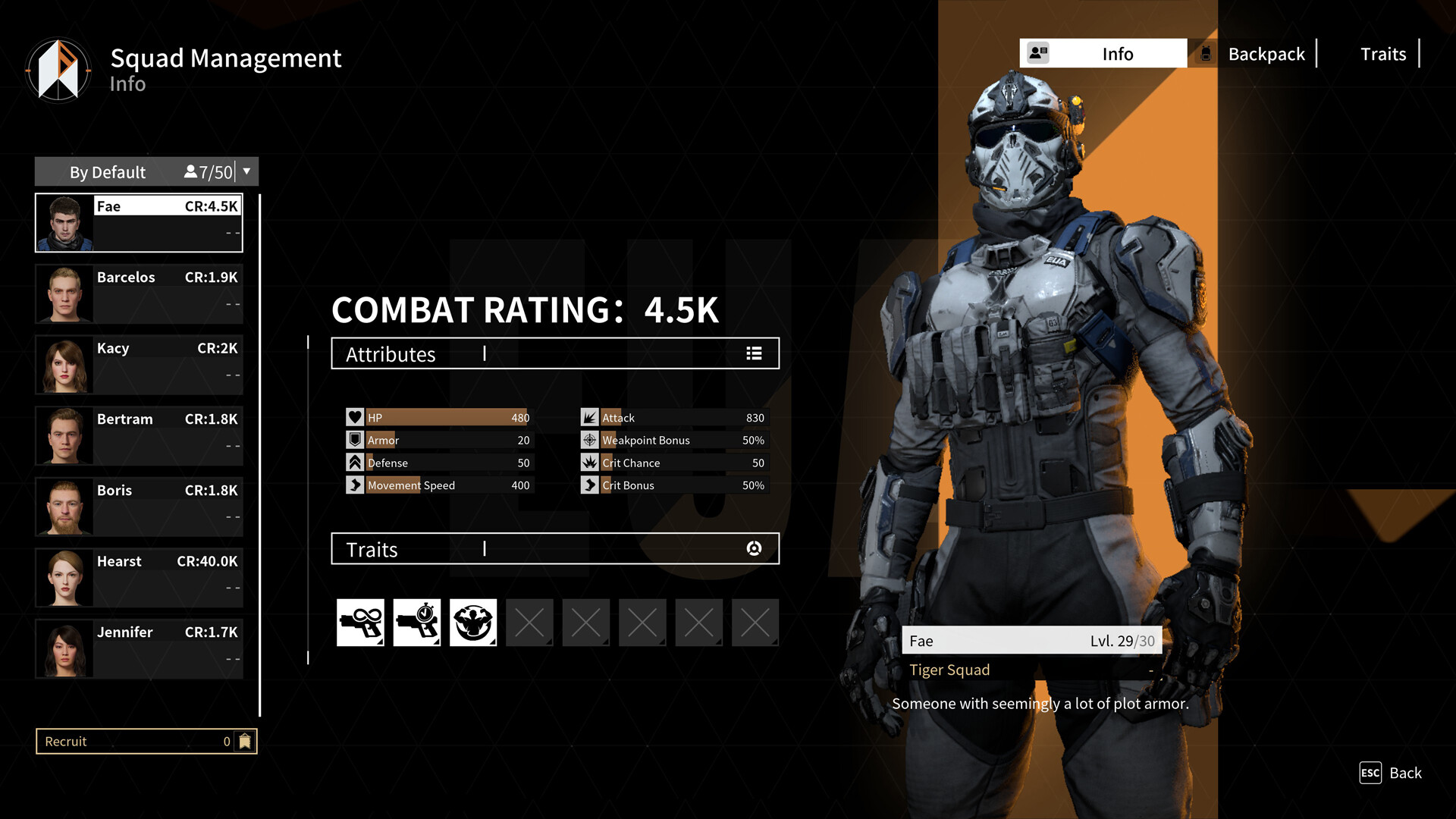
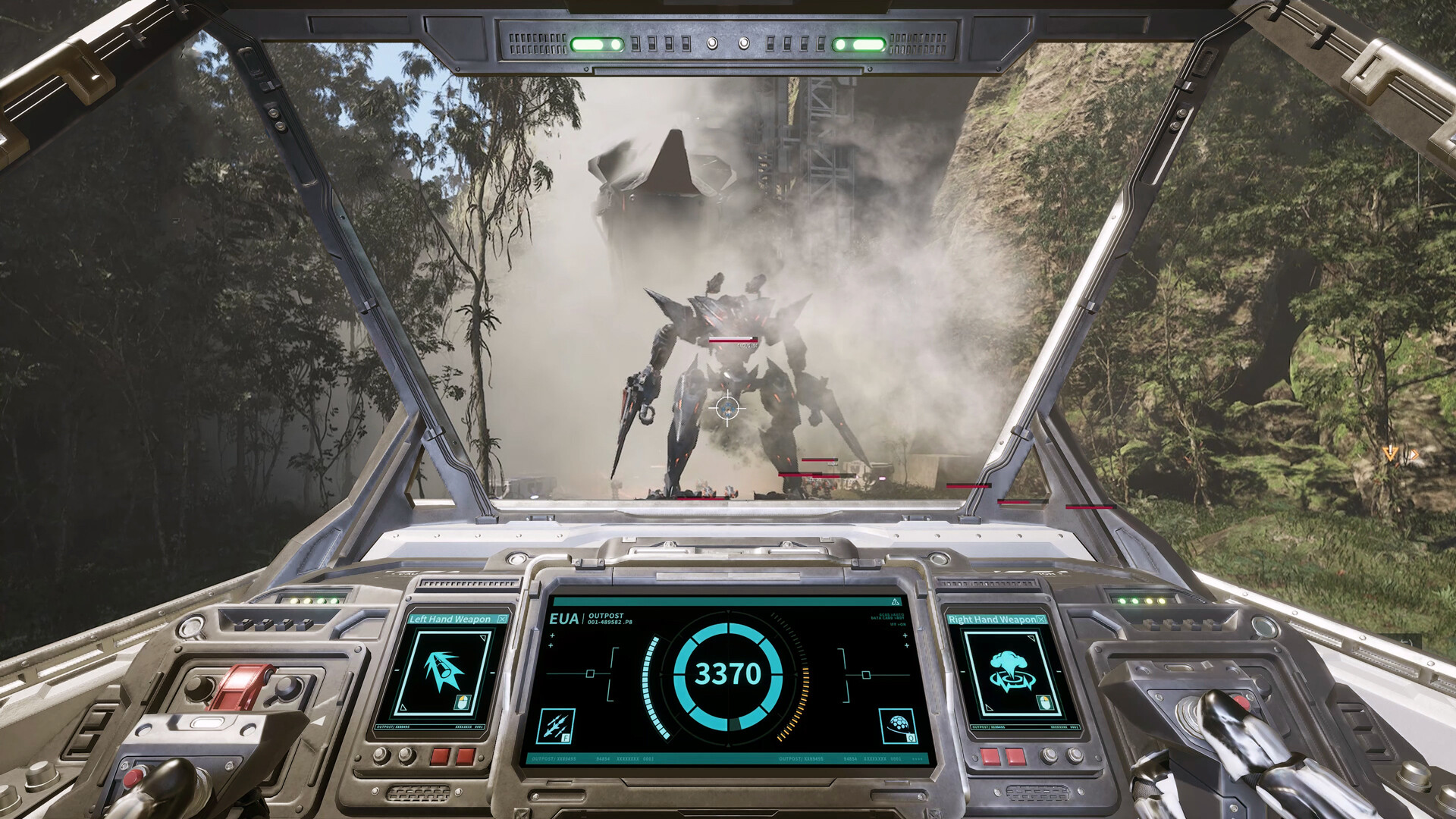
Gameplay
About This Game :
Outpost Building
Explore the world, gather resources, merge and upgrade outpost units to build your own outpost.
Unique Weapon
Fully exploit the value of the unique XEN Firearm with different protoslag attributes, and utilize ammunition with diverse performance.
Loot & Farm
Enjoy the abundant difficulty levels, diverse gameplay features, and distinctive maps of the exploration mode. Venture deep into the brand new zones full of hazards and opportunities, and harvest powerful outpost units.
Co-op Feature
Fight alongside friends on Recovery Day, or strive together to survive infinite waves of monsters in Endless mode till the last moment.
System Requirements for Outpost: Infinity Siege
- Requires a 64-bit processor and operating system
- OS: Windows 10
- Processor: Intel i5 9600
- Memory: 16 GB RAM
- Graphics: NVIDIA GeForce GTX 1650 / AMD Radeon RX 570 / Intel ARC A380
- DirectX: Version 12
- Storage: 45 GB available space
- Additional Notes: 1080P,Low,30FPS
- Requires a 64-bit processor and operating system
- OS: Windows 10
- Processor: Intel i5 11600 / AMD R5-5600X
- Memory: 16 GB RAM
- Graphics: NVIDIA GeForce RTX 3060 / AMD Radeon RX 6600 XT / Intel ARC A750
- DirectX: Version 12
- Storage: 45 GB available space
- Additional Notes: 1080P,Mid,60FPS (SSD request)
How To Install Outpost: Infinity Siege
1. Download The Game.
2. Extract with WinRAR
3. Play!.
How To play Outpost: Infinity Siege ONLINE
1. Download the “Online Crack” from the link provided below and extract the files. After extraction, move the contents into your game’s main installation directory.
2. Download and install Steam.
3. Open Steam and log in. If you don’t have an account yet, you can create one through HERE.
4. Press “Win + R” on your keyboard, type “steam://install/480”, and hit Enter. This will install and update the required game component.
5. Launch the game via U01.exe.
6. We are undergoing training.
7. Joining: Accept an invitation from a friend.
Hosting: Interact with the terminal > Select a mission > Confirm Outpost > Confirm Operative > Confirm Area > Start > Enter > P > Invite friends and wait for them to connect.
8. Enjoy !
Note:
- The game already comes with the “Online Crack” pre-applied, so you can skip Step #1 mentioned above. However, if your antivirus software removes the “Online Crack” files, you’ll need to reapply them manually.
Download Outpost: Infinity Siege
Download Outpost: Infinity Siege Direct Link
Download Outpost: Infinity Siege Crack Online


Stay related to the article's topic.
Avoid unnecessary links or spam.
No offensive language, insults, or personal attacks.
Have a question unrelated to this article? Visit our Questions Section .
Join the Discussion
Share your thoughts with us