
Download Mall Tidy Up Together Build 24906303 + ONLINE
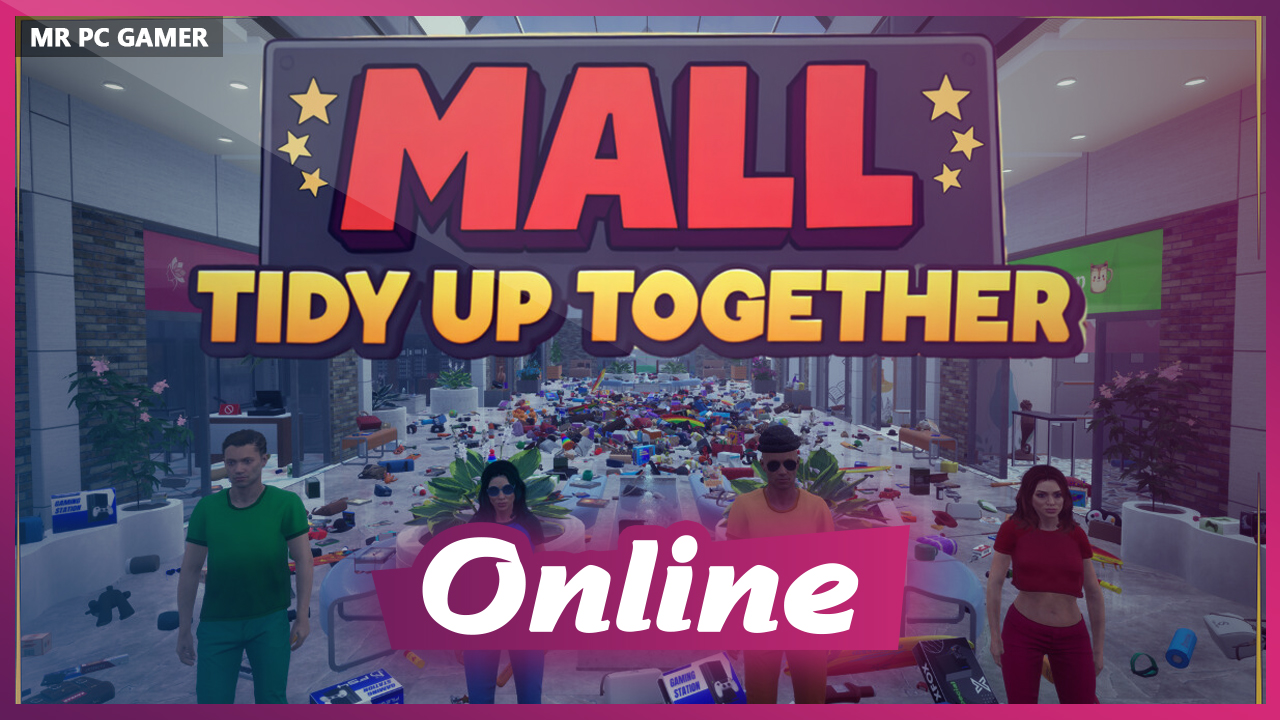
Game Details
Release name : Mall Tidy Up Together Build 24906303 + ONLINE
Size : 1.28 GB
Title : Mall: Tidy Up Together
Genre : Casual, Indie, Simulation
Developer : Games Together
Publisher : Games Together
Store : click here
Release Date : Aug 21, 2026
Credits / Released By: Based on my own CSF + Unsteam by emberantz
Screenshots
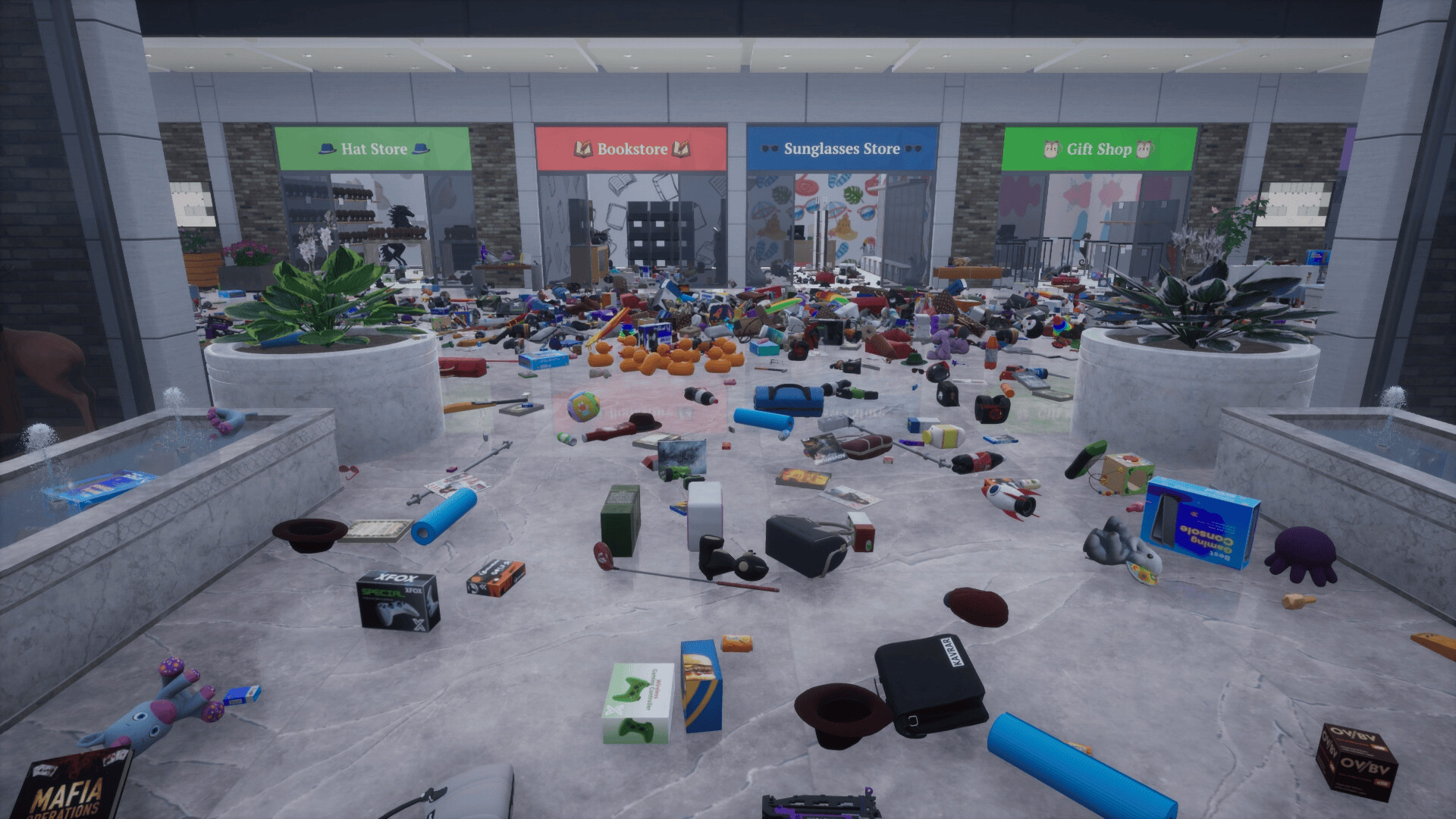
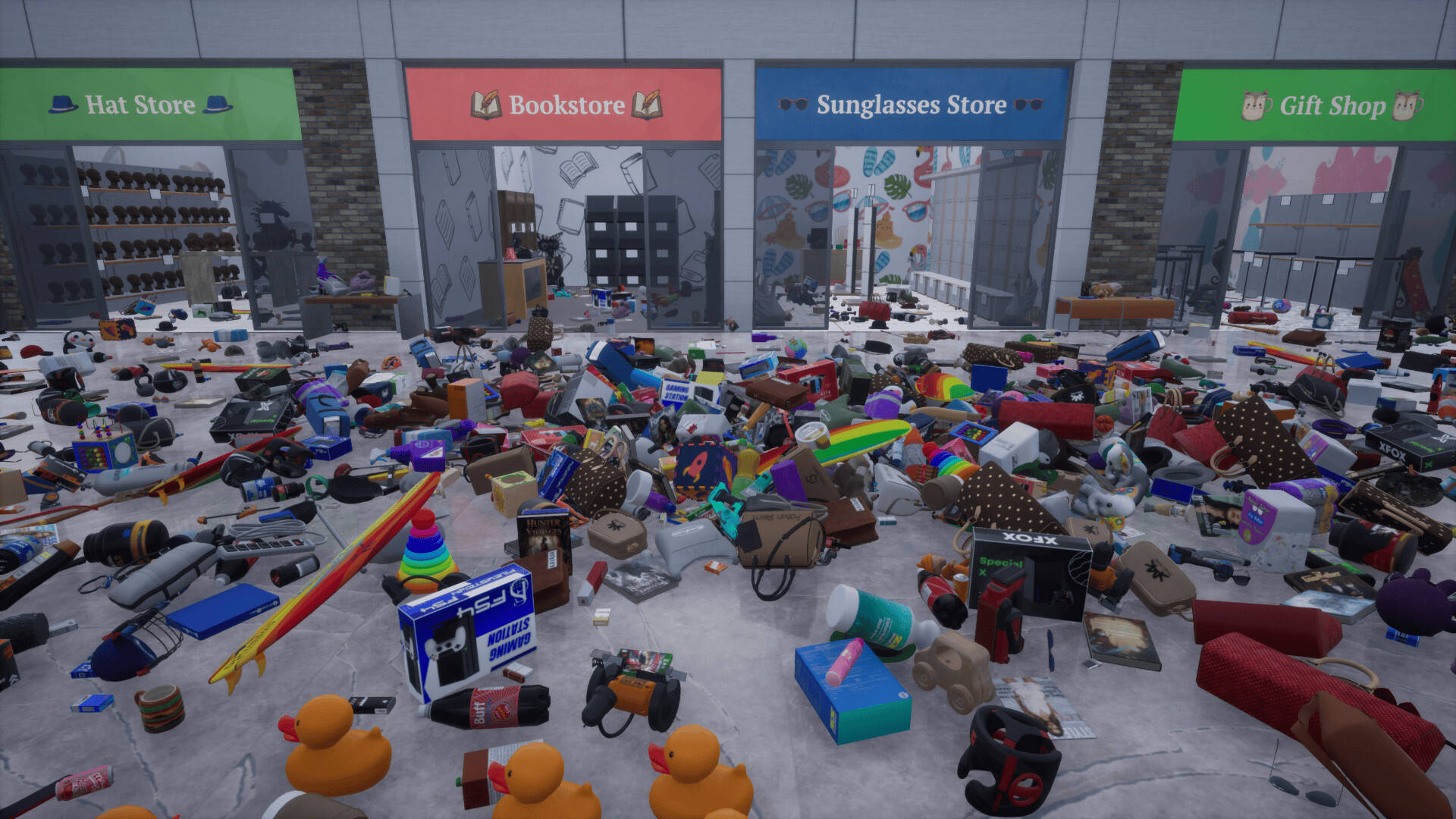
Gameplay
About This Game :
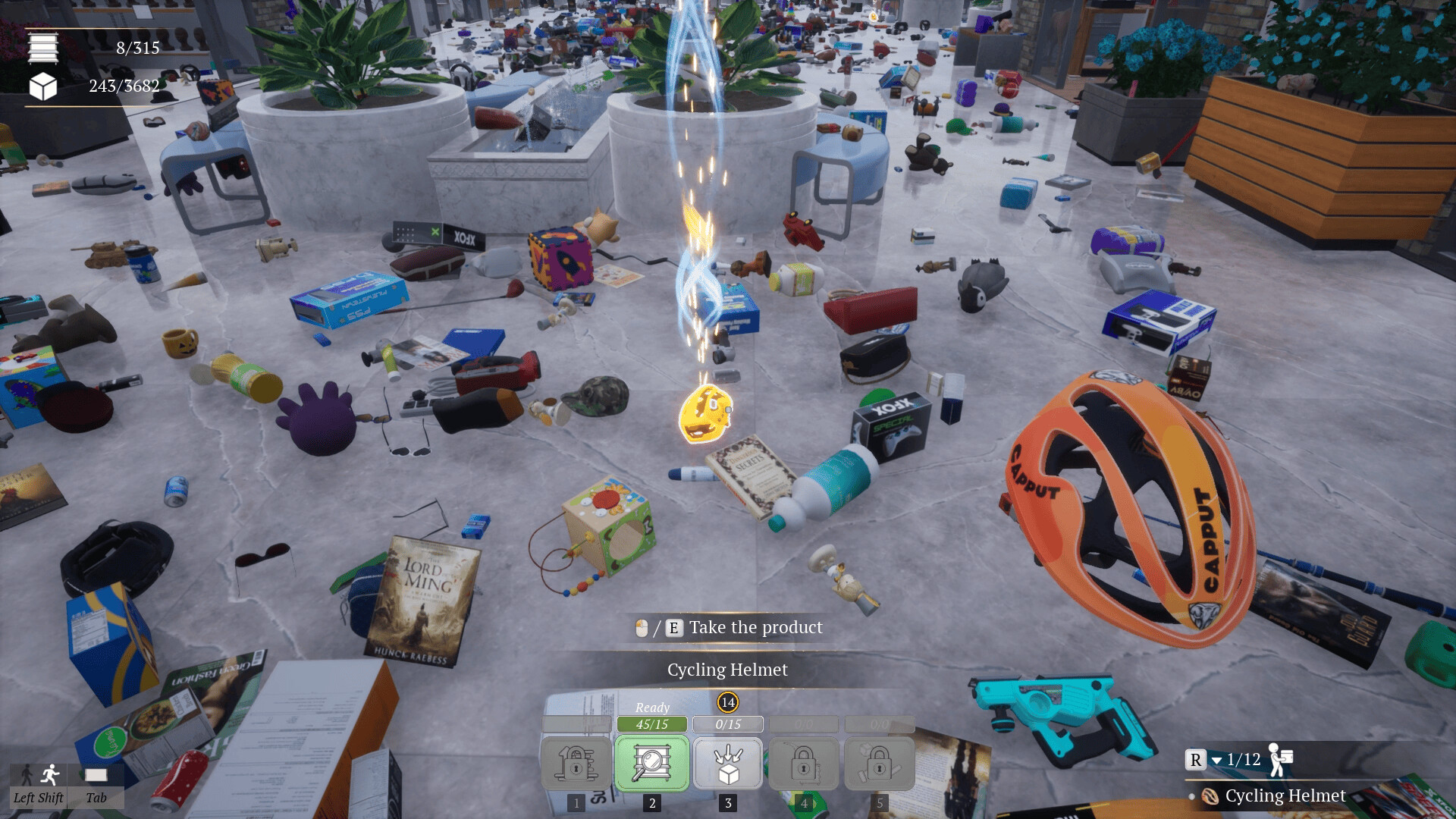
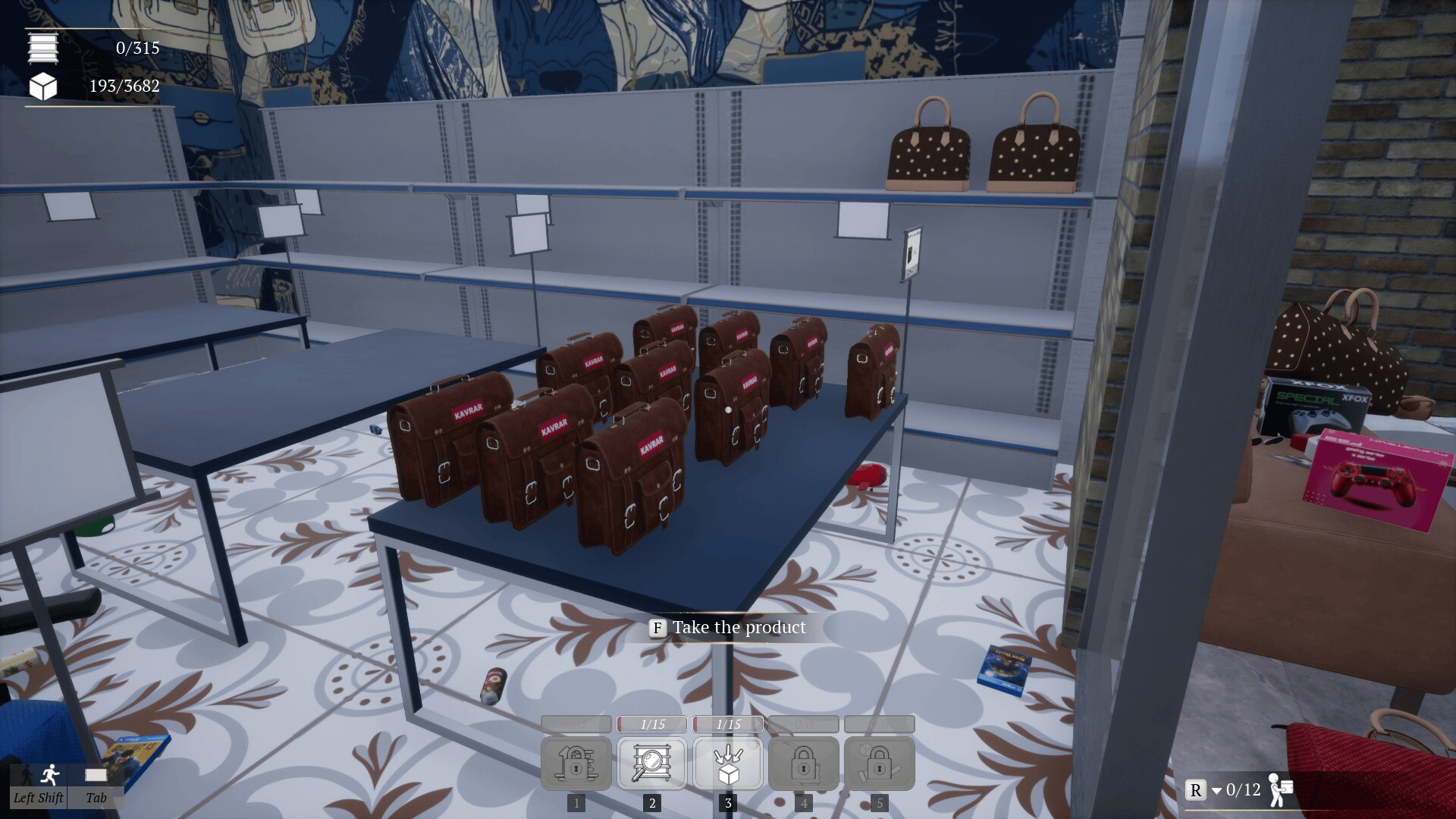
This is a first-person organization simulation game where you shelve the products, unlock new skills, and use your unique methods to tidy up the mall.
Game Modes
Solo, together, or competition…
Enjoy the different game modes: Single player, online co-op, and online PvP.
You can also try “Sandbox Mode”, where all your skills are unlocked and always ready to use, or “No-Skill Mode” to challenge yourself.
Stores
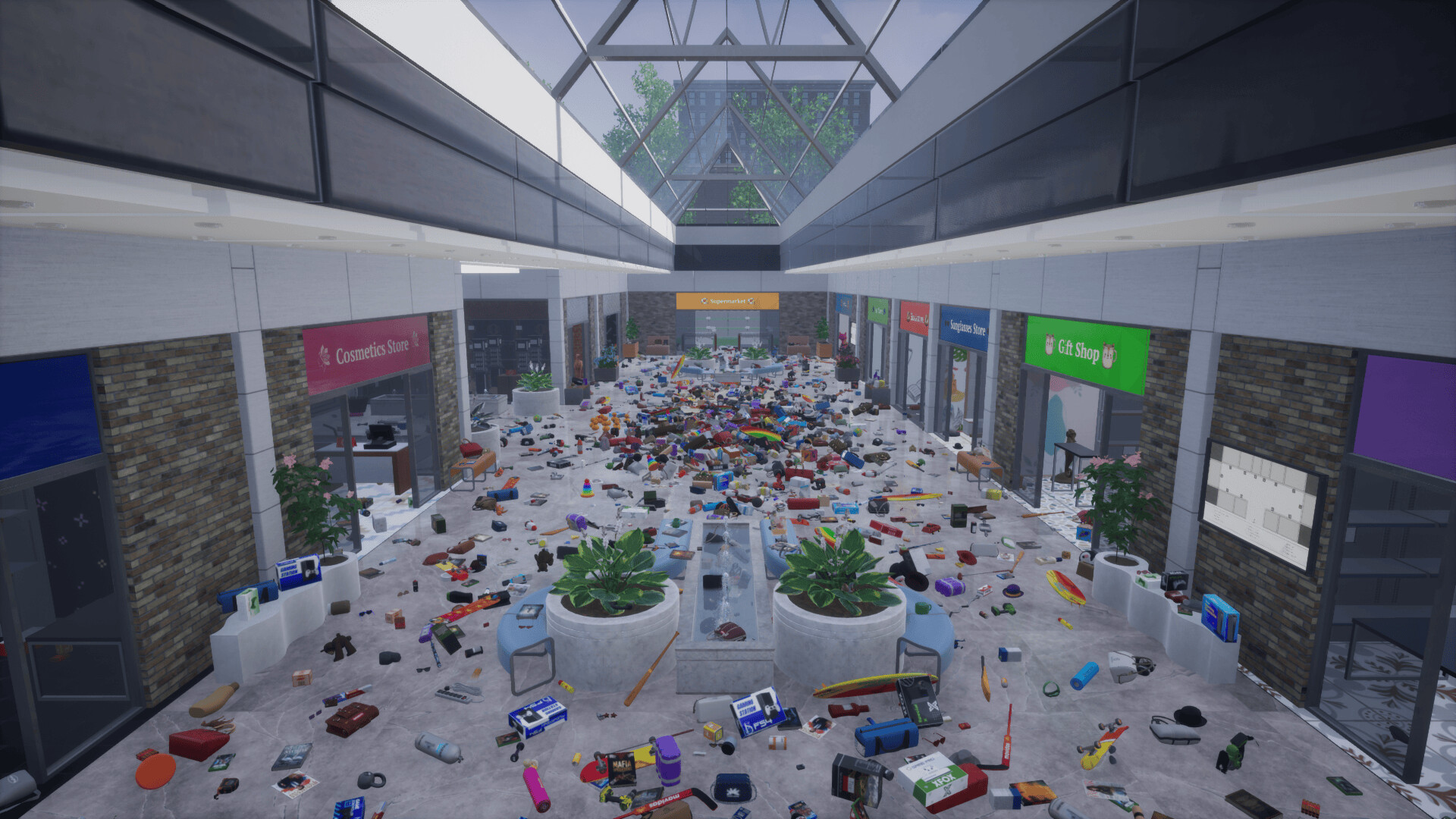
Your task is to shelve 3,682 products into the correct stores in the mall.
Supermarket, bags store, bookstore, cosmetics store, video games store, gift shop, hardware store, hat store, toy store, sporting goods shop, tobacco shop, and sunglasses store.
Skills
Sorting: Sorts the products in your hand
Highlighting Shelf: Highlights the correct shelf for the topmost product in your hand
Highlighting Products: Highlights the same products as the topmost product in your hand
Auto-Placement: Automatically places your products on the shelf
Auto-Collect: Automatically collects the same products as the topmost product in your hand
System Requirements for Mall: Tidy Up Together
- Requires a 64-bit processor and operating system
- OS *: Windows 7 64-bit | Windows 8 64-bit | Windows 10 64-bit
- Processor: Intel Core i5-11400F | AMD Ryzen 5 5600x
- Memory: 8 GB RAM
- Graphics: NVIDIA GeForce GTX 1060 | AMD Radeon R9-290X
- Network: Broadband Internet connection
- Storage: 1800 MB available space
- Requires a 64-bit processor and operating system
- OS *: Windows 7 64-bit | Windows 8 64-bit | Windows 10 64-bit
- Processor: Intel Core i5-13400F | AMD Ryzen 5 7600x
- Memory: 16 GB RAM
- Graphics: NVIDIA GeForce GTX 1070 | AMD Radeon RX-6600
- Network: Broadband Internet connection
- Storage: 1800 MB available space
How To Install Mall: Tidy Up Together
1. Download The Game.
2. Extract with WinRAR
3. Play!.
How To play Mall: Tidy Up Together ONLINE
1. Download the “Online Crack” from the link provided below and extract the files. After extraction, move the contents into your game’s main installation directory.
2. Download and install Steam.
3. Open Steam and log in. If you don’t have an account yet, you can create one through HERE.
4. Press “Win + R” on your keyboard, type “steam://install/480”, and hit Enter. This will install and update the required game component.
5. Launch the game via START_TidyUpMall.exe.
6. Joining: Accept an invitation from a friend.
Hosting: Host Game > Invite your friends using steam overlay (SHIFT + TAB) and wait for them to connect.
7. Enjoy !
Note:
- The game already comes with the “Online Crack” pre-applied, so you can skip Step #1 mentioned above. However, if your antivirus software removes the “Online Crack” files, you’ll need to reapply them manually.
Download Mall: Tidy Up Together
Download Mall: Tidy Up Together Crack Online




Stay related to the article's topic.
Avoid unnecessary links or spam.
No offensive language, insults, or personal attacks.
Have a question unrelated to this article? Visit our Questions Section .
Join the Discussion
Share your thoughts with us