
Download MageQuit Build 13041936
Game Details
Release name : MageQuit Build 13041936
Size : 334.23 MB
Title : MageQuit
Genre : Action, Indie, Strategy
Developer : Bowlcut Studios
Publisher : Bowlcut Studios
Store: click here
Release Date : 10 Oct, 2019
Screenshots
Gameplay
About This Game :
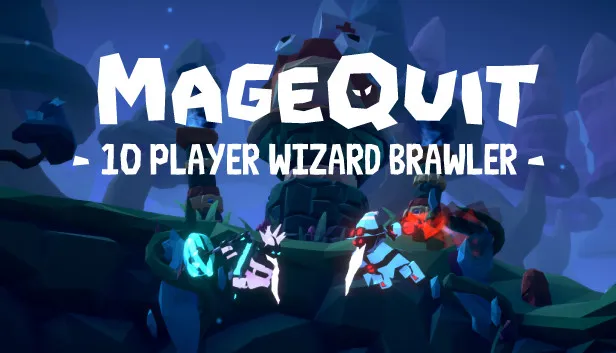
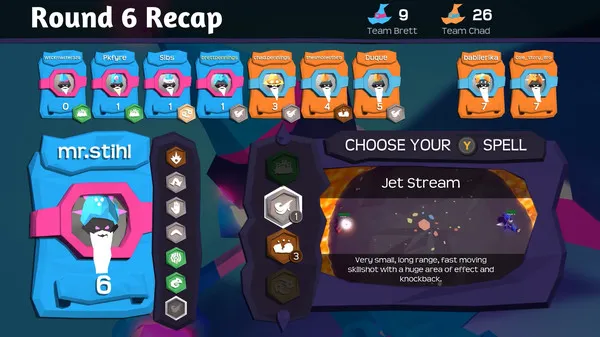
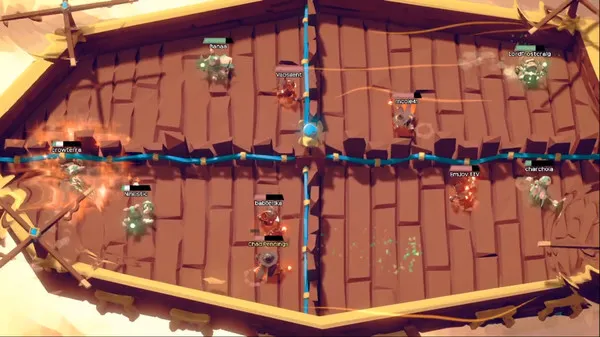
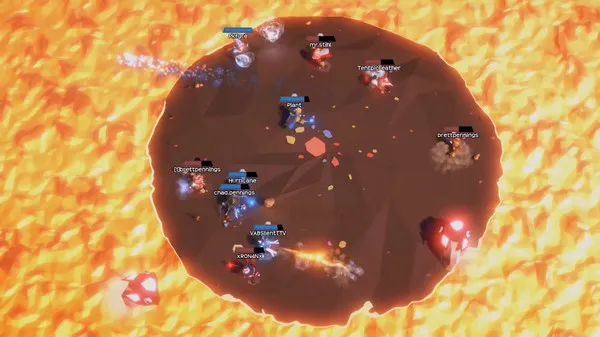
A wizard brawler about spell drafting and beard envy, MageQuit allows up to 10 mages to battle it out online or locally. Beards grow longer with each kill; the wizard with the longest beard after 9 rounds wins!
FEATURES
- 1-10 players local or online, featuring crossplay
- 70 different spells
- Custom bots for online or offline play
- Anonymous skillbased or custom matchmaking
- Spell drafting
- Spell curving
- Full controller support
- Mouse and keyboard support
https://steamcommunity.com/app/572220/discussions/0/1814296907960847790/ - Play as teams, free for all, or 1v1
- Dynamic original sound track
WAYS TO PLAY MAGEQUIT
- Play offline with a group of up to 10
- Play solo in online quickplay or offline with bots
- Play online with a premade party of up to 10
- Join the online quickplay queue with a party of up to 5
- Play online with multiple players on the same PC
OFFICIAL TOURNAMENTS
We have official monthly shoutcasted tournaments! Finalists receive game keys; winners receive in-game rewards. All experience levels are welcome.
Click
here
for more info on signing up or follow
our Twitch channel
to watch.

COMMUNITY NIGHTS
For a good time, come play custom MageQuit matches with the devs and community! ‘MageQuit Monday’ happens every week at 9:00pm EST.
We’ll be hanging out in Arena 1 of
our discord
.

System Requirements for MageQuit Download Free
MINIMUM :
OS *: Windows® 10/8/7/Vista/XP
Processor: Intel® Core™ 2 Duo E6600 or AMD Phenom™ X3 8750 processor or better
Memory: 4 GB RAM
Graphics: SM3 2GB VRAM
Storage: 2 GB available space
How To Install MageQuit Download Free
1. Download The Game.
2. Extract with WinRAR
3. Play!.
Download MageQuit Download Free
Download MageQuit Build 13041936 Direct Link
Stay related to the article's topic.
Avoid unnecessary links or spam.
No offensive language, insults, or personal attacks.
Have a question unrelated to this article? Visit our Questions Section .
Join the Discussion
Share your thoughts with us