
Download Gunner chan v1.0.2

Game Details
Release name : Gunner chan v1.0.2
Size : 138.07 MB
Title : Gunner-chan!
Genre : Action, Indie
Developer : kido
Publisher : kido
Store: click here
Release Date : 30 May, 2025
Screenshots
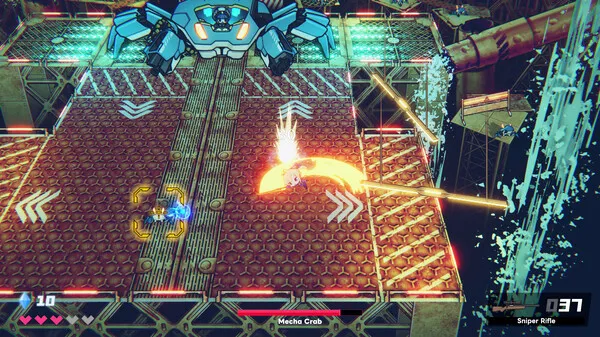
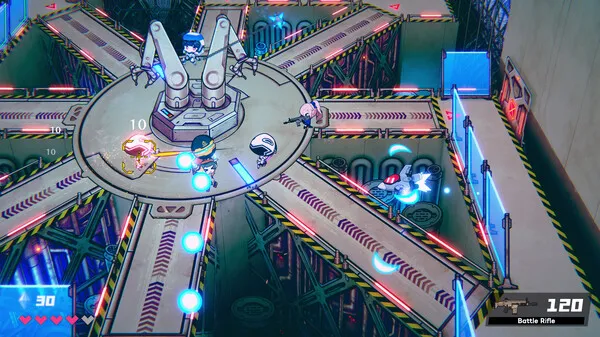
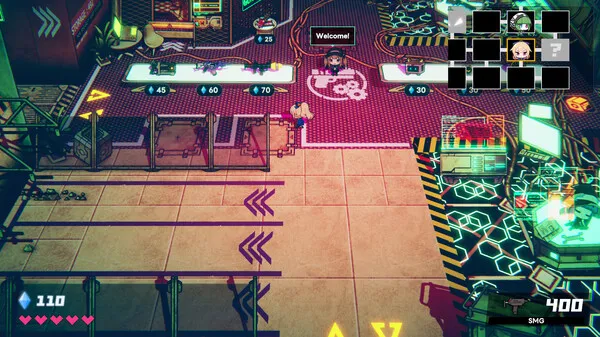
Gameplay
About This Game :
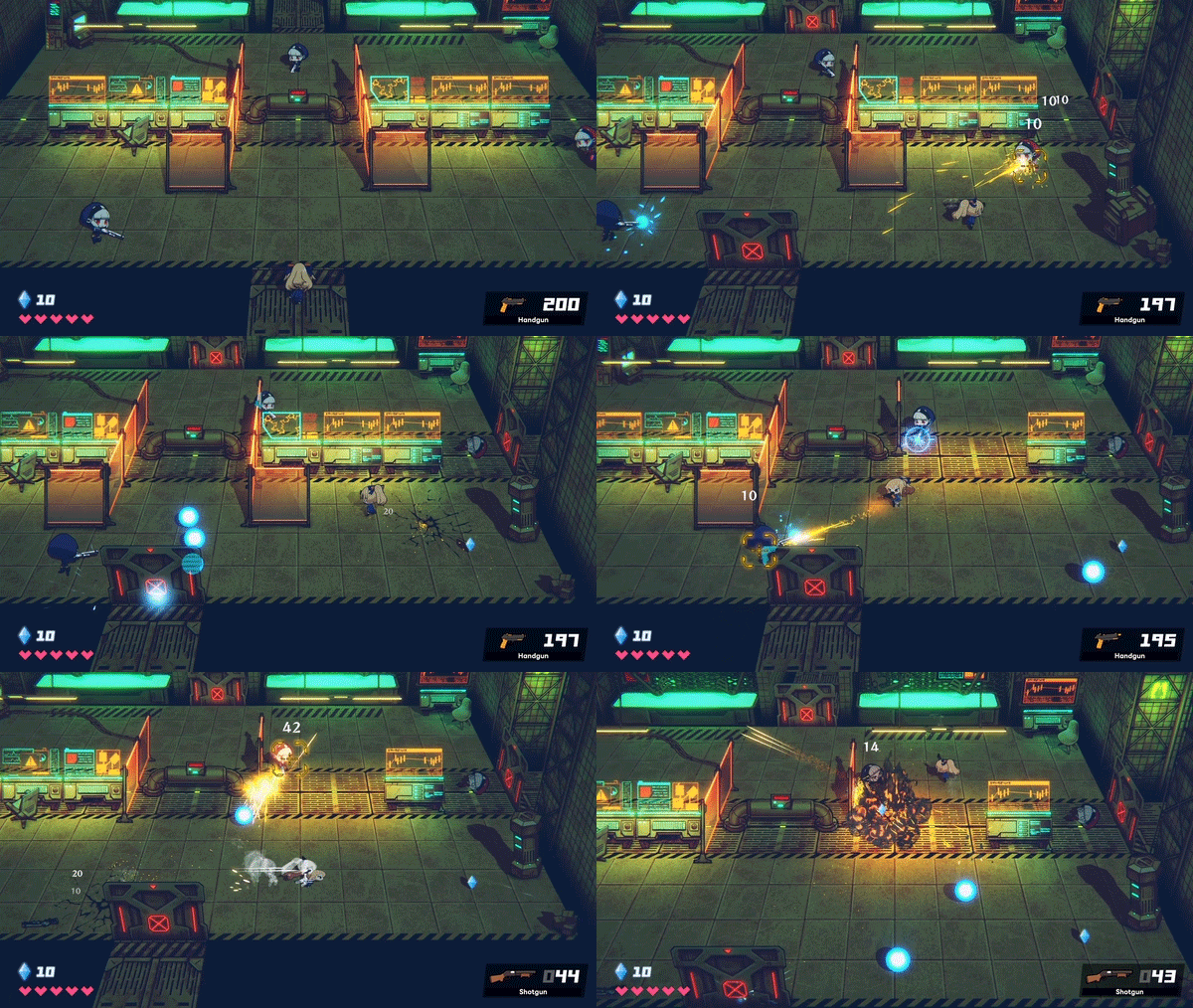
A 2.5D top-down, roguelike shooter set in a base that has been taken over by a revolt of robots.
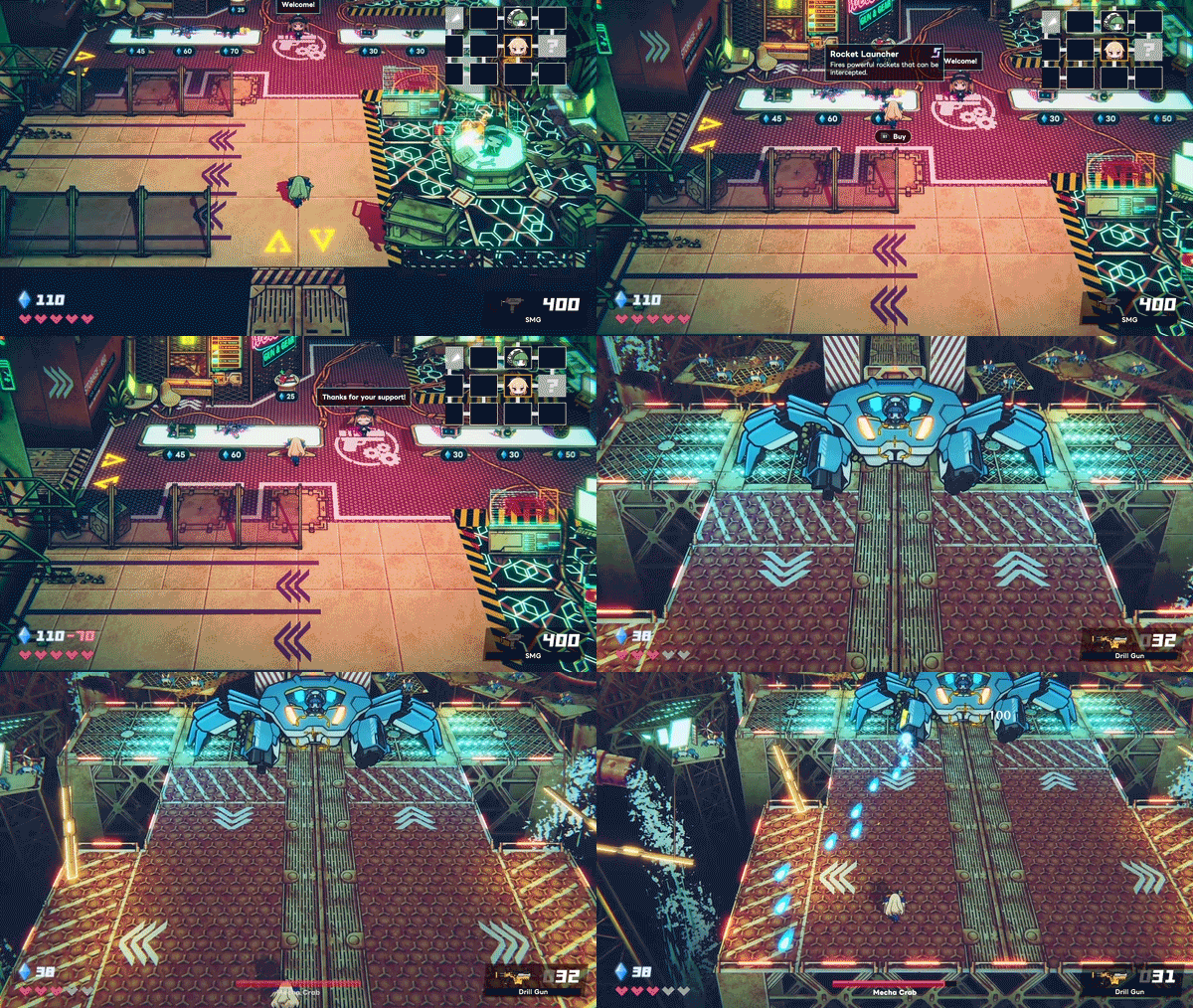
Features
-
Roguelike gameplay, with a different map with each playthrough.
-
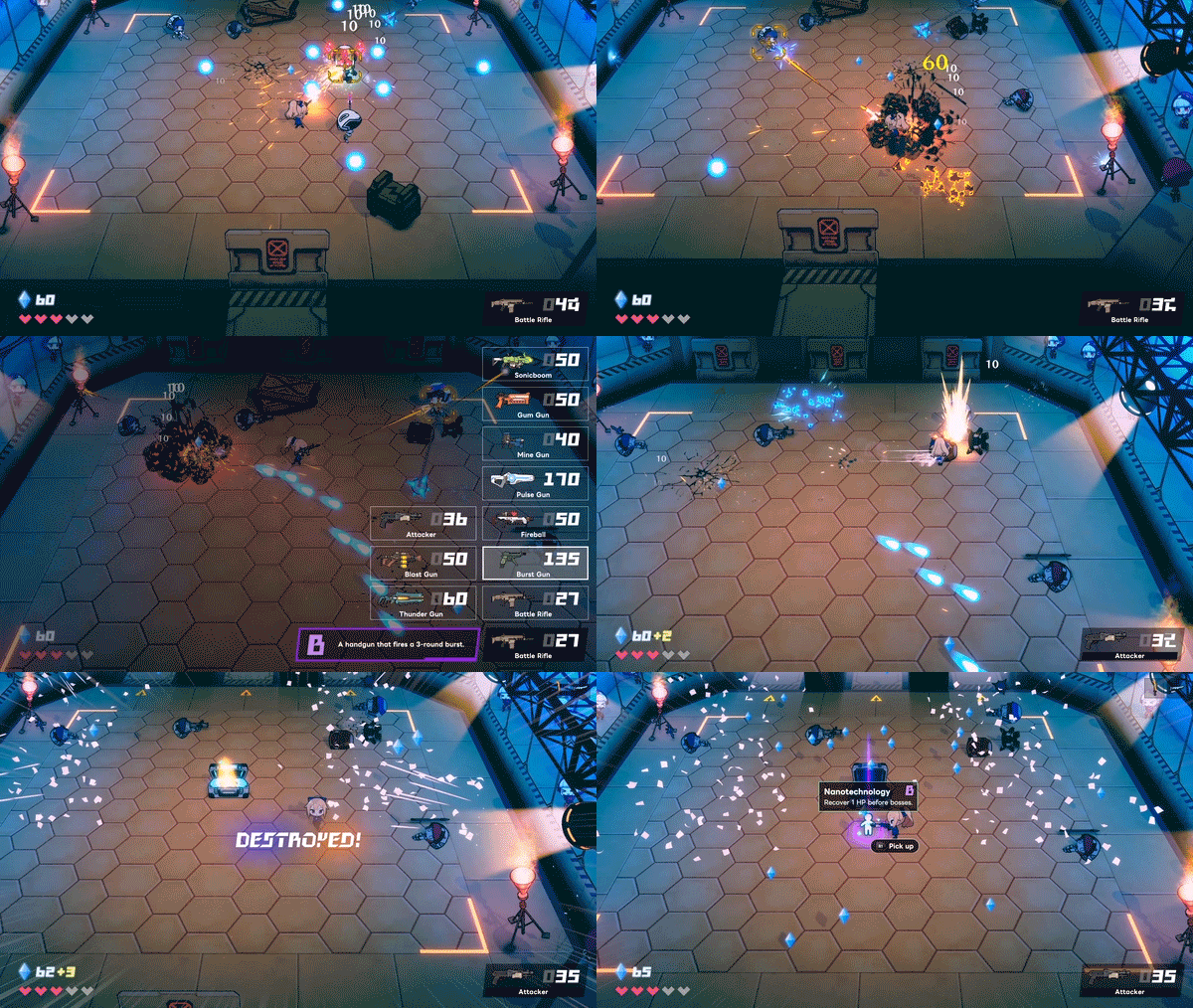
Various guns can be picked up in the base. Make use of their features and plan your strategy.
-
There is no reloading or refilling ammunition. Even if you don’t have a gun, you can utilize a beam knife for close quarter combat.
-
Unlike twin-stick shooters, your weapon automatically aims at the enemy when within range.
-
You’re invincible while dashing. Use this to dodge enemy bullets.
-
Acquire randomly gear from enemies to upgrade the protagonist.
-
Save up money to buy guns and gear at the store.
-
Once you fight a boss, you can unlock a practice mode for them.
-
There are unlockable elements that can be carried over in easy and normal game modes.
-
In expert mode, there are no carry over elements at all. Use only your skills as a player to break your enemies.
This game is recommended to be played with a controller.

System Requirements for Gunner-chan! Download Free
MINIMUM :
Requires a 64-bit processor and operating system
OS: Windows 10, 11 (64-bit Only)
Processor: Core i7-3770
Memory: 8 GB RAM
Graphics: GeForce GTX 670
DirectX: Version 11
Storage: 2 GB available space
RECOMMENDED :
Requires a 64-bit processor and operating system
OS: Windows 10, 11 (64-bit Only)
Processor: Core i7-3770
Memory: 8 GB RAM
Graphics: GeForce GTX 670
DirectX: Version 11
Storage: 2 GB available space
How To Install Gunner-chan! Download Free
1. Download The Game.
2. Extract with WinRAR
3. Play!.
Download Gunner-chan! Download Free
Download Gunner chan v1.0.2 Direct Link



Stay related to the article's topic.
Avoid unnecessary links or spam.
No offensive language, insults, or personal attacks.
Have a question unrelated to this article? Visit our Questions Section .
Join the Discussion
Share your thoughts with us