
Download Family Time Build Episode 2

Game Details
Release name : Family Time Build 20260911
Size : 77.54 MB
Title : Family Time
Genre : Adventure, Casual, Indie, Simulation
Developer : sgthale
Publisher : sgthale
Store : click here
Release Date : N/A
Credits / Released By: Based on sgthale files
Screenshots
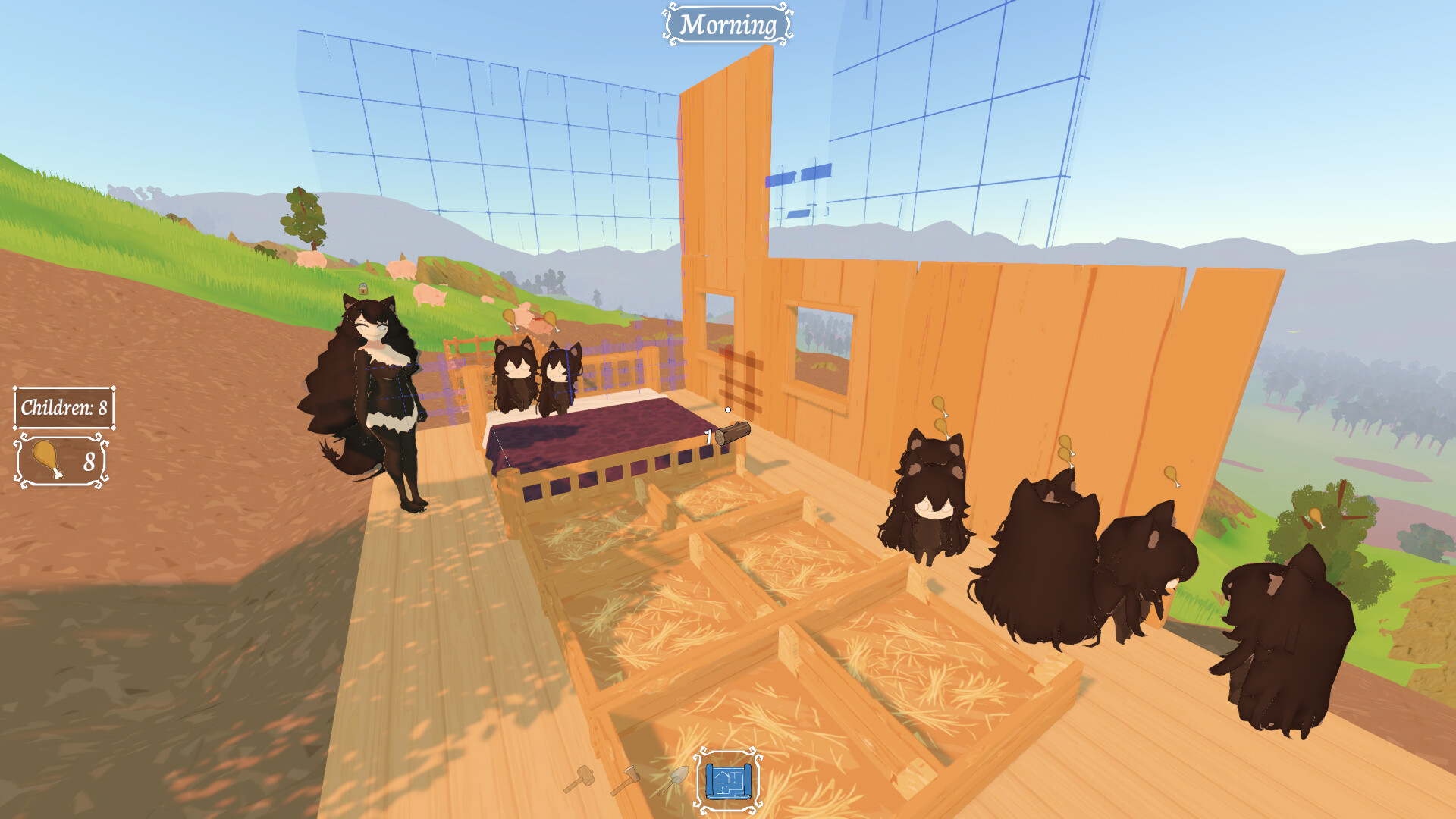
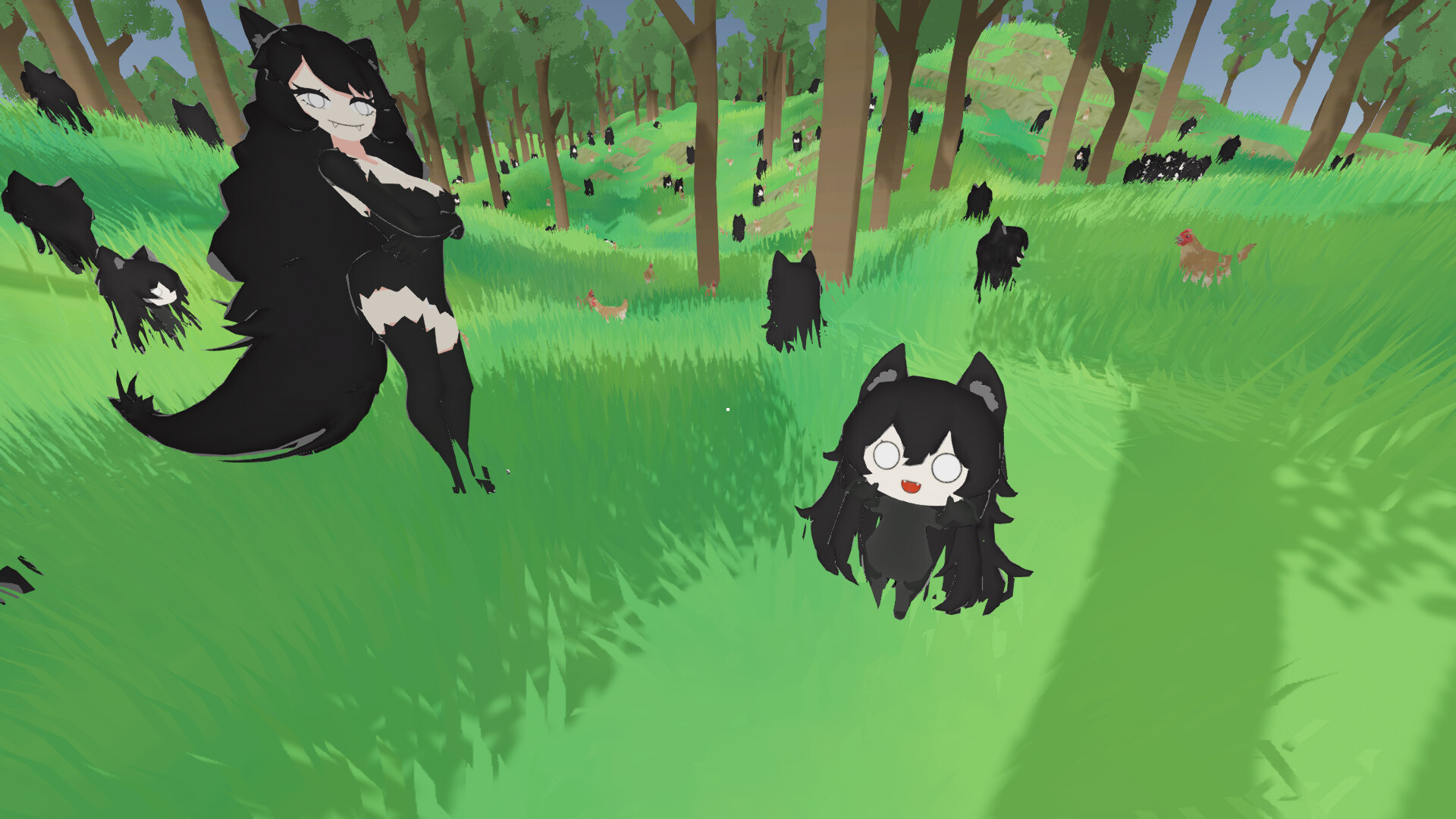
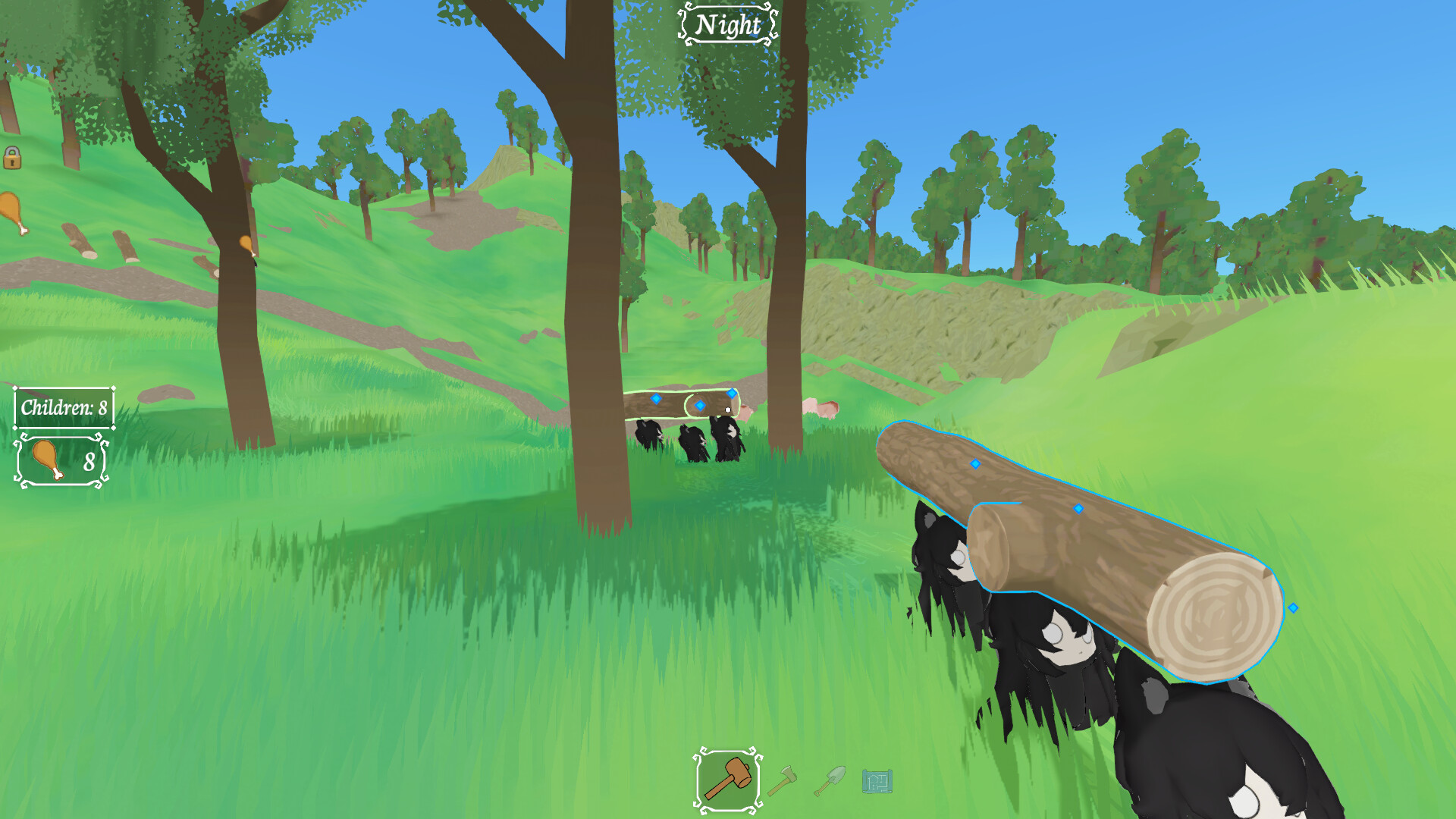
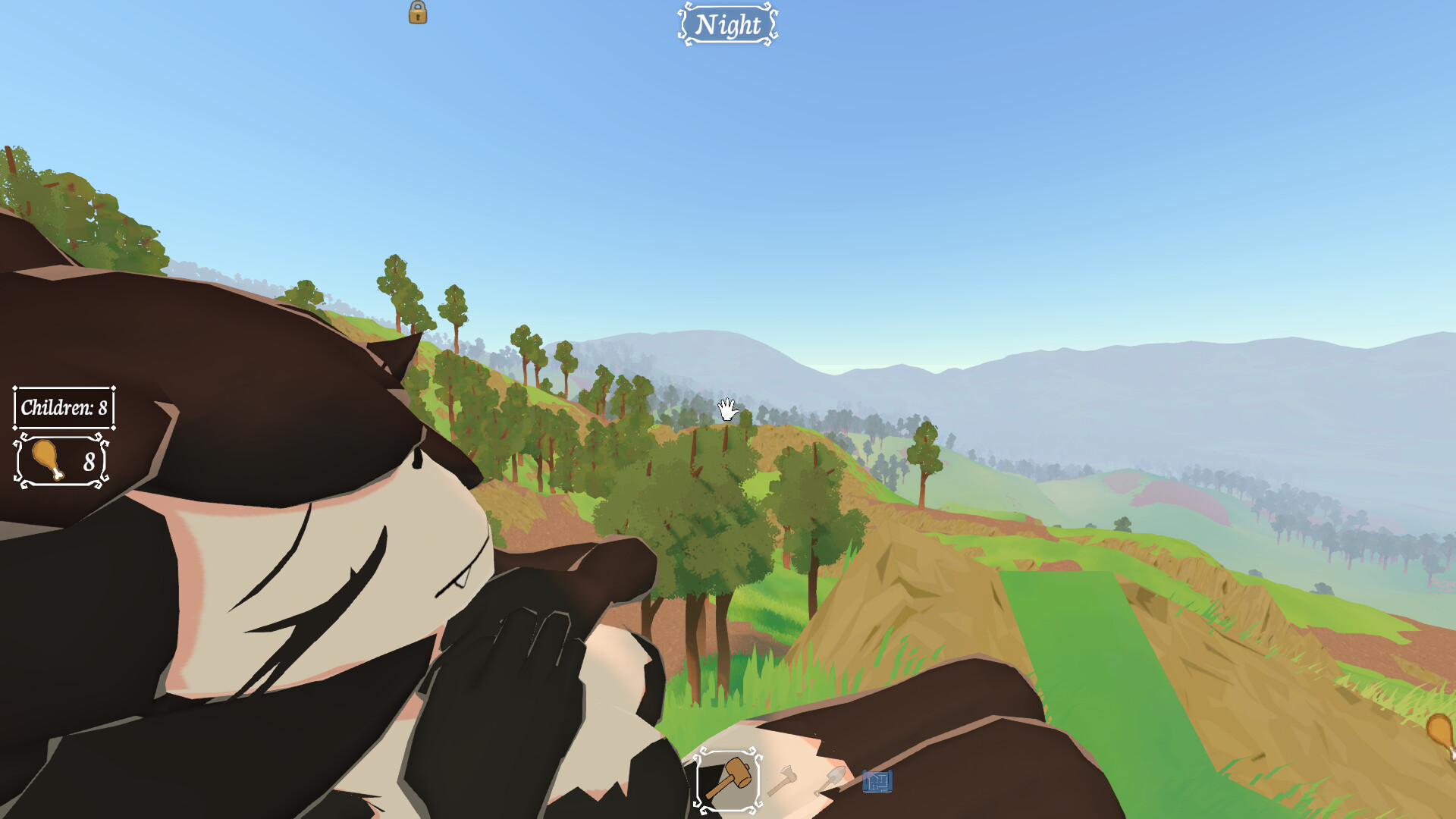
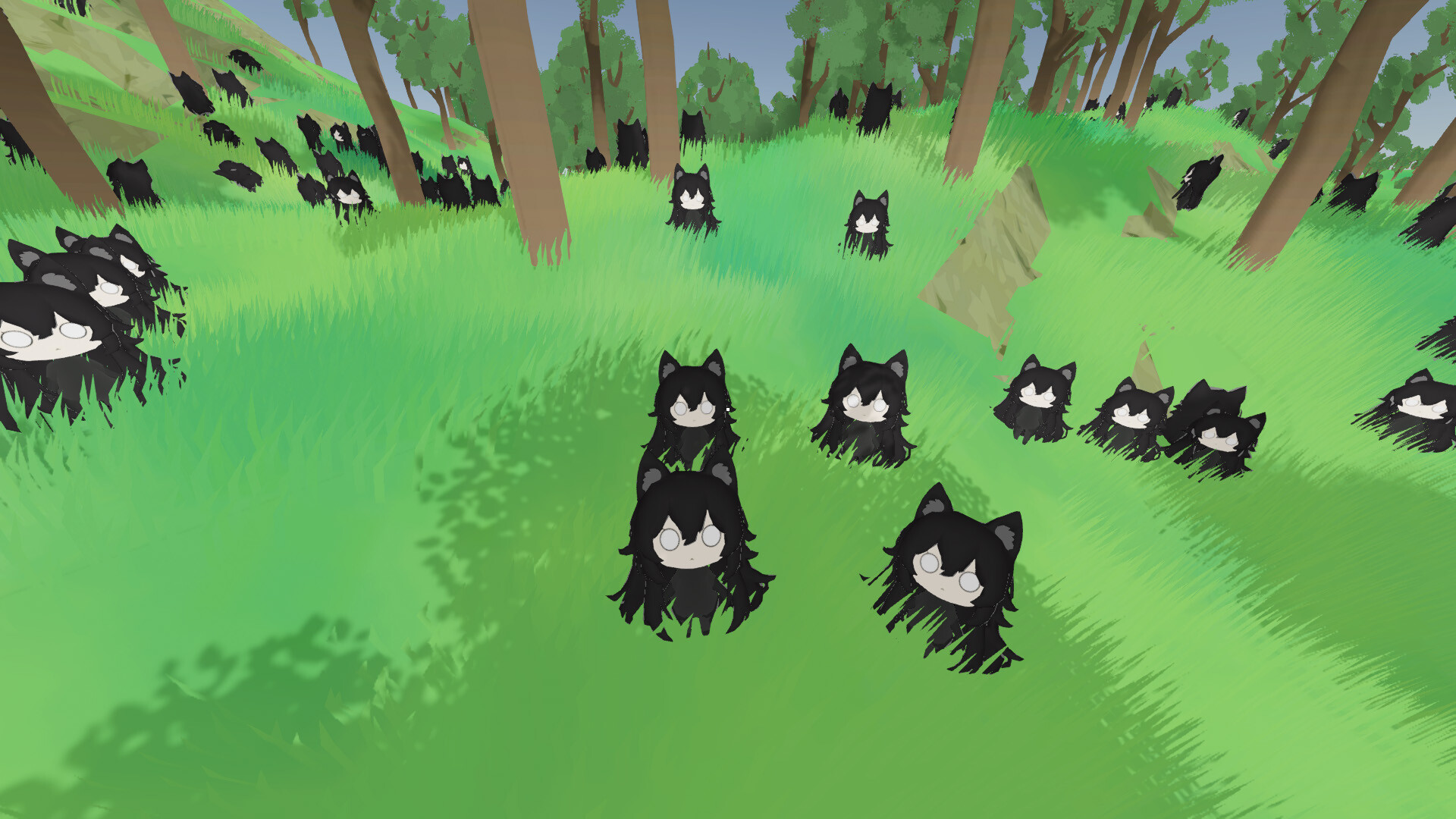
Gameplay
About This Game :
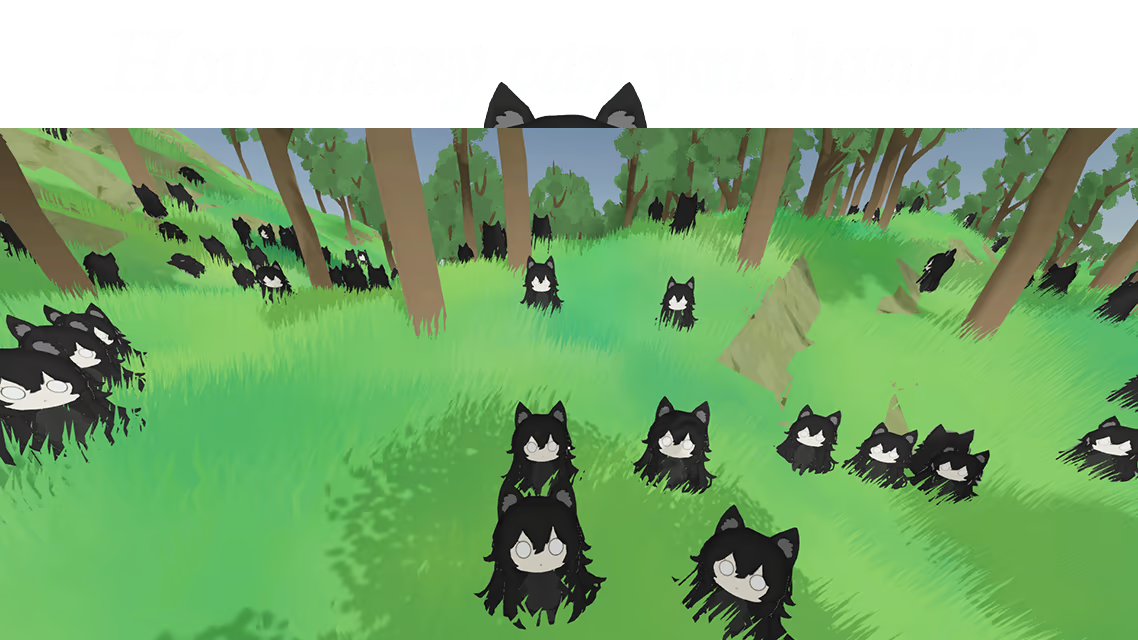
You’re a Father Now
All of a sudden you have to take care of dozens of wolf children! Every night their number grows! Fail to do so and your partner, the Wolf Mama, will kill you! How many can you sustain?

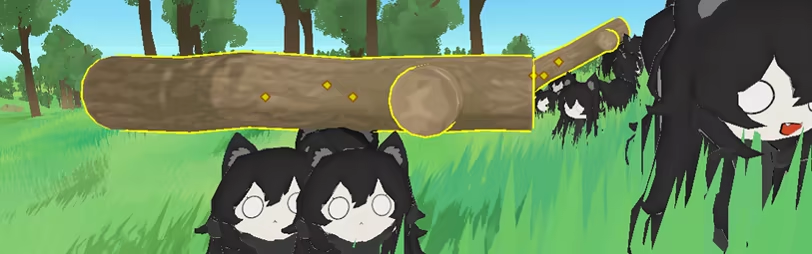
Shelter Your Family!
Build houses for them, or command them to build them for you!
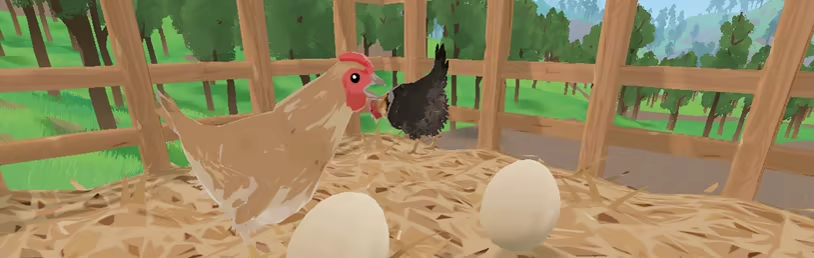
Feed your Family!
Farm food for them or go out hunting with them!
Pamper your Family!
Keep them snug in their own beds to not anger the Wolf Mama!
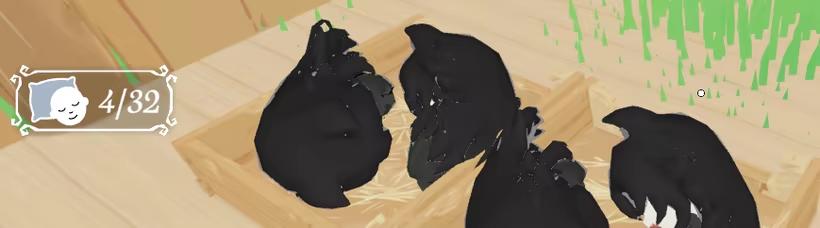
Can you support 10 children? 100? 1000? 10,000?
Find out.
System Requirements for Family Time
- OS: 10
- Memory: 2 GB RAM
- Graphics: Nvdia GTX 780
- Storage: 100 MB available space
- OS: 10
- Memory: 2 GB RAM
- Graphics: Nvidia GTX 970
- Storage: 100 MB available space
How To Install Family Time
1. Download The Game.
2. Extract with WinRAR
3. Play!.
Note:
-
Both DirectX 11 (DX11) and DirectX 12 (DX12) versions have been added, so choose whichever one works best with your system.




the screen just goes black
Your graphics drivers are outdated. I’ve added DX11 support, so just redownload the game and launch the DX11 version.
there are no trees or water in the game 🙁 in DX11 version of the game my graphics driver is GTX 730…
That’s not really something we can do, since the game is designed to run exclusively on DX12. Switching it over to DX11 would naturally come with its own limitations and drawbacks.
Stay related to the article's topic.
Avoid unnecessary links or spam.
No offensive language, insults, or personal attacks.
Have a question unrelated to this article? Visit our Questions Section .
Join the Discussion
Share your thoughts with us