
Download Drive Together Build 18032026 + ONLINE
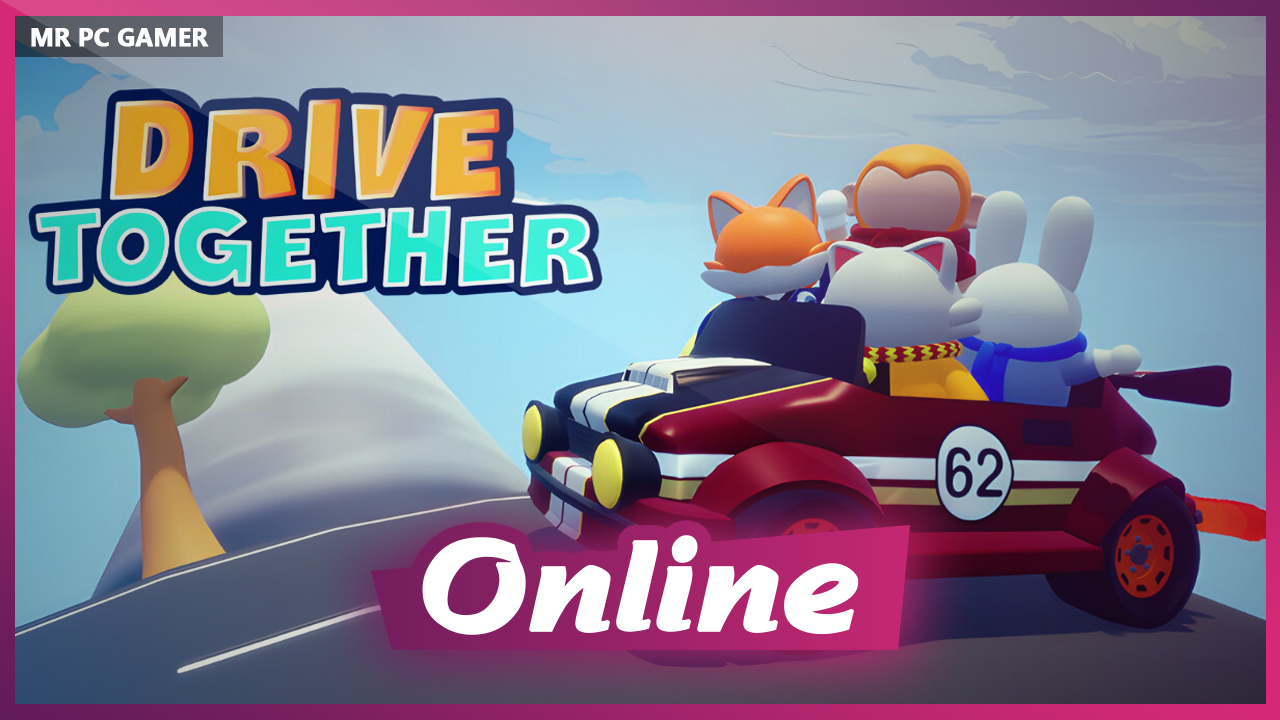
Game Details
Release name : Drive Together Build 18032026 + ONLINE
Size : 854.68 MB
Title : Drive Together
Genre : Action, Casual, Indie
Developer : Otakumi Games
Publisher : TARK Future Heroes
Store : click here
Release Date : May 15, 2026
Credits / Released By: OFME
Screenshots
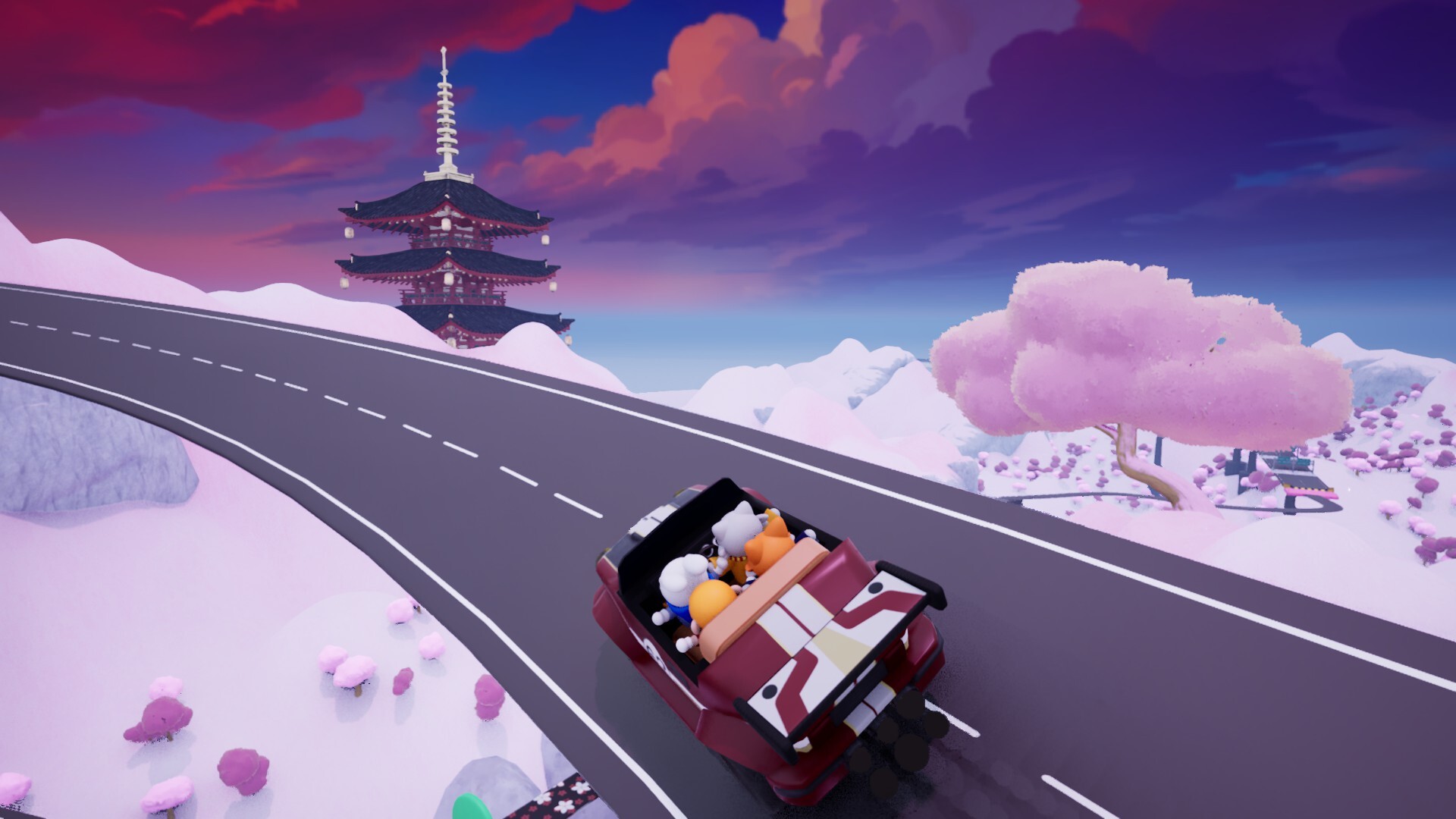
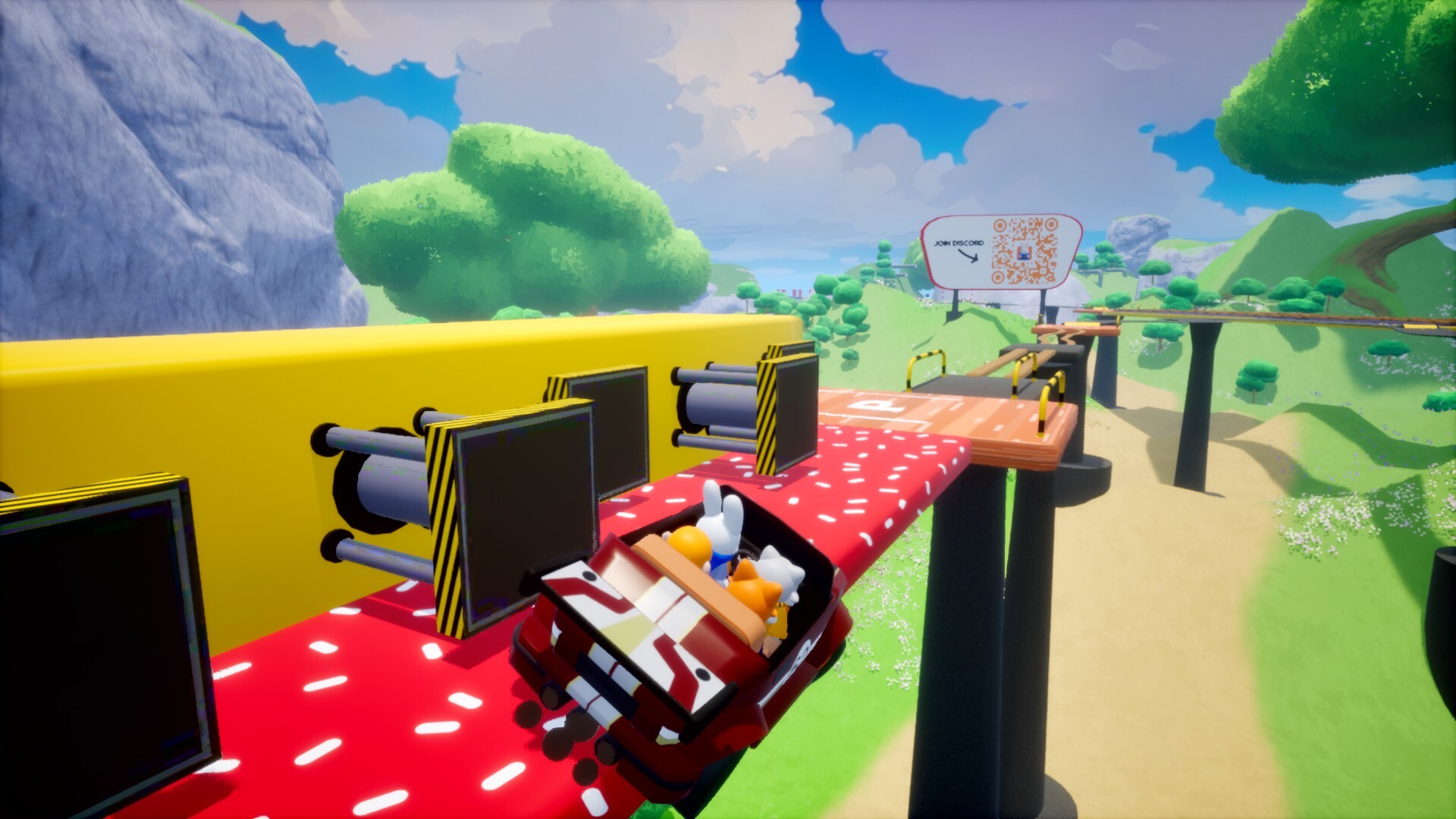

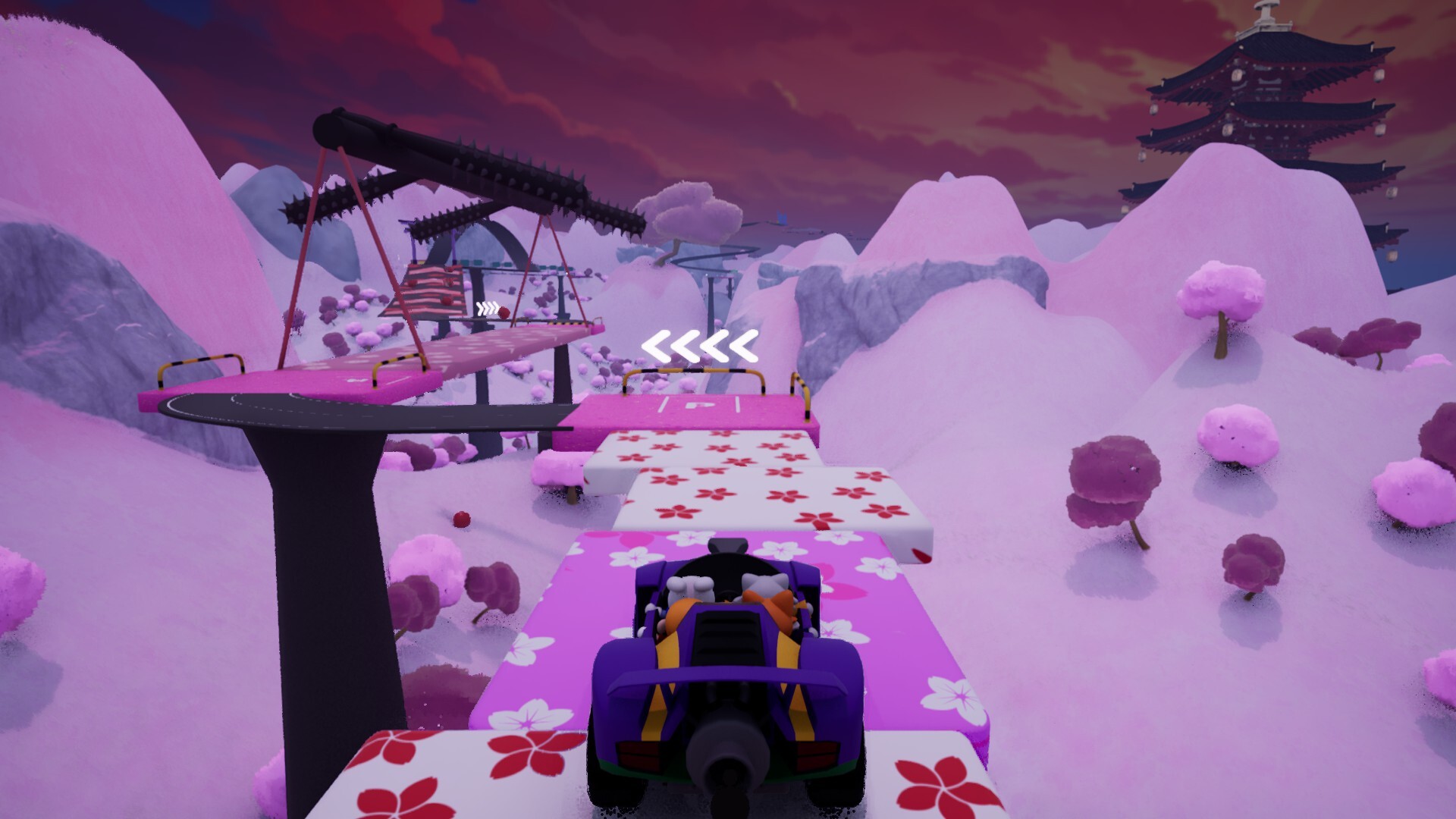
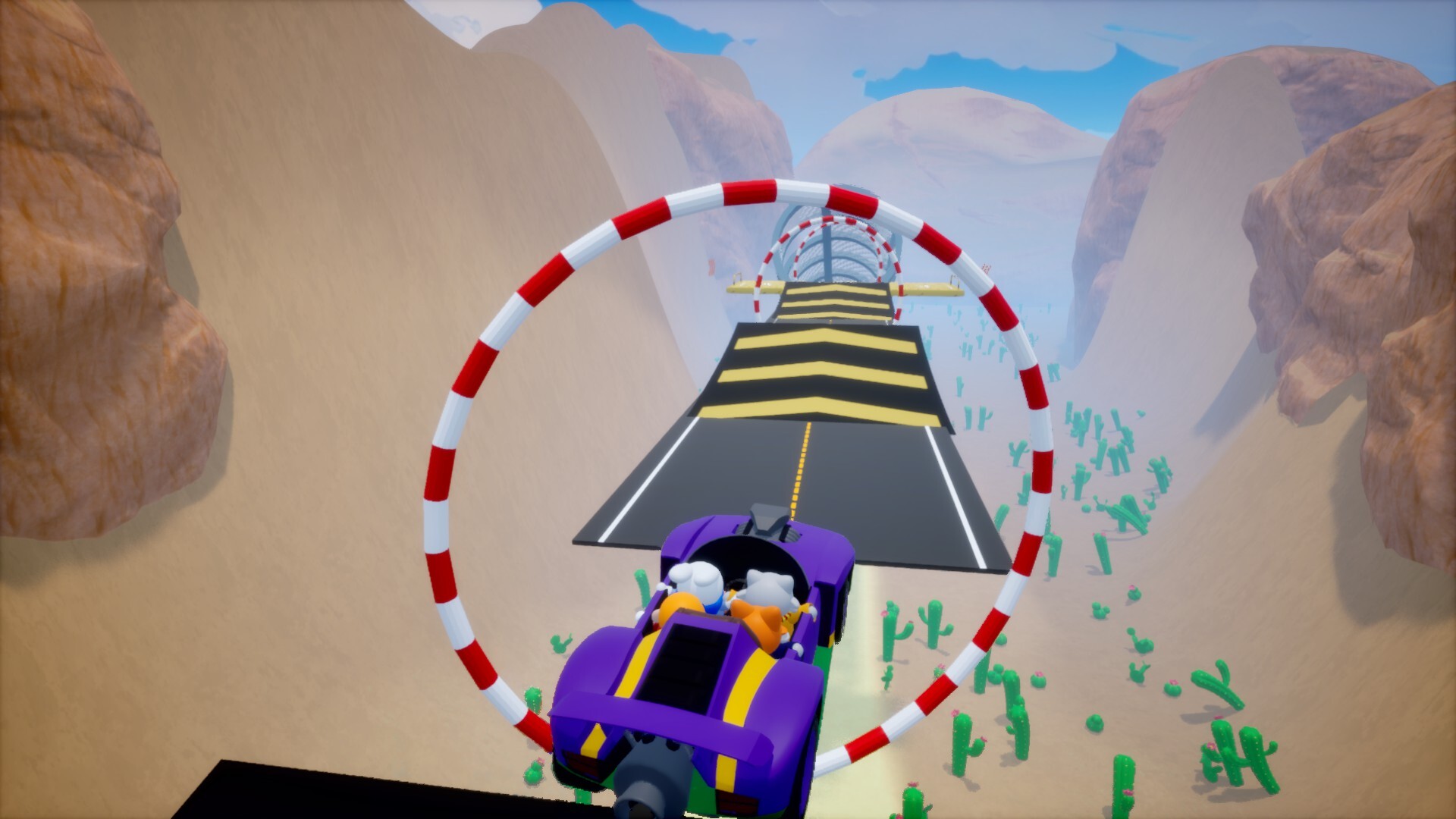
Gameplay
About This Game :
One car, multiple controls.
Each player is responsible for a different part of the vehicle.
Even controls that are normally simple require perfect coordination.
Total control or total chaos!
Communication is the most important skill.
Players must constantly coordinate with one another to keep the vehicle balanced, slow down before turns, and prepare for jumps. Even the slightest mistake can cause the entire team to veer off the track.
Let’s Overcome Obstacles Together!
Each course offers different driving challenges.
Players must navigate the car through ramps, sharp turns, narrow bridges, and unstable sections without losing control. While some obstacles require careful speed control, others demand precise steering and perfect timing.
Different Game Modes!
Players can compete together in cooperative races, test their skills in single-player mode, or try out different game settings.
Features:
-
Play with 1-4 players in Parkour mode or up to 8 players in Race mode!
-
Different maps
-
Different game modes
-
Different characters
-
Different vehicles
-
Unique achievements
-
Play alone or with friends
System Requirements for Drive Together
- Requires a 64-bit processor and operating system
- OS: Windows 10
- Processor: Intel(R) Core(TM) i7-7700HQ (2.80 GHz)
- Memory: 8 GB RAM
- Graphics: NVIDIA GeForce GTX 1050 (4 GB)
- DirectX: Version 12
- Network: Broadband Internet connection
- Storage: 1 GB available space
- Requires a 64-bit processor and operating system
- OS: Windows 11
- Processor: Intel(R) Core(TM) i7-12700H (2.80 GHz)
- Memory: 16 GB RAM
- Graphics: NVIDIA GeForce RTX 3060 (6 GB)
- DirectX: Version 12
- Network: Broadband Internet connection
- Storage: 1 GB available space
How To Install Drive Together
1. Download The Game.
2. Extract with WinRAR
3. Play!.
How To play Drive Together ONLINE
1. Download the “Online Crack” from the link provided below and extract the files. After extraction, move the contents into your game’s main installation directory.
2. Download and install Steam.
3. Open Steam and log in. If you don’t have an account yet, you can create one through HERE.
4. Press “Win + R” on your keyboard, type “steam://install/480”, and hit Enter. This will install and update the required game component.
5. Launch the game via DriveTogether.exe.
6. Joining: Accept the invitation/join the game via the list.
Hosting: Create Game > Shift+Tab > Invite friends to join.
7. Enjoy !
Note:
- The game already comes with the “Online Crack” pre-applied, so you can skip Step #1 mentioned above. However, if your antivirus software removes the “Online Crack” files, you’ll need to reapply them manually.
Download Drive Together
Download Drive Together Crack Online
Stay related to the article's topic.
Avoid unnecessary links or spam.
No offensive language, insults, or personal attacks.
Have a question unrelated to this article? Visit our Questions Section .
Join the Discussion
Share your thoughts with us