
Download Dead Effect 2 VR-VREX
Game Details
Release name : Dead Effect 2 VR-VREX
Size : 10.08 GB
Title : Dead Effect 2 VR
Genre : Action, Indie, RPG
Developer : BadFly Interactive, a.s.
Publisher : App Holdings
Steam : click here
Release Date : 3 Oct, 2017
Screenshots
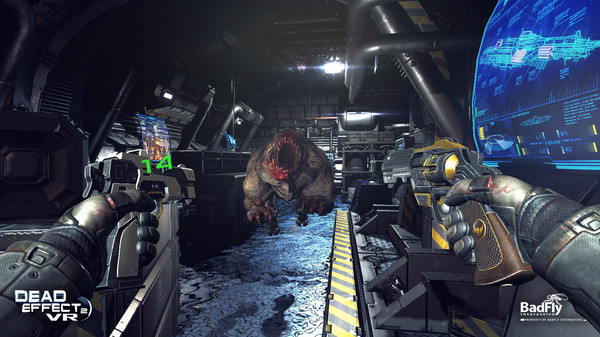
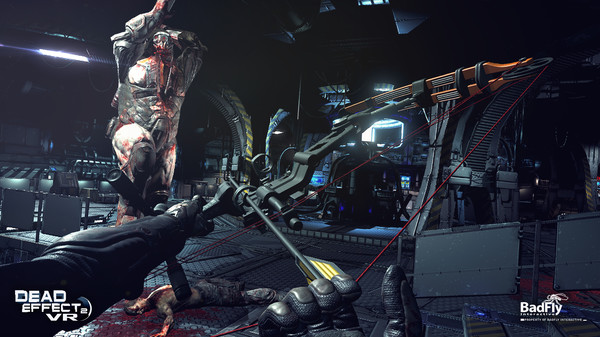
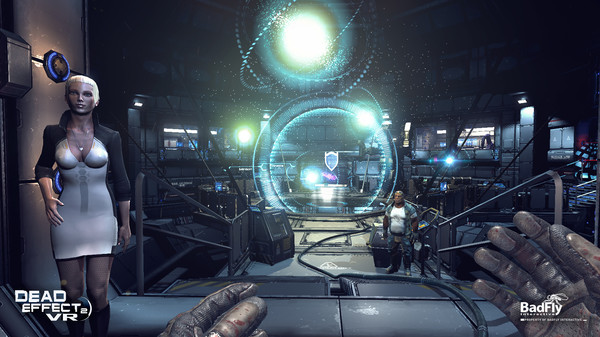
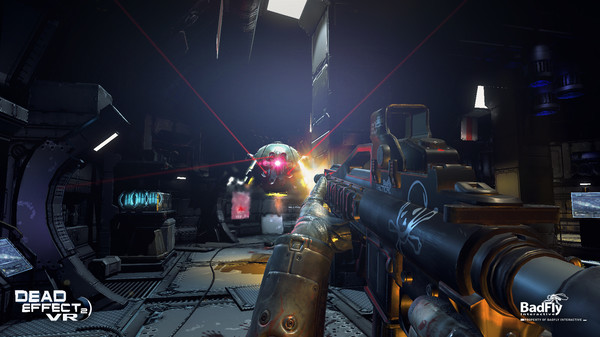
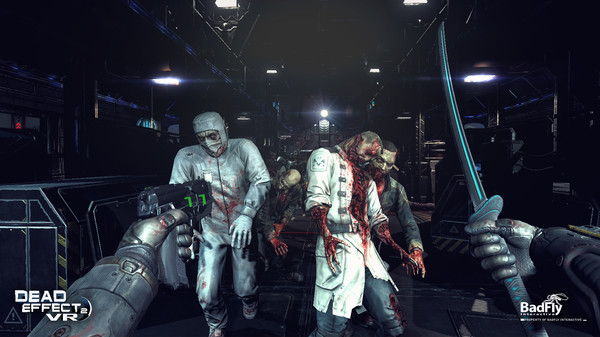
Gameplay
About This Game :
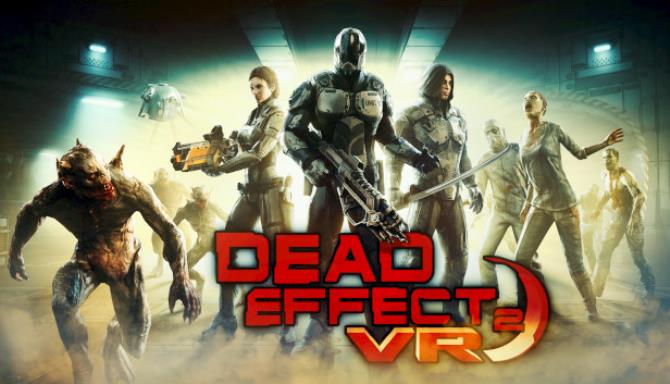
Dead Effect 2 is the newest addition to the acclaimed Dead Effect franchise. This action sci-fi shooter is looking to push the boundaries of first-person shooters to new levels with slick graphics, rich narrative and RPG elements.
System Requirements for Dead Effect 2 VR Download Free
MINIMUM :
OS: Windows 7
Processor: Intel i5-4590 equivalent or greater
Memory: 6 GB RAM
Graphics: NVIDIA GTX 970 / AMD equivalent or greater
DirectX: Version 11
Network: Broadband Internet connection
Storage: 13 GB available space
Sound Card: DirectX compatible sound card
Additional Notes: Install size will gradually increase with future updates.
RECOMMENDED :
OS: Windows 10
Processor: Intel i7-4770 equivalent or greater
Memory: 8 GB RAM
Graphics: NVIDIA GTX 980 / AMD equivalent or greater
DirectX: Version 11
Network: Broadband Internet connection
Storage: 13 GB available space
Sound Card: DirectX compatible sound card
Additional Notes: Install size will gradually increase with future updates.
How To Install Dead Effect 2 VR Download Free
1. Burn or mount the image using Virtual CloneDrive.
2. Install the game.
3. Copy over the cracked content from the /VREX directory on the image to your game install directory.
4. Play the game.
5. Support the software developers. If you like this game, BUY IT!
Download Dead Effect 2 VR Download Free
 Torrent link
Download Dead Effect 2 VR-VREX.Torrent


Stay related to the article's topic.
Avoid unnecessary links or spam.
No offensive language, insults, or personal attacks.
Have a question unrelated to this article? Visit our Questions Section .
Join the Discussion
Share your thoughts with us