
Download Dark Souls II Scholar of the First Sin v1.03 + ONLINE
Game Details
Release name : Dark Souls II Scholar of the First Sin v1.03 + ONLINE
Size : 14.40 GB
Title : DARK SOULS™ II: Scholar of the First Sin
Genre : Action, RPG
Developer : FromSoftware, Inc.
Publisher : Bandai Namco Entertainment
Store : click here
Release Date : Apr 1, 2015
Credits / Released By: online-fix.me
Screenshots
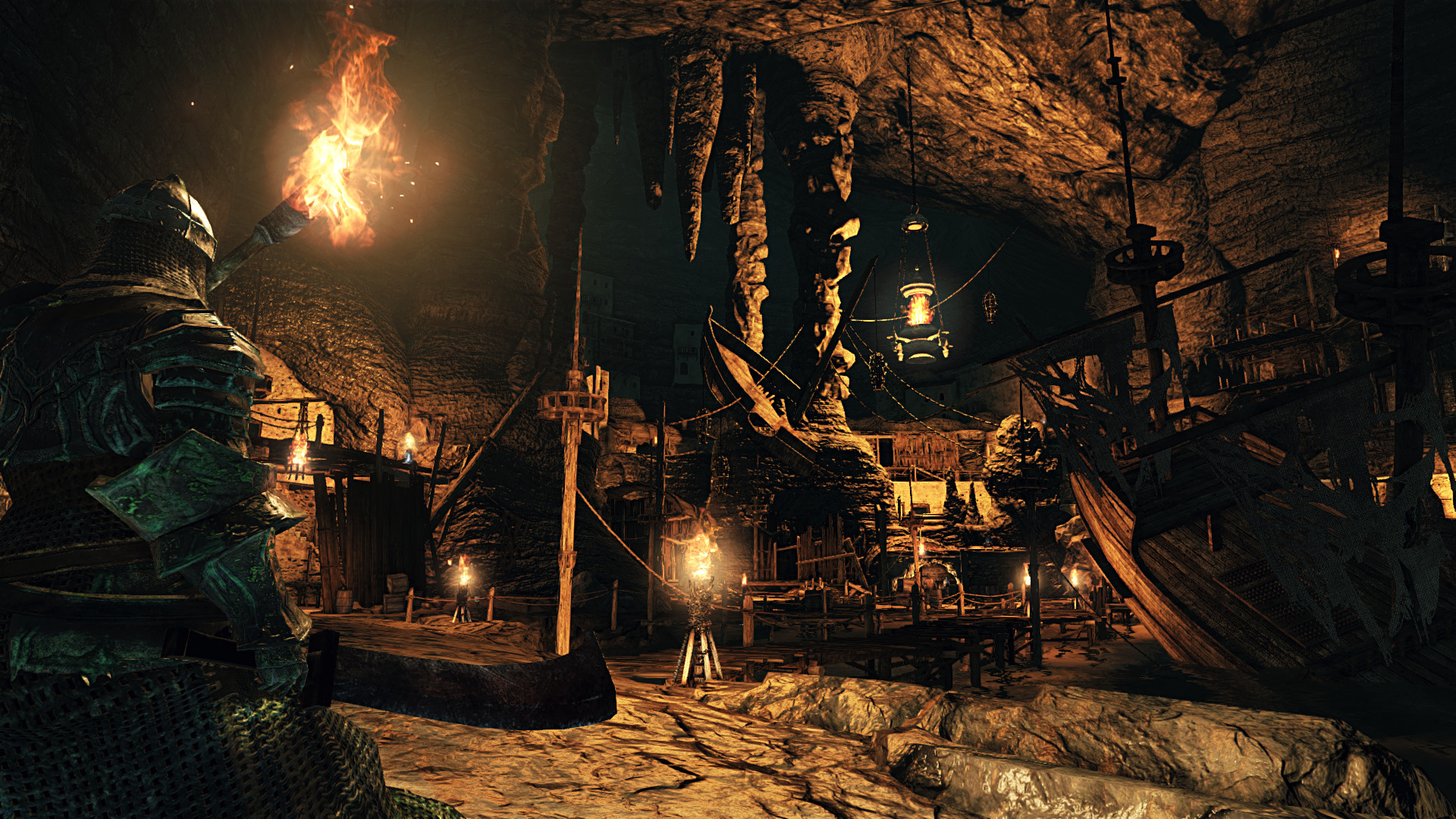
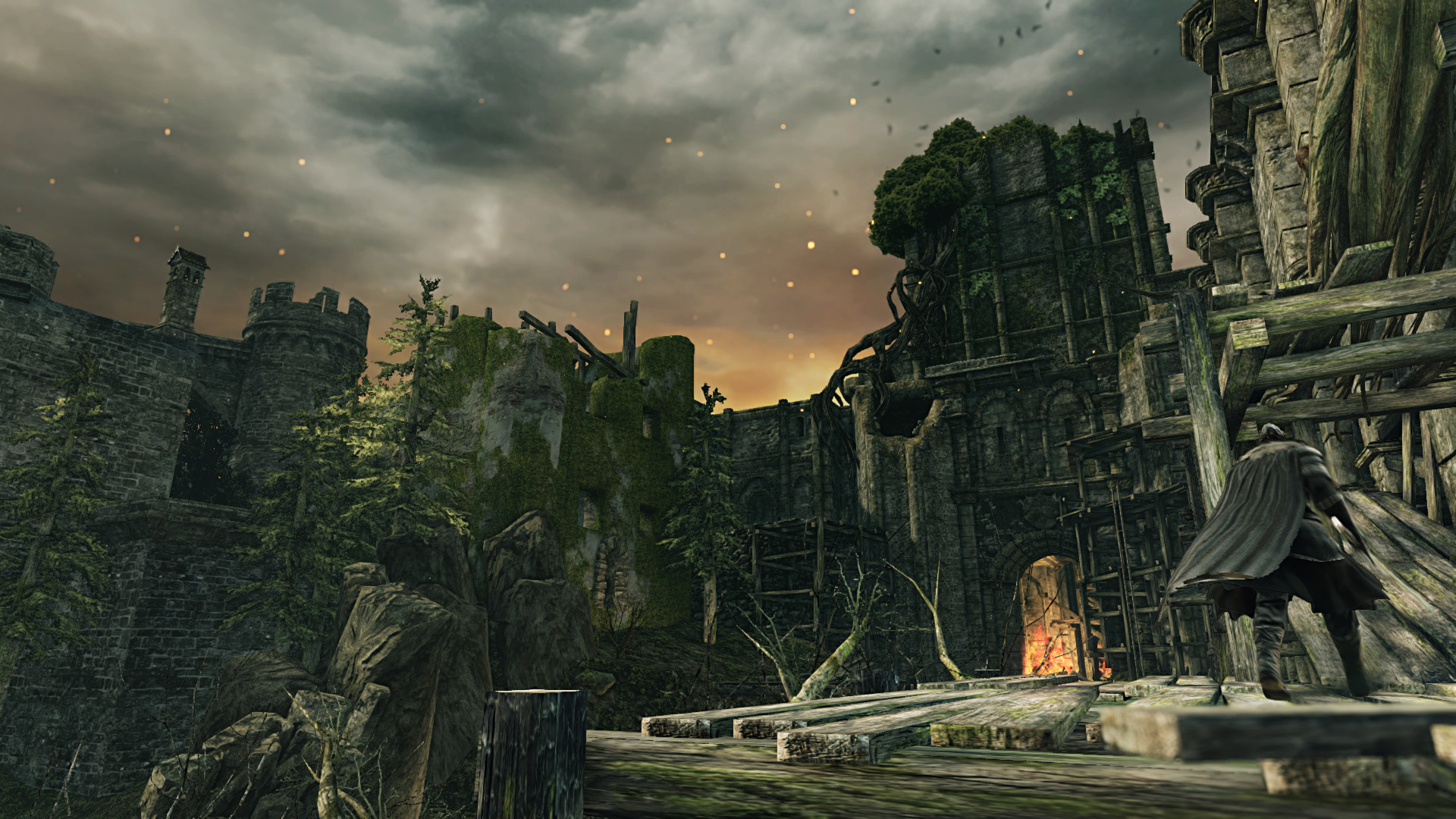
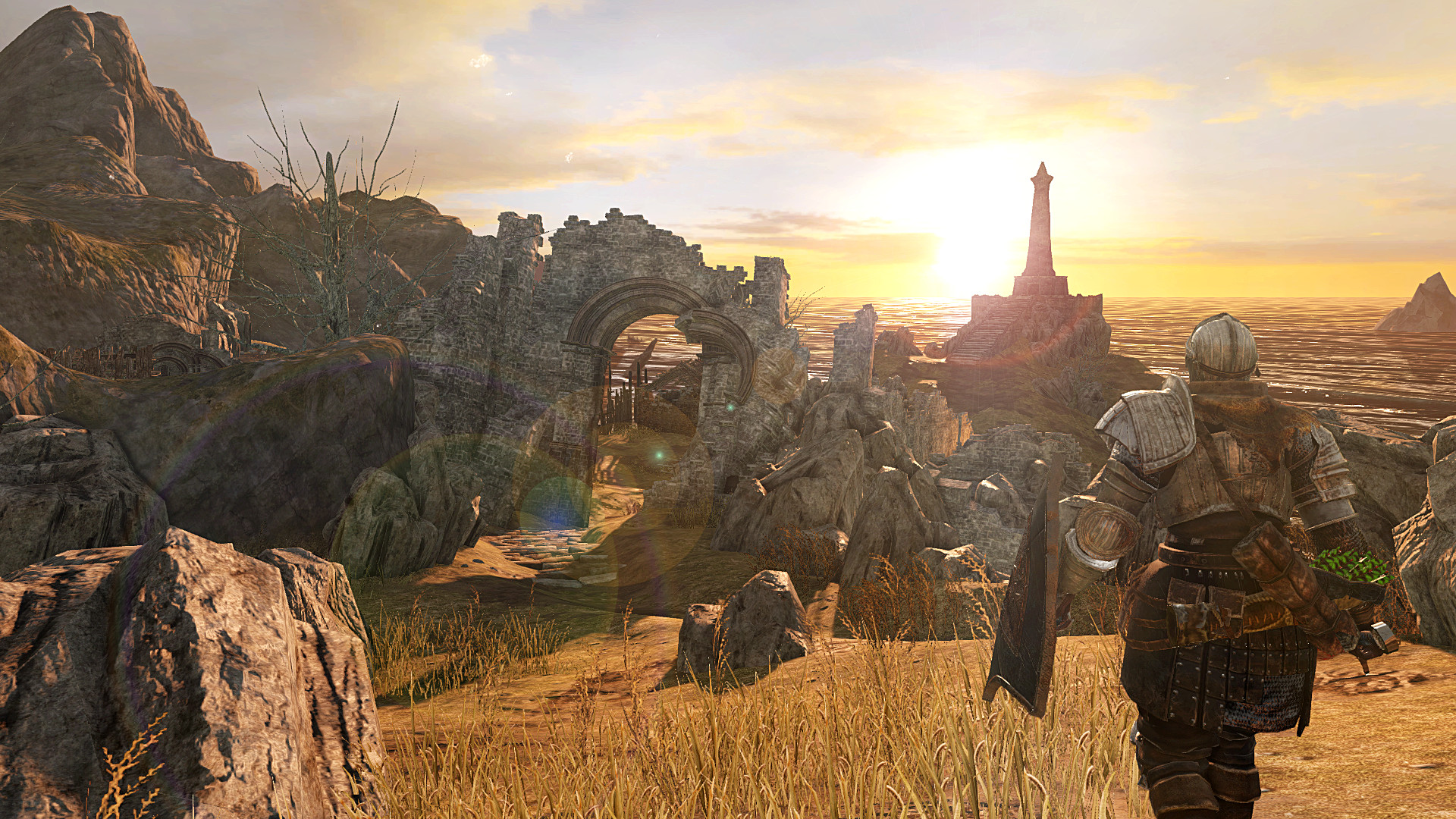
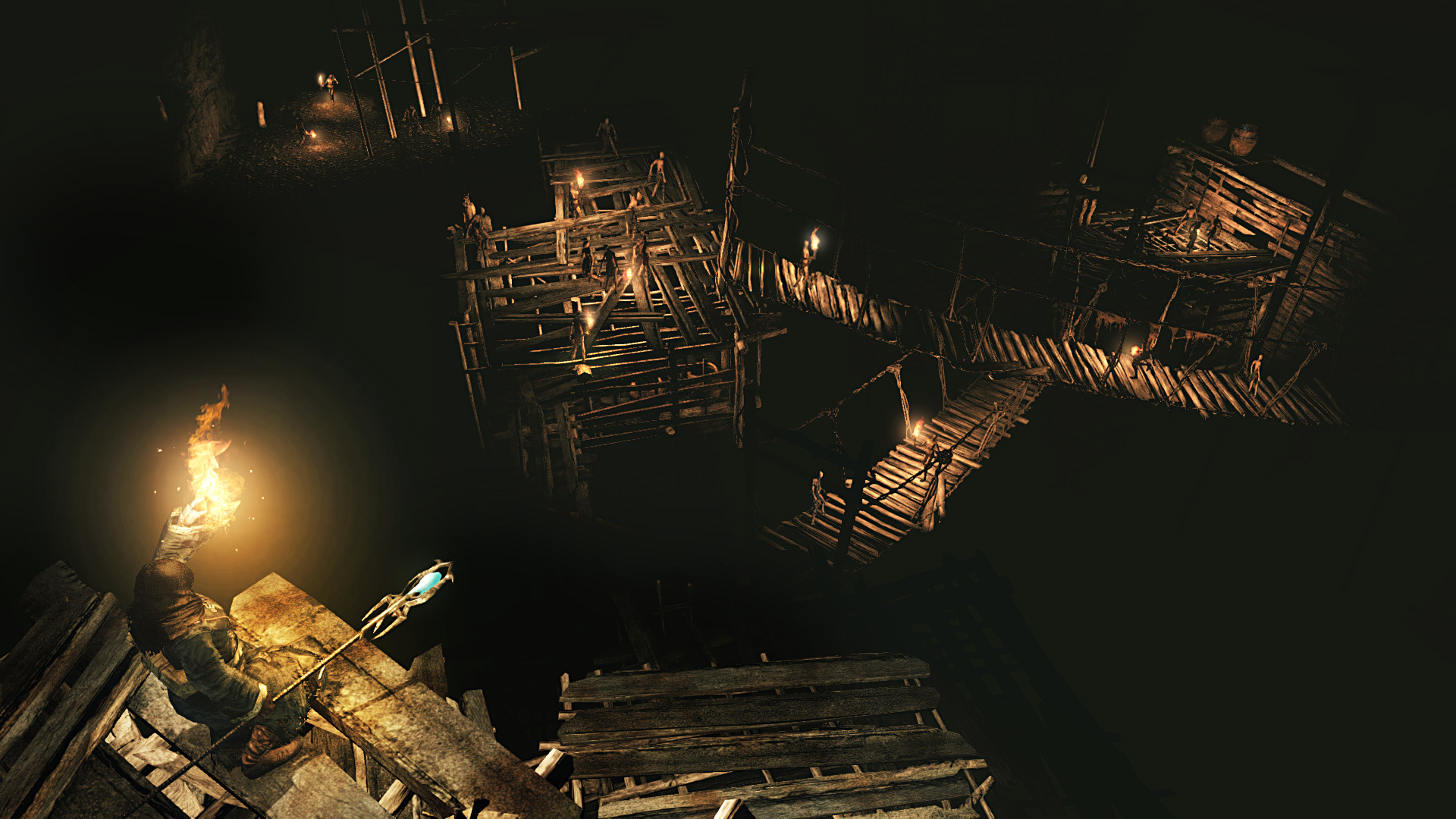
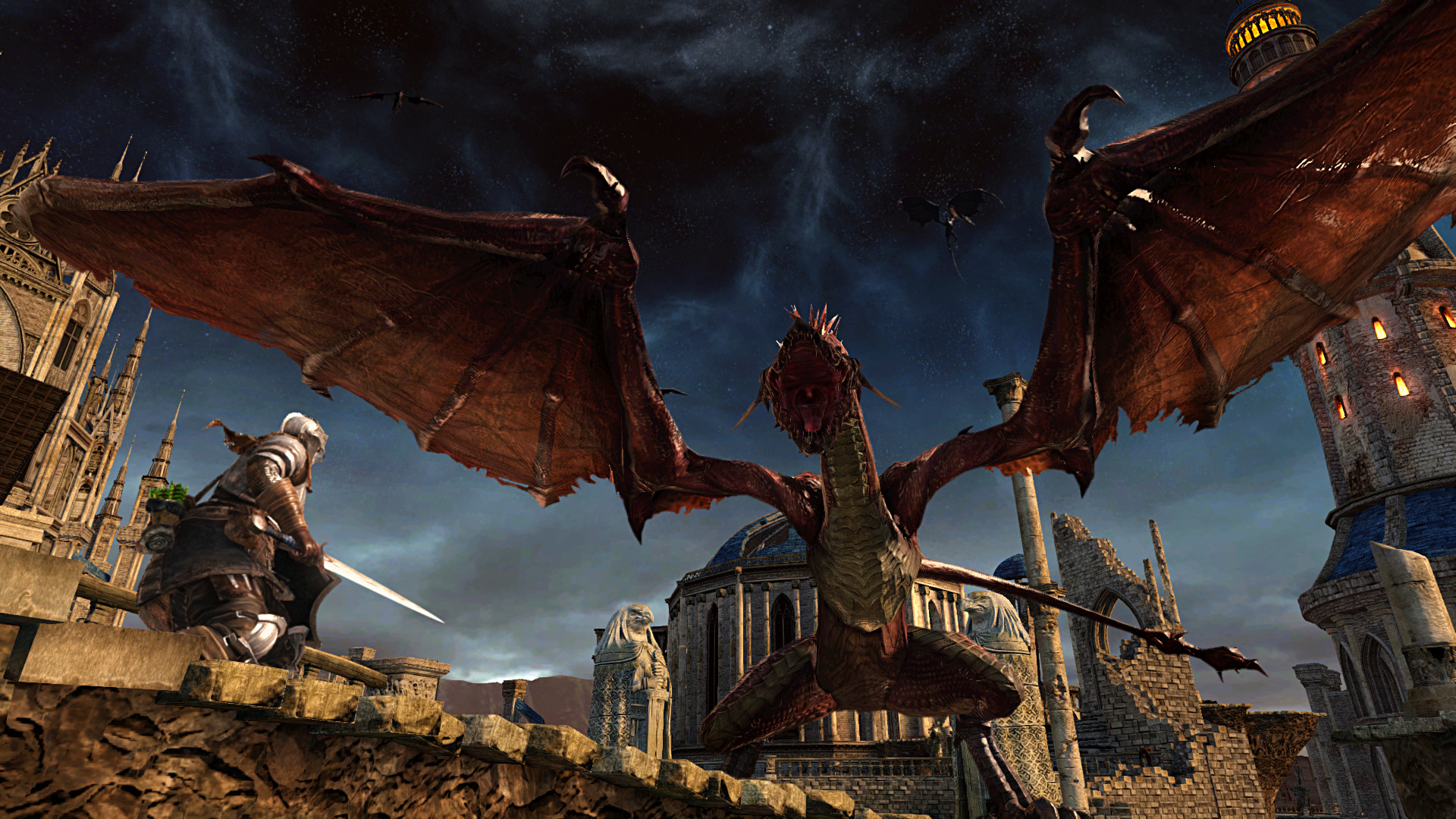
Gameplay
About This Game :
Gamers are in for a big surprise in DARK SOULS™ II: Scholar of the First Sin. An unforgettable journey awaits you in a breathtaking world where each dark corner and unexpected encounter will test your resolve. Go beyond what you thought was possible and discover incredible challenge and intense emotional reward. Whether you’ve previously played DARK SOULS™ II, or are new to the award-winning franchise, you are in for an entirely different experience with this exclusive, “Director’s Cut” version of the game.
– The definitive edition of DARK SOULS™ II. DARK SOULS™ II: Scholar of the First Sin includes all the DARK SOULS™ II content released to-date in one package and much more!
– A brand new experience and challenge. Enemy placement has been overhauled, resulting in a completely different play dynamic than experienced before. The safe zones that some players remembered are no longer safe! A new NPC invader called Forlorn will also play a key role in changing the gameplay experience. Hardened players will have to forget everything they thought they knew about DARK SOULS™ II.
– Online play has been enhanced with the addition of a special item to regulate souls acquired in battle – it’s now possible to match up more consistently online. The number of players who can participate in an online session has also been increased, from 4 to 6 people, completely changing the online play dynamic.
DARK SOULS™ II: Scholar of the First Sin brings the franchise’s renowned obscurity & gripping gameplay to a new level. Join the dark journey and experience overwhelming enemy encounters, diabolical hazards, and unrelenting challenge.
System Requirements for DARK SOULS™ II: Scholar of the First Sin
- OS *: Windows 7 SP1 64bit, Windows 8.1 64bit
- Processor: AMD® A8 3870 3,6 Ghz or Intel® Core ™ i3 2100 3.1Ghz
- Memory: 4 GB RAM
- Graphics: NVIDIA® GeForce GTX 465 / ATI Radeon TM HD 6870
- DirectX: Version 11
- Network: Broadband Internet connection
- Storage: 23 GB available space
- Sound Card: DirectX 11 sound device
- OS *: Windows 7 SP1 64bit, Windows 8.1 64bit
- Processor: AMD® FX 8150 3.6 GHz or Intel® Core™ i7 2600 3.4 GHz
- Memory: 8 GB RAM
- Graphics: NVIDIA® GeForce® GTX 750, ATI Radeon™ HD 7850
- DirectX: Version 11
- Network: Broadband Internet connection
- Storage: 23 GB available space
- Sound Card: DirectX 11 sound device
How To Install DARK SOULS™ II: Scholar of the First Sin
1. Download The Game.
2. Extract with WinRAR
3. Play!.
How To play DARK SOULS™ II: Scholar of the First Sin ONLINE
1. Download the “Online Crack” from the link provided below and extract the files. After extraction, move the contents into your game’s main installation directory.
2. Download and install Steam.
3. Open Steam and log in. If you don’t have an account yet, you can create one through HERE.
4. Press “Win + R” on your keyboard, type “steam://install/480”, and hit Enter. This will install and update the required game component.
5. Launch the game via Game\ds2sc_launcher.exe.
6. Complete prologue.
7. Joining: Go to your inventory > Use the “Fragment of Brilliance” item > You will automatically connect to the host.
Hosting: Go to your inventory > Use the Pharros’ Heliograph item > Wait for friends to connect.
8. Enjoy !
Notes:
- Download the “Online Crack” and apply it manually.
- This is a modification, not the game’s official multiplayer.
- Official modification page.
Download DARK SOULS™ II: Scholar of the First Sin
Download DARK SOULS™ II: Scholar of the First Sin Modification version: 0.0.3


Stay related to the article's topic.
Avoid unnecessary links or spam.
No offensive language, insults, or personal attacks.
Have a question unrelated to this article? Visit our Questions Section .
Join the Discussion
Share your thoughts with us