
Download Cyberpunk 2077 v2.5-GOG
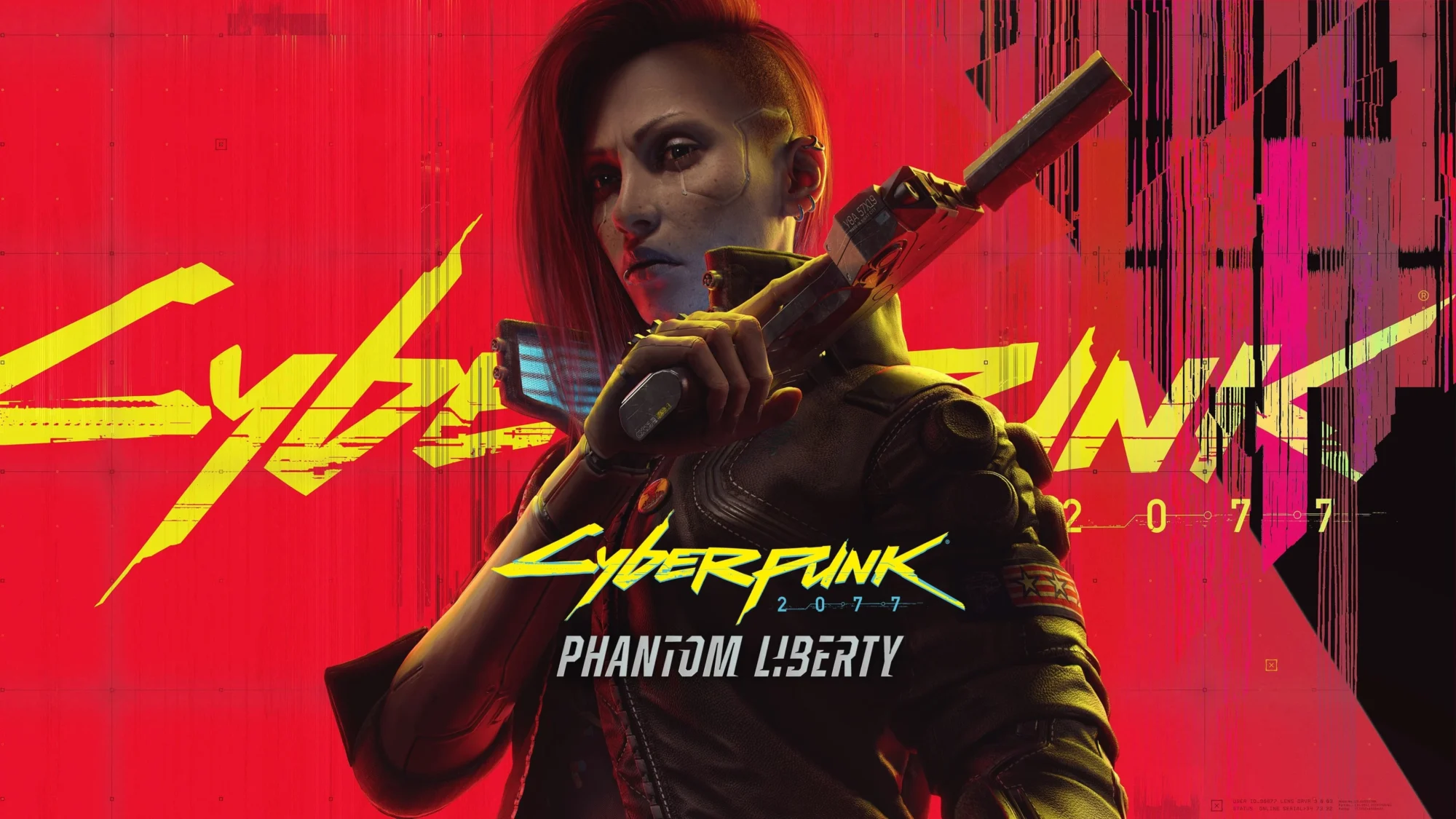
Game Details
Release name : Cyberpunk 2077 v2.5-GOG
Size : 141.60 GB
Title : Cyberpunk 2077
Genre : RPG
Developer : CD PROJEKT RED
Publisher : CD PROJEKT RED
Store : click here
Release Date : Dec 10, 2020
Credits / Released By: Based on GOG Release + InsaneRamZes Rip
Screenshots
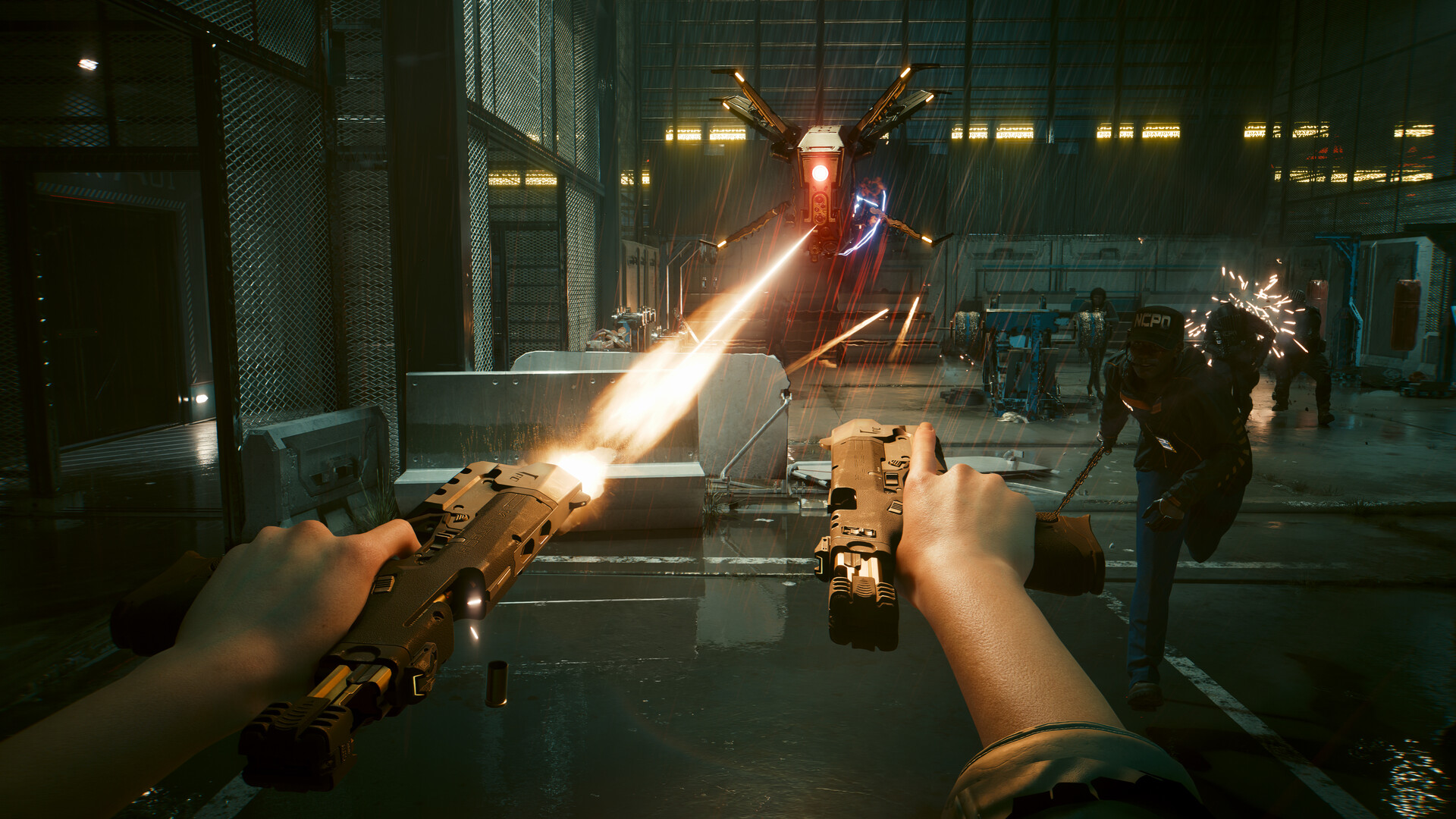
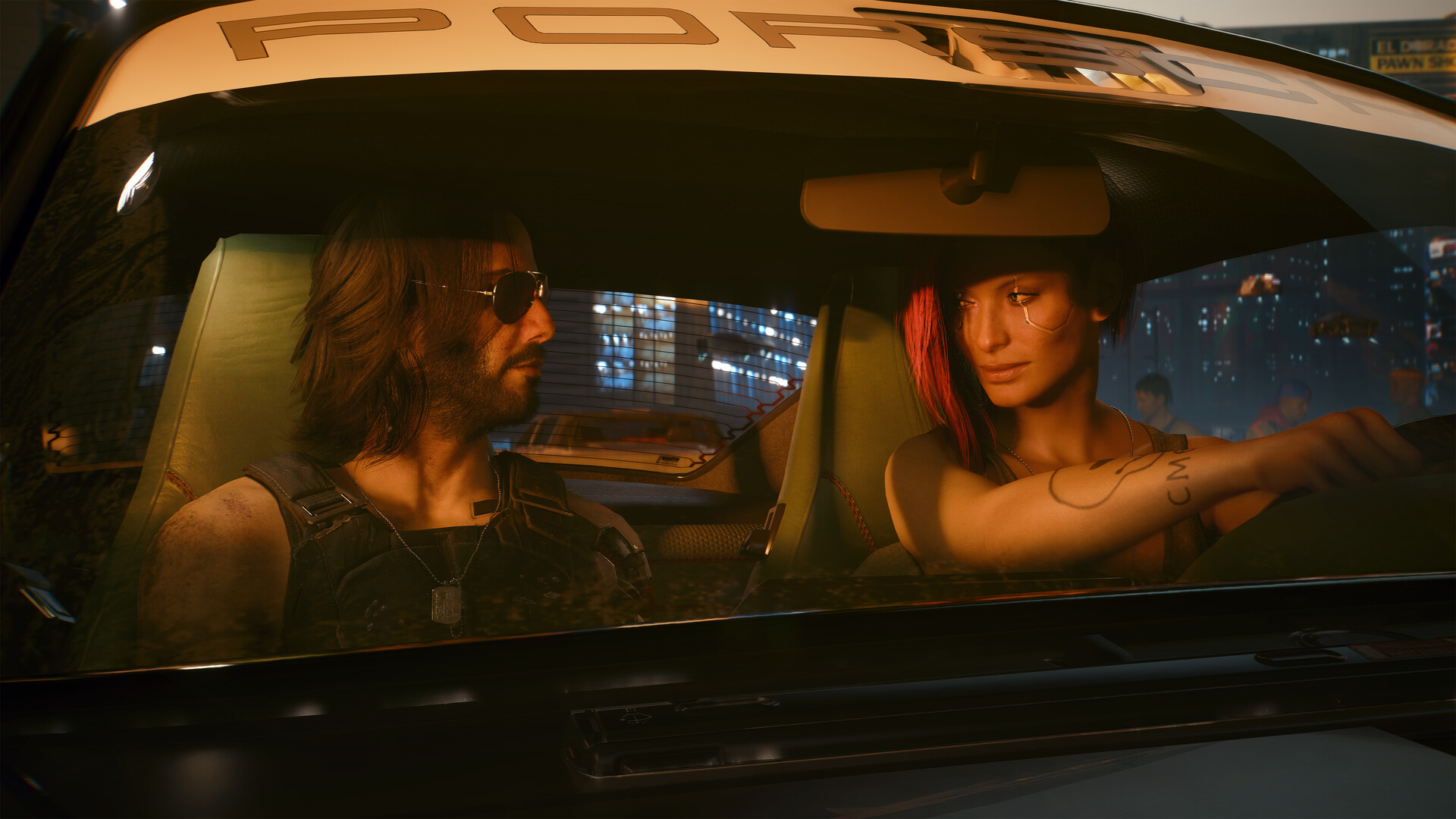
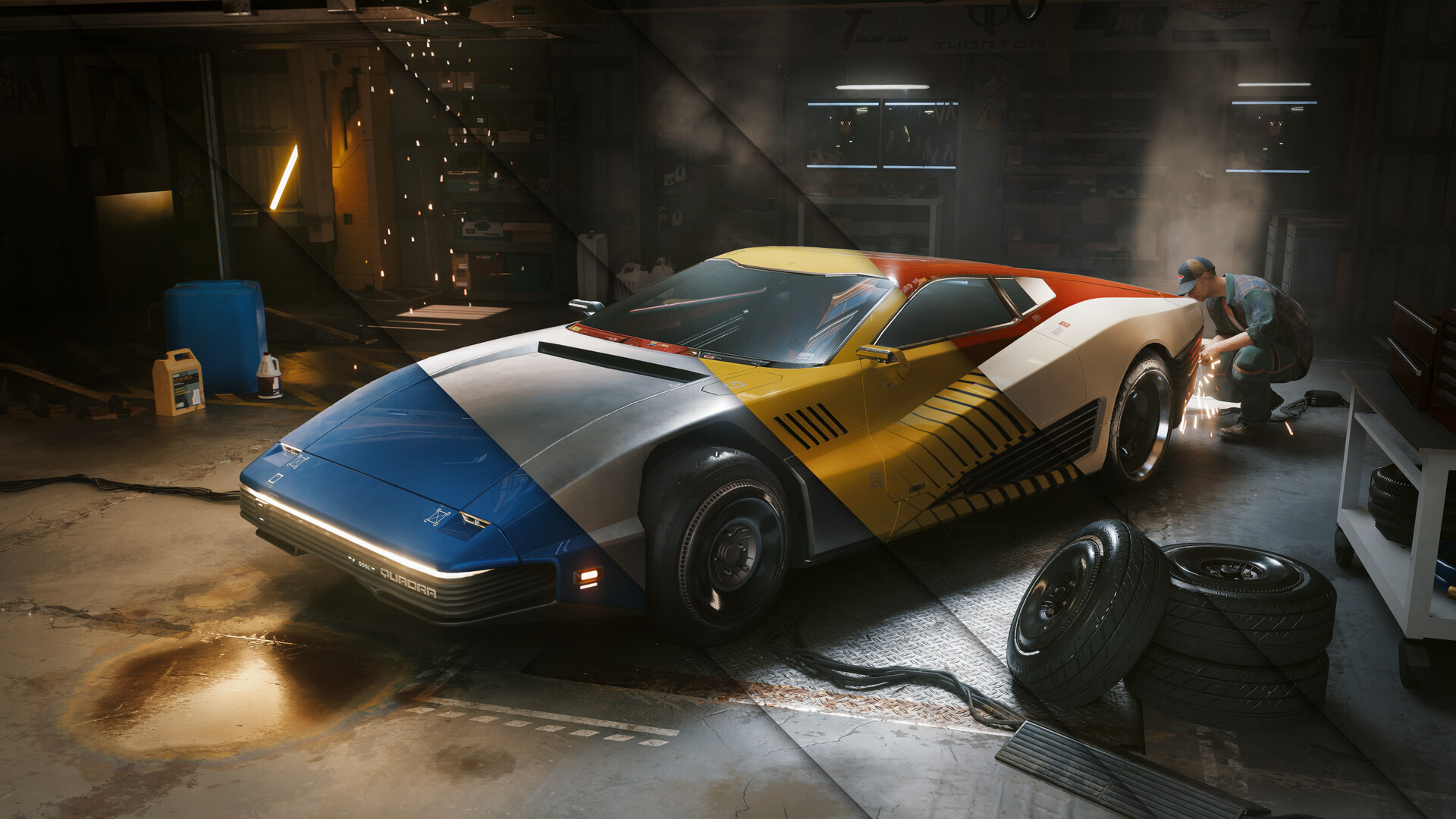
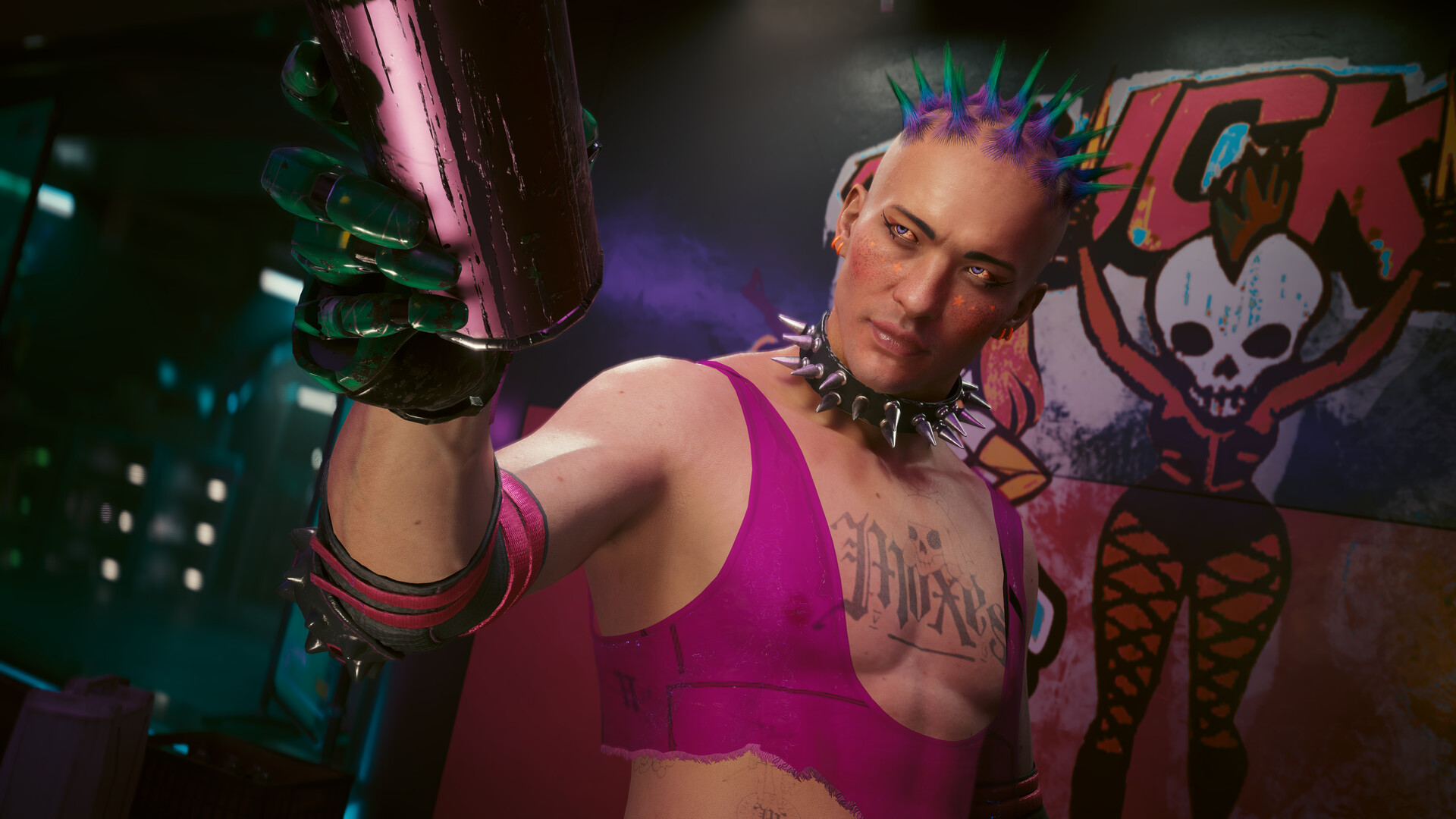

Gameplay
About This Game :
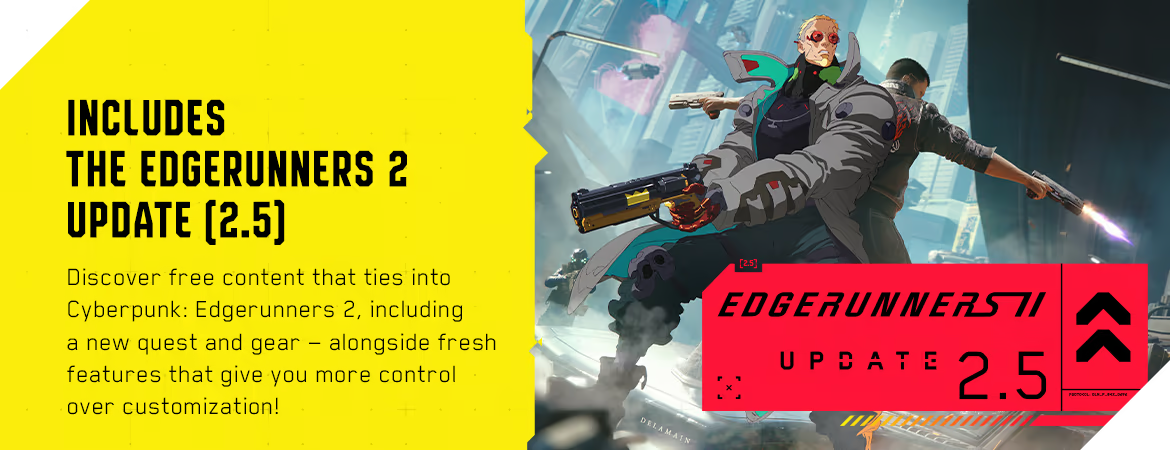
System Requirements for Cyberpunk 2077
MINIMUM:
- Requires a 64-bit processor and operating system
- OS: 64-bit Windows 10
- Processor: Core i7-6700 or Ryzen 5 1600
- Memory: 12 GB RAM
- Graphics: GeForce GTX 1060 6GB or Radeon RX 580 8GB or Arc A380
- DirectX: Version 12
- Storage: 70 GB available space
- Additional Notes: SSD required. Attention: In this game you will encounter a variety of visual effects that may provide seizures or loss of consciousness in a minority of people. If you or someone you know experiences any of the above symptoms while playing, stop and seek medical attention immediately.
RECOMMENDED:
- Requires a 64-bit processor and operating system
- OS: 64-bit Windows 10
- Processor: Core i7-12700 or Ryzen 7 7800X3D
- Memory: 16 GB RAM
- Graphics: GeForce RTX 2060 SUPER or Radeon RX 5700 XT or Arc A770
- DirectX: Version 12
- Storage: 70 GB available space
- Additional Notes: SSD required.
How To Install Cyberpunk 2077
1. Download The Game.
2. Extract with WinRAR
3. Launch the game via Cyberpunk 2077\bin\x64\Cyberpunk2077.exe.
4. Enjoy !
Included DLCs
- REDmod
- Phantom Liberty
Notes:
- If the game crashes or does not start, drop the contents of THIS archive into the game folder, confirming the replacement of the files.
-
(Follow these steps only if your game fails to launch)
- The Windows username must not contain Cyrillic.
- Remove the read-only attribute from the game folder.
- Remove the game folder from the torrent client before launching the game.
- Disable the antivirus, as it can block the launch of executable and/or additional files.
- As a last resort, download the folder with the game completely, all over again.
 Torrent link
Stay related to the article's topic.
Avoid unnecessary links or spam.
No offensive language, insults, or personal attacks.
Have a question unrelated to this article? Visit our Questions Section .
Join the Discussion
Share your thoughts with us