
Download Bright Memory v26.11.2020-GoldBerg
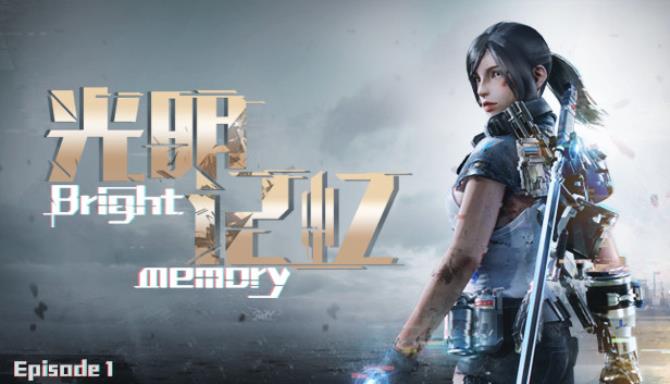
Game Details
Release name : Bright Memory v26.11.2020-GoldBerg
Size : 4 GB
Title : Bright Memory
Genre : Action, Adventure, Indie, Early Access
Developer : FYQD Personal Studio
Publisher : FYQD Personal Studio
Steam : click here
Release Date : 12 Jan, 2019
Screenshots
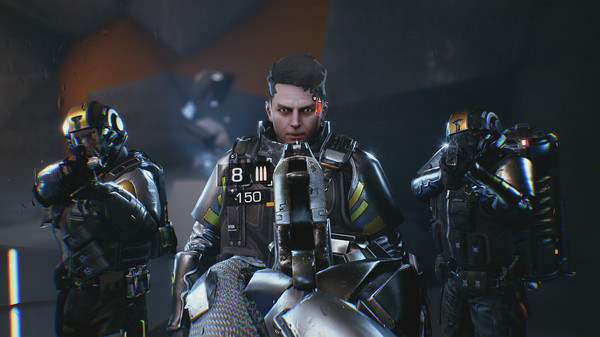
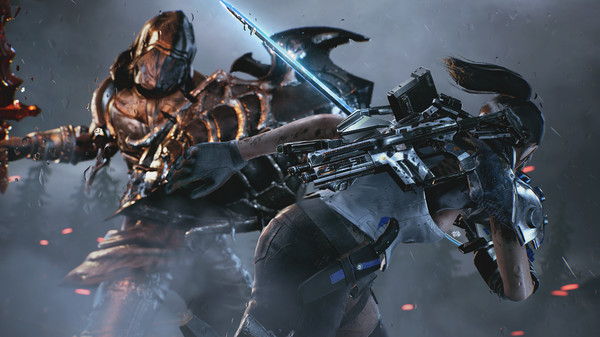
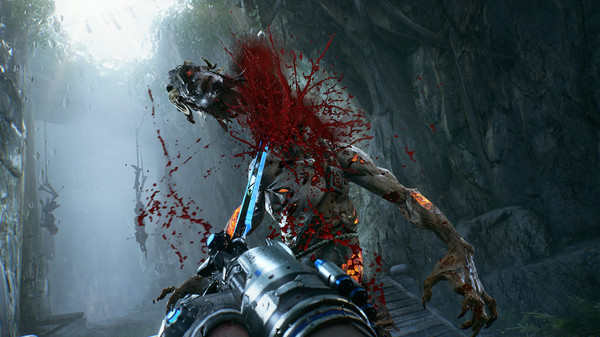
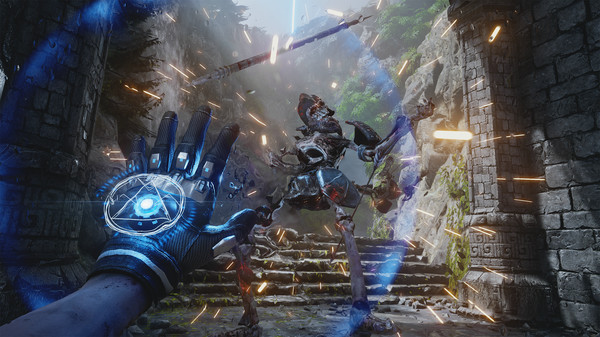
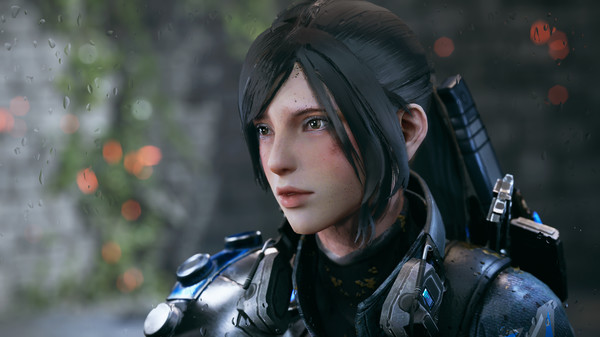
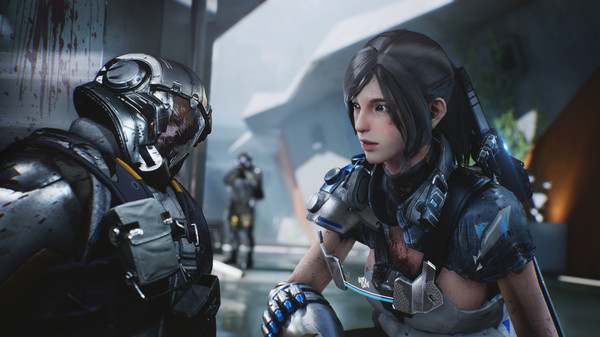
Gameplay
About This Game :

《Bright Memory》 is a first-person action shooting game,the players can control different styles of special abilities and create a set of gorgeous combos with combination of skills. It tells a adventure story of Shelia of Natural Science Research Organization (SRO).

2020, SRO discovered a material in an ancient sword which could recall dead creatures during an investigation of cultural relics crime. The third-party military organizations (SAI) infiltrated into SRO’s research institute and tried to grab the material.They changed the coordinates of the transmitter to the edge of Arctic where they found a land of sky that a large number of ancient creatures exist. SRO must stop SAI ‘s conspiracy and find out the truth.
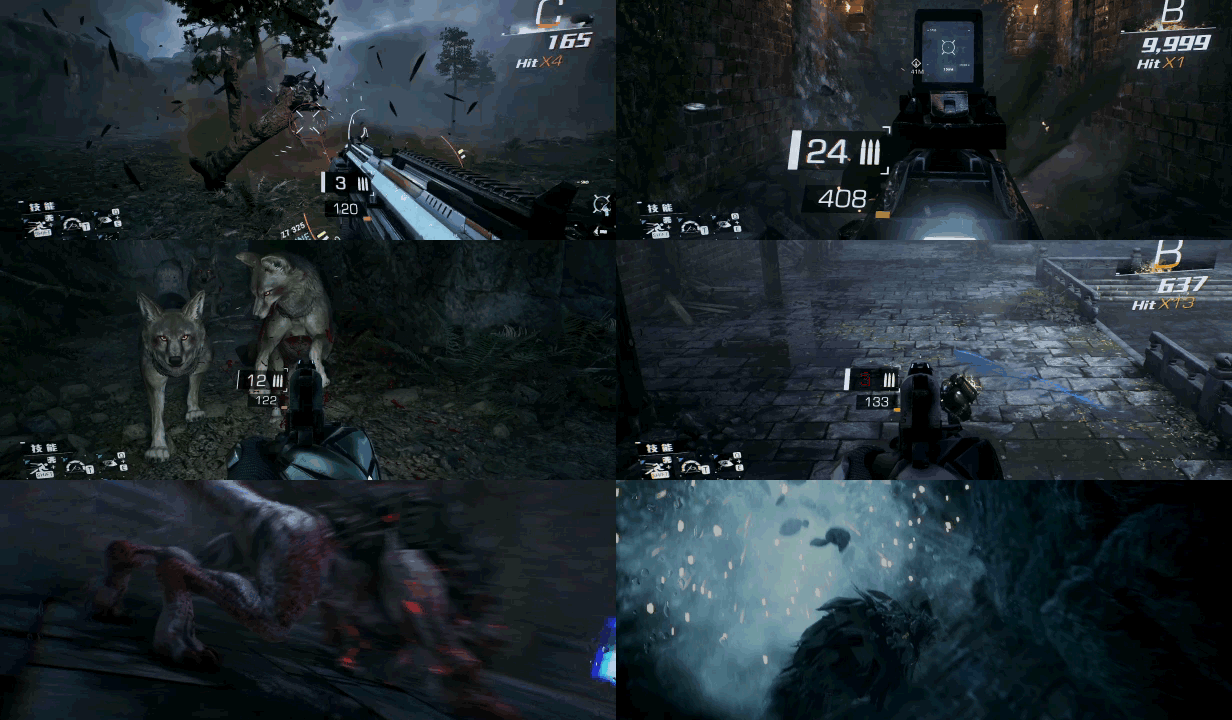
System Requirements for Bright Memory Download Free
MINIMUM :
OS: Windows 7 64 bit
Processor: i5-3470 INTEL or AMD Equivalent
Memory: 6 GB RAM
Graphics: Nvidia GTX 660 or AMD Radeon HD 7770
DirectX: Version 11
Storage: 4 GB available space
Additional Notes:
RECOMMENDED:
OS: Windows 10 64 Bit, Windows 8.1 64 Bit, Windows 8 64 Bit, Windows 7 64 Bit Service Pack 1
Processor: i7-4790K INTEL or AMD Equivalent
Memory: 8 GB RAM
Graphics: Nvidia GTX 970 or AMD Radeon R9 390
DirectX: Version 11
Storage: 4 GB available space
Additional Notes:
How To Install Bright Memory Download Free
1. Download The Game.
2. Extract with WinRAR
3. Play!.
Download Bright Memory Download Free
 Torrent link
Download Bright Memory v26.11.2020-GoldBerg.Torrent



Stay related to the article's topic.
Avoid unnecessary links or spam.
No offensive language, insults, or personal attacks.
Have a question unrelated to this article? Visit our Questions Section .
Join the Discussion
Share your thoughts with us