
Download Bookshop Simulator v1.0.1224 + ONLINE
Game Details
Release name : Bookshop Simulator v1.0.1224 + ONLINE
Size : 2.26 GB
Title : Bookshop Simulator
Genre : Action, Adventure, RPG, Simulation, Sports
Developer : Blep Games
Publisher : Blep Games
Store : click here
Release Date : Jul 20, 2026
Credits / Released By: OFME
Screenshots
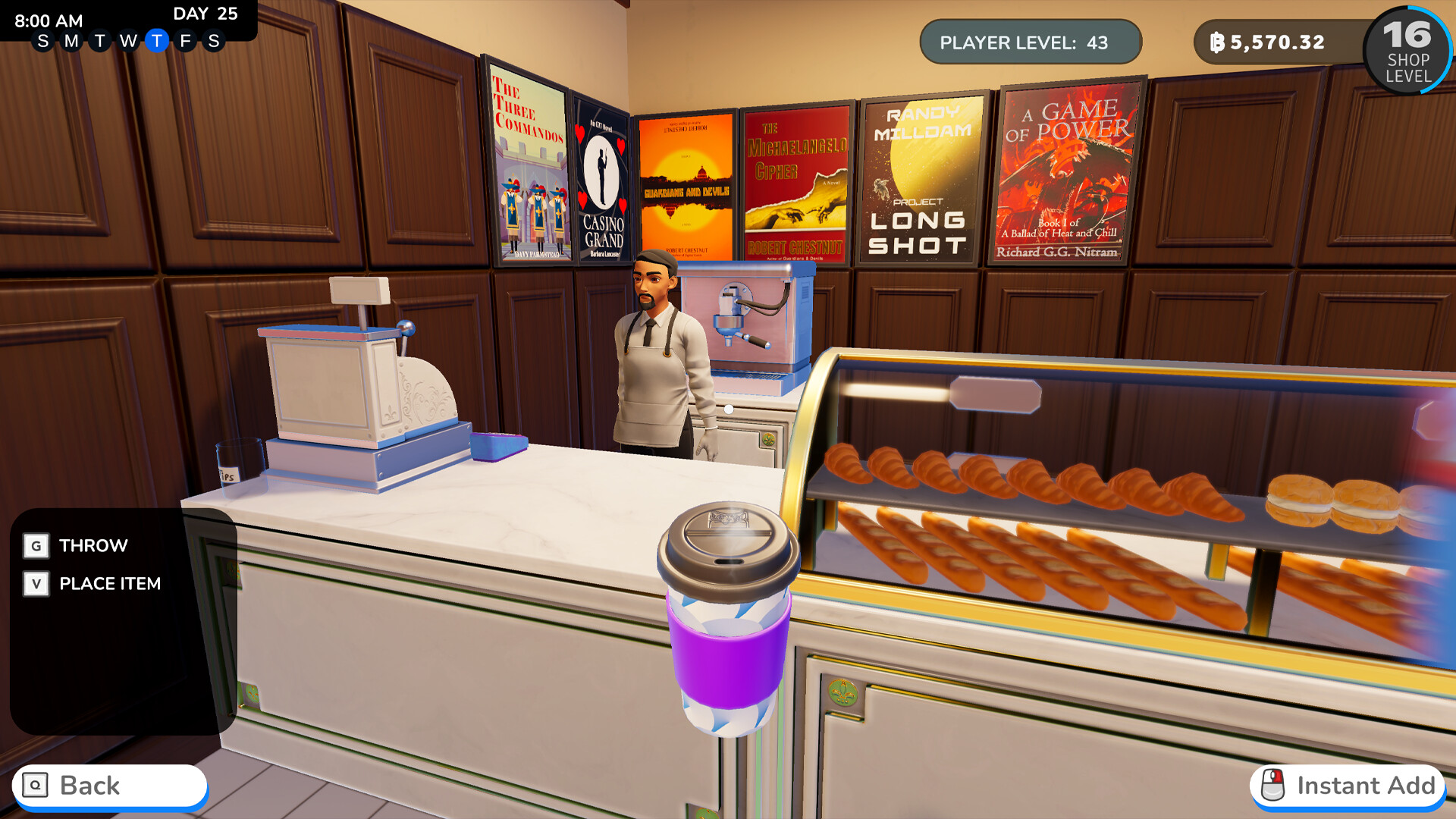
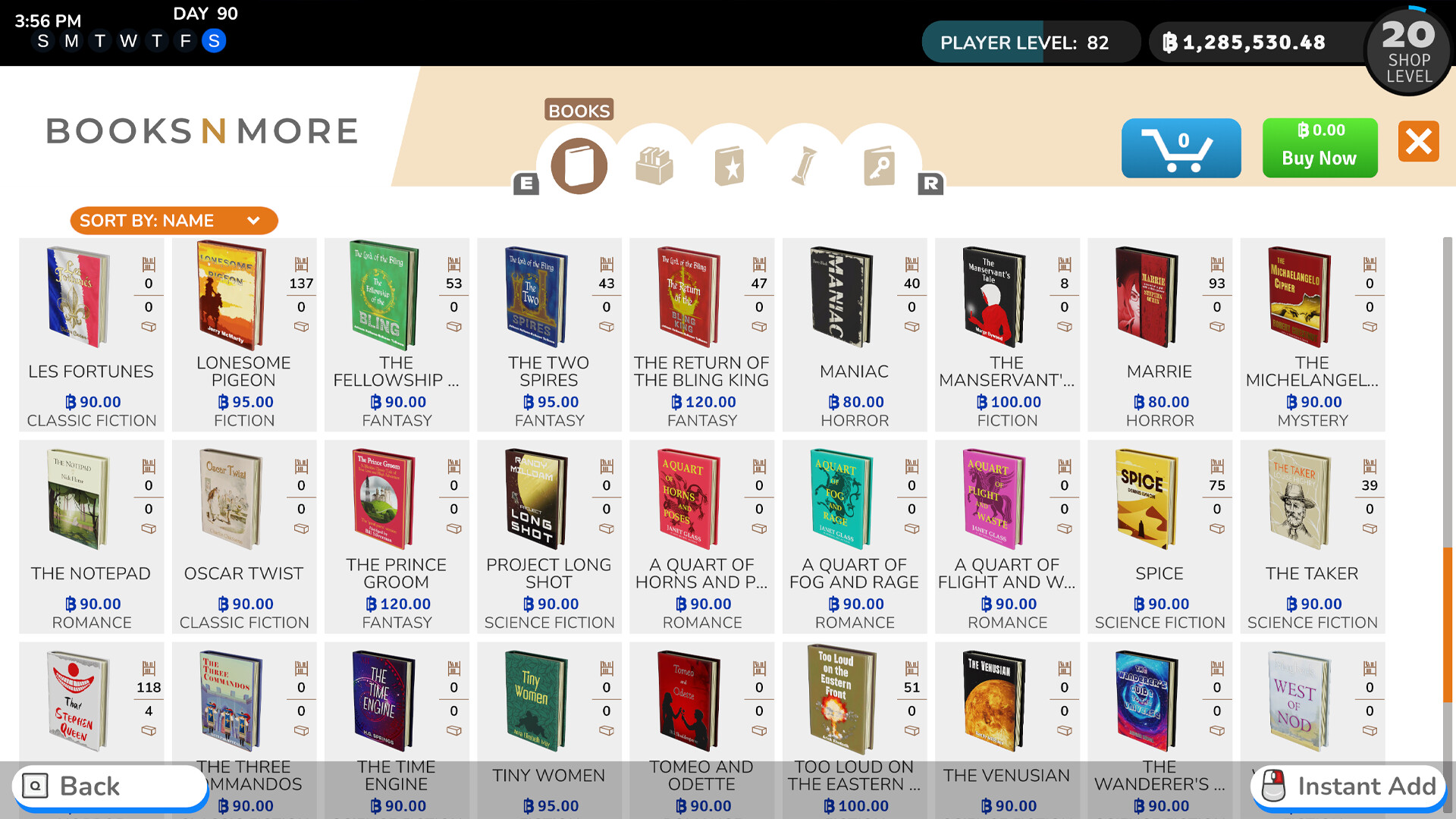
Gameplay
About This Game :

Fulfill your dream of owning and operating your own bookshop. Buy and sell inventory and use the profits to decorate and expand your shop. Build your business from a small boutique shop into a retail empire!

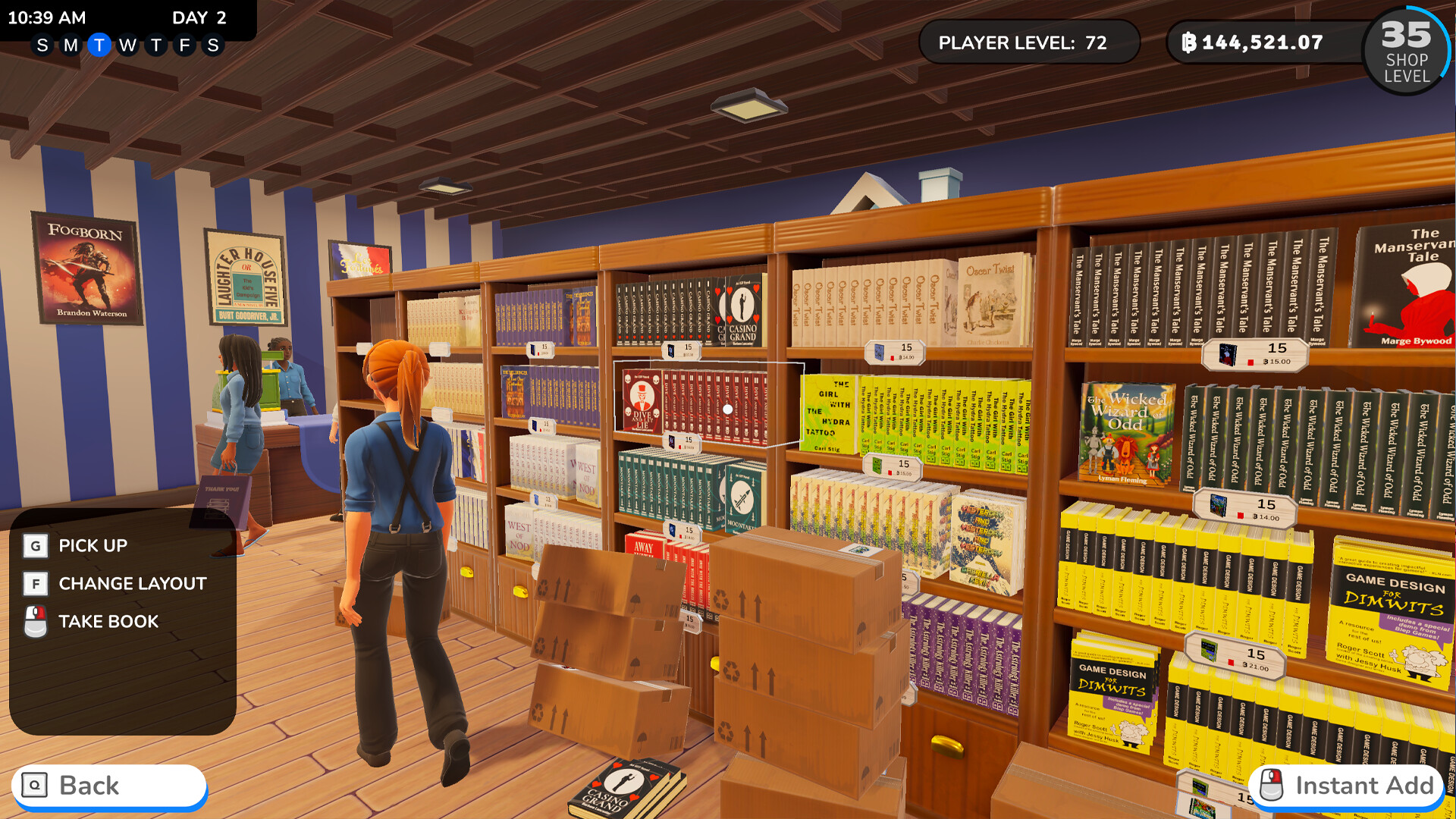
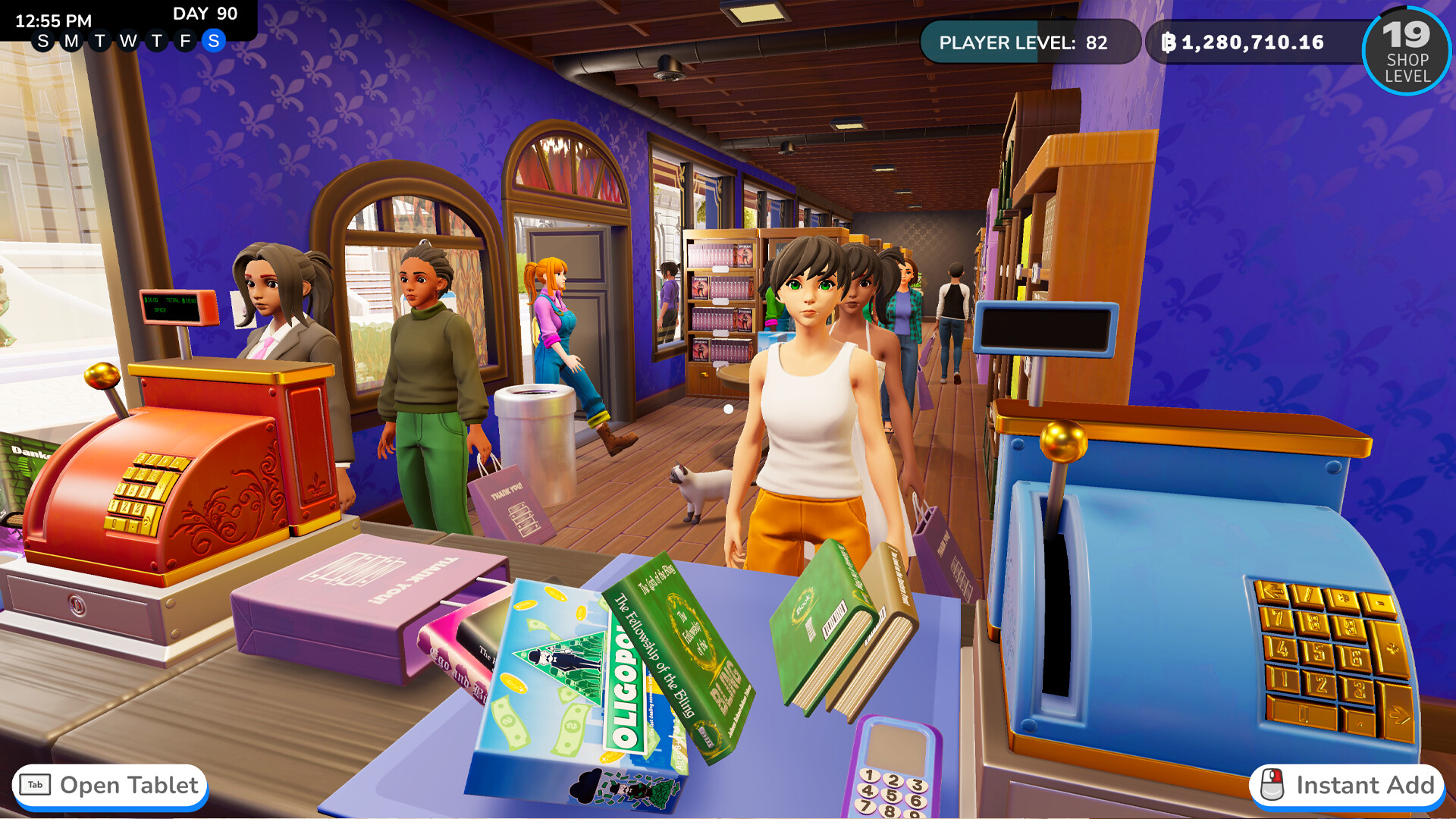
Buy and place bookshelves, then fill them with new books, comics, board games, and other items to sell. Run the cash register to earn revenue. As your business grows, hire employees to be cashiers and item stockers so you can focus on expansion.

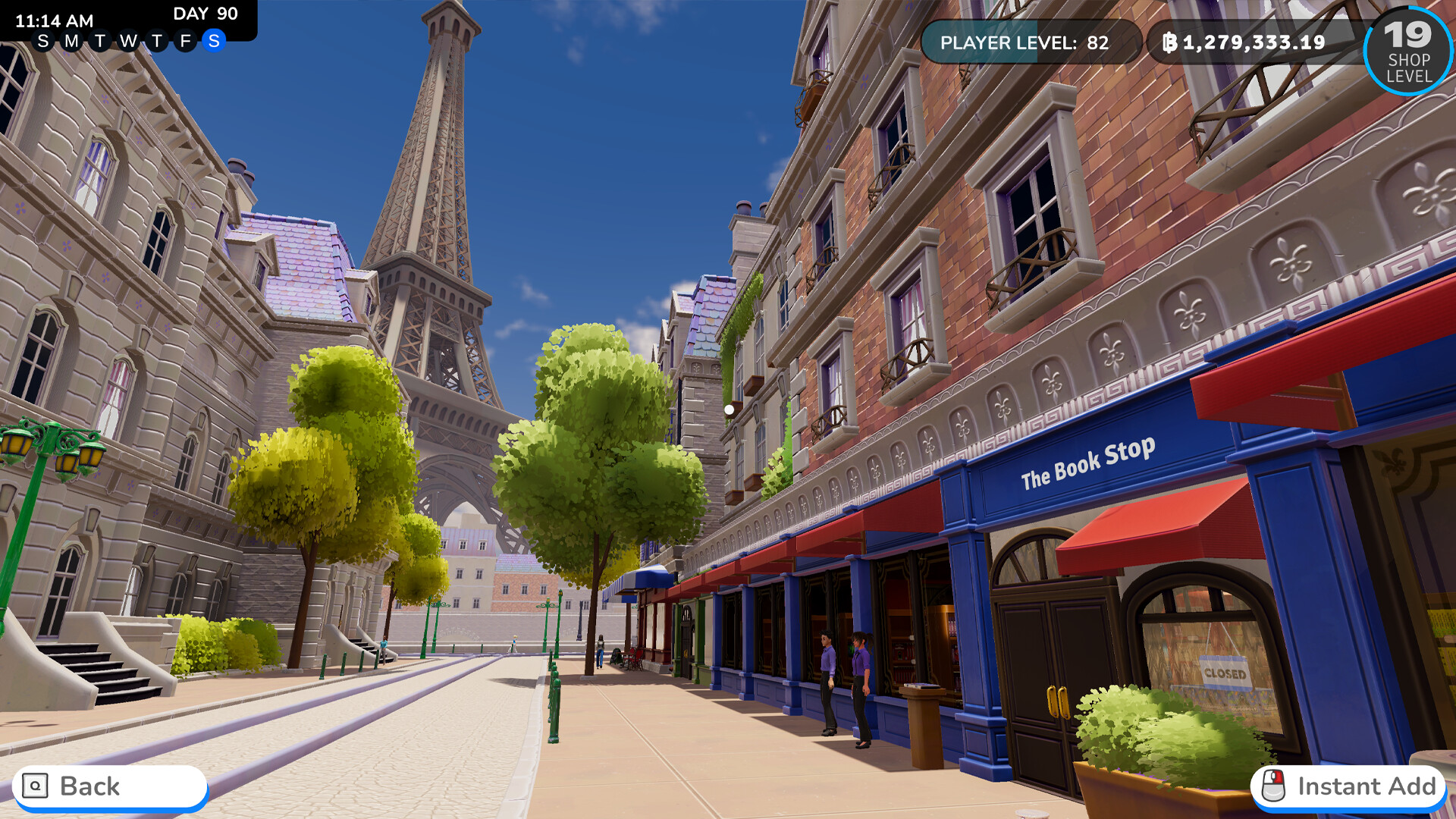
Expand your reach to new locations around the world. Use your income from established shops to help set up new shops. Travel between shops to manage them and optimize your profits. Early access will launch with the France and Japan locations.

Use your profits to customize your store. Choose walls and floors. Decorate with rugs, plants, wall art, and more! Create specialized sections for your favorite genre, or build cozy book nooks.

Get boxes of used books that may contain rare mythical books. These books have powerful abilities to improve your profits and capabilities.

Adopt a cat to keep you and your customers company every day in the shop. Buy food, a bed, and other items to keep the cat active and happy in the store.
System Requirements for Bookshop Simulator
- Requires a 64-bit processor and operating system
- OS: Windows 10 (64-bit)
- Processor: Intel i5 3550 / AMD Ryzen 5 2600
- Memory: 8 GB RAM
- Graphics: GTX 1060 / RX 580
- DirectX: Version 11
- Storage: 10 GB available space
- Requires a 64-bit processor and operating system
- OS: Windows 10 (64-bit)
- Processor: Intel i7 9700 / AMD Ryzen 7 3700X
- Memory: 8 GB RAM
- Graphics: GTX 1070 / Vega 56
- DirectX: Version 11
- Storage: 10 GB available space
How To Install Bookshop Simulator
1. Download The Game.
2. Extract with WinRAR
3. Play!.
How To play Bookshop Simulator ONLINE
1. Download the “Online Crack” from the link provided below and extract the files. After extraction, move the contents into your game’s main installation directory.
2. Download and install Steam.
3. Open Steam and log in. If you don’t have an account yet, you can create one through HERE.
4. Press “Win + R” on your keyboard, type “steam://install/480”, and hit Enter. This will install and update the required game component.
5. Launch the game via Bookshop Simulator.exe.
6. Joining: Wait for your friend to invite you
Hosting: Play > Host Game > Shift + Tab > Invite your friends
7. Enjoy !
Note:
- The game already comes with the “Online Crack” pre-applied, so you can skip Step #1 mentioned above. However, if your antivirus software removes the “Online Crack” files, you’ll need to reapply them manually.
Download Bookshop Simulator
Download Bookshop Simulator Crack Online


Stay related to the article's topic.
Avoid unnecessary links or spam.
No offensive language, insults, or personal attacks.
Have a question unrelated to this article? Visit our Questions Section .
Join the Discussion
Share your thoughts with us