
Download Azure Reflections Build 4340725

Game Details
Release name : Azure Reflections Build 4340725
Size : 9.68 GB
Title : Azure Reflections
Genre : Action, Casual, Indie
Developer : souvenir circ.
Publisher : Phoenixx Inc.
Store : click here
Release Date : Sep 20, 2019
Credits / Released By: Based on my own CSF + ALI213 emu.
Screenshots
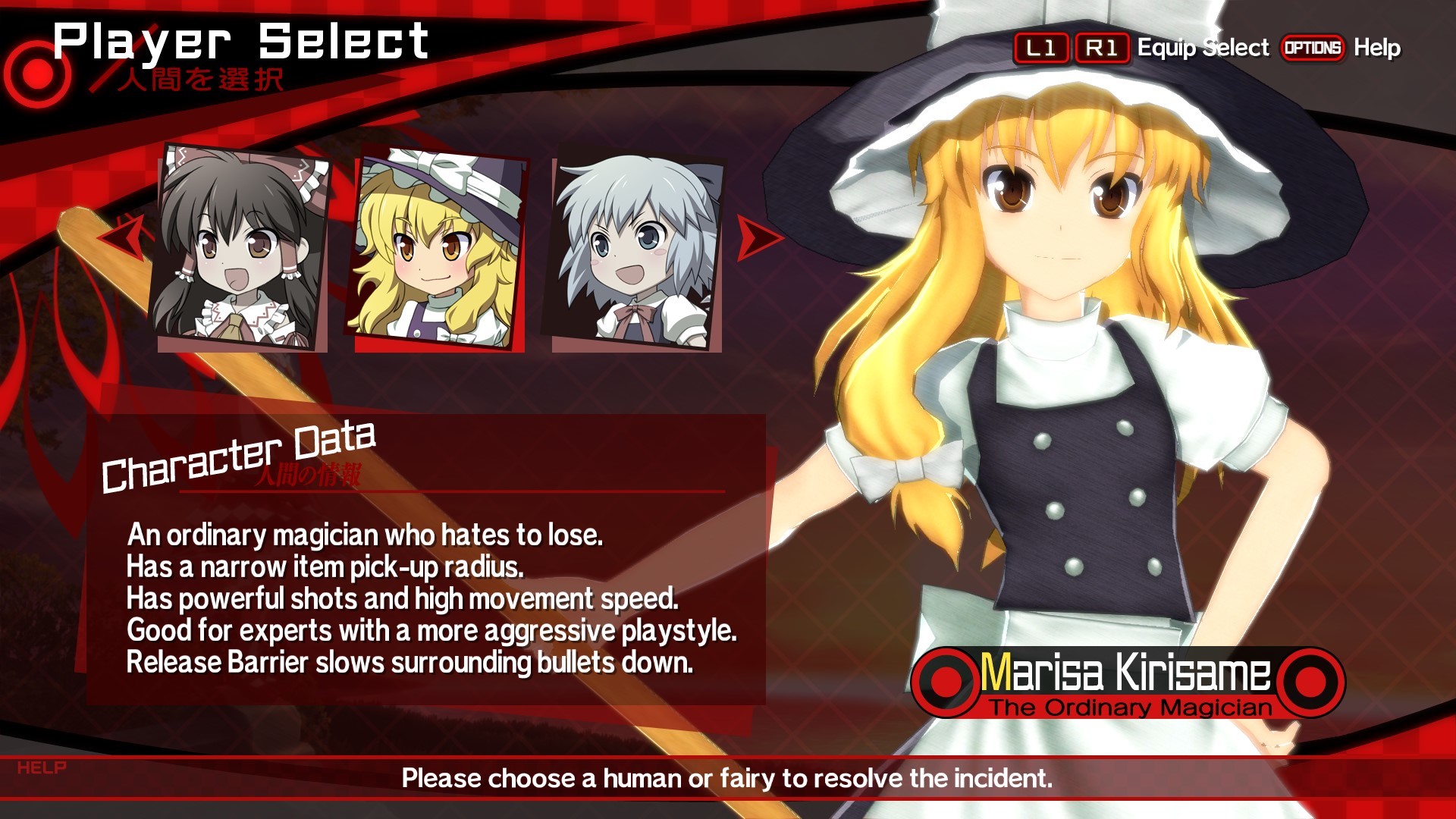
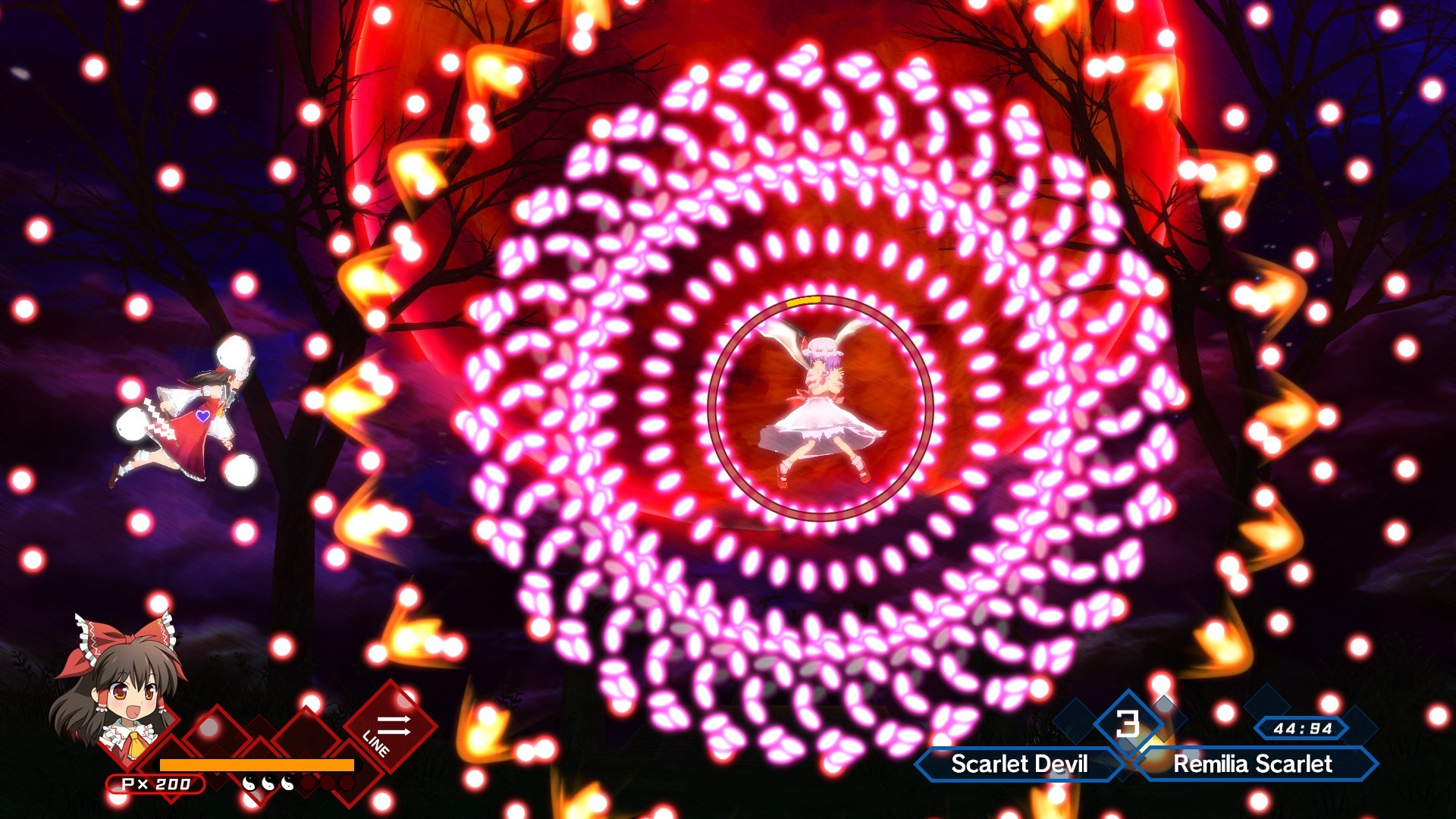
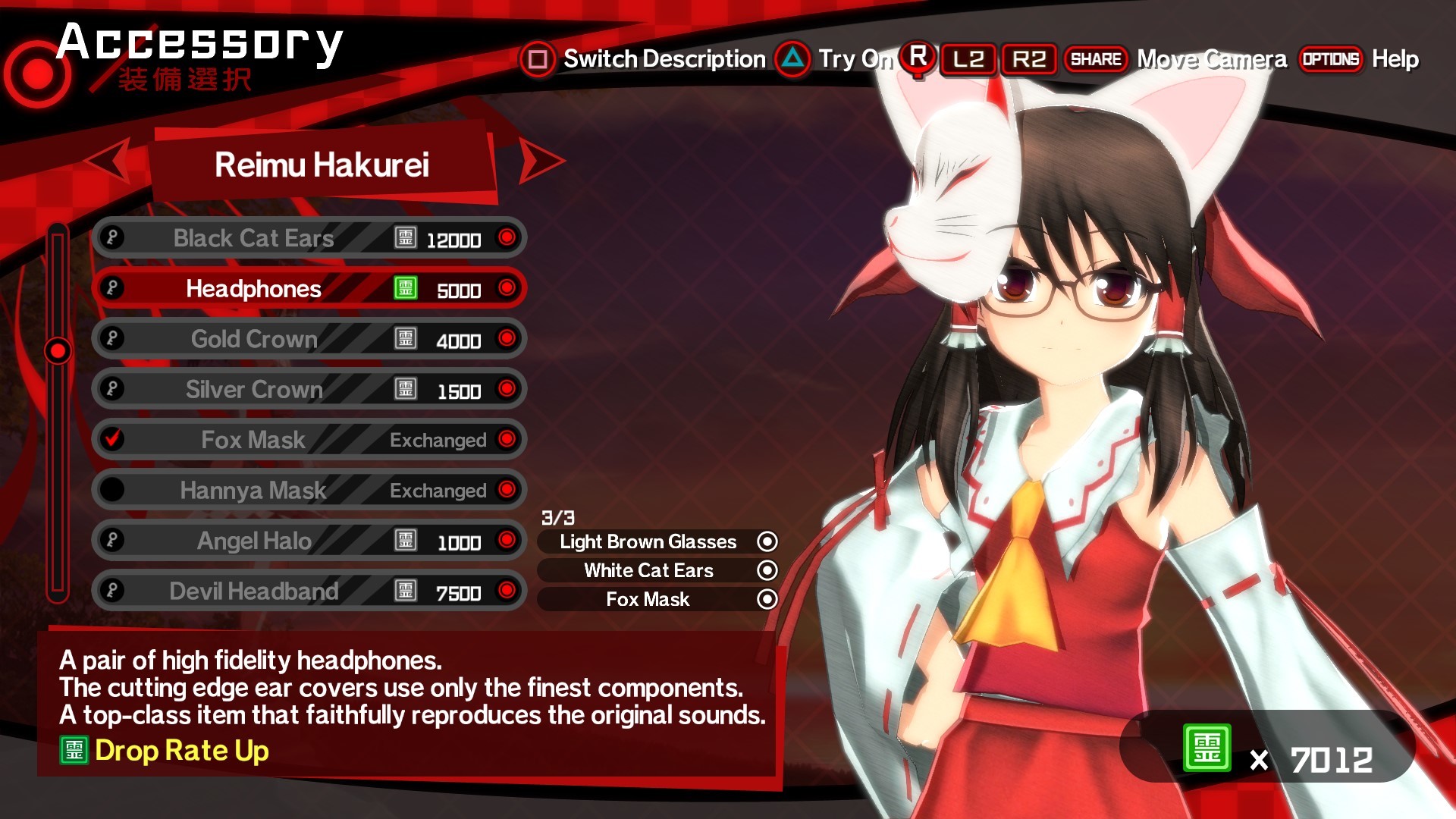
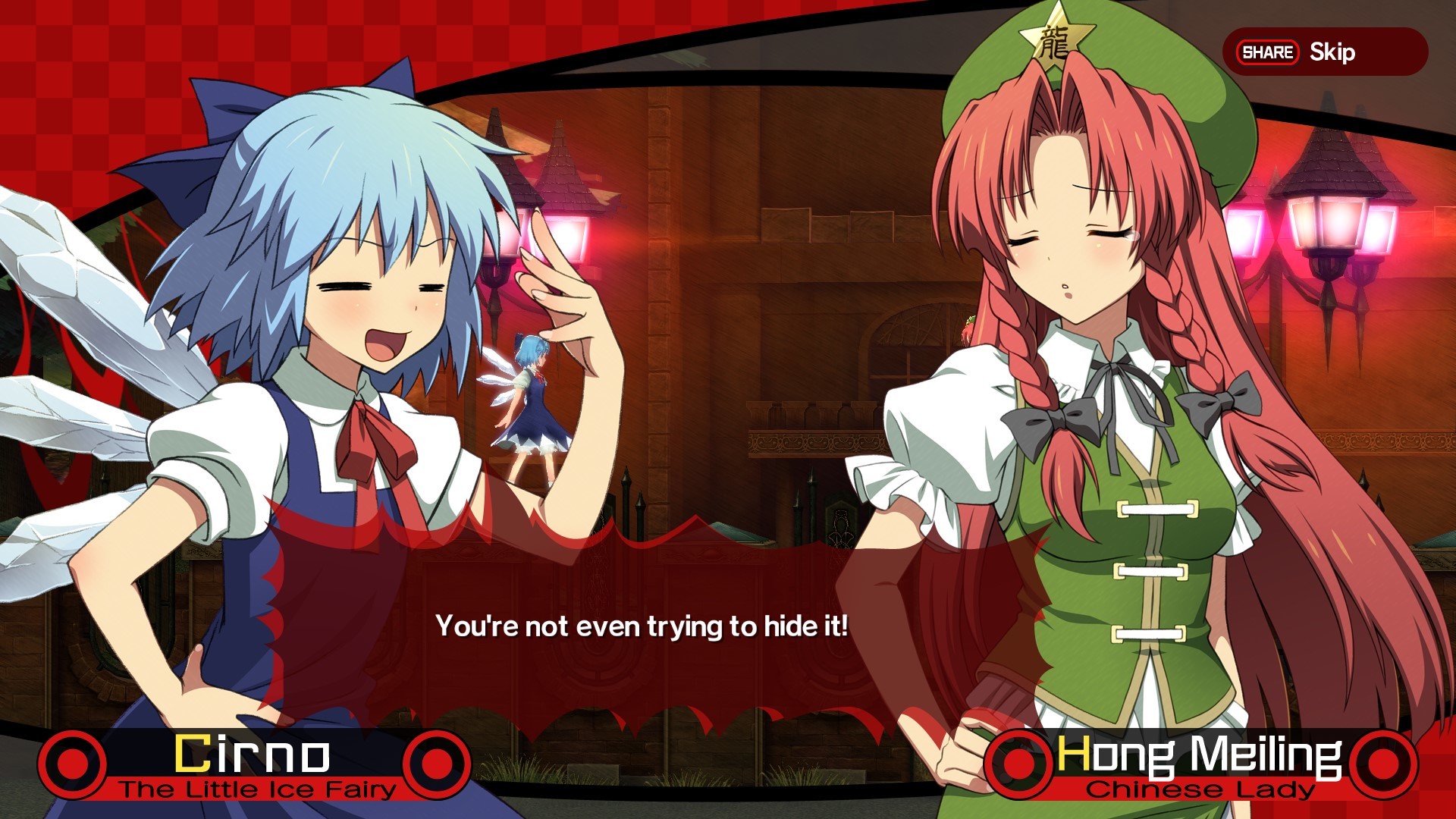
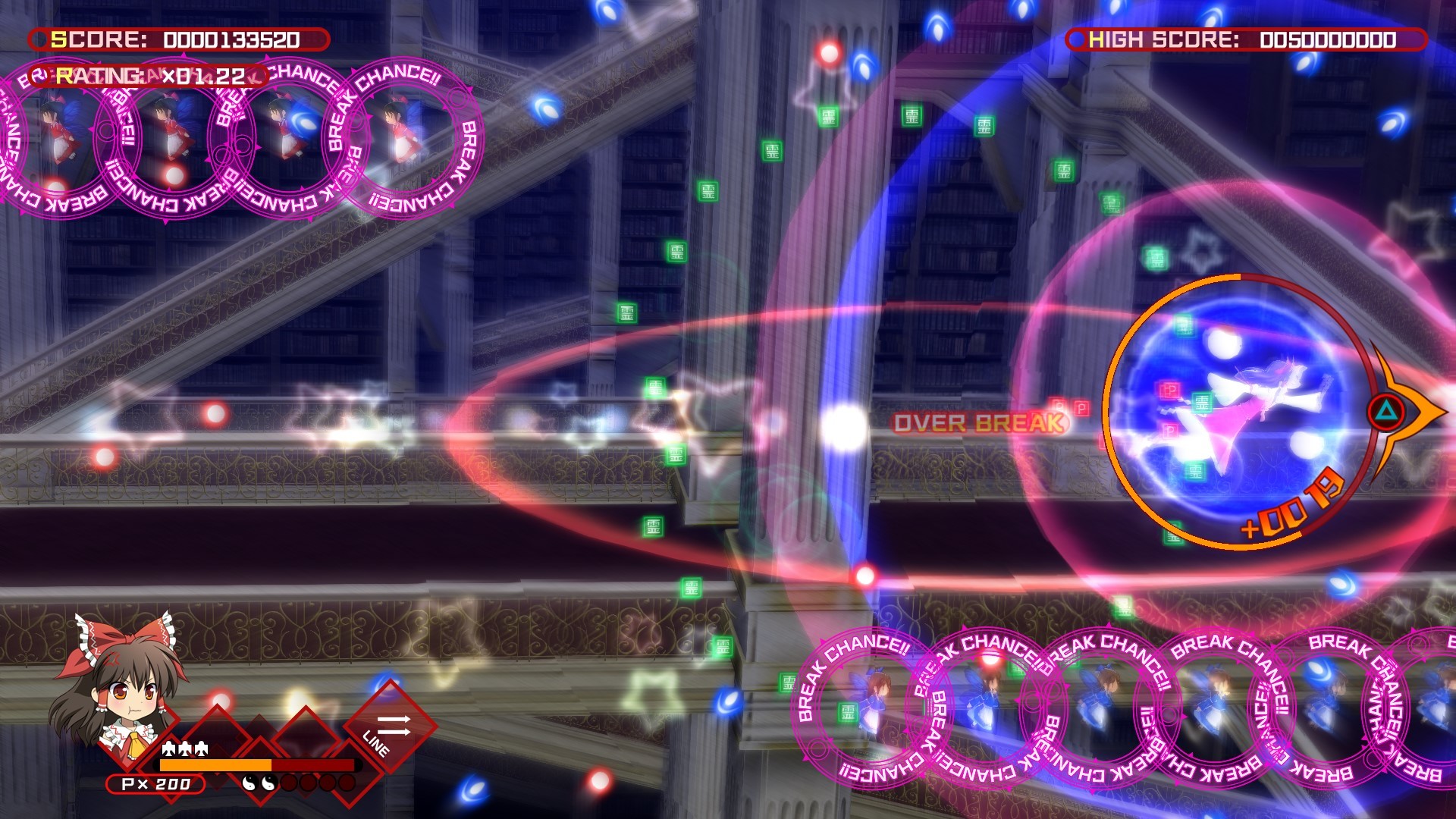
Gameplay
About This Game :
*About Azule Reflections
Azure Reflections is an insane, side-scrolling bullet hell fangame based on one of the hottest shooting game series to come out of Japan, the Touhou Project!
*Danmaku Rush
Enemies come at you from all directions with a relentless hail of bullets! Fight back with a well-timed Danmaku Rush to tear your way through bullets and enemies alike!
*Safe even for beginners
Not that great at bullet hell games? That’s okay! We’ve got you covered with a Practice Mode that lets you practice boss fights and a Tutorial Mode that holds your hand and walks you through the basics of how to play bullet hell shooters.
*Collections
It’s got tons of collectibles, too!
Mix and match accessories for your favorite look!
Collect action figures of the Gensokyo girls, with a dedicated viewer mode.
Can you unlock all of the Achievements!?’
System Requirements for Azure Reflections
- OS: Windows7, Windows10
- Processor: Intel(R) Core(TM) i7-4790
- Memory: 4 GB RAM
- Graphics: NVIDIA GeForce GTX 960
- DirectX: Version 9.0c
How To Install Azure Reflections
1. Download The Game.
2. Extract with WinRAR
3. Play!.


Stay related to the article's topic.
Avoid unnecessary links or spam.
No offensive language, insults, or personal attacks.
Have a question unrelated to this article? Visit our Questions Section .
Join the Discussion
Share your thoughts with us