
Download All In One Sports VR v1.1.1

Game Details
Release name : All In One Sports VR v1.1.1
Size : 820.79 MB
Title : All-In-One Sports VR
Genre : Action, Casual, Simulation, Sports
Developer : Appnori Inc.
Publisher : Appnori Inc.
Store: click here
Release Date : 07 Apr, 2023
Screenshots
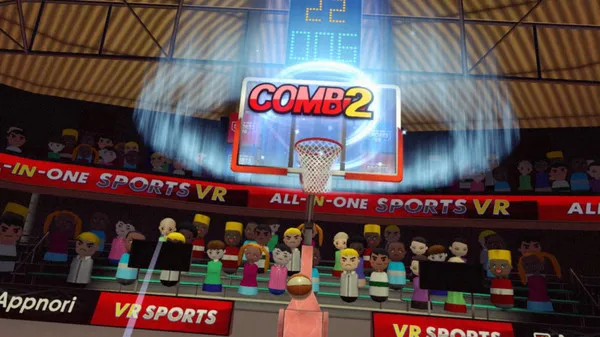
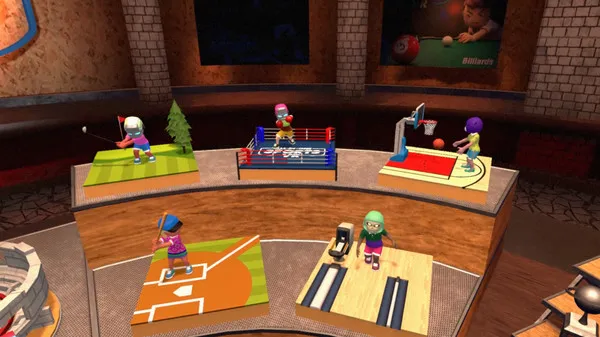
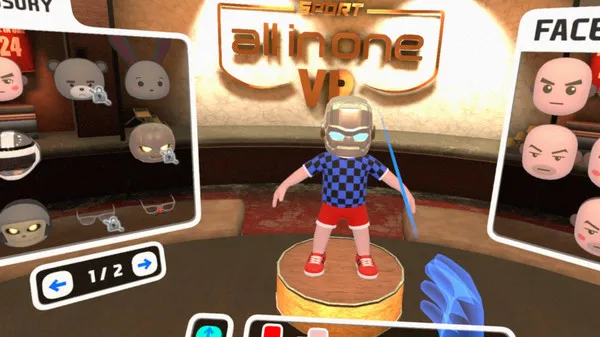
Gameplay
About This Game :
★ FEATURES :
-
■ A variety of sports titles experiences
– Baseball, Archery, Ping Pong, Basketball, Bowling, Badminton, Golf, Dart, Billiard, Boxing, Tennis, Volleyball, squash
-
■ Real time PvP by multiplay
■ Realistic virtual sports experiences by advanced physics
-
■ Player customization
■ Simple UI and easy control can help anyone to play
■ 5 different difficulties from beginner to professional
* The game format is the same as the official Olympic rules, so you can learn sports training and rules.
* Suitable for virtual reality sports classrooms that must be conducted indoors due to physical education facilities and weather conditions.
System Requirements for All-In-One Sports VR Download Free
MINIMUM :
OS *: WINDOWS® 7, 8, 8.1, 10 (32/64-BIT)
Processor: Intel i5-4590, AMD FX 8350 equivalent or better
Memory: 4 GB RAM
Graphics: Nvidia GeForce GTX 970, AMD Radeon R9 290 equivalent or better
DirectX: Version 9.0
Storage: 3 GB available space
VR Support: SteamVR or Oculus PC. Room Scale 2m by 1.5m area required
Additional Notes: HDMI 1.4, DisplayPort 1.2 or newer
RECOMMENDED :
OS: WINDOWS® 10 (32/64-BIT)
Processor: Intel i7-4770 equivalent or greater
Memory: 16 GB RAM
Graphics: NVIDIA® GeForce® GTX 980 equivalent
DirectX: Version 11
Storage: 3 GB available space
Additional Notes: HDMI 1.4, DisplayPort 1.2 or newer
How To Install All-In-One Sports VR Download Free
1. Burn or mount the image using Virtual CloneDrive.
2. Install the game.
3. Play!.
Download All-In-One Sports VR Download Free
Download All In One Sports VR v1.1.1 Direct Link






Stay related to the article's topic.
Avoid unnecessary links or spam.
No offensive language, insults, or personal attacks.
Have a question unrelated to this article? Visit our Questions Section .
Join the Discussion
Share your thoughts with us