
Download blur Build 05062014

Game Details
Release name : blur Build 05062014
Size : 4.70 GB
Title : blur
Genre : Racing
Release Date : 05/25/2010
Screenshots
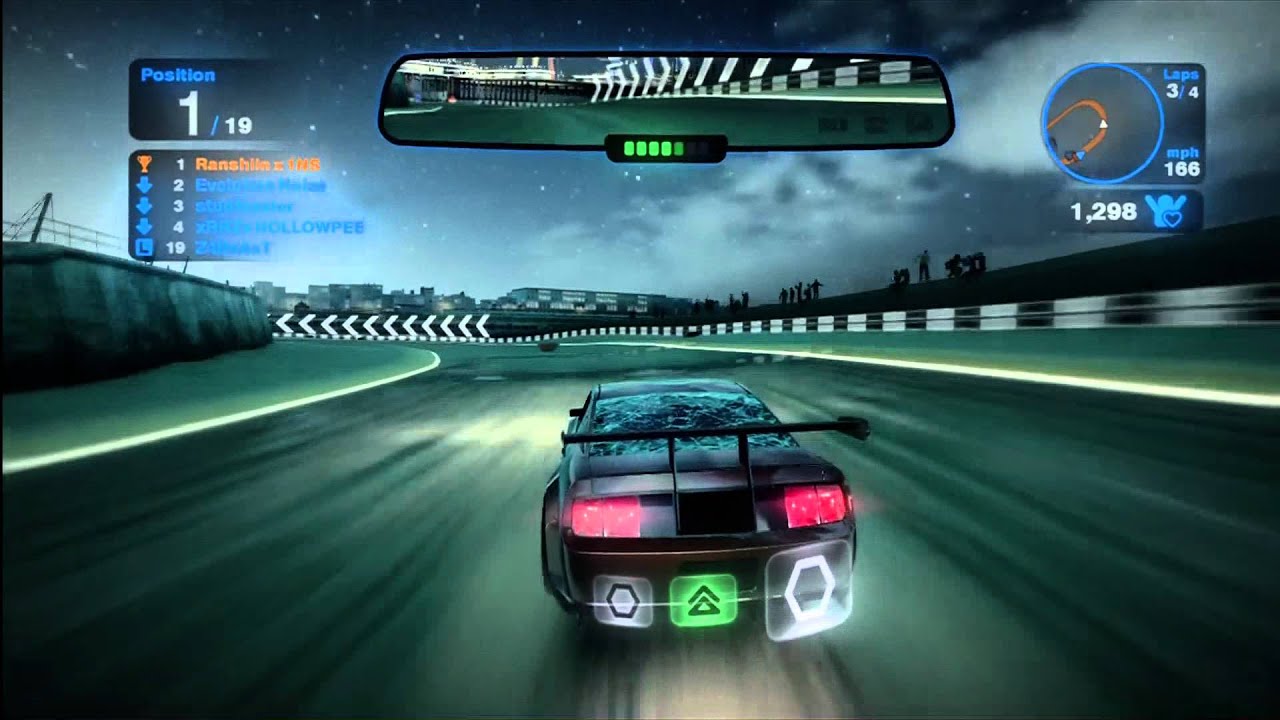
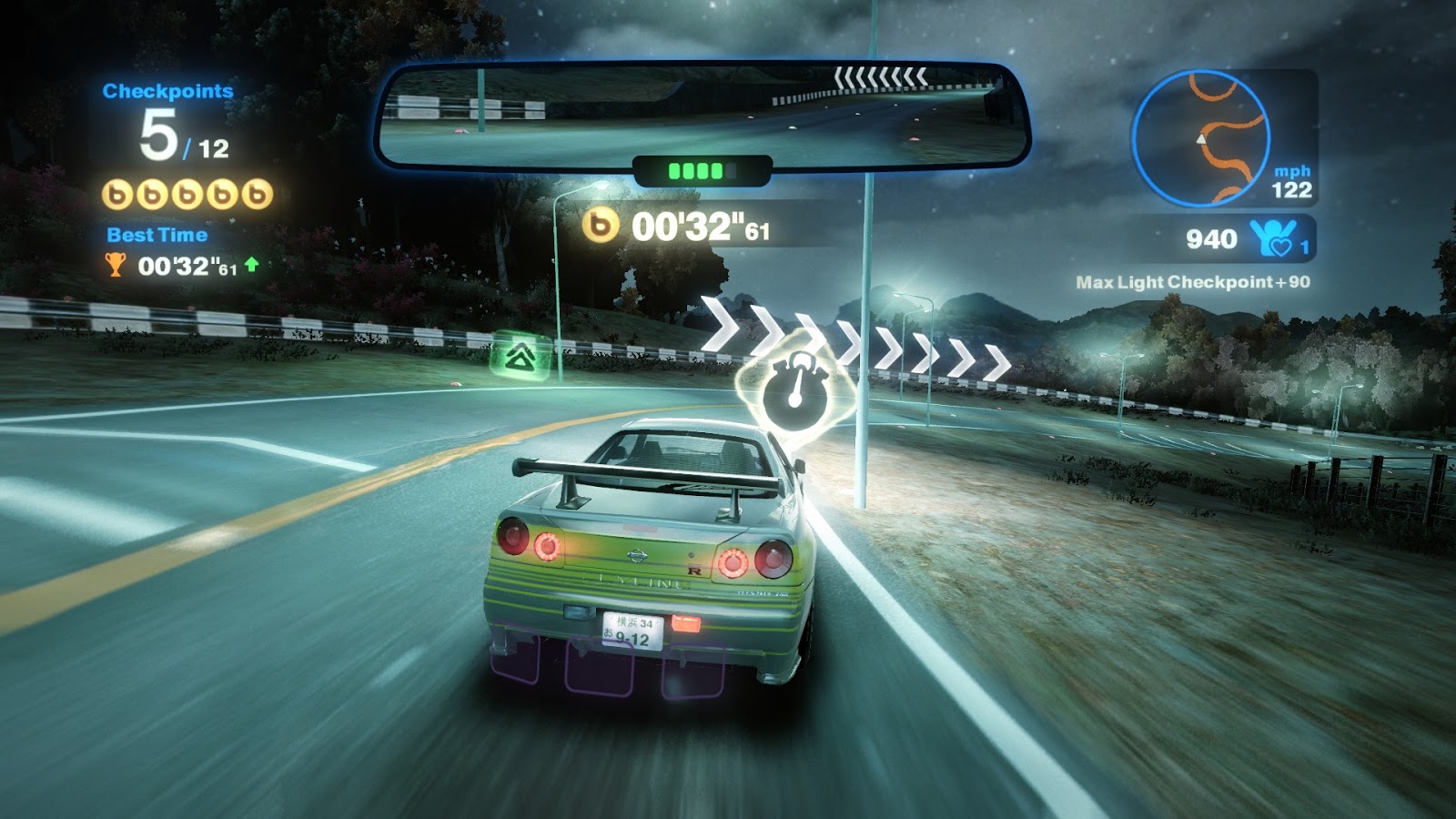
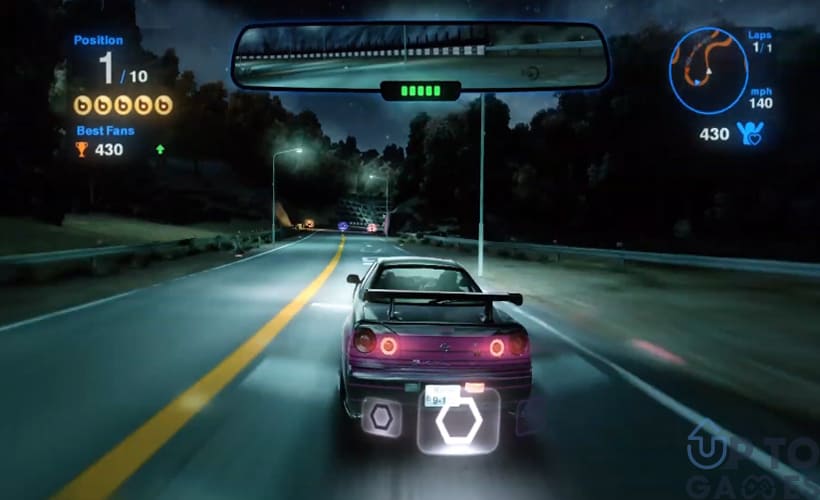
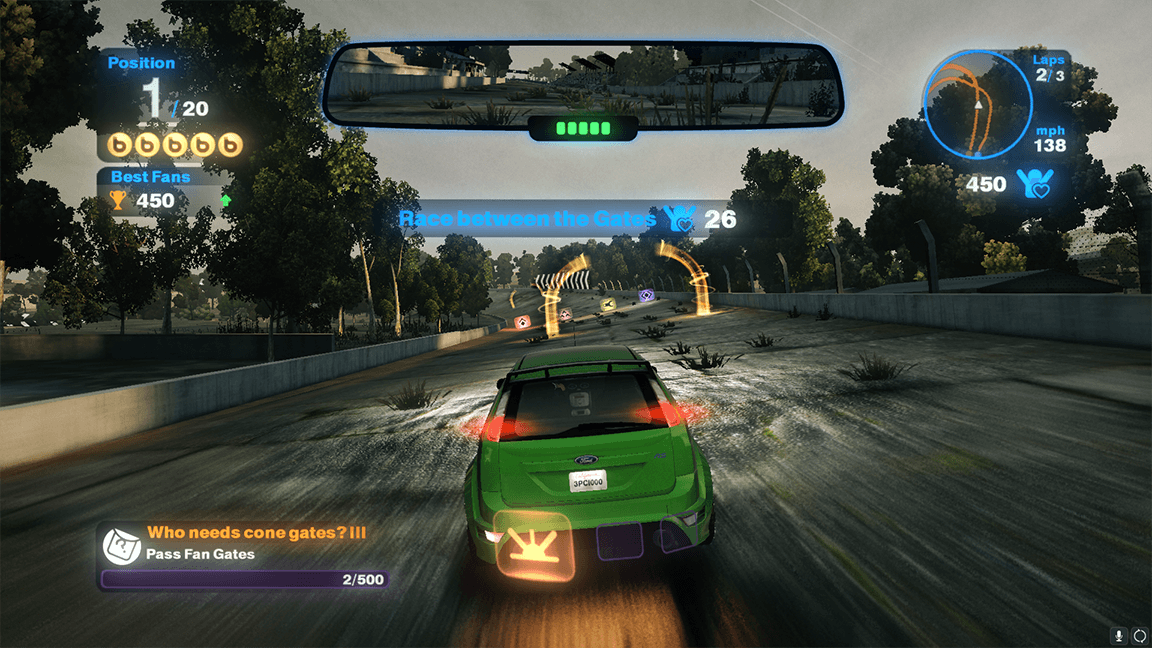
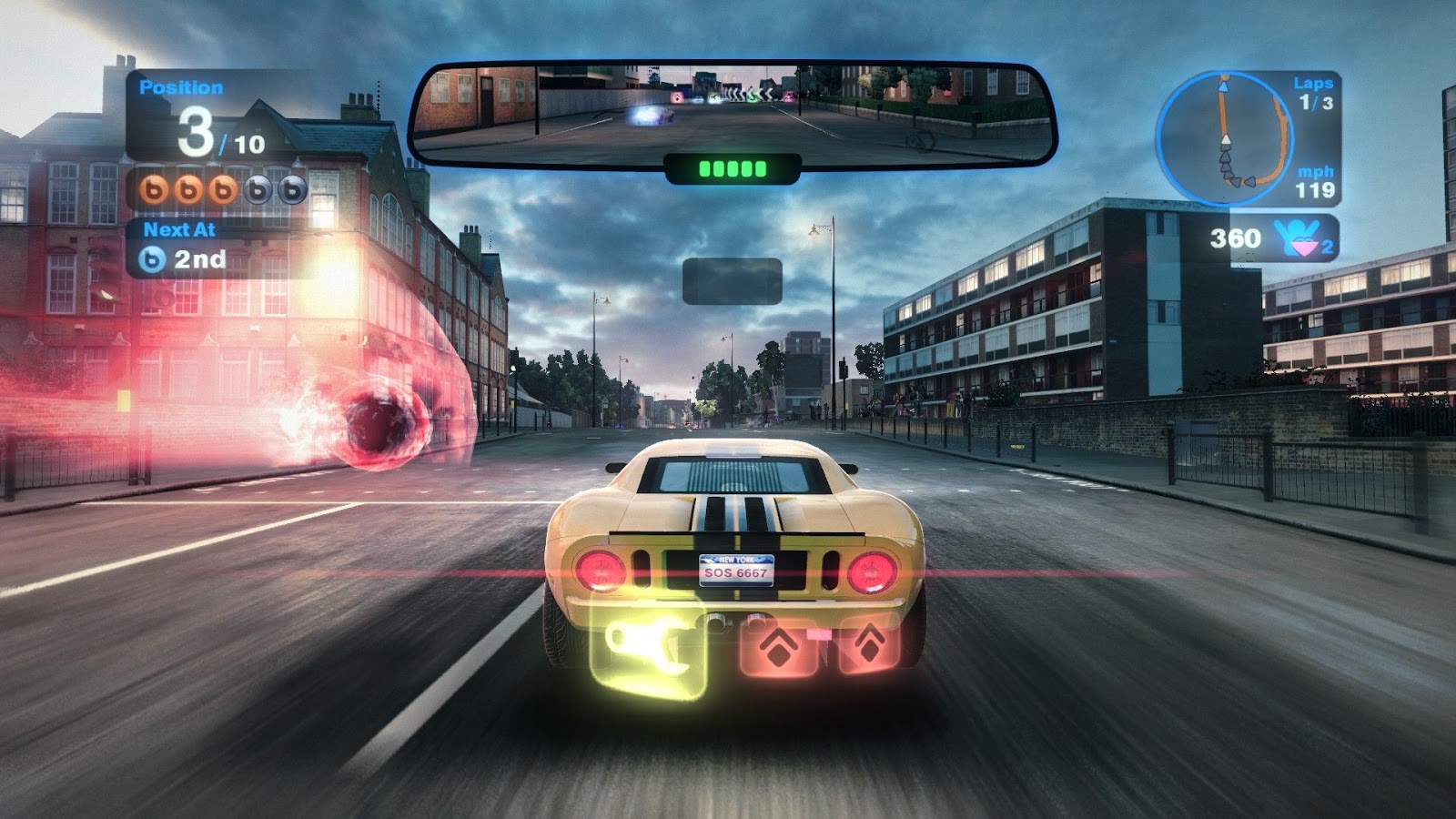
Gameplay
About This Game :
Blur is the ultimate powered-up racing experience,dropping players into heart-pumping, electrified action with multiple cars trading paint as they charge towards the finish line. Drivers careen through real-world tracklocations packed with fast curves, sneaky alternate routes and hair-raising jumps in over 50 licensed cars as they collect intense Power-ups to beat their rivals. Either in Single Player or Multiplayer Blur is for all types of gamers,regardless of experience or skill level.
System Requirements for blur Download Free
MINIMUM :
CPU: Intel(R) Pentium(R) D Dual Core 3.4 GHz or AMD Athlon(TM) 64 x2 3800+
RAM: 1 GB RAM for Windows XP, 2 GB RAM for Winodws Vista/7
OS: Microsoft(R) Windows(R) XP / Vista(R) / 7
VIDEO CARD: 3D hardware accelerator card required – 100% DirectX(R) 9.0c-compliant 256 MB video card and drivers (NVIDIA(R) GeForce(R) 6600 GT 256 MB RAM and better chipsets / ATI Radeon(TM) 1600XT 256 MB RAM and better chipsets)
TOTAL VIDEO RAM: 256 MB
DIRECTX VERSION: DirectX(R) 9.0c (Included)
SOUND CARD: Yes
FREE DISK SPACE: 14 GB of free hard drive space
RECOMMENDED :
CPU: Intel Core 2 Duo E4300 or AMD Athlon 64 FX-60 or higher processor
VIDEO CARD: 3D hardware accelerator card required – 100% DirectX(R) 9.0c-compliant 256 MB video card and drivers (NVIDIA GeForce 7800GT 256 MB RAM and better chipsets or ATI Radeon 1800XT 256 MB RAM with Shader 3.0 capabilities and better chipsets )
TOTAL VIDEO RAM: 256 MB
DIRECTX VERSION: DirectX(R) 9.0c (Included)
SOUND CARD: Yes
FREE DISK SPACE: 14 GB of free hard drive space
How To Install blur Download Free
Note: to play online you have to use hamachi or any lanvpn
1. Download The Game.
2. Extract with WinRAR
3. Play!.






Stay related to the article's topic.
Avoid unnecessary links or spam.
No offensive language, insults, or personal attacks.
Have a question unrelated to this article? Visit our Questions Section .
Join the Discussion
Share your thoughts with us