
Download Village in the Shade Build 25640656
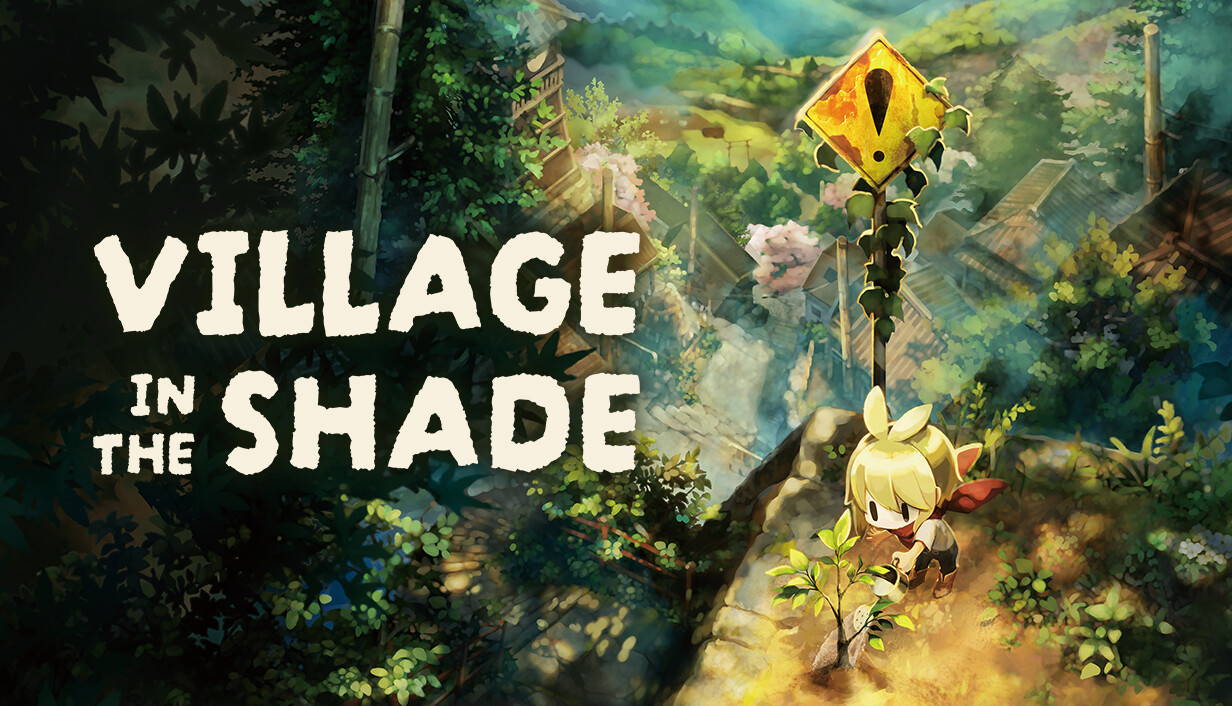
Game Details
Release name : Village in the Shade Build 25640656
Size : 6.03 GB
Title : Village in the Shade
Genre : Adventure, Simulation
Developer : Nippon Ichi Software, Inc.
Publisher : NIS America, Inc.
Store : click here
Release Date : Jul 29, 2026
Credits / Released By: Based on my own CSF + Goldberg
Screenshots
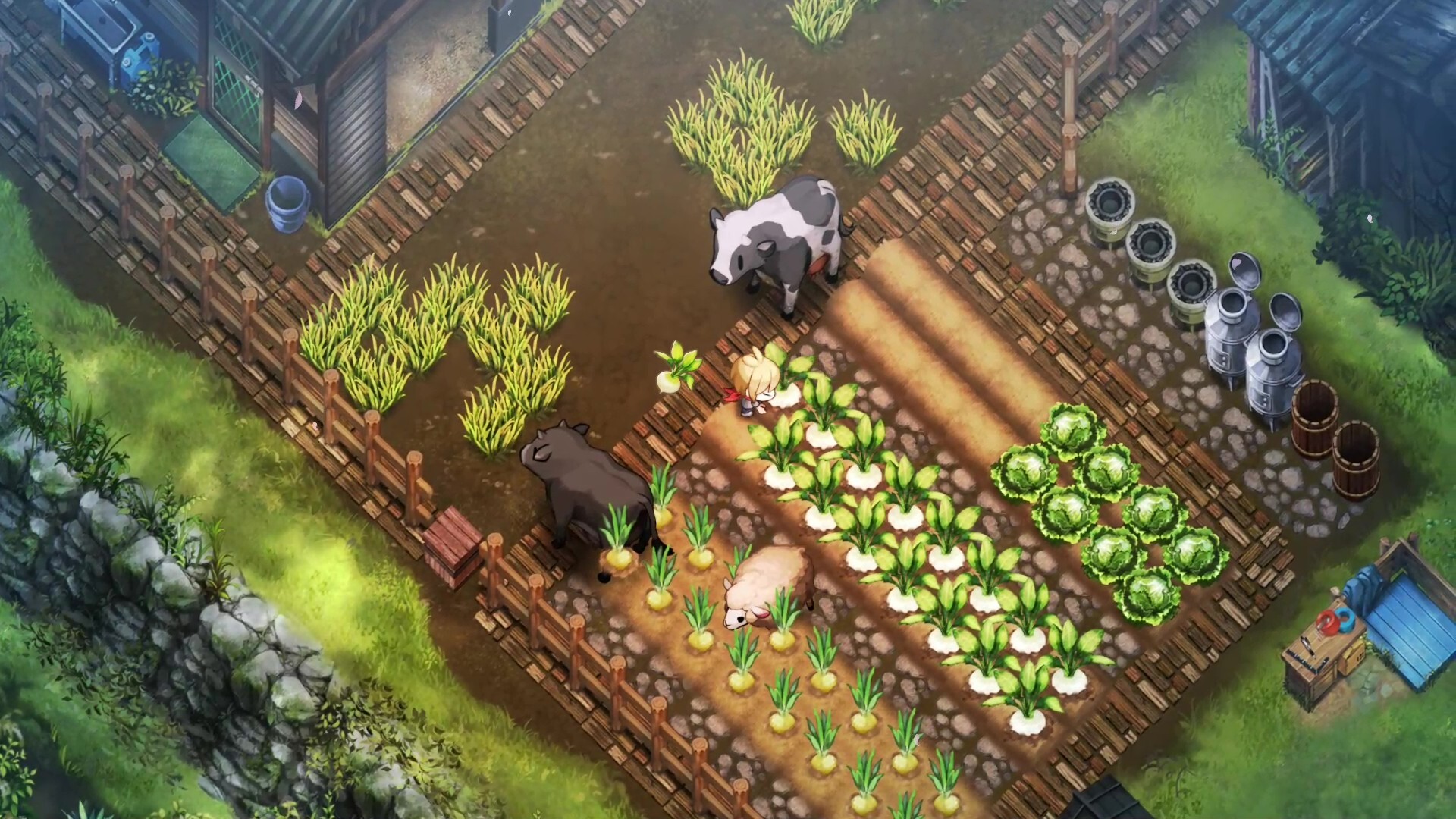
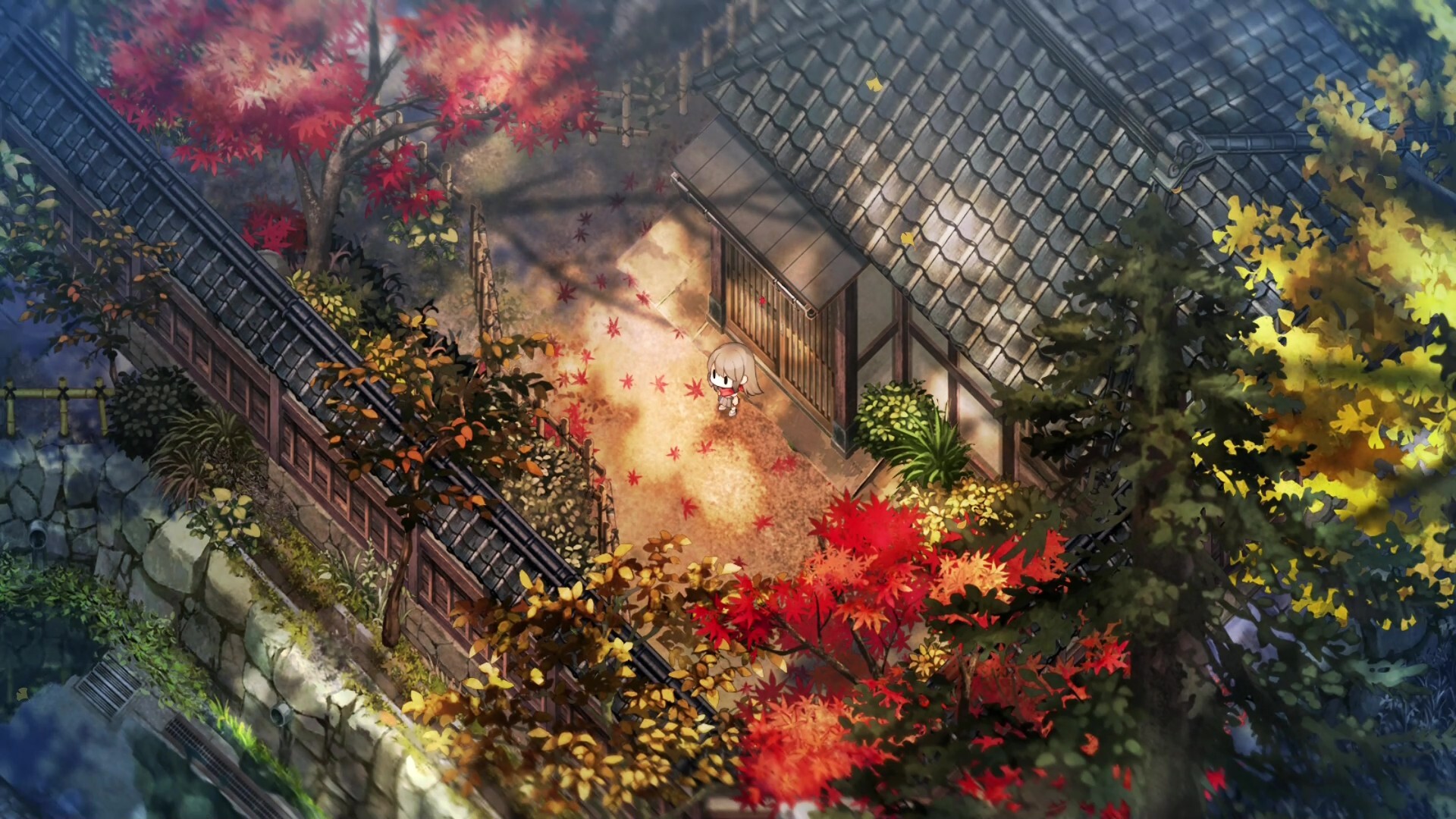
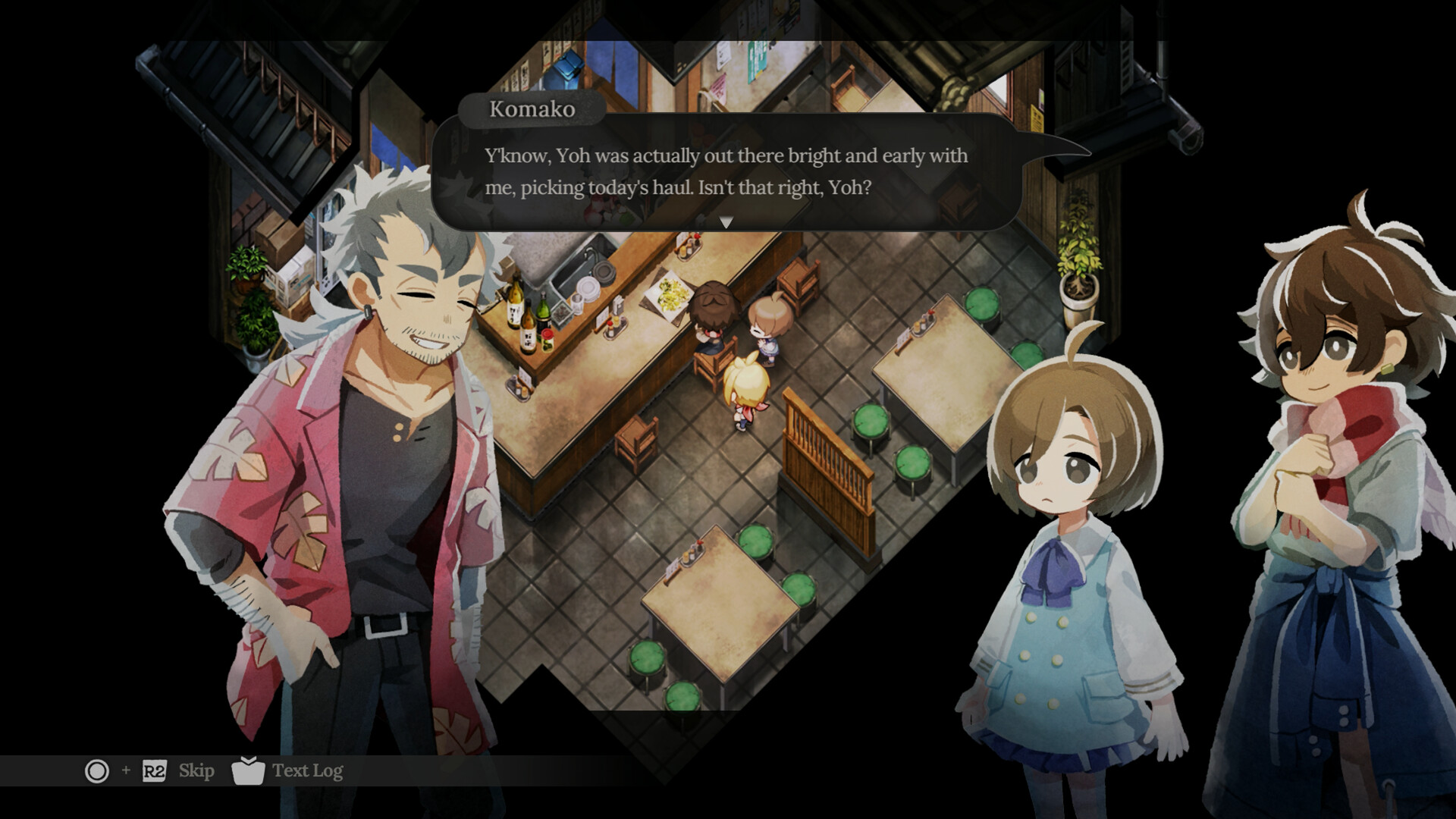
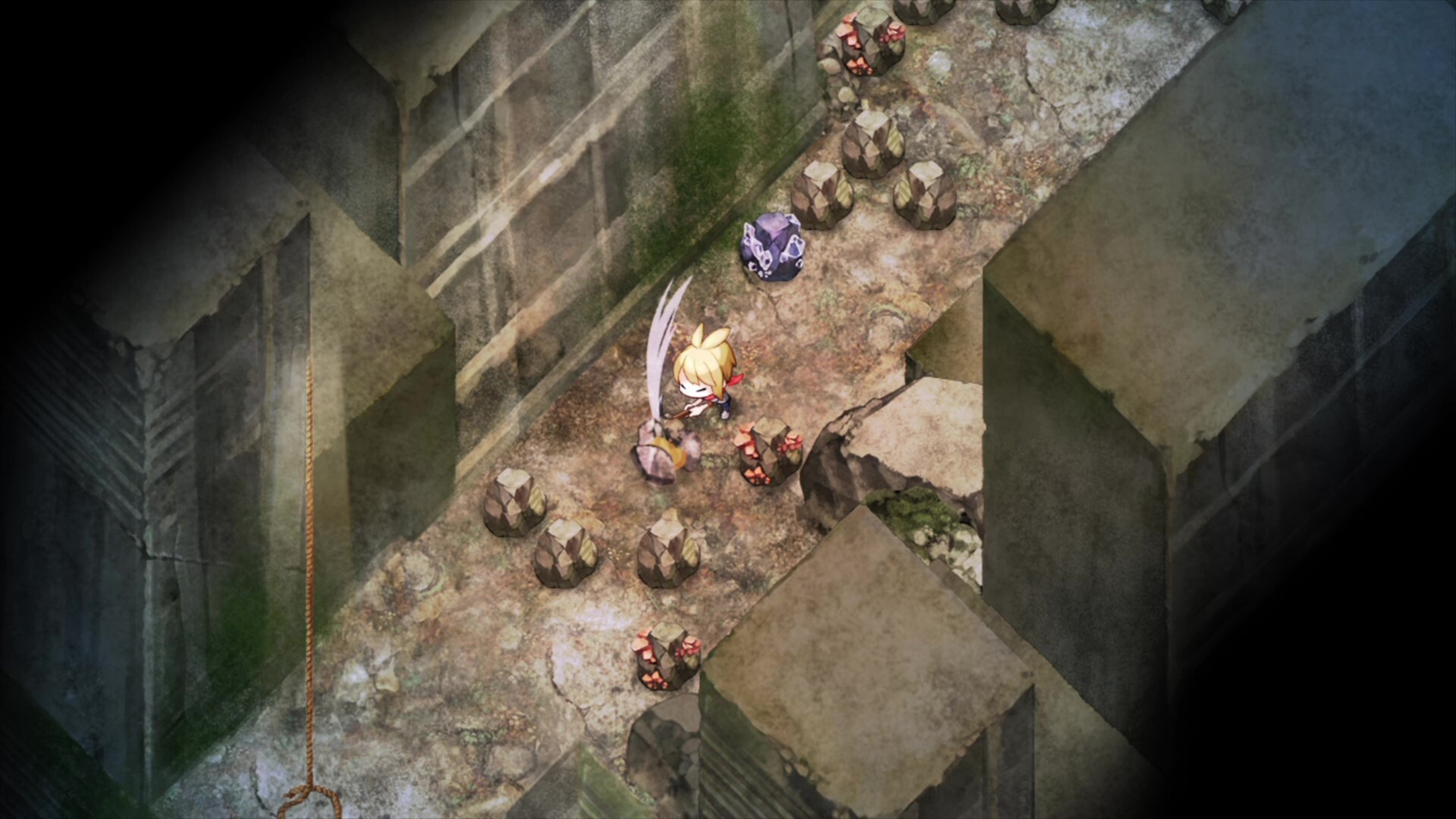
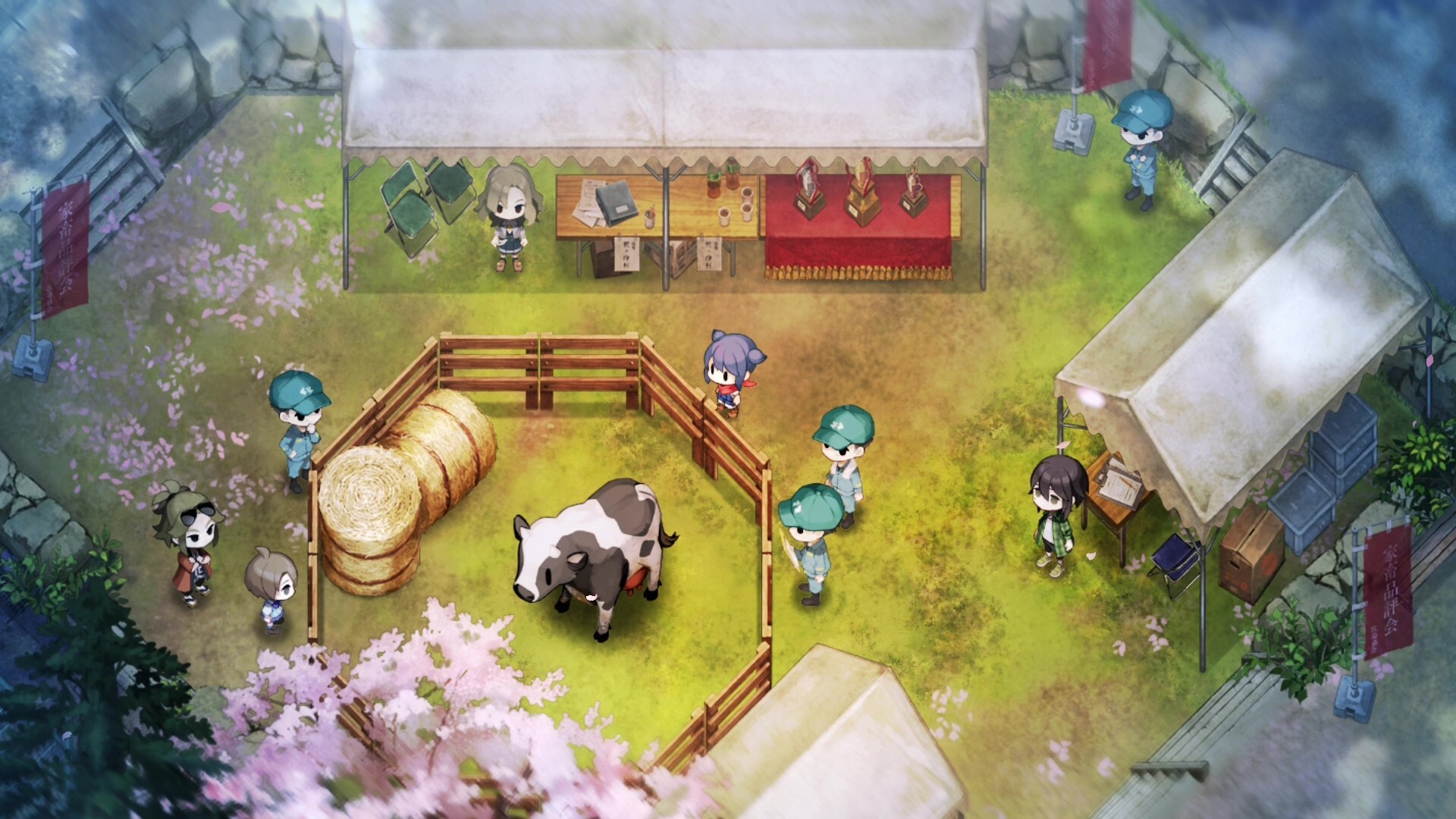
Gameplay
About This Game :
Welcome to Kagatsu, a Japanese mountain village with plenty of secrets. In this brand-new, hand-painted farming sim, you’ll plant crops, customize your homestead, and befriend a cast of intriguing characters.
Relax by the brook, watch the cherry blossoms with your neighbors, or take a stroll through town. With so many ways to relax, you’re sure to feel right at home.
Just make sure to follow a few simple rules: don’t talk to strangers, don’t leave the village, and, whatever you do, don’t go out at night.
Unsettle Down: Make your new home feel like home! Buy furniture in town to decorate your house, then craft fences and other items with the resources you’ve gathered around your farm.
Festival Fun: Experience traditional Japanese festivals and activities, like the summer festival and cherry-blossom viewing. Get closer to your neighbors as you enjoy laid-back living.
Secrets Aren’t Meant to be Shared: Discover the truth about Kagatsu at your own risk, or follow the rules and keep from seeing a part of the village you don’t want to.
System Requirements for Village in the Shade
- Requires a 64-bit processor and operating system
- OS: Windows 10/11
- Processor: Intel Core i5-6400
- Memory: 8 GB RAM
- Graphics: GeForce GTX 750 Ti
- DirectX: Version 11
- Storage: 9 GB available space
- Requires a 64-bit processor and operating system
- OS: Windows 10/11
- Processor: Intel Core i5-12500
- Memory: 16 GB RAM
- Graphics: GeForce GTX 1650
- DirectX: Version 11
- Storage: 9 GB available space
How To Install Village in the Shade
1. Download The Game.
2. Extract with WinRAR
3. Play!.






Stay related to the article's topic.
Avoid unnecessary links or spam.
No offensive language, insults, or personal attacks.
Have a question unrelated to this article? Visit our Questions Section .
Join the Discussion
Share your thoughts with us