
Download over the hill Build 14102026 + ONLINE

Game Details
Release name : over the hill Build 14102026 + ONLINE
Size : 2.46 GB
Title : over the hill
Genre : Adventure, Casual, Indie, Racing, Simulation, Sports
Developer : Funselektor Labs Inc.
Publisher : Funselektor Labs Inc.
Store : click here
Release Date : Oct 14, 2026
Credits / Released By: online-fix.me
Screenshots
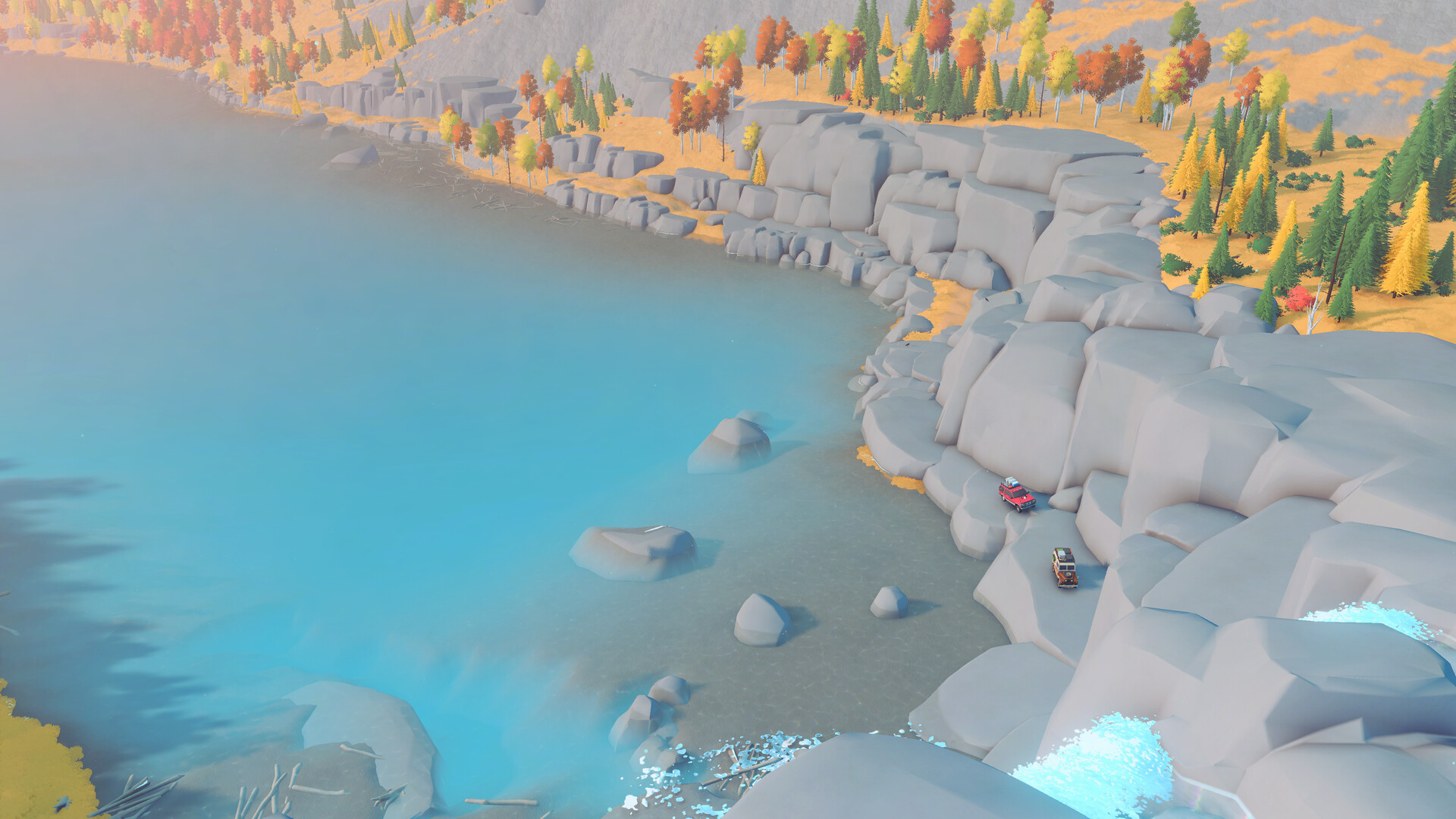
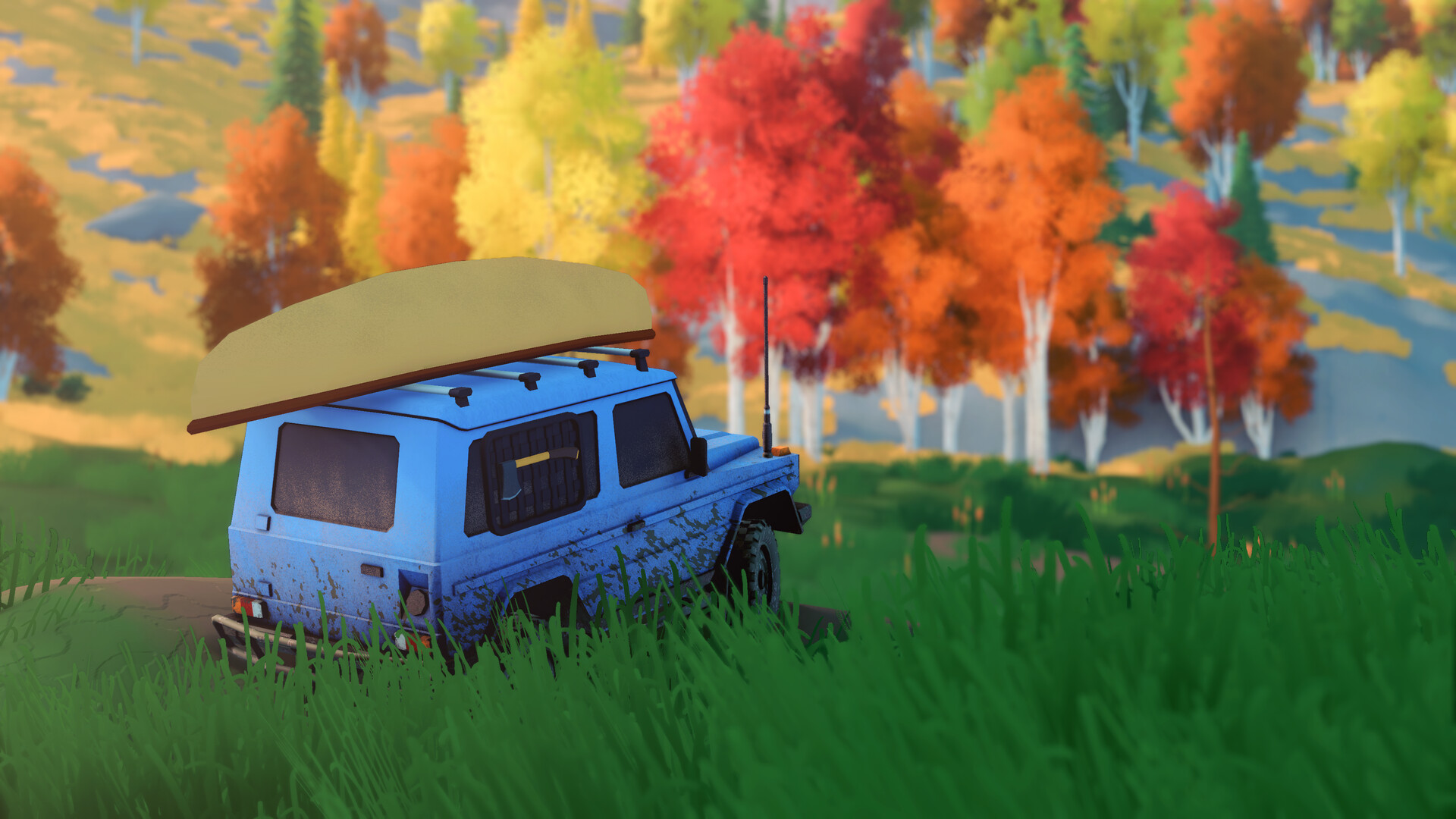
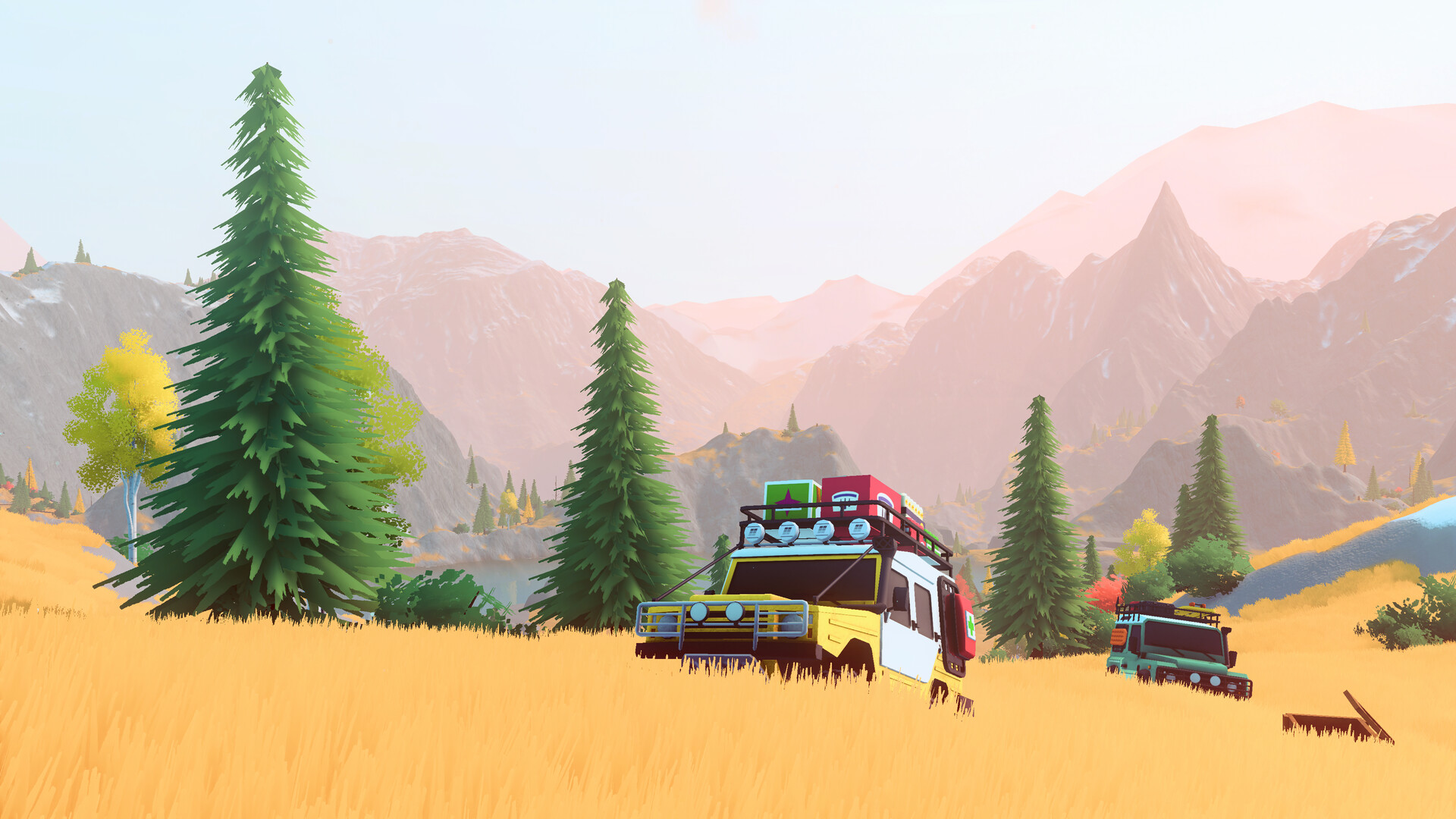
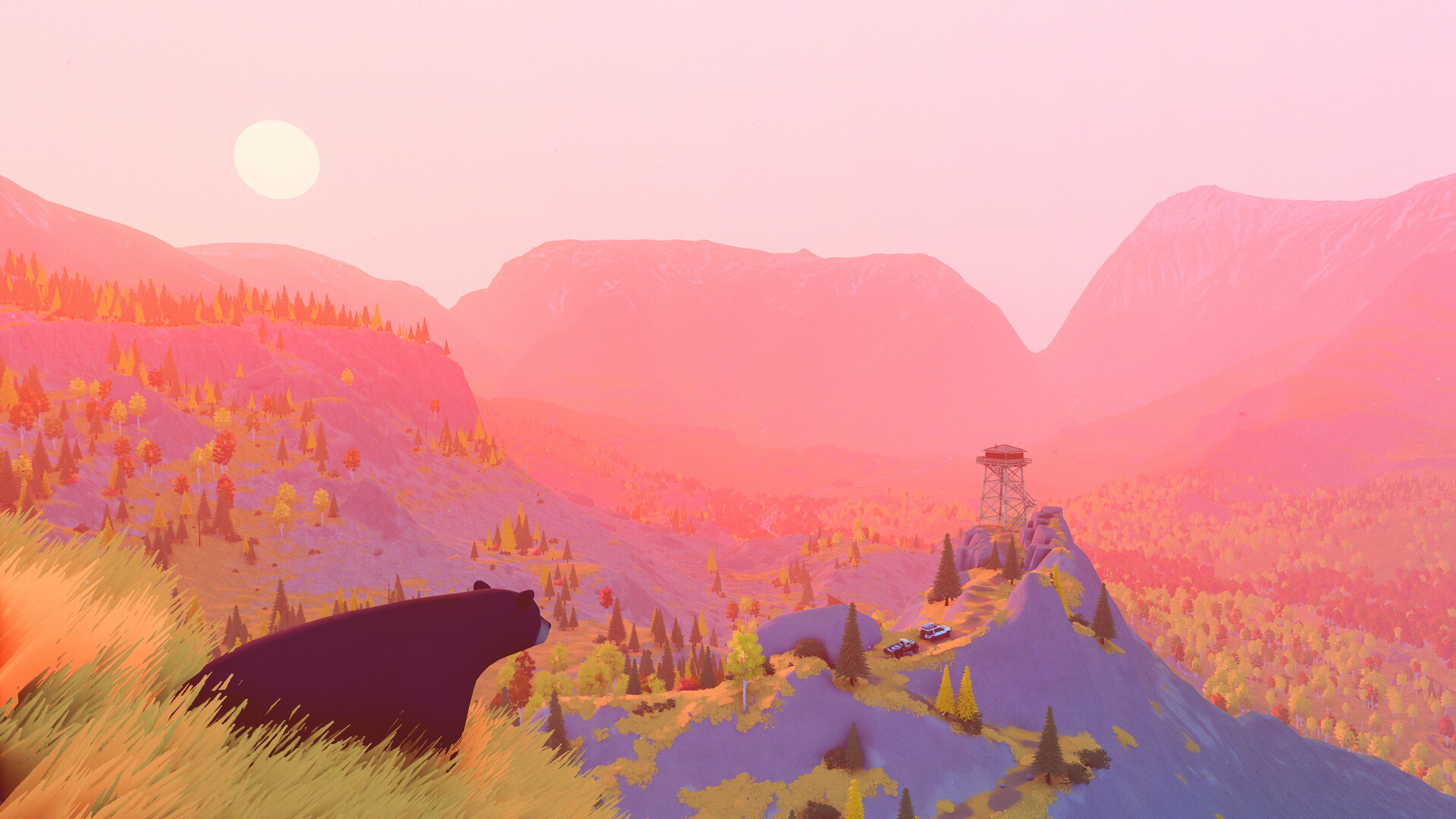
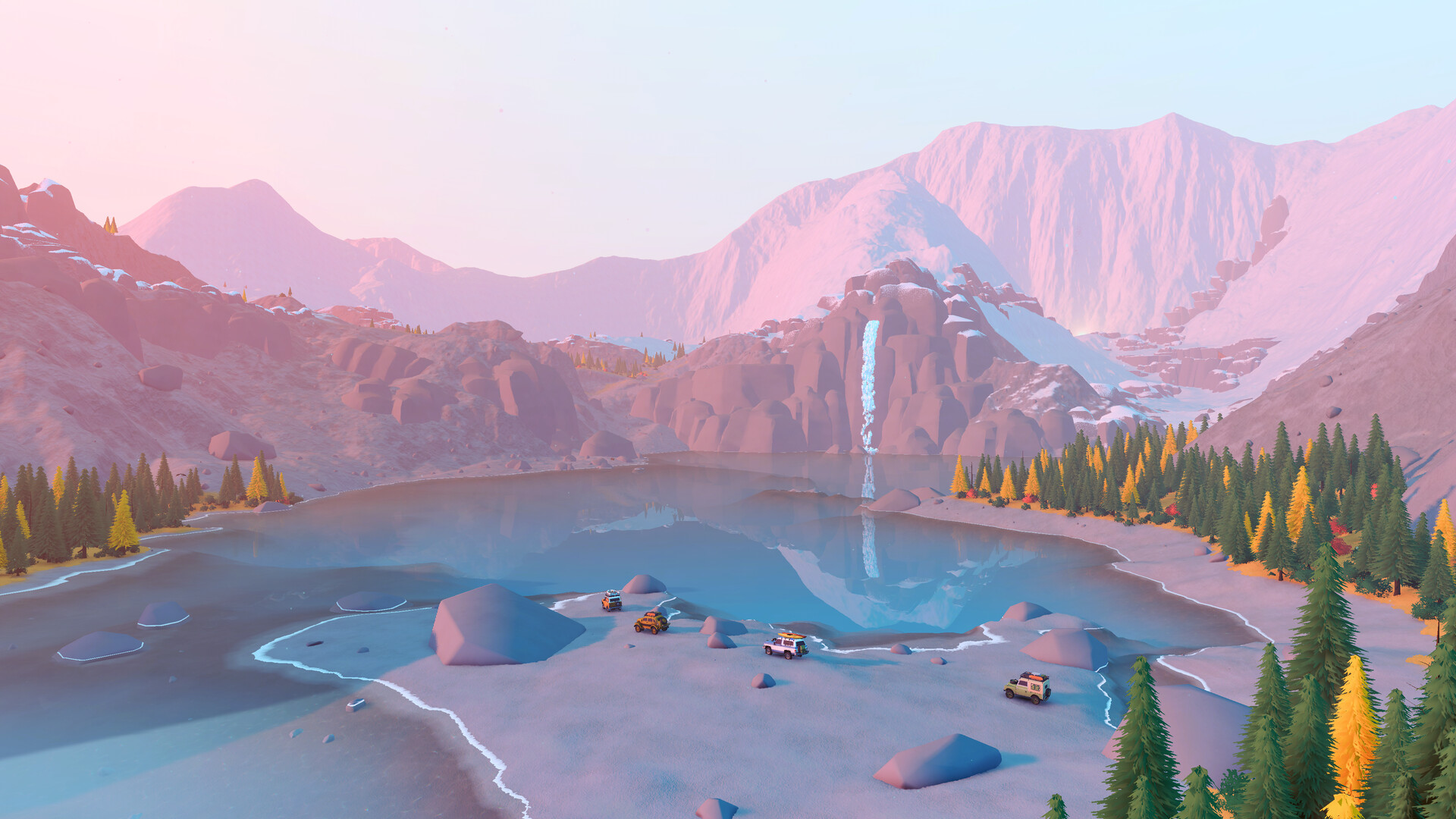
Gameplay
About This Game :
Explore, navigate, and uncover the vast wilderness of over the hill, the newest installation from the creator of art of rally. Ramble your way through varied biomes inspired by real-world locations, from valleys to mountains and everything in between.

Take to the trails solo or with up to three friends. Cruise through scenic landscapes, tackle challenging off-road routes, and work together to overcome the obstacles standing between you and your destination.
Different situations call for different solutions. Use planks to cross gaps, deploy winches to recover vehicles and navigate difficult terrain, and bring the right equipment to help you overcome the challenges ahead. Whether you’re carefully planning your route or improvising your way through a tricky situation, the journey is always in your hands.

Explore forests, lakesides, and mountains as you uncover remote cabins, scenic viewpoints, natural landmarks, meteorites that have fallen from the sky, and portals that can take you to new areas. Dynamic weather and day/night cycles can transform the world around you and change the conditions of your journey.

Spot native wildlife and use the in-game camera to document your discoveries. Photograph the animals you encounter to fill out your wildlife compendium, or stop to capture an awe-inspiring landscape, a beautiful sunset, or any other moment worth remembering.

Find upgrades and equipment throughout the world to help you take on the terrain ahead. Stop at merchants and cabins to customize your vehicle with colours, accessories, and cosmetics that suit your driving style.

This is a driving game, not a racing game. Take your time, enjoy the drive, find your own route, and see where the road leads. The best stories never start at the end.
System Requirements for over the hill
- Requires a 64-bit processor and operating system
- OS: Windows 10
- Processor: Intel Core i5-7400 / AMD Ryzen 5 2600
- Memory: 8 GB RAM
- Graphics: Nvidia GTX 1070 / AMD Radeon RX 5600
- DirectX: Version 11
- Network: Broadband Internet connection
- Storage: 4 GB available space
- Additional Notes: Specs tested on FullHD resolution
- Requires a 64-bit processor and operating system
How To Install over the hill
1. Download The Game.
2. Extract with WinRAR
3. Play!.
How To play over the hill ONLINE
1. Download the “Online Crack” from the link provided below and extract the files. After extraction, move the contents into your game’s main installation directory.
2. Download and install Steam.
3. Open Steam and log in. If you don’t have an account yet, you can create one through HERE.
4. Press “Win + R” on your keyboard, type “steam://install/480”, and hit Enter. This will install and update the required game component.
5. Launch the game via through the hill.exe
6. Joining: Multiplayer > Join by code > Enter the lobby code and connect to the server.
Hosting: Multiplayer > Create > Tell your friends Server Code and wait for them to connect.
7. Enjoy !
Notes:
- The game already comes with the “Online Crack” pre-applied, so you can skip Step #1 mentioned above. However, if your antivirus software removes the “Online Crack” files, you’ll need to reapply them manually.
- You can play on official servers.
Download over the hill
Download over the hill Crack Online



Stay related to the article's topic.
Avoid unnecessary links or spam.
No offensive language, insults, or personal attacks.
Have a question unrelated to this article? Visit our Questions Section .
Join the Discussion
Share your thoughts with us