
Download Worms Rumble v2016.748356 + ONLINE

Game Details
Release name : Worms Rumble v2016.748356 + ONLINE
Size : 9.41 GB
Title: Worms Rumble
Genre: Action, Indie
Developer: Team17 Digital
Publisher: Team17 Digital
Store : click here
Release Date: 1 Dec, 2020
Credits / Released By: OFME
Screenshots
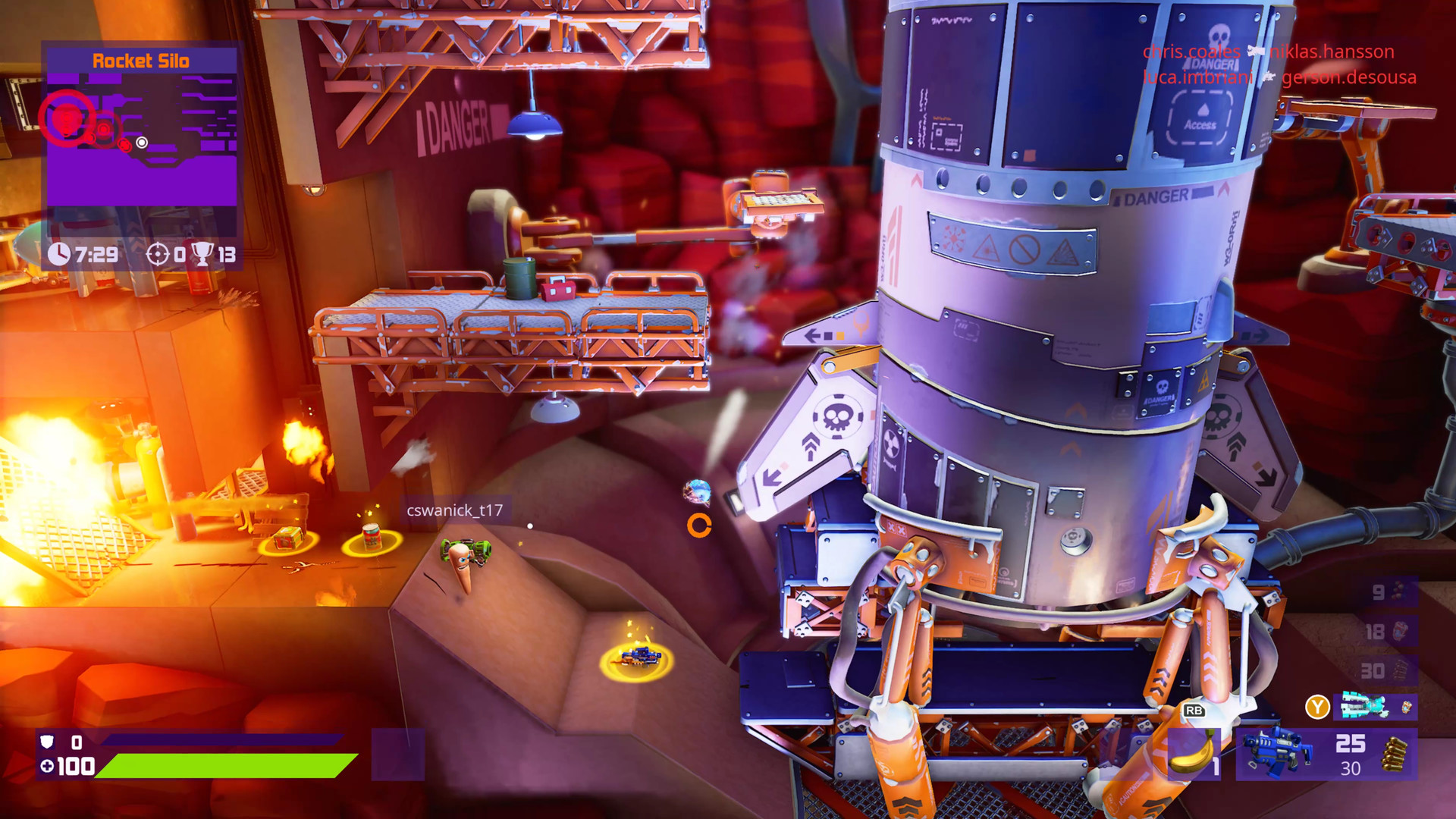
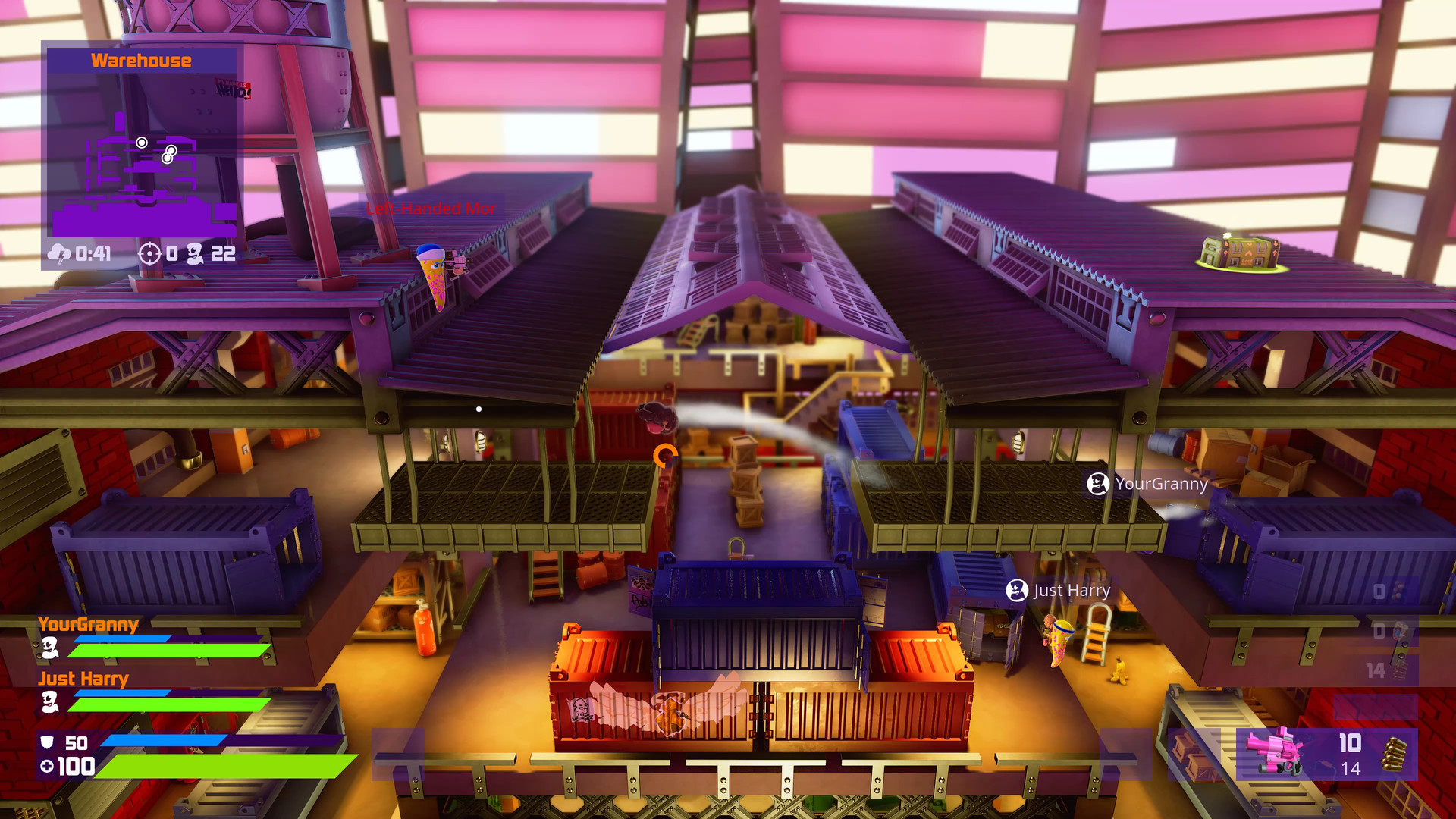
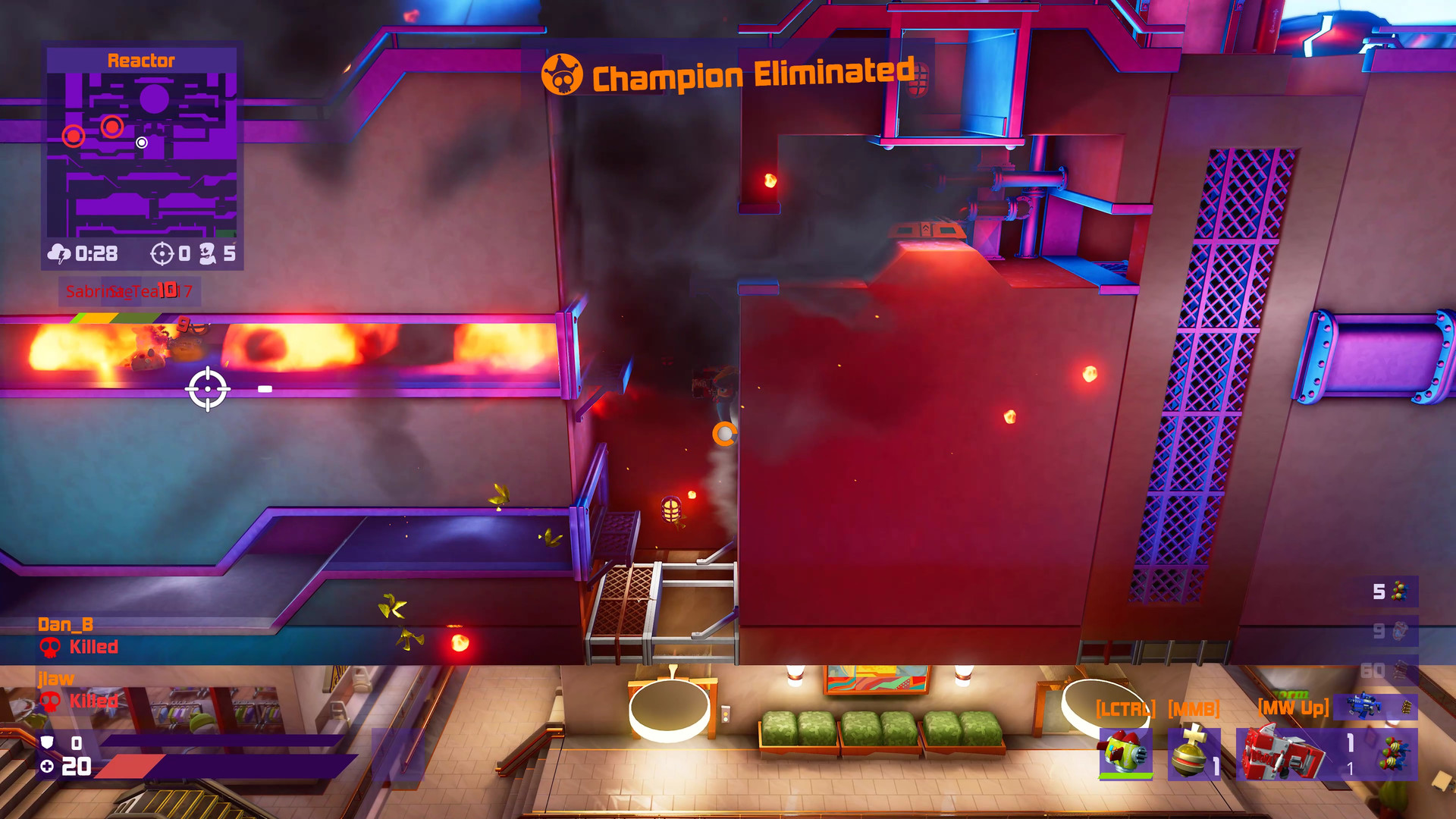
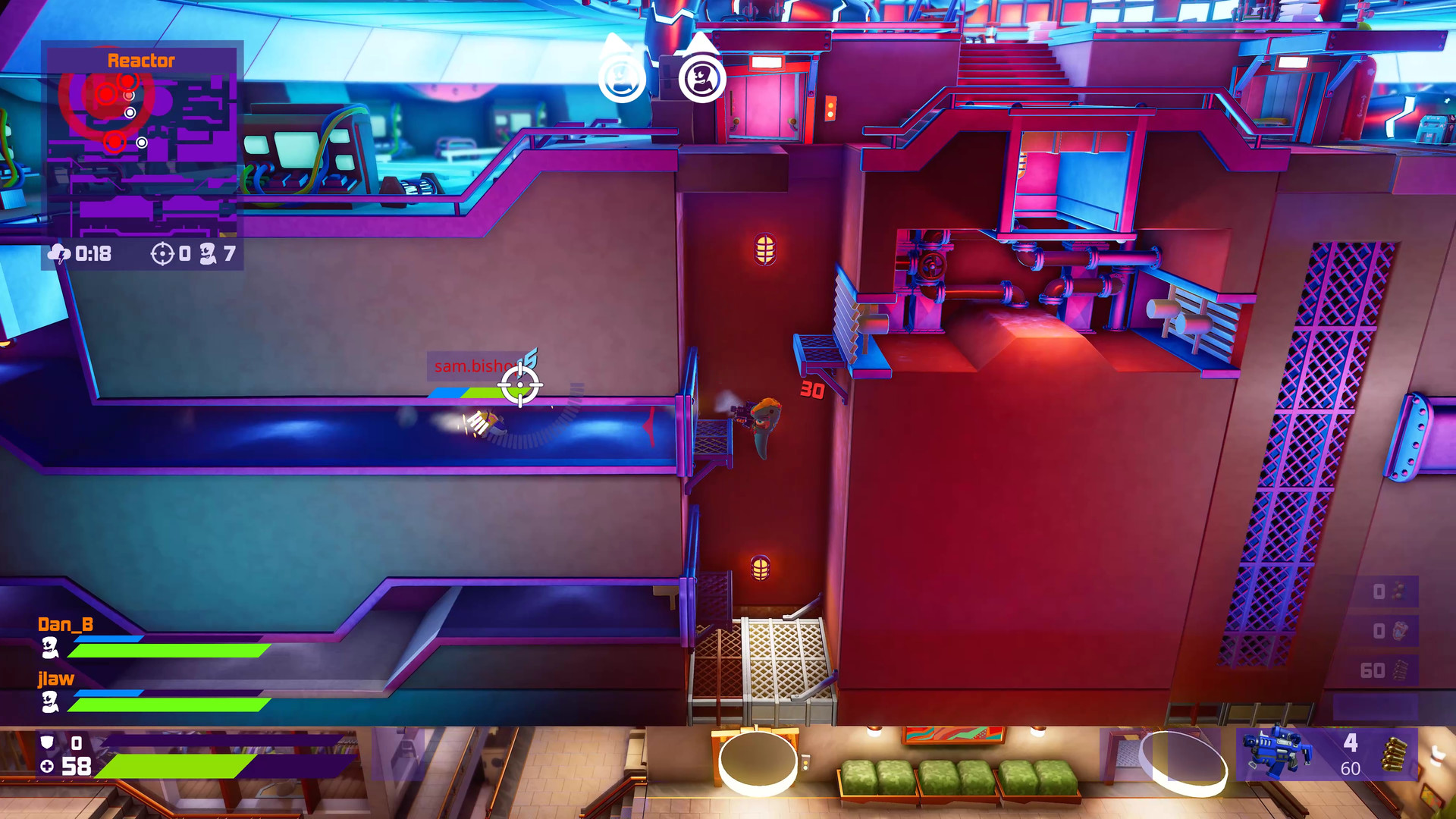
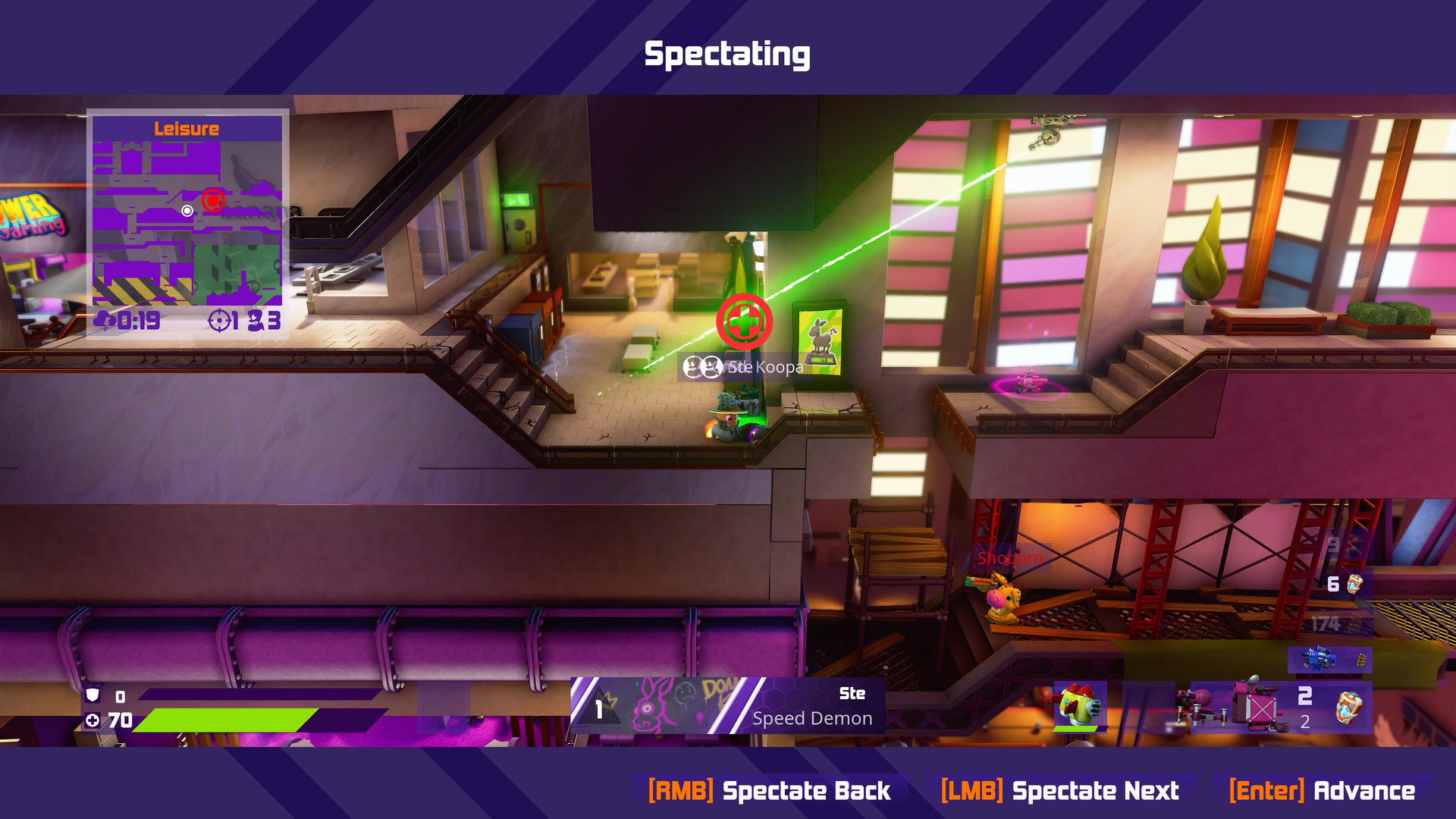
Gameplay
About This Game :
Worms Rumble is Worms like you’ve never played it before, with intense, real-time, arena-based 32 player cross-platform combat. Get ready for Deathmatch and Last Worm Standing modes where you’re only ever a Holy Hand Grenade away from death!
Use a variety of fan-favourite weapons like the Bazooka and Shotgun plus all-new additions to the armoury to bring the pain to your invertebrate opponents as you climb the ranks. Customise your worm, take part in challenges and seasonal events and experiment with new ways to play in The Lab. This is Worms, reinvented.
Key Features:
You won’t find any turn-based combat in Worms Rumble. Every round is in REAL TIME! If your enemy is raining fire upon you, give them heck right back!
Play with friends online across console and PC. With Deathmatch and Last Worm Standing solo and squad battle royale modes available at launch!
Earn XP and in-game currency to unlock and purchase weapon skins, outfits, accessories and emotes! Mix and match to create your own personal style on the battlefield.
Arm yourself with new and returning fan-favourite weapons! With classics like the Bazooka, Holy Hand-grenade and Sheep launcher and the all-new Hammerhead, Plasma Blaster and Rocket shield.
Take part in seasonal and community events, and daily challenges for additional XP and in-game rewards. And experiment with new gameplay mechanics and weapons in The Lab. Each week brings new experimental game modes with new fun ways to play!
System Requirements for Worms Rumble
MINIMUM :
- OS: Windows 10 64-bit
- Processor: Intel Core i5-2300 or FX-4350
- Memory: 4 GB RAM
- Graphics: 2GB NVIDIA GeForce or 2GB AMD Radeon
RECOMMENDED :
- OS: Windows 10 64-bit
- Processor: Intel Core i5-6600 or AMD Ryzen 5 1600
- Memory: 8 GB RAM
- Graphics: 4GB NVIDIA GeForce or 4GB AMD Radeon
How To Install Worms Rumble
1. Download The Game.
2. Extract with WinRAR
3. Play!.
How To play Worms Rumble ONLINE
1. Download the “Online Crack” from the link provided below and extract the files. After extraction, move the contents into your game’s main installation directory.
2. Download and install Steam.
3. Open Steam and log in. If you don’t have an account yet, you can create one through HERE.
4. Press “Win + R” on your keyboard, type “steam://install/480”, and hit Enter. This will install and update the required game component.
5. Launch the game via XboxLiveAuth.exe.
6. Sign in to your Microsoft Store account.
7. Joining: Accept an invitation from a friend.
Hosting: Invite friends via Steam or using the “Invite Frieds” button in the game > Waiting for them to connect > Choose the game mode > Play.
8. Enjoy !
Notes:
- The game already comes with the “Online Crack” pre-applied, so you can skip Step #1 mentioned above. However, if your antivirus software removes the “Online Crack” files, you’ll need to reapply them manually.
- You can play on official servers.
Download Worms Rumble
Download Worms Rumble Crack Online





Comments