
Download Trailmakers v211.500.10.0 + ONLINE
Game Details
Release name : Trailmakers v211.500.10.0 + ONLINE
Size : 6.76 GB
Title : Trailmakers
Genre : Action, Adventure, Indie, Racing, Simulation
Developer : Flashbulb
Publisher : Flashbulb
Steam : click here
Release Date : 18 Sep, 2019
Credits / Released By: OFME
Screenshots
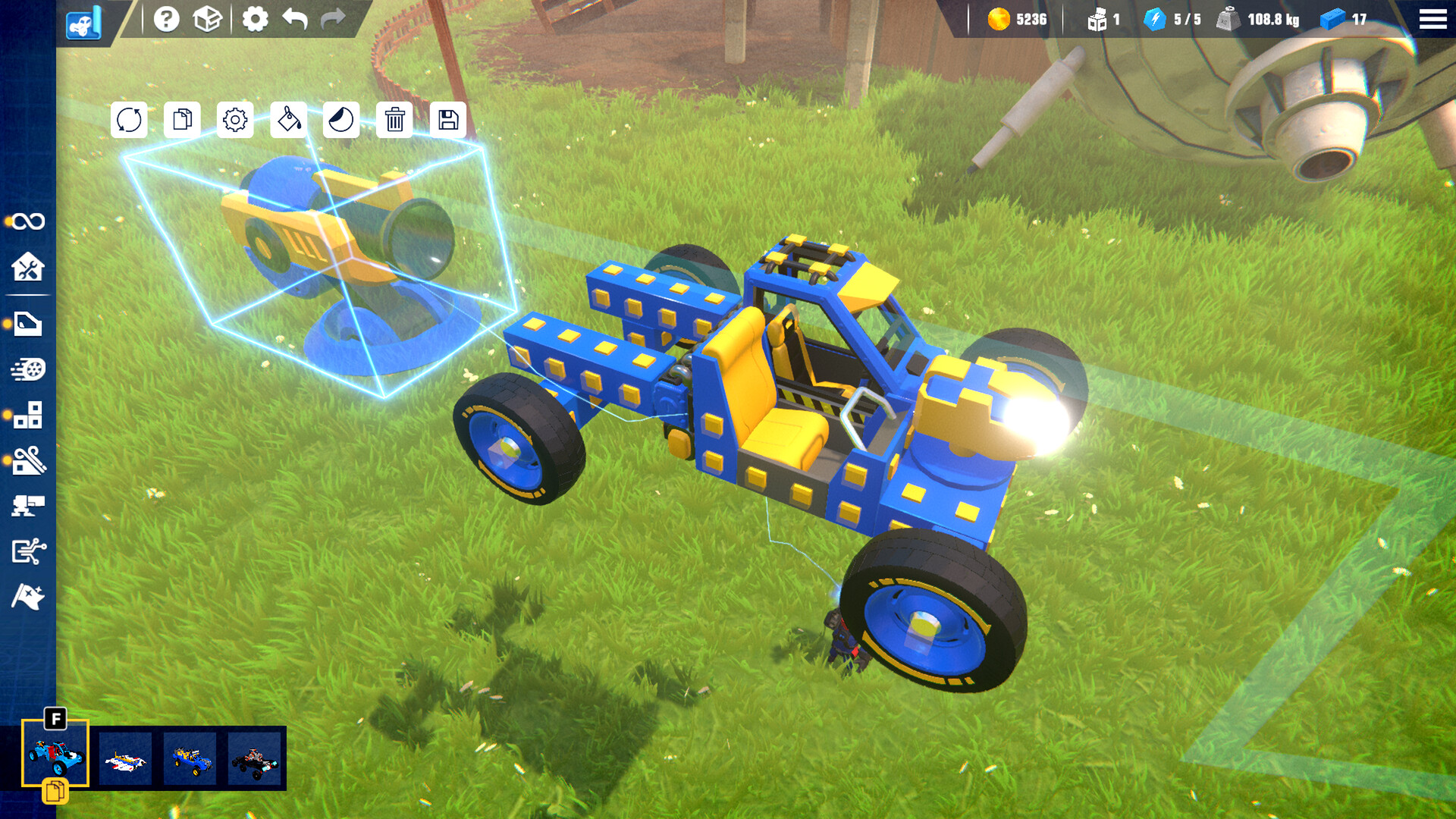
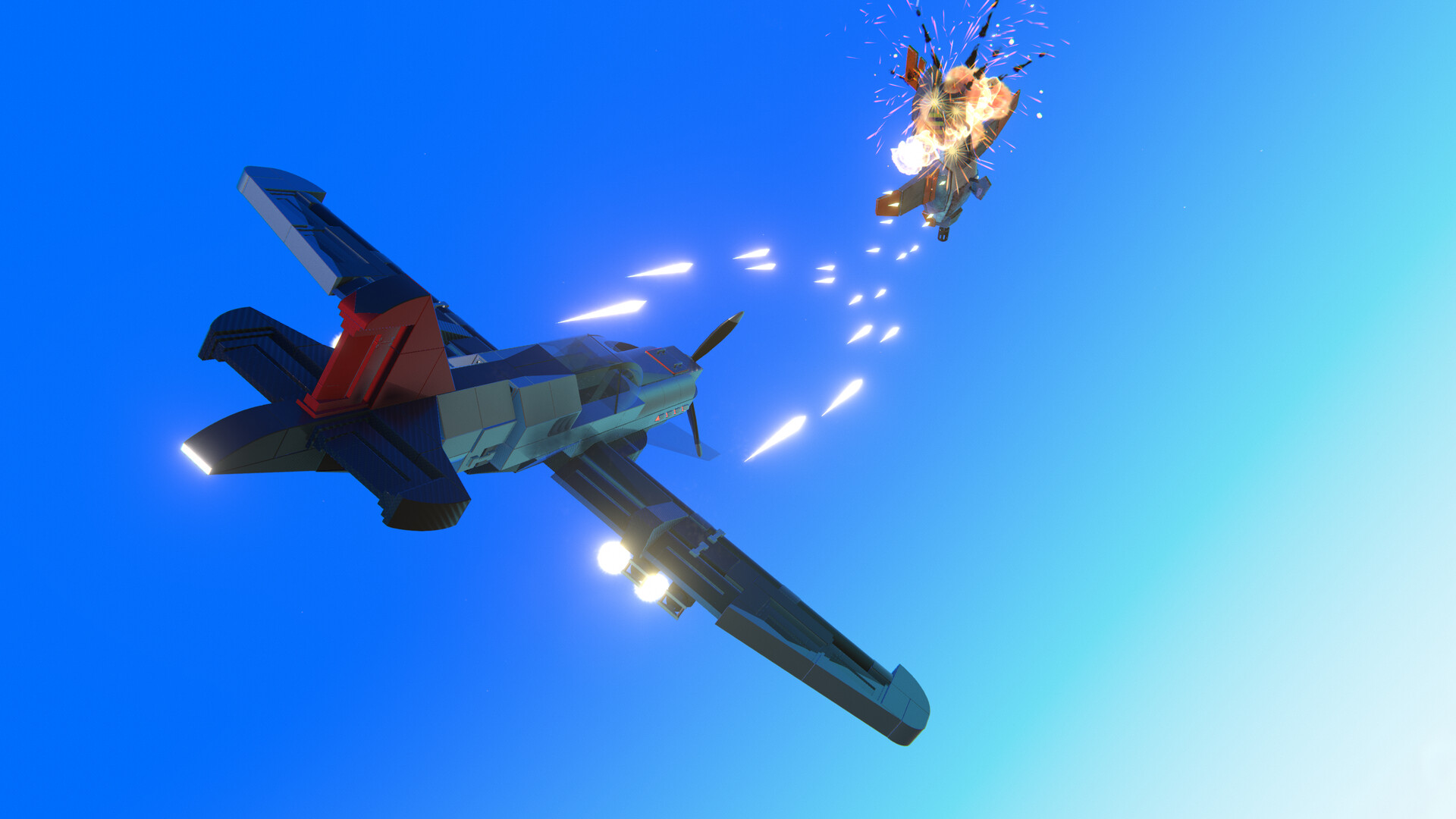
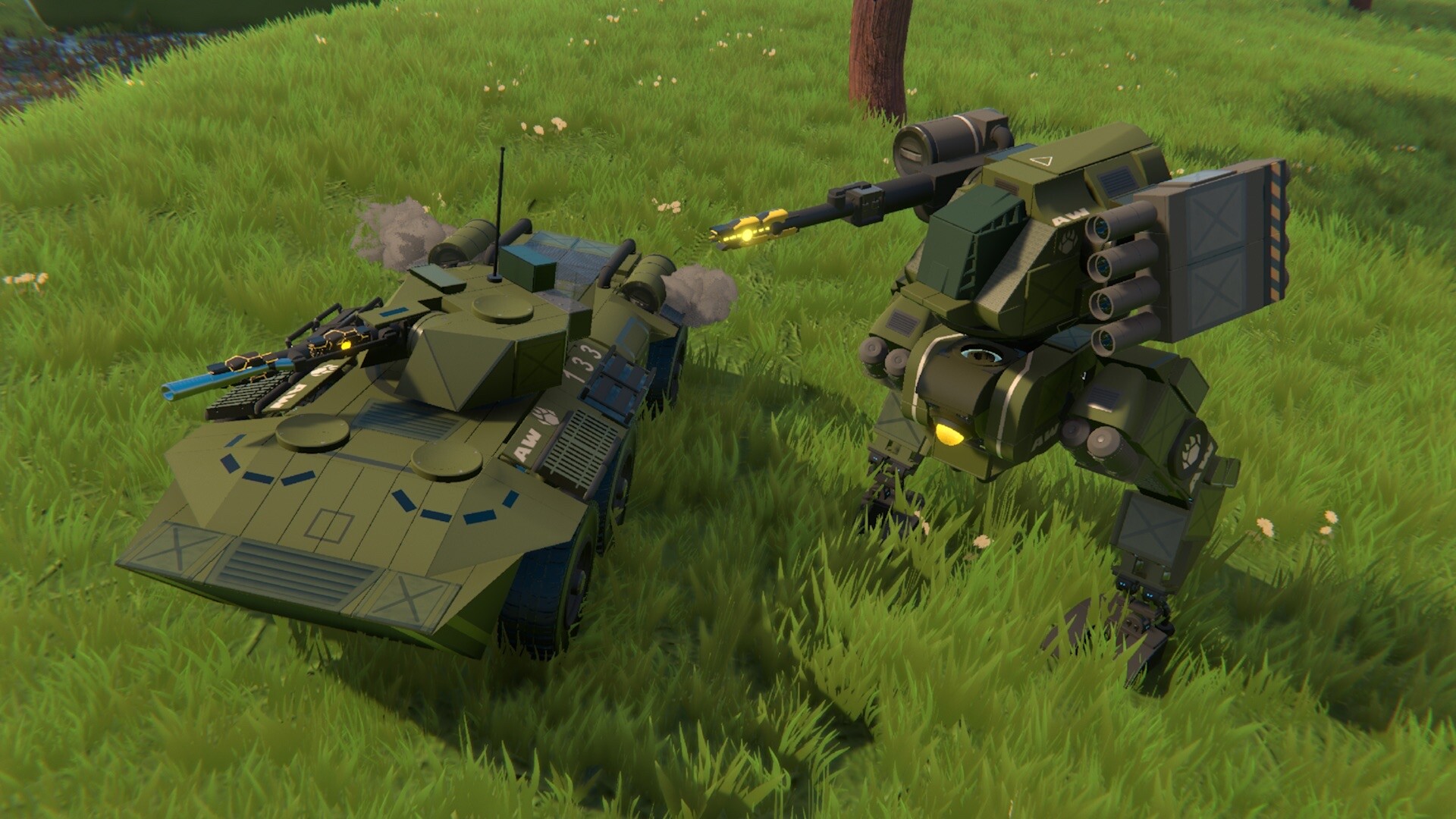
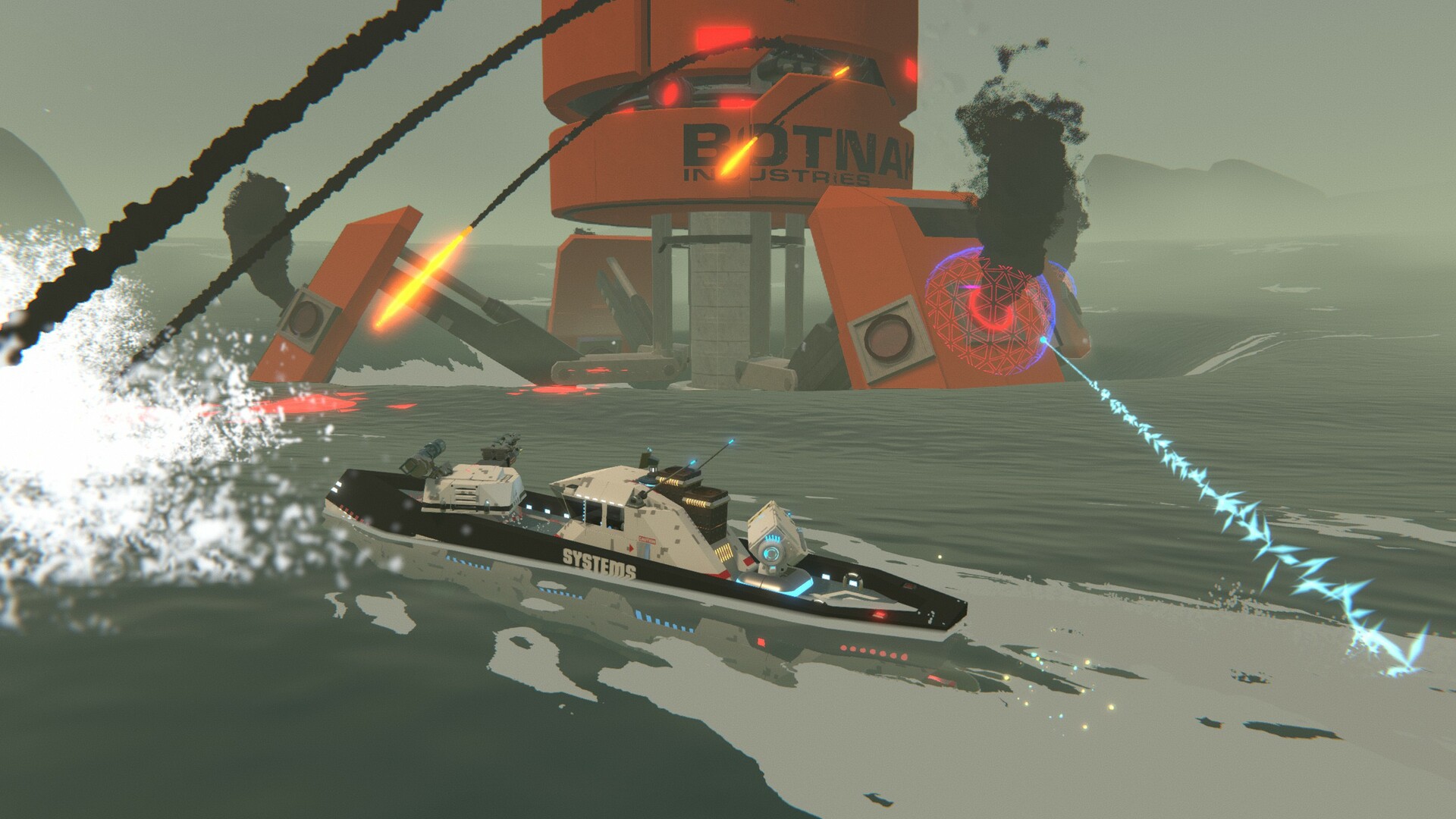
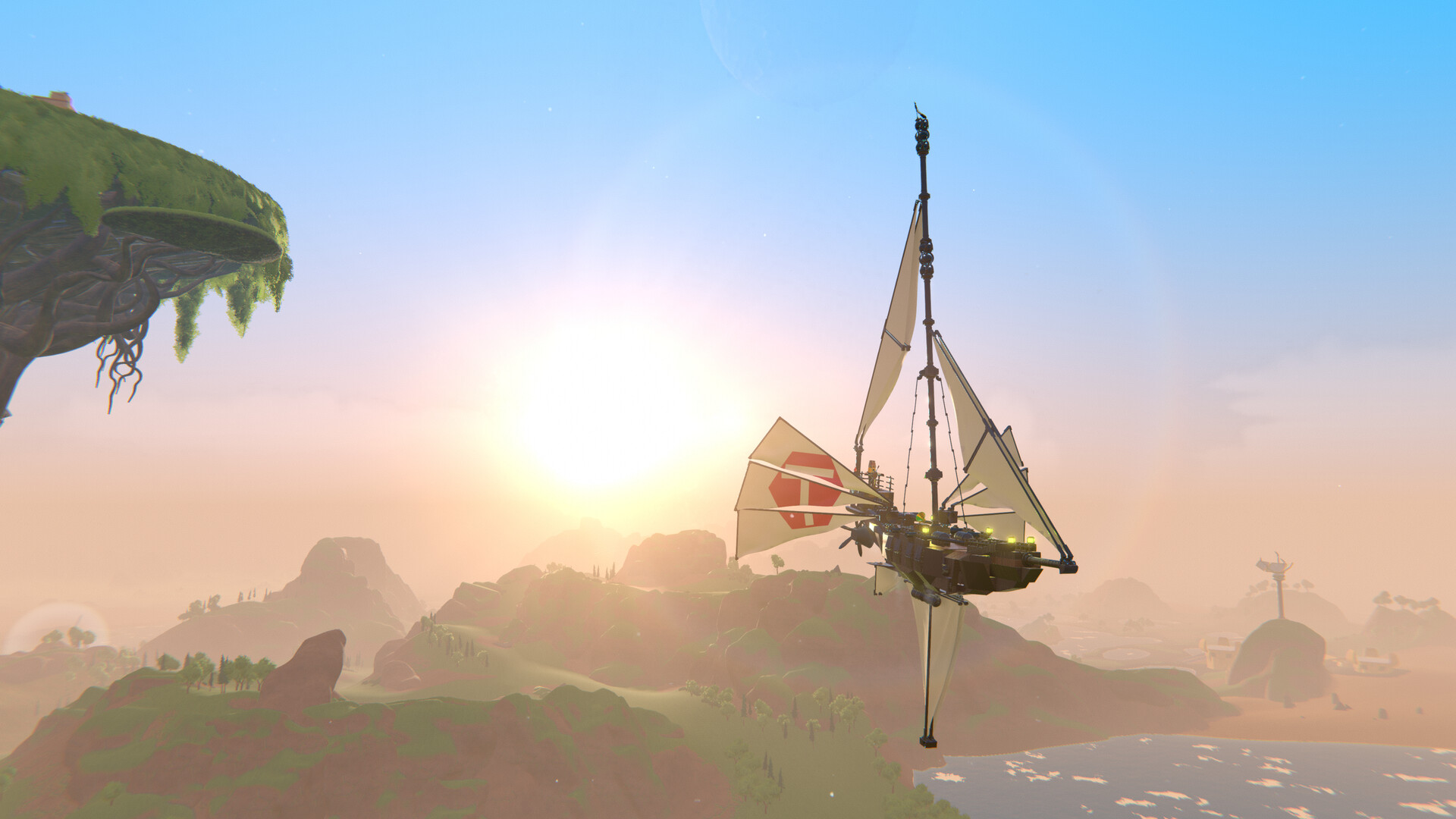
Gameplay
About This Game :
System Requirements for Trailmakers
MINIMUM :
- OS: Windows 10 64 Bit
- Processor: i5-4440 (3.1 GHz quad-core)
- Memory: 8 GB RAM
- Graphics: GTX 660
- DirectX: Version 11
- Network: Broadband Internet connection
- Storage: 8 GB available space
RECOMMENDED :
- OS: Windows 10 64 Bit
- Processor: i7-7700K
- Memory: 16 GB RAM
- Graphics: GTX 1080
- Network: Broadband Internet connection
- Storage: 10 GB available space
How To Install Trailmakers
1. Download The Game.
2. Extract with WinRAR
3. Play!.
How To play Trailmakers ONLINE
At least Windows 10 x64 version 1909 or later with Microsoft Store, Xbox, Xbox Gaming Services installed.
1. Download the “Online Crack” from the link provided below and extract the files. After extraction, move the contents into your game’s main installation directory.
2. Launch the GDK_Helper.bat that is located in the folder with the game. (performed once)
3. Enable Developer Mode. (restart the PC, if necessary) (performed once)
Before enabling Developer Mode, check out what it is on the Internet.
4. Install the game. (performed once)
5. Install DLC. (performed once)
6. Disable Developer Mode. (performed once)
7. Start the game from the start menu.
8. Joining: Accept an invitation from a friend.
Hosting: Multiplayer > Custom > Create > Start Server > ESC > Invite Friends > We invite friends and wait for them to connect.
9. Enjoy !
Notes:
- The game already comes with the “Online Crack” pre-applied, so you can skip Step #1 mentioned above. However, if your antivirus software removes the “Online Crack” files, you’ll need to reapply them manually.
- You can play on official servers.
Download Trailmakers
Download Trailmakers Crack Online






Comments