
Download Project Zomboid v43.15.3 + ONLINE
Game Details
Release name : Project Zomboid v43.15.3 + ONLINE
Size : 4.35 GB
Title : Project Zomboid
Genre : Horror, Indie, RPG, Simulation, Survival, Early Access
Developer : The Indie Stone
Publisher : The Indie Stone
Store : click here
Release Date : 8 Nov, 2013
Credits / Released By: OFME
Screenshots

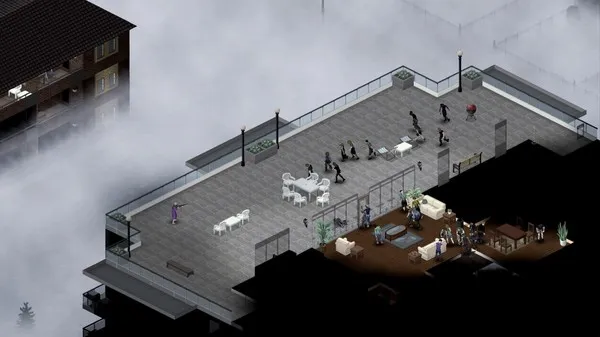
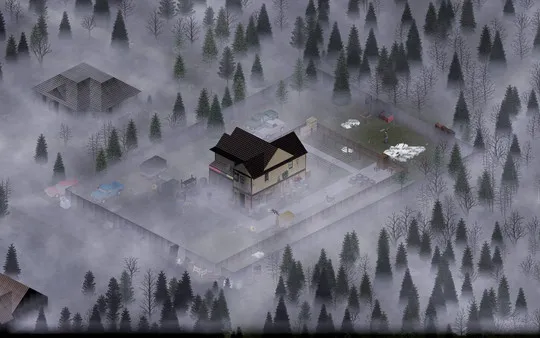
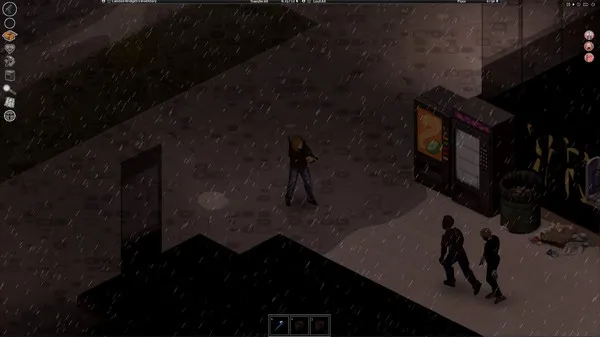
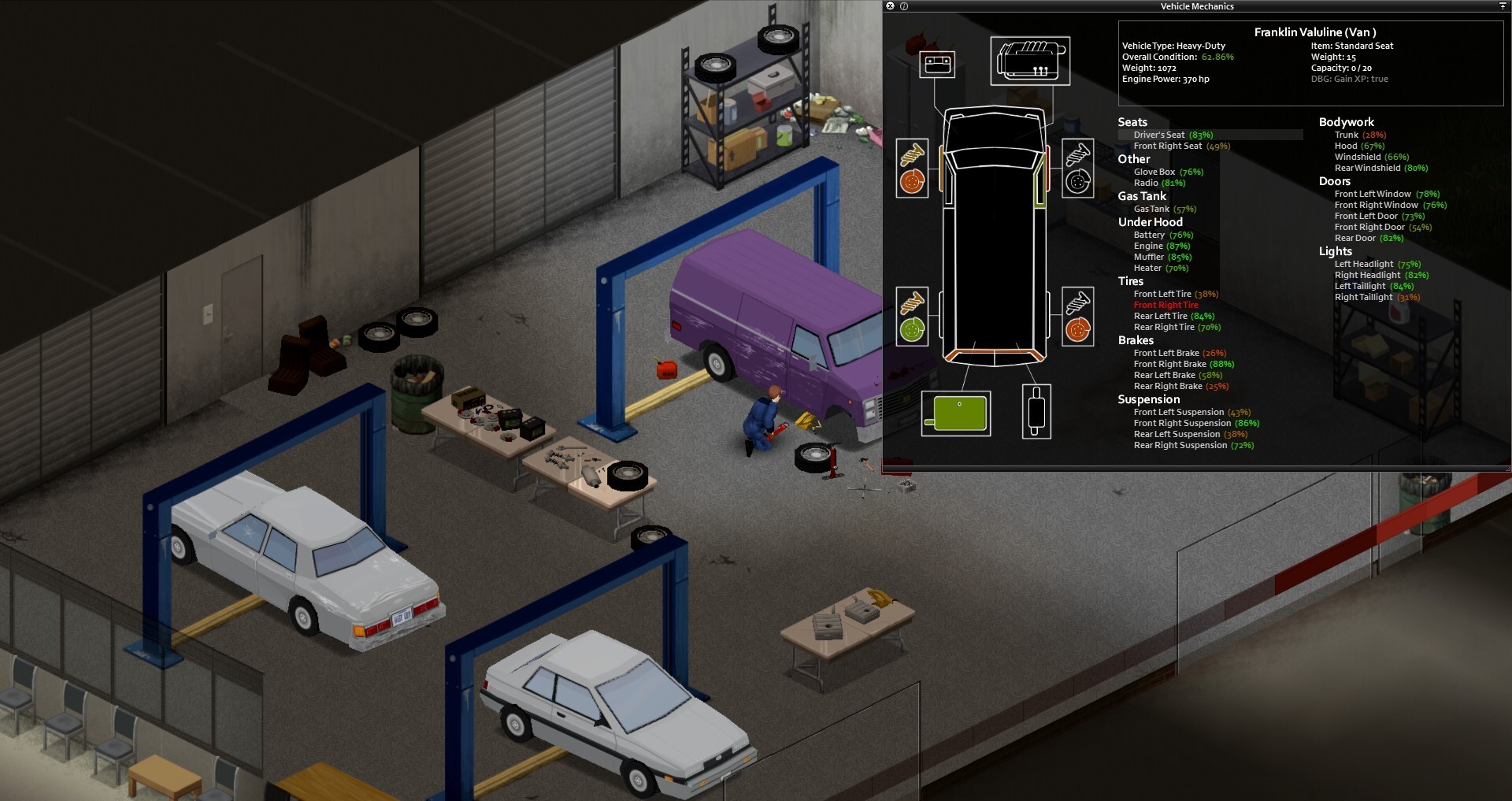
Gameplay
About This Game :
Project Zomboid is an open-ended zombie-infested sandbox. It asks one simple question – how will you die?
In the towns of Muldraugh and West Point, survivors must loot houses, build defences and do their utmost to delay their inevitable death day by day. No help is coming – their continued survival relies on their own cunning, luck and ability to evade a relentless horde.
Current Features
- Hardcore Sandbox Zombie Survival Game with a focus on realistic survival.
- Online multiplayer survival with persistent player run servers.
- Local 4 player split-screen co-op
- Hundreds of zombies with swarm mechanics and in-depth visual and hearing systems.
- Full line of sight system and real-time lighting, sound and visibility mechanics. Hide in the shadows, keep quiet and keep the lights off at night, or at least hang sheets over the windows.
- Vast and growing map (loosely based on a real world location) for you to explore, loot and set up your fortress. Check out Blindcoder’s map project:
- Vehicles with full physics and deep and realistic gameplay mechanics.
- Use tools and items to craft weapons, barricade and cook. You can even build zombie proof forts by chopping trees, sawing wood and scavenging supplies.
- Deal with depression, boredom, hunger, thirst and illness while trying to survive.
- Day turns to night. The electricity falters. Hordes migrate. Winter draws in. Nature gradually starts to take over.
- Farming, fishing, carpentry, cooking, trapping, character customization, skills and perks that develop based on what you do in-game.
- Proper zombies that don’t run. (Unless you tell them to in the sandbox menu).
- A ton of amazing atmospheric music tracks by the prodigy that is Zach Beever.
- Imaginative Challenge scenarios and instant action ‘Last Stand’ mode, on top of regular Sandbox and Survival
- Full, open and powerful Lua modding support.
- Xbox Controller Gamepad support on Windows. (Other gamepads can be set up manually.)
We’re a small team at the moment, but we’re also committed to providing the following:
planned Features:
- The return of our PZ Stories mode that also serves as first ever tutorial actively trying to kill you at every turn. Kate and Baldspot return!
- In-depth and varied NPC encounters driven in a persistent world, powered by a metagame system that turns each play-through into your very own zombie survival movie with emergent narrative gameplay.
- Constant expansion of the countryside and cities around Muldraugh and West Point
- Full wilderness survival systems, animals and hunting for food.
- More items, crafting recipes, weapons and gameplay systems.
- Steam Workshop and Achievements support
For more details on the game follow us on @theindiestone or visit
System Requirements for Project Zomboid
MINIMUM :
- OS: Windows 10, 64 Bit
- 64bit OS required
- Processor: Intel 2.77GHz Quad-core
- Memory: 8Gb Ram
- Hard Disk Space: 5gig
- Video Card: Dedicated graphics card with 2 GB of RAM minimum, OpenGL 2.1 and GLSL 1.2 support (generally 2012 or newer)
- Sound: FMOD compatible sound card
How To Install Project Zomboid
1. Download The Game.
2. Extract with WinRAR
3. Play!.
How To play Project Zomboid ONLINE
1. Download the “Online Crack” from the link provided below and extract the files. After extraction, move the contents into your game’s main installation directory.
2. Download and install Steam.
3. Open Steam and log in. If you don’t have an account yet, you can create one through HERE.
4. Press “Win + R” on your keyboard, type “steam://install/480”, and hit Enter. This will install and update the required game component.
5. Launch the game via ProjectZomboid64.exe.
6. Joining: Accept an invitation from a friend.
Hosting: Server Start > ESC > Invite a friend and wait for them to connect.
7. Enjoy !
Note:
- The game already comes with the “Online Crack” pre-applied, so you can skip Step #1 mentioned above. However, if your antivirus software removes the “Online Crack” files, you’ll need to reapply them manually.
Download Project Zomboid
Download Project Zomboid Crack Online


Comments