
Download My Garage v0.9016 + ONLINE
Game Details
Release name : My Garage v0.9016 + ONLINE
Size : 9.82 GB
Title : My Garage
Genre : Indie, Racing, Simulation, Early Access
Developer : Viking Game Studio
Publisher : Viking Game Studio
Store : click here
Release Date : 10 Aug, 2021
Credits / Released By: OFME
Screenshots
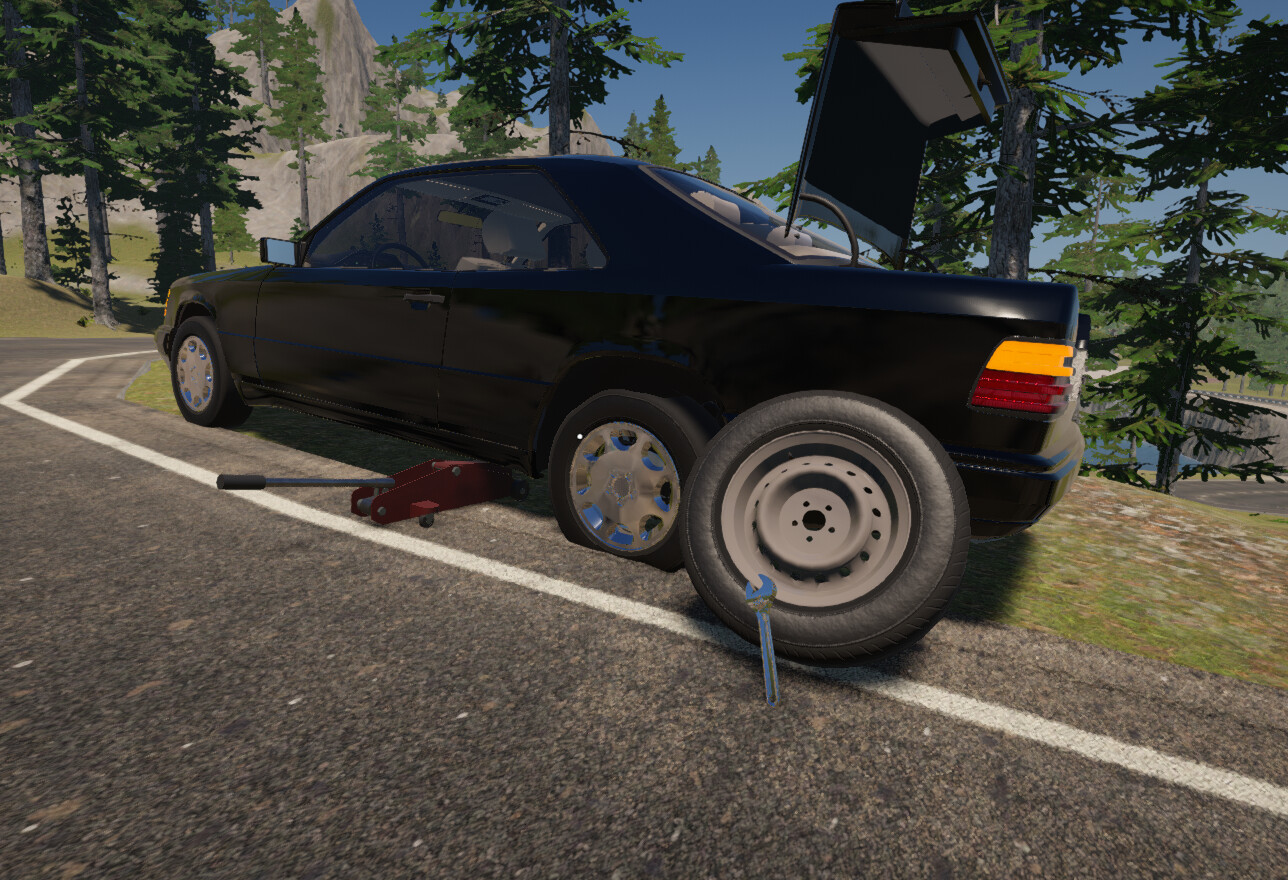
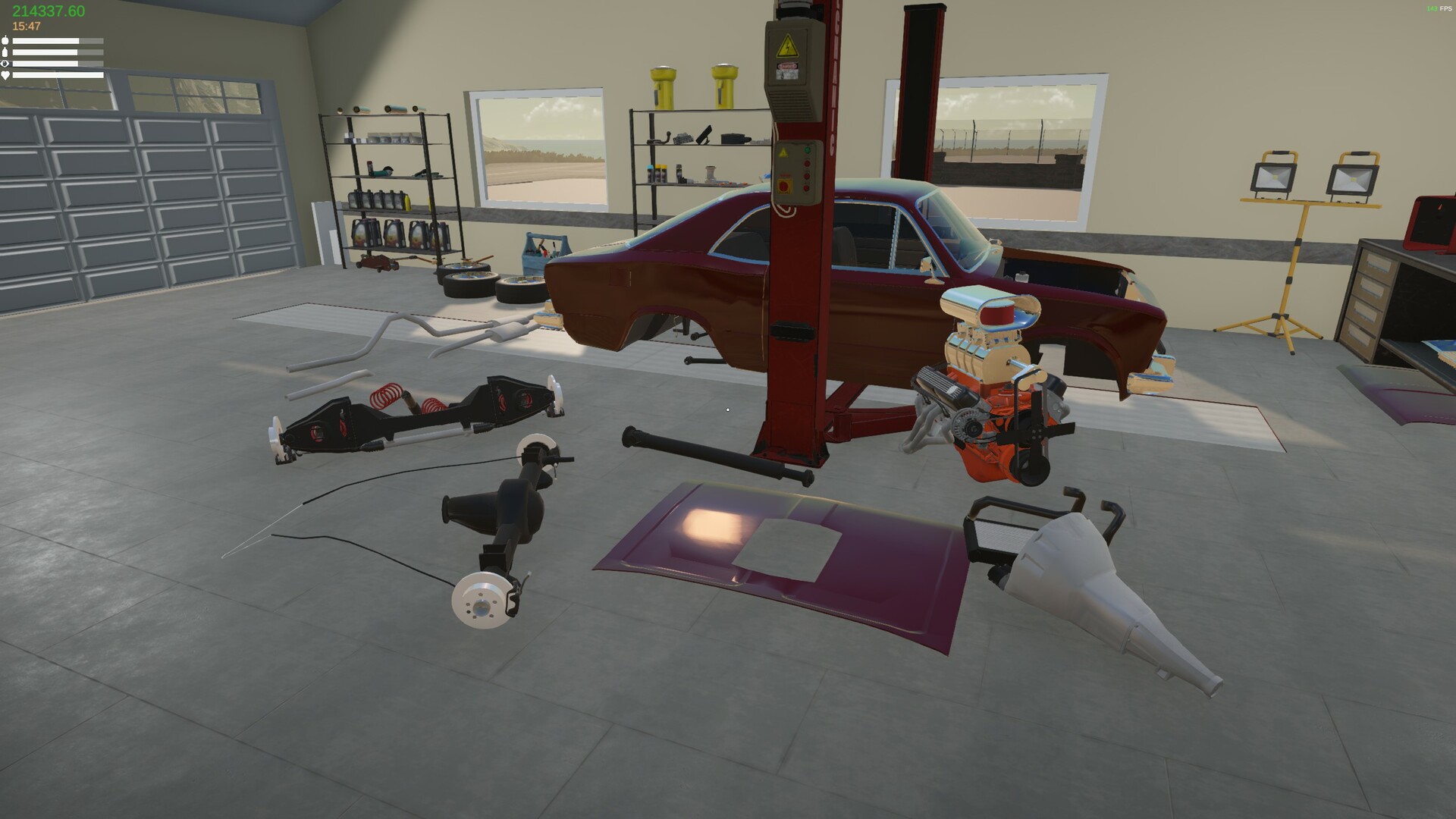
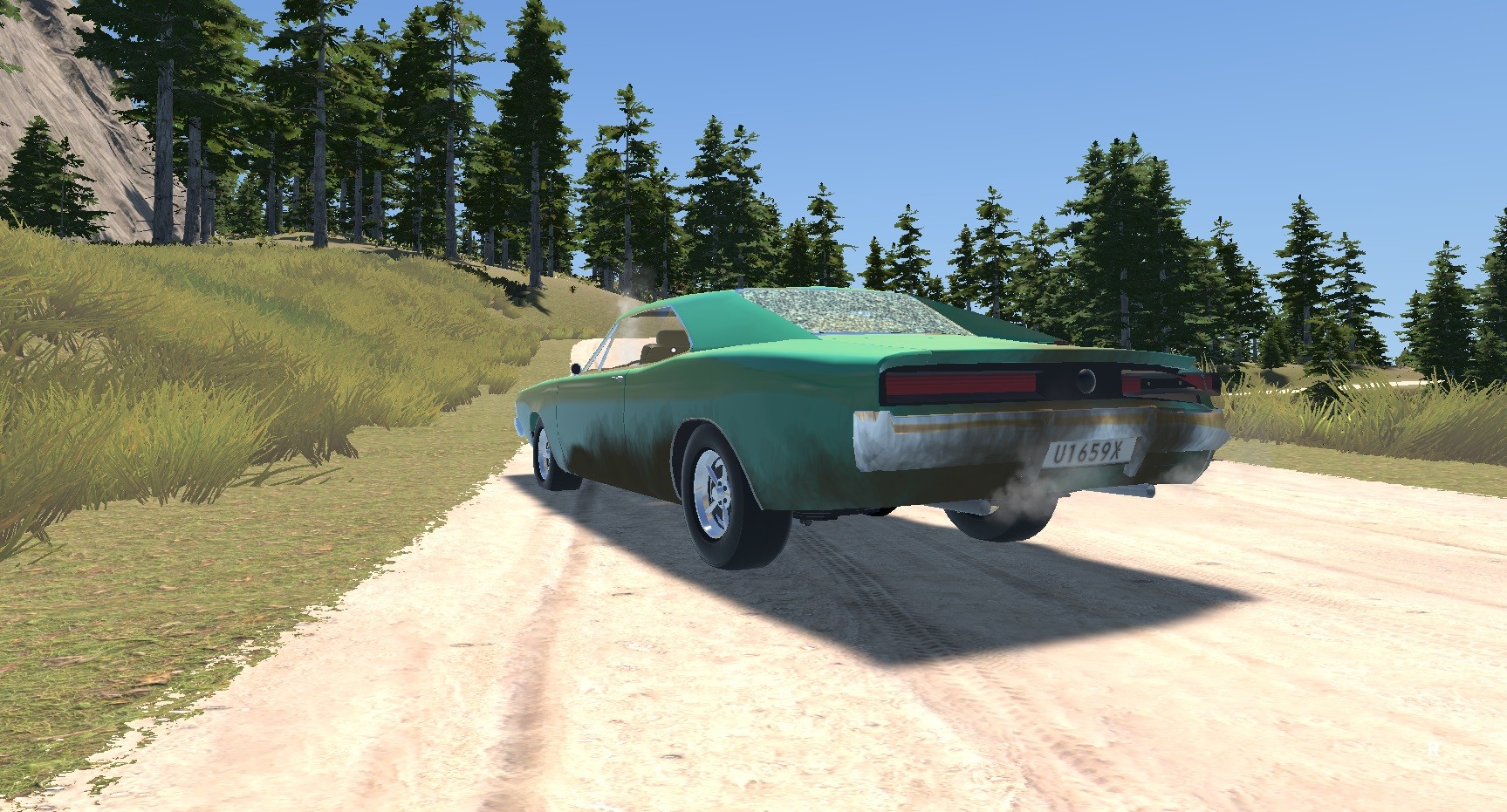
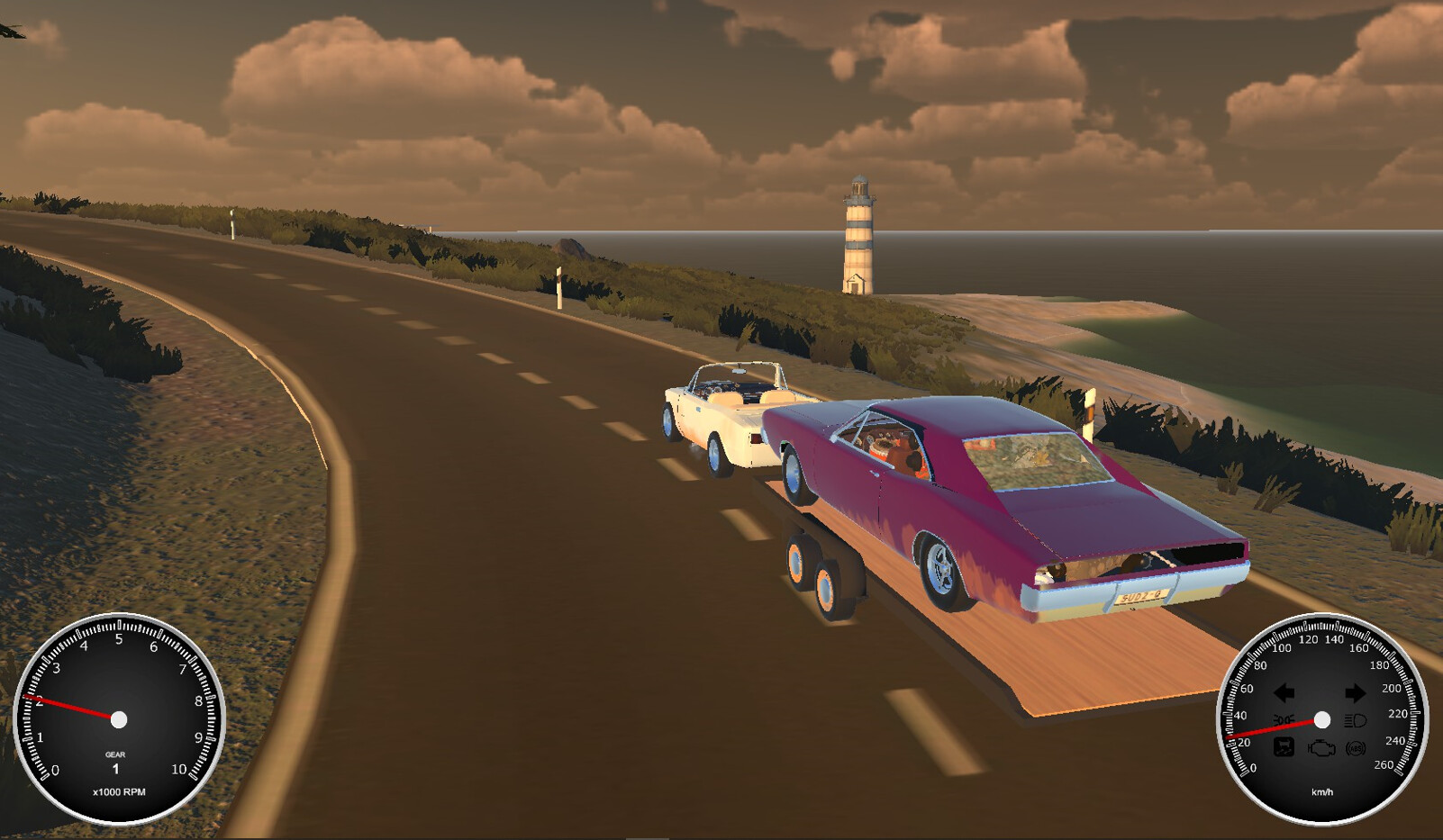
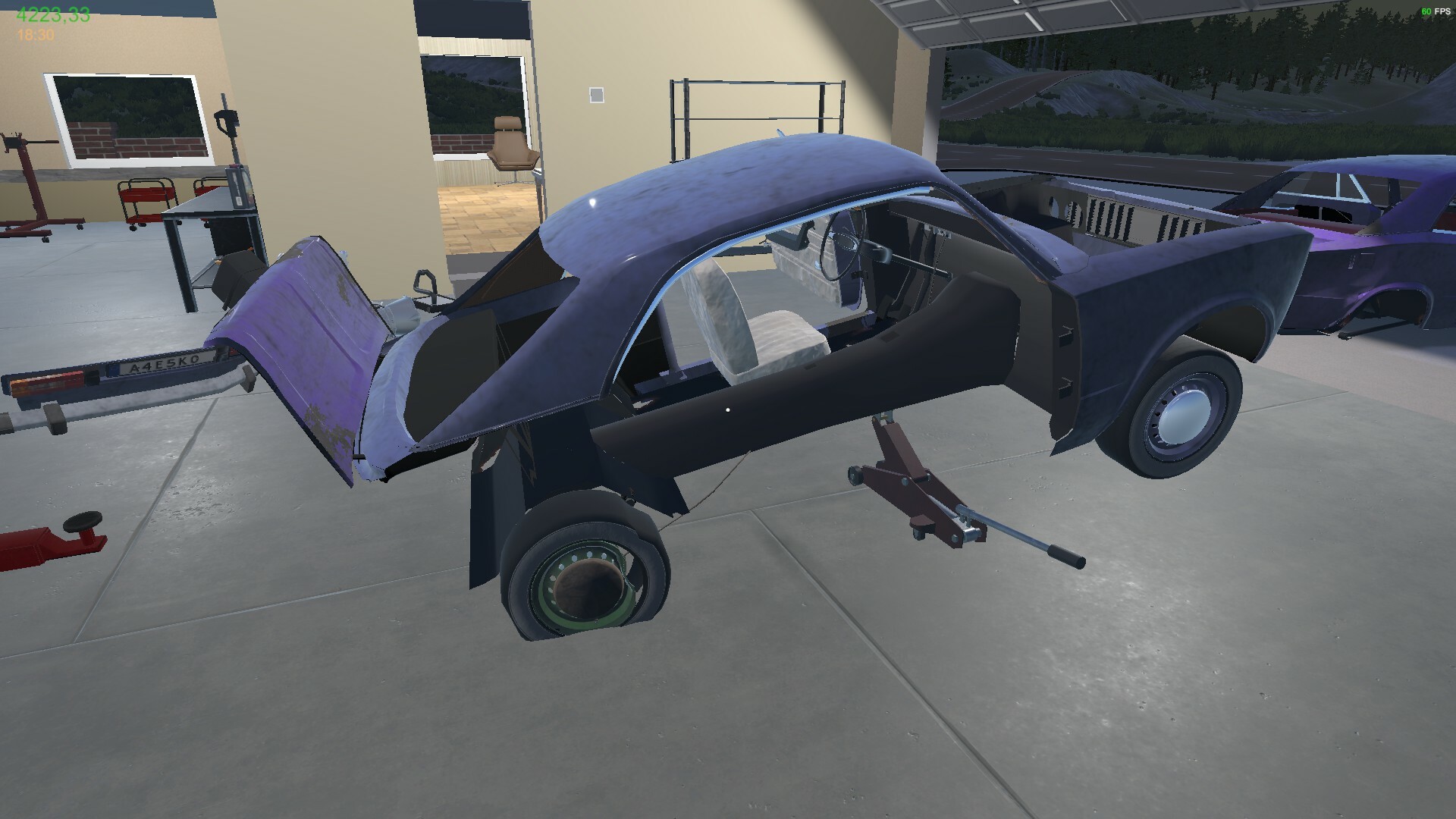
Gameplay
About This Game :
MY GARAGE is a car simulation game with main focus being simulating real car repair, maintenance and physical behavior.
CARS
– Damage system so you can fix and replace any of body panels
– Painting system
– Suspension where every part has a usage, wear which affects the handling
– Engine with realistic behavior and components ( down to oil condition affecting wear)
Environment
– Your own garage that you will have to buy parts and tools for
– Tools – for everything there is a special tool – there is even a tire pump lying about somewhere ( you will have to buy a new one if you lose this one)
– Shops – that sell supplies, car parts, paint and your angle grinder will need new discs, etc.
– Junkyards – where to find car parts or even a whole car if you think it is worth saving
– Barn finds
– Delivery jobs
– More features coming
System Requirements for My Garage
MINIMUM :
- OS: 64bit Windows 10
- Processor: Core i5 3.0 GHz
- Memory: 8 GB RAM
- Graphics: NVidia GeForce GTX 970 4GB
- DirectX: Version 11
- Storage: 5 GB available space
- Sound Card: DirectX Compatible Soundcard
RECOMMENDED :
- OS: 64bit Windows 10
- Processor: Core i7 3.0 GHz
- Memory: 16 GB RAM
- Graphics: Nvidia GTX 1070
- DirectX: Version 11
- Storage: 5 GB available space
How To Install My Garage
1. Download The Game.
2. Extract with WinRAR
3. Play!.
How To play My Garage ONLINE
1. Download the “Online Crack” from the link provided below and extract the files. After extraction, move the contents into your game’s main installation directory.
2. Download and install Steam.
3. Open Steam and log in. If you don’t have an account yet, you can create one through HERE.
4. Press “Win + R” on your keyboard, type “steam://install/480”, and hit Enter. This will install and update the required game component.
5. Launch the game via My Garage.exe.
6. Joining: New Game/Continue > Loading into the game > ESC > Multiplayer (experimental) > Instead of Insert Host SteamID, insert the SteamID of a friend > Client > Waiting for a connection to the server.
Hosting: New Game/Continue > Loading into the game > ESC > Multiplayer (experimental) > Server Only > Giving your SteamID to your friends and waiting for them to connect.
7. Enjoy !
Note:
- The game already comes with the “Online Crack” pre-applied, so you can skip Step #1 mentioned above. However, if your antivirus software removes the “Online Crack” files, you’ll need to reapply them manually.
Download My Garage
Download My Garage Crack Online





Comments