
Download Mini Cozy Room Lo-Fi Complete The Set-TENOKE
Game Details
Release name : Mini Cozy Room Lo-Fi Complete The Set-TENOKE
Size : 2.68 GB
Title : Mini Cozy Room: Lo-Fi
Genre : Casual, Indie
Developer : Tesseract Studio, Nugem Studio
Publisher : Tesseract Studio
Store: click here
Release Date : 30 Mar, 2025
Screenshots
Gameplay
About This Game :

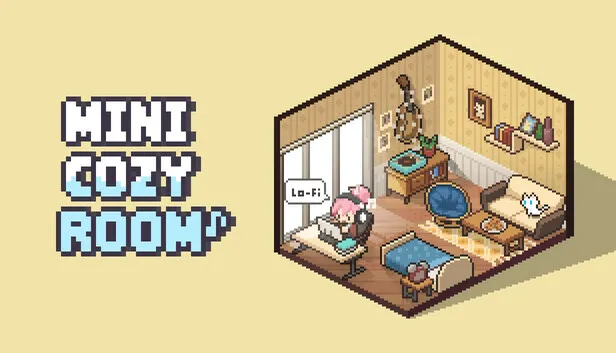
『Mini Cozy Room : Lo-Fi』 is a relaxing productivity game that combines soothing Lo-Fi music with cozy room decoration.
Cute avatars and pets will accompany you, making your work more enjoyable.
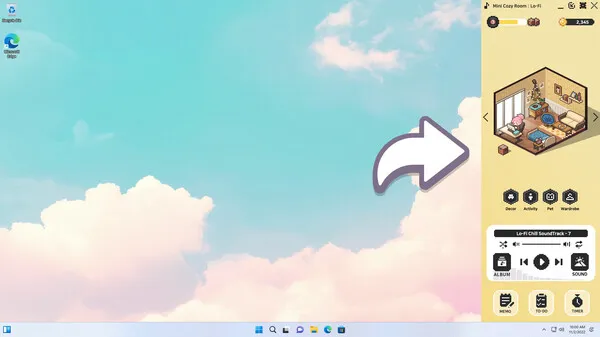
Convenient desktop tools like Pomodoro timers, notes, and to-do lists will boost your productivity.
1. Your Own Cozy Workspace
Create the workspace you’ve always dreamed of!
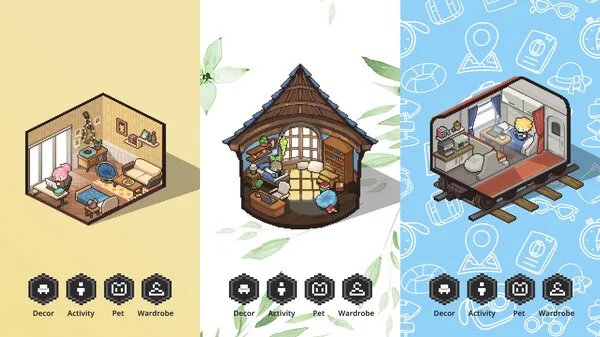
Choose from various rooms, furniture, and decorative items.
Your beautifully designed workspace will enhance concentration and productivity.
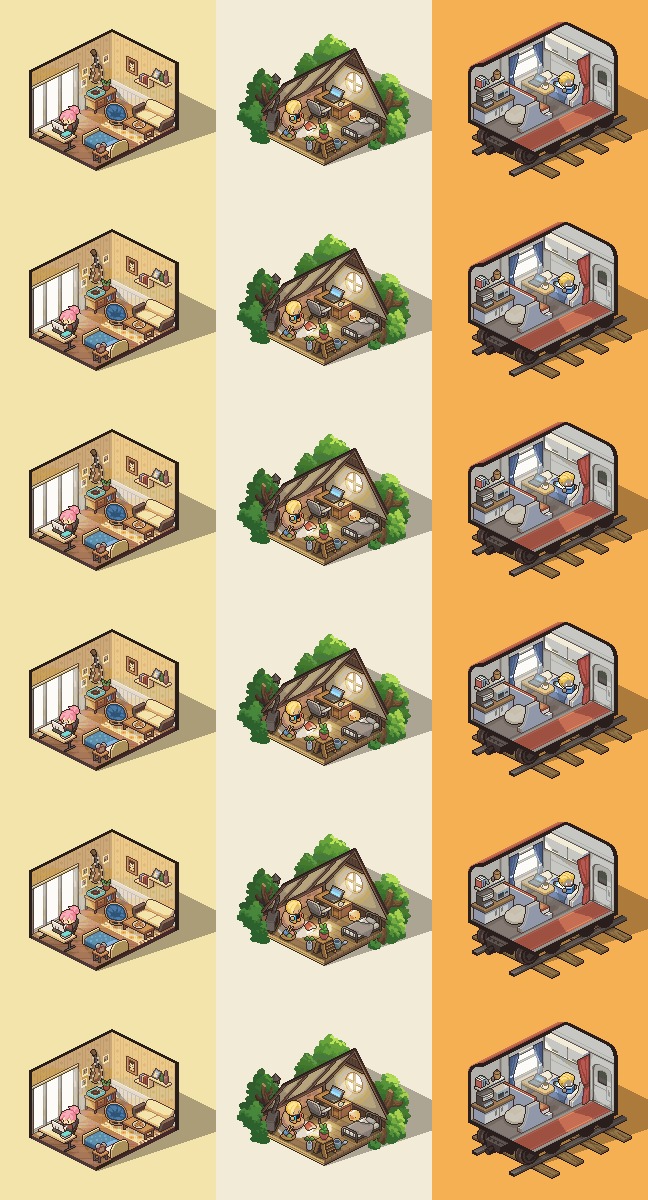
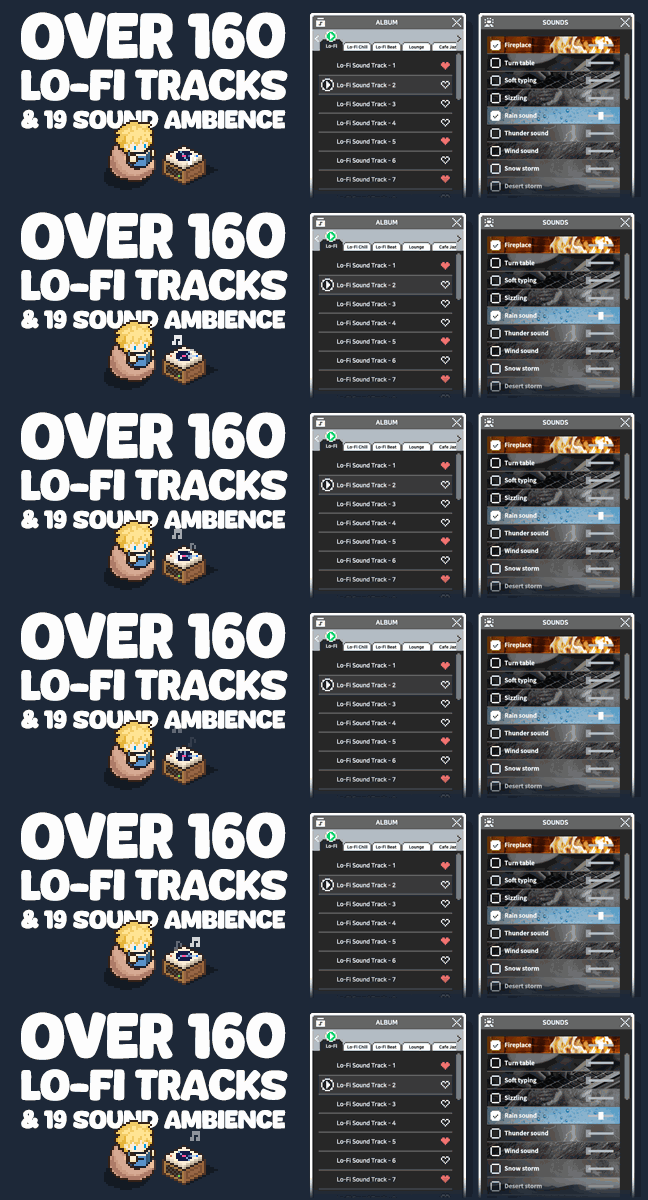
2. Soothing Lo-Fi Music & Ambience
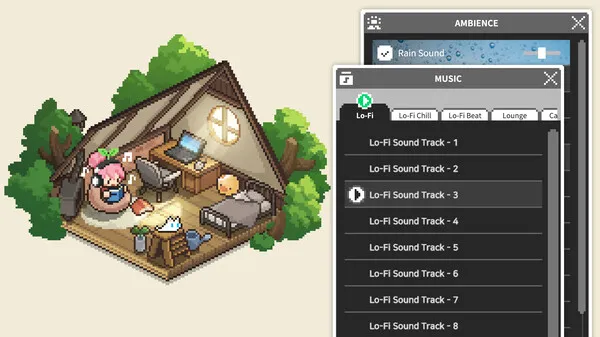
Fill your workspace with diverse Lo-Fi music genres and calming ambient sounds.
You’ll soon find yourself relaxed and deeply immersed in your tasks.
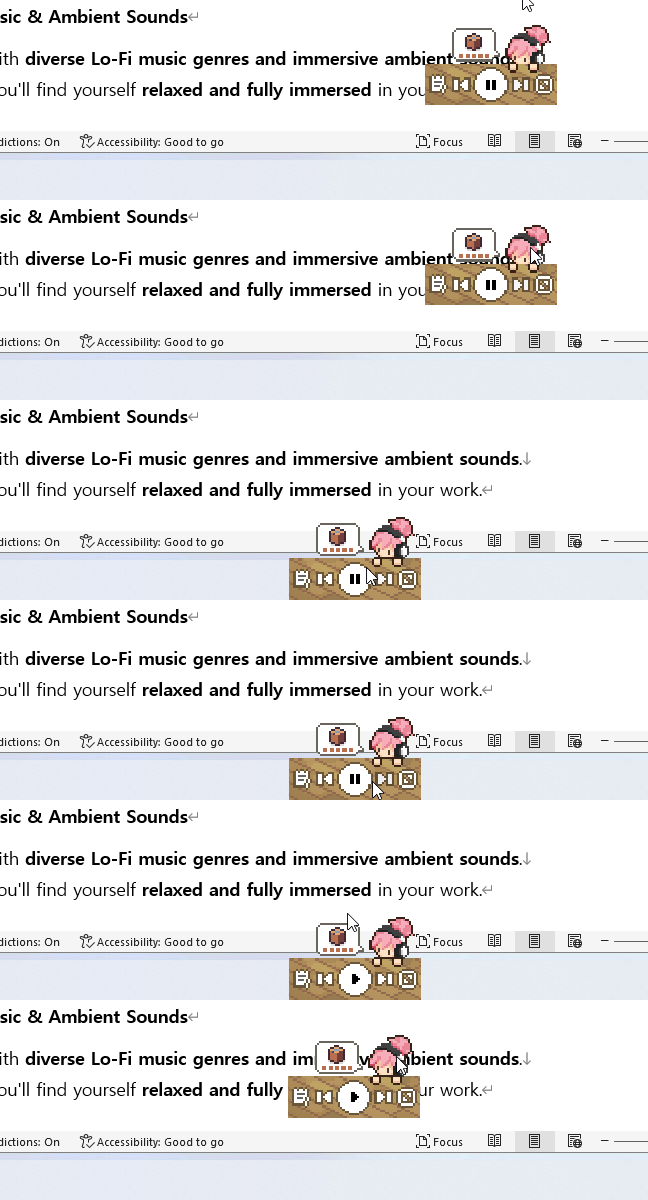
3. Innovative Desktop UI and Mini Mode
Freely reposition and resize notes and to-do lists on your desktop.
Feeling overwhelmed by the large game screen?
Switch to Mini Mode and conveniently place it in your taskbar!
4. Cute Avatars and Pets
Express your unique style with diverse fashion options, hairstyles, and accessories.
Move adorable avatars to chairs, beds, or beanbags and assign tasks.
Lovely pets like cats, dogs, and hedgehogs will keep you company.
5. Key Features
-
Gain experience points by listening to music. Higher levels deliver gift parcels to your workspace.
-
Level up to unlock new items and content!
-
Enjoy beautiful music and ambient sounds without the burden of streaming data.
System Requirements for Mini Cozy Room: Lo-Fi
MINIMUM :
OS: Windows 10 (64-bit)
Processor: Intel Core i3-2100 / AMD FX-6300
Memory: 4 GB RAM
Graphics: NVIDIA GTX 650 / AMD Radeon HD 7750 (DirectX 11 compatible)
DirectX: Version 11
Storage: 2 GB available space
How To Install Mini Cozy Room: Lo-Fi
NOTE: Game is updated to v1.02.04.
1. Use Virtual CloneDrive to mount or burn the image file.
2. Run the setup to install the game.
3. After installation, go to the /Crack folder and copy the cracked files into your game’s installation folder
4. Launch and enjoy the game.
5. If you enjoy the game, please consider purchasing it to support the developers.
• Mini Cozy Room : Lo-Fi – Ambient Pack
• Mini Cozy Room : Lo-Fi – Piano Pack
• Mini Cozy Room : Lo-Fi – Lo-Fi Hip Hop Pack
• Mini Cozy Room : Lo-Fi – Jazz Pack
• Mini Cozy Room : Lo-Fi – Classic Pack
Download Mini Cozy Room: Lo-Fi
Download Mini Cozy Room Lo-Fi Complete The Set-TENOKE Direct Link





Comments