
Download Firefighting Simulator The Squad v1.0.44.0 + ONLINE

Game Details
Release name : Firefighting Simulator The Squad v1.0.44.0 + ONLINE
Size : 4.24 GB
Title : Firefighting Simulator – The Squad
Genre : Action, Simulation
Developer : Chronos Unterhaltungssoftware
Publisher : astragon Entertainment
Store : click here
Release Date : 17 Nov, 2020
Credits / Released By: Based on my own MS Store files + GDK Helper (Thanks to OFME ;3)
Screenshots
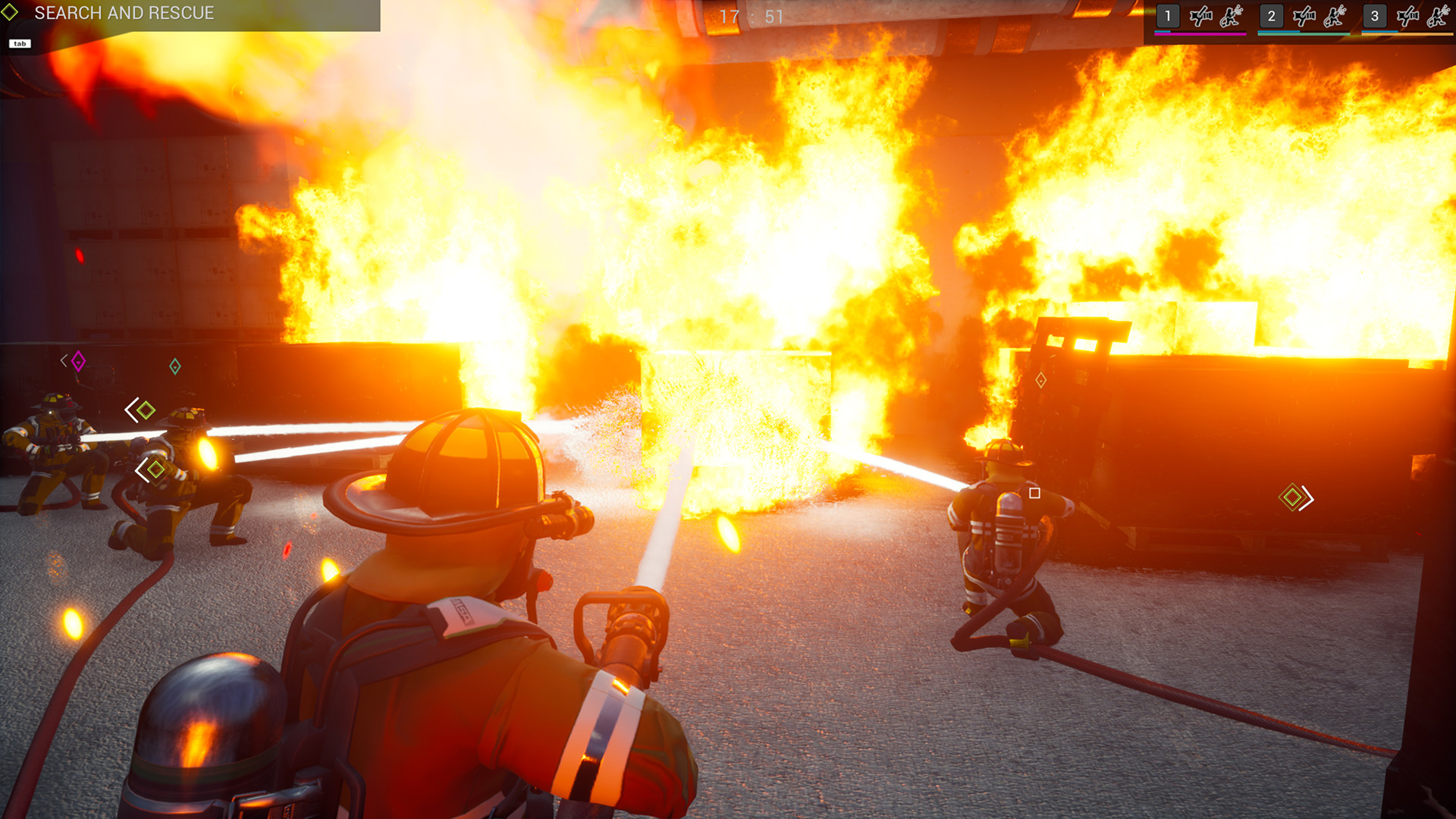
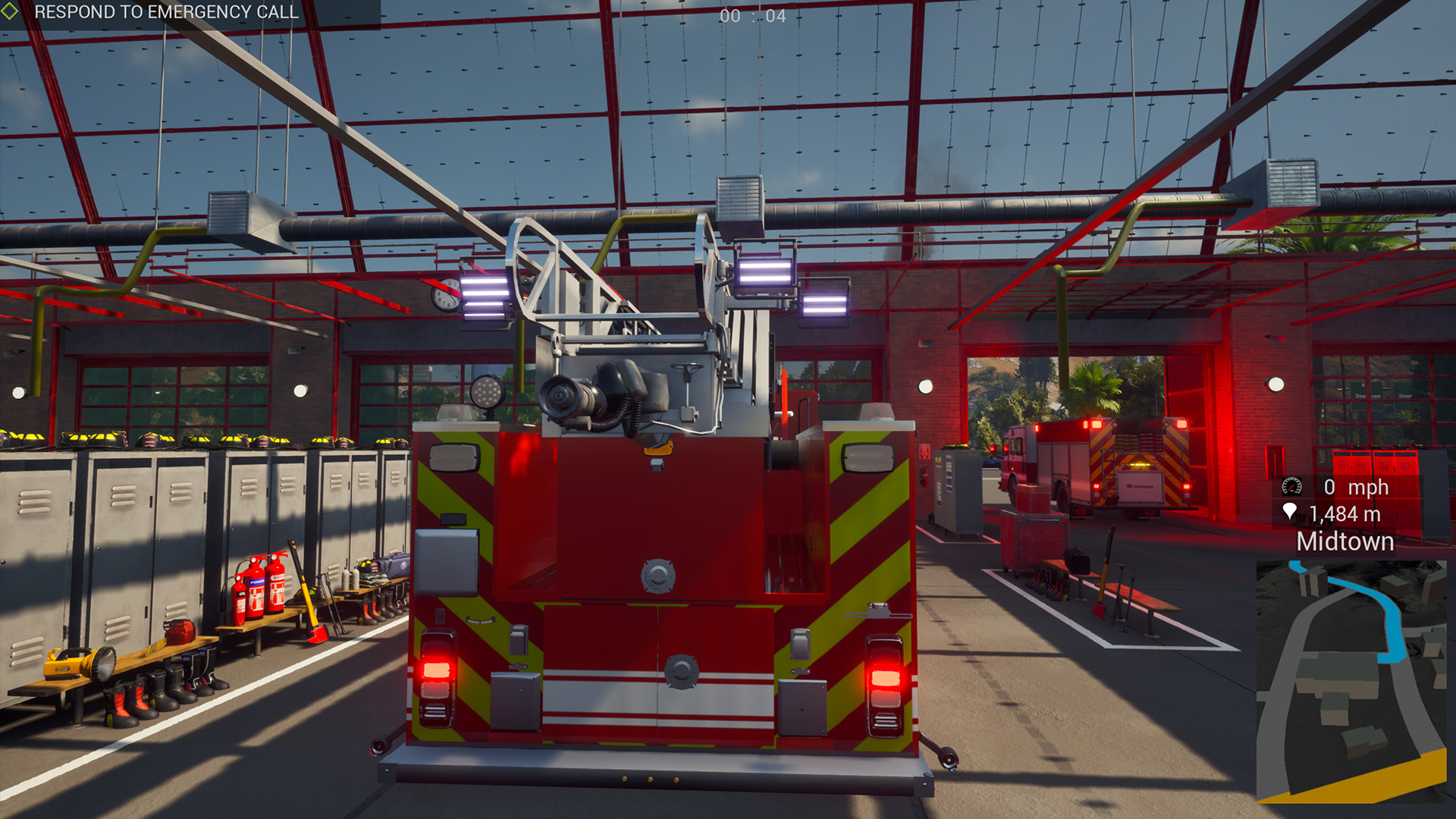
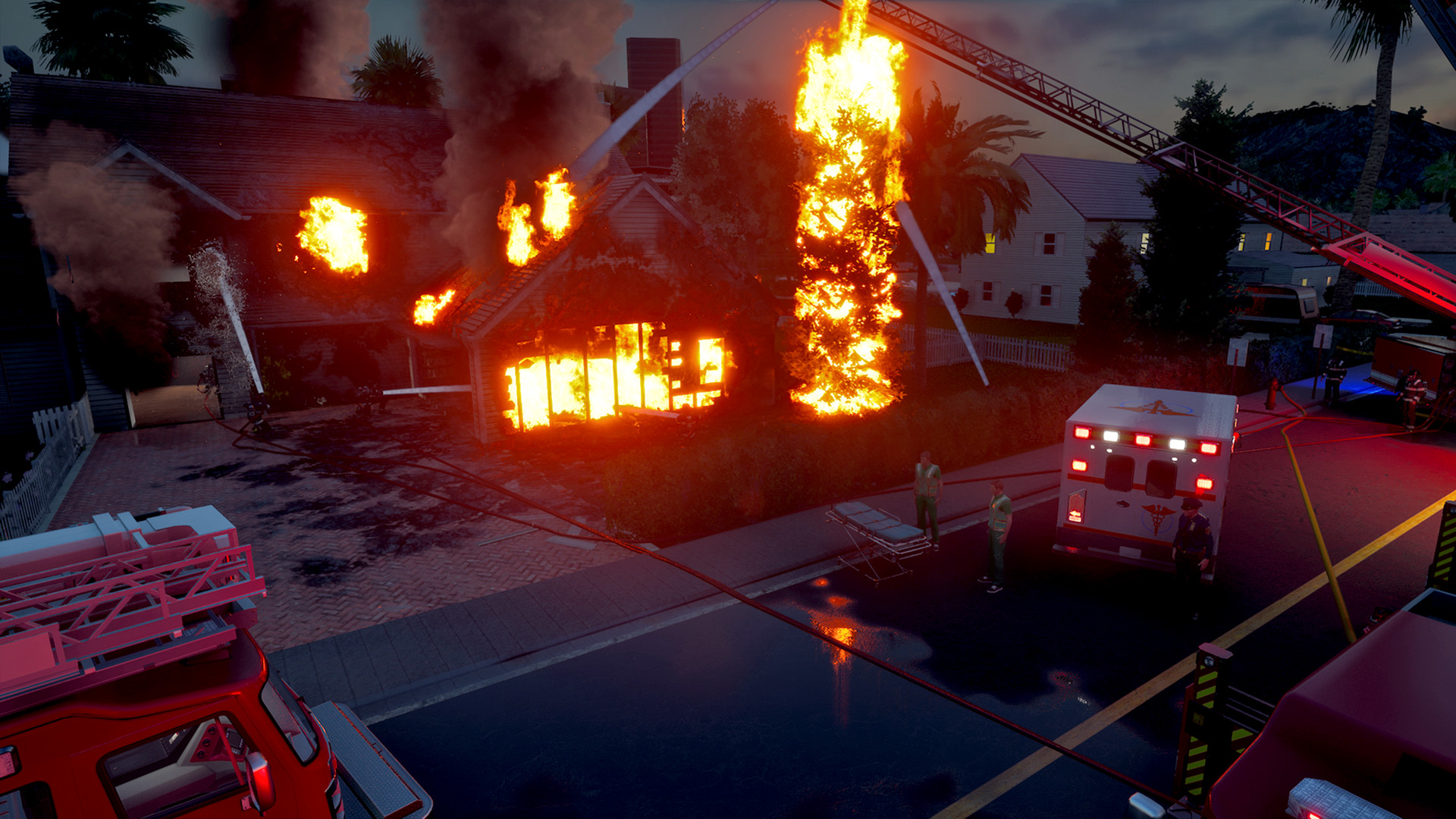
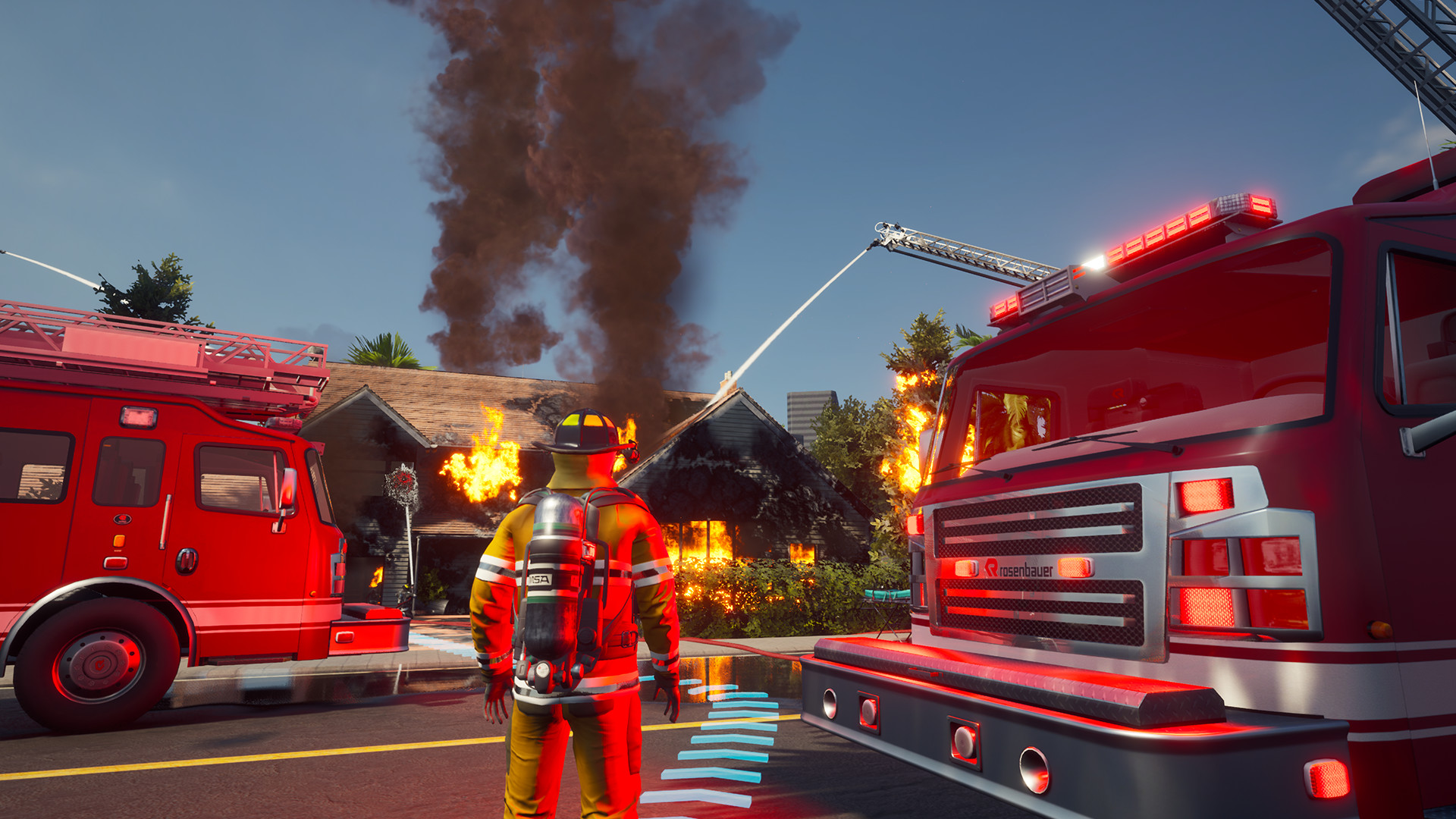
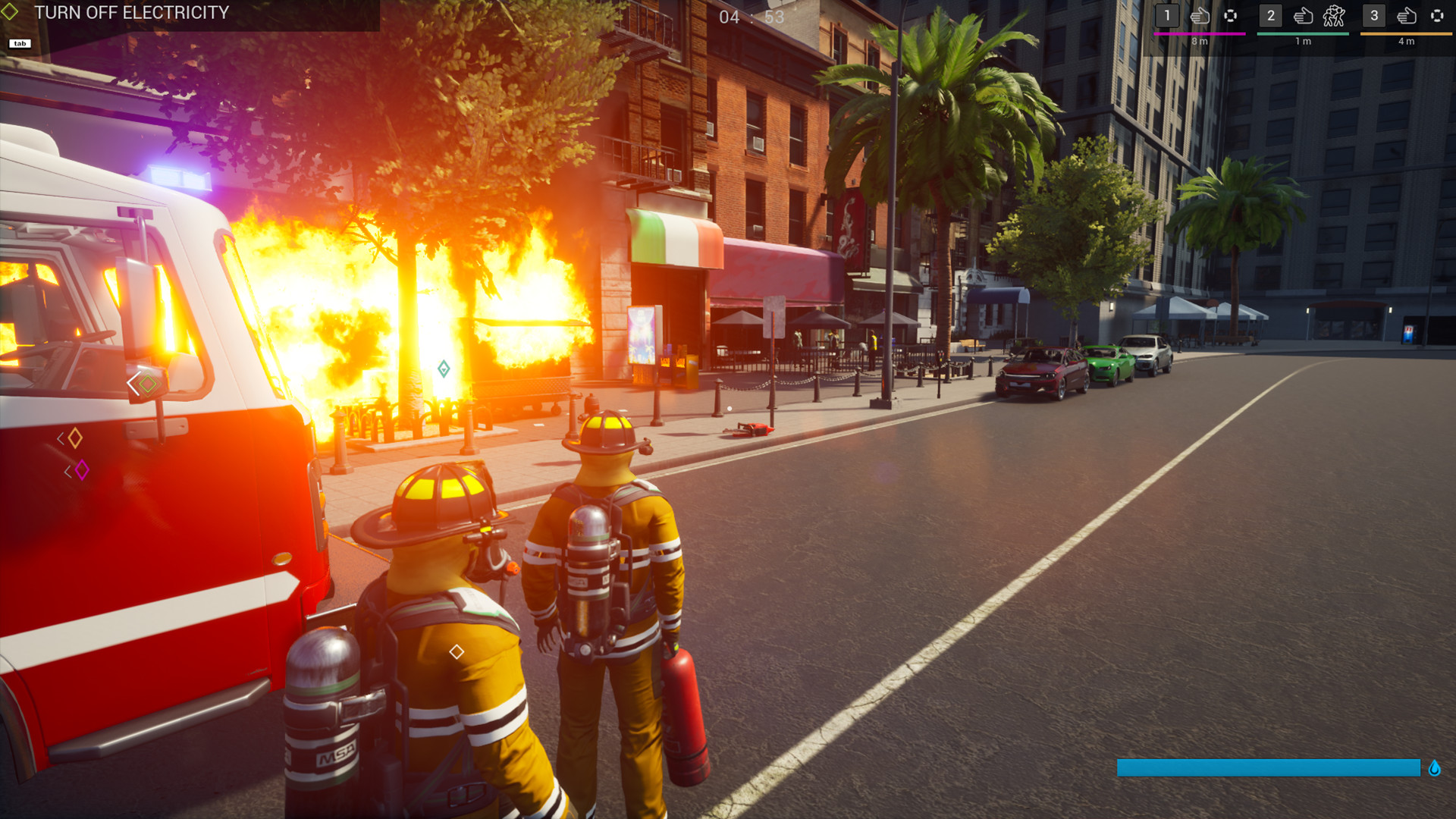
Gameplay
About This Game :

Firefighting Simulator lets you experience what it means to fight fires up close as an active part of a major US city’s firefighting team. Discover over 40 diverse deployment locations and complete exciting missions that span a 15k acres large townscape inspired by the North American Westcoast. Operate faithfully reproduced Rosenbauer America fire trucks, extinguish fires, and rescue civilians in need – together with up to three friends in the co-op multiplayer or with the help of AI team members in the single player mode.
Also at your disposal is authentic firefighting gear such as helmets, firefighter boots, and a breathing apparatus model by well-known North American firefighting equipment manufacturers.
Fire alert incoming!! What are you waiting for? Every minute counts! Pull on your boots, start the engine of your fire truck, turn on the lights and siren, and take the shortest route to the deployment location to fight the fire and save lives.
Whether in the industrial area, the suburbs, or downtown: Your city needs you!

- The multiplayer co-op mode allows you to play in a team with up to three friends to save lives and, of course, fight fires. Within the team you are free to assume whichever role that suits you most.
- In single player mode, you will experience up close what it means to fight fires in a major US city as the leader of an experienced firefighting team. Thanks to the intuitive command UI, you take control of assigning tasks to your AI colleagues and jump right into the thick of the action yourself.
- Advanced fire simulation, including water, smoke, heat, back drafts, flashovers, grease fires, and a wide range of other causes of fires, such as electronics, chemicals, and explosions.
- A complex physics system ensures the realistic representation of the destruction caused by dynamically spreading fire.
- Drive five licensed Rosenbauer America fire trucks, such as the TP3® Pumper, or the T-Rex® hydraulic platform through a large US city – also in cockpit view.
- Use authentic equipment by well-known US firefighting industry brands, such as Cairns®, MSA G1® SCBA, and HAIX®.
- Great replay value thanks to 40 different deployment locations, each offering several ways to beat the fires, both day and night.
- Comprehensive tutorial, radio communications, and character recordings in English, as well as subtitles in several languages, and faithfully recreated engine sounds for an even denser atmosphere.
- A detailed 15k acres large US city with different districts, such as an industrial area, suburbs, and downtown.
- Supports standard steering wheels and gamepads
- A comprehensive tutorial takes you through the basics of fighting fires.
System Requirements for Firefighting Simulator – The Squad
MINIMUM :
- OS: Windows 10 64-Bit
- Processor: Intel Core i5-4440 with 3,1 GHz or AMD FX-8150 with 3,6 GHz or higher
- Memory: 8 GB RAM
- Graphics: GeForce GTX 750 Ti (2 GB VRAM) or AMD Radeon RX 460 (2 GB VRAM) or higher
- DirectX: Version 11
- Network: Broadband Internet connection
- Storage: 12 GB available space
RECOMMENDED :
- OS: Windows 10 64-Bit
- Processor: Intel Core i7-3820 with 3,6 GHz or AMD FX-8350 with 4,0 GHz or higher
- Memory: 16 GB RAM
- Graphics: GeForce GTX 1070 (8 GB VRAM) or AMD Radeon RX 5600 XT (8 GB VRAM) or higher
- DirectX: Version 11
- Network: Broadband Internet connection
- Storage: 12 GB available space
How To play Firefighting Simulator – The Squad ONLINE
At least Windows 10 x64 version 1909 or later with Microsoft Store, Xbox, Xbox Gaming Services installed.
1. Run the GDK_Helper.bat file located in the game folder. (You only need to do this once.)
2. Enable Developer Mode. (You might need to restart your PC afterward.)
Tip: Look up what Developer Mode does before turning it on.
3. Install the game. This only needs to be done once. (Please disregard any path errors encountered during this step.)
4. After the game is installed, turn off Developer Mode.
5. Launch the game from the Start Menu.
6. Finish the tutorial mission since it can’t be skipped, then go back to the title screen and click Continue.
7. Joining: If you want to join a friend’s session, click on “Public Session Explorer”
Hosting: If you want to host a session, pan the map to the mission you wish to do and click “Begin”
8. Enjoy !
Note:
- You can play on official servers.




Comments