
Download EA SPORTS WRC v2.3.1.0 HYPERVISOR-DenuvOwO

Game Details
Release name : EA SPORTS WRC v2.3.1.0 HYPERVISOR-DenuvOwO
Size : 96.46 GB
Title : EA SPORTS™ WRC
Genre : Racing, Simulation, Sports
Developer : Codemasters
Publisher : Electronic Arts
Store : click here
Release Date : 2 Nov, 2023
Credits / Released By: Based on my own EA Rip + Hypervisor Bypass (INTEL & AMD) by DenuvOwO
Screenshots

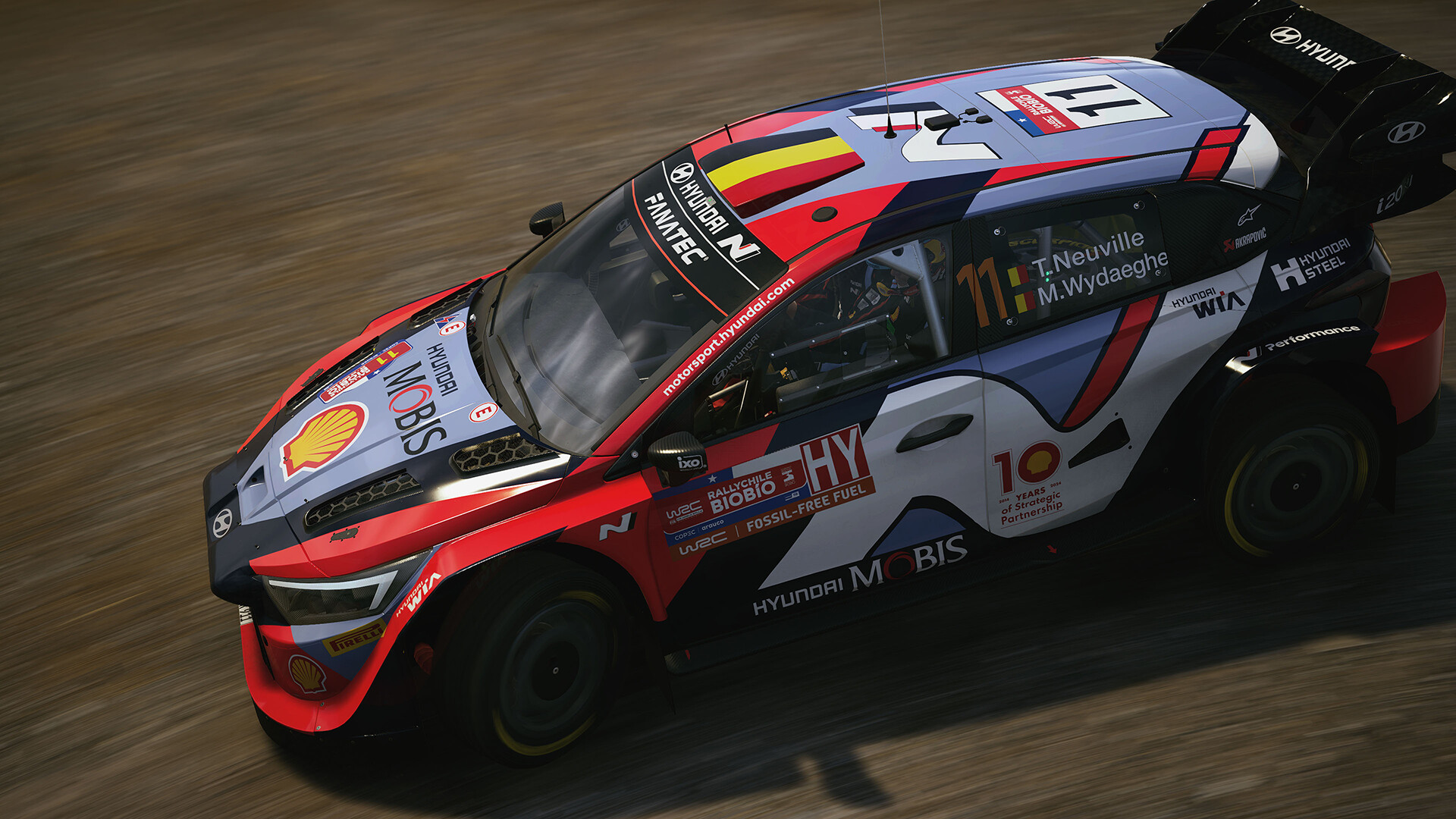
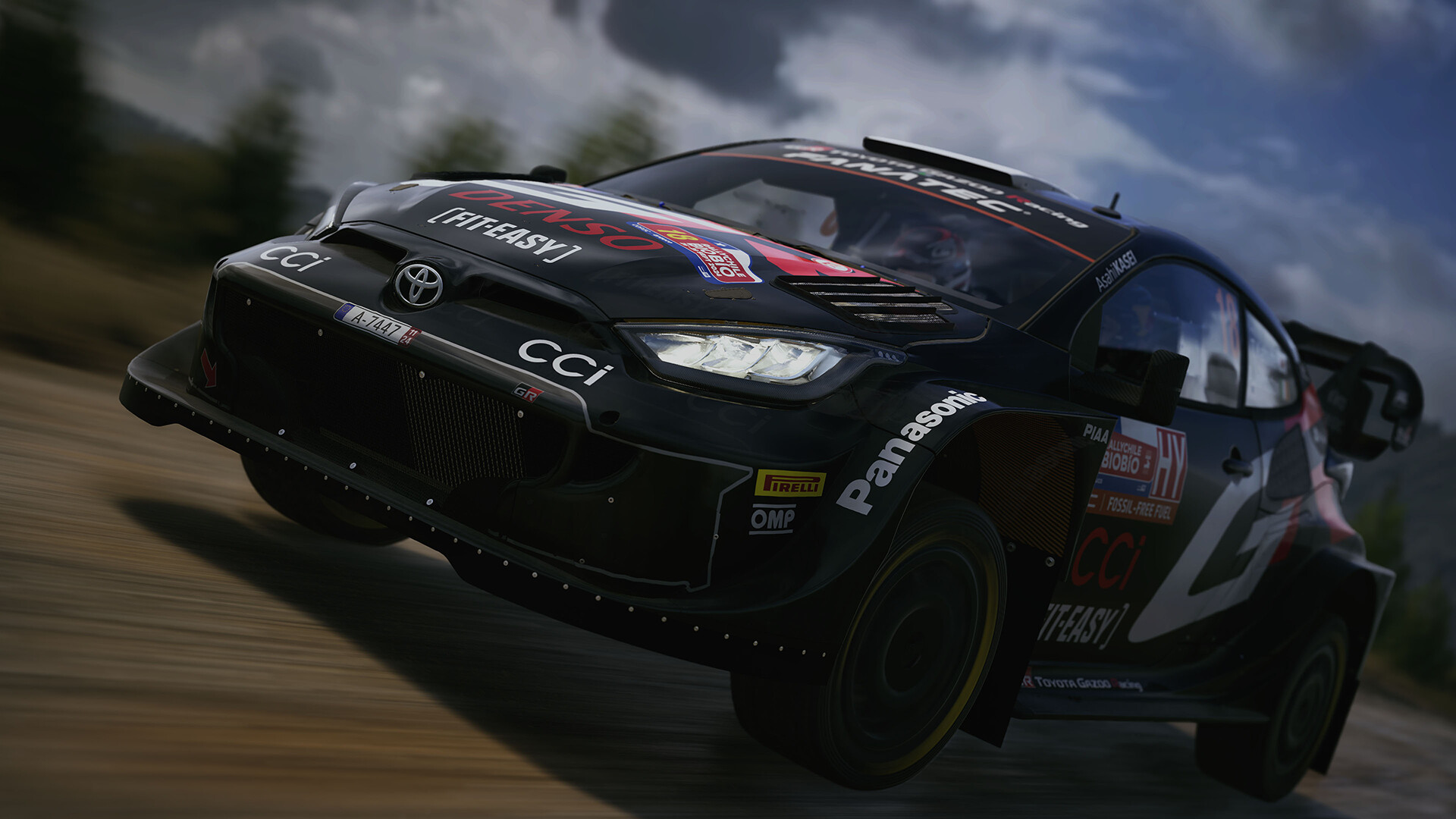


Gameplay
About This Game :
Build the car of your dreams in our biggest rally game ever, EA SPORTS™ WRC, the all-new official videogame of the FIA World Rally Championship, the first developed by the award-winning team behind the DiRT Rally series.

System Requirements for EA SPORTS™ WRC
MINIMUM :
- OS: Windows 10
- Processor: AMD Ryzen 5 2600X Intel i5 9600K
- Memory: 8 GB RAM
- Graphics: Nvidia GTX 1060 Radeon RX Vega 56
- DirectX: Version 12
- Network: Broadband Internet connection
- Storage: 110 GB available space
- Sound Card: DirectX Compatible
- VR Support: OpenXR: Meta Quest 3, Meta Quest 2, Meta Quest Pro, Valve Index, Oculus Rift S, Oculus CV1, HTC Vive
- Additional Notes: SSD recommended
RECOMMENDED :
- OS: Windows 10
- Processor: AMD Ryzen 7 3700X Intel i5 10600K
- Memory: 16 GB RAM
- Graphics: Nvidia RTX 2070 Radeon RX 5700 XT
- DirectX: Version 12
- Network: Broadband Internet connection
- Storage: 110 GB available space
- Sound Card: DirectX Compatible
- VR Support: OpenXR: Meta Quest 3, Meta Quest 2, Meta Quest Pro, Valve Index, Oculus Rift S, Oculus CV1, HTC Vive
- Additional Notes: SSD recommended
How To Install EA SPORTS™ WRC HYPERVISOR
1. Download the “HYPERVISOR Crack” using the link provided below, then extract its contents into your main game directory.
2. Open the DenuvOwO.nfo file using any text editor (such as Notepad), as it includes important game-related information and additional setup details.
3. Go to the folder where you extracted the files and locate VBS.cmd, then right-click it and select Run as administrator.
4. In the command window, press 1 to start the required setup process.
5. Wait for the process to finish, after which your PC will restart automatically and briefly show the Windows Recovery / Startup Settings blue screen, which is completely normal.
6. Press F7 immediately when the screen appears to select “Disable driver signature enforcement.”
7. The PC will reboot one more time and start Windows normally.
8. After completing all steps, run WRC.exe as Administrator and enjoy!
System Revert Guide:
-
Run the VBS.cmd file as administrator again.
-
In the command prompt window, press 3 (Restore / Revert Changes) to remove all applied modifications. The script will then re-enable Hypervisor and VBS protections, restoring your system to its default secure state.
-
Your PC will restart automatically, and after it boots up again, your system will be fully restored to its original clean state.
- Important: If you run into any issues, make sure the crack was applied correctly, verify that you pressed F7 on the blue screen immediately after the first restart, and always use Option 3 in the script to perform a full cleanup.





Comments