
Download DRAGON BALL FighterZ v2.2.19.0 + ONLINE
Game Details
Release name : DRAGON BALL FighterZ v2.2.19.0 + ONLINE
Size : 6 GB
Title : DRAGON BALL FighterZ
Genre : Action
Developer : Arc System Works
Publisher : Bandai Namco Entertainment
Store : click here
Release Date : 26 Jan, 2018
Credits / Released By: OFME
Screenshots
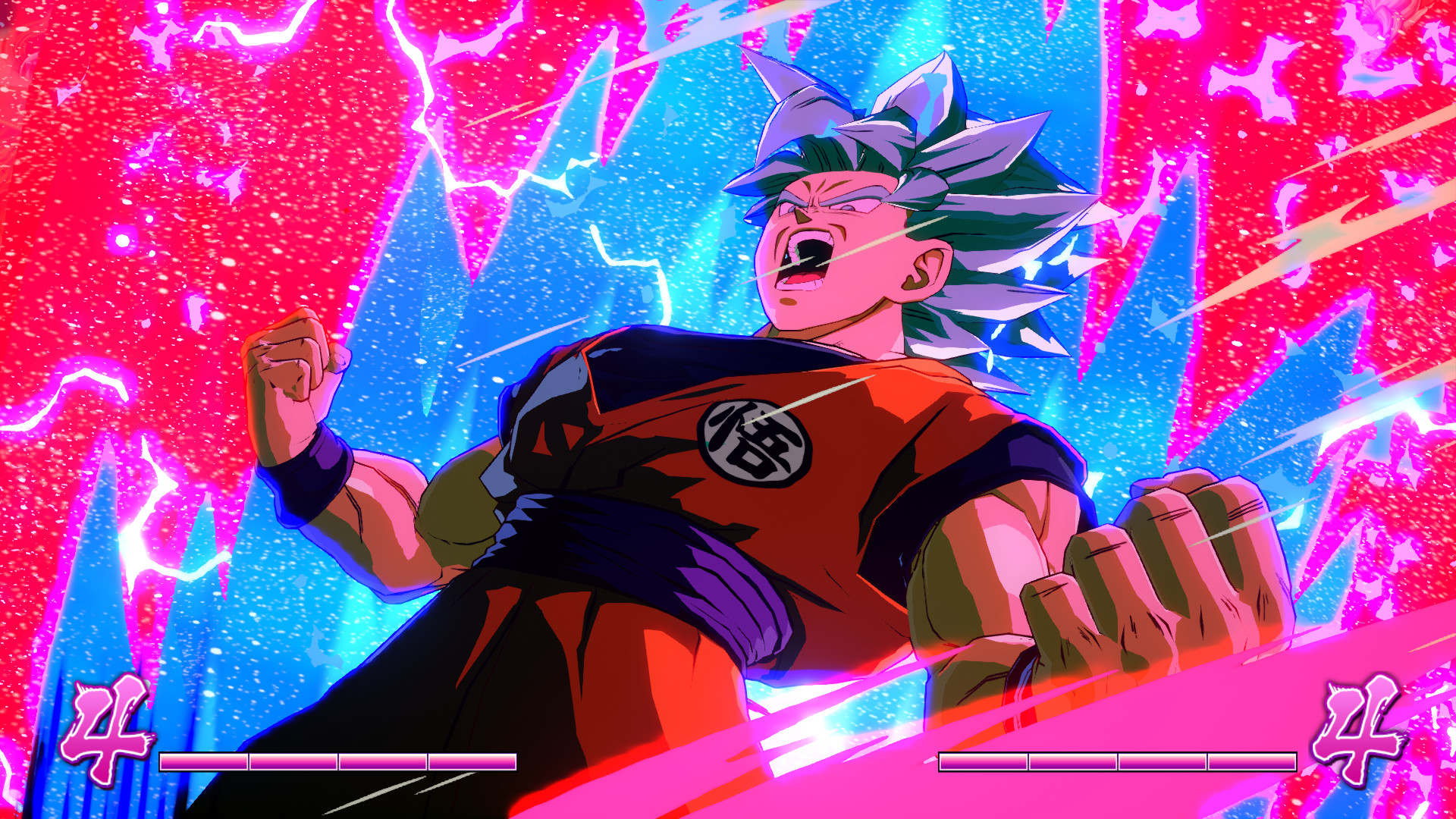
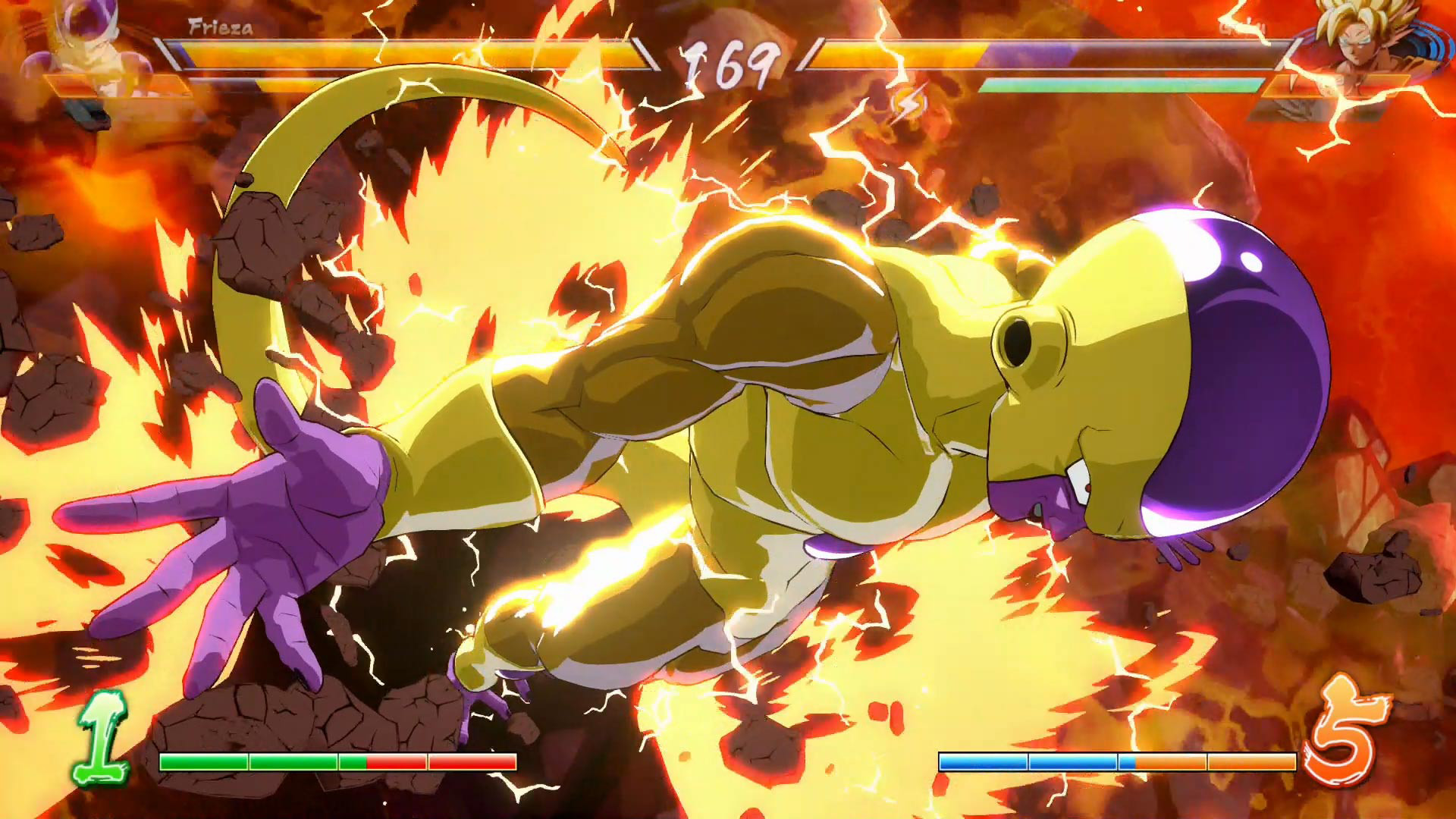
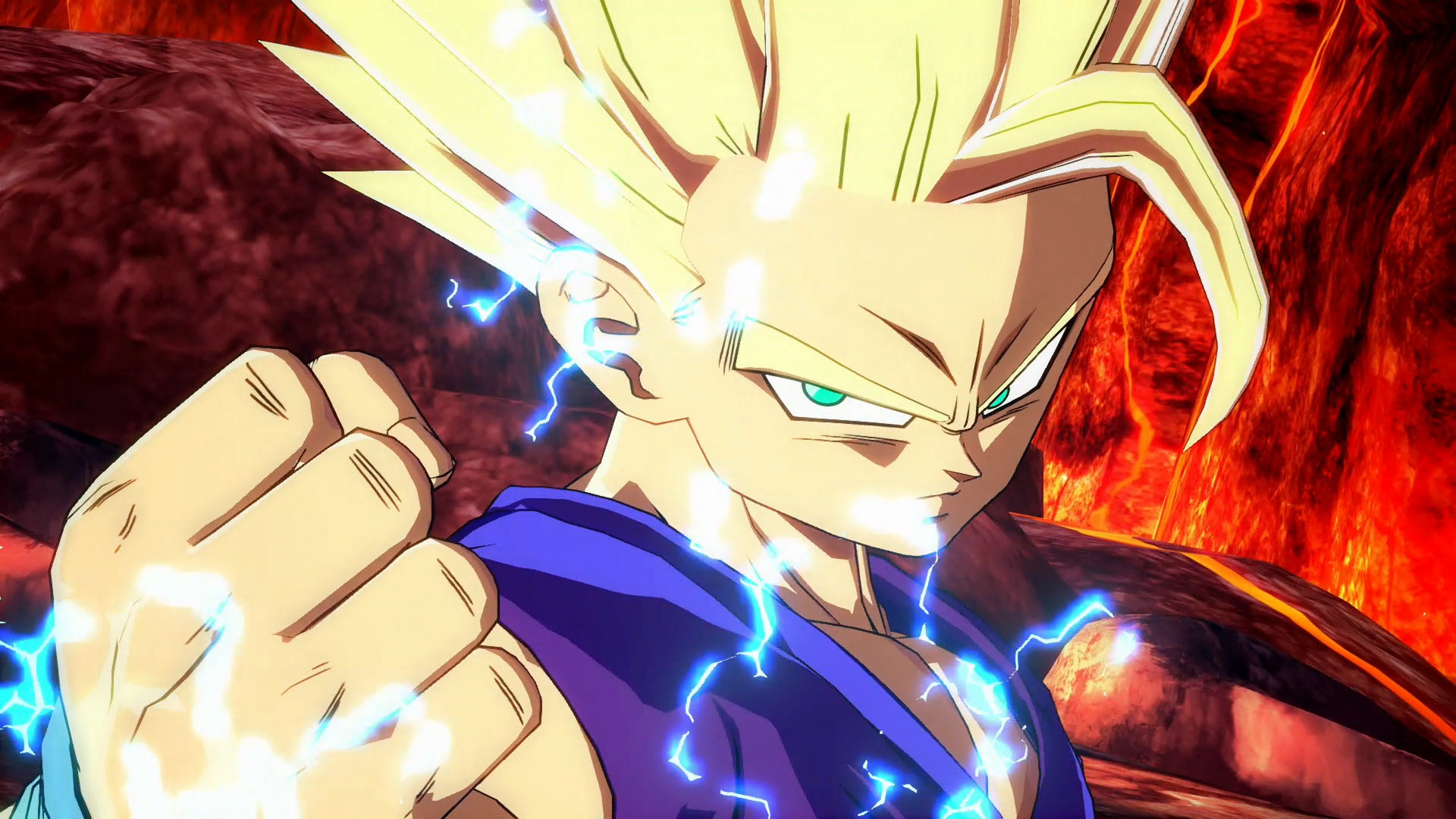
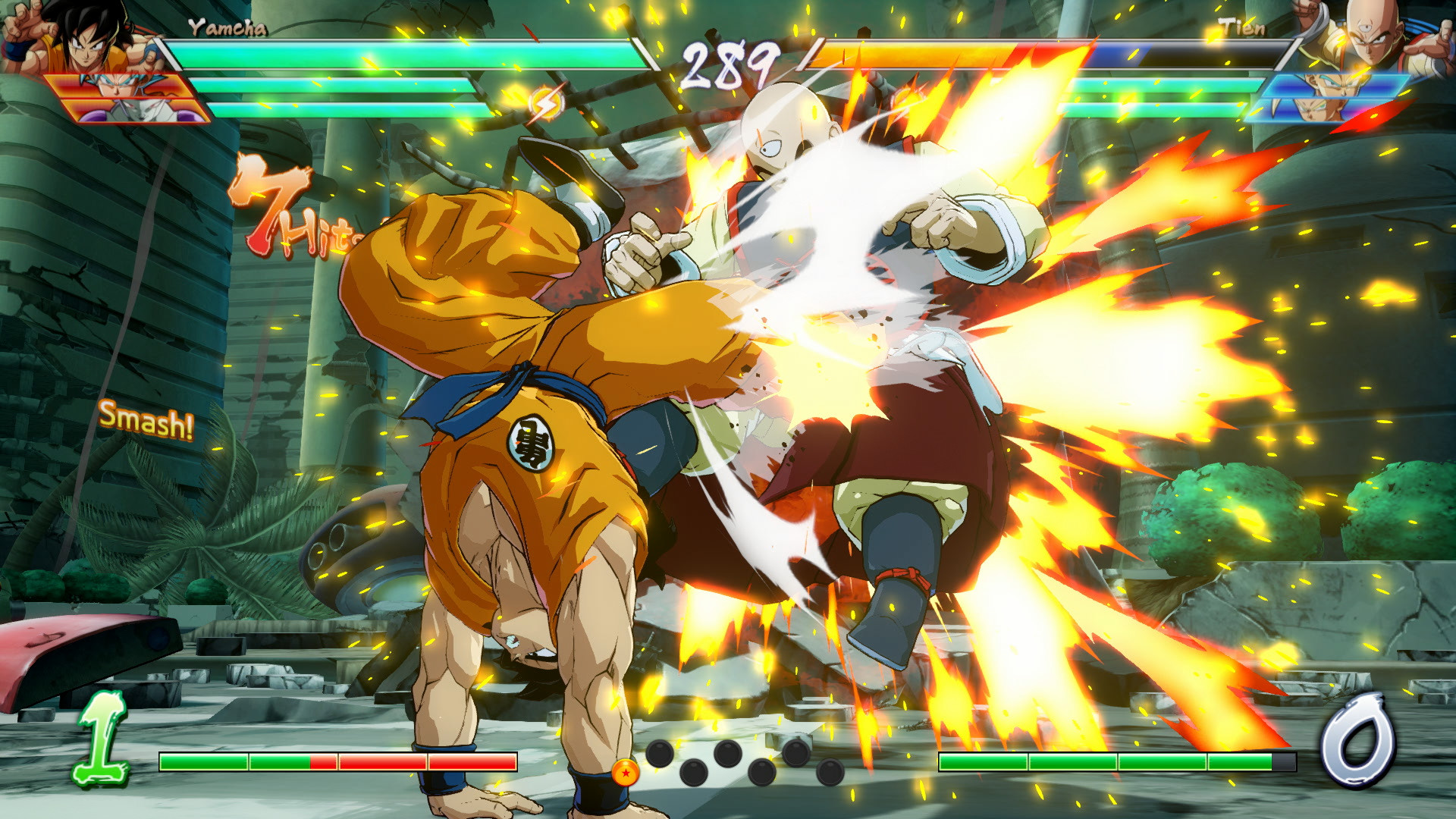
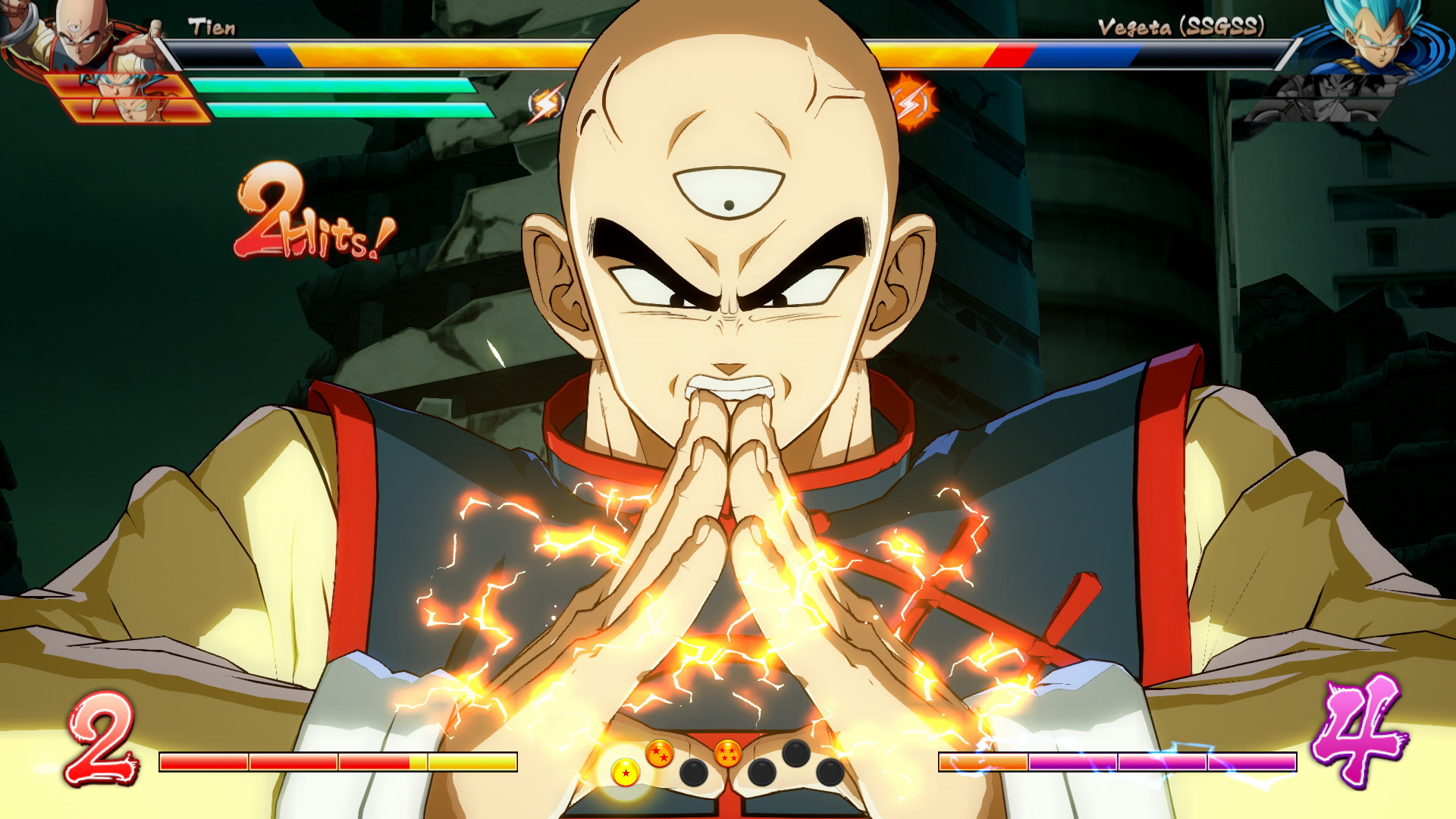
Gameplay
About This Game :
DRAGON BALL FighterZ is born from what makes the DRAGON BALL series so loved and famous: endless spectacular fights with its all-powerful fighters.
Partnering with Arc System Works, DRAGON BALL FighterZ maximizes high end Anime graphics and brings easy to learn but difficult to master fighting gameplay.
High-end Anime Graphics
Using the power of the Unreal engine and the talented team at Arc System Works, DRAGON BALL FighterZ is a visual tour-de-force.
3vs3 Tag/Support
Build your dream team and sharpen your skills to master high-speed tag combinations.
Thrilling Online Features
Ranked matches, interactive lobby, crazy 6-player Party Match… There is something for every taste!
Exclusive Story Mode
Discover a never-seen-before scenario featuring Android 21, a brand new character whose creation was supervised by Akira Toriyama himself.
Spectacular Fights
Experience aerial combos, destructible stages and famous scenes from the DRAGON BALL anime in 60FPS and 1080p resolution!
System Requirements for DRAGON BALL FighterZ
MINIMUM :
- OS *: Windows 7/8/10 (64-bit OS required)
- Processor: AMD FX-4350, 4.2 GHz / Intel Core i5-3470, 3.20 GHz
- Memory: 4 GB RAM
- Graphics: Radeon HD 6870, 1 GB / GeForce GTX 650 Ti, 1 GB
- DirectX: Version 11
- Network: Broadband Internet connection
- Storage: 6 GB available space
- Sound Card: DirectX compatible soundcard or onboard chipset
RECOMMENDED :
- OS *: Windows 7/8/10 (64-bit OS required)
- Processor: AMD Ryzen 5 1400, 3.2 GHz / Intel Core i7-3770, 3.40 GHz
- Memory: 8 GB RAM
- Graphics: Radeon HD 7870, 2 GB / GeForce GTX 660, 2 GB
- DirectX: Version 11
- Network: Broadband Internet connection
- Storage: 6 GB available space
- Sound Card: DirectX compatible soundcard or onboard chipset
How To Install DRAGON BALL FighterZ
1. Download The Game.
2. Extract with WinRAR
3. Play!.
How To play DRAGON BALL FighterZ ONLINE
At least Windows 10 x64 version 1909 or later with Microsoft Store, Xbox, Xbox Gaming Services installed.
1. Download the “Online Crack” from the link provided below and extract the files. After extraction, move the contents into your game’s main installation directory.
2. Launch the GDK_Helper.bat that is in the game folder. (done once)
3. Enable Developer Mode. (reboot the PC, if necessary) (done once)
Before enabling Developer Mode, check out what it is on the Internet.
4. Install Game. (done once)
5. Disable Developer Mode. (done once)
6. Start the game from the start menu.
7. Joining / Hosting: Start a game > Online play > You will be automatically connected to the general lobby.
8. Enjoy !
Note:
- The game already comes with the “Online Crack” pre-applied, so you can skip Step #1 mentioned above. However, if your antivirus software removes the “Online Crack” files, you’ll need to reapply them manually.
Download DRAGON BALL FighterZ
Download DRAGON BALL FighterZ Crack Online



Comments