
Download DARK SOULS REMASTERED v1.03.1 + ONLINE
Game Details
Release name : DARK SOULS REMASTERED v1.03.1 + ONLINE
Size : 6.91 GB
Title : DARK SOULS™: REMASTERED
Genre : Action, Adventure, RPG
Developer : QLOC, FromSoftware, Inc.
Publisher : FromSoftware, Inc., Bandai Namco Entertainment
Store : click here
Release Date : 24 May, 2018
Credits / Released By: OFME + Yui (nexusmods) for the seamless co-op
Screenshots
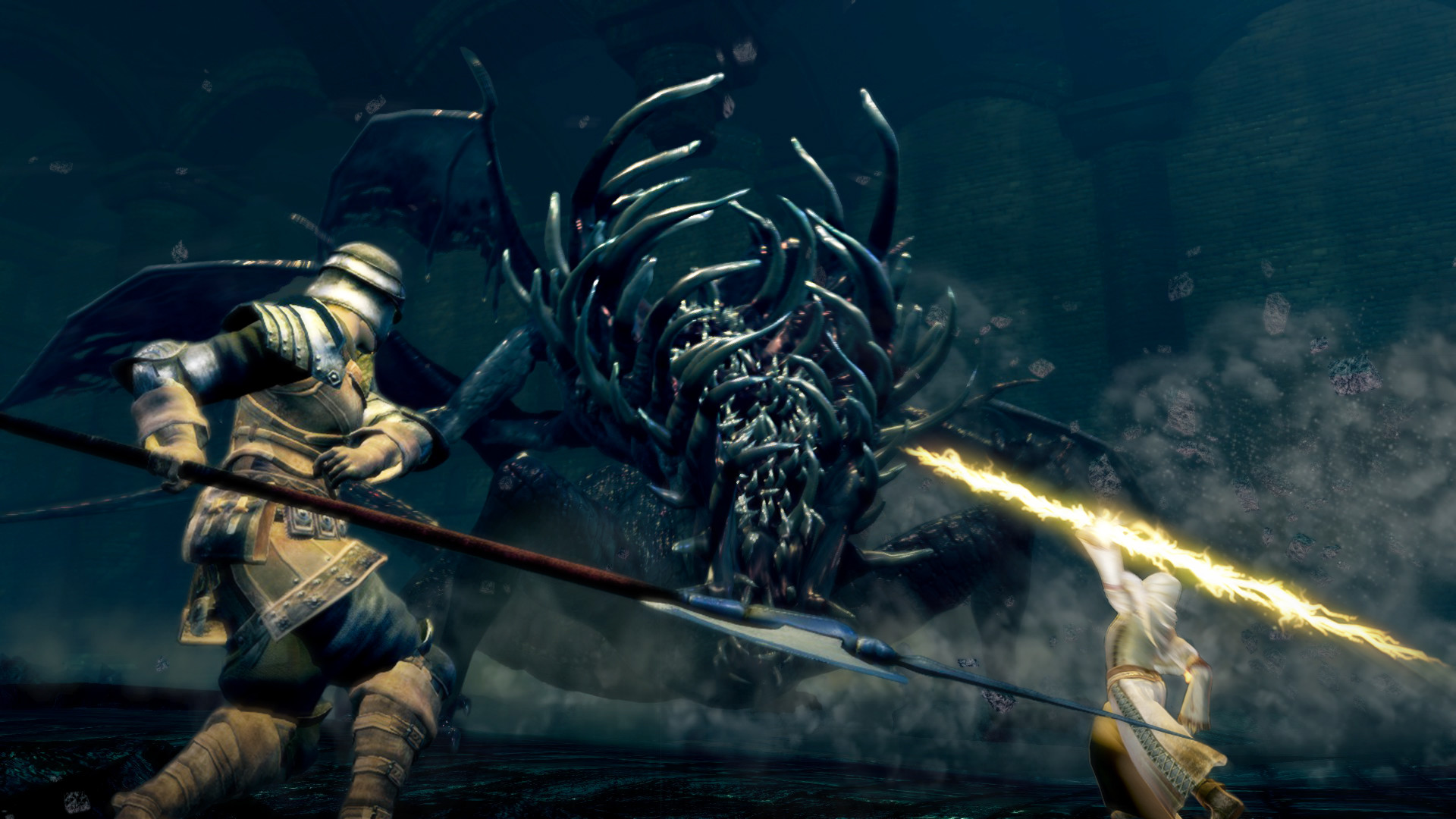
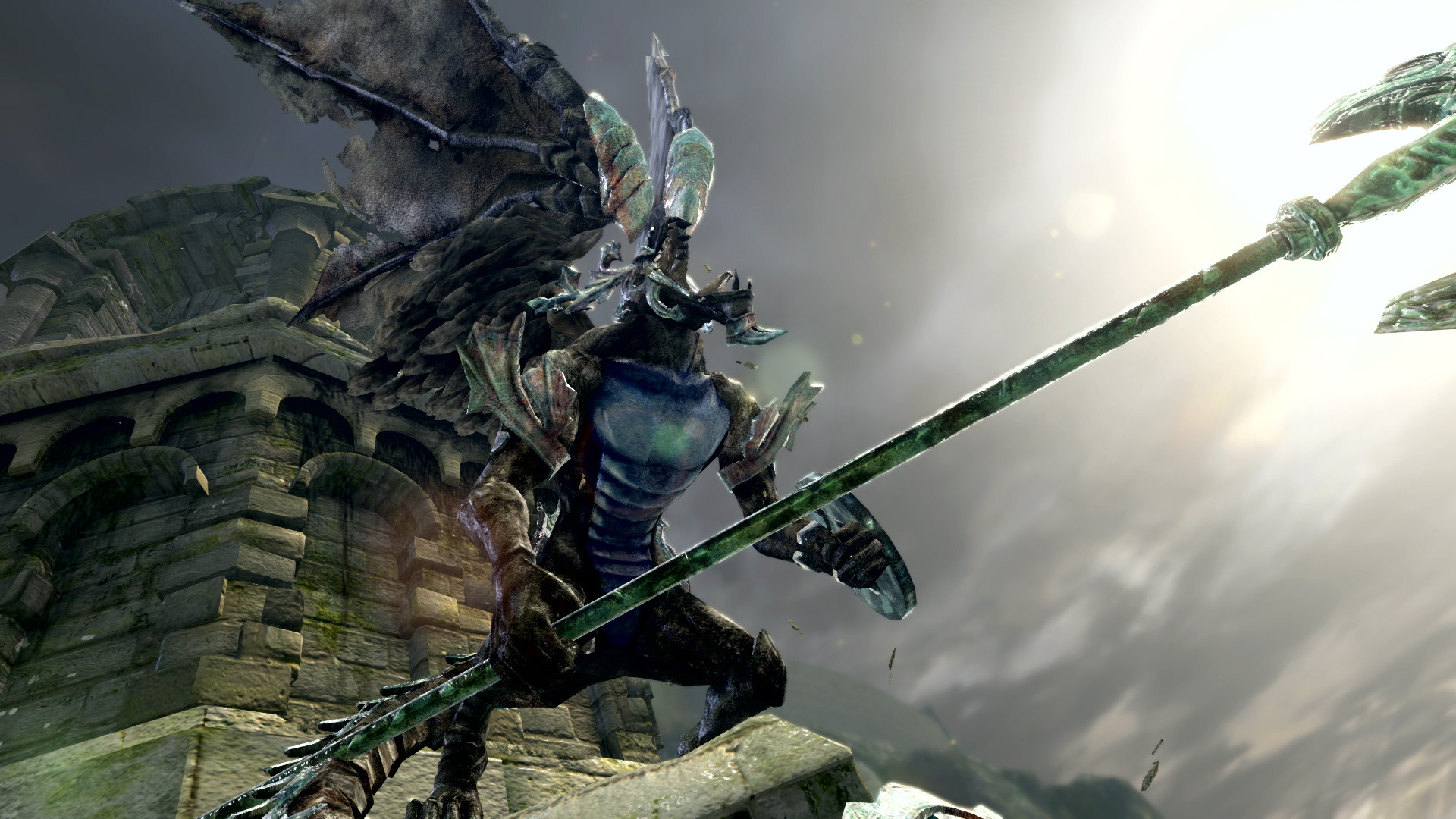
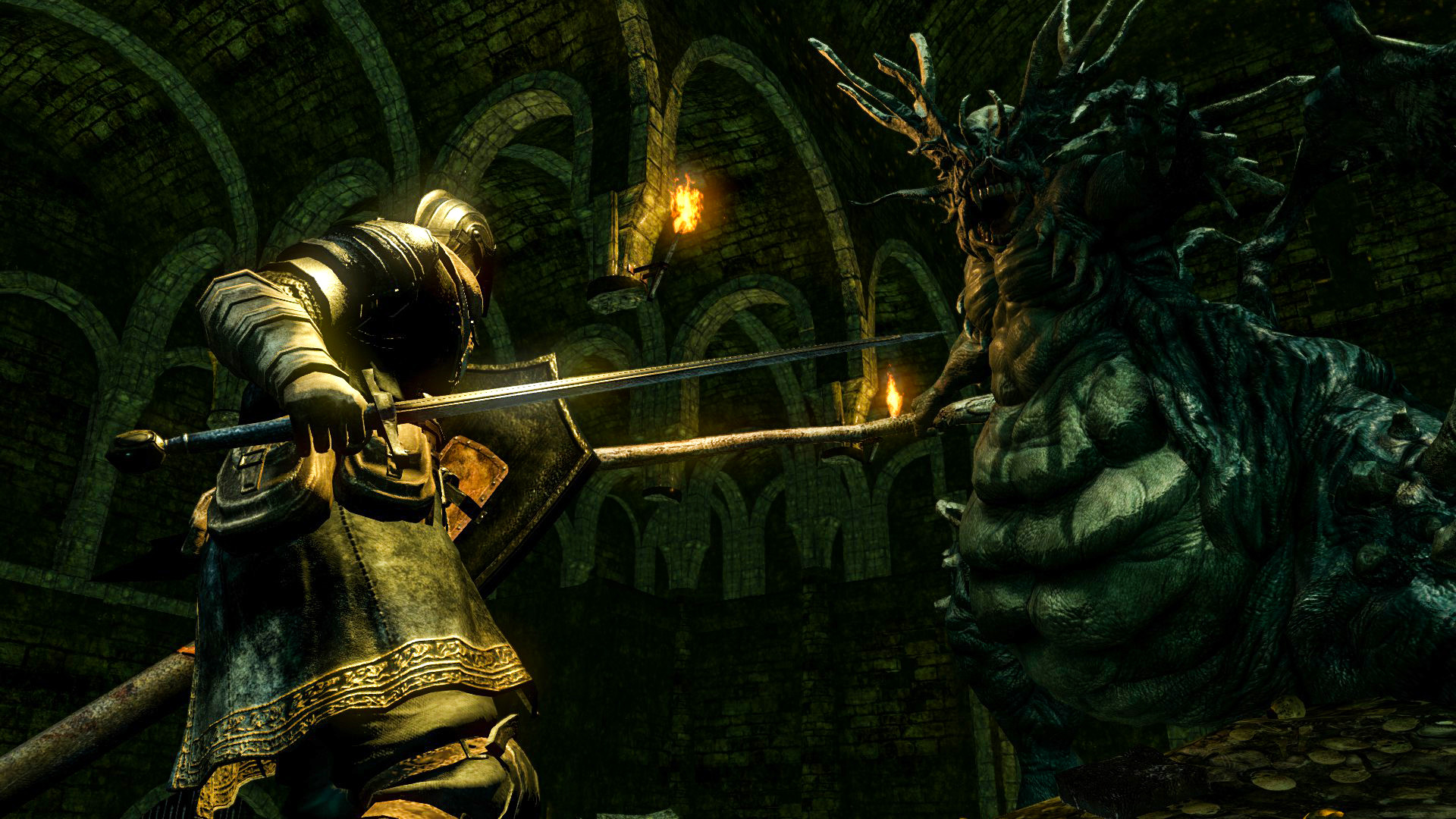
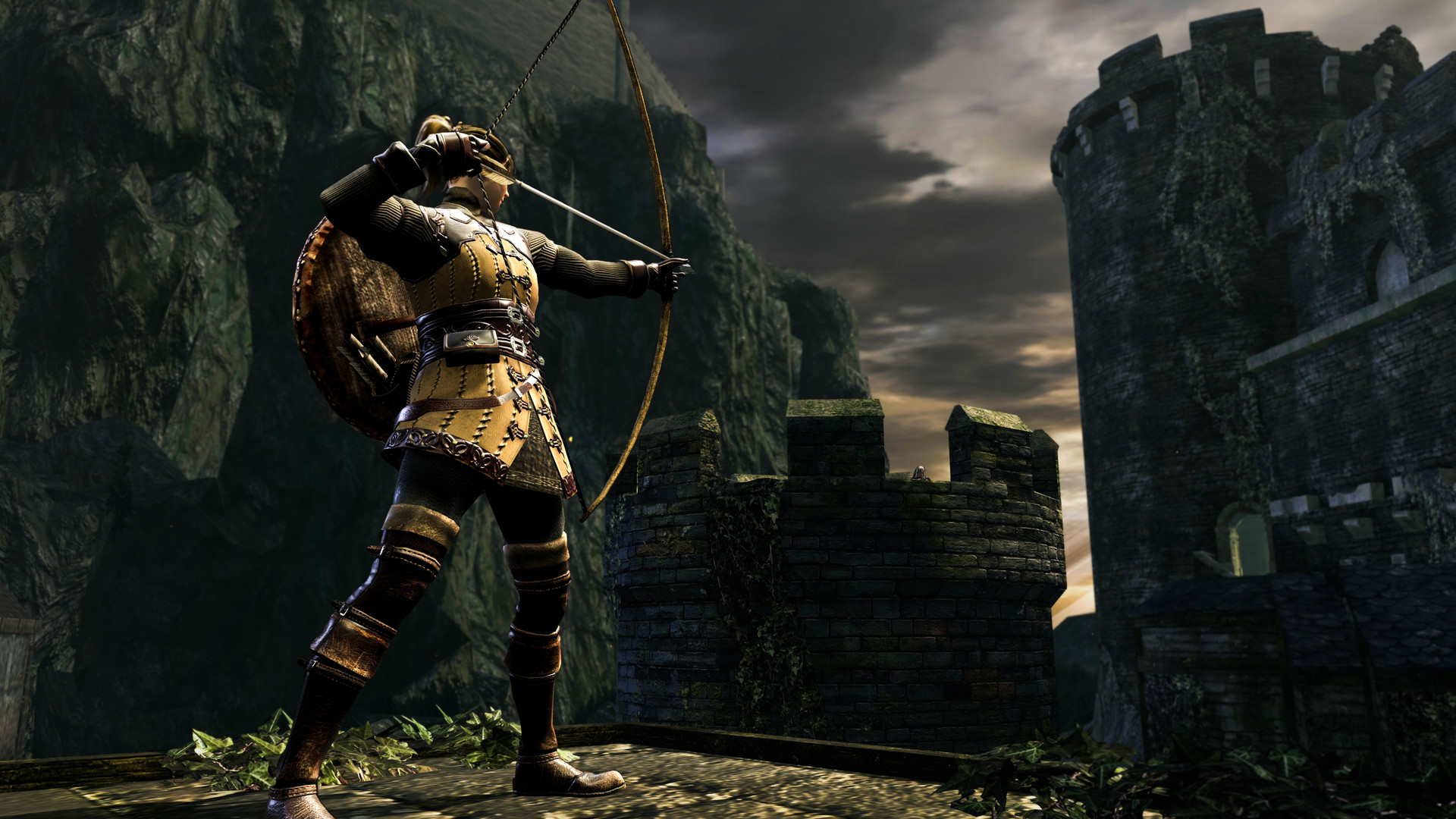
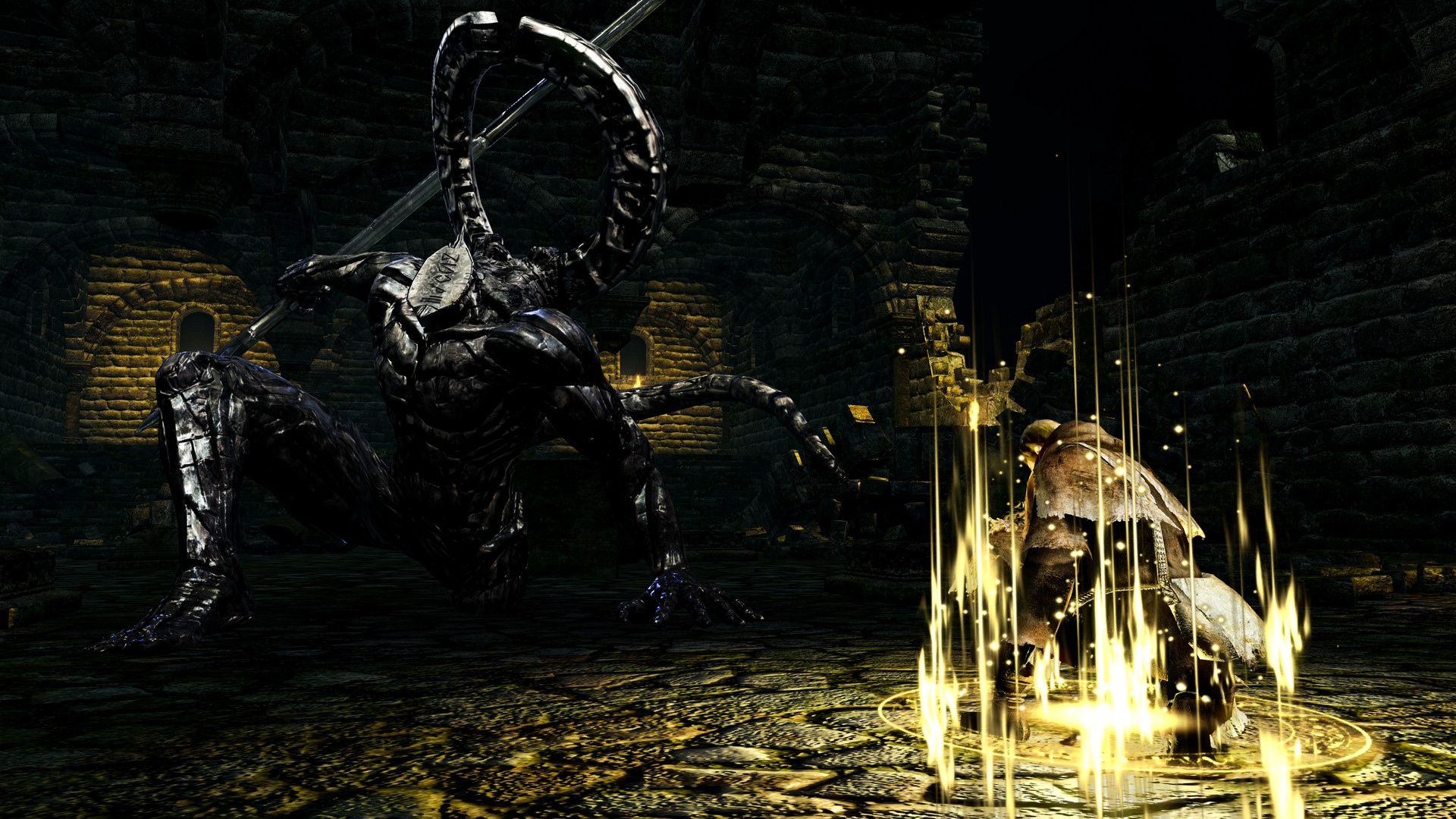
Gameplay
About This Game :
Then, there was fire. Re-experience the critically acclaimed, genre-defining game that started it all. Beautifully remastered, return to Lordran in stunning high-definition detail running at 60fps.
Dark Souls Remastered includes the main game plus the Artorias of the Abyss DLC.
Key features:
• Deep and Dark Universe
• Each End is a New Beginning
• Gameplay Richness and Possibilities
• Sense of Learning, Mastering and Accomplishment
• The Way of the Multiplayer (up to 6 players with dedicated servers)
System Requirements for DARK SOULS™: REMASTERED
MINIMUM :
- OS *: Windows 7 64-bit, Service Pack 1
- Processor: Intel Core i5-2300 2.8 GHz / AMD FX-6300, 3.5 GHz
- Memory: 6 GB RAM
- Graphics: GeForce GTX 460, 1 GB / Radeon HD 6870, 1 GB
- DirectX: Version 11
- Storage: 8 GB available space
- Sound Card: DirectX 11 sound device
- Additional Notes: Low Settings, 60 FPS @ 1080p
RECOMMENDED :
- OS: Windows 10 64-bit
- Processor: Intel Core i5-4570 3.2 GHz / AMD FX-8350 4.2 GHz
- Memory: 8 GB RAM
- Graphics: GeForce GTX 660, 2 GB / Radeon HD 7870, 2 GB
- DirectX: Version 11
- Storage: 8 GB available space
- Sound Card: DirectX 11 sound device
- Additional Notes: High Settings, 60 FPS @ 1080p
How To Install DARK SOULS™: REMASTERED
1. Download The Game.
2. Extract with WinRAR
3. Play!.
How To play DARK SOULS™: REMASTERED ONLINE
1. Download the “Online Crack” from the link provided below and extract the files. After extraction, move the contents into your game’s main installation directory.
2. Download and install Steam.
3. Open Steam and log in. If you don’t have an account yet, you can create one through HERE.
4. Press “Win + R” on your keyboard, type “steam://install/480”, and hit Enter. This will install and update the required game component.
5. Launch the game via ds1sc_launcher.exe.
6. We pass the prologue. (you need to go to the first place of grace and activate it)
7. Joining: Go to the inventory > Use the item Crystal Eye Orb > it will automatically connect you to the host.
Hosting: Go to the inventory > Use the Blessed Eye Orb item > Wait for friends to connect.
8. Enjoy !
Notes:
- The game already comes with the “Online Crack” pre-applied, so you can skip Step #1 mentioned above. However, if your antivirus software removes the “Online Crack” files, you’ll need to reapply them manually.
- In order to join/create a lobby, all players must have the same password in the SeamlessCoop\ds1sc_settings.ini file.
- This is a modification and not the official multiplayer of the game.
- Official modification page.
Download DARK SOULS™: REMASTERED
Download DARK SOULS™: REMASTERED Modification Version: 0.0.4
Comments