
Download CODE VEIN v1.53.61787-RUNE
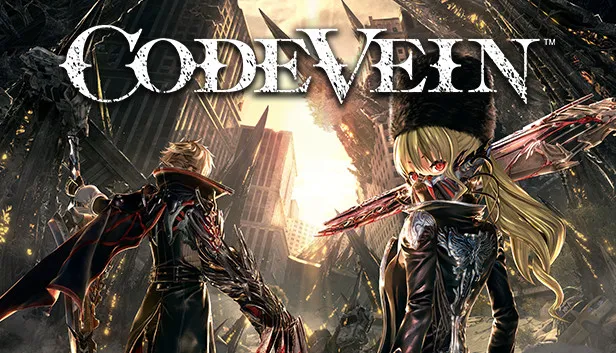
Game Details
Release name : CODE VEIN v1.53.61787-RUNE
Size : 33.55 GB
Title : CODE VEIN
Genre : Action, RPG
Developer : Bandai Namco Studios
Publisher : Bandai Namco Entertainment
Store: click here
Release Date : 26 Sep, 2019
Credits / Released By: RUNE
Screenshots


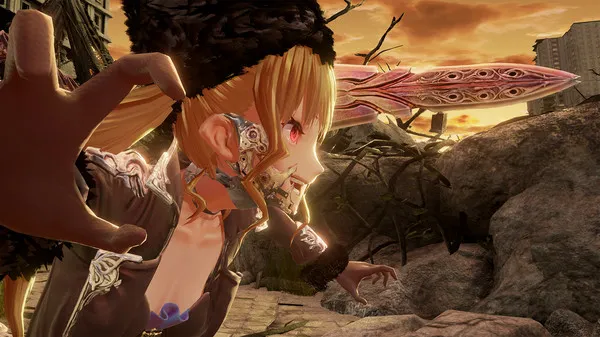
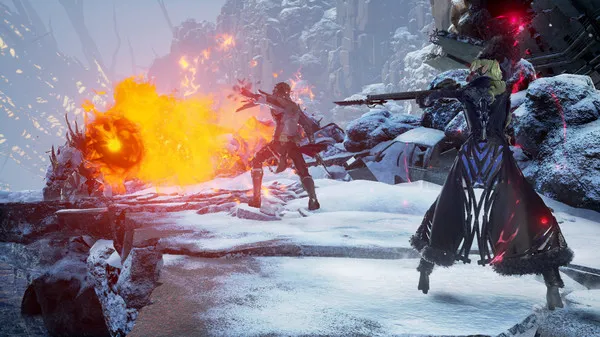

Gameplay
About This Game :
System Requirements for CODE VEIN
MINIMUM :
- OS *: Windows 7 SP1 or Windows 10 (64-bit)
- Processor: Intel Core i5-2300
- Memory: 6 GB RAM
- Graphics: GeForce GTX 760 or Radeon HD 7850
- DirectX: Version 11
- Network: Broadband Internet connection
- Storage: 35 GB available space
- Sound Card: DirectX compatible soundcard or onboard chipset
- Additional Notes: Estimated performance: 1080p/60fps with graphics settings at “Low”. Framerate might drop in graphics-intensive scenes. – 64-bit processor and operating system are required.
RECOMMENDED :
- OS *: Windows 7 SP1 or Windows 10 (64-bit)
- Processor: Intel Core i5-7400 or AMD Ryzen 3 2200G
- Memory: 8 GB RAM
- Graphics: GeForce GTX 960 or Radeon R9 380X
- DirectX: Version 11
- Network: Broadband Internet connection
- Storage: 35 GB available space
- Sound Card: DirectX compatible soundcard or onboard chipset
- Additional Notes: Estimated performance: 1080p/60fps with graphics settings at “High”. Framerate might drop in graphics-intensive scenes. – 64-bit processor and operating system are required. – Windows 10 (Version 1809 or later) and a 4GB VRAM GPU (graphics board or video card) are required for DirectX 12 API.
How To Install CODE VEIN
1. Download The Game.
2. Install The Game.
3. Copy the contents of the RUNE folder to the game folder (if you did not check the box in the installer)
4. Play!.
Included DLCs
- CODE VEIN GE Weapon Collaboration
- CODE VEIN Reserved Bloodkin Set
- CODE VEIN Blood Veil Ogre: Venous Claw
- CODE VEIN Alternate Mia Set
- CODE VEIN Accessory Set: Insatiable Bloodthirst
- CODE VEIN Hellfire Knight
- CODE VEIN Frozen Empress
- CODE VEIN Lord of Thunder
Notes:
- The language of the interface/text changes in the file: ms_emu.json (in the parameter: Language change en-us to ru-ru)
- The voice acting language is changed in the game menu: Settings -> Language Settings
 Torrent link



Comments