
Download Chivalry 2 v1.0.48.0 + ONLINE

Game Details
Release name : Chivalry 2 v1.0.48.0 + ONLINE
Size : 26.54 GB
Title : Chivalry 2
Genre : Action, Massively Multiplayer
Developer : Torn Banner Studios
Publisher : Tripwire Presents
Store : click here
Release Date : 12 Jun, 2022
Credits / Released By: OFME
Screenshots
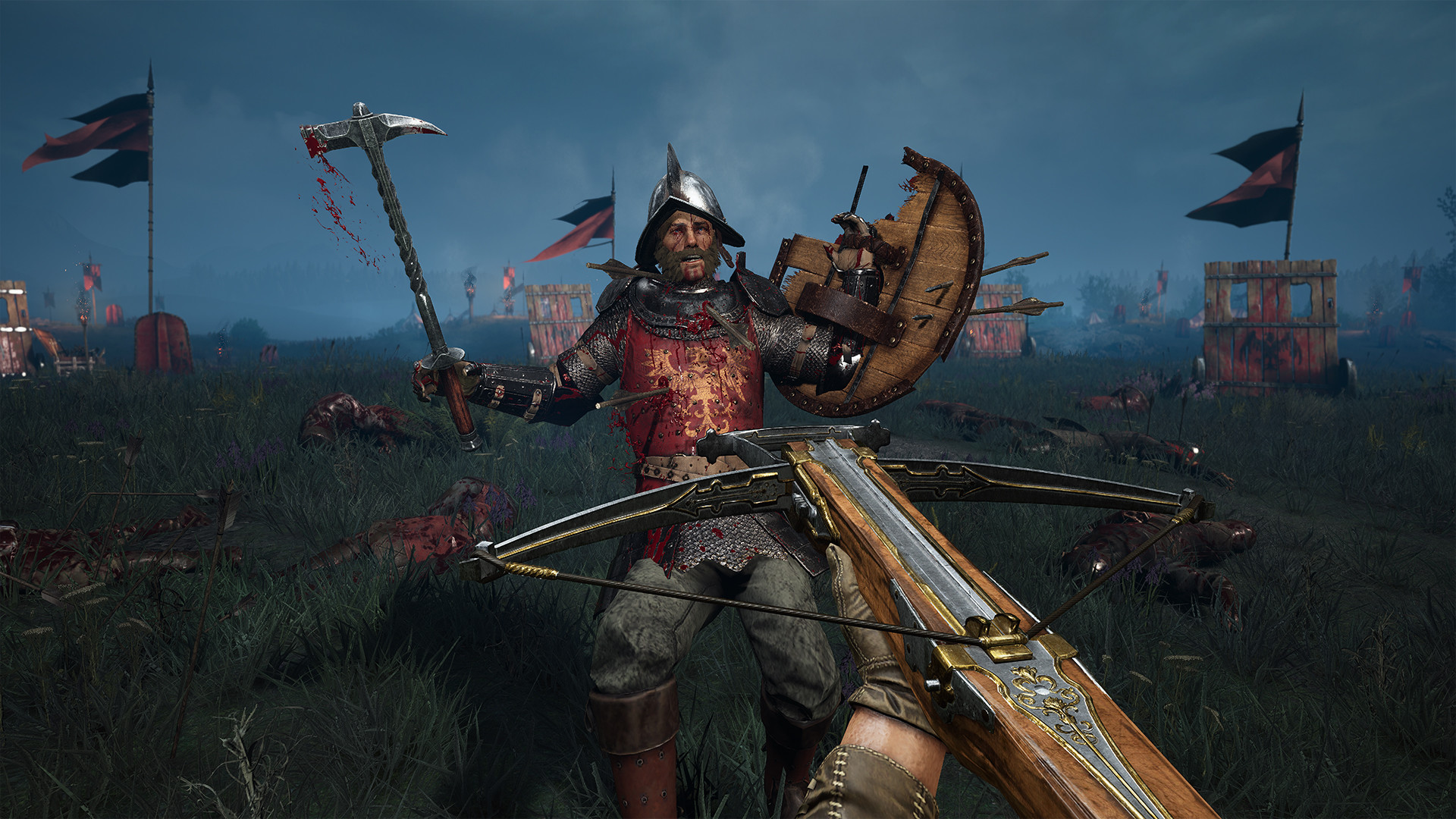
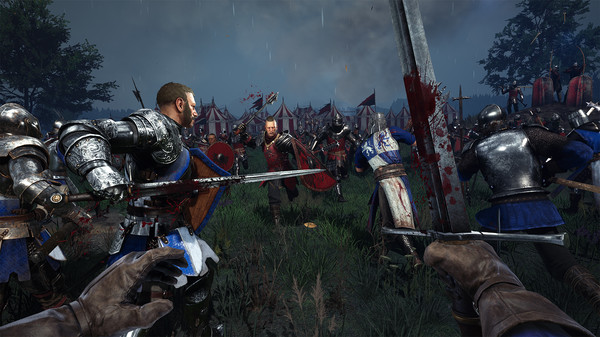
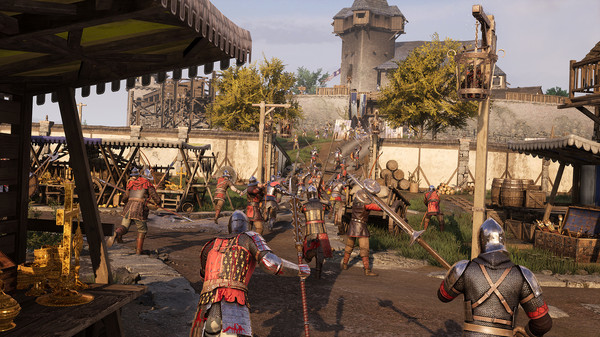
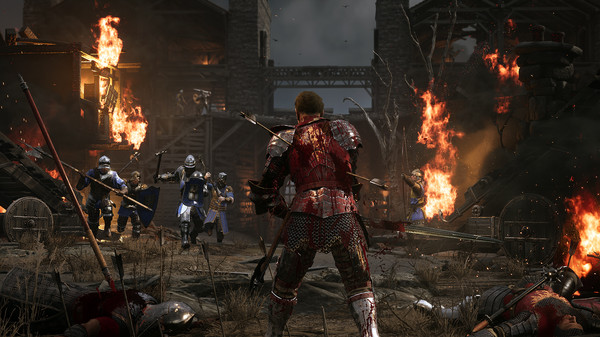
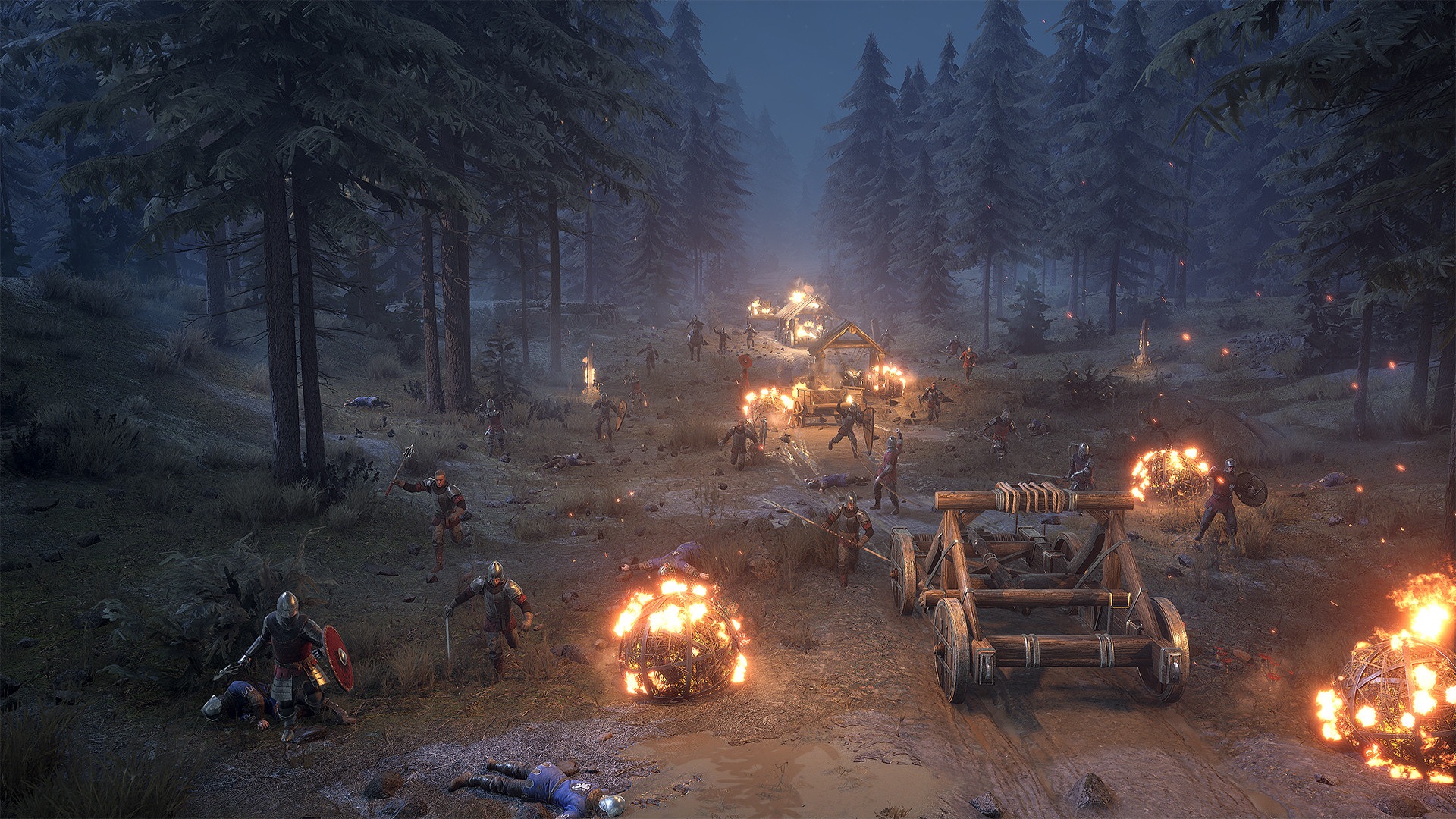
Gameplay
About This Game :
Return to the ultimate medieval battlefield!
Chivalry 2 is a multiplayer first person slasher inspired by epic medieval movie battles. Players are thrust into the action of every iconic moment of the era – from clashing swords, to storms of flaming arrows, to sprawling castle sieges and more.
Dominate massive, 64-player battlefields. Catapults tear the earth apart as you lay siege to castles, set fire to villages and slaughter filthy peasants in the return of Team Objective maps.
A fully featured mounted combat system makes you feel like you are fighting atop a thousand pound beast of war, including the ability to trample your foes, land devastating front or rear horse kicks, unhorse your opponent with a lance and engage in deep melee combat with grounded or mounted opponents.
Rise to glory and expand your arsenal with a new subclass system that provides more variety than ever before. Four base classes expand to 10+ subclasses and over 30 unique weapons, each with multiple visual variants. New support items ranging from oil pots to barricades, supply crates and archer’s stakes add even more tactical options to the battlefield.
Charge to battle alongside your friends with all-platform Crossplay and claim glory by your blade!
System Requirements for Chivalry 2
MINIMUM :
- OS: Windows 10 64-bit
- Processor: Intel i3-4370
- Memory: 8 GB RAM
- Graphics: Nvidia GeForce GTX 660 or AMD Radeon HD 7870 2 GB
- DirectX: Version 10
- Storage: 35 GB available space
RECOMMENDED :
- OS: Windows 10 64-bit
- Processor: Intel i7 6700 or AMD Ryzen 5 3500x
- Memory: 16 GB RAM
- Graphics: Nvidia GTX 1070 or AMD RX Vega-56
- DirectX: Version 10
- Storage: 35 GB available space
How To Install Chivalry 2
1. Download The Game.
2. Extract with WinRAR
3. Play!.
How To play Chivalry 2 ONLINE
At least Windows 10 x64 version 1909 or later with Microsoft Store, Xbox, Xbox Gaming Services installed.
1. Download the “Online Crack” from the link provided below and extract the files. After extraction, move the contents into your game’s main installation directory.
2. Launch the GDK_Helper.bat that is in the game folder. (done once)
3. Enable Developer Mode. (reboot the PC, if necessary) (done once)
Before enabling Developer Mode, check out what it is on the Internet.
4. Install Game. (done once)
5. Disable Developer Mode. (done once)
6. Start the game from the start menu.
7. Joining / Hosting: Viewing servers > Connect to any server.
8. Enjoy !
Notes:
- The game already comes with the “Online Crack” pre-applied, so you can skip Step #1 mentioned above. However, if your antivirus software removes the “Online Crack” files, you’ll need to reapply them manually.
- If you’re downloading via torrent, the password you’ll need is “online-fix.me”.
- You can play on official servers.
 Torrent link


Comments