
Download Black Myth Wukong HYPERVISOR-P2P
Game Details
Release name : Black Myth Wukong HYPERVISOR-P2P
Size : 139.0 GB
Title : Black Myth: Wukong
Genre : Action, Adventure, RPG
Developer : Game Science
Publisher : Game Science
Store: click here
Release Date : 19 Aug, 2024
Screenshots
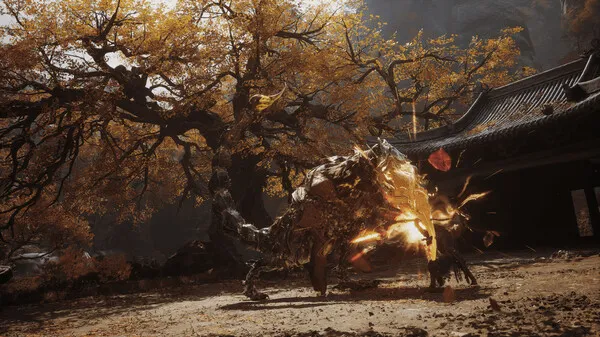
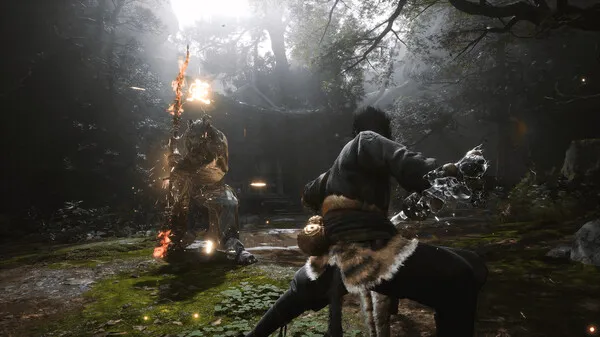
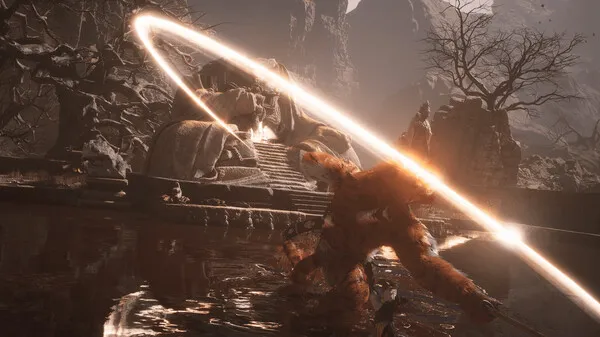
Gameplay
About This Game :
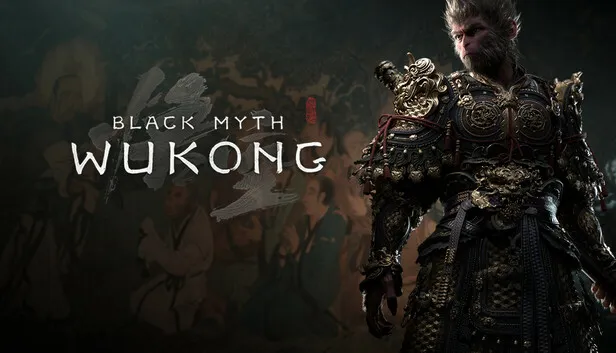
Black Myth: Wukong is an action RPG rooted in Chinese mythology. The story is based on Journey to the West, one of the Four Great Classical Novels of Chinese literature. You shall set out as the Destined One to venture into the challenges and marvels ahead, to uncover the obscured truth beneath the veil of a glorious legend from the past. 
• Explore a Land of Vast Wonders
“A world unseen, where wonders gleam,
And with each stride, a new scene streams.” Enter a fascinating realm filled with the wonders and discoveries of ancient Chinese mythology! As the Destined One, you shall traverse an array of breathtaking and distinctive landscapes from the classic tale, composing an epic of adventure that is seen anew.
• Confront Mighty Foes, Old and New
“Heroic Monkey, might and fame,
Adversaries rise, to test his name.” One of the major highlights of Journey to the West is its diverse cast of adversaries, each with their unique strengths. As the Destined One, you will encounter powerful foes and worthy rivals throughout your journey. Fearlessly engage them in epic battles where surrender is not an option.
• Temper Your Mastery of Varied Spells
“Spells unbound, talents in play,
Unleashed abilities seize the day.” Spells, transformations, and magic vessels of all manifestations, in which some counteract while others amplify, have long been iconic combat elements of Chinese mythology. As the Destined One, aside from mastering various staff techniques, you can also freely combine different spells, abilities, weapons, and equipment to find a winning strategy that best suits your combat style.
• Discover Heartfelt Tales Behind Every Facade
“Within all souls, both wild and tame,
There thrives a tale of life’s fierce flame.” Beneath the ferocity and craftiness of your foes lies an engaging tapestry of their origins, personalities, and motivations waiting to be revealed. As the Destined One, you will uncover the stories behind a variety of characters, delving beyond your battles with them to taste the love, hate, greed, and fury they once held and still carry within.
System Requirements for Black Myth: Wukong Download Free
MINIMUM :
Requires a 64-bit processor and operating system
OS: Windows 10 64-bit
Processor: Intel Core i5-8400 / AMD Ryzen 5 1600
Memory: 16 GB RAM
Graphics: NVIDIA GeForce GTX 1060 6GB / AMD Radeon RX 580 8GB
DirectX: Version 11
Storage: 130 GB available space
Sound Card: Windows Compatible Audio Device
Additional Notes: HDD Supported, SSD Recommended. The above specifications were tested with DLSS/FSR/XeSS enabled.
RECOMMENDED :
Requires a 64-bit processor and operating system
OS: Windows 10 64-bit
Processor: Intel Core i7-9700 / AMD Ryzen 5 5500
Memory: 16 GB RAM
Graphics: NVIDIA GeForce RTX 2060 / AMD Radeon RX 5700 XT / INTEL Arc A750
DirectX: Version 12
Storage: 130 GB available space
Sound Card: Windows Compatible Audio Device
Additional Notes: SSD Required. The above specifications were tested with DLSS/FSR/XeSS enabled.
How To Install Black Myth: Wukong Download Free
1. Download The Game.
2. Extract with WinRAR
3. Play!.
How To Play [HYPERVISOR]:
1- Download the archive BMW.HYPERVISOR.B3.2.0xZeOn
2- Prepare the system to run games using a hypervisor:
⟶ Reboot and enter the BIOS, disable Secure Boot as well as virtualization (VT-x on Intel, SVM or AMD-V on AMD).
⟶ Boot into the system.
⟶ Run Command Prompt as administrator and enter: bcdedit /set testsigning on (after reboot, a “test mode” message or similar will appear in the bottom-right of the desktop—this is normal).
⟶ Run Command Prompt as administrator again and enter: bcdedit /set hypervisorlaunchtype off
⟶ That’s basically it—the system preparation for running games with this kind of bypass is complete (this is done once).
4- Inside the downloaded archive, choose the folder for your processor (AMD CPU or INTEL CPU) and copy its contents into the game folder.
5- Run Command Prompt as administrator and enter the command: sc create denuvo type=kernel start=demand binPath=C:\Drivers\SimpleSvm.sys (make sure to specify your own path to SimpleSvm.sys (for AMD) or hyperkd.sys (for Intel). These files will be located at b1\Binaries\Win64).
6- In the same Command Prompt, enter the command: sc start denuvo (after finishing the game, you can enter sc stop denuvo in Command Prompt to stop the service).
7- Launch the game using b1-Win64-Shipping.exe located at b1\Binaries\Win64.
NOTES:
• We do not advise using this HYPERVISOR method, as it requires disabling certainsecurity features.
• Use it at your own risk, or wait for a proper release from voice38/RUNE.
• If, after preparing the system, the game still doesn’t launch, the following may help:
Run the command prompt as administrator and enter the command:
bcdedit.exe /set nointegritychecks on
• Disable NX Mode in the BIOS (if your BIOS has this option).
• Also, according to comments from other sources, it became clear that for some people the game does not start if there is any software installed in the system for using virtual machines, such as VirtualBox, etc.
Included DLC:
• Deluxe Edition Upgrade
Download Black Myth: Wukong Download Free
 Torrent link
Download Black Myth Wukong HYPERVISOR-P2P.Torrent





Comments