
Download Diablo 3 + ONLINE
Game Details
Release name : Diablo 3 + ONLINE
Size : 11.32 GB
Title : Diablo 3
Genre : Action, RPG
Store : click here
Screenshots
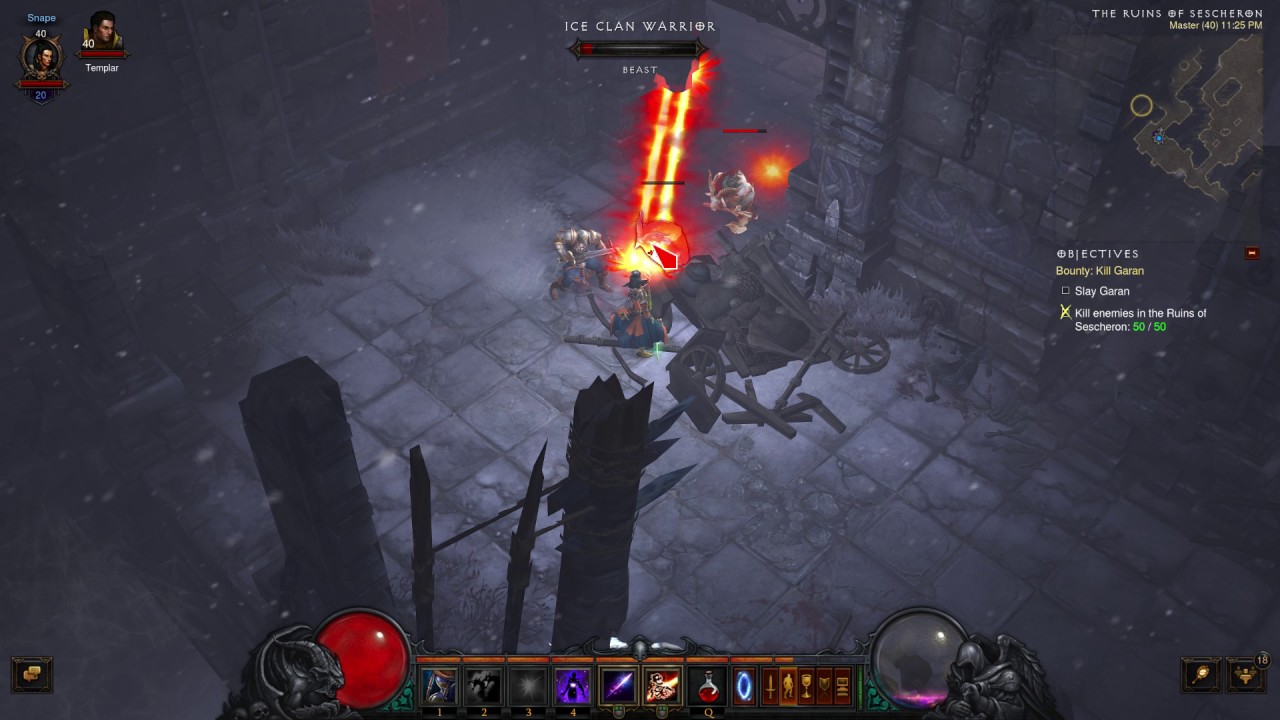
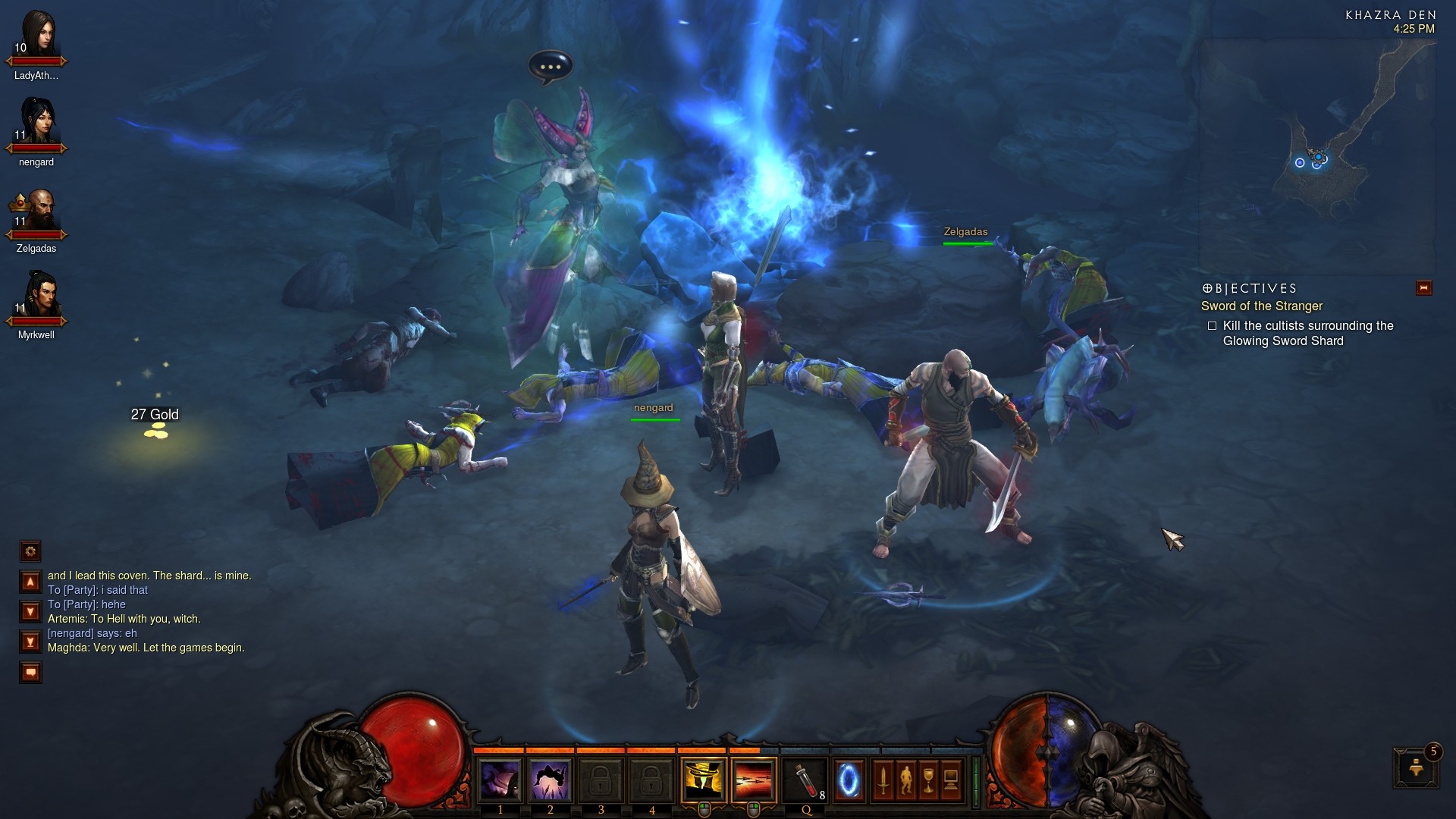
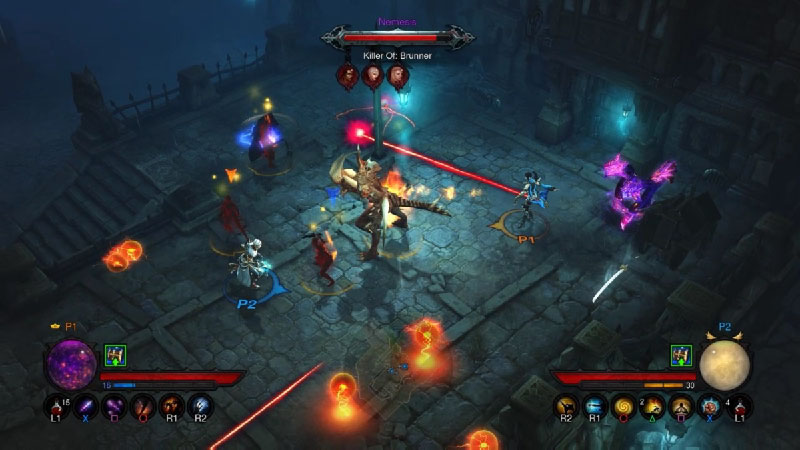
About This Game :
Twenty years have passed since the Prime Evils were defeated and banished from the world of Sanctuary. Now, you must return to where it all began – the town of Tristram – and investigate rumors of a fallen star, for this is the first sign of evil’s rebirth, and an omen that the End Times have begun.
System Requirements for Diablo 3 Download Free
MINIMUM :
Operating System Windows® 7 / Windows® 8 / Windows® 10 (latest service packs)
Processor Intel® Core™ 2 Duo or AMD Athlon™ 64 X2
Video NVIDIA® GeForce® 8800GT or ATI Radeon™ HD 2900 XT or Intel® HD Graphics 4000
Memory 2 GB RAM
Storage 25 GB available HD space
Internet Broadband Internet connection
Resolution 1024X768 minimum display resolution
RECOMMENDED :
Operating System Windows® 10 64-bit
Processor Intel® Core™ 2 Duo 2.4 GHz or AMD Athlon™ 64 X2 5600+ 2.8GHz
Video NVIDIA® GeForce® GTX™ 260 or ATI Radeon™ HD 4870 or better
Memory 4 GB RAM
Storage 25 GB available HD space
Internet Broadband Internet connection
Resolution 1024X768 minimum display resolution
How To Install Diablo 3 Download Free
1. Download The Game.
2. Install The Game.
3. Play!.
How To play Diablo 3 ONLINE
1. create an account here
2. Launch the shortcut from the desktop: D3Reflection and enter the data from paragraph 1.1
3. In-game ->
Creating /Connect : Create a character (or select a previously created one) => play!
4. Play & Enjoy !
 Torrent link

Stay related to the article's topic.
Avoid unnecessary links or spam.
No offensive language, insults, or personal attacks.
Have a question unrelated to this article? Visit our Questions Section .
Join the Discussion
Share your thoughts with us