
Download Finals Week v2810_12_2.3 + ONLINE
Game Details
Release name : Finals Week v2810_12_2.3 + ONLINE
Size : 1.54 GB
Title : Finals Week ✍🏻
Genre : Action, Adventure, Indie, Simulation
Developer : DESTINYbit
Publisher : Pretty Soon
Store : click here
Release Date : Oct 29, 2026
Credits / Released By: online-fix.me
Screenshots
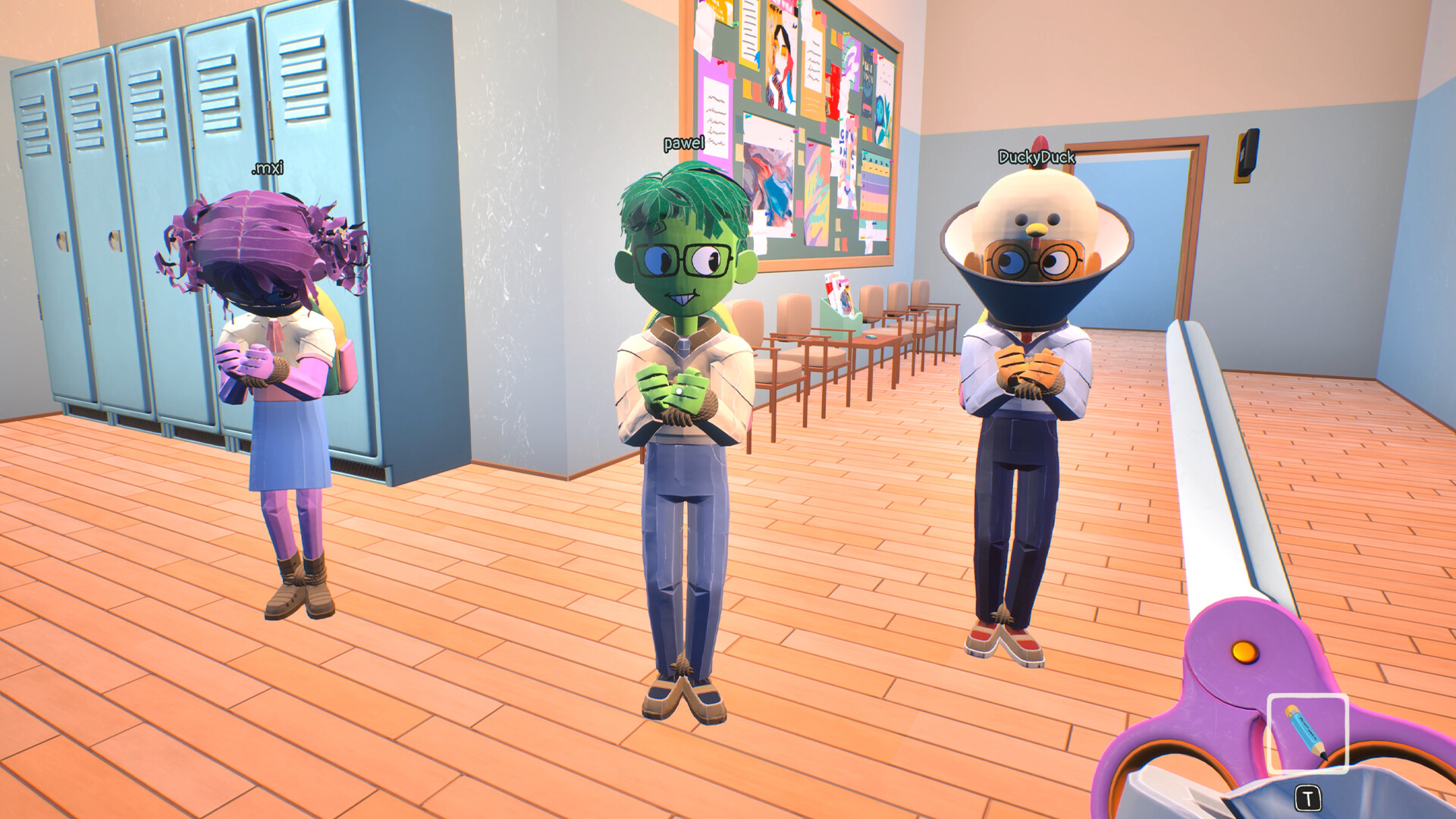
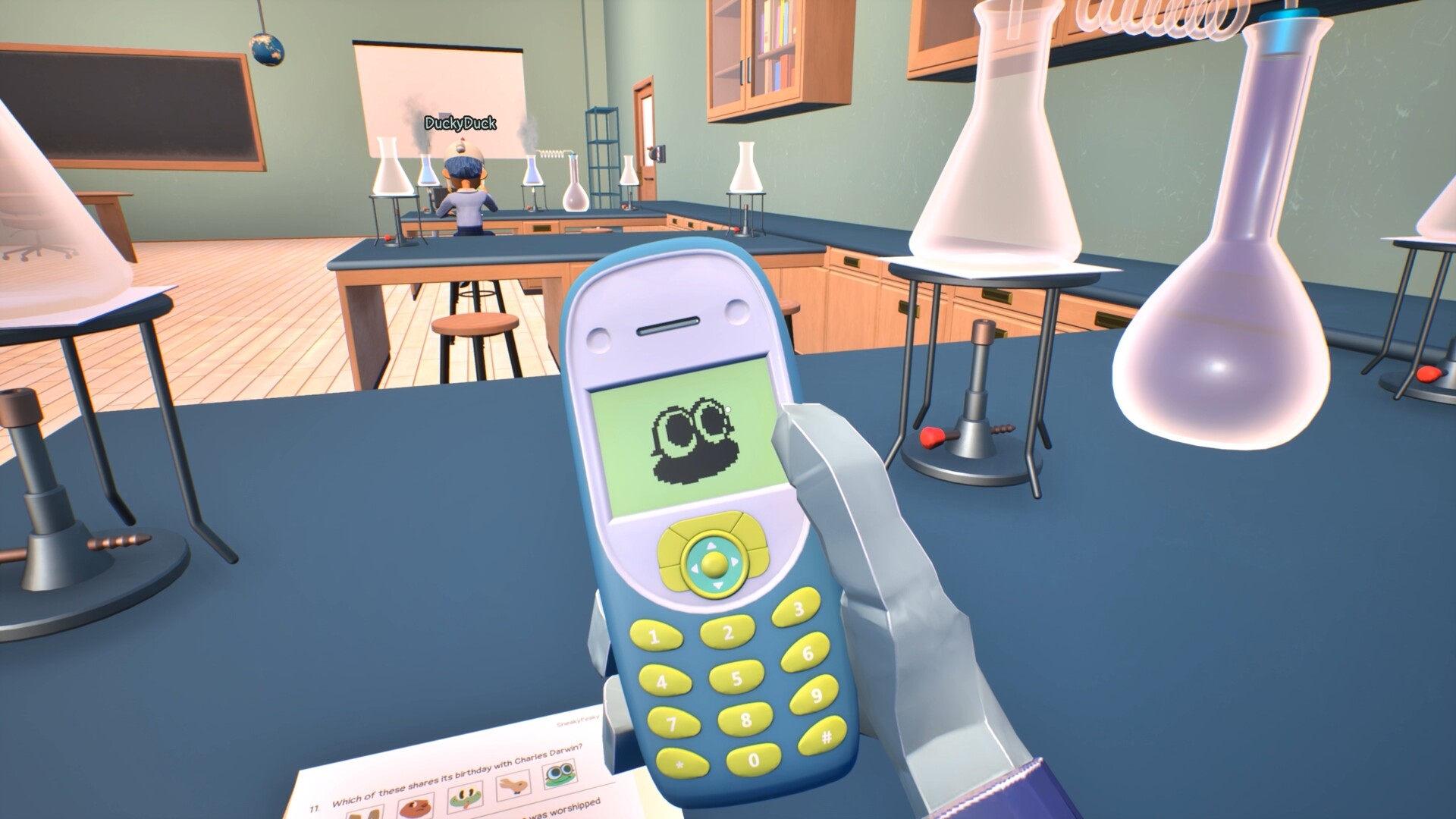
Gameplay
About This Game :
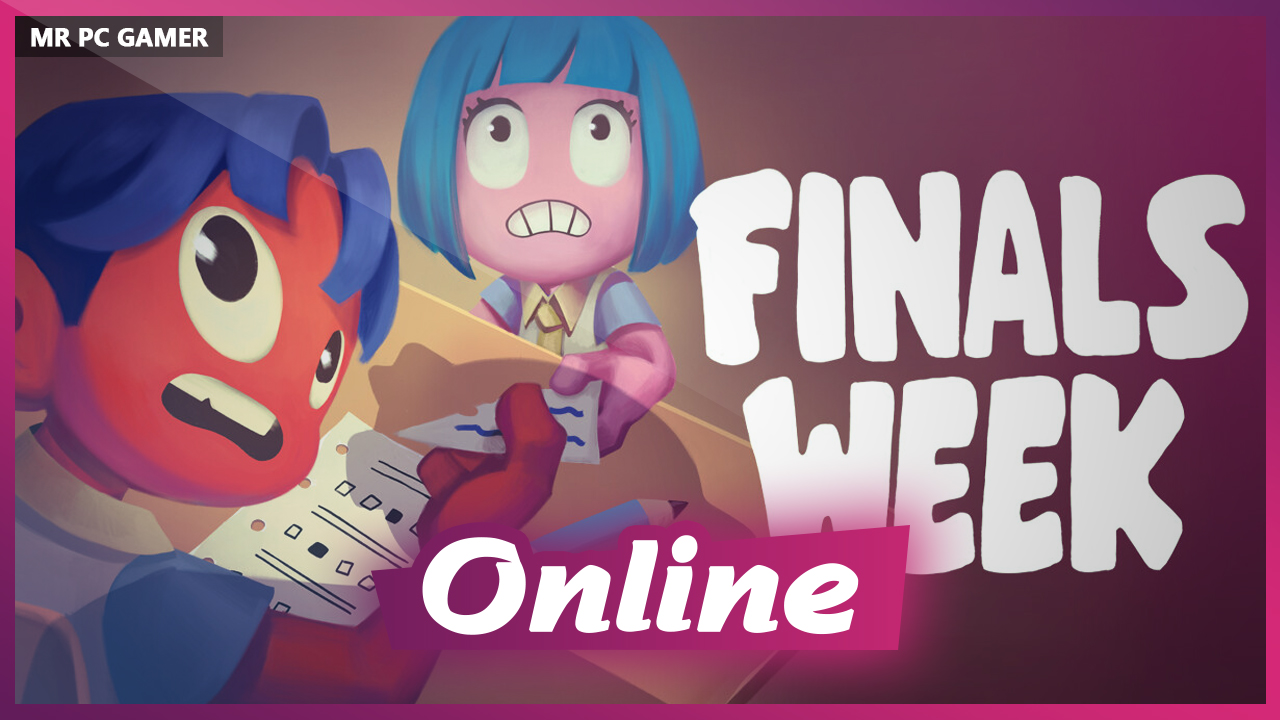
Throw away the Student Handbook. It’s the final week of exams and you and your friends didn’t study. Dig deep into your arsenal of cheating tools and do whatever it takes to graduate!
IT’S FINALS WEEK!
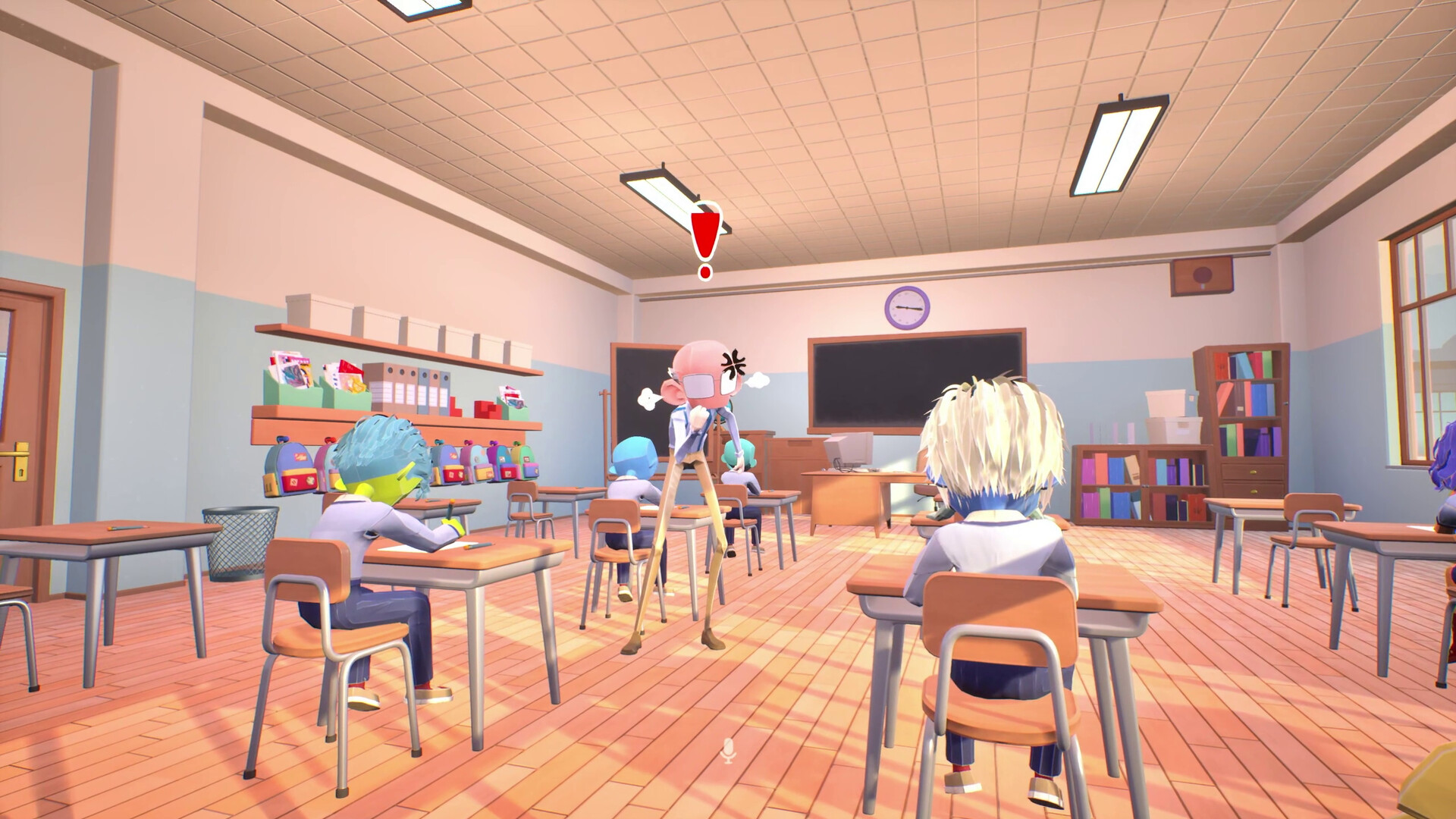
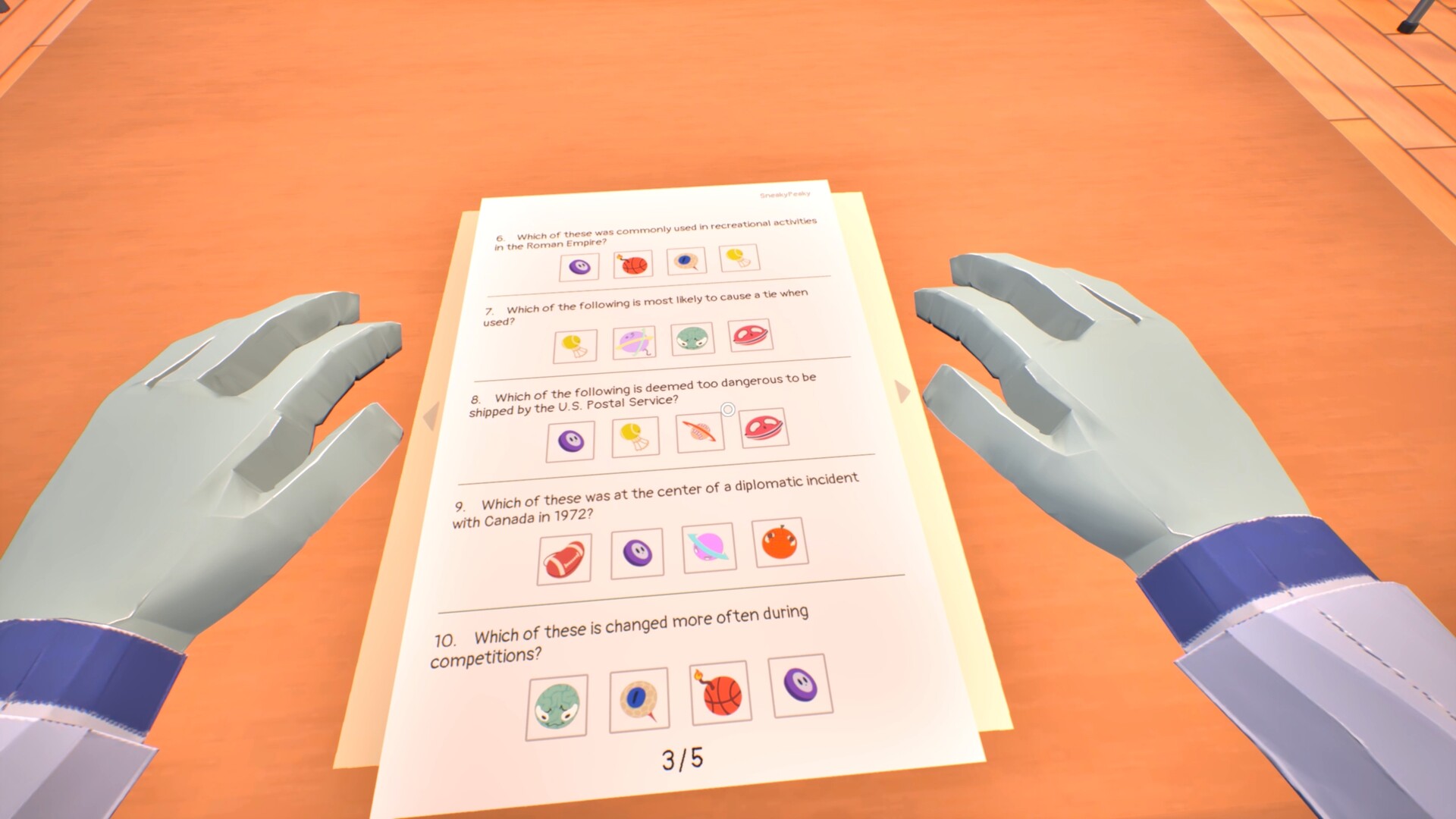
Survive a series of increasingly difficult exams while eluding a strict teacher patrolling the classroom.
To succeed, you’ll have to work together with your friends: you pass together or fail together.
STEAL ANSWERS AND SHARE THEM WITH THE SQUAD
There are other students who actually studied. Peek at their answers or knock them out if they don’t feel like sharing.
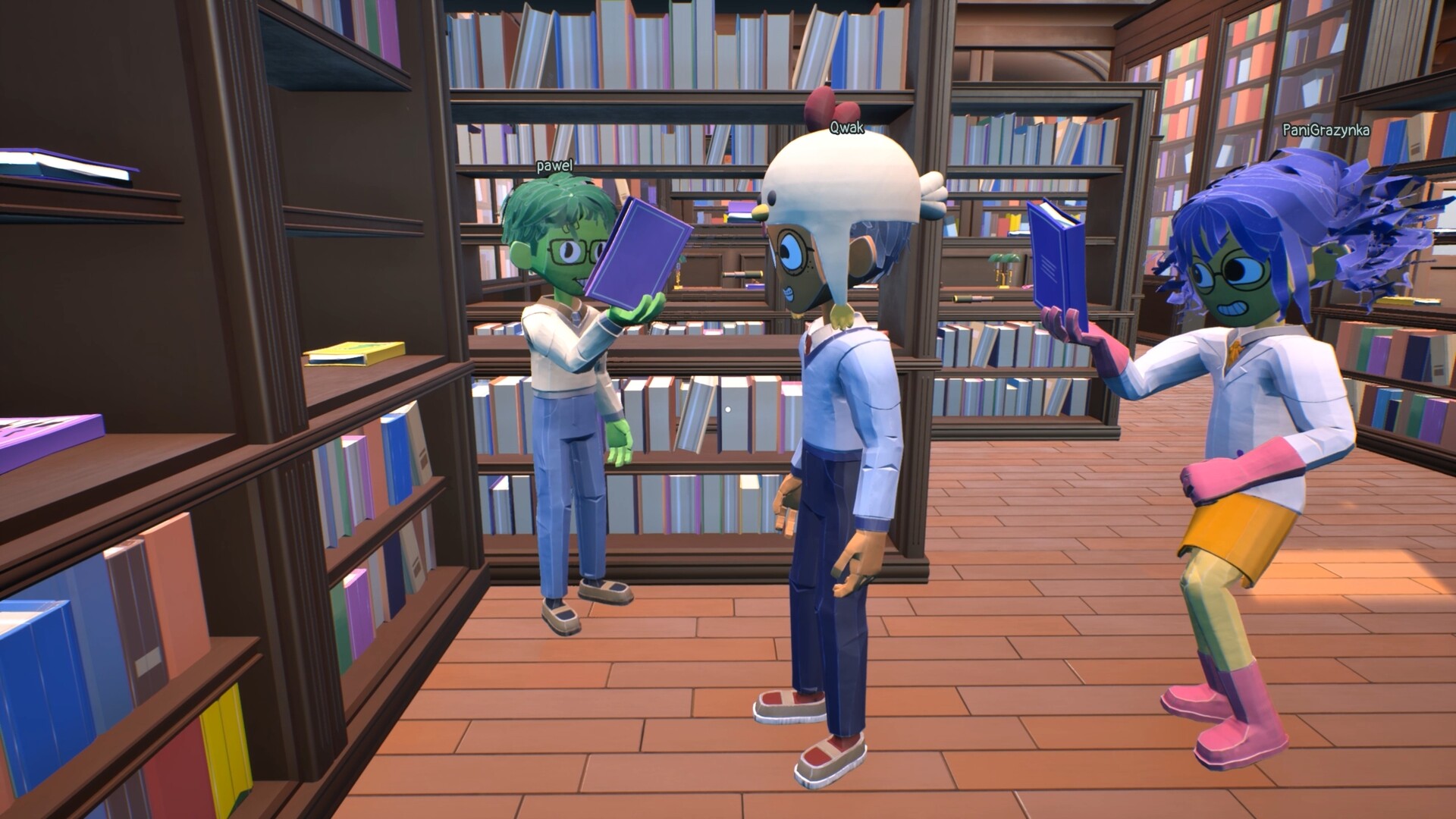
Find textbooks and pass them around. Use walkie-talkies, cellphones, binoculars, and other tools to find and share answers with your buddies.
DON’T. GET. CAUGHT.
Cheat around and find out. Various restraints await misbehaving students. Yes, even a Cone of Shame.
And watch out for the teacher – he throws erasers with suspiciously deadly accuracy.
DRAW ON EVERYTHING!
Write down answers and pass them around on sheets of paper. Or just write them on the wall… or your friends’ faces.
The world is your canvas!
HANG OUT IN THE HALL
Between exams, the hall is your hangout spot.
Play basketball, throw baseballs, decorate statues, and devise your next cheating strategy.
TOO COOL FOR SCHOOL
Cheating is temporary. Drip is forever.
Pass exams to unlock new outfits and accessories for your character. Make sure everyone knows who carried the group.
System Requirements for Finals Week ✍🏻
- Requires a 64-bit processor and operating system
- OS: Windows 10
- Processor: Core i7-3820 or equivalent
- Memory: 8 GB RAM
- Graphics: Nvidia 970 or equivalent
- DirectX: Version 11
- Network: Broadband Internet connection
- Storage: 2 GB available space
- Additional Notes: Microphone strongly reccomended
- Requires a 64-bit processor and operating system
- OS: Windows 11
- Processor: Ryzen 9 3900XT or equivalent
- Graphics: Nvidia 3060 or equivalent
- DirectX: Version 12
- Network: Broadband Internet connection
- Storage: 2 GB available space
- Additional Notes: Microphone strongly reccomended
How To Install Finals Week ✍🏻
1. Download The Game.
2. Extract with WinRAR
3. Play!.
How To play Finals Week ✍🏻 ONLINE
1. Download the “Online Crack” from the link provided below and extract the files. After extraction, move the contents into your game’s main installation directory.
2. Download and install Steam.
3. Open Steam and log in. If you don’t have an account yet, you can create one through HERE.
4. Press “Win + R” on your keyboard, type “steam://install/480”, and hit Enter. This will install and update the required game component.
5. Launch the game via CopyGirls.exe
6. Joining: JOIN GAME > Enter the lobby code/accept a friend’s invitation.
Hosting: Host Game > Select the level > Esc > Share the lobby code/INVITE PLAYERS > Invite a friend/wait for a friend to connect.
7. Enjoy !
Note:
- The game already comes with the “Online Crack” pre-applied, so you can skip Step #1 mentioned above. However, if your antivirus software removes the “Online Crack” files, you’ll need to reapply them manually.
Download Finals Week ✍🏻
Download Finals Week ✍🏻 Crack Online






Stay related to the article's topic.
Avoid unnecessary links or spam.
No offensive language, insults, or personal attacks.
Have a question unrelated to this article? Visit our Questions Section .
Join the Discussion
Share your thoughts with us