
Download Bonehold v1.0.3
Game Details
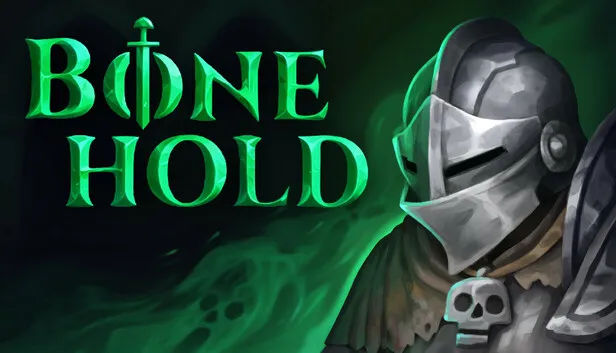
Release name : Bonehold v1.0.3
Size : 125.8 MB
Title : Bonehold
Genre : Action, Adventure, Indie, RPG
Developer : Pixel Jackal, SaikingS
Publisher : Pixel Jackal
Store: click here
Release Date : 28 Jul, 2026
Screenshots
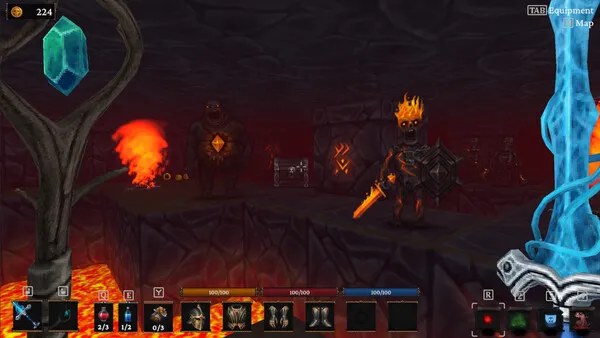
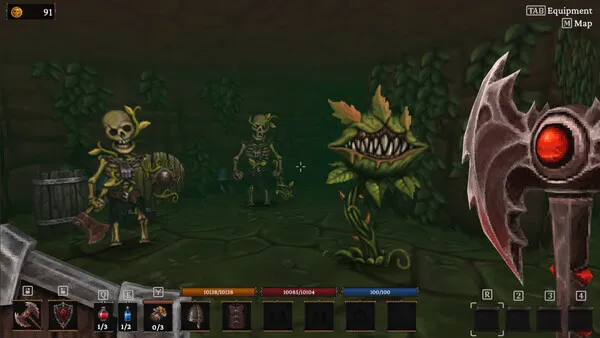
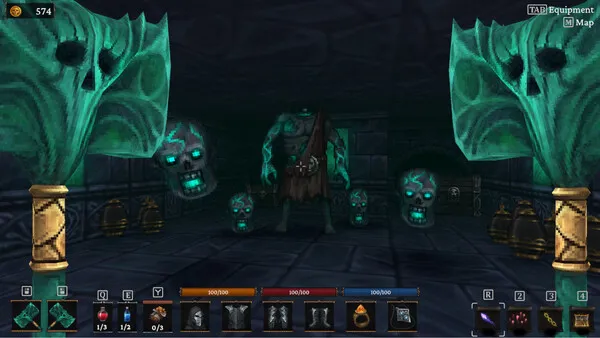
Gameplay
About This Game :
Bonehold is a 3D roguelike dungeon crawler with ARPG and hack-and-slash elements, blending fast-paced combat with strategic exploration.
Choose from 10 unique character classes, including the Knight, Barbarian, Sorcerer, Spellblade, and more, each offering distinct playstyles and abilities.
Venture into Bonehold’s ancient fortress, battling hordes of skeletons, ghosts, and magical abominations.
Discover procedurally generated treasures like weapons, spells, and armor, allowing endless possibilities for custom builds.
The game’s striking art style combines hand-painted textures with pixel art, creating a visually stunning and immersive world.
Only the brave and skilled will conquer Bonehold’s depths, are you ready?
System Requirements for Bonehold Download Free
MINIMUM :
OS: 7
Processor: AMD Phenom(tm) 8450 Triple-Core Processor (3 CPUs), ~2.1GHz or Intel Core 2 Duo E8400 @ 3.0 GHz
Memory: 4 MB RAM
Graphics: Graphics: NVIDIA® GeForce GTX 470 (1Gb VRAM) / ATI Radeon TM HD 6870 (1Gb VRAM)
Storage: 1 MB available space
Sound Card: DirectX 11 sound device
RECOMMENDED :
OS: 10
Processor: Intel Core i5-8400, 4.0 GHz
Memory: 8 MB RAM
Graphics: Graphics: NVIDIA GeForce GTX 970
Storage: 2 MB available space
Sound Card: DirectX 11 sound device
How To Install Bonehold Download Free
1. Download The Game.
2. Extract with WinRAR
3. Play!.
Download Bonehold Download Free
Download Bonehold v1.0.3 Direct Link




Stay related to the article's topic.
Avoid unnecessary links or spam.
No offensive language, insults, or personal attacks.
Have a question unrelated to this article? Visit our Questions Section .
Join the Discussion
Share your thoughts with us