
Download I Am Your Beast Quitting Time-RUNE
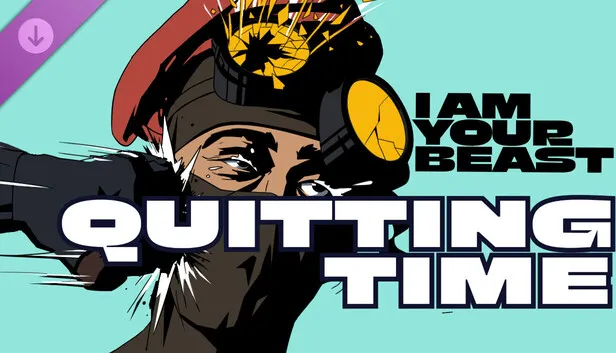
Game Details
Release name : I Am Your Beast Quitting Time-RUNE
Size : 1.59 GB
Title : I Am Your Beast – Quitting Time DLC
Genre : Action
Developer : Strange Scaffold
Publisher : Strange Scaffold, Frosty Pop
Store: click here
Release Date : 20 Oct, 2026
Screenshots
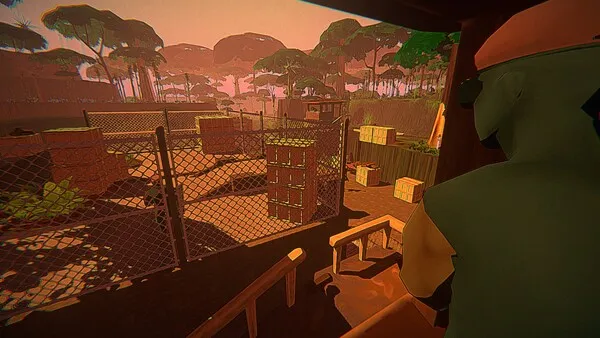
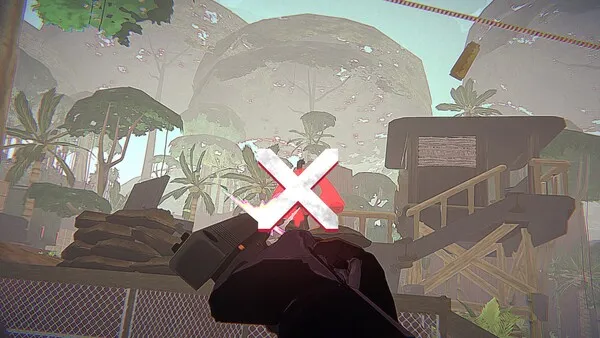
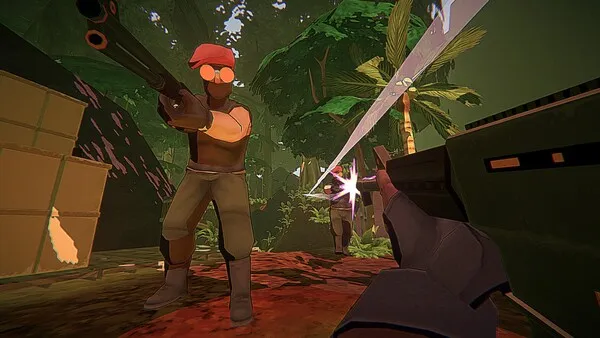
Gameplay
About This Game :
About This Content
I Am Your Beast: Quitting Time is a full story prequel to the hit indie game, set in Southeast Asia.
Covert agent Alphonse Harding is a true believer in the power structures of the American military-industrial complex. He believes Colonel Charles Burkin, his handler, has his best interests at heart. He believes fighting a shadow war against a rival of the COI–the Patriotic Defense League–will make the world a better place.
He will be proven wrong.
Features
-
Fully voiced prequel campaign with 10 brand-new levels.
-
Explore a new biome in Southeast Asia, rendered in the signature style of I Am Your Beast.
-
Chase side objectives while getting the fastest times possible in replayable micro-sandboxes.
-
Tear apart a new NPC faction: the Patriotic Defense League.
-
Throw a riot shield so hard it makes a dude’s head explode.
-
Original soundtrack from acclaimed Chicago producer Kalibration (El Paso, Elsewhere 2).
System Requirements for I Am Your Beast – Quitting Time DLC Download Free
MINIMUM :
OS *: Windows 8; 64-bit
Processor: @ 2 GHz
Memory: 4 GB RAM
Graphics: Intel HD Graphics 2000
Storage: 3 GB available space
Sound Card: Please.
Additional Notes: It’s not a very intensive game, but it *can* look really stylish.
How To Install I Am Your Beast – Quitting Time DLC Download Free
1. Burn or mount the image using Virtual CloneDrive.
2. Install the game.
3. Copy over the cracked content from the /RUNE directory on the image to your game install directory.
4. Play the game.
5. Support the software developers. If you like this game, BUY IT!
Download I Am Your Beast – Quitting Time DLC Download Free
Download I Am Your Beast Quitting Time-RUNE Direct Link


Stay related to the article's topic.
Avoid unnecessary links or spam.
No offensive language, insults, or personal attacks.
Have a question unrelated to this article? Visit our Questions Section .
Join the Discussion
Share your thoughts with us