
Download Plants vs Zombies Replanted Build 21398230
Game Details
Release name : Plants vs Zombies Replanted Build 21398230
Size : 1.15 GB
Title : Plants vs. Zombies™: Replanted
Genre : Strategy
Developer : PopCap Games
Publisher : Electronic Arts
Store : click here
Release Date : Oct 23, 2025
Credits / Released By: Based on my own CSF + Goldberg
Screenshots
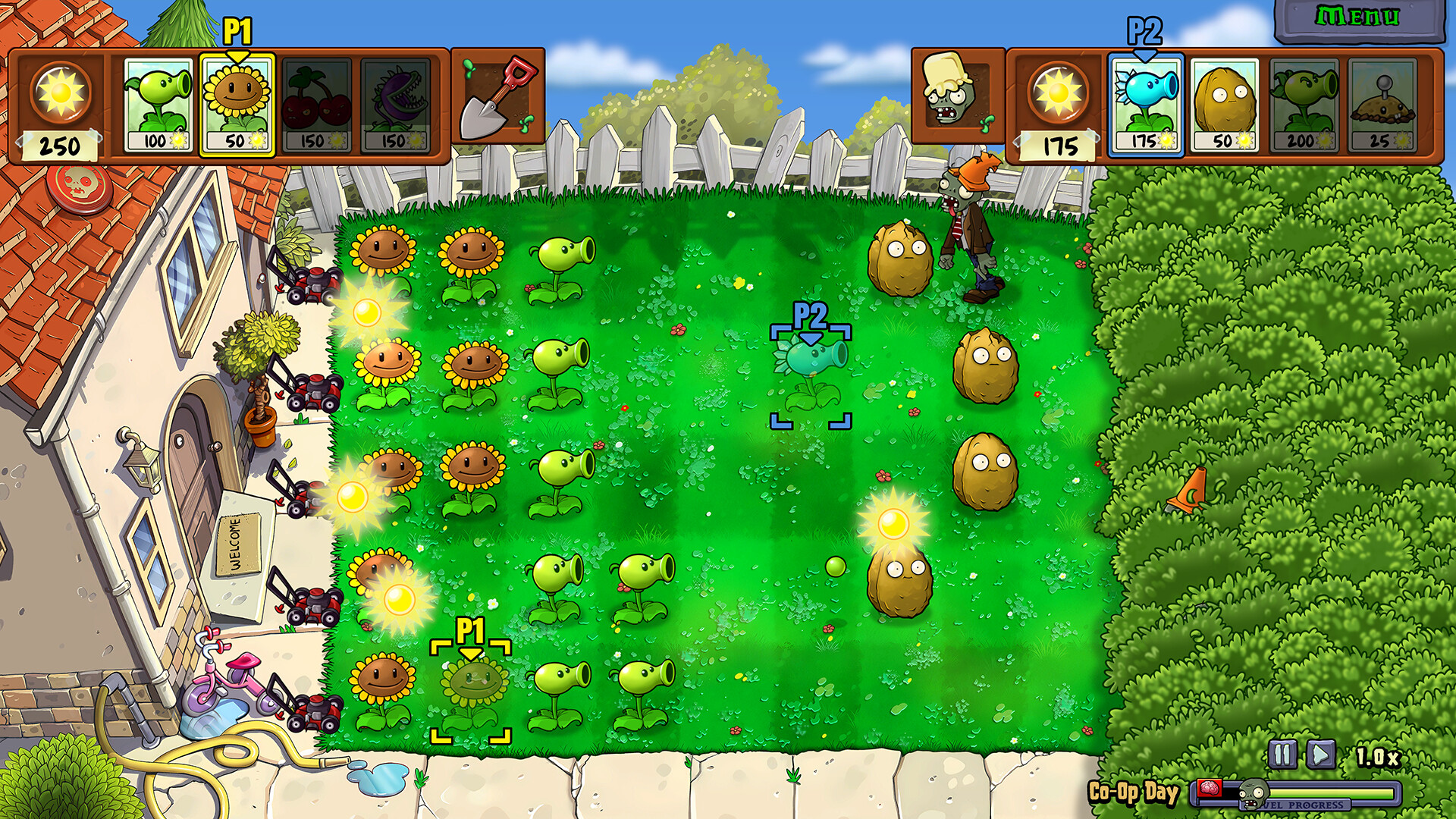
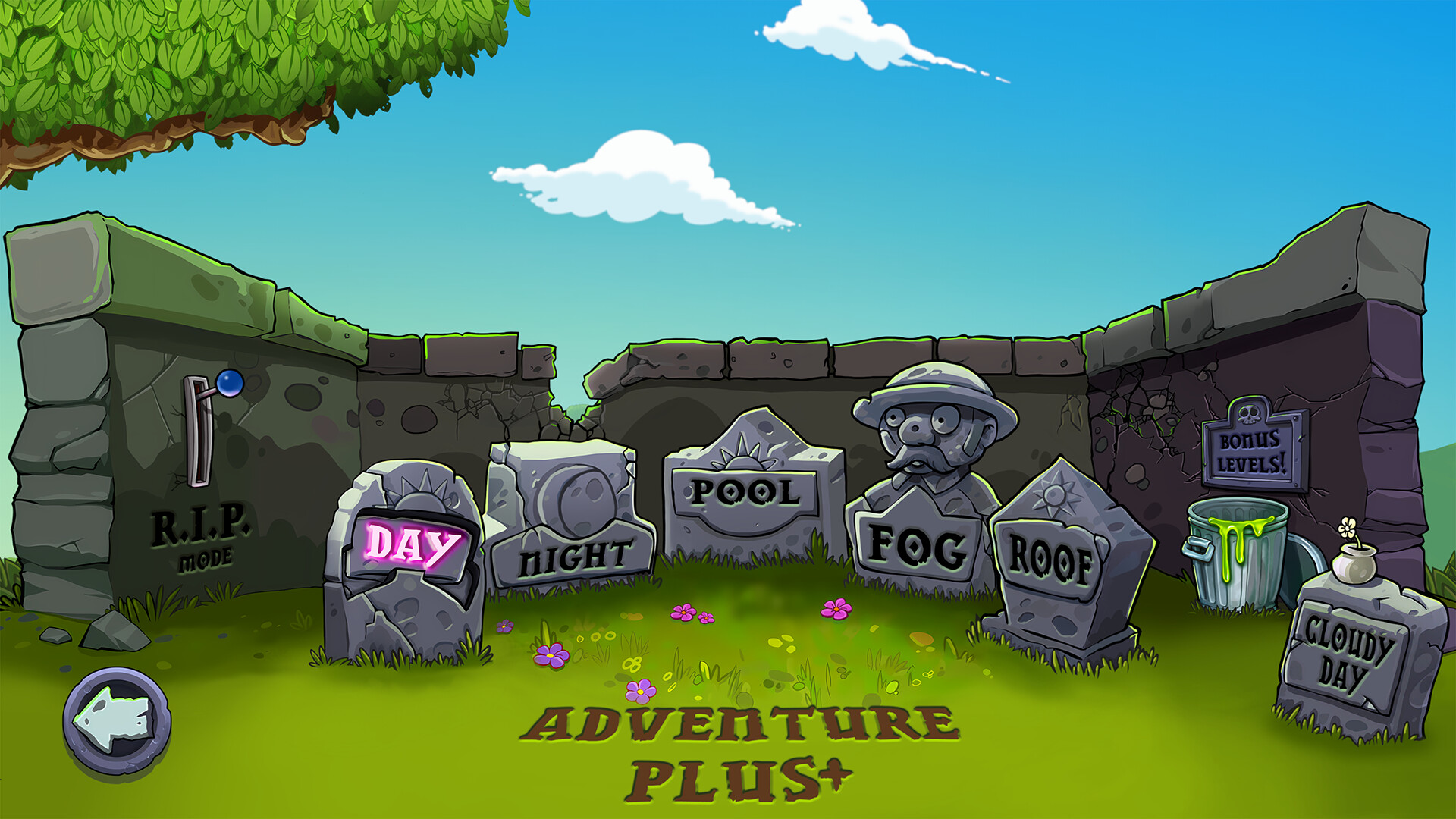
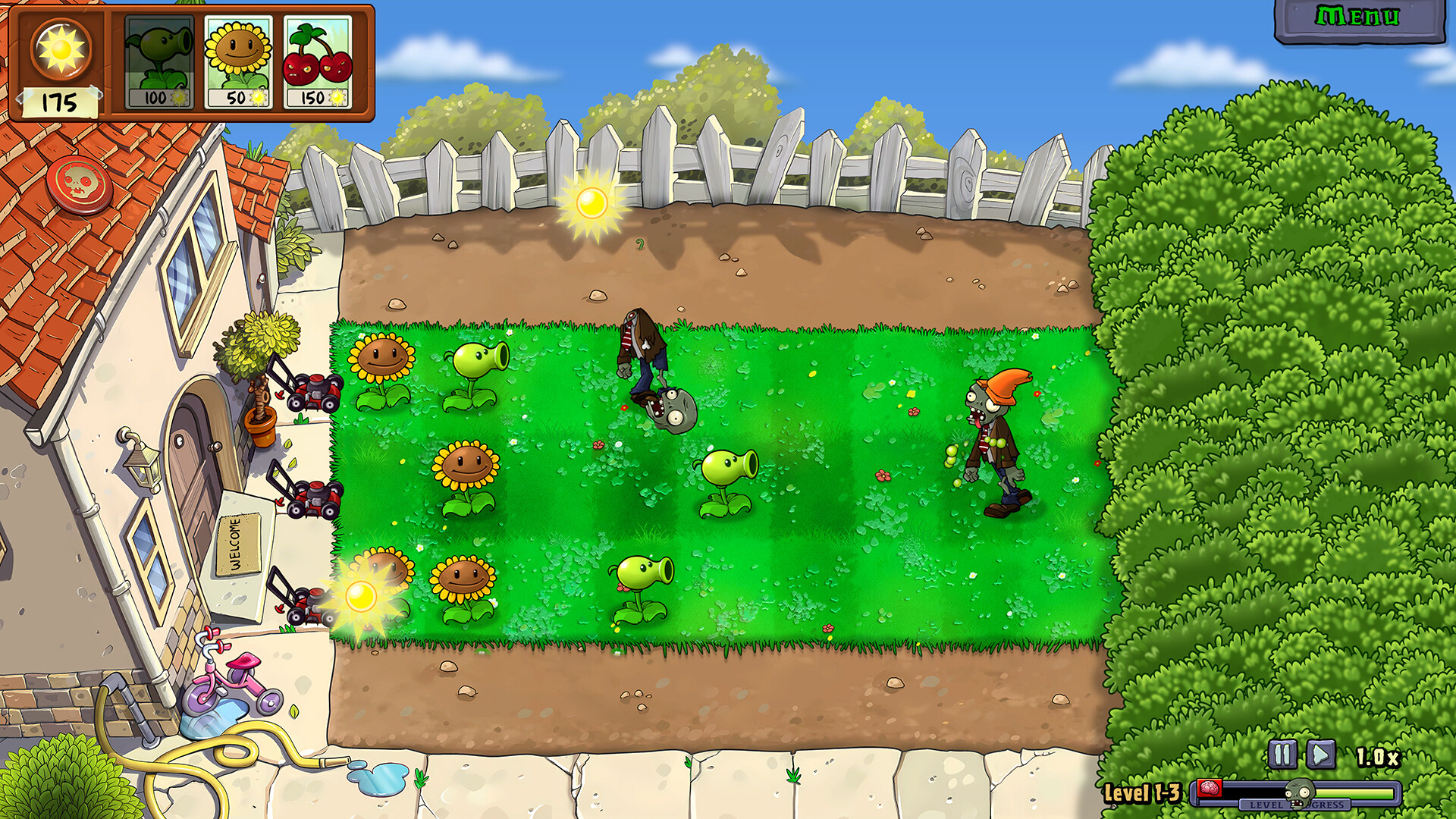
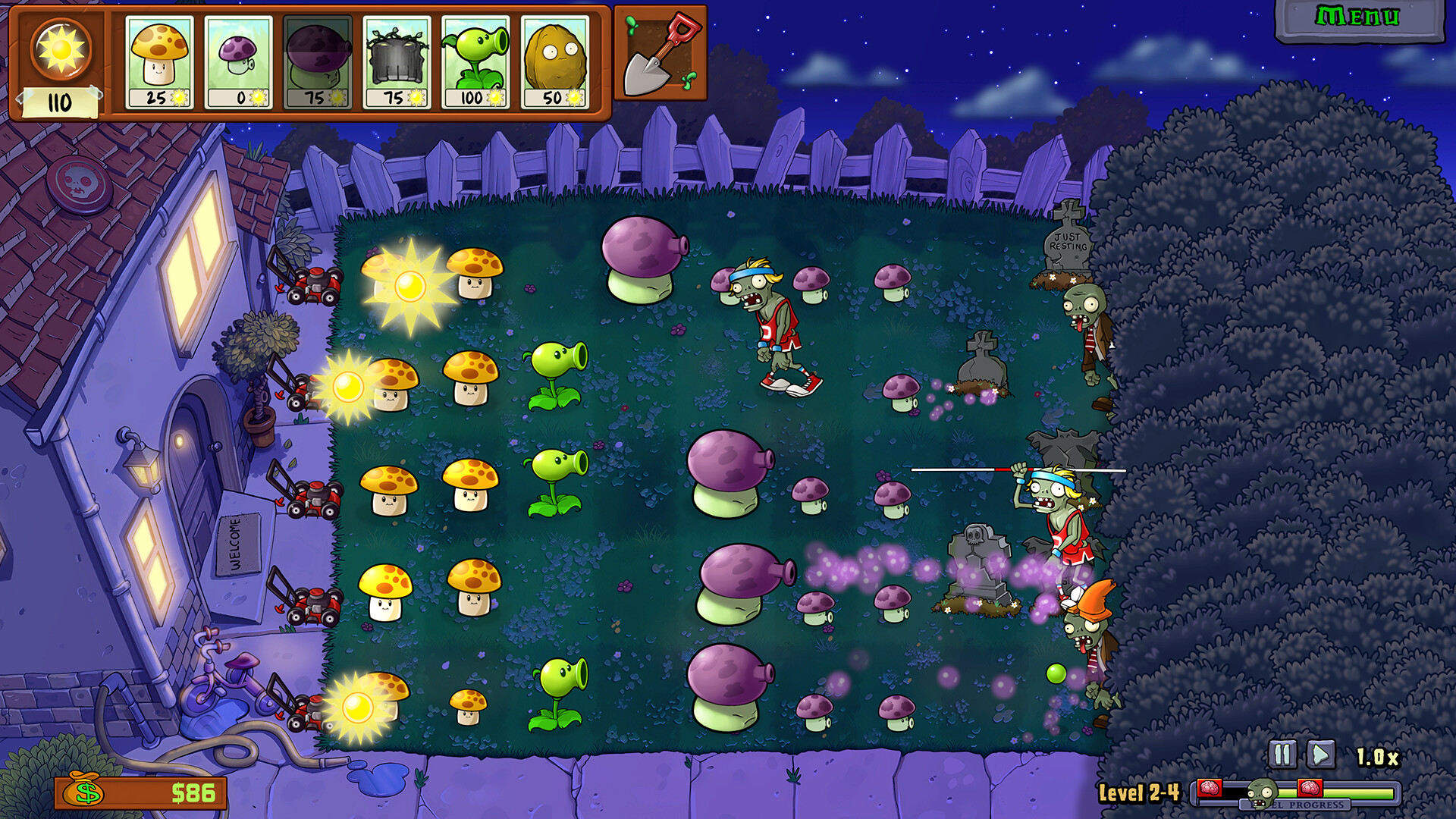
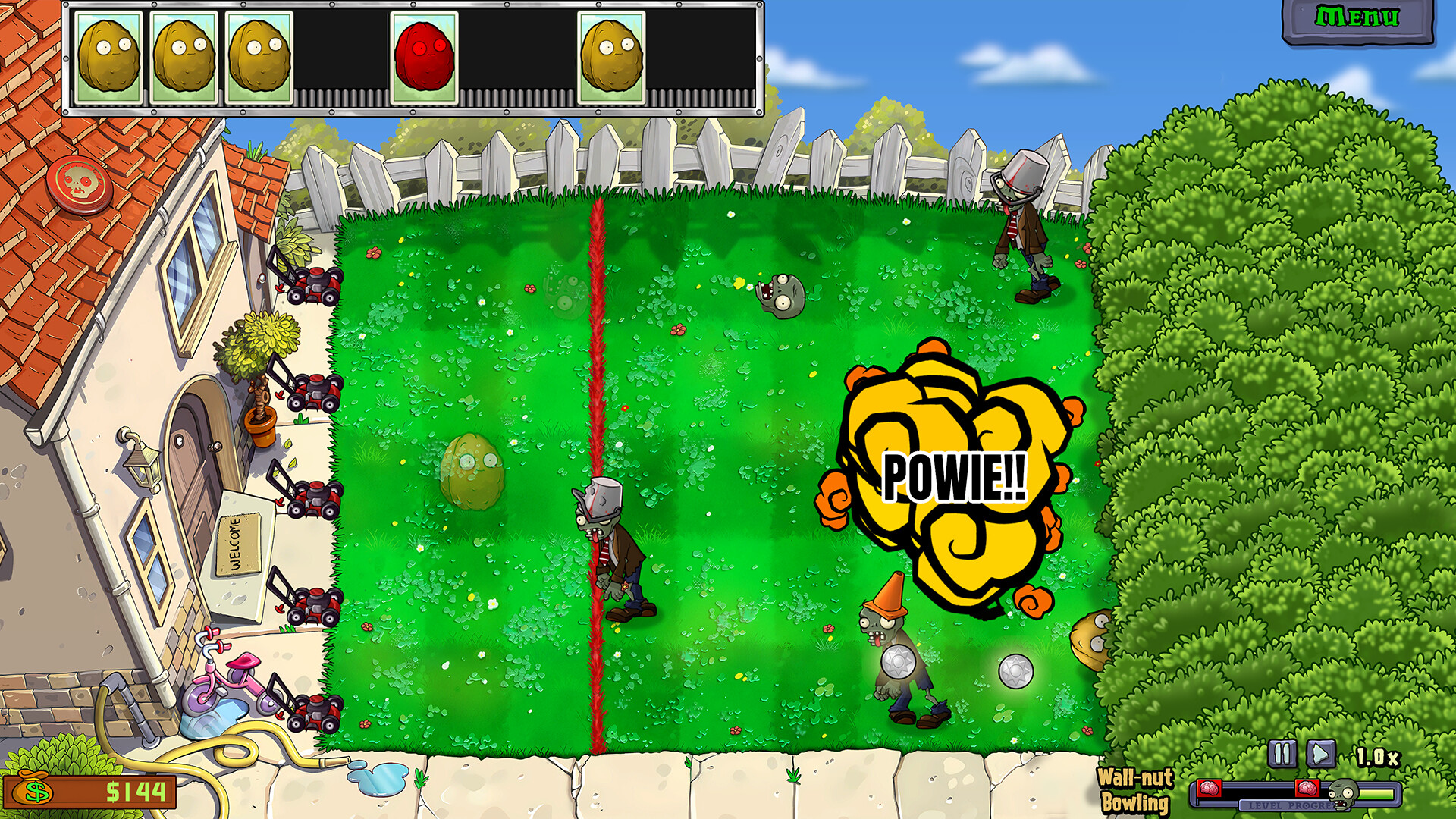
Gameplay
About This Game :
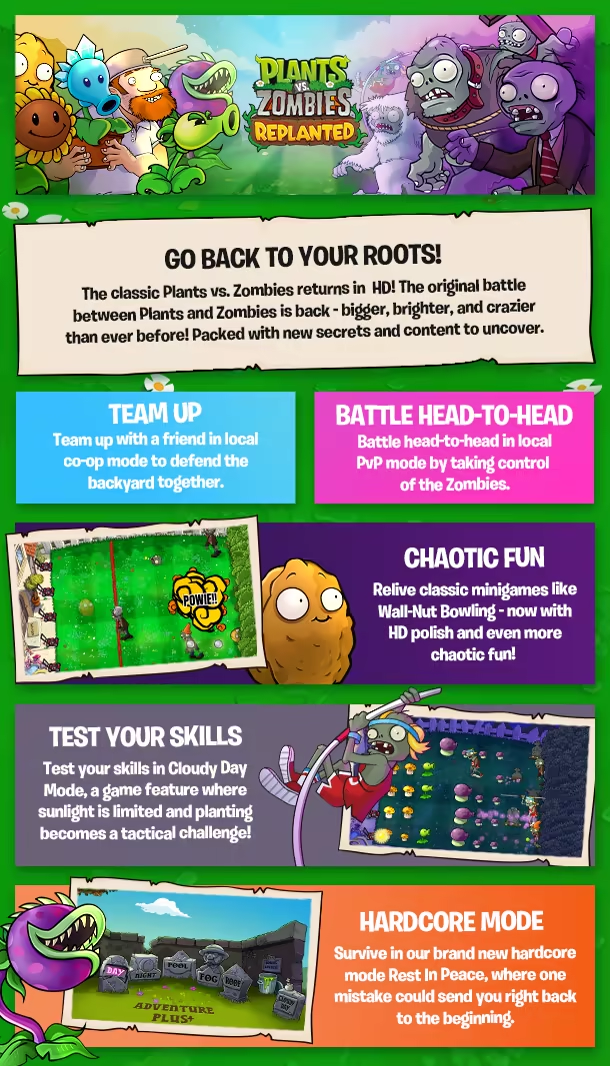
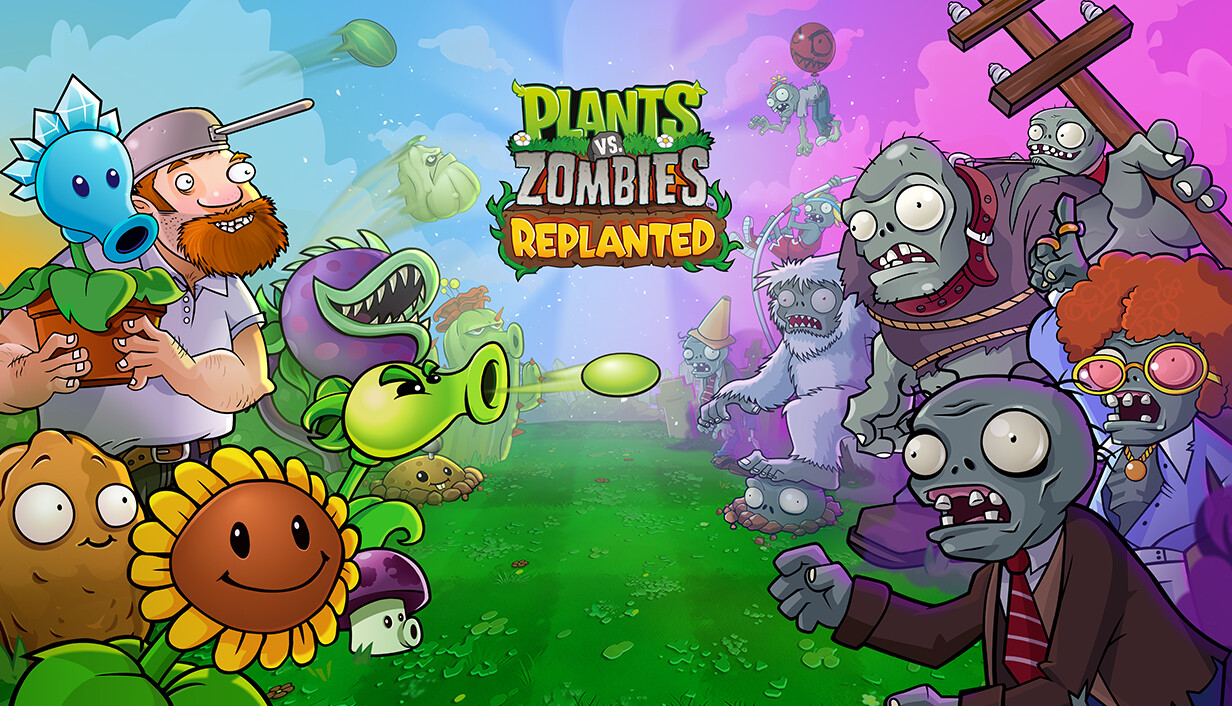
The classic Plants vs. Zombies returns in glorious HD! DANG! After years in Crazy Dave’s attic, the original battle between Plants and Zombies is back — bigger, brighter, and crazier than ever before! Experience the game that started it all, now remastered with upscaled HD graphics and packed with new secrets to uncover.
Revisit the epic backyard standoffs you remember, this time with new levels, fresh twists, and 15 years of never-before-seen franchise history at your fingertips. Relive the glory days of peashooters, sunflowers, and brain-hungry chaos! Rejoin the ultimate garden defense and experience the backyard brawl that started a phenomenon — now back for a new era!
System Requirements for Plants vs. Zombies™: Replanted
- Requires a 64-bit processor and operating system
- OS: Windows 10 64-bit or later
- Processor: AMD FX-6300 / 3rd gen i3 or better
- Memory: 4 GB RAM
- Graphics: Intel Integrated Graphics
- DirectX: Version 11
- Storage: 4 GB available space
- Sound Card: Windows compatible audio device
- Requires a 64-bit processor and operating system
- OS: Windows 10 64-bit or later
- Processor: Intel i5 6600 or equivalent
- Memory: 8 GB RAM
- Graphics: Radeon HD 7730 or better, GeForce GT 640 or better
- DirectX: Version 11
- Storage: 4 GB available space
- Sound Card: Windows compatible audio device
How To Install Plants vs. Zombies™: Replanted
1. Download The Game.
2. Extract with WinRAR
3. Play!.




Stay related to the article's topic.
Avoid unnecessary links or spam.
No offensive language, insults, or personal attacks.
Have a question unrelated to this article? Visit our Questions Section .
Join the Discussion
Share your thoughts with us