
Download The Witcher 3 Wild Hunt Remastered Build 25646871-P2P
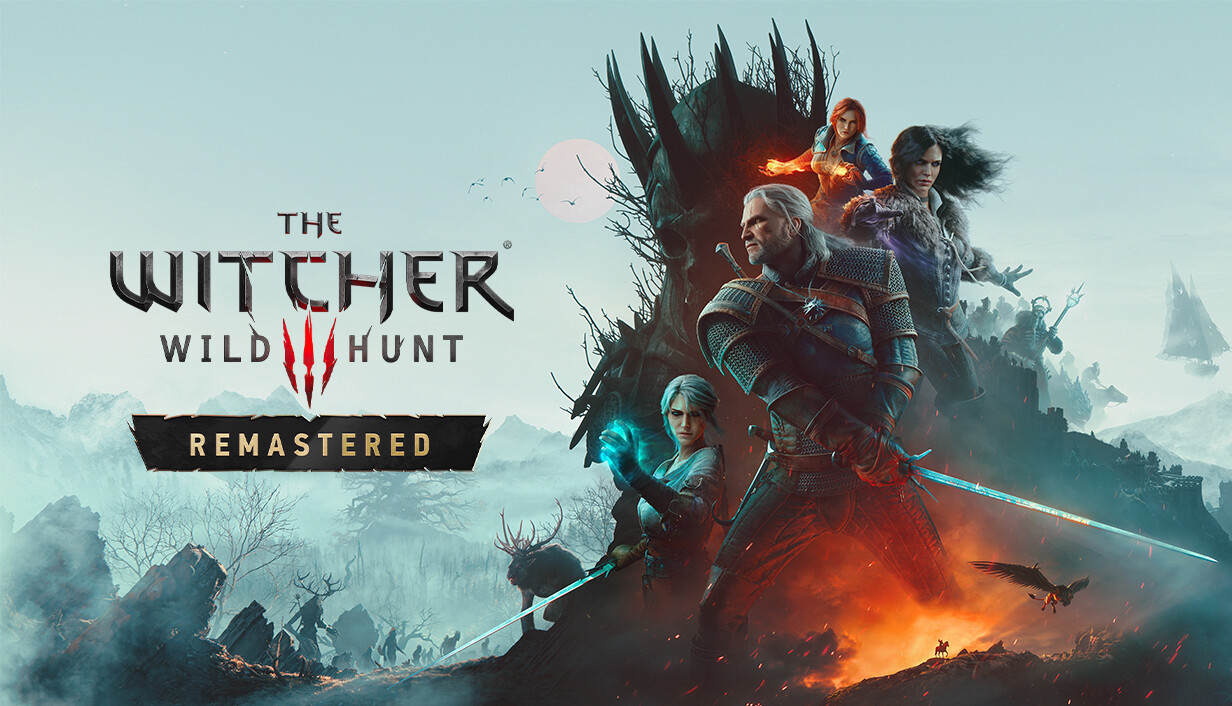
Game Details
Release name : The Witcher 3 Wild Hunt Remastered Build 25646871-P2P
Size : 97.32 GB
Title : The Witcher 3: Wild Hunt — Remastered
Genre : RPG
Developer : CD PROJEKT RED
Publisher : CD PROJEKT RED
Store : click here
Release Date : May 18, 2015
Credits / Released By: Based on InsaneRamZes files + CODEX-RUNE
Screenshots
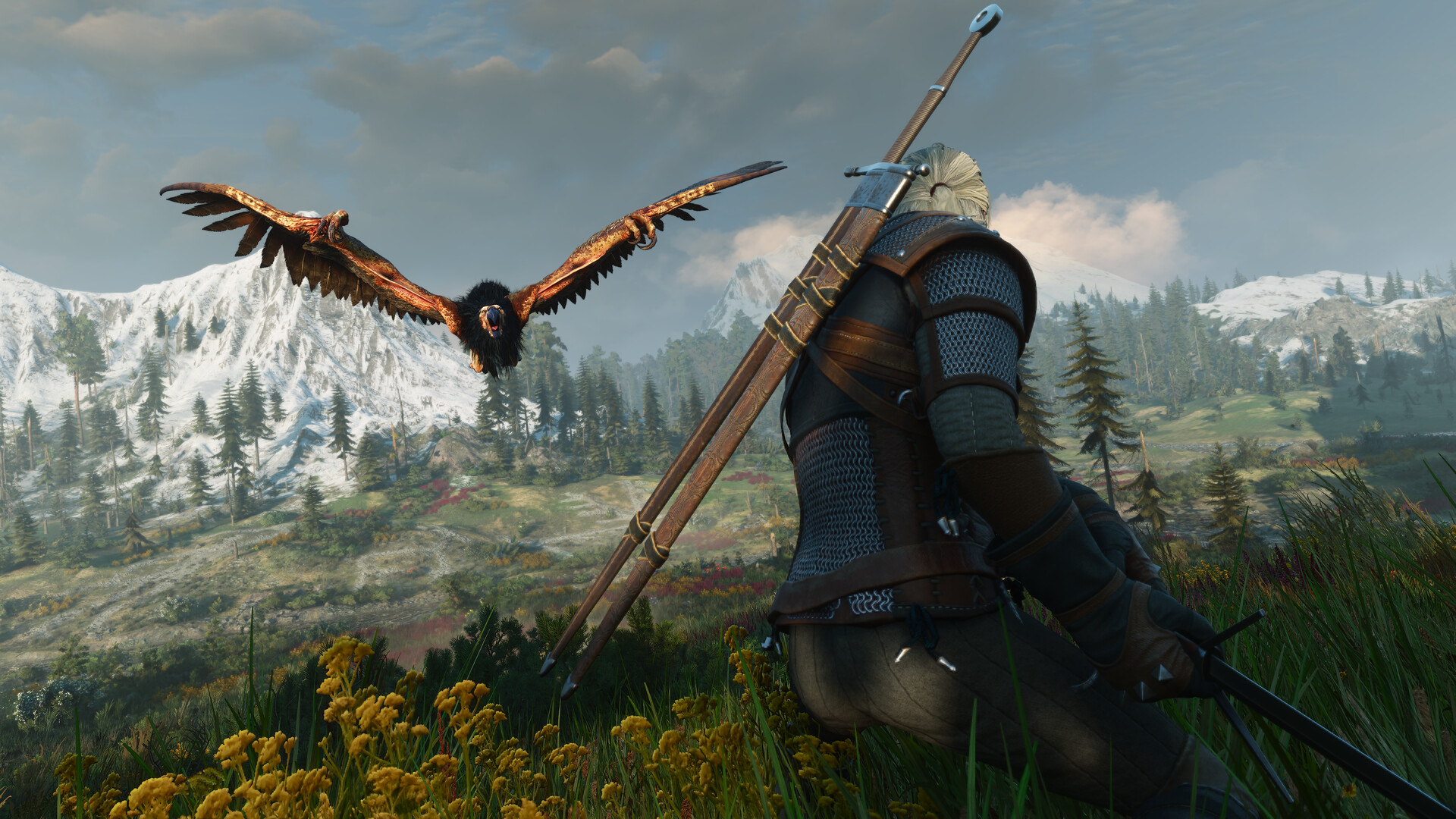
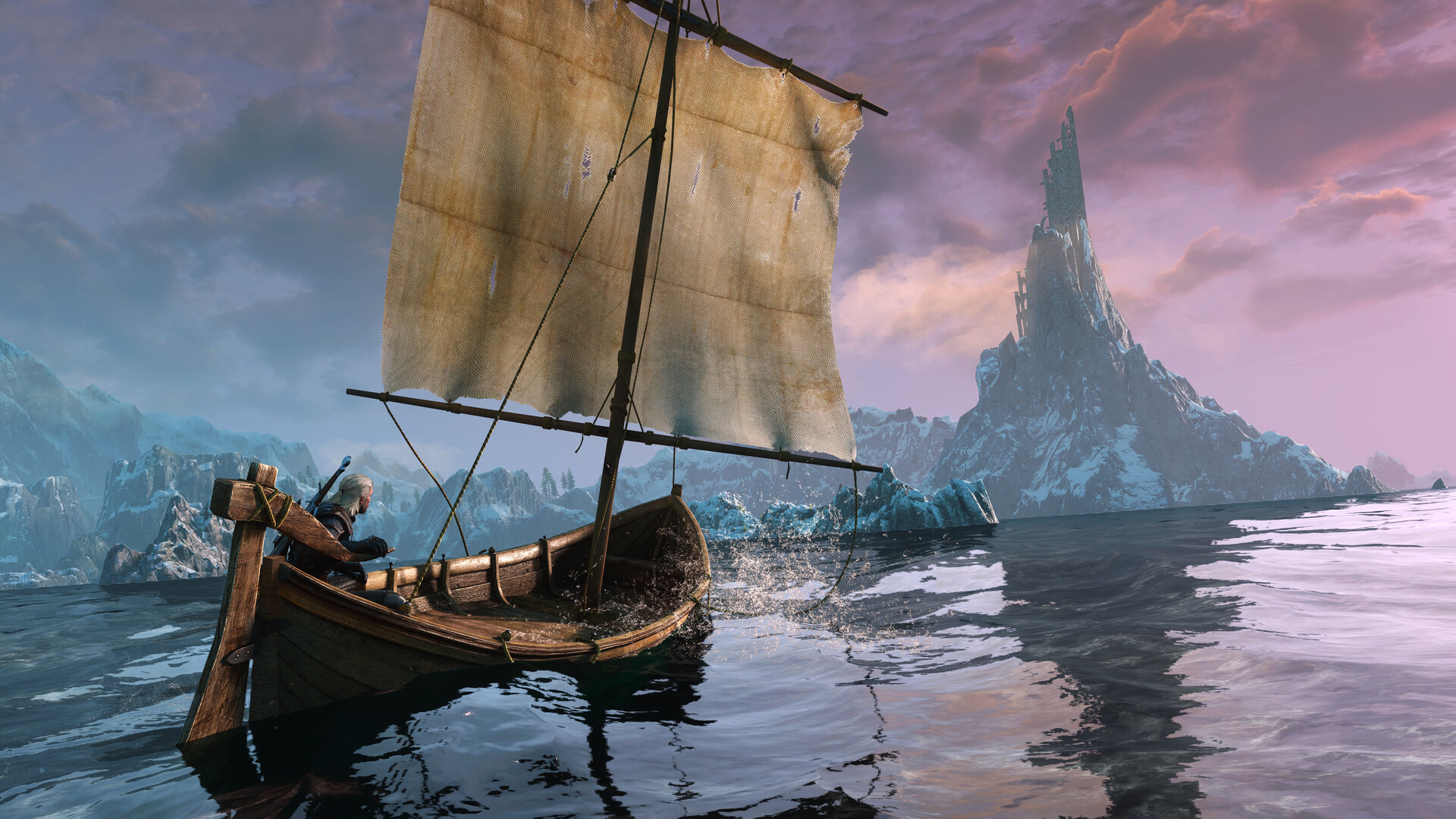
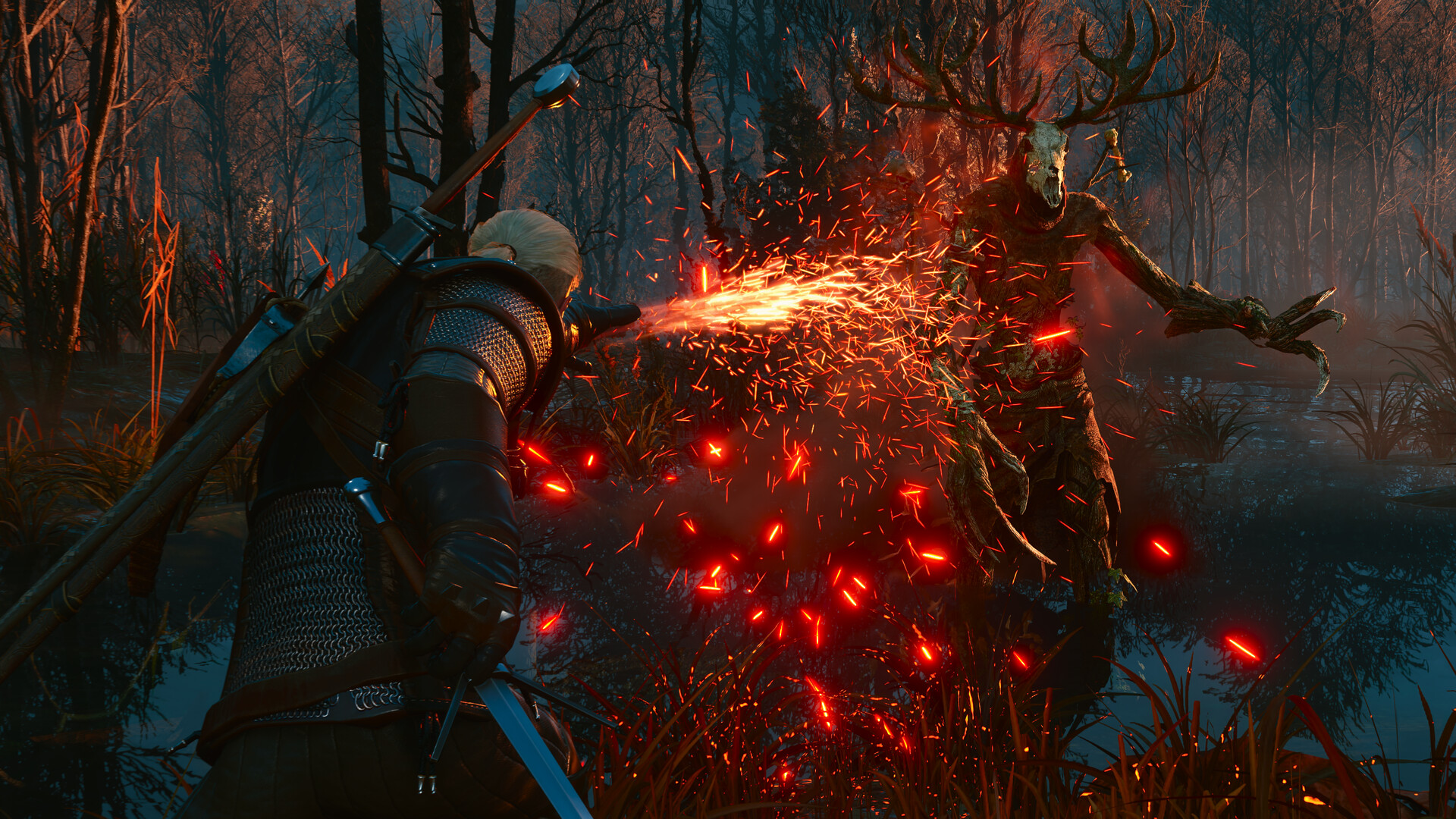
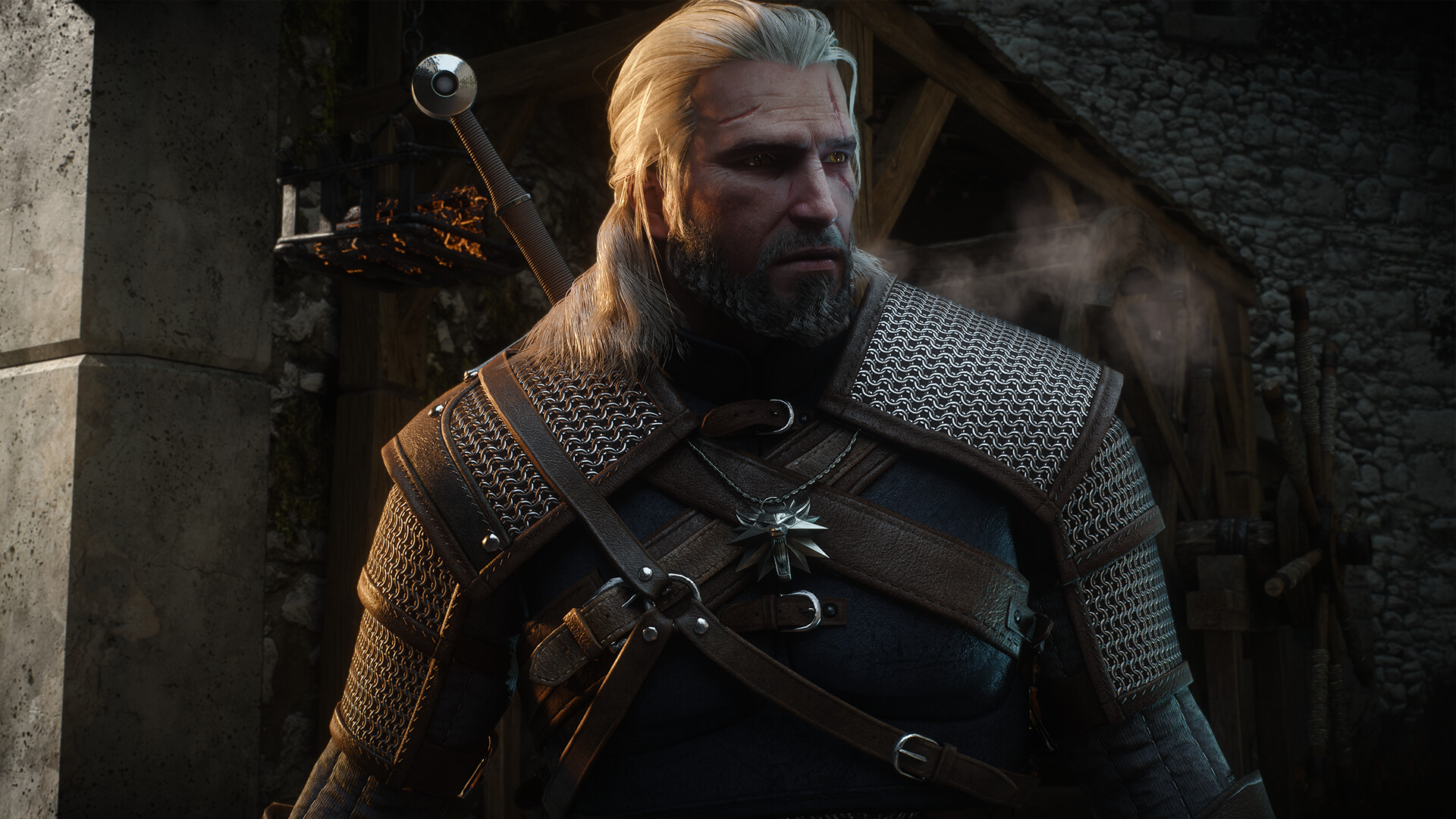
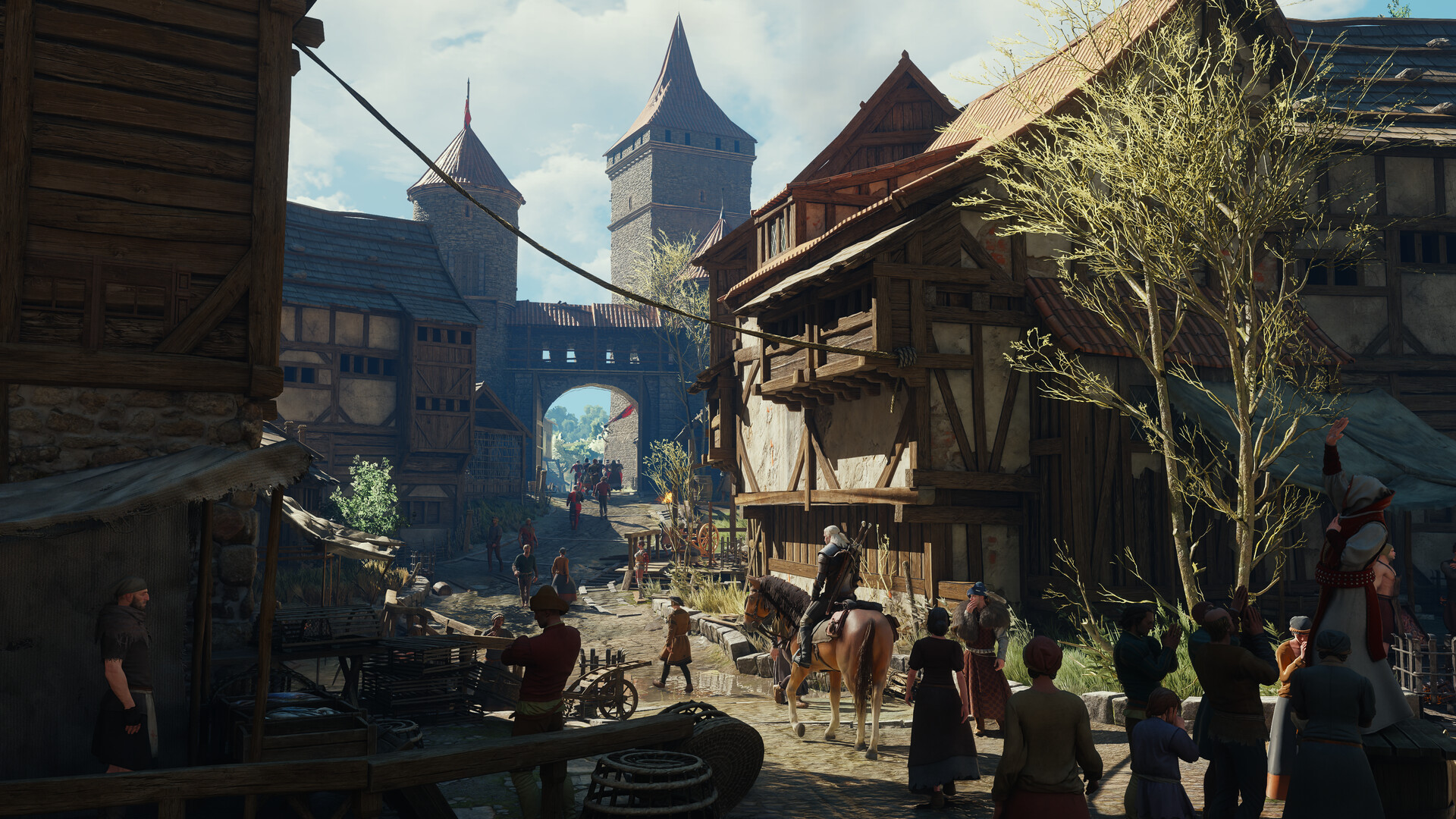
Gameplay
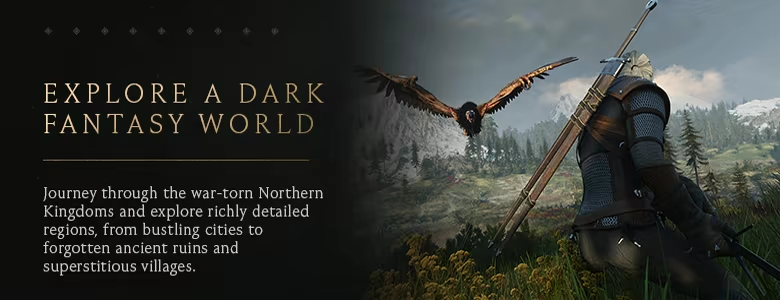
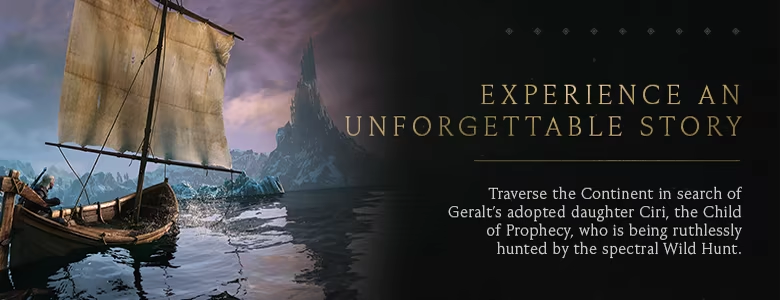
About This Game :
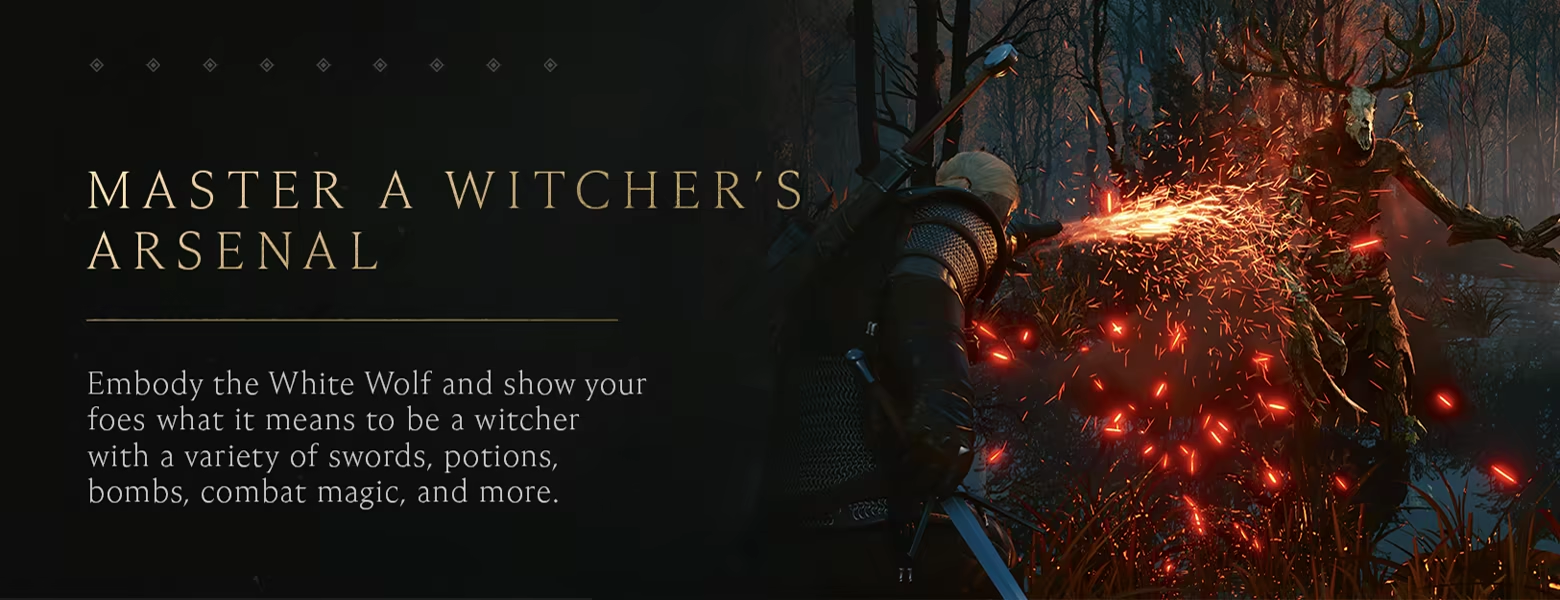
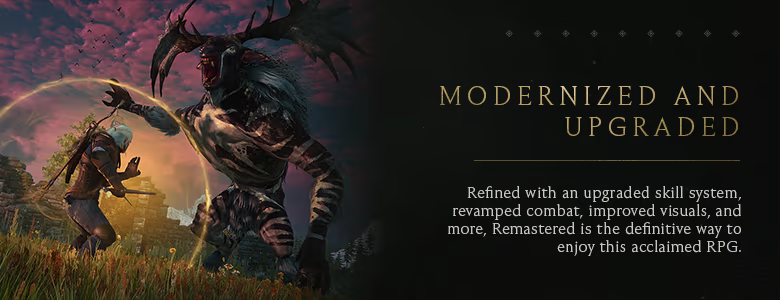
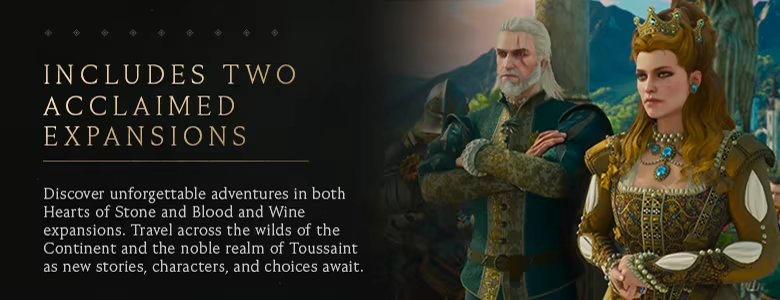
System Requirements for The Witcher 3: Wild Hunt — Remastered
MINIMUM:
- OS: 64-bit Windows 11
- Processor: Core i5-8400 / Ryzen 5 2600
- Memory: 12 GB RAM
- Graphics: GeForce GTX 1660 / Radeon RX 5500 XT 8GB / Arc A580
- Storage: 60 SSD GB available space
- Additional Notes: VRAM 6 GB
RECOMMENDED:
- OS: 64-bit Windows 11
- Processor: Intel Core i7 8700K / AMD Ryzen 5 3600X
- Memory: 16 GB RAM
- Graphics: RTX 2060 Super / AMD Radeon RX 6600 XT / Intel Arc B580
- Storage: 60 SSD GB available space
- Additional Notes: VRAM 8 GB
How To Install The Witcher 3: Wild Hunt — Remastered
1. Download The Game.
2. Extract with WinRAR
3. Launch the game via bin\x64_dx12\witcher3.exe.
4. Enjoy !
Notes:
- To unlock DLC items, click “Continue” instead of “New Game” when you first load the game.
-
(Follow these steps only if your game fails to launch)
- The Windows username must not contain Cyrillic.
- Remove the read-only attribute from the game folder.
- Remove the game folder from the torrent client before launching the game.
- Disable the antivirus, as it can block the launch of executable and/or additional files.
- As a last resort, download the folder with the game completely, all over again.
Download The Witcher 3: Wild Hunt — Remastered
 Torrent link
Download The Witcher 3: Wild Hunt — Remastered.Torrent
Direct Link
Download The Witcher 3: Wild Hunt — Remastered Direct Link
Part Links
Part 1 to 25 (4GB)


Stay related to the article's topic.
Avoid unnecessary links or spam.
No offensive language, insults, or personal attacks.
Have a question unrelated to this article? Visit our Questions Section .
Join the Discussion
Share your thoughts with us