
Download Anime Shop Simulator v1.0.4 + ONLINE

Game Details
Release name : Anime Shop Simulator v1.0.4 + ONLINE
Size : 948.45 MB
Title : Anime Shop Simulator ✨
Genre : Action, Adventure, Casual, Massively Multiplayer, RPG, Simulation, Sports
Developer : One More Time
Publisher : One More Time
Store : click here
Release Date : Sep 11, 2026
Credits / Released By: online-fix.me
Screenshots
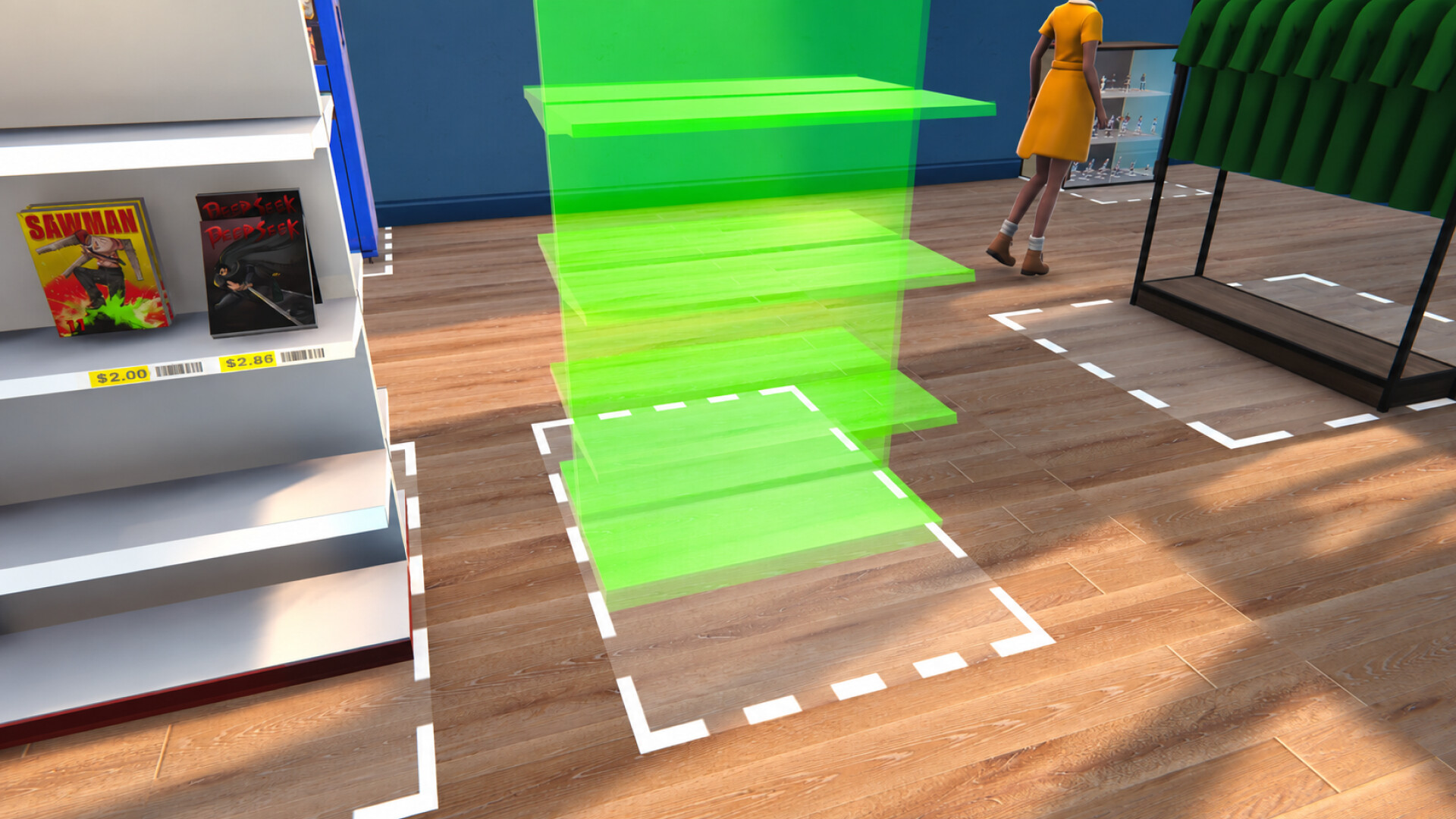
Gameplay
About This Game :
Anime Shop Simulator is fun first-person simulation where you become the manager of your very own anime shop!
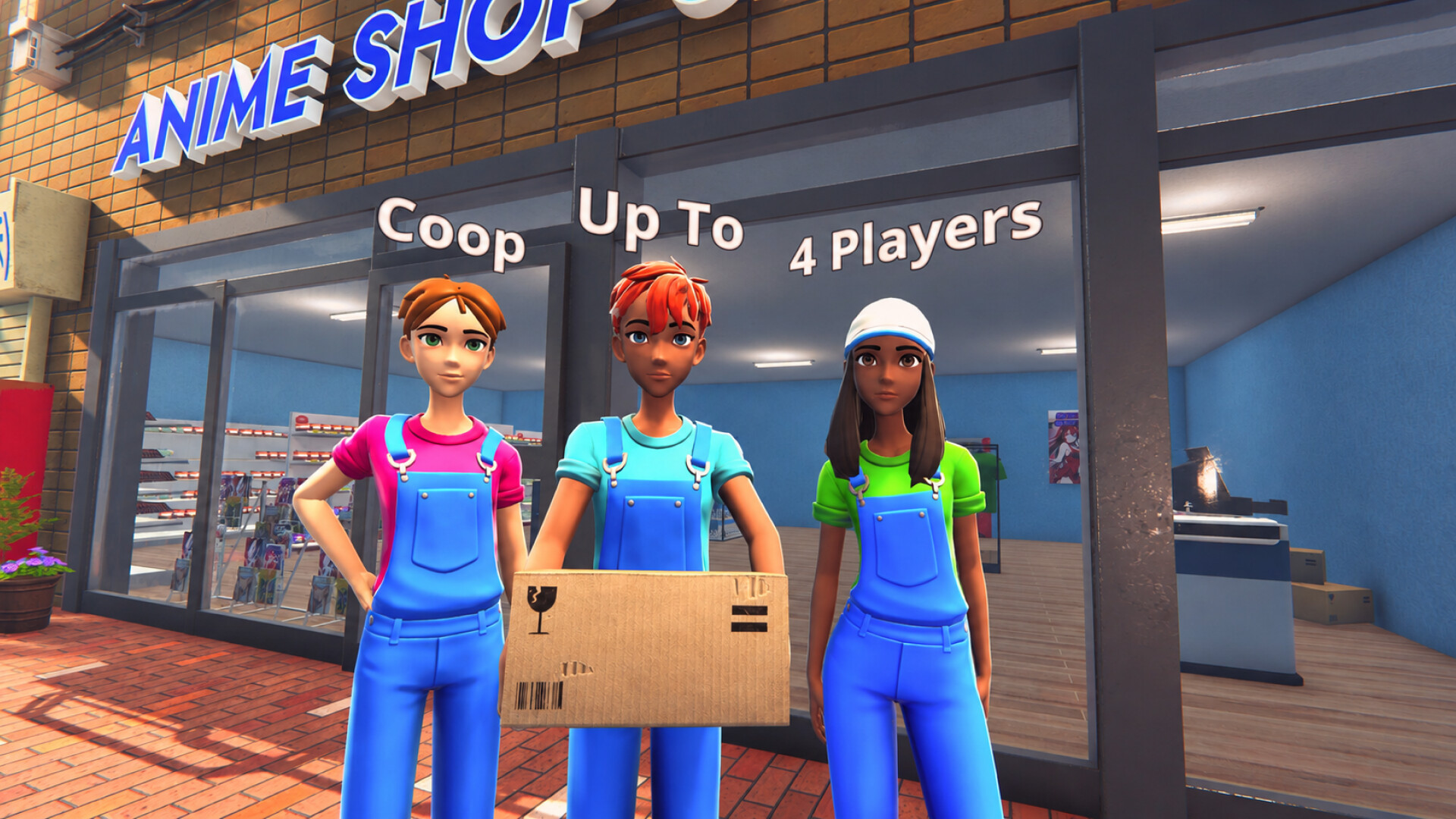
Play solo or join forces with friends in online co-op to expand your shop, attract more customers, and create the ultimate otaku and trading card paradise!
MANAGE YOUR SHOP
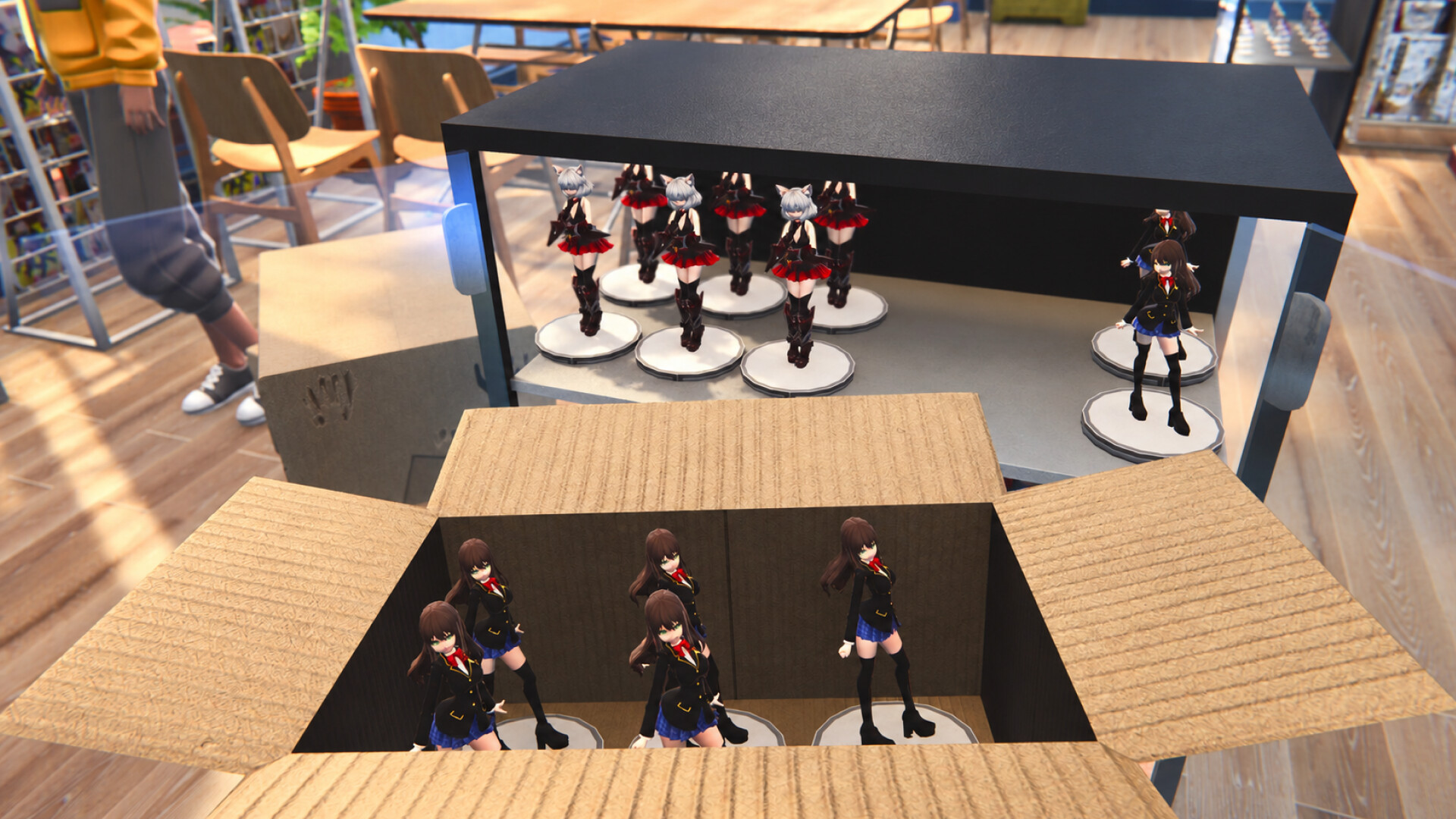
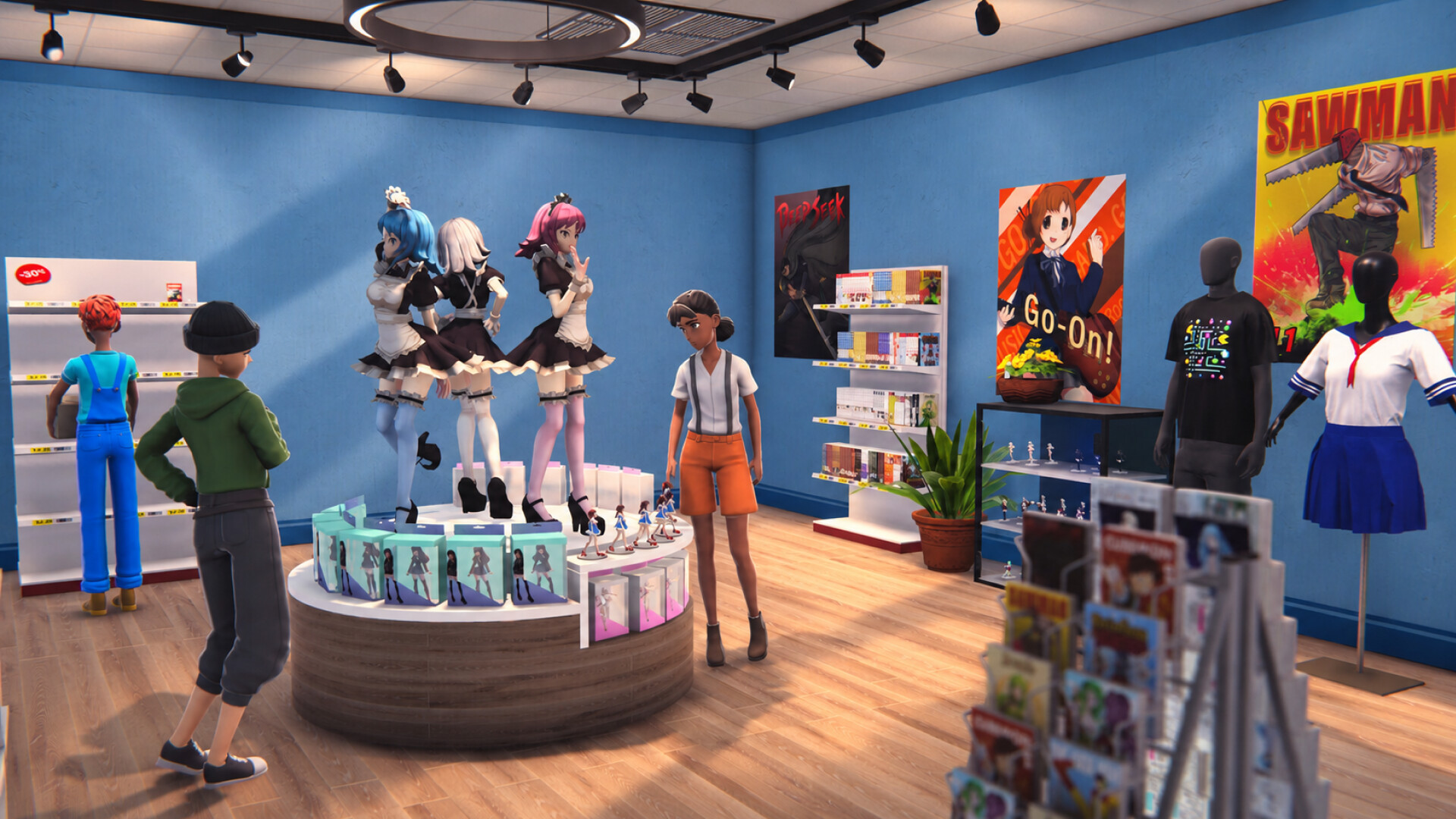
Build your dream Anime Shop! Arrange manga, figures, and collectible cards on the shelves to create a seamless and enjoyable shopping experience for your customers.
CO-OP GAMEPLAY
Join forces with your friends online in 4-player co-op mode to manage your anime shop together, divide responsibilities, and plan strategies to maximize your profits.
COLLECT THEM ALL AND FIGHT IN PVP!
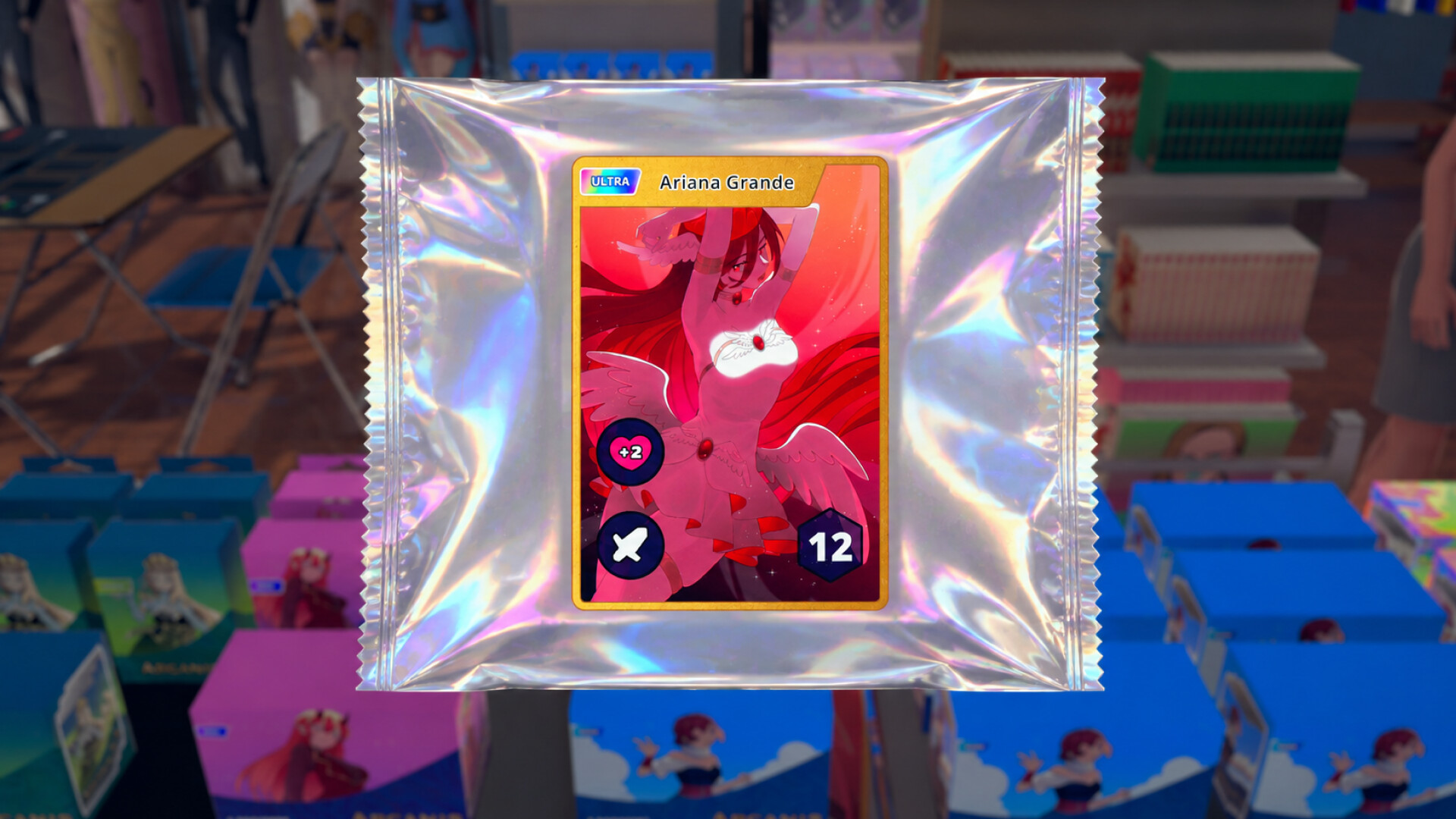
Unbox booster packs and discover unique treasures! Find rare collectible cards to sell for a profit or keep them to complete your ultimate anime card collection. Fight with other players in PvP TCG game and find out who’s the best!
CUSTOMIZATION
Transform your anime store into a one-of-a-kind otaku haven! Choose your favorite wallpaper, give your shop a unique name, and decorate it with items to reflect your personal style.
GROW
Enlarge your shop, upgrade its decor, and stay in tune with the dynamic trends of the anime industry to remain competitive.
In Anime Shop Simulator your decisions shape your journey. Can you transform your small boutique into a thriving otaku hub while balancing customer satisfaction and financial success?
System Requirements for Anime Shop Simulator ✨
- Requires a 64-bit processor and operating system
- OS: Windows 10 64-bit
- Processor: Intel Core i3 3.0 GHz or Ryzen 3xxx
- Memory: 4 GB RAM
- Graphics: Nvidia GeForce GTX 960 4GB VRAM
- DirectX: Version 11
- Storage: 3 GB available space
- Requires a 64-bit processor and operating system
How To Install Anime Shop Simulator ✨
1. Download The Game.
2. Extract with WinRAR
3. Play!.
How To play Anime Shop Simulator ✨ ONLINE
1. Download the “Online Crack” from the link provided below and extract the files. After extraction, move the contents into your game’s main installation directory.
2. Download and install Steam.
3. Open Steam and log in. If you don’t have an account yet, you can create one through HERE.
4. Press “Win + R” on your keyboard, type “steam://install/480”, and hit Enter. This will install and update the required game component.
5. Launch the game via the Anime Shop Simulator.exe
6. Joining: Multiplayer > Select a friend’s Join server.
Hosting: Multiplayer > Create > Select save > Play > Esc > Invite a friend and wait for them to connect.
7. Enjoy !
Note:
- The game already comes with the “Online Crack” pre-applied, so you can skip Step #1 mentioned above. However, if your antivirus software removes the “Online Crack” files, you’ll need to reapply them manually.
Download Anime Shop Simulator ✨
Download Anime Shop Simulator ✨ Crack Online



Stay related to the article's topic.
Avoid unnecessary links or spam.
No offensive language, insults, or personal attacks.
Have a question unrelated to this article? Visit our Questions Section .
Join the Discussion
Share your thoughts with us