
Download Mall Together v1.08 + ONLINE
Game Details
Release name : Mall Together v1.08 + ONLINE
Size : 2.87 GB
Title : Mall Together
Genre : Casual, Simulation
Developer : Business Tycoon
Publisher : Business Tycoon
Store : click here
Release Date : Jul 24, 2026
Credits / Released By: OFME
Screenshots
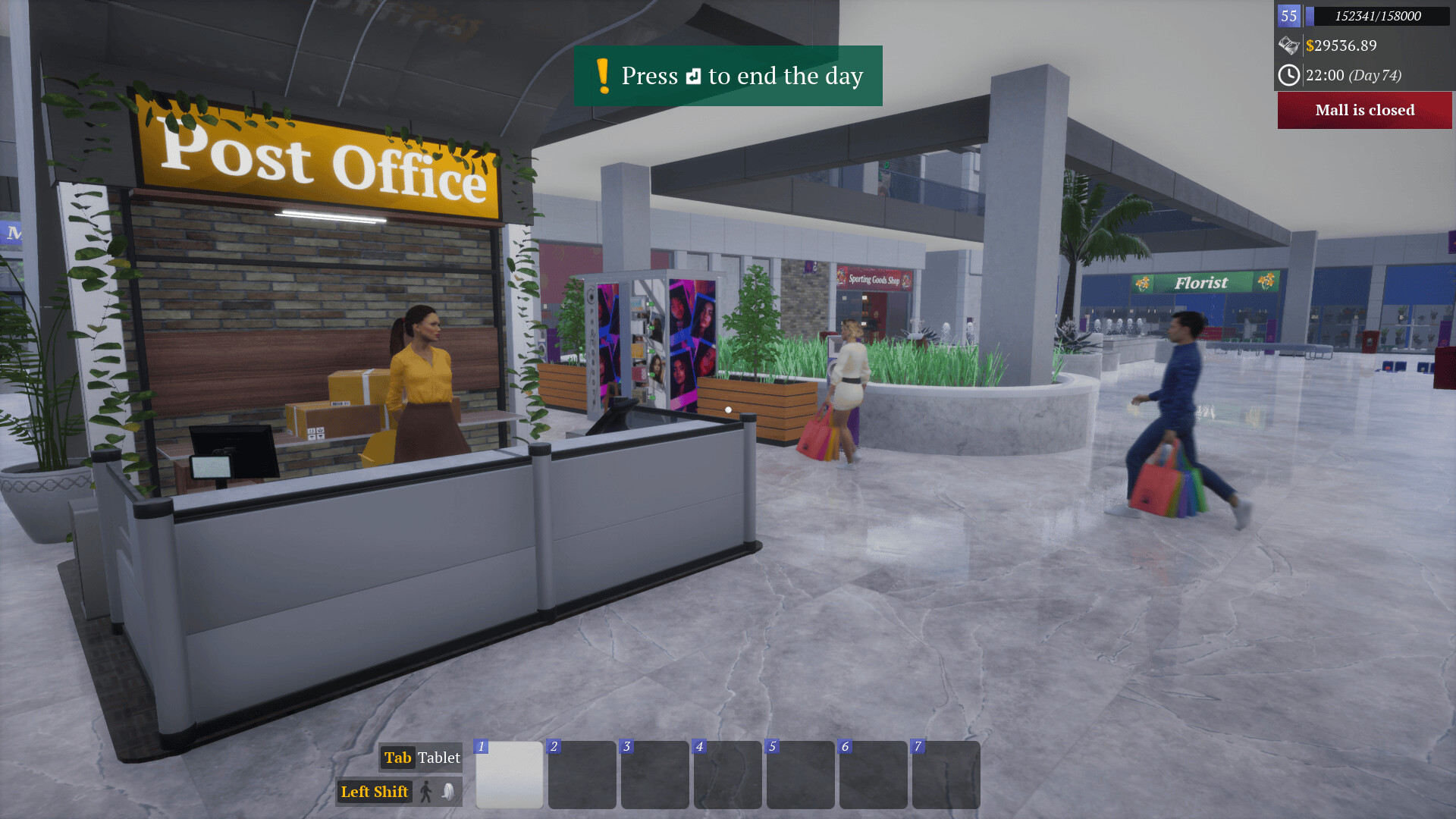
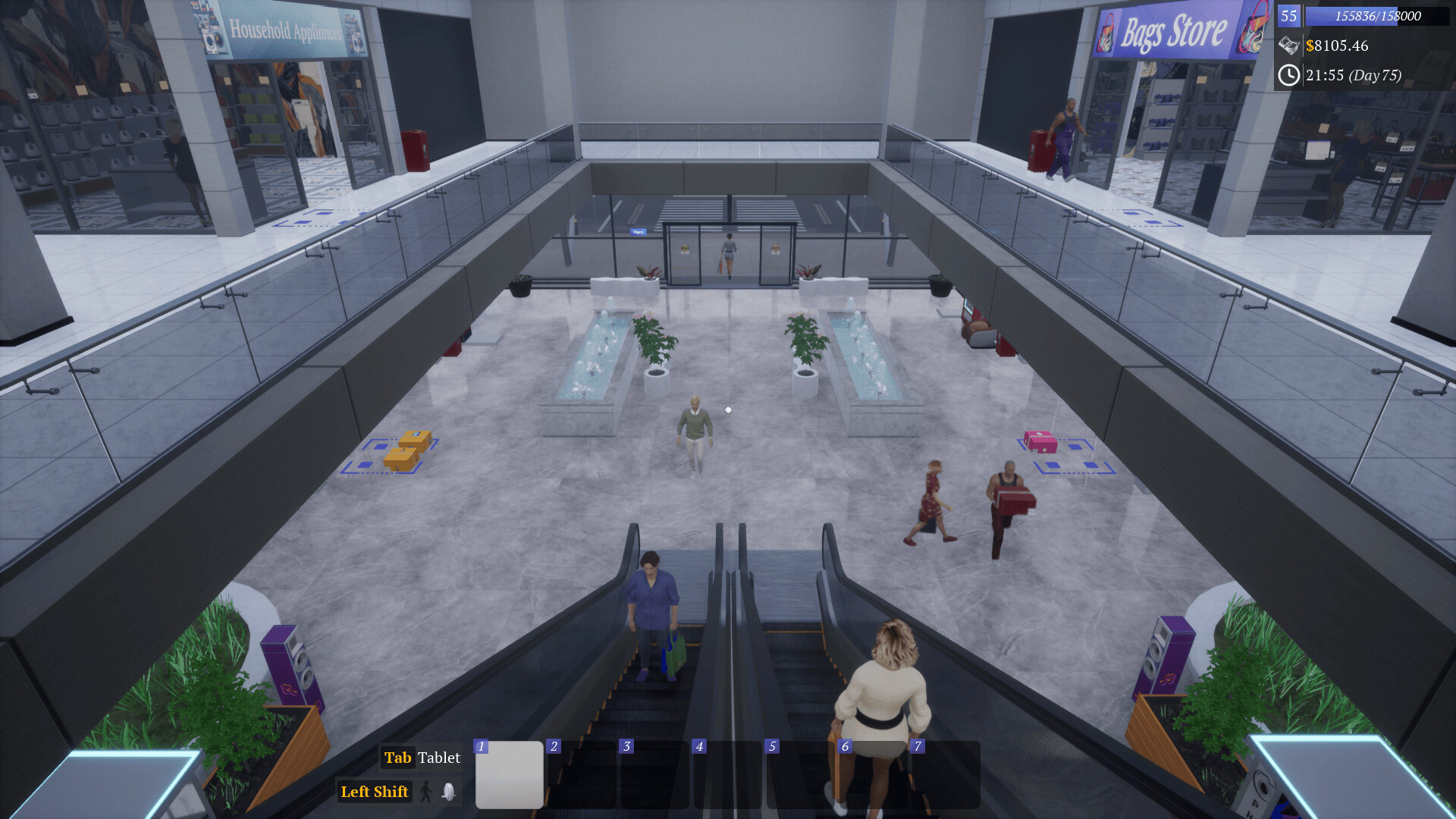
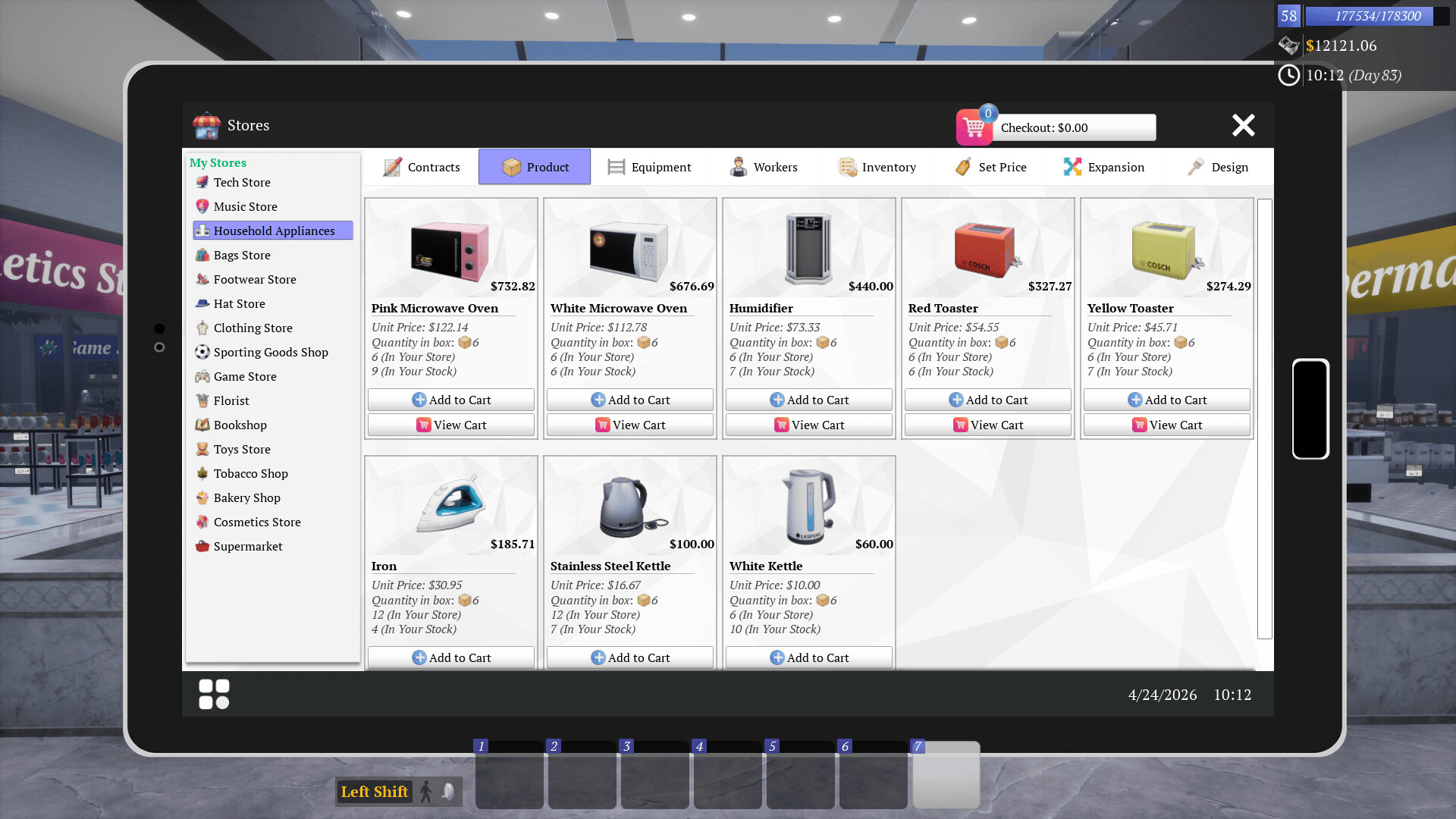
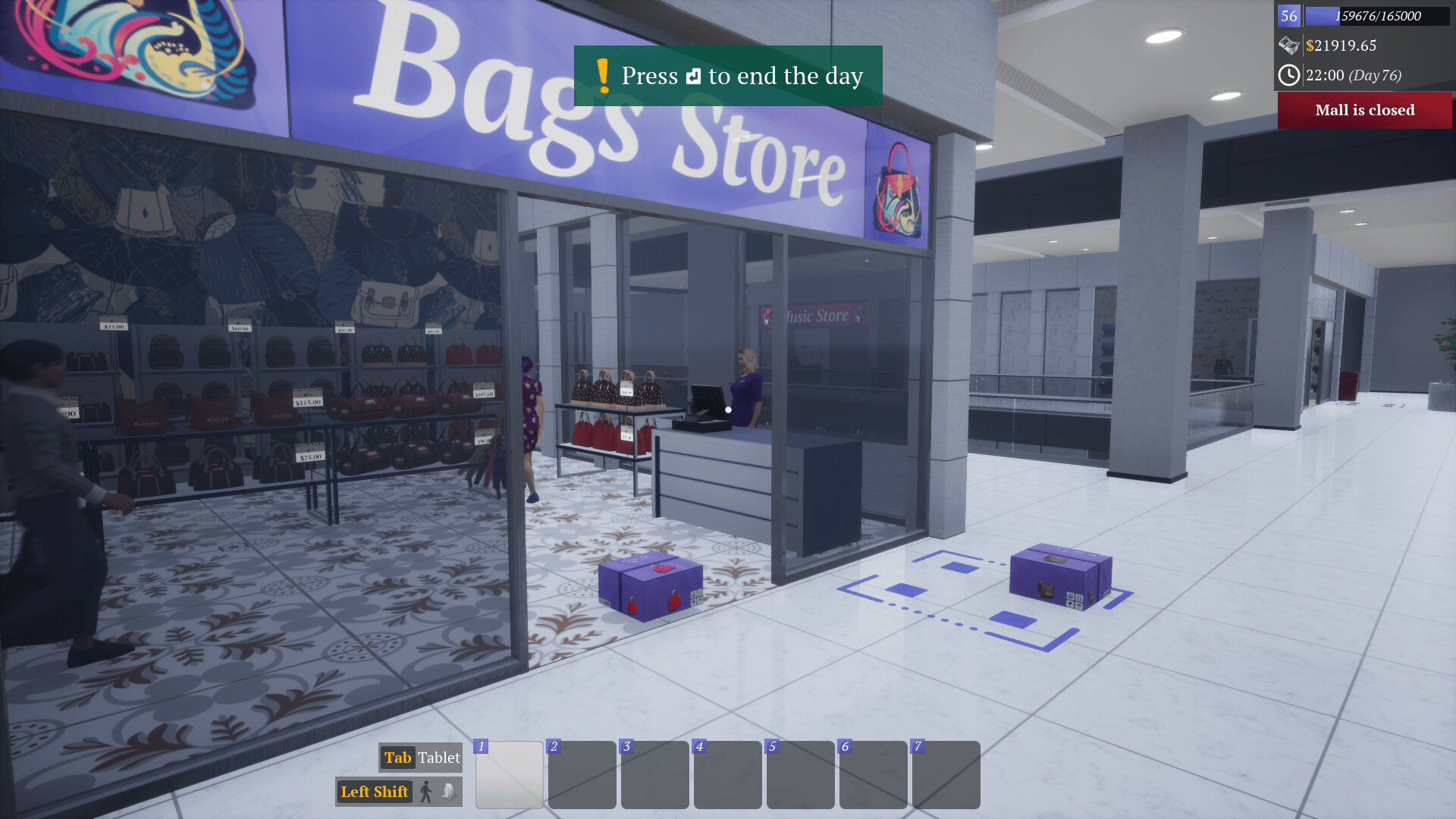
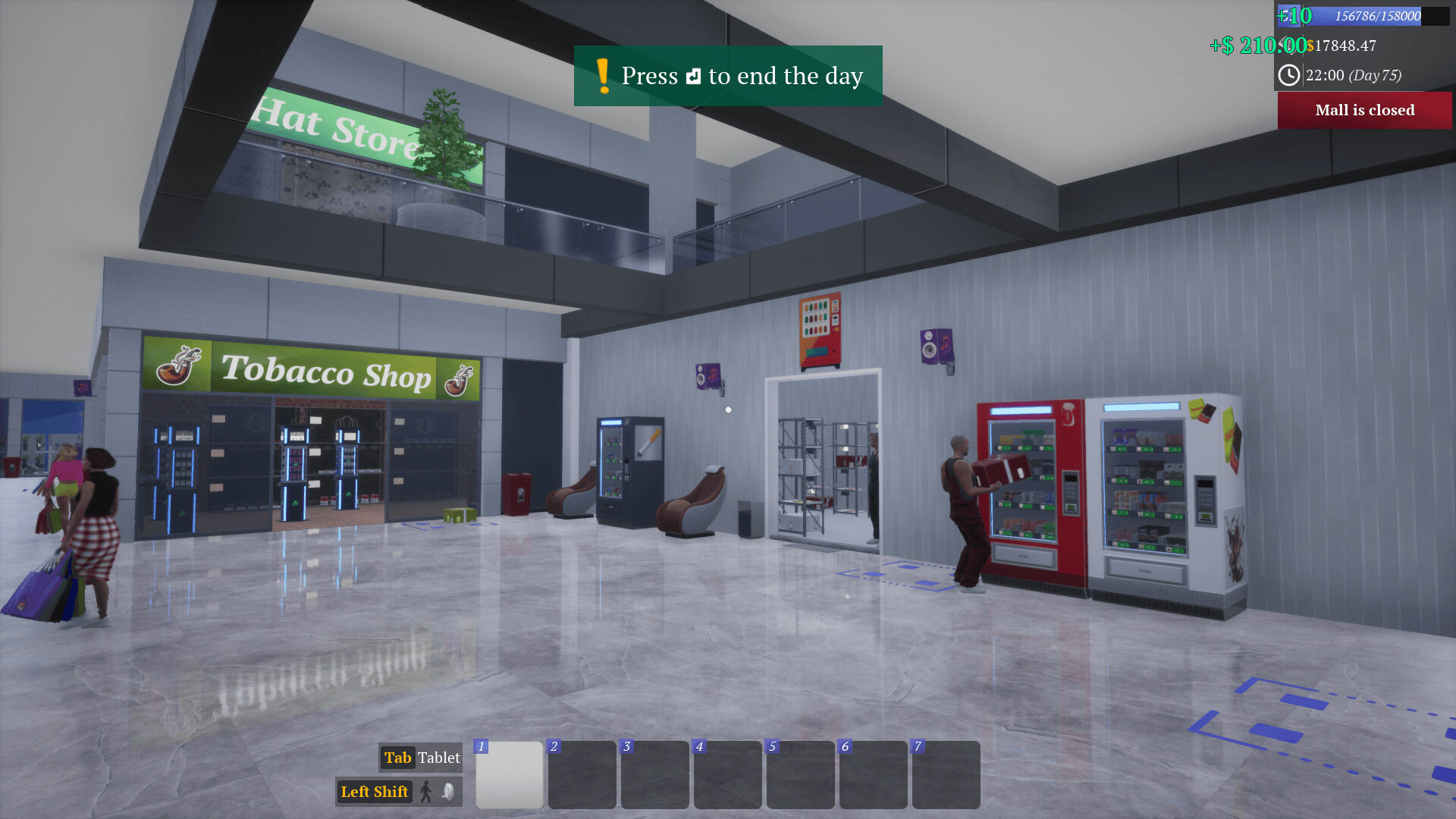
Gameplay
About This Game :
This is a first-person simulation game where you step into the role of a shopping mall owner.
Work alone or with friends to expand your humble mall into a huge shopping mall.
Co-op Mode and Single Player
Share the duties with your friends in co-op mode (up to 4 players).
You can also go solo and manage everything in the mall. If you change your mind, you can invite your friends anytime.
Workflow
Open new stores, sign contracts with leading brands, order new products, unpack boxes, place products into store racks, and set prices for your products.
Consider market prices when setting your product prices in the mall to ensure customer satisfaction.
Stores
Open new stores and make sure your customers find all their needs in your mall.
-
Bakery shop,
-
Supermarket,
-
Cosmetics store,
-
Tobacco shop,
-
Toy Store,
-
Bookstore,
-
Florist,
-
Video Games Store,
-
Sporting Goods shop,
-
Clothing store,
-
Hat store,
-
Footwear store,
-
Bag store,
-
Household appliances store,
-
Music store,
-
Tech store.
Customers
Scan products and collect payments, whether in cash or by card.
Don’t forget to fulfill the online orders.
Expansions and New Teammates
Expand your stores and warehouses by leveling up your mall and budget.
Hire stockers to fill the racks.
Hire cashiers for your stores to minimize long checkout queues.
System Requirements for Mall Together
- Requires a 64-bit processor and operating system
- OS *: Windows 7 64-bit | Windows 8 64-bit | Windows 10 64-bit
- Processor: Intel Core i5-9400F | AMD Ryzen 5 3600
- Graphics: NVIDIA GeForce GTX 1050 | AMD Radeon RX-580
- Storage: 3000 MB available space
- Requires a 64-bit processor and operating system
- OS *: Windows 7 64-bit | Windows 8 64-bit | Windows 10 64-bit
- Processor: Intel Core i5-11400F | AMD Ryzen 5 5600x
- Graphics: NVIDIA GeForce GTX 1060 | AMD Radeon R9-290X
- Storage: 3000 MB available space
How To Install Mall Together
1. Download The Game.
2. Extract with WinRAR
3. Play!.
How To play Mall Together ONLINE
1. Download the “Online Crack” from the link provided below and extract the files. After extraction, move the contents into your game’s main installation directory.
2. Download and install Steam.
3. Open Steam and log in. If you don’t have an account yet, you can create one through HERE.
4. Press “Win + R” on your keyboard, type “steam://install/480”, and hit Enter. This will install and update the required game component.
5. Launch the game via MallTogether.exe.
6. Joining: Join Game/Accept a Friend Invite > Select Server > Join Game
Hosting: Multiplayer/Load Game > Enter the name > Start > ESC > Invite Friends and wait for them to connect.
7. Enjoy !
Note:
- The game already comes with the “Online Crack” pre-applied, so you can skip Step #1 mentioned above. However, if your antivirus software removes the “Online Crack” files, you’ll need to reapply them manually.
Download Mall Together
Download Mall Together Crack Online

Stay related to the article's topic.
Avoid unnecessary links or spam.
No offensive language, insults, or personal attacks.
Have a question unrelated to this article? Visit our Questions Section .
Join the Discussion
Share your thoughts with us