
Download Lords of the Fallen + ONLINE
Game Details
Release name : Lords of the Fallen + ONLINE
Size : 45 GB
Title : Lords of the Fallen
Genre :
Developer :
Publisher :
Store : click here
Release Date :
Credits / Released By: OFME
Screenshots
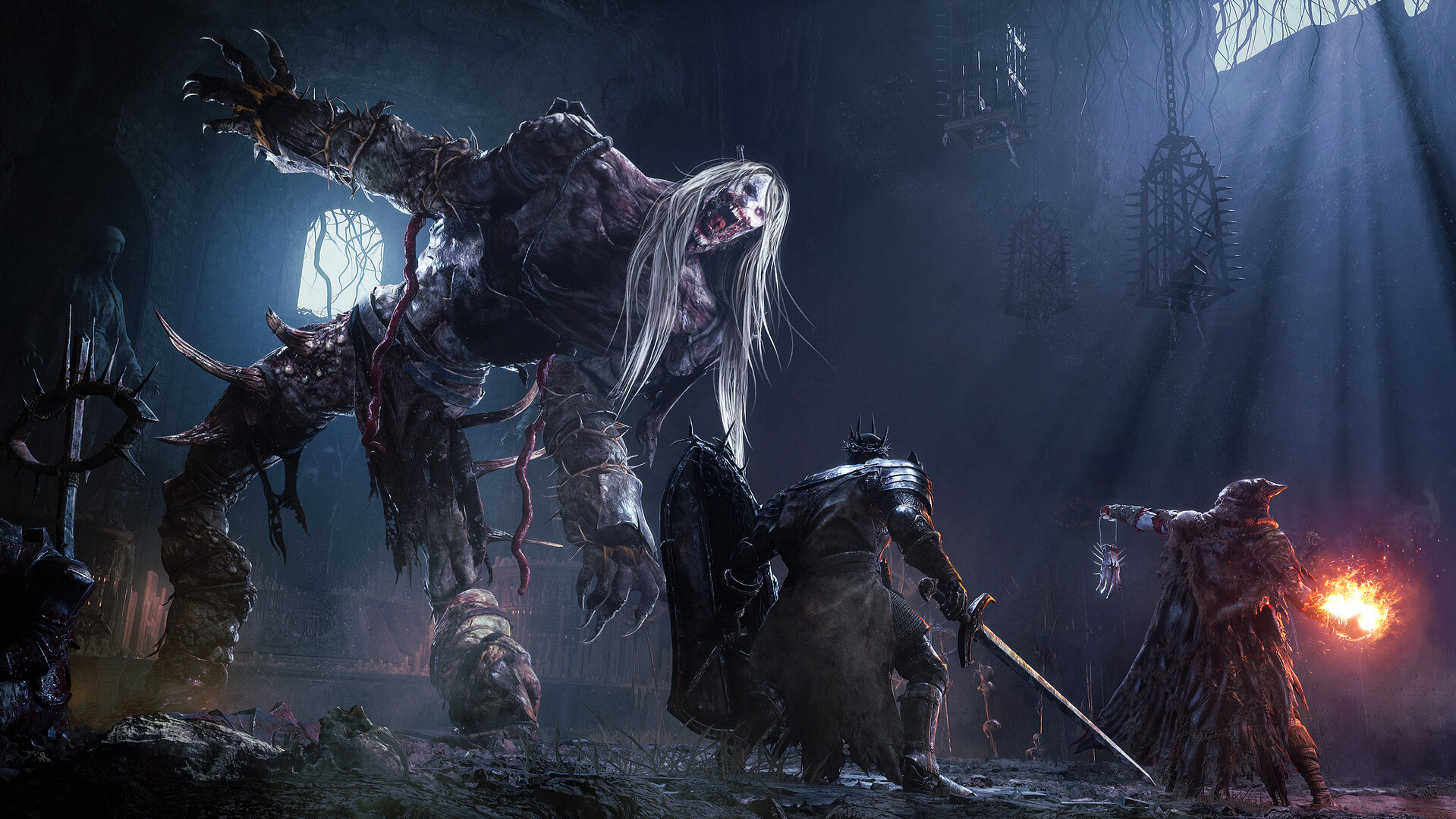
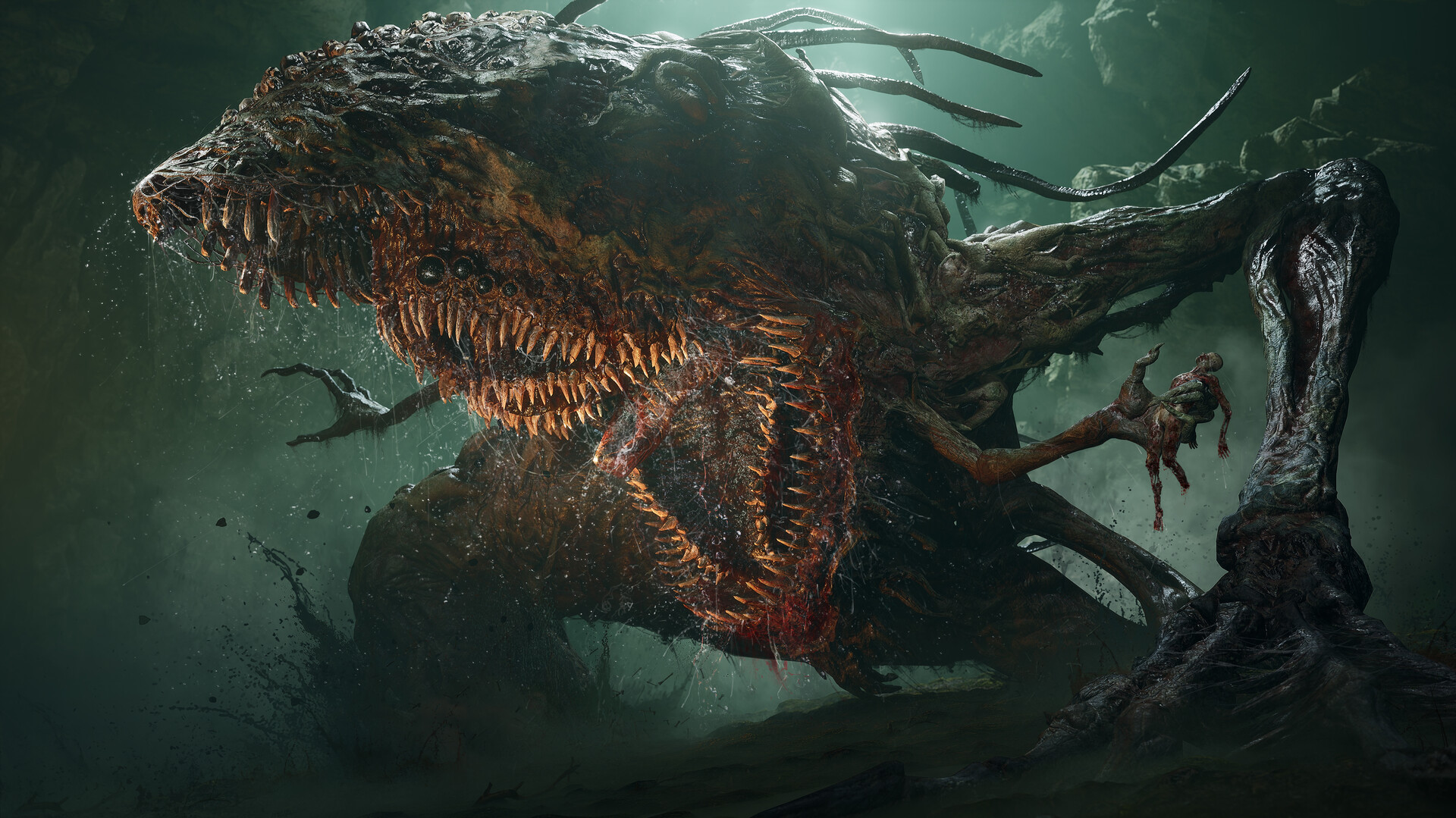
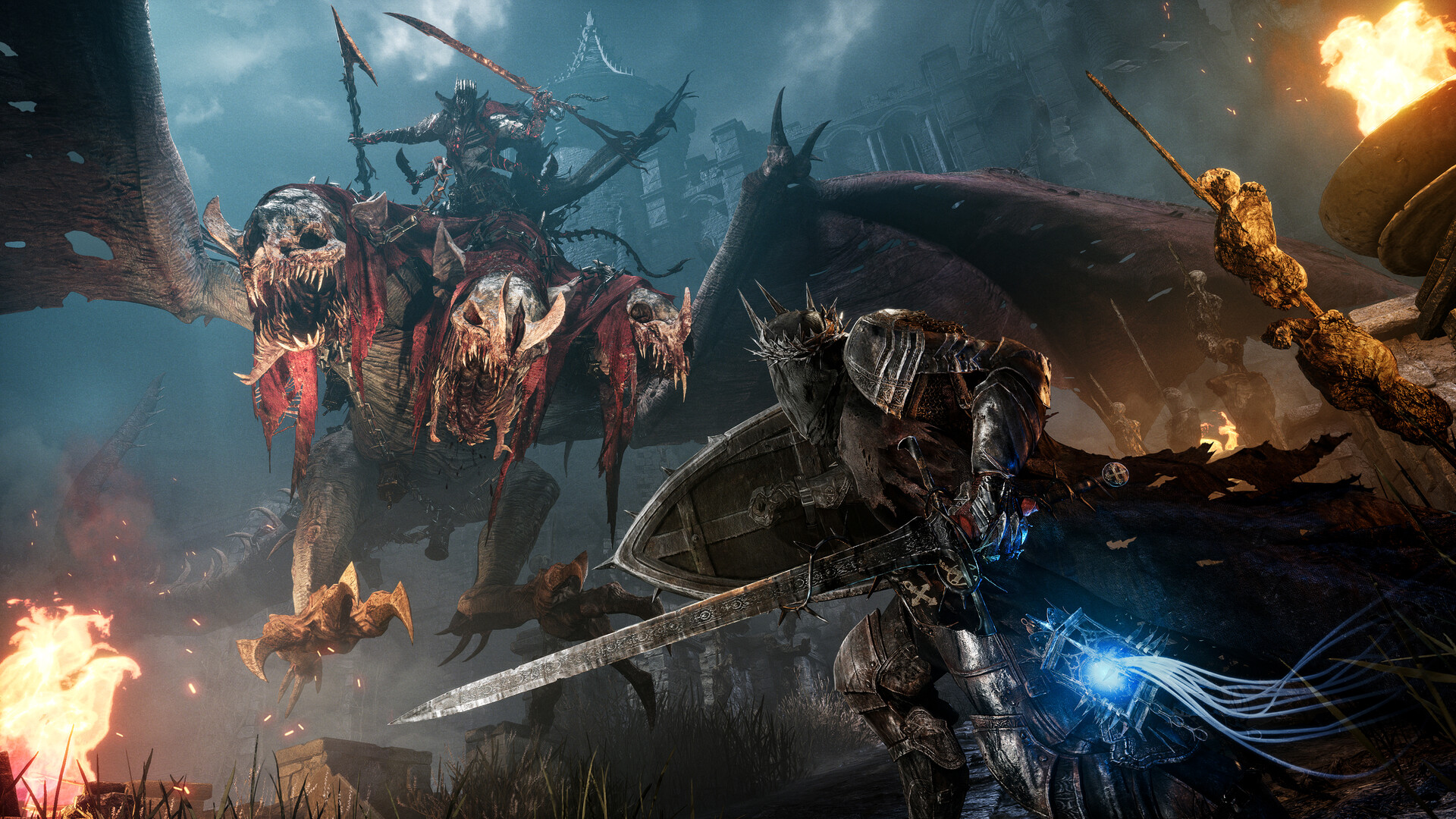
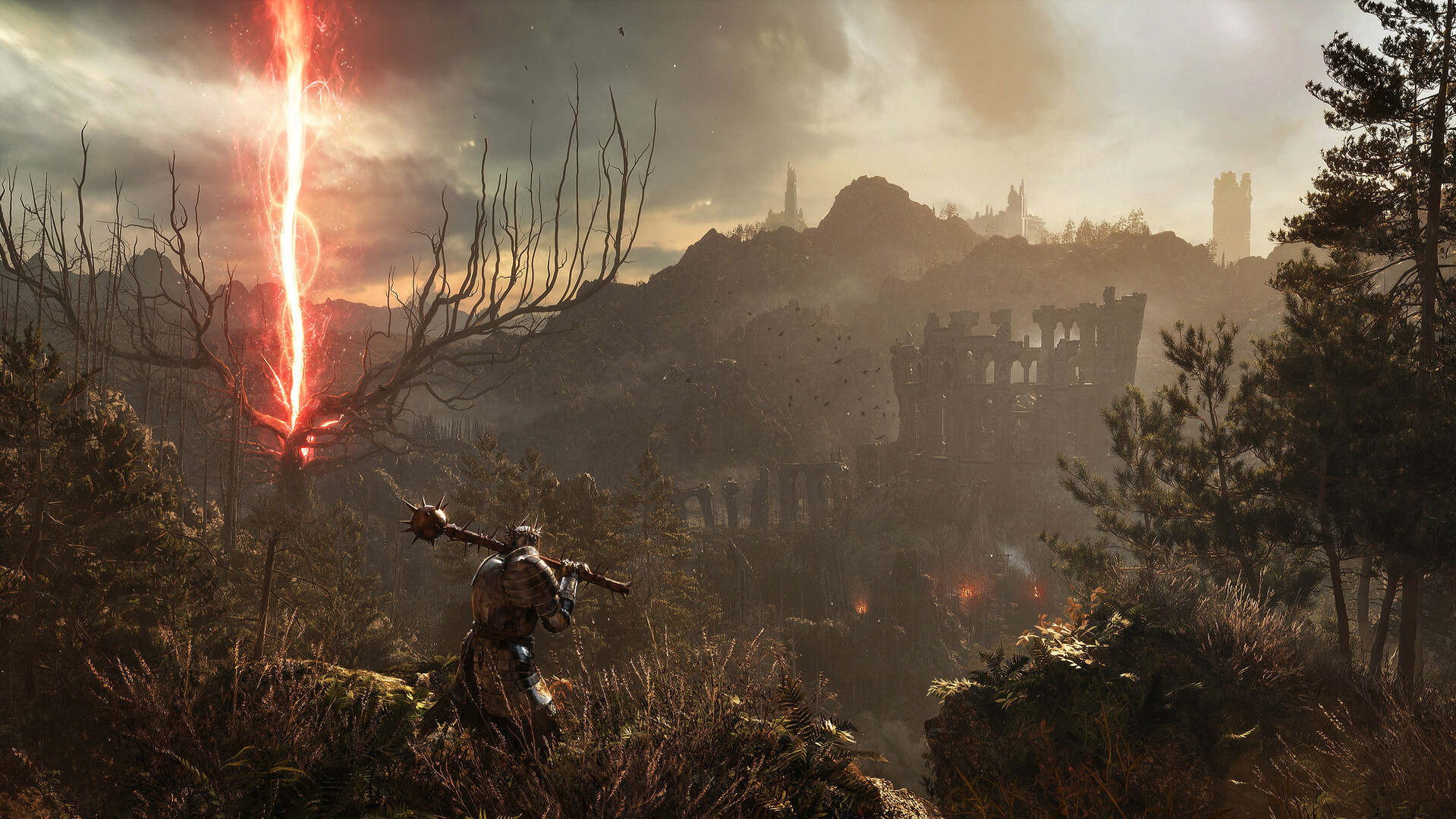
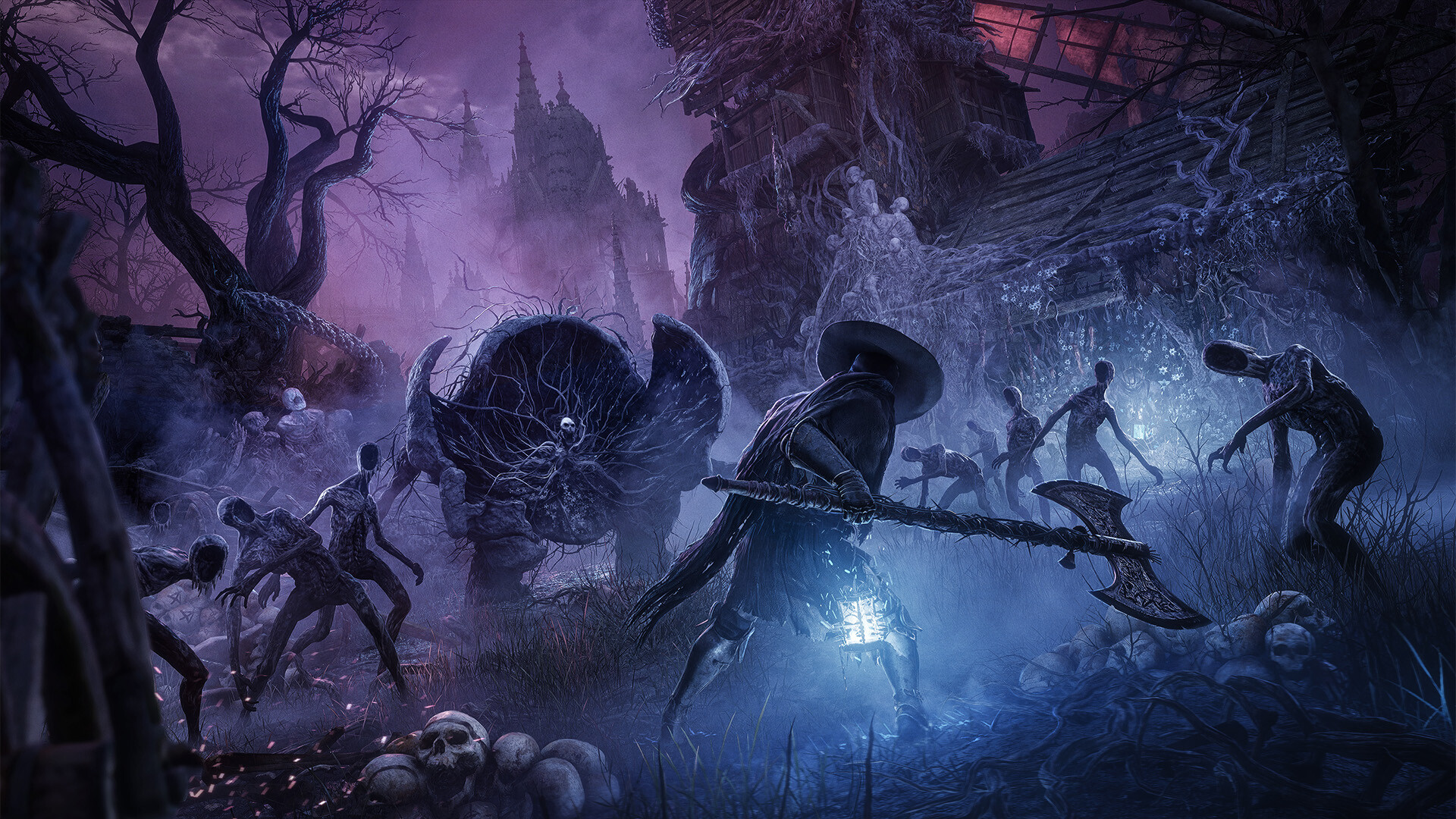
Gameplay
About This Game :
Lords of the Fallen introduces an all-new, epic RPG adventure in a vast, interconnected world.
Aeons after his defeat by the hands of man, the demon God Adyr’s resurrection draws nigh. As a fabled Dark Crusader, journey through the realms of the living and the dead in this expansive RPG experience to overthrow Adyr once and for all. Featuring colossal boss battles, fast challenging combat, and deep, immersive storytelling.
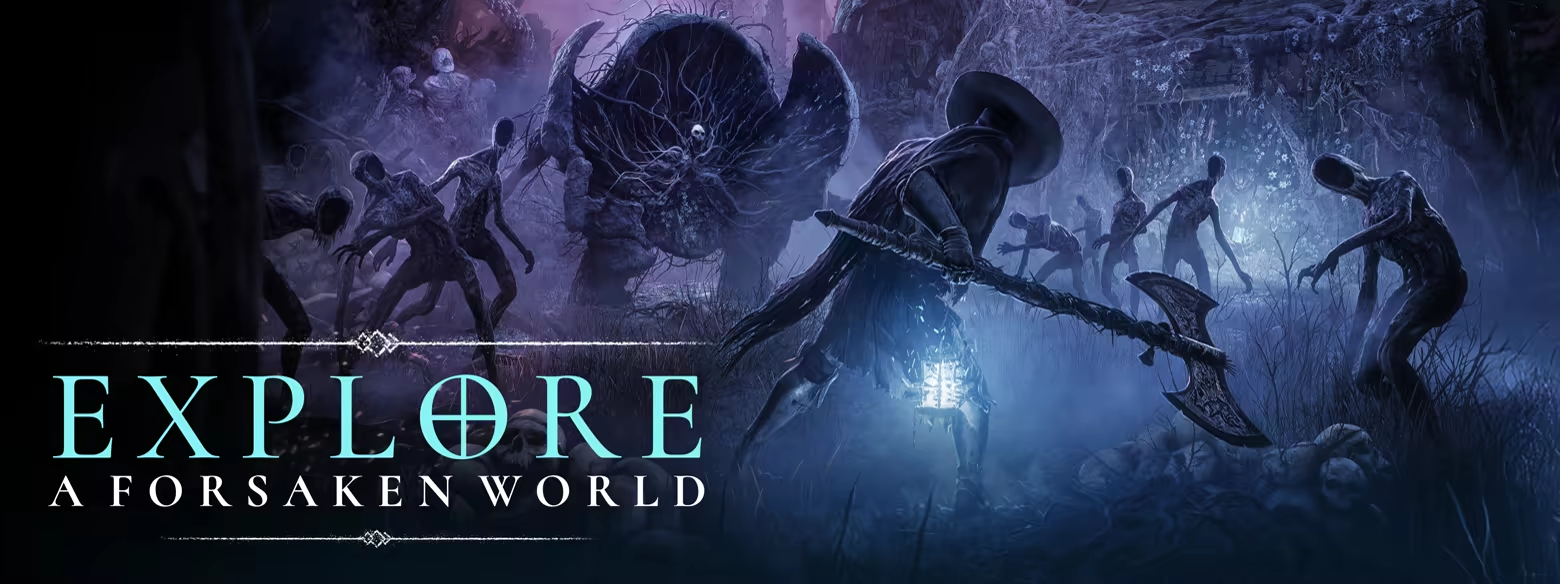
Explore A Vast, Interconnected World
Journey across two expansive, parallel worlds – the world of the living and the dead – with each harbouring its own pathways, secrets, treasures… and foes.
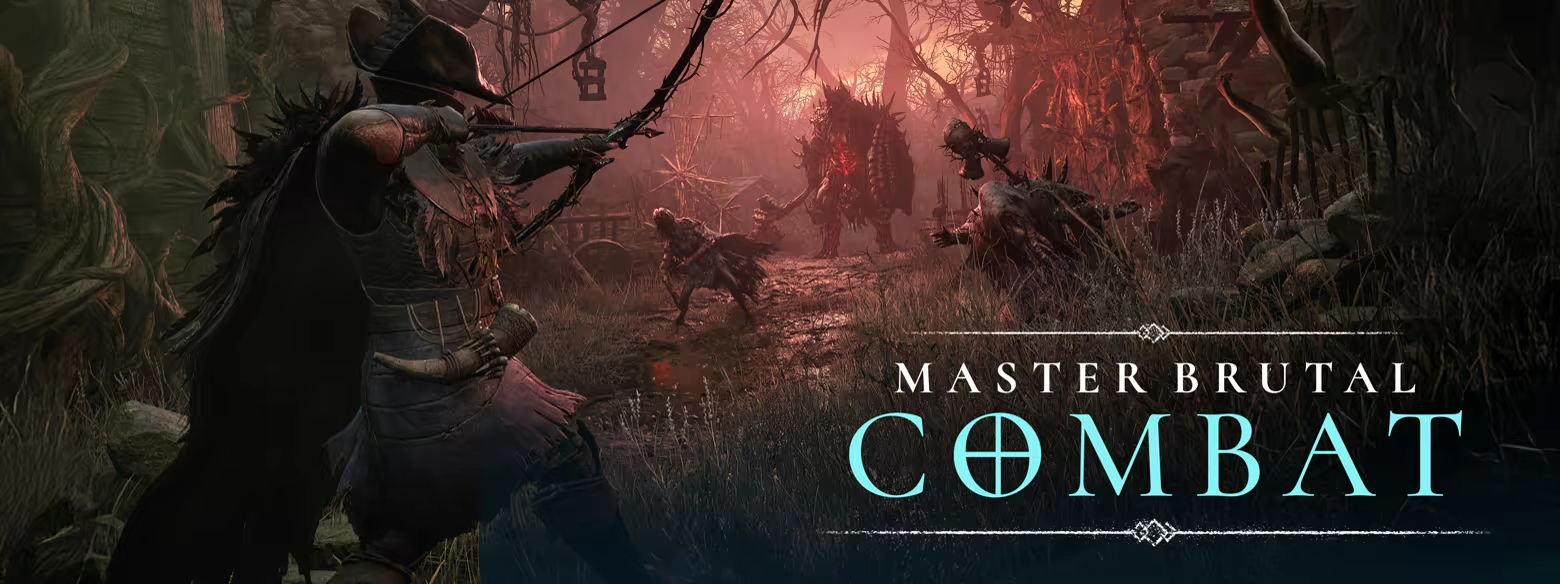
Master Fast, Challenging Combat
Choose from 100s of unique weapons, from heavy-hitting flails to rapid-fire crossbows, or forgo metal for magic with devastating attacks of the arcane.
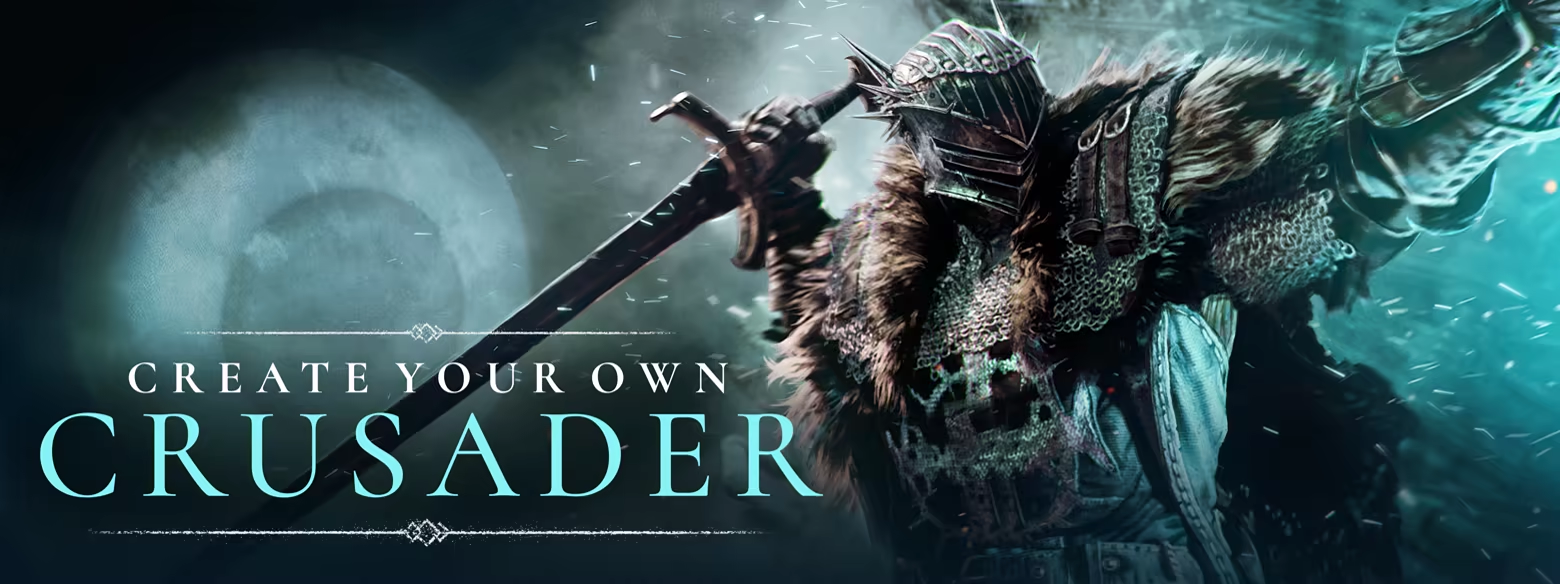
Define Your Legend
Personalise your character’s appearance before selecting one of nine varied character classes. Whichever starting path you take, develop your own playstyle by upgrading stats and weapons.
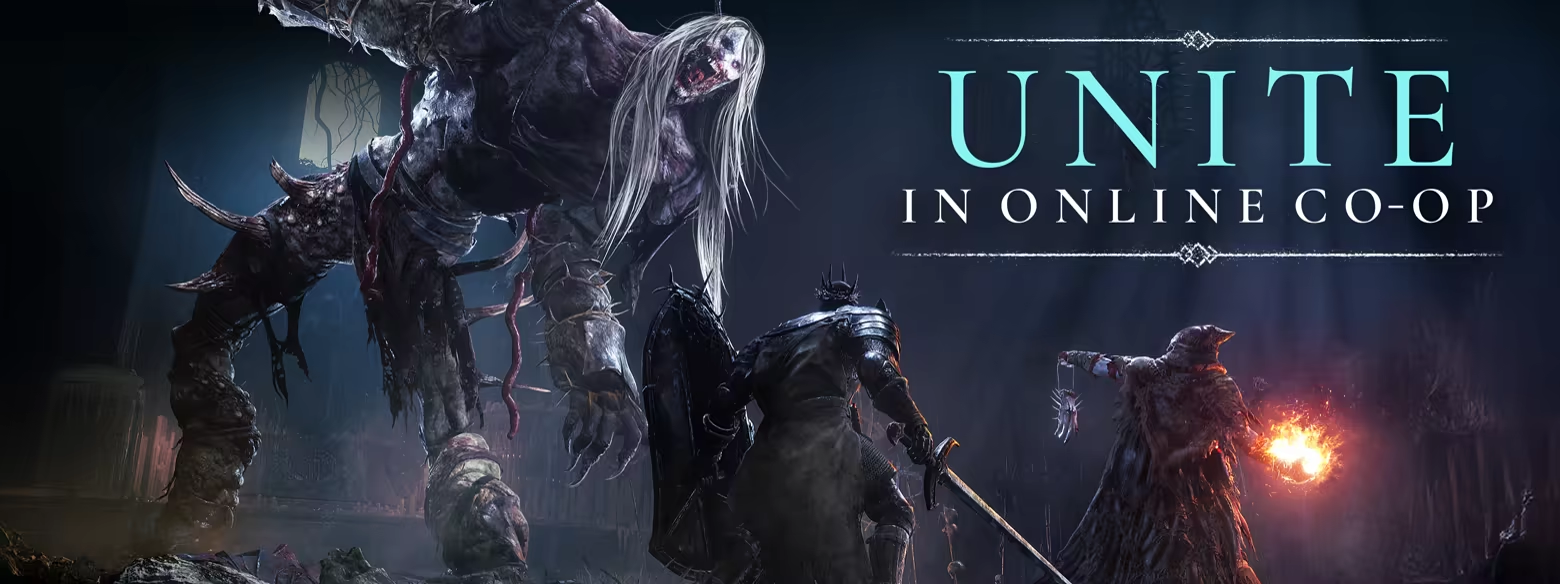
Unite in Online Multiplayer
Experience the campaign alone, or unite with other players in online co-op. You’re free to journey together for as long as you desire, with the option of both casual and full shared progression sessions – where both players save all progress. Alternatively, use your Free Friends Pass to invite anyone to join your game regardless of whether they own a copy themselves.
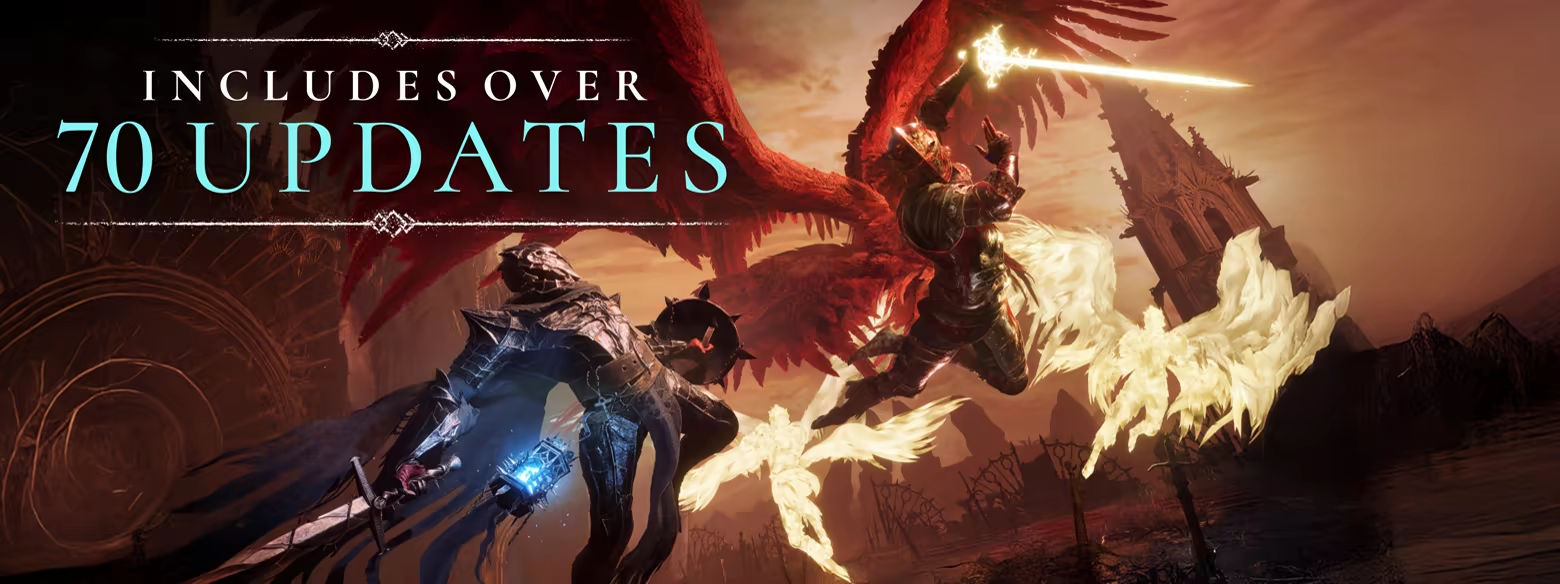
70+ Post-Launch Updates
Includes over 70 updates, including the widely acclaimed version 2.0, vastly improving the overall experience with a fully revamped combat system, significant performance enhancements, rigorous difficulty balancing multiple new questlines and modes, and an array of new Quality-of-Life features.
System Requirements for Lords of the Fallen
- OS: Windows 10 64bit
- Processor: intel i5 8400 | AMD Ryzen 5 2600
- Memory: 12 GB RAM
- Graphics: 6GBs VRAM | NVIDIA GTX-1060 | AMD Radeon RX 590
- DirectX: Version 12
- Storage: 45 GB available space
- Additional Notes: 720p Low Quality Settings (30FPS) | SSD (Preferred) | HDD (Supported)
- OS: Windows 10 64bit
- Processor: intel i7 8700 | AMD Ryzen 5 3600
- Memory: 16 GB RAM
- Graphics: 8GBs VRAM | NVIDIA RTX-2080 | AMD Radeon RX 6700
- DirectX: Version 12
- Network: Broadband Internet connection
- Storage: 45 GB available space
- Additional Notes: 1080p High Quality Settings (60FPS) | SSD Required
How To Install Lords of the Fallen
1. Download The Game.
2. Extract with WinRAR
3. Play!.
How To play Lords of the Fallen ONLINE
1. Download the Lords of the Fallen – Friend’s Pass game via Steam. [Click Here to download]
2. Download the “Online Crack” from the link provided below and extract the files. After extraction, move the contents into your game’s main installation directory.
3. Download and install Steam.
4. Open Steam and log in. If you don’t have an account yet, you can create one through HERE.
5. Press “Win + R” on your keyboard, type “steam://install/480”, and hit Enter. This will install and update the required game component.
6. Launch the game via Steam.
7. We go through the training until you reach the “altar”.
8. Joining: Accept an invitation from a friend.
Hosting: Interact with the Multiplayer > Beckon Friend “altar” > Invite a friend and wait for him to connect.
9. Enjoy !
Notes:
- The game already comes with the “Online Crack” pre-applied, so you can skip Step #1 mentioned above. However, if your antivirus software removes the “Online Crack” files, you’ll need to reapply them manually.
- You will be able to find official servers using matchmaking, but you will not be able to join them due to Easy Anti-Cheat.
Download Lords of the Fallen
Download Lords of the Fallen Crack Online

Stay related to the article's topic.
Avoid unnecessary links or spam.
No offensive language, insults, or personal attacks.
Have a question unrelated to this article? Visit our Questions Section .
Join the Discussion
Share your thoughts with us