
Download UNO Build 23163367 HYPERVISOR-DenuvOwO
Game Details
Release name : UNO Build 23163367 HYPERVISOR-DenuvOwO
Size : 5.93 GB
Title : UNO
Genre : Casual
Developer : Ubisoft Entertainment
Publisher : Ubisoft Entertainment
Store : click here
Release Date : Jan 3, 2017
Credits / Released By: Based on DenuvOwO Ubisoft RIP + Hypervisor Bypass (INTEL & AMD) by DenuvOwO
Screenshots
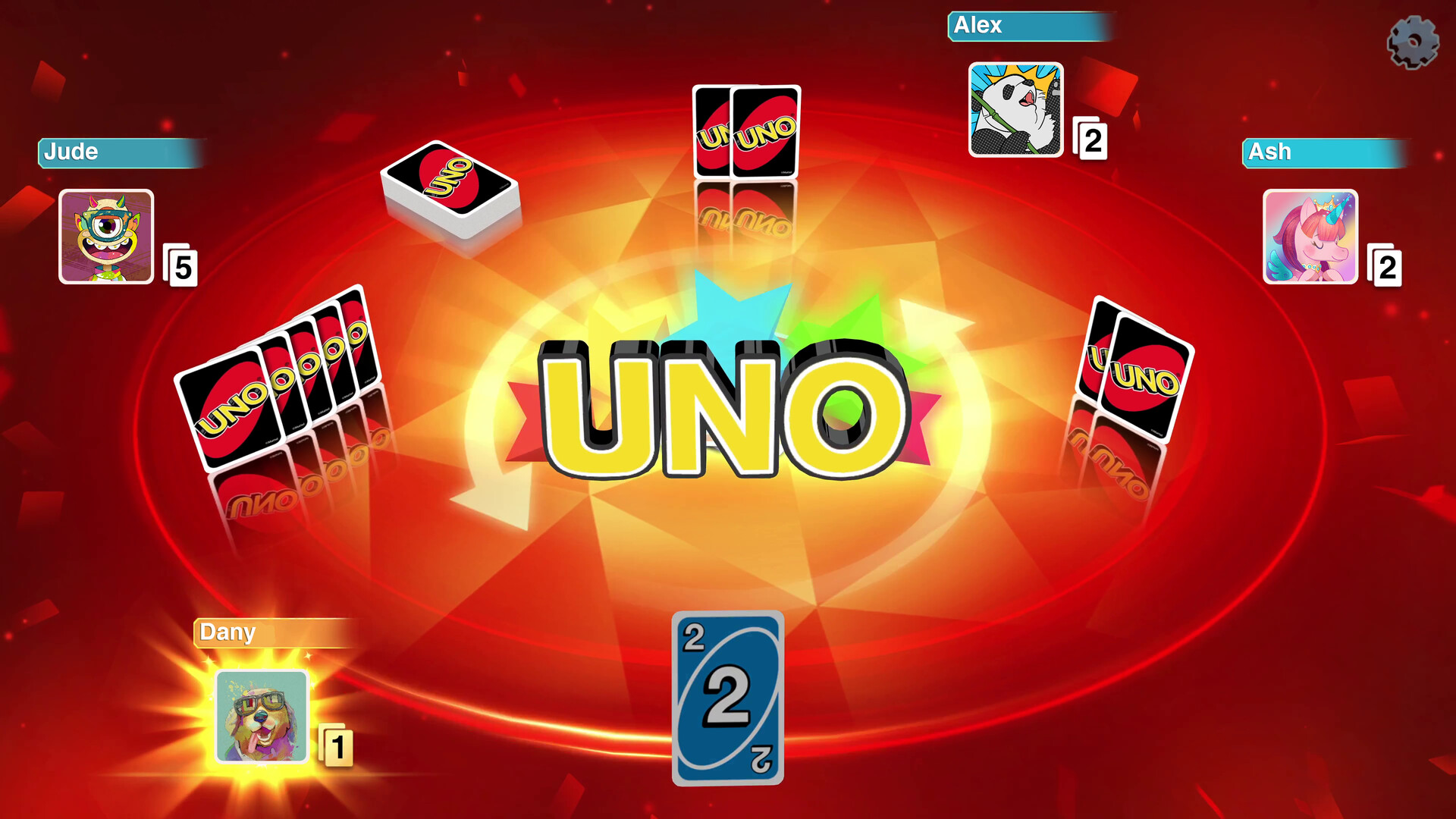
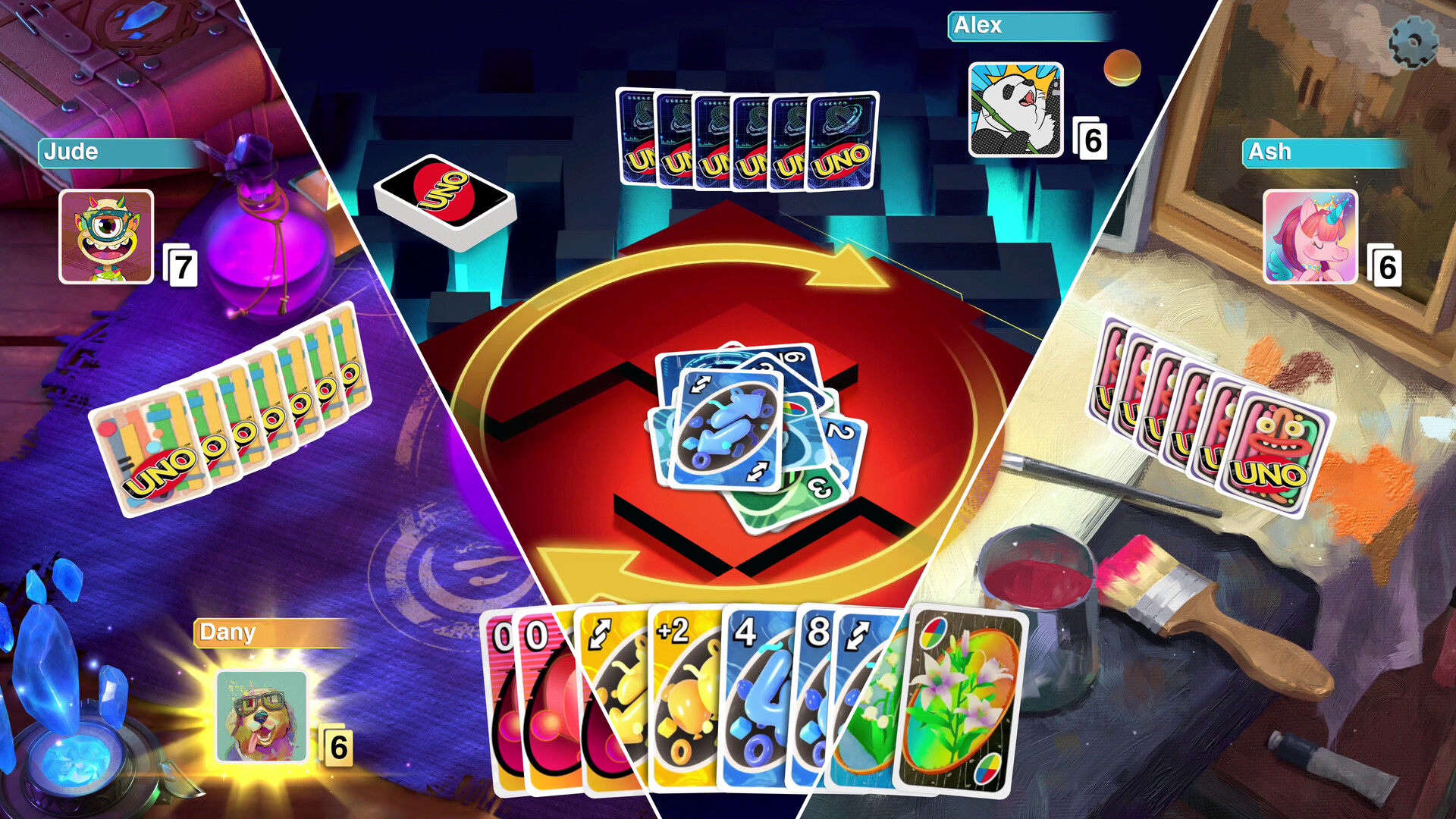
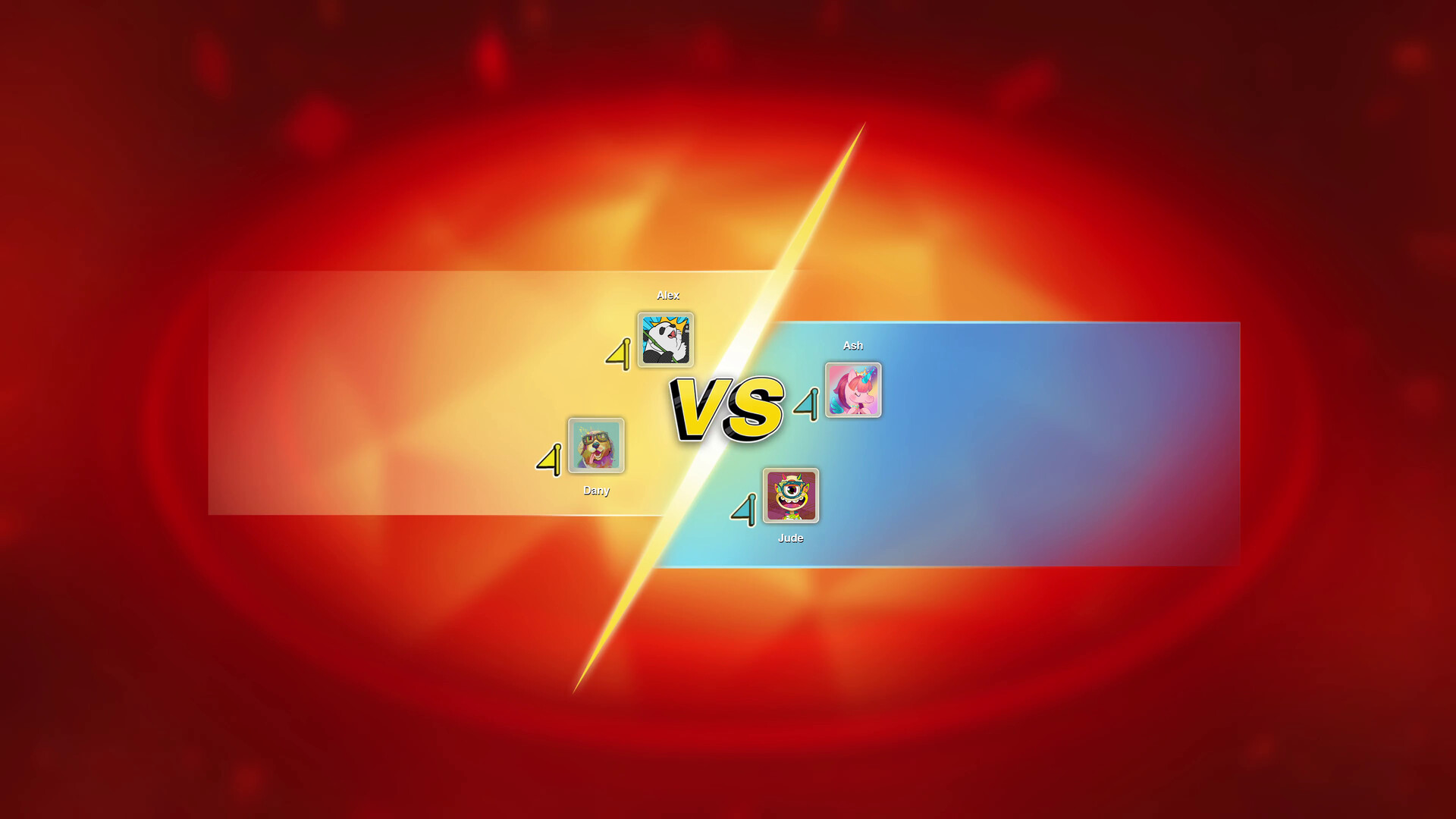
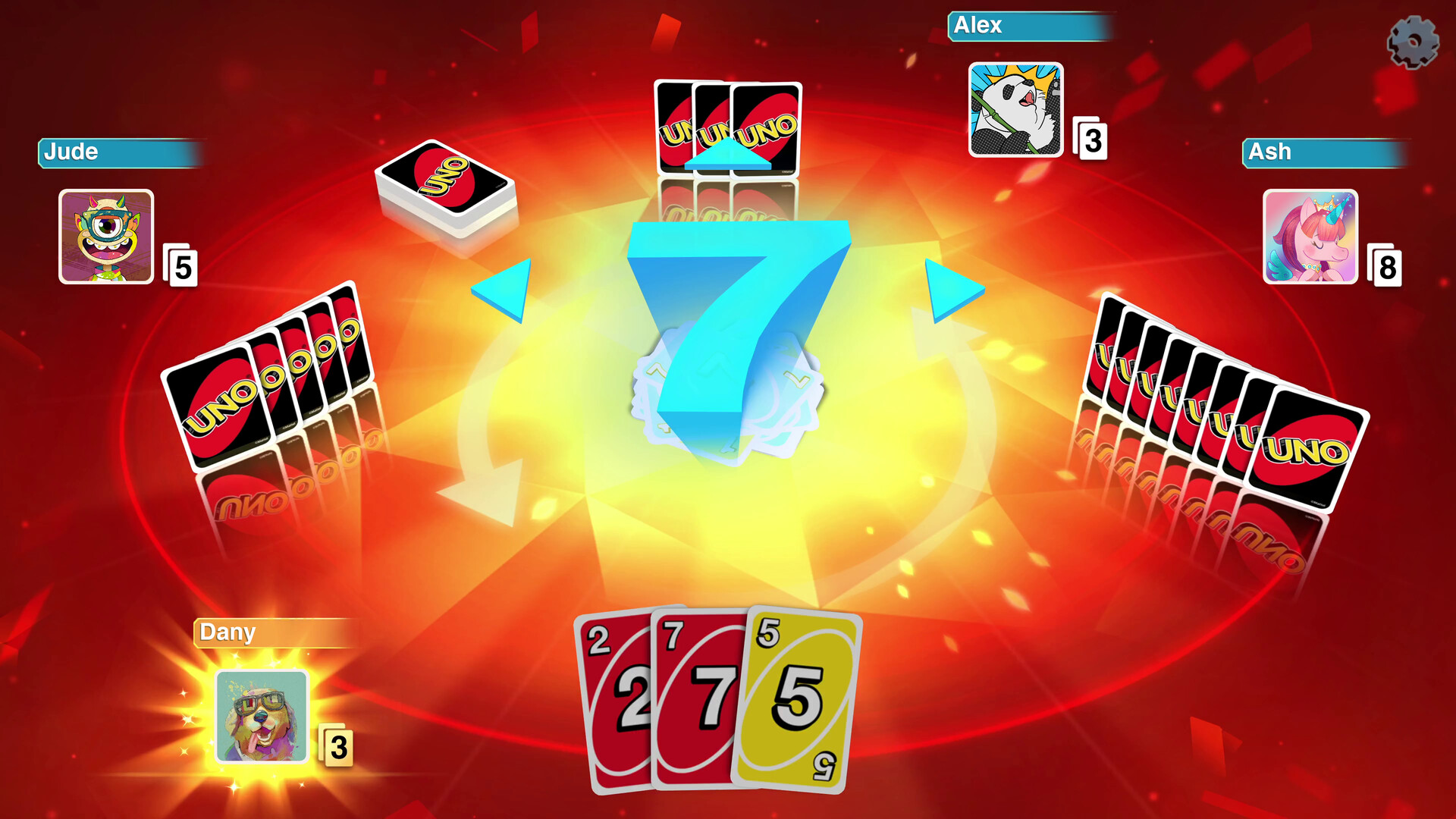
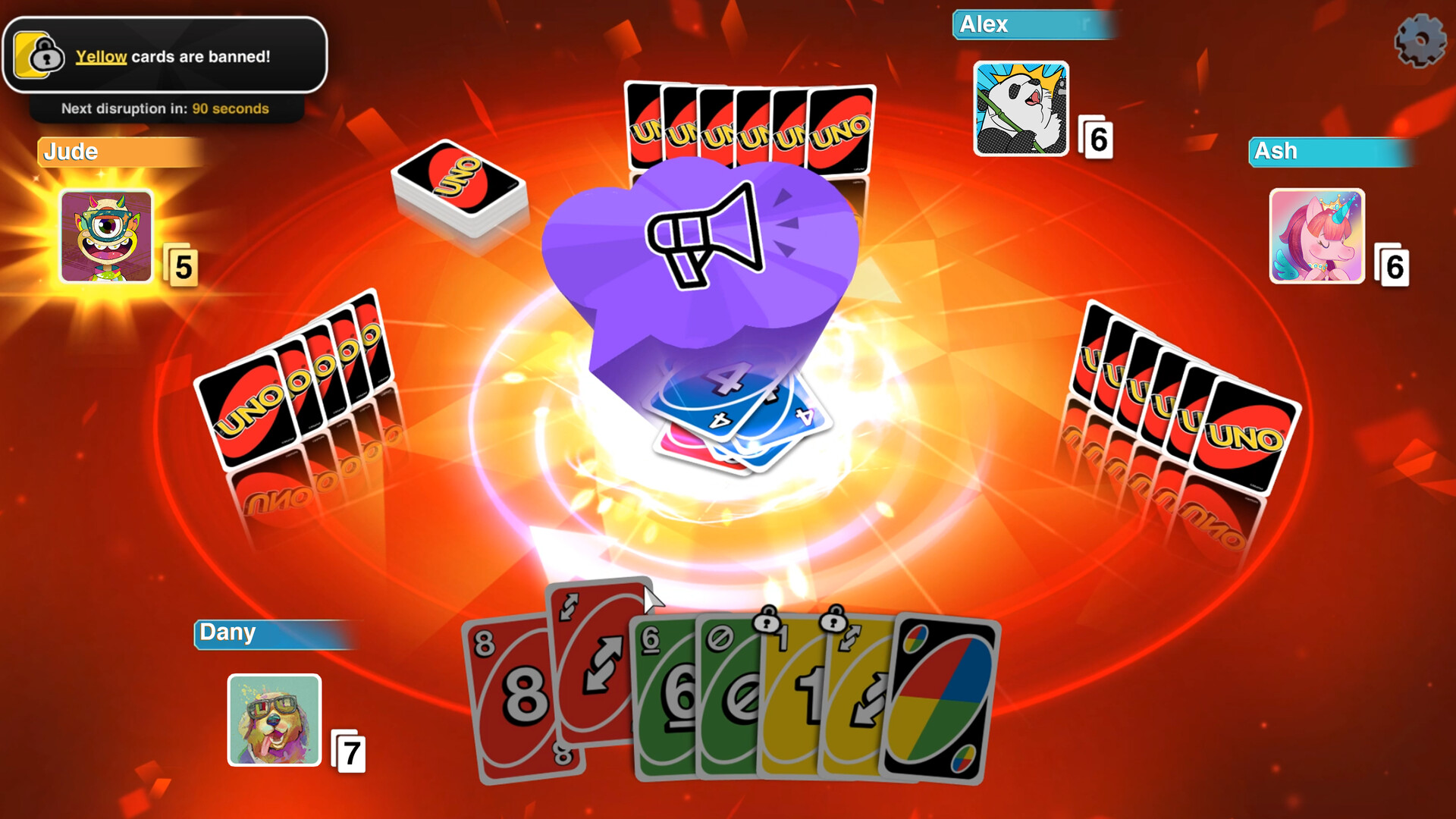
Gameplay
About This Game :
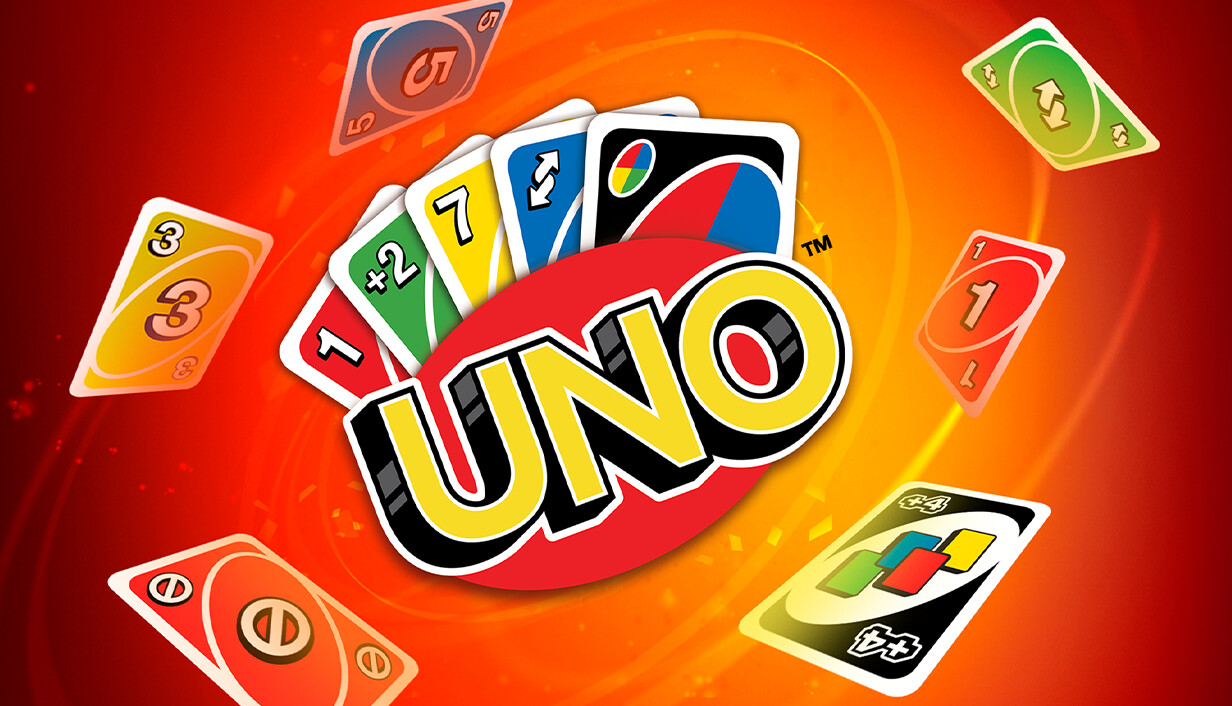
UNO™ turns the iconic card game into a vibrant, customizable experience.
Match cards by color, number, or symbol, play action cards to spice things up, and race against others to empty your hand first. Don’t forget to shout “UNO!” when you’re down to your last card!
It’s the UNO you love, now with new ways to play and connect.
PLAY IT YOUR WAY
Team up in 2v2, or battle it out in free-for-all matches, either online or on the couch. Combine House Rules like Jump-In and Stacking or 7-0 swaps to create your perfect kind of chaos. For even more variety, expand your game with exciting DLCs, each bringing fresh mechanics and a unique twist to the card game!
COLLECT, CUSTOMIZE, AND SHOW OFF
With MyDesign, you can personalize every part of your UNO experience. Unlock colorful boards, card decks, music, avatars, and more with your coins, and start creating your own game space!
JUMP INTO THE ONLINE FUN
Every week during Happy Hour, a different DLC is free to try. Explore fresh gameplay, wild rules, and themed decks available for a limited time!
Don’t forget to join the UNO community on Twitch! Streamers can turn on Chat Chaos mode, letting viewers vote and influence the match in real time. A Twitch extension is also available for even more ways to interact!
System Requirements for UNO
- Requires a 64-bit processor and operating system
- OS *: Originally released for Windows 7, the game can be played on Windows 10 and Windows 11 OS
- Processor: Intel Core 2 Quad Q9550 | AMD Phenom II X4 945 or equivalent
- Memory: 4 GB RAM
- Graphics: NVIDIA GeForce GTS 450 | AMD Radeon HD 5670 or equivalent
- DirectX: Version 9.0
- Network: Broadband Internet connection
- Storage: 3 GB available space
- Sound Card: On Board
- Requires a 64-bit processor and operating system
- OS *: Originally released for Windows 7, the game can be played on Windows 10 and Windows 11 OS
- Processor: Intel Core i3 530
- Memory: 4 GB RAM
- Graphics: NVIDIA GTX 560TI or AMD 5870
- DirectX: Version 9.0
- Storage: 3 GB available space
- Sound Card: On Board
How To Install UNO HYPERVISOR
1. Download the “HYPERVISOR Crack” using the link provided below, then extract its contents into your main game directory.
2. Open the DenuvOwO.nfo file using any text editor (such as Notepad), as it includes important game-related information and additional setup details.
3. Go to the folder where you extracted the files and locate VBS.cmd, then right-click it and select Run as administrator.
4. In the command window, press 1 to start the required setup process.
5. Wait for the process to finish, after which your PC will restart automatically and briefly show the Windows Recovery / Startup Settings blue screen, which is completely normal.
6. Press F7 immediately when the screen appears to select “Disable driver signature enforcement.”
7. The PC will reboot one more time and start Windows normally.
8. After completing all steps, run UNO.exe as Administrator and enjoy!
System Revert Guide:
-
Run the VBS.cmd file as administrator again.
-
In the command prompt window, press 3 (Restore / Revert Changes) to remove all applied modifications. The script will then re-enable Hypervisor and VBS protections, restoring your system to its default secure state.
-
Your PC will restart automatically, and after it boots up again, your system will be fully restored to its original clean state.
- Important: If you run into any issues, make sure the crack was applied correctly, verify that you pressed F7 on the blue screen immediately after the first restart, and always use Option 3 in the script to perform a full cleanup.
Stay related to the article's topic.
Avoid unnecessary links or spam.
No offensive language, insults, or personal attacks.
Have a question unrelated to this article? Visit our Questions Section .
Join the Discussion
Share your thoughts with us