
Download The Backrooms Rescue Expedition Build 26032026 + ONLINE
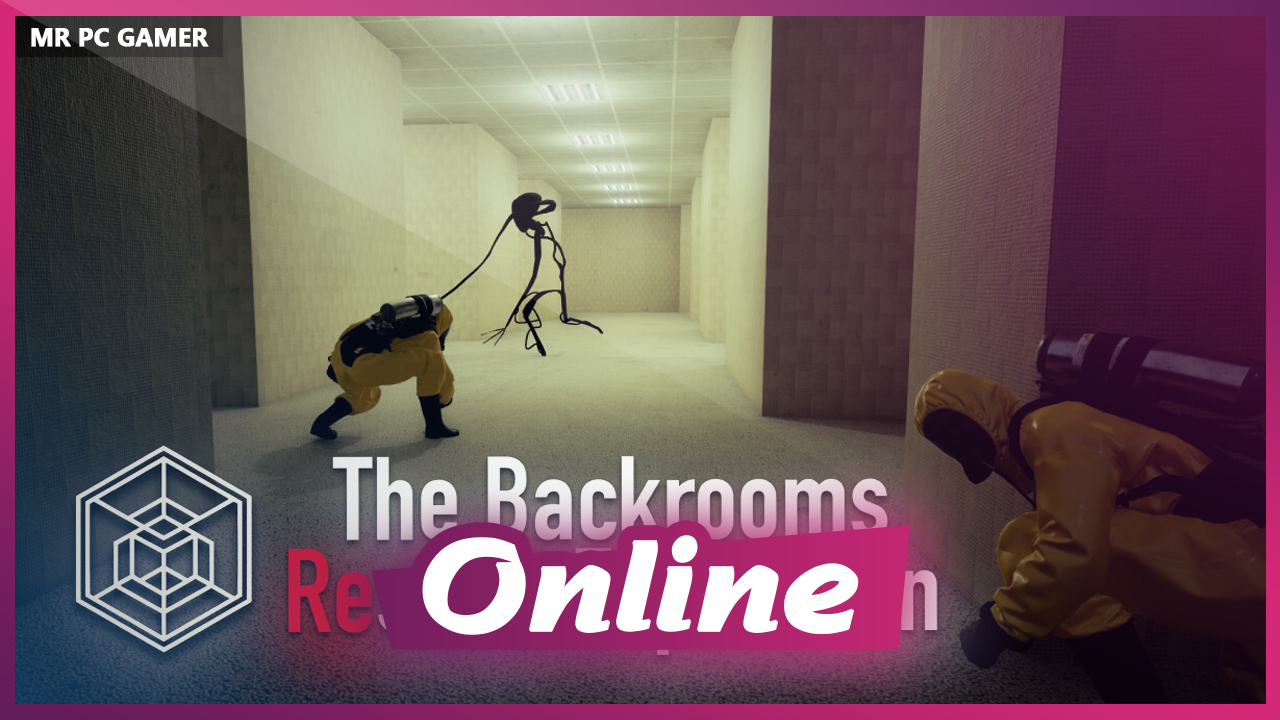
Game Details
Release name : The Backrooms Rescue Expedition Build 26032026 + ONLINE
Size : 8.18 GB
Title : The Backrooms: Rescue Expedition
Genre : Action, Adventure, Indie
Developer : {CRYTIME}
Publisher : {CRYTIME}
Store : click here
Release Date : Oct 20, 2025
Credits / Released By: OFME
Screenshots
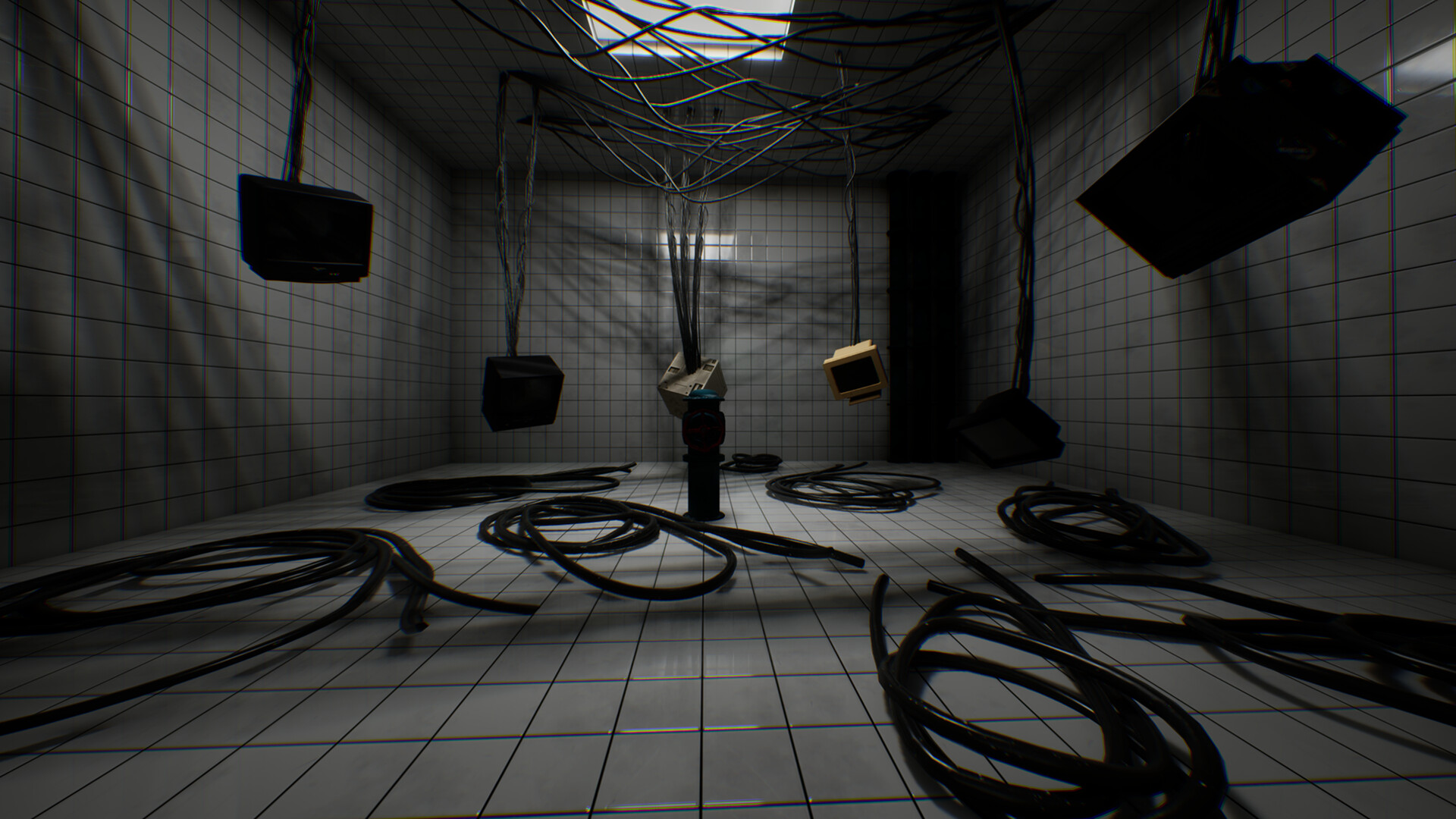
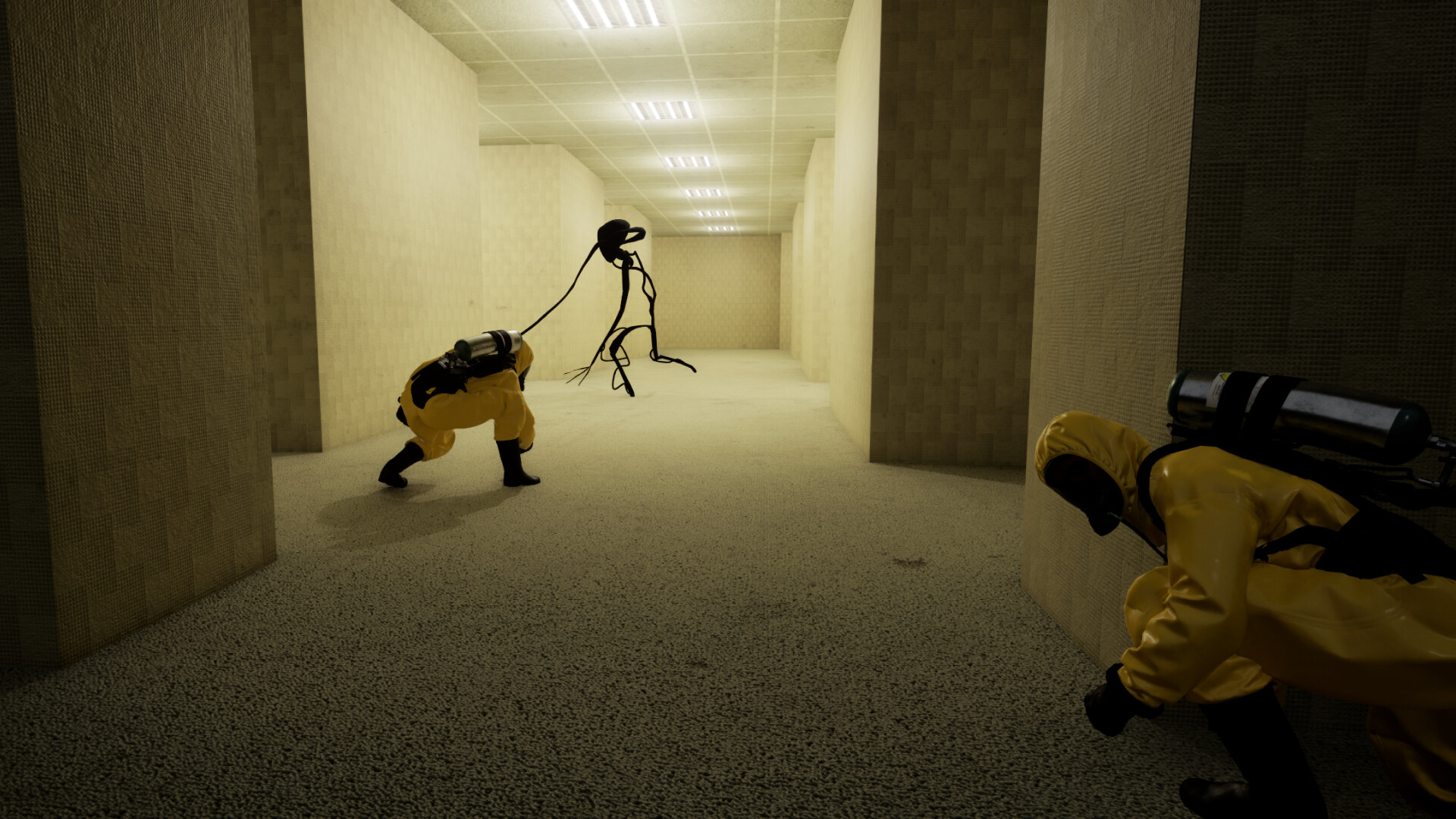

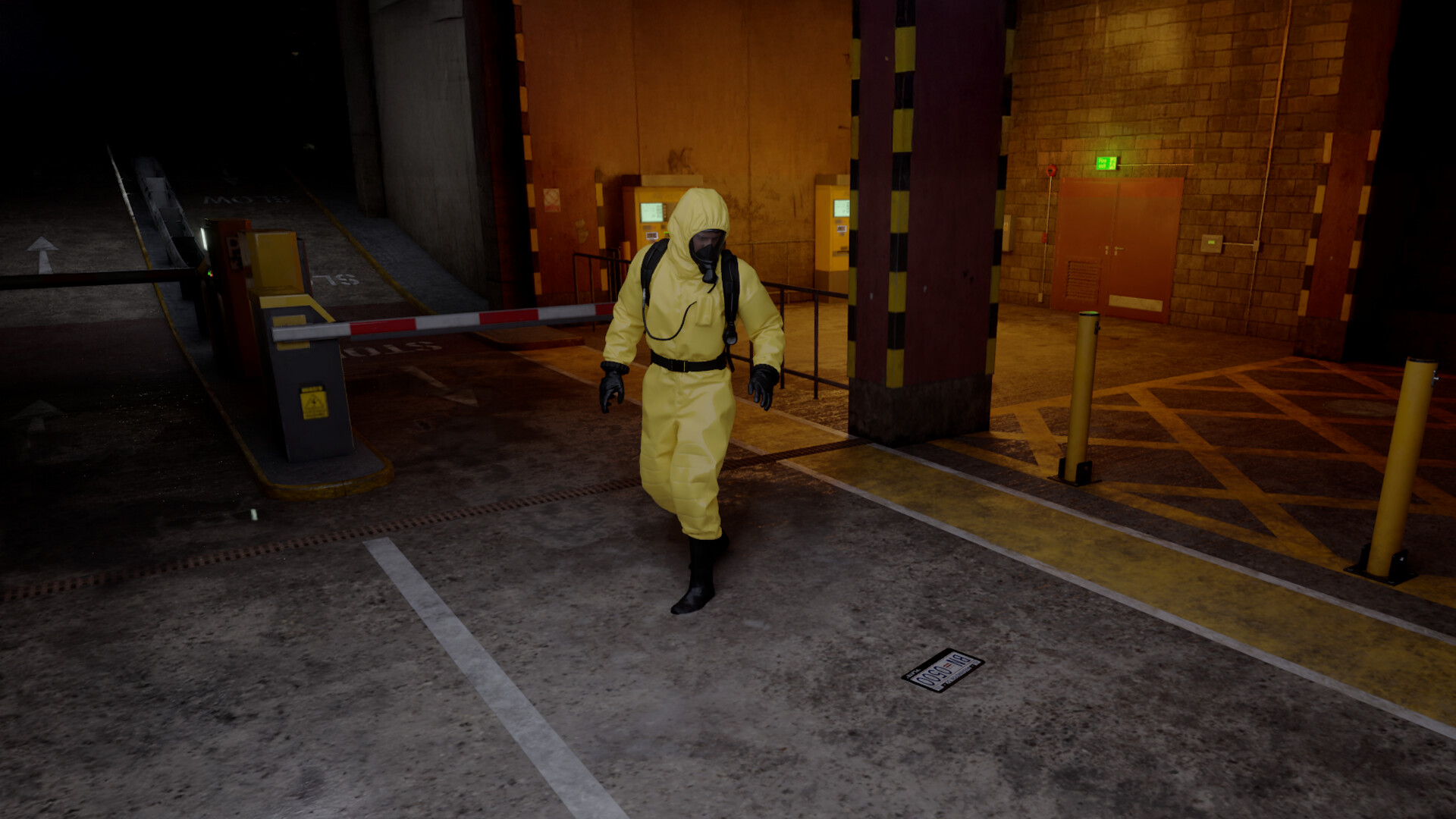
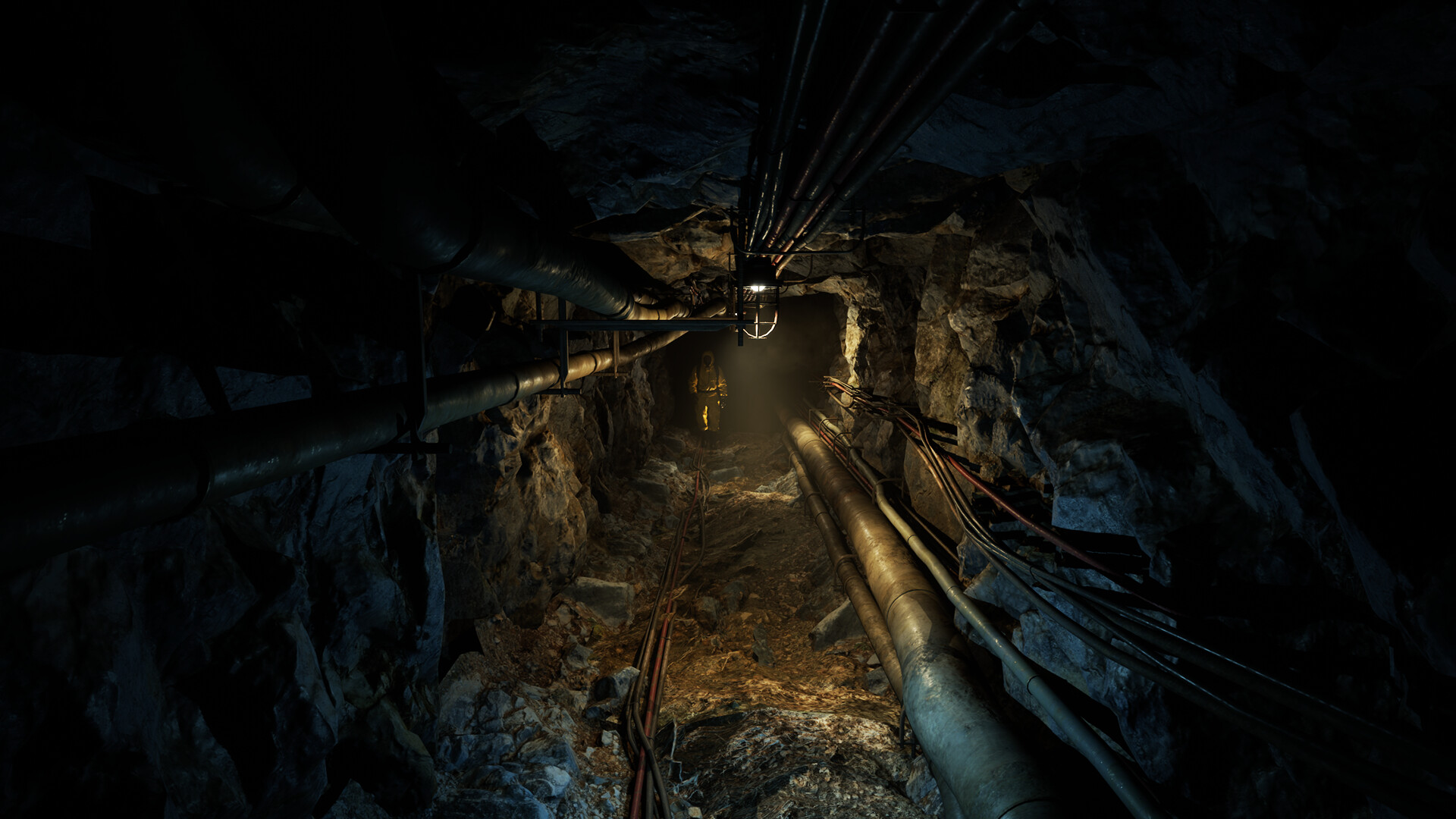
Gameplay
About This Game :
PLOT
The Backrooms: Rescue Expedition is a new game about liminal spaces.

You and your team are tasked with saving the lives of the missing expedition unit, Echo-7 North. Ruthless entities and the madness of infinite halls create an atmosphere of relentless terror. Nevertheless, bringing the equipment and rescuing the lost research group is your main objective.
RESCUE THE GROUP: SOLO OR COOP

This mission will be challenging, and how you will face that is completely up to you. You can go to the backrooms alone, or you can go through them in a team of 2, 3 or 4 players. Coop is never forced, but working together can be very rewarding. Regardless of the number of players on your team, the game will present you with the same level of difficulty.
PROXIMITY VOICE CHAT
You can use proximity voice chat to communicate with your teammates. Don’t wander too far away from your team or you might find yourself lost in the endless confusion of the backrooms. In addition, Entities can hear you, so keep quiet whenever you are near any danger.
System Requirements for The Backrooms: Rescue Expedition
- Requires a 64-bit processor and operating system
- OS: Windows 10
- Processor: AMD Ryzen 5 1600X / Intel Core i5-4430
- Memory: 16 GB RAM
- Graphics: Radeon RX 5700 / Nvidia GeForce RTX 2060
- DirectX: Version 12
- Storage: 25 GB available space
- Additional Notes: The latest versions of drivers for AMD and NVIDIA graphics processors are required. If you are using AMD, you must install the latest versions of ADDITIONAL drivers.
- Requires a 64-bit processor and operating system
- OS: Windows 10
- Processor: AMD Ryzen 7 5700 / Intel Core i5-12600KF
- Memory: 16 GB RAM
- Graphics: Nvidia GeForce RTX 3060 / Radeon RX 6600 XT
- DirectX: Version 12
- Storage: 25 GB available space
How To Install The Backrooms: Rescue Expedition
1. Download The Game.
2. Extract with WinRAR
3. Play!.
How To play The Backrooms: Rescue Expedition ONLINE
1. Download the “Online Crack” from the link provided below and extract the files. After extraction, move the contents into your game’s main installation directory.
2. Download and install Steam.
3. Open Steam and log in. If you don’t have an account yet, you can create one through HERE.
4. Press “Win + R” on your keyboard, type “steam://install/480”, and hit Enter. This will install and update the required game component.
5. Launch the game via RescueExpedition.exe.
6. Joining: Accept a friend’s invitation.
Hosting: Play > Create server > Invite a friend and wait for them to connect.
7. Enjoy !
Note:
- The game already comes with the “Online Crack” pre-applied, so you can skip Step #1 mentioned above. However, if your antivirus software removes the “Online Crack” files, you’ll need to reapply them manually.
Download The Backrooms: Rescue Expedition
Download The Backrooms: Rescue Expedition Crack Online






Stay related to the article's topic.
Avoid unnecessary links or spam.
No offensive language, insults, or personal attacks.
Have a question unrelated to this article? Visit our Questions Section .
Join the Discussion
Share your thoughts with us