
Download Pixel Dungeon VR Build 28042026 + ONLINE
Game Details
Release name : Pixel Dungeon VR Build 28042026 + ONLINE
Size : 4.43 GB
Title : Pixel Dungeon VR
Genre : Action, Adventure, Indie, RPG, Simulation
Developer : Suplife Games
Publisher : Suplife Games
Store : click here
Release Date : May 27, 2025
Credits / Released By: OFME
Screenshots

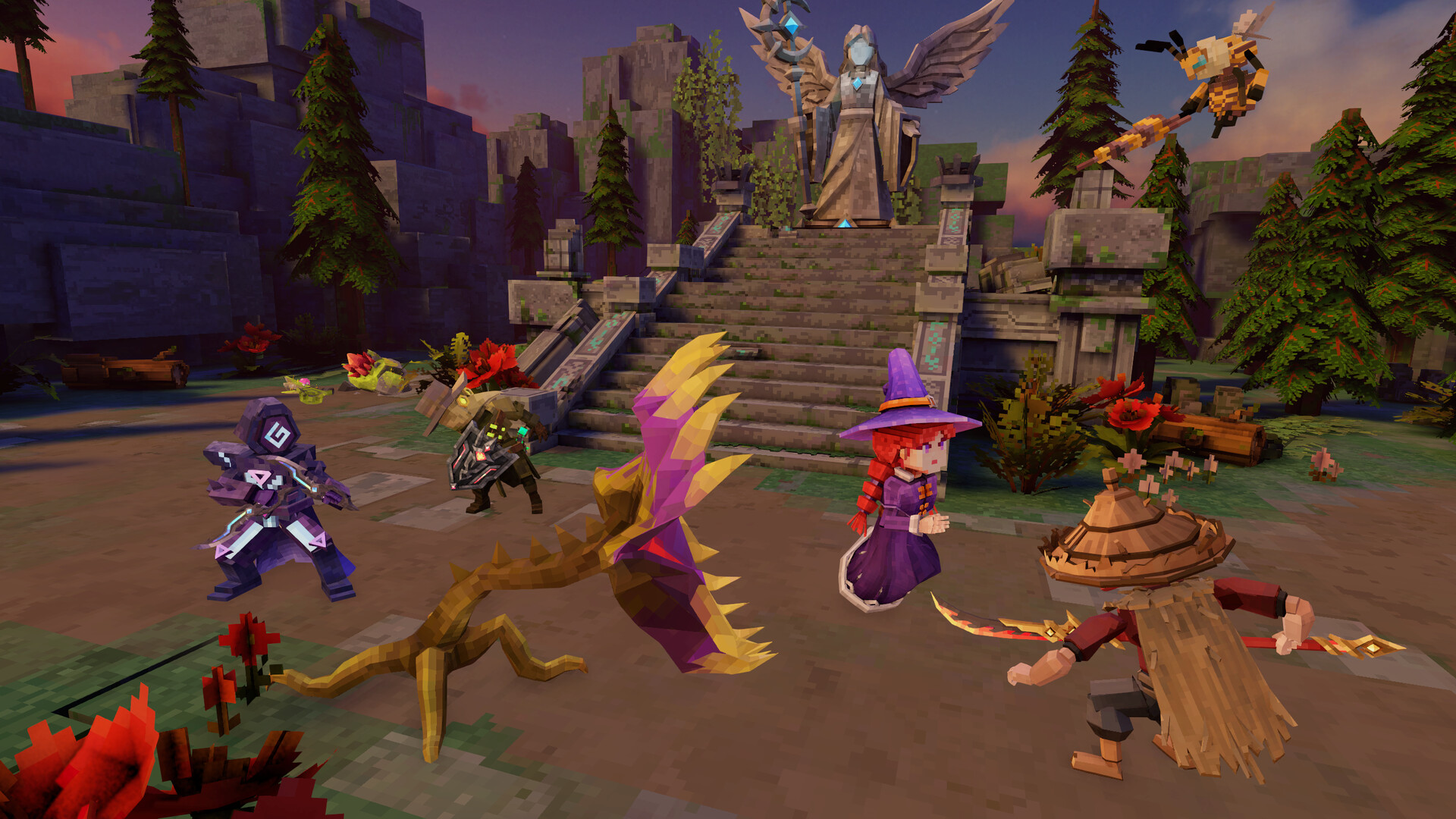
Gameplay
About This Game :
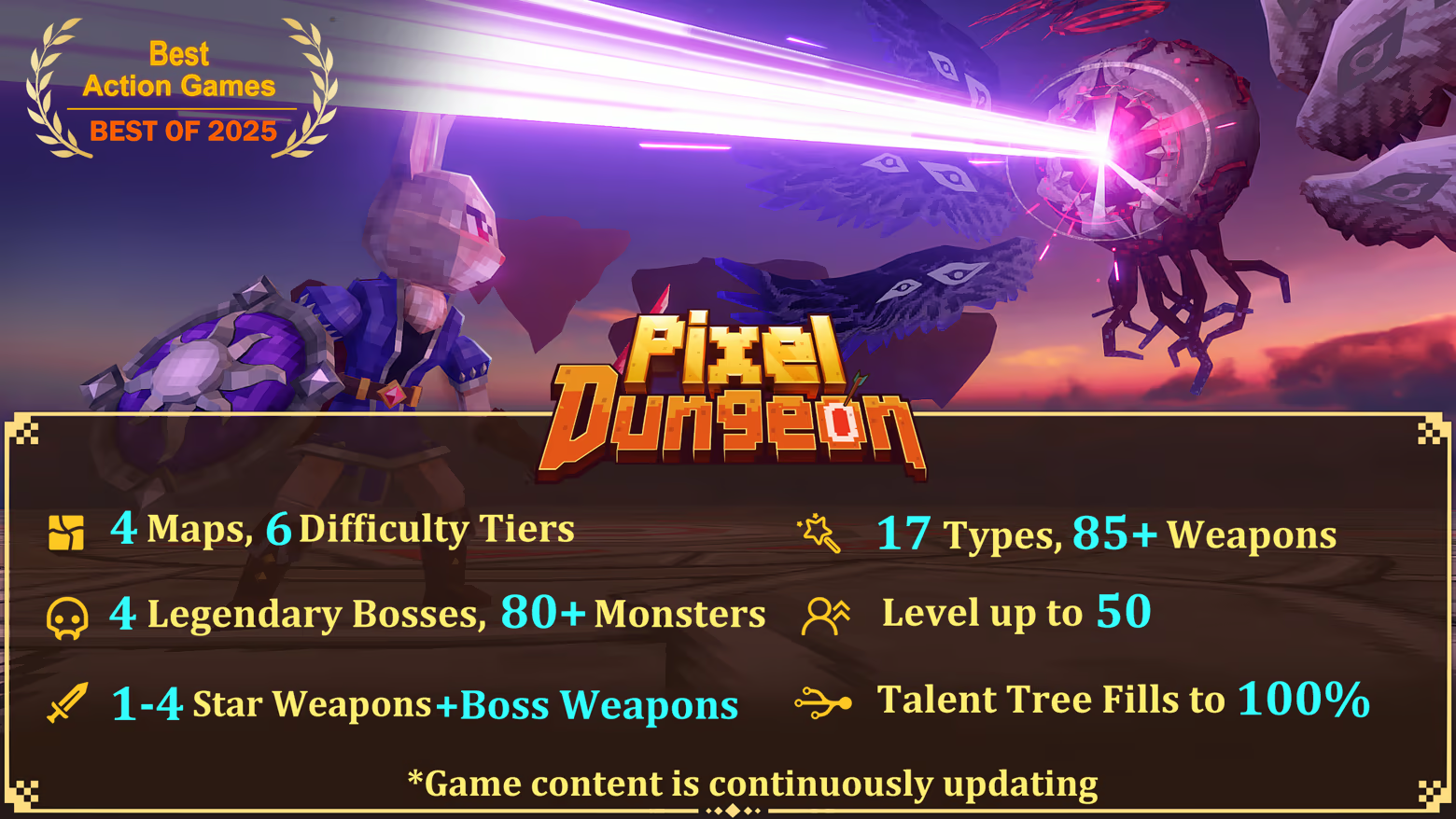
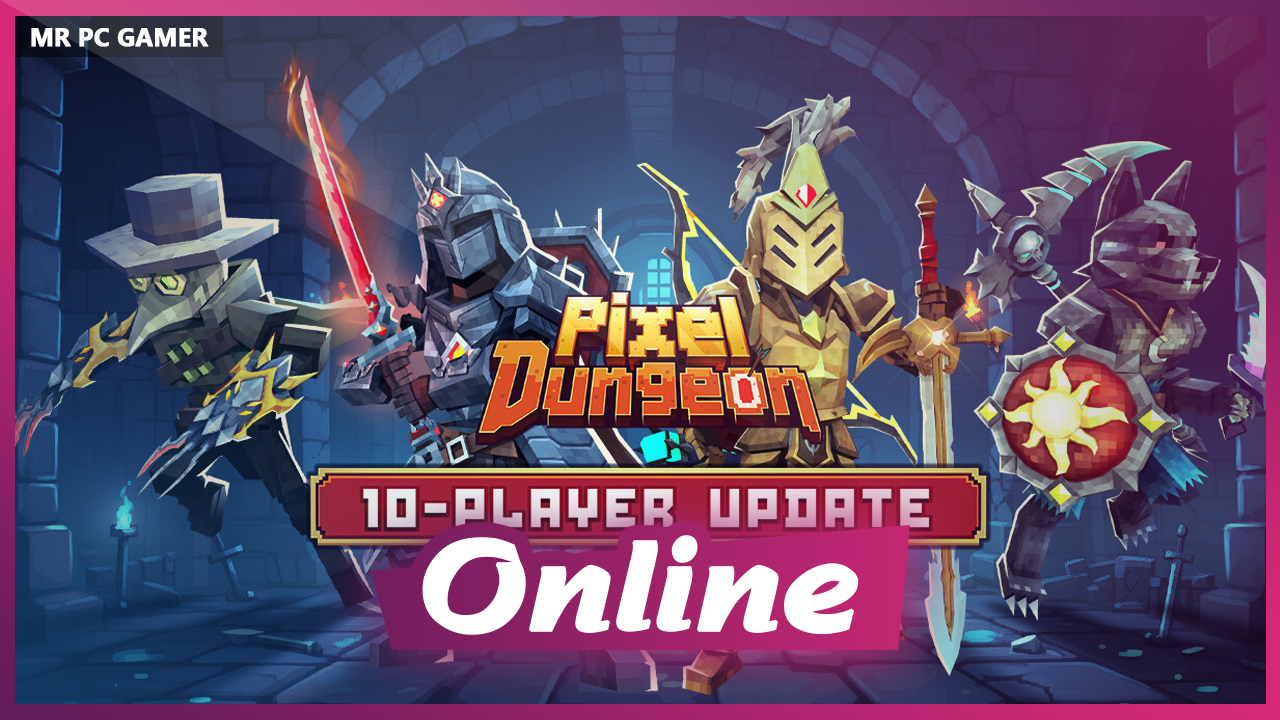
Pixel Dungeon is a fast-paced, multiplayer social VR adventure where dungeon-crawling action, physics-based combat, and chaos with friends collide.
🏆A Meta Quest Essential
Recognized in Meta’s Best of 2025, Pixel Dungeon stands as a premier title in the Action and Adventure categories with 4.8-star rating. Join a legendary community and see why it’s a Meta Quest must-play.
⚔️Squads Up & Dungeon Chaos
-
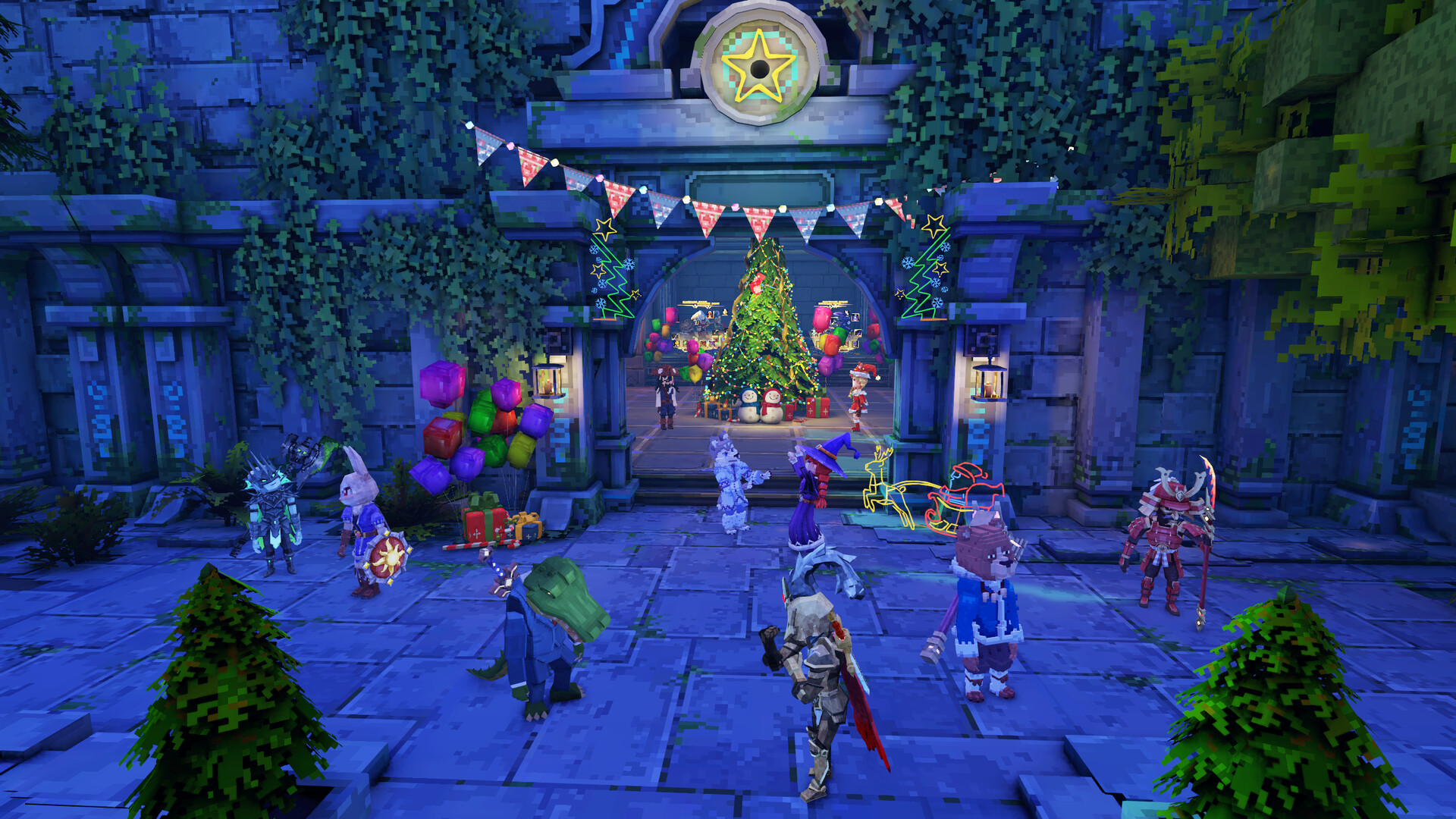
Team up in 4-player squads or hang out in 10-player lobbies!
-
No Limits: Full game owners can host their friends—even those who haven’t purchased yet—to explore the entire dungeon together!
💥Epic Boss Battles, 2nd Stage Power-Up
-
4 Bosses to Conquer: Skull King slashes his axe. Ghost Lord shoots bullets that chase you. Fight them!
-
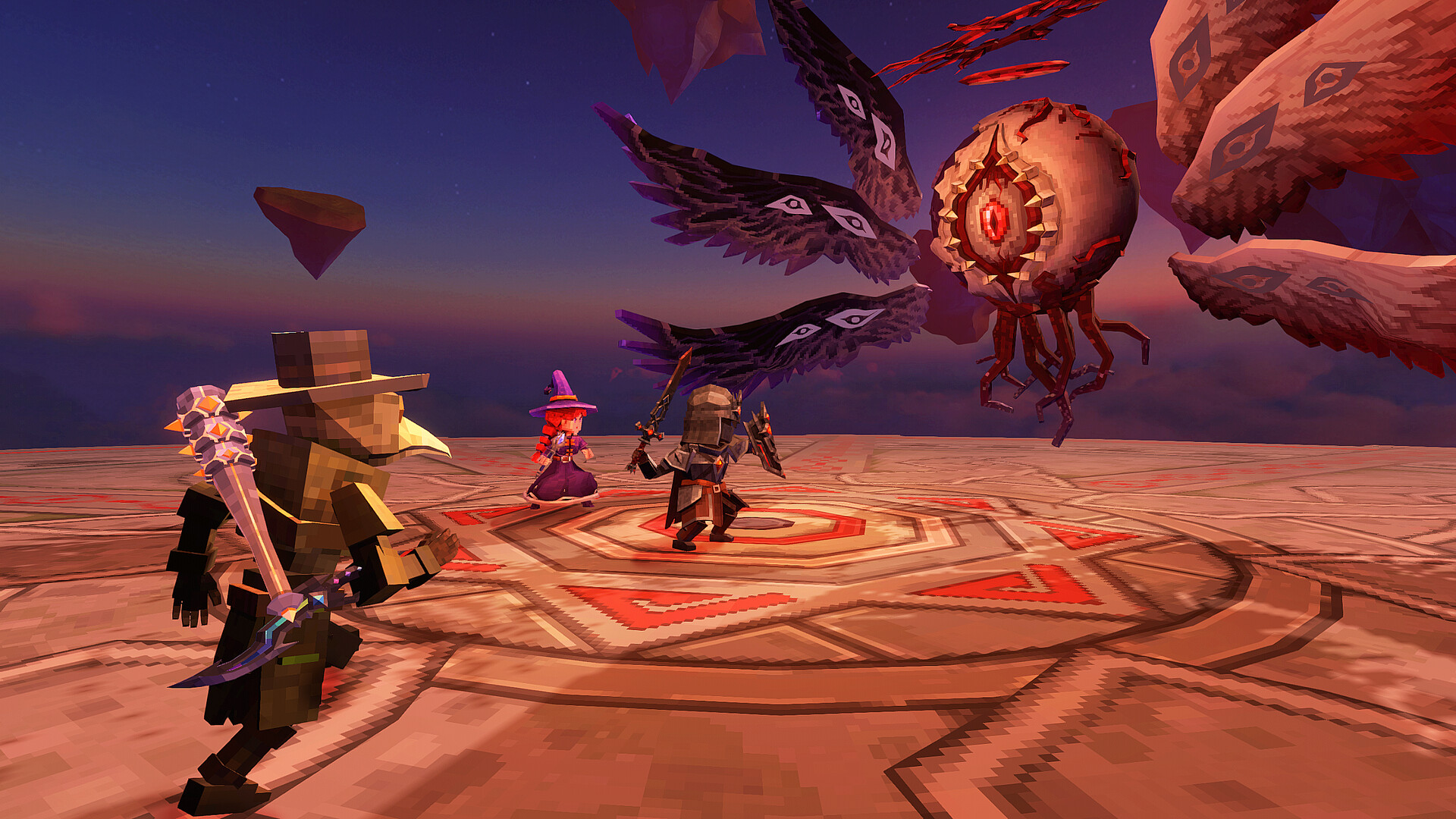
Second Stage: Angel becomes a giant eye monster, firing deadly lasers that burn the ground beneath you. God of Time shatters the ground, forcing everyone into a new arena —battles upgrade are so exciting!
⚔️Rich Weapons & Heroes
-
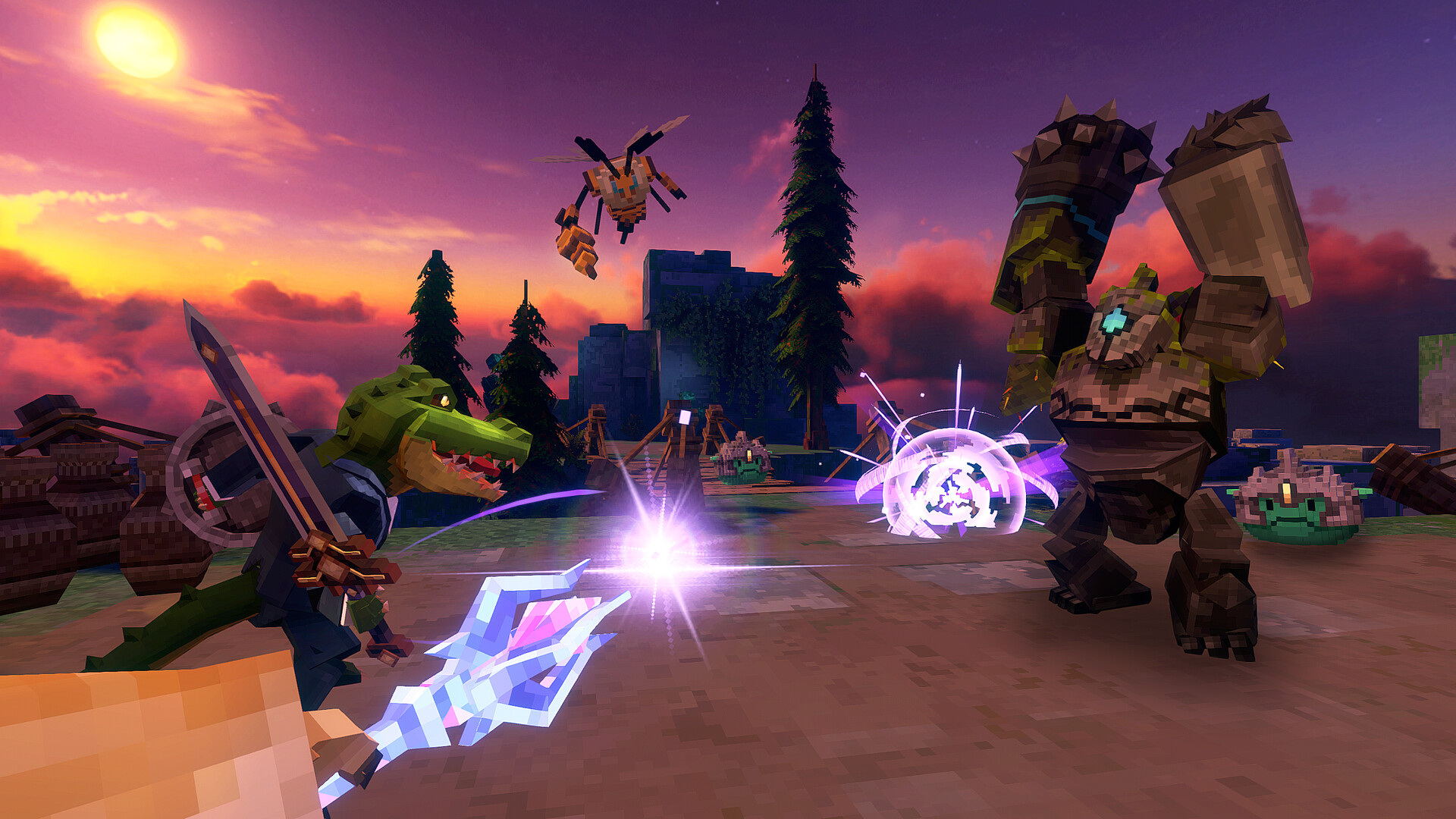
Hack-n-slash with Katana, claws and bows that feel real. Every hit, block, and strike is based on physics!
-
BOSS Weapons: Crush your bosses with legendary gear and feel the power!
-
Unique Heroes: The Witcher, Black Knight, Bird Man…choose your heroes!
System Requirements for Pixel Dungeon VR
- Requires a 64-bit processor and operating system
- OS *: Windows 7/8.1/10 64-bit
- Processor: Intel i5-4590 / AMD Ryzen 5 1500X
- Memory: 4 GB RAM
- Graphics: NVIDIA®GeForce® GTX 1650s / AMD Radeon™ RX5300
- DirectX: Version 11
- Storage: 2 GB available space
- VR Support: Open XR,requires motion controllers. Support Valve Index, Quest 2 and Quest 3
- Additional Notes: VR Only
- Requires a 64-bit processor and operating system
How To Install Pixel Dungeon VR
1. Download The Game.
2. Extract with WinRAR
3. Play!.
How To play Pixel Dungeon VR ONLINE
1. Download the “Online Crack” from the link provided below and extract the files. After extraction, move the contents into your game’s main installation directory.
2. Download and install Steam.
3. Open Steam and log in. If you don’t have an account yet, you can create one through HERE.
4. Press “Win + R” on your keyboard, type “steam://install/480”, and hit Enter. This will install and update the required game component.
5. Launch the game via Pixel Dungeon VR.exe.
6. We are undergoing training.
7. Joining: Multiplayer > Enter the lobby code and connect to your friend’s server.
Hosting: Multiplayer > Host Room > Tell your friends the lobby code and wait for them to connect.
8. Enjoy !
Notes:
- The game already comes with the “Online Crack” pre-applied, so you can skip Step #1 mentioned above. However, if your antivirus software removes the “Online Crack” files, you’ll need to reapply them manually.
- You can play on official servers.
- A VR headset is required to play.
Download Pixel Dungeon VR
Download Pixel Dungeon VR Crack Online



Stay related to the article's topic.
Avoid unnecessary links or spam.
No offensive language, insults, or personal attacks.
Have a question unrelated to this article? Visit our Questions Section .
Join the Discussion
Share your thoughts with us