
Download SOS OPS! Build 23144455 + ONLINE

Game Details
Release name : SOS OPS! Build 23144455 + ONLINE
Size : 810.08 MB
Title : SOS OPS!
Genre : Action, Adventure, Puzzle
Developer : ArtDock
Publisher : Dreland Enterprises
Store : click here
Release Date : 30 Nov, 2023
Credits / Released By: Based on my own CSF + Unsteam
Screenshots
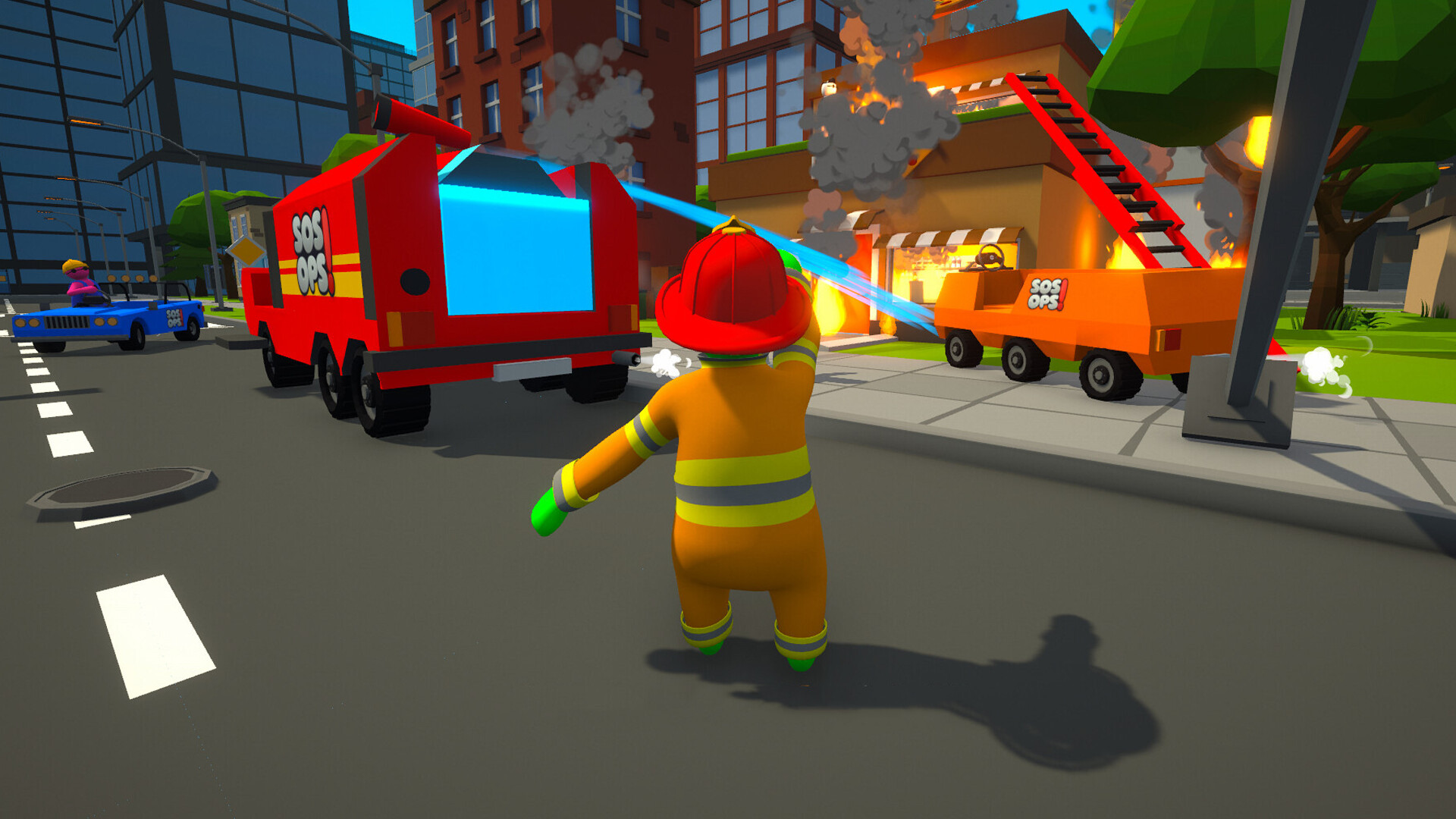



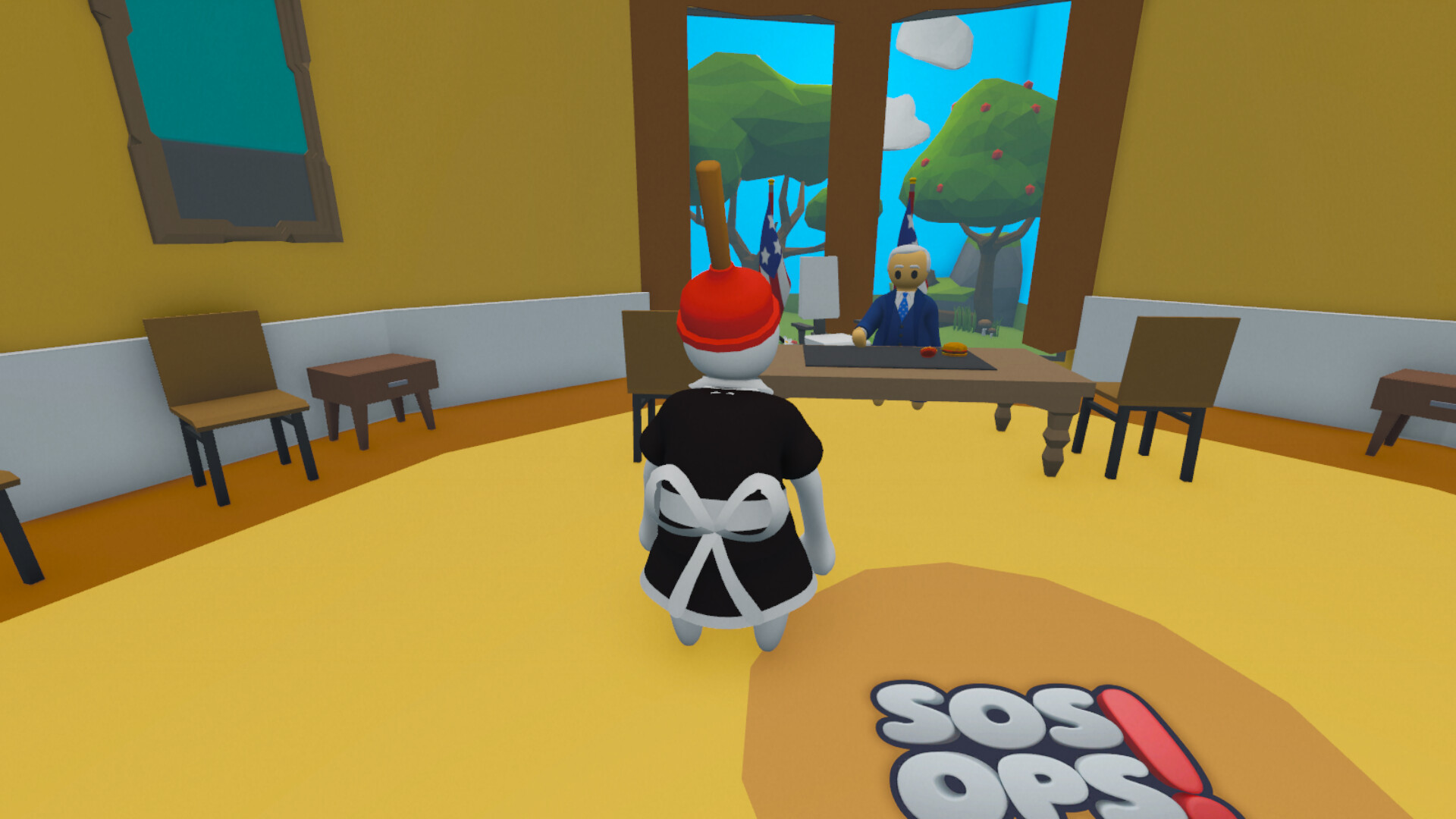
Gameplay
About This Game :
SOS OPS! is a co-op chaos game about saving a city, where you and your friends turn every mission into absolute madness.
MAJOR UPDATE: PvP MODE
A brand-new way to ruin friendships.
Pick an arena on the in-game computer and jump straight into the fight.
Set the rules by yourself: time limit, kill goal, infinite mode, gear spawn rate.
Weapons & power-ups spawn on the map and then you lose them on death.
5 arenas to start: Volcano Crater, SOS Factory, Flight 747, Pyramid, Tower
You’re a team of emergency responders.
In practice, that means you’re at least trying to be one.
Someone’s putting out a fire, someone’s carrying a cat, someone accidentally drops a teammate off a roof, and someone else has no idea what the objective is — but they’re doing their best.
Physics is the thing you’ll either love us for or absolutely hate us for.
It breaks plans, creates ridiculous situations, and turns even the simplest actions into a chain of failures, shouting (and sometimes… victories).
No boring tutorials. No tedious tasks.
This game was made by ADHD people, for ADHD people. Just fast-paced missions, constant movement, and a lot of falling over.
Grab a team of up to 4 players and dive into the city chaos, where success isn’t measured by completed levels — but by how loud you’re laughing.
System Requirements for SOS OPS!
MINIMUM :
- OS *: Windows 7/8/8.1/10/11 x64
- Processor: Intel i3-10100F or equivalent
- Memory: 4 GB RAM
- Graphics: Intel HD Graphics
- DirectX: Version 11
- Storage: 2 GB available space
RECOMMENDED :
- OS: Windows 11 x64
- Processor: Ryzen 5 2600 or equivalent
- Memory: 8 GB RAM
- Graphics: GTX 1060
- DirectX: Version 11
- Storage: 2 GB available space
How To Install SOS OPS!
1. Download The Game.
2. Extract with WinRAR
3. Play!.
How To play SOS OPS! ONLINE
1. Download and install Steam.
2. Open Steam and log in. If you don’t have an account yet, you can create one through HERE.
3. Press “Win + R” on your keyboard, type “steam://install/480”, and hit Enter. This will install and update the required game component.
4. Launch the game via _LAUNCHER.exe.
5. Joining: Play > Connect to a friend’s server.
Hosting: Play > Create a game > Invite your friends via steam overlay and wait for them to connect.
6. Enjoy !





Comments